A:AnswerSearch for firmware update 1006.3 on the internet
Format a usb thumb drive to fat32
Extract update to the drive
Eject the thumb drive by right clicking on it in the file explorer
Plug thumb drive in while the monitor is on
Hold the joystick on the back down, dont confuse this with pressing the button down
It will ask you if you want to update firmware, click yes and then freesync will become available in the menu.
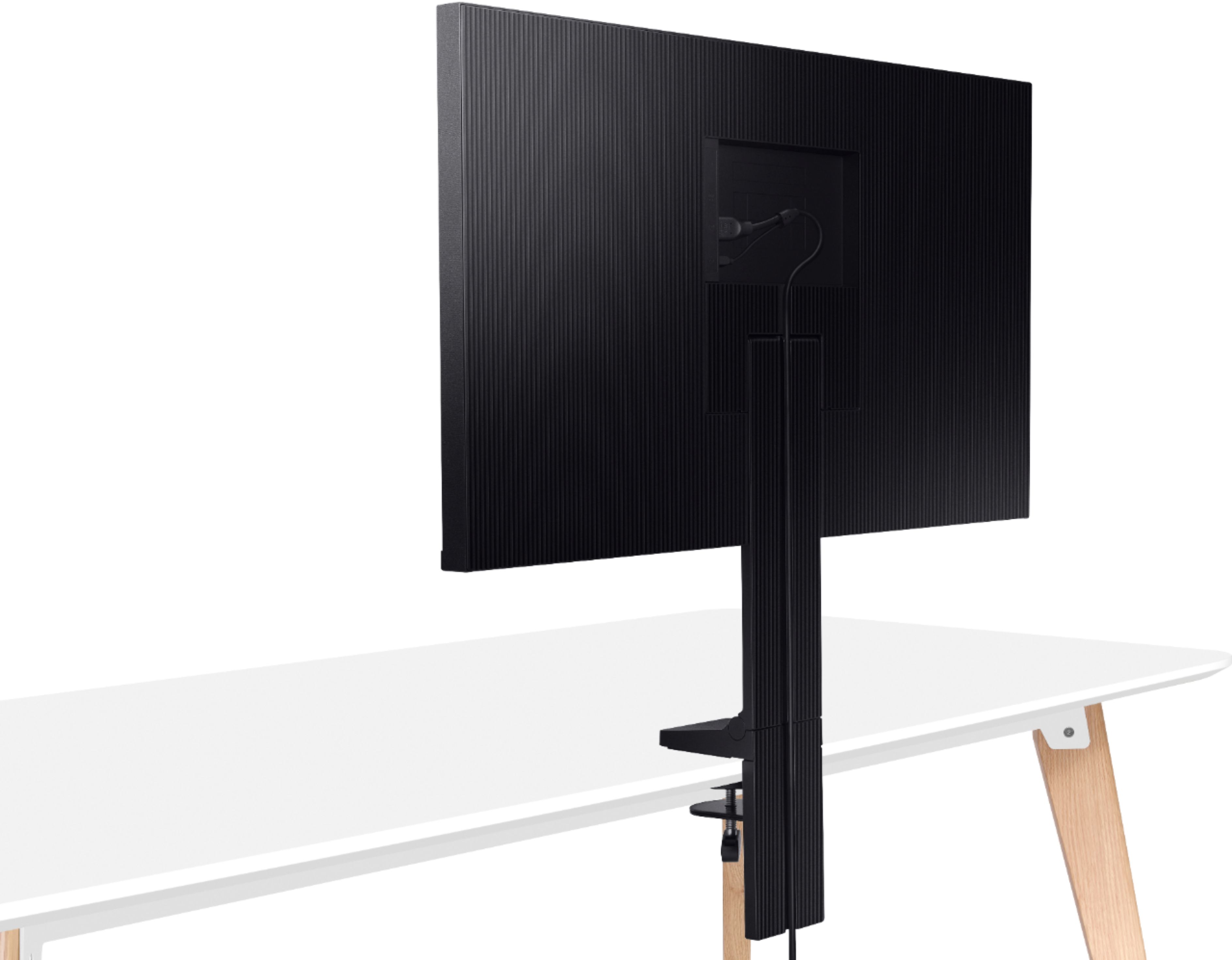
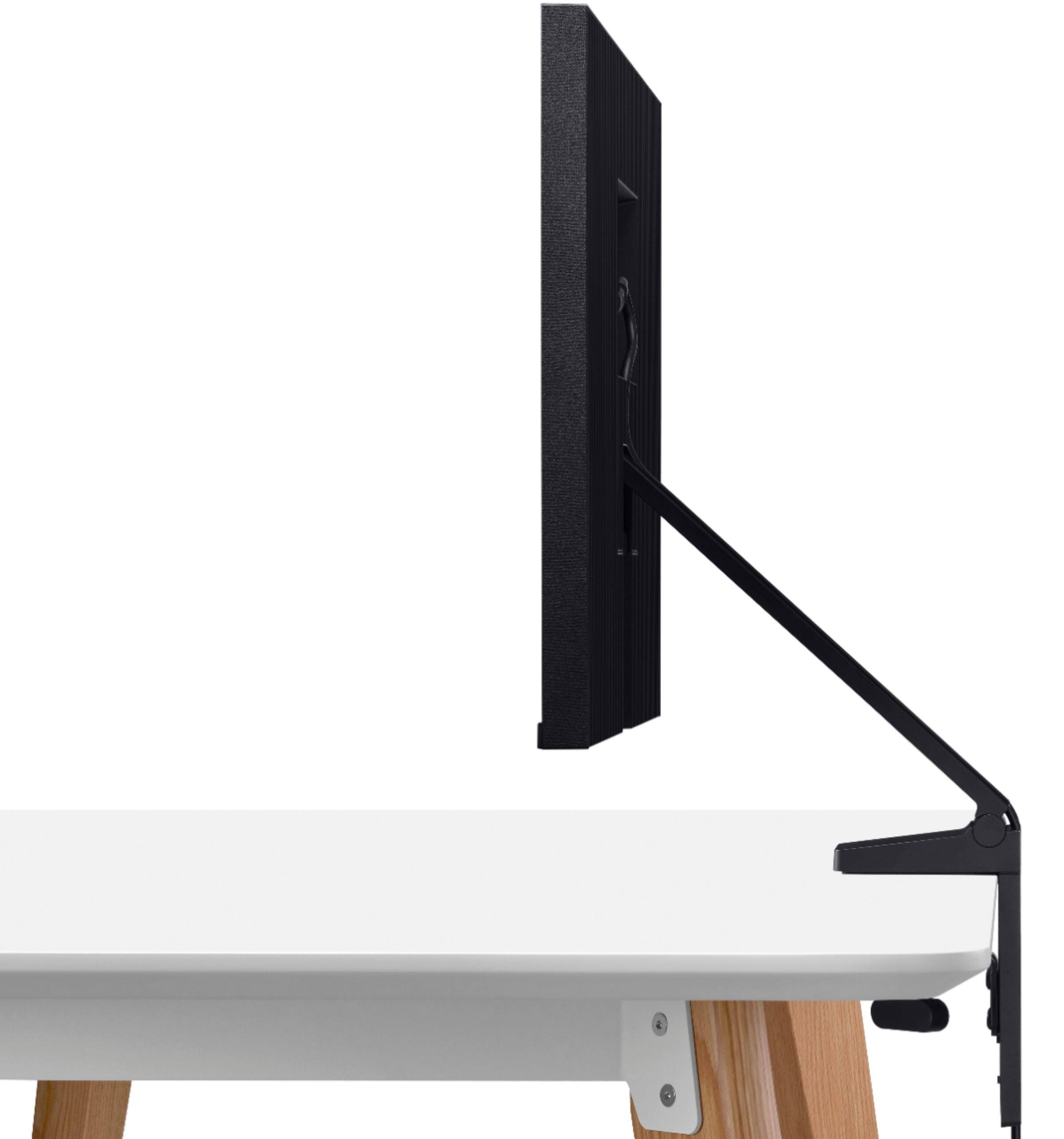
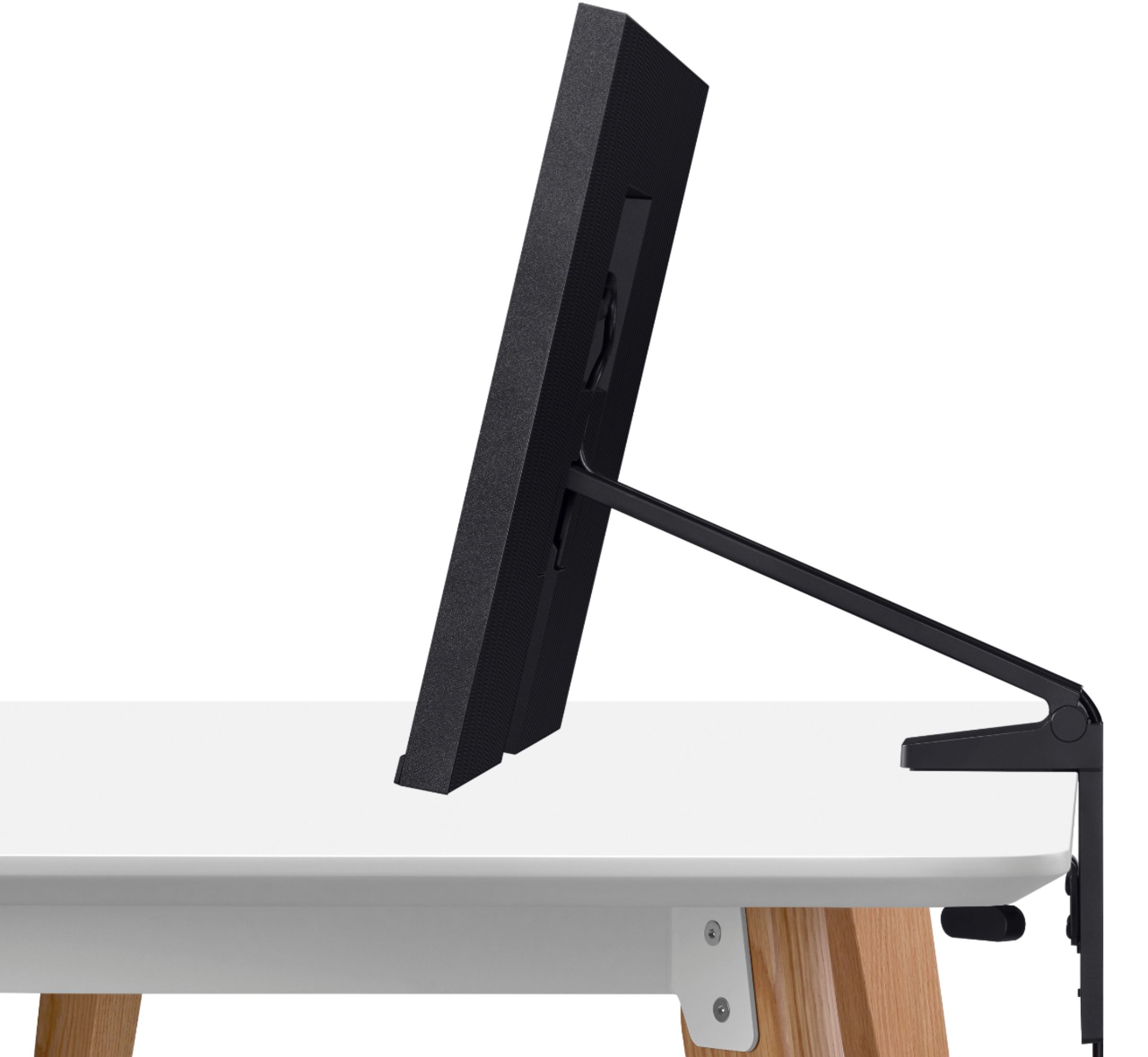
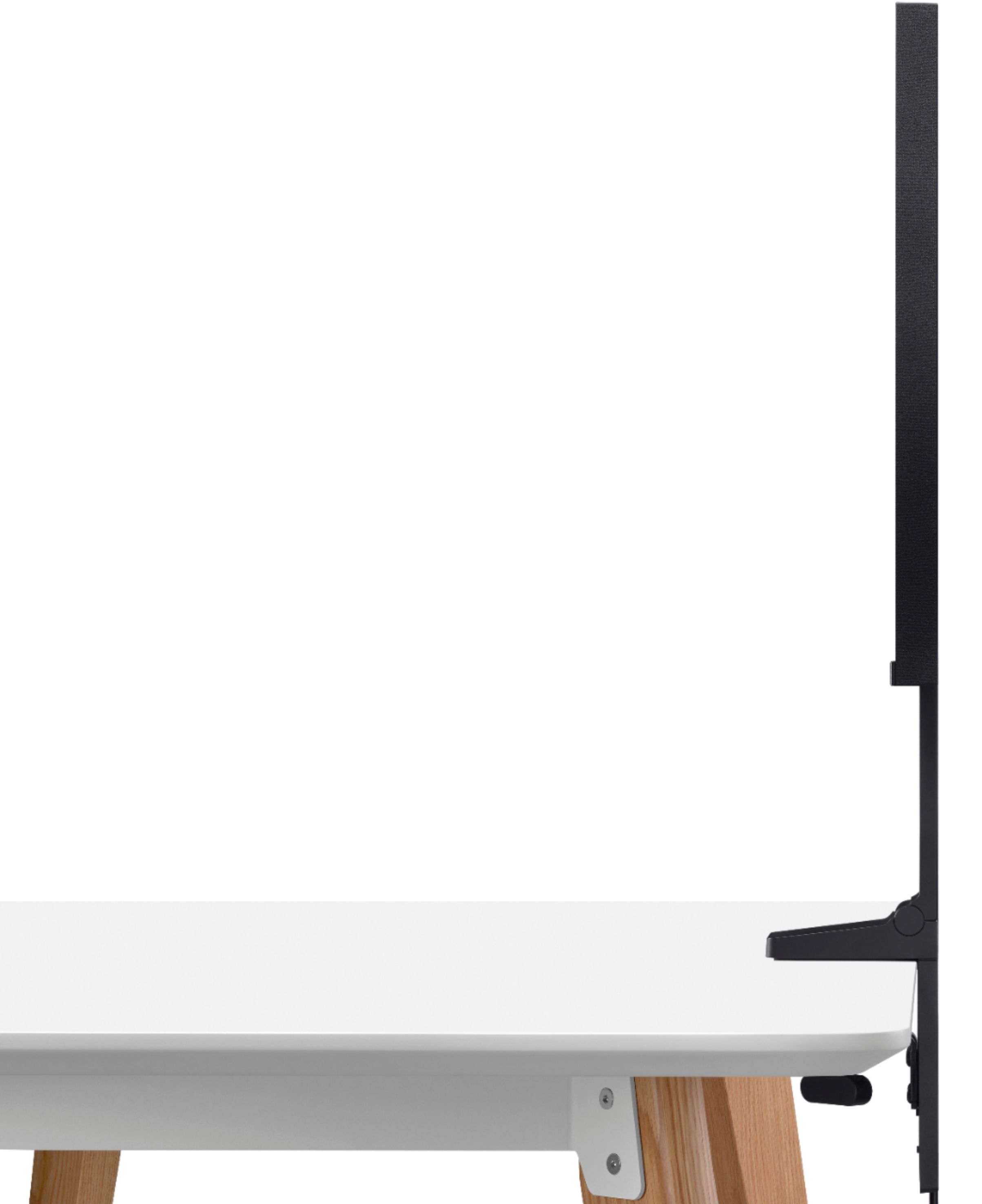
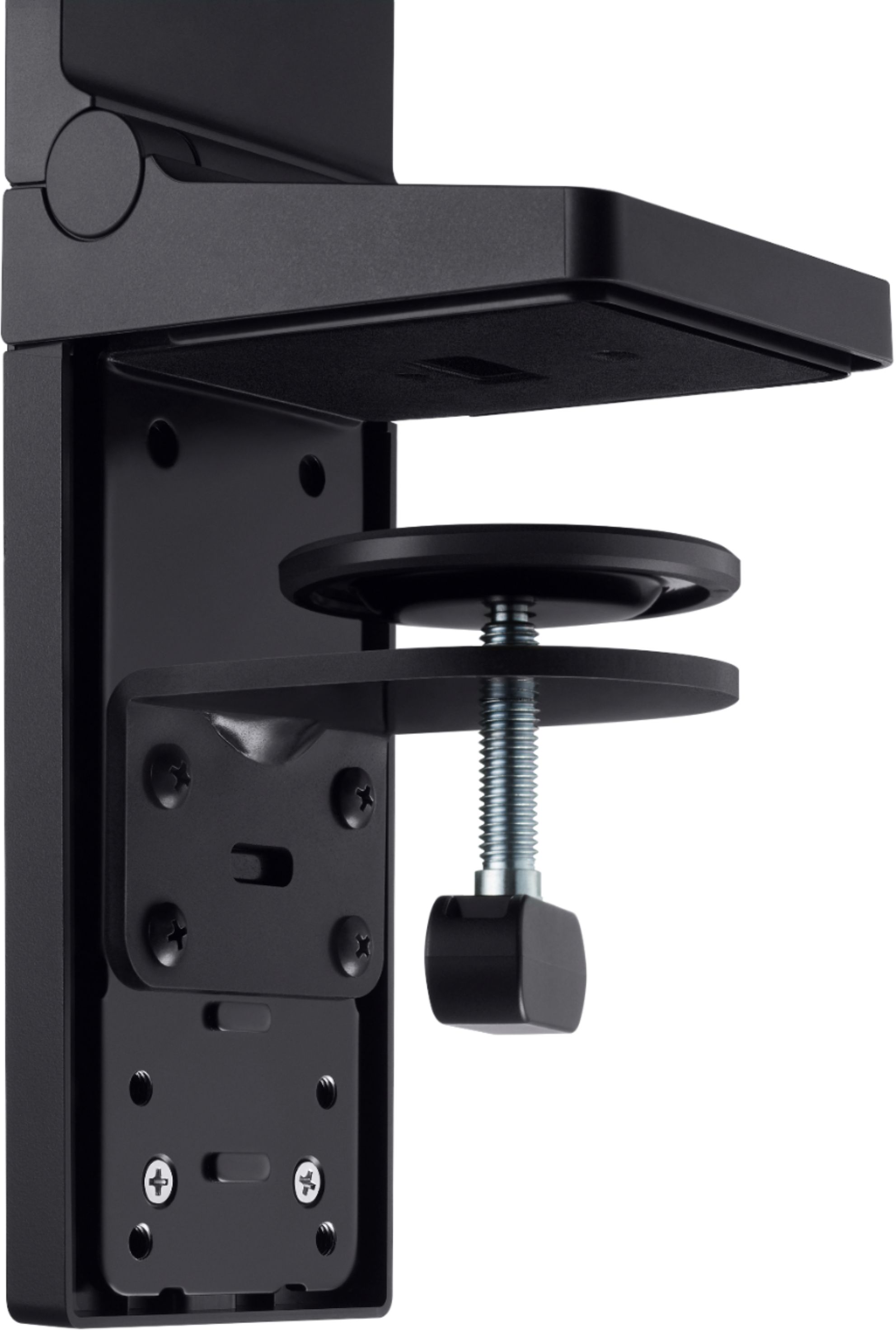
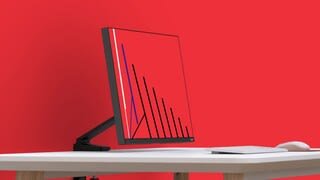
A:Answerunfortunately it does not it only is designed to mount with the mounted comes with you might be able to jerry-rig something but it's not worth it I'd get a different monitor.
A:AnswerYes I connect my speakers all the time and I would recomend not using this monitor for your consoles since it is 144 he and consoles only run 60 so kind of a waste of money but it does have a great stand
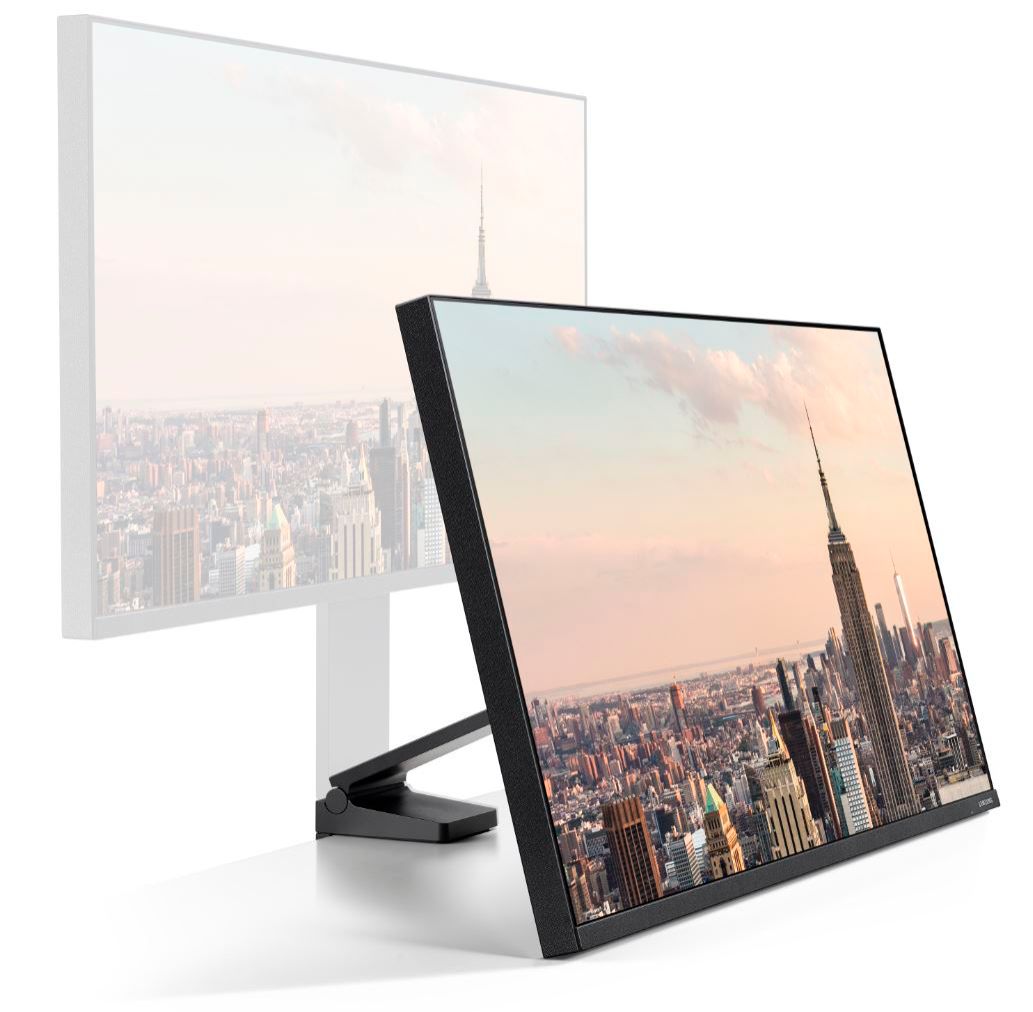
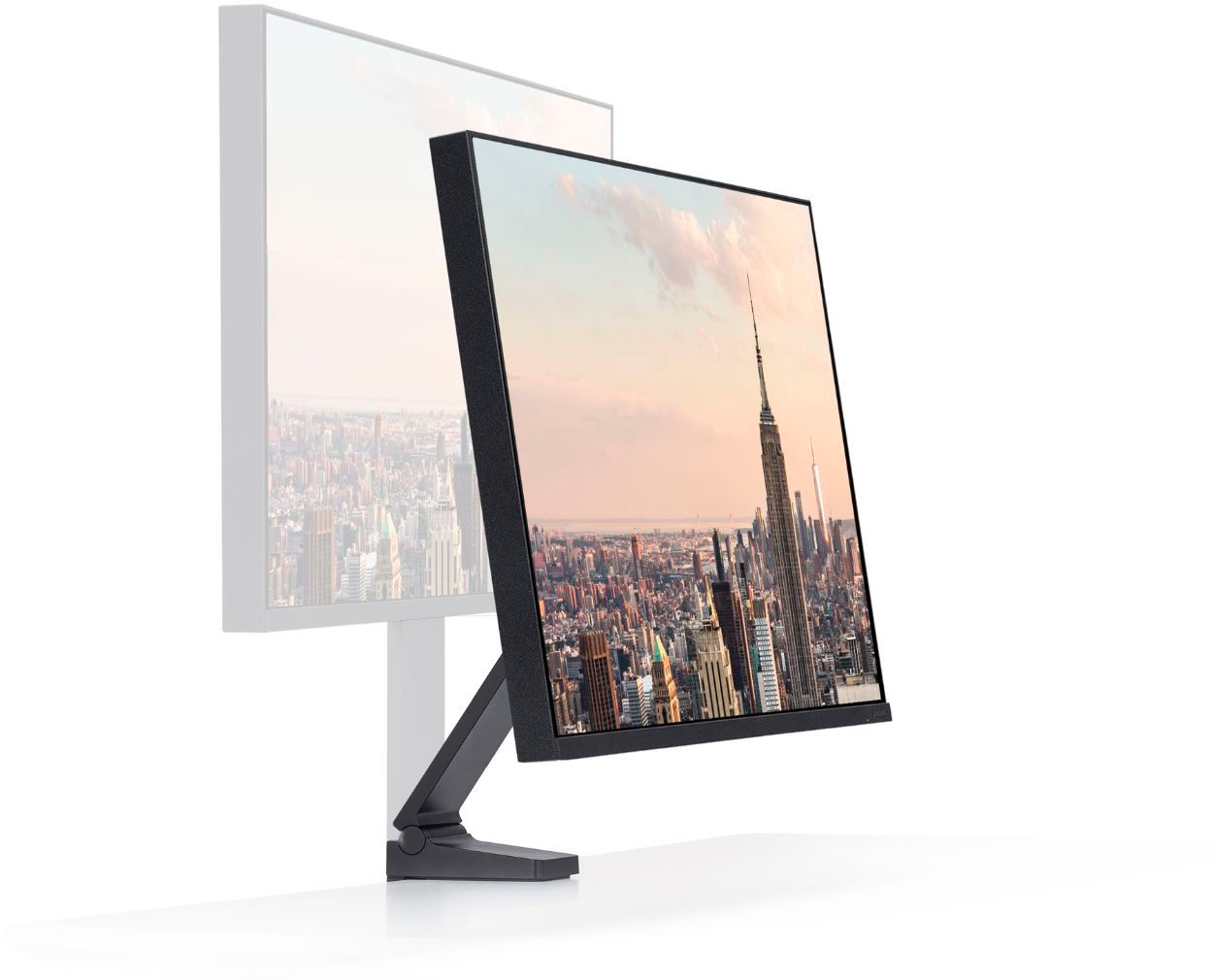
A:AnswerThe mounting mechanism opens as wide as about 2 and a half inches by default but seems to have a way to move the mechanism itself down to allow bigger desk. It appears like it MIGHT barely fit if you adjust it to the lower one.
A:AnswerFreesyncs monitor only works with Radeon graphics cards (amd gpu). You gotta look for monitors that specifically say G-Sync monitors. Just an FYI G-sync monitors is way more pricy than a freesync monitor.
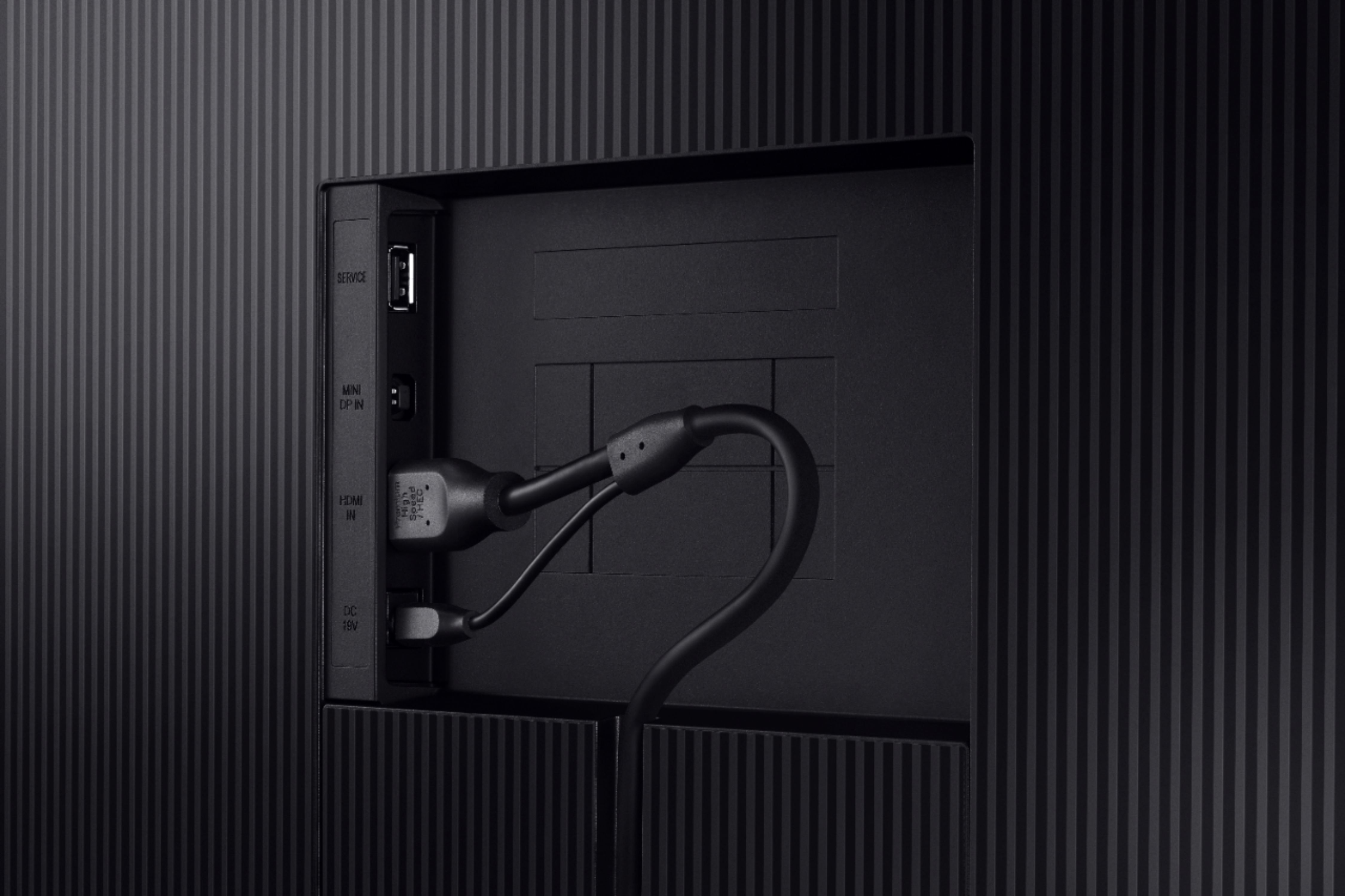
A:AnswerI you have a USB-C MacBook Air, you'll want a USB-C hub. I use a HooToo USB-C hub and connect the display with an HDMI 2.0 cable that comes with the display. If you have an older MacBook Air, get an HDMI to ThunderBolt adapter.