Questions & Answers
- Model:
- RF28R6221SR/AA
- |
- SKU:
- 6402437
Highly rated by customers for: Design, Easy-open doors, Wait time
Page Showing 1-9 of 9 questions
Q: QuestionWhat is the part number for the water filter? I can't find it in the manual.
Asked by Darboleen.
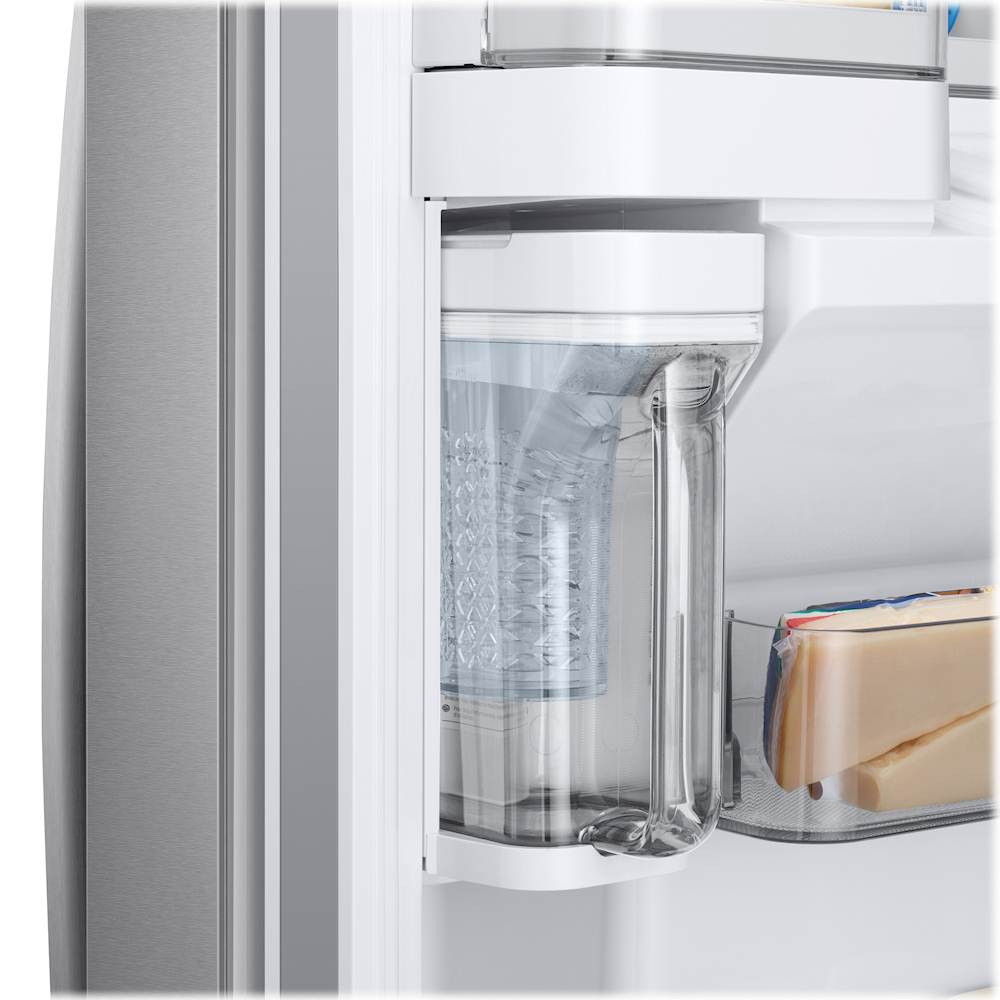
- A:Answer I'm happy to help with this, Darboleen! Our specifications for this refrigerator (https://bit.ly/39tkUC9) list water filter HAF-QIN as the compatible filter. ^Jecca
Answered by Samsung

Q: QuestionIs this fridge fingerprint resistance stainless steel?
Asked by Missy.
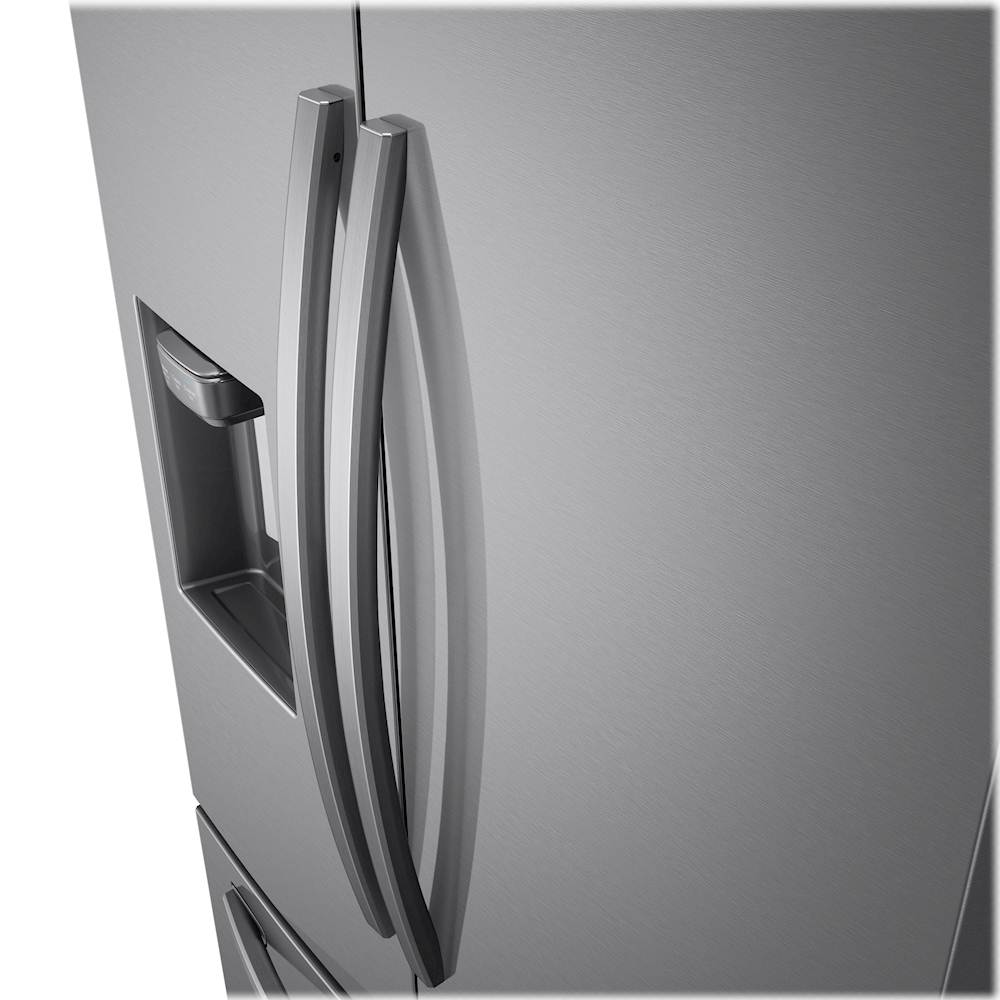
- A:Answer Thanks for asking, Missy! this model is not listed as fingerprint resistant. ^Jecca
Answered by Samsung

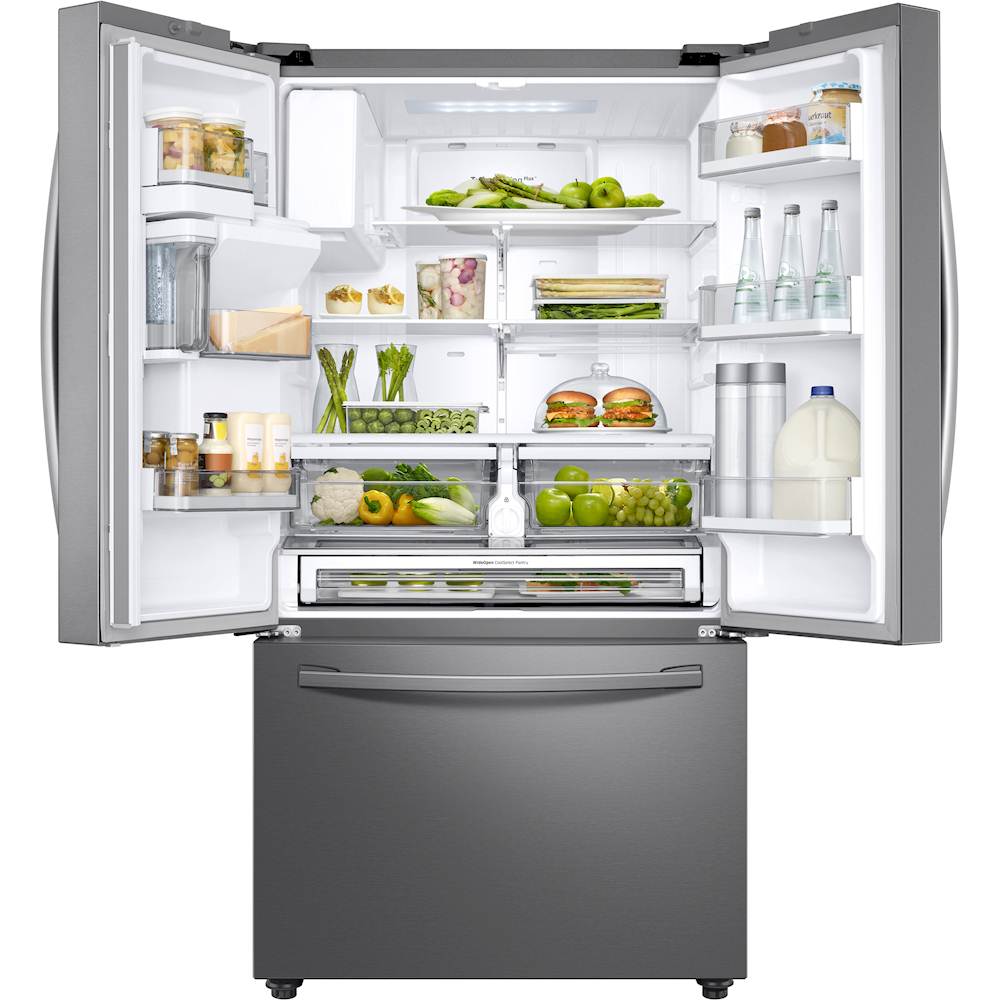
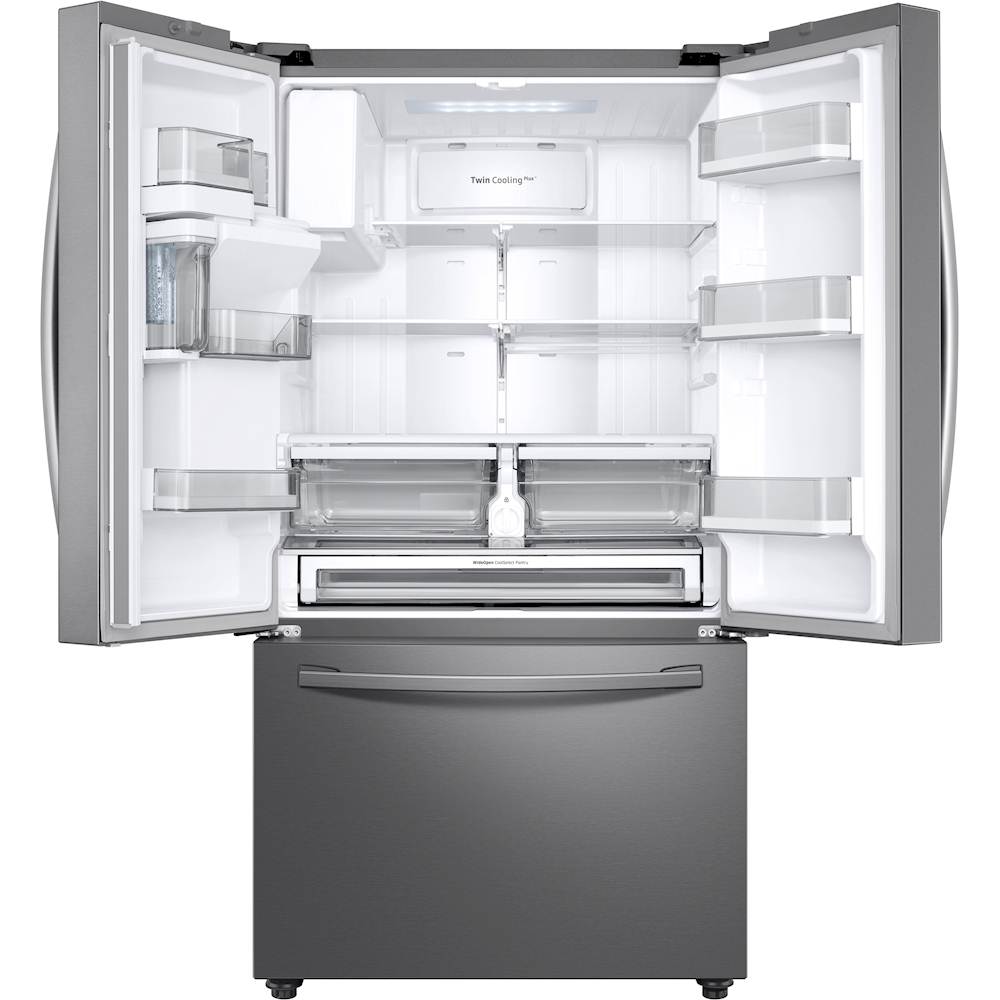
Q: QuestionIs there a second ice maker in the freezer compartment?
Asked by WinstonWolfe.
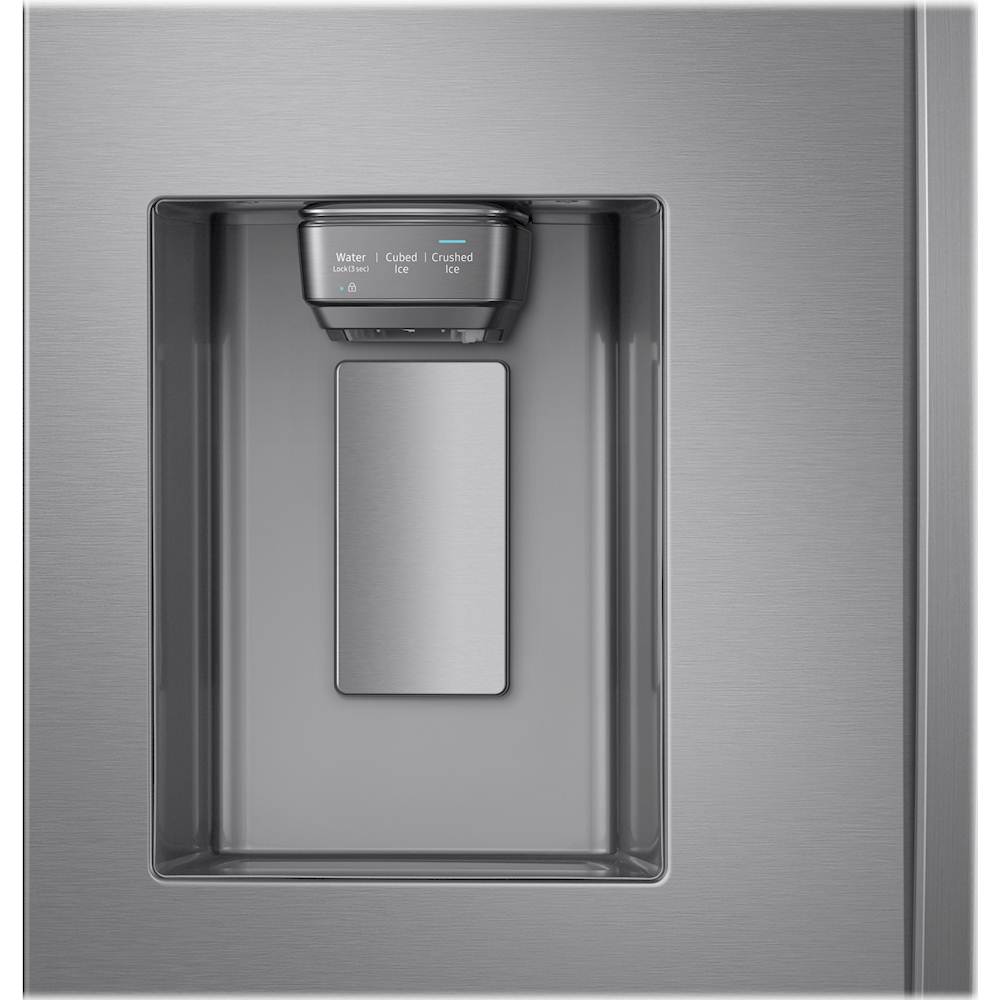
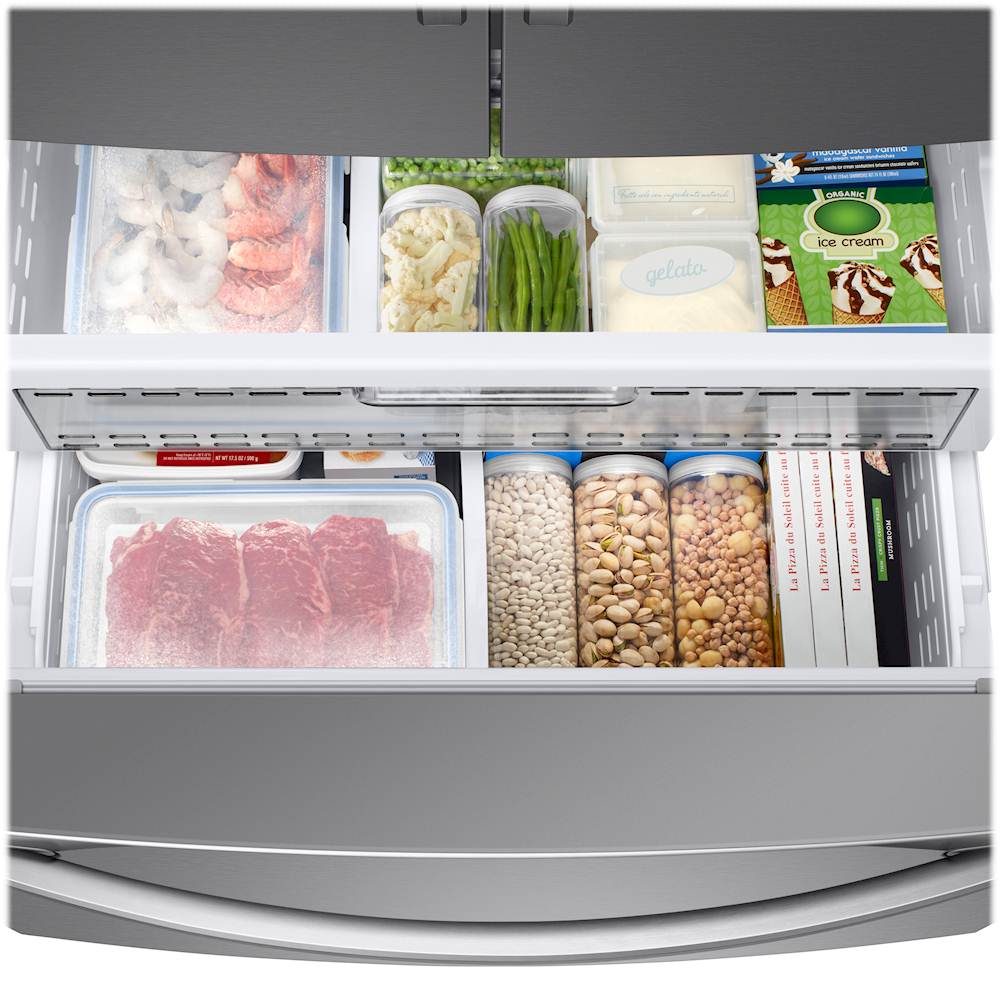
- A:Answer Thanks so much for asking, WinstonWolfe! Yes, this model has an ice maker in the refrigerator section that is connected to the dispenser. It also has an additional ice maker in the freezer compartment. ^Jecca
Answered by Samsung

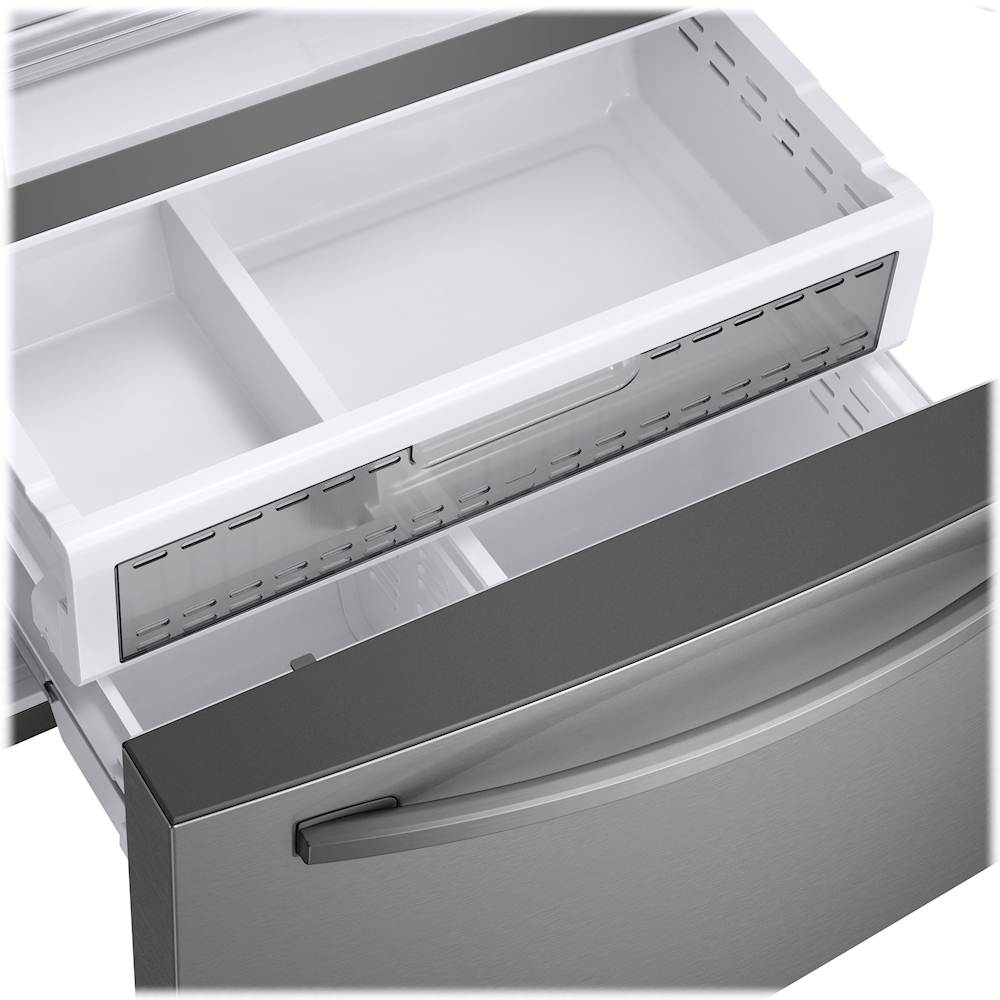
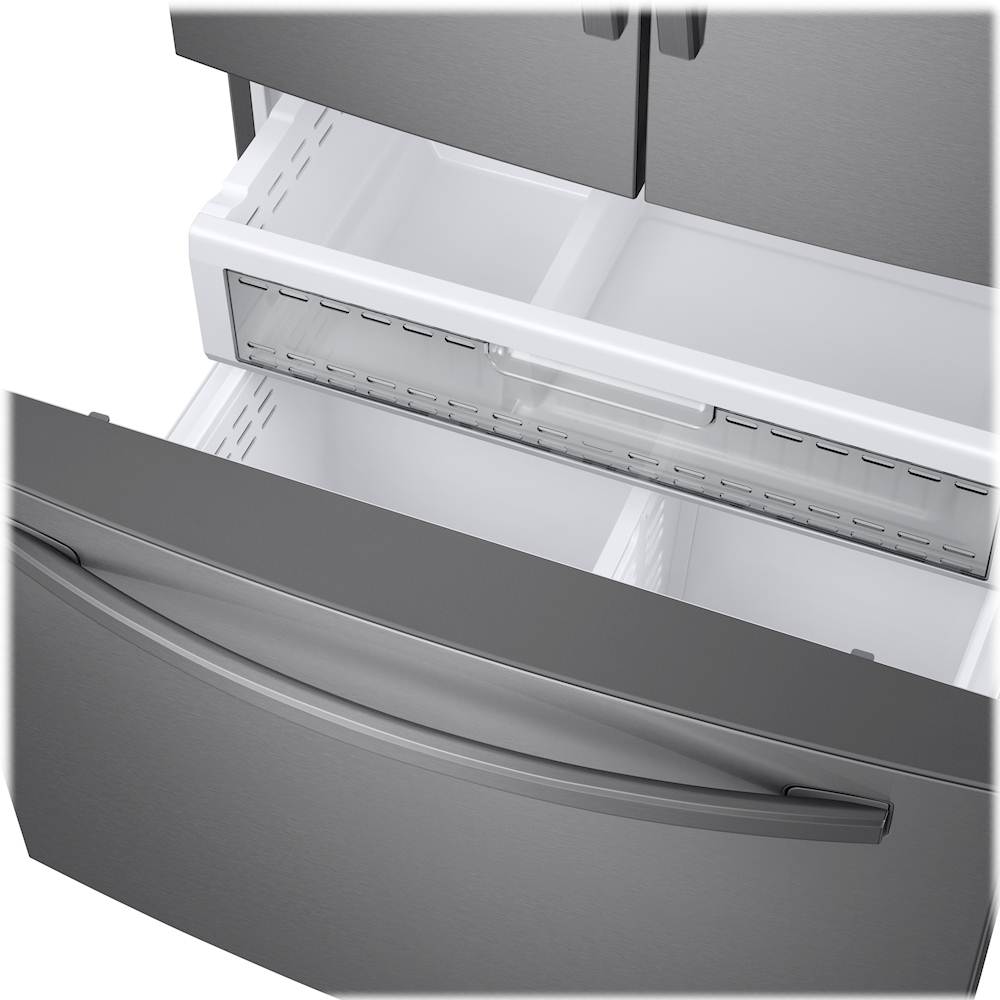
Q: QuestionThat freezer drawer on my Samsung refrigerator locked it's it's stuck it won't open what do I do
Asked by Bossie.
- A:Answer Knowing the current condition of the freezer drawer saddens us. We want to aid you with this, Bossie. It would be nice if we could speak to you directly so we can have the freezer drawer serviced on our end. Please feel free to get back to us via the following options: 1. Facebook Messenger: http://m.me/samsungsupport 2. Twitter: https://twitter.com/messages/compose?recipient_id=18768513 3. Samsung Community: https://us.community.samsung.com/t5/Samsung-Community/ct-p/us When you message us, please provide us with this reference number 1147034341, to help our team pull up your information. Have a great day! ^Chrystel
Answered by Samsung

Q: Questionhow do you reset the filter after replacing filter on the RF28T5201 samaung
Asked by BJ.
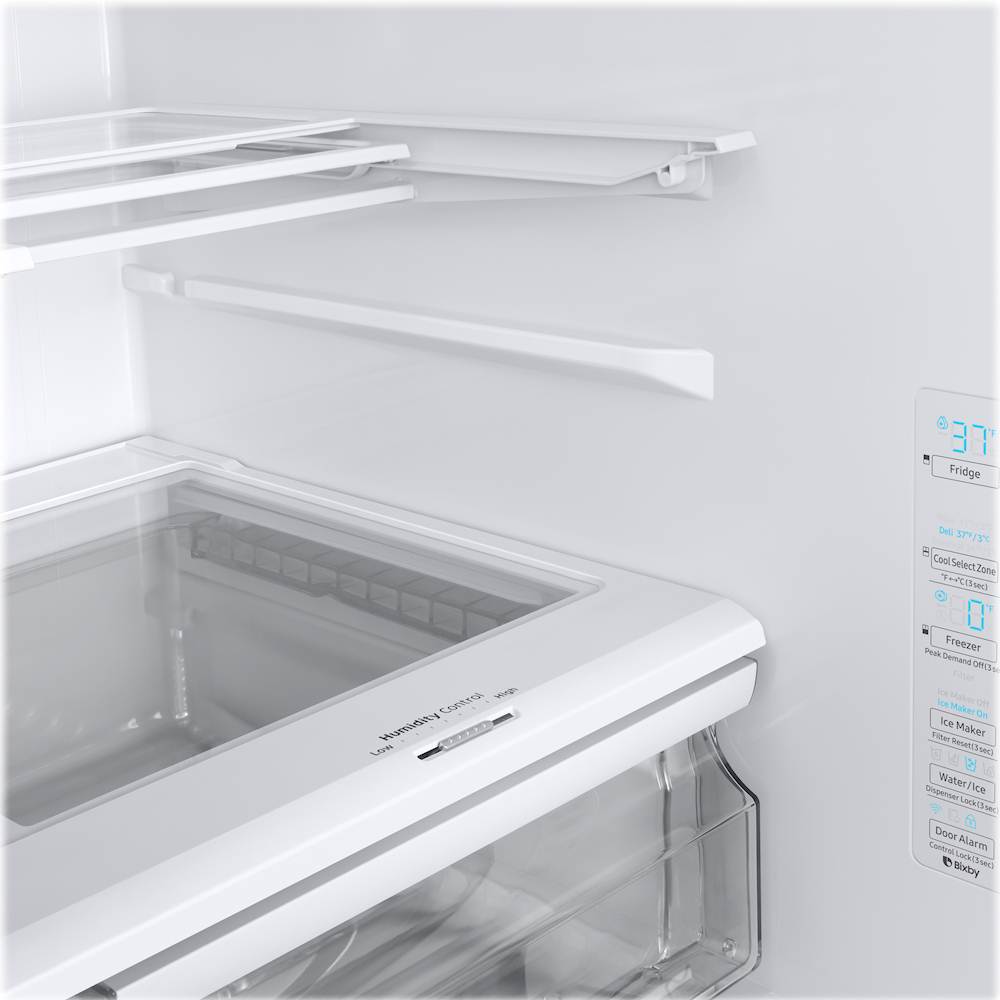
- A:Answer Hi BJ. Thank you for reaching out regarding your Samsung - 28 Cu. Ft. French Door Refrigerator on how do you reset the filter after replacing it. Regarding your concern, here are the steps you need to follow: 1. Find the Filter Reset button on the control panel if it's available. It is sometimes the secondary function of another button on the panel. 2. Once located, touch and hold the correct button for 3 seconds until the light resets. 3. The filter icon will either turn off or change back to its normal color when it's reset. This starts the 6 month timer over again. I suggest you check this link for further assistance. Replace the water filter in your Samsung refrigerator https://www.samsung.com/us/support/answer/ANS00060149/ Also, I have included your user manual for assistance. Please go to page 42. https://downloadcenter.samsung.com/content/UM/202008/20200814074426173/DA68-04012L-00_FDR_RF6000T_ND__EN-MES-CFR__USA_u.pdf Should you need more assistance, please feel free to get back to us via the following options: 1. Facebook Messenger: http://m.me/samsungsupport 2. Twitter: https://twitter.com/messages/compose?recipient_id=18768513 3. Samsung Community: https://us.community.samsung.com/t5/Samsung-Community/ct-p/us Thank you for being a valued customer of Samsung. Have a great day. Reference Ticket Number: 1144520530 ^Camille
Answered by Samsung

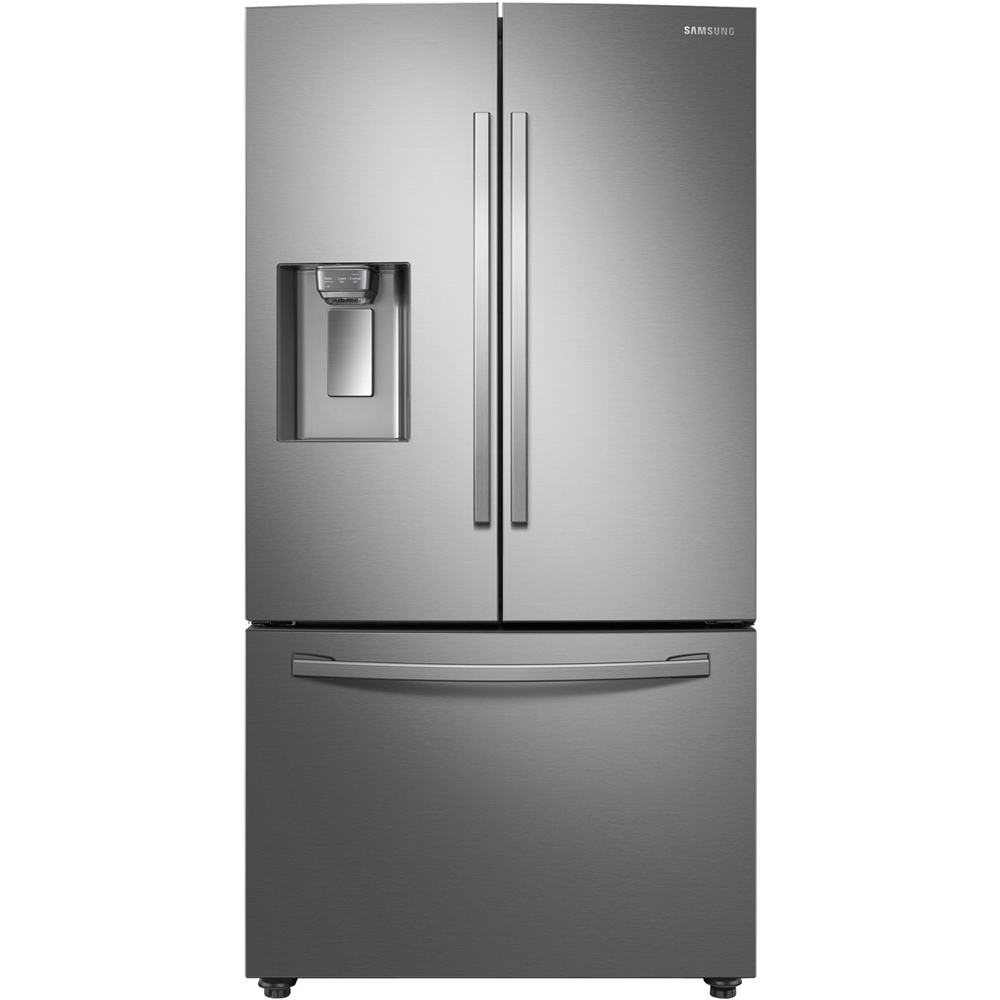
Q: QuestionI have a model # RF28R6301SR and it only makes ice in the upper fridge for the dispenser but no ice is made in the freezer part. How do I get the ice to make in the freezer section? Also is there a way to get ice out of the upper fridge ice compartment?
Asked by Sammy.
- A:Answer I'm happy to help with this, Sammy! On the main control panel, located inside the refrigerator compartment, there is an "Ice Maker" button. Above this button are two icons, one for each of the ice makers. If you tap the Ice Maker button it will cycle through having either, both, and neither ice maker on. When both Ice Maker On icons are lit up, both ice makers should be producing ice. ^Jecca
Answered by Samsung

Q: QuestionCan I get a owners manual for this refrigerator I lost mine. Bigun
Asked by Bigun.
- A:Answer I'm happy to help with this, Bigun! Here is a direct link (https://bit.ly/39vP0F5) to the full user manual for this model. ^Jecca
Answered by Samsung

Page 1, Showing 1-9 of 9 questions
Most-viewed items
- $499.99$499.99The price was $899.99
- $329.99$329.99The price was $469.99
- $99.99$99.99The price was $129.99
- $299.00$299.00The price was $349.00
- $449.99$449.99The price was $649.99
- $1,149.00$1,149.00The price was $1,299.00