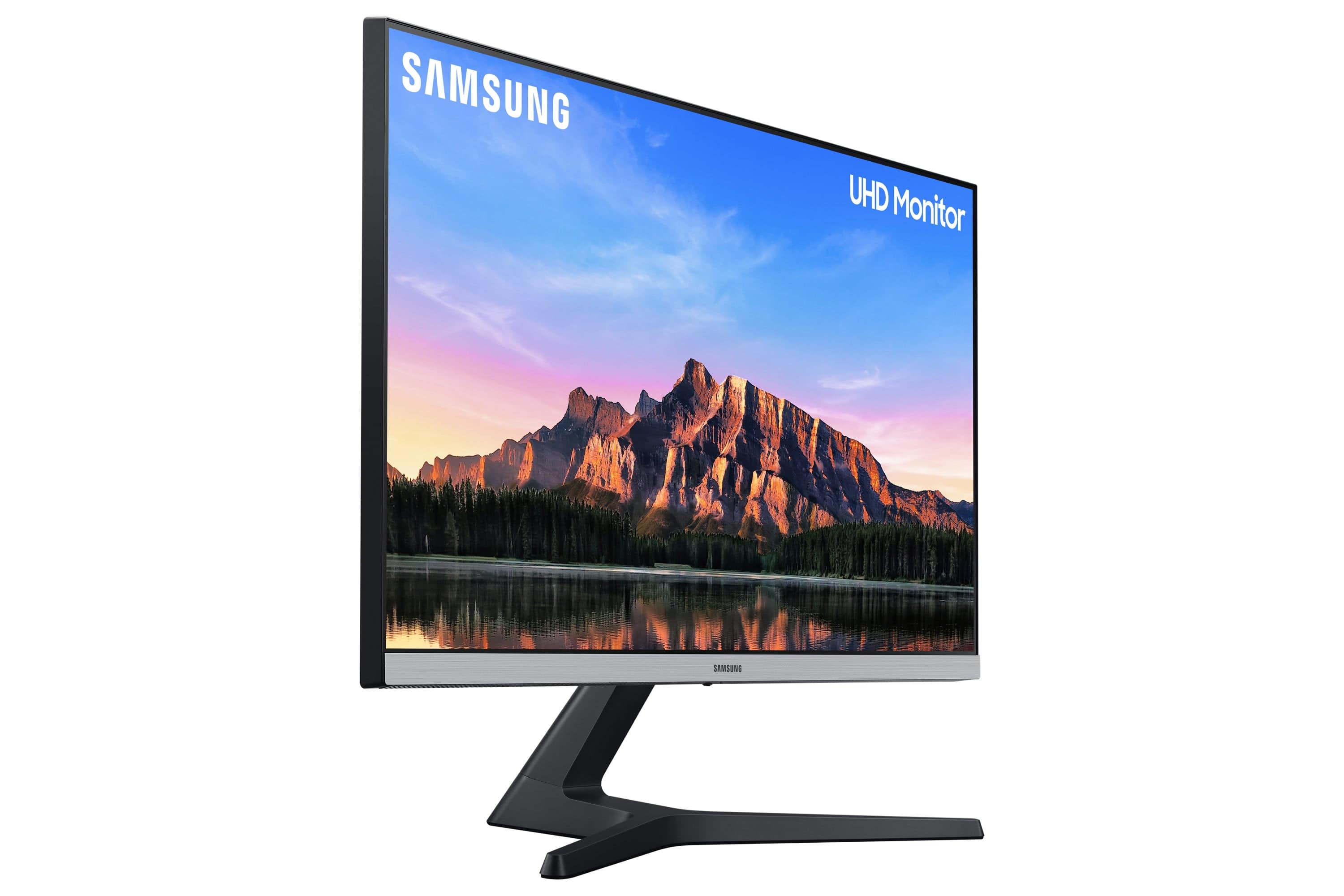
A:AnswerYes it should play in 4k as the monitor is 4K resolution, even on a standard PS4 the games look a lot better and I play this on my PC and PS4 Pro and it looks a heck of a lot better on my Pro compared to my $1,000 800 D series Sony 4K TV
A:AnswerHi Sue, It depends on your goal? This display works, plays, and feels amazing with the PS5, but it only has a 60hz refresh rate so it cannot take advantage of the 165hz capability of the PS5. If you are fine playing at 60hx in 1080P, it works great.
A:AnswerAnytime you change the connections the monitor will take a very long time to reset. Once this is done, there will be a fast start next time.
The monitor will work fine with lower resolutions.
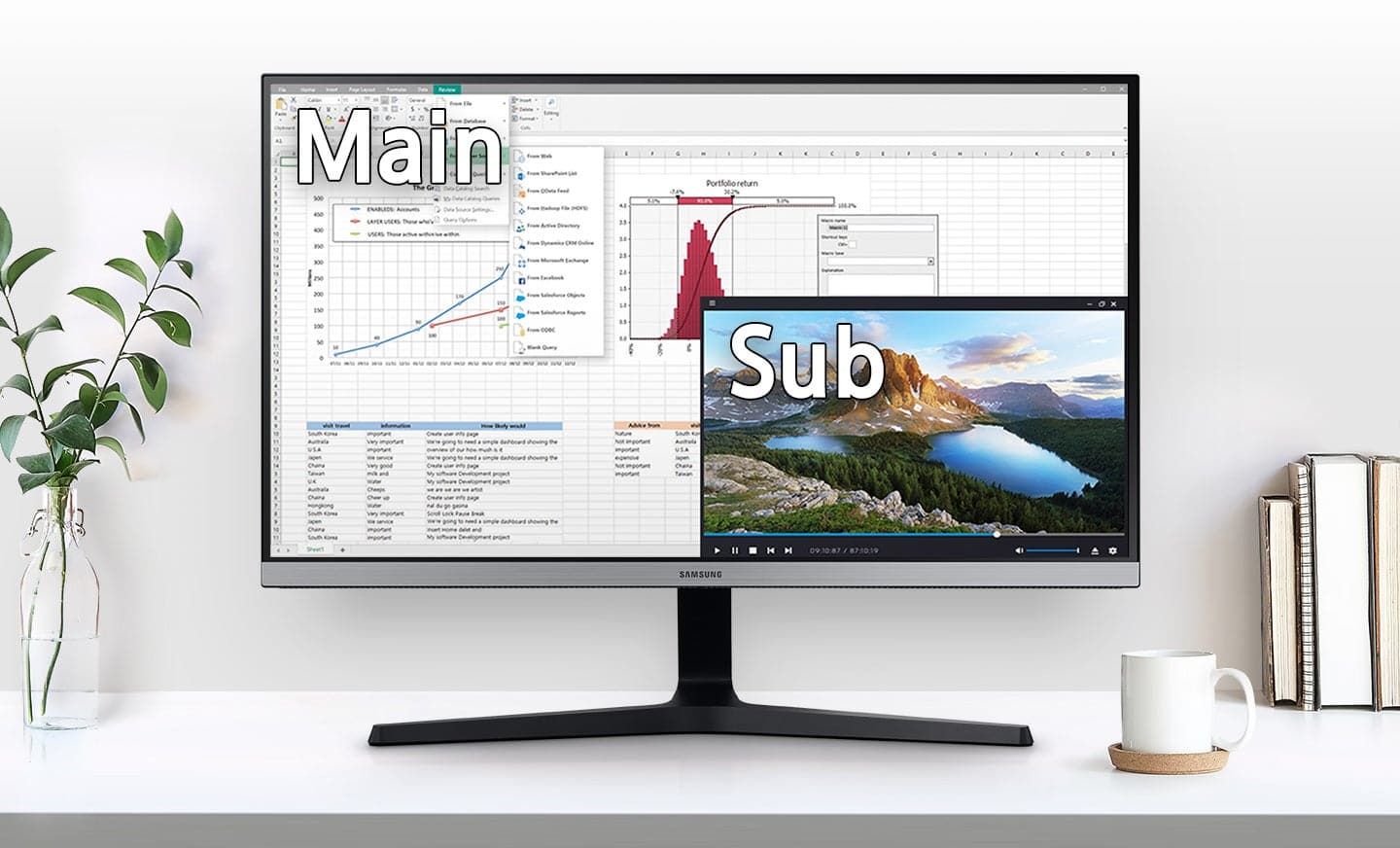
This is a great monitor. Check out the P in P, it is great
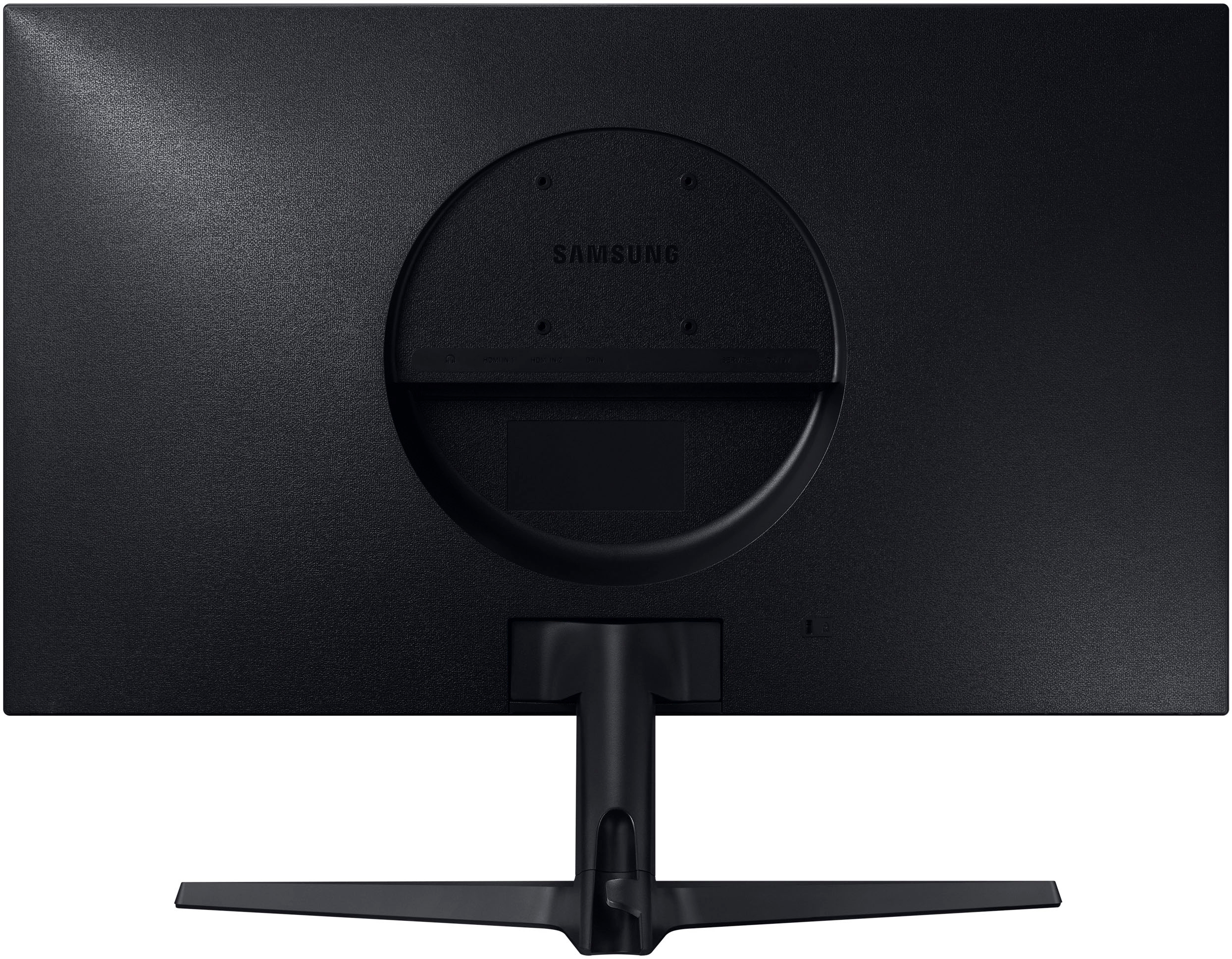
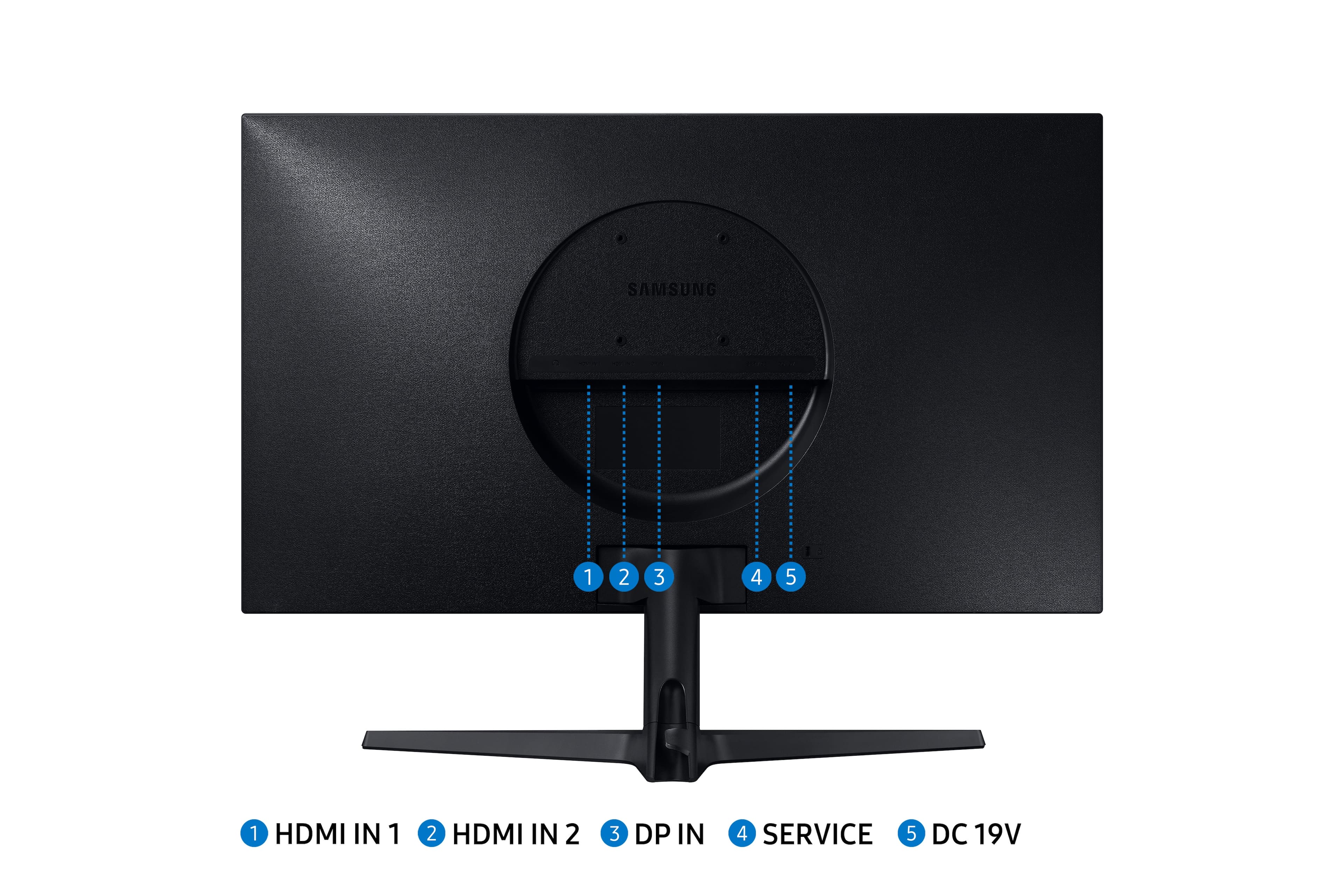
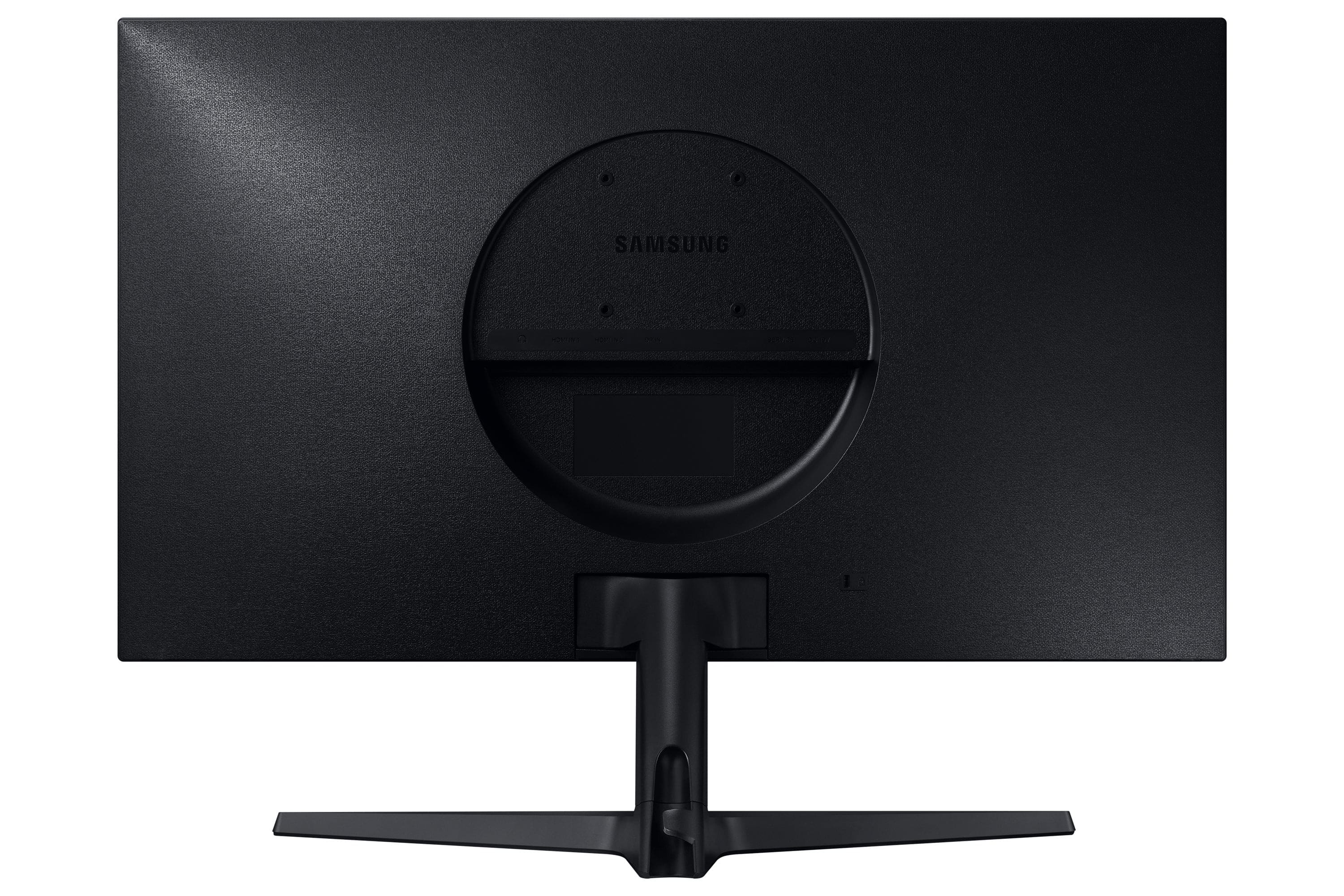
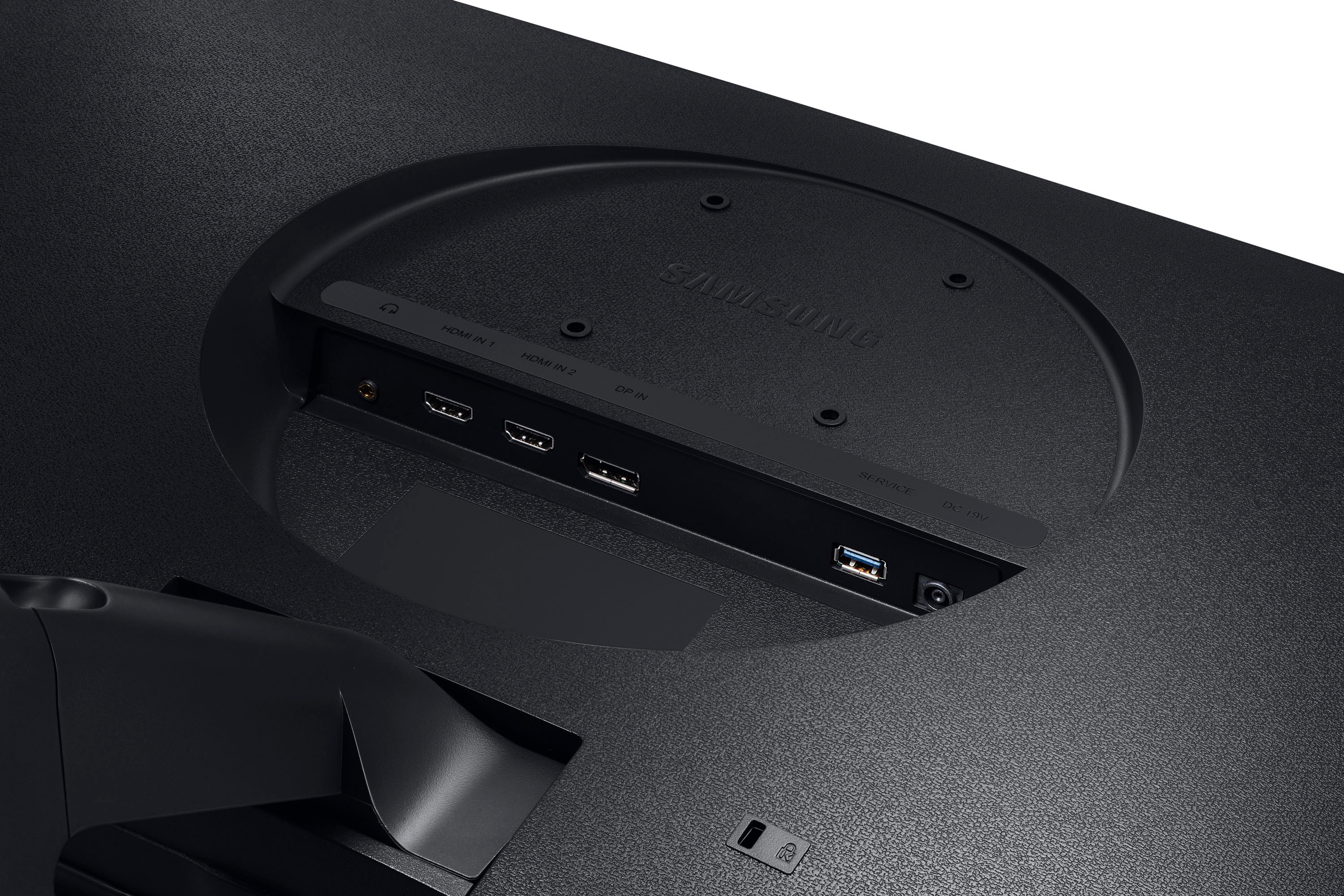
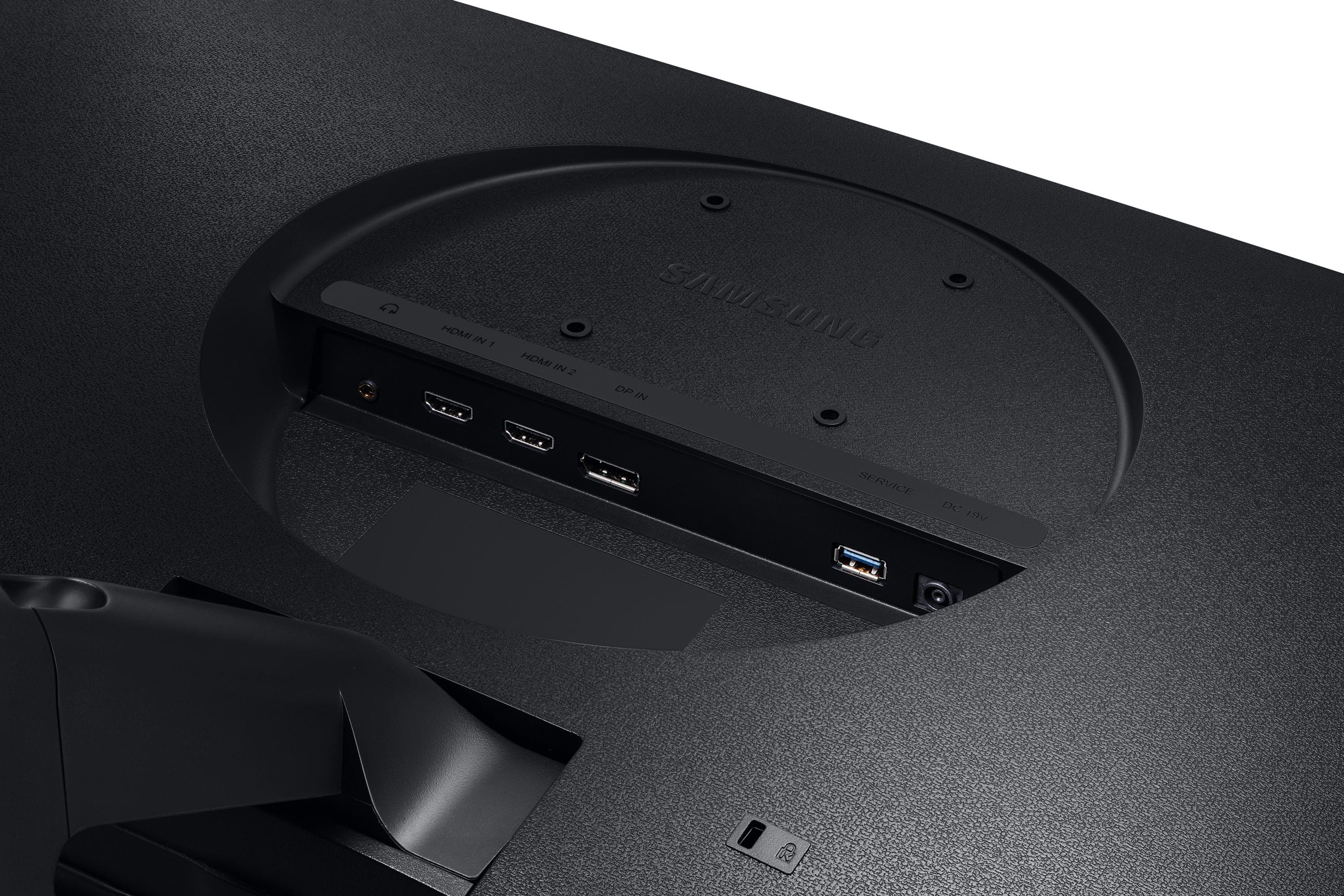
A:AnswerI can unfortunately confirm this user's experience. A 2013 MacBook air has a mini display port (v1.2 out) but this monitor refuses to show the Mac. The Mac "knows" there is an external monitor connected, but the monitor remains black. I tired changing the display port version down to 1.0 in the monitor settings, running monitor diagnostics did not help either. I've tried this with two different mini DP to DP cables, one of which is new, so it seems this monitor will not work with older Macs. Only the mini DP to HDMI seems to work, so you've got to downgrade your resolution.
A:AnswerI have a PS4 that I use on this monitor. It’s great for console gaming. Xbox and PS4 both only run at 60hz so getting a higher HZ monitor would be pointless for console gaming. I definitely recommend you get this monitor.