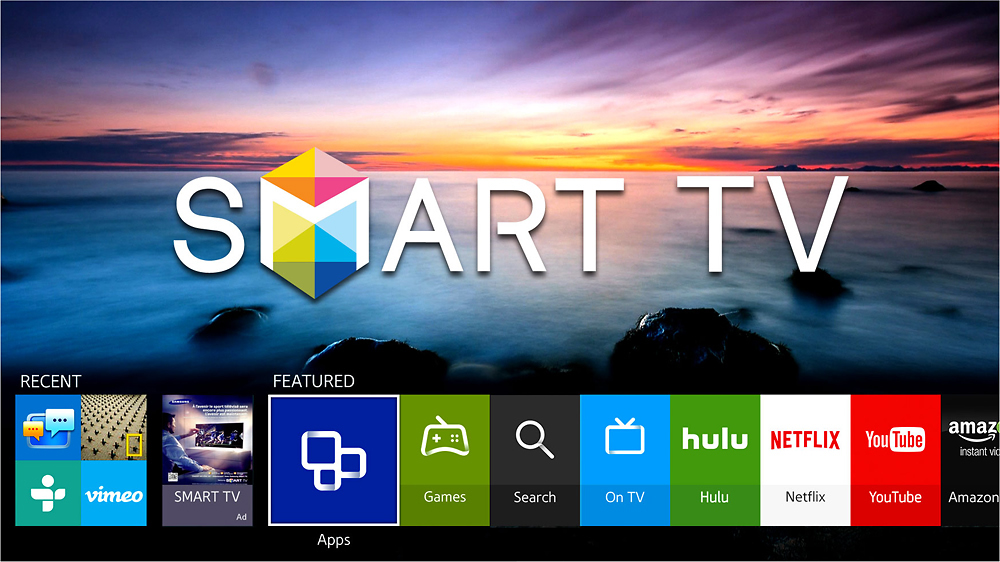
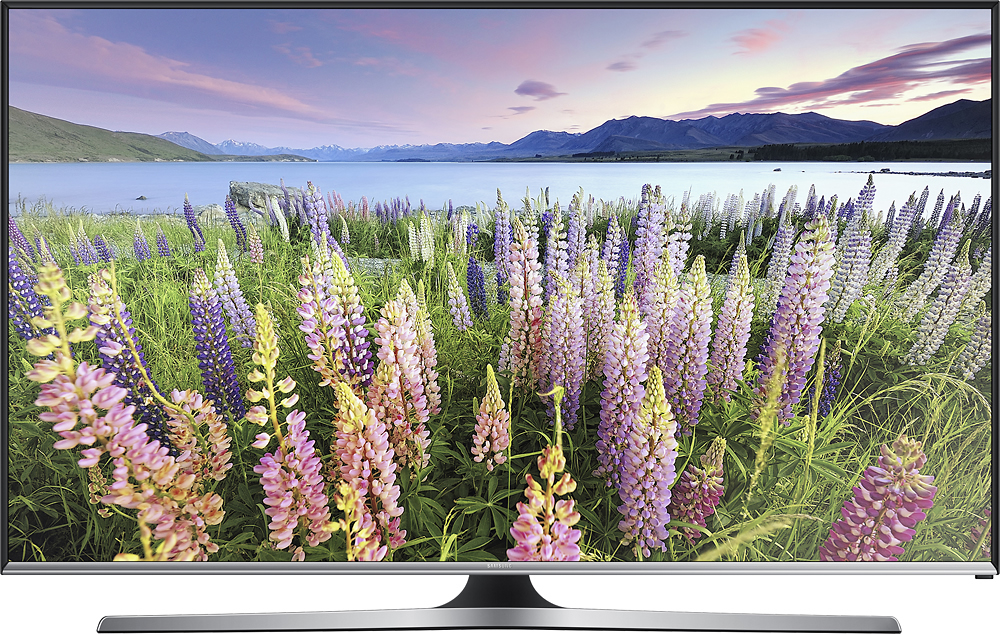
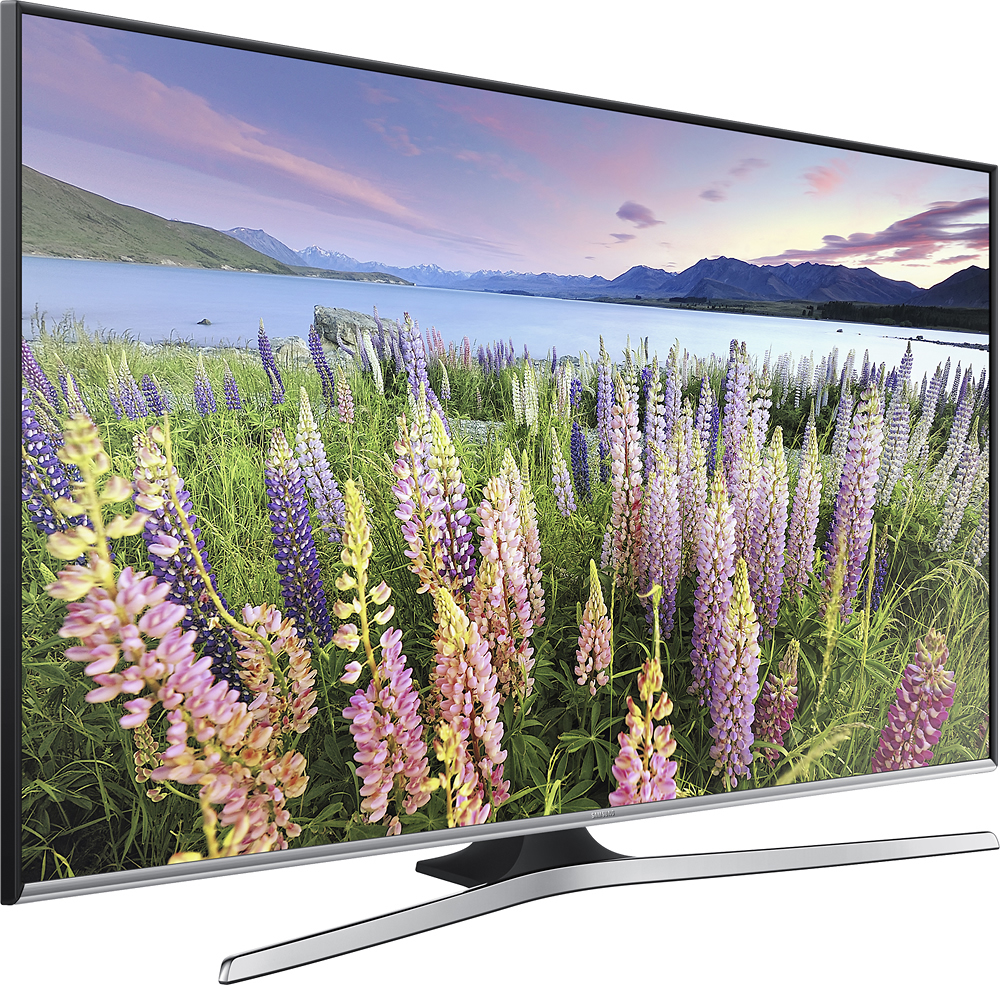
A:AnswerThis TV can connect to Netflix and Hulu. Different smart tvs have different interfaces and different apps they can access and connect to. Roku tv I'm at not familiar with but given a quick search it may have more options than the Samsung smart tv. But both should be able to do Hulu and Netflix. If there are other specific apps you're interested in you may want to check to see which can access what. Generally all smart tvs will connect to Netflix, Hulu, hbo now/go etc. Roku incorporated into the tv is just branding that smart tv interface as a roku version.
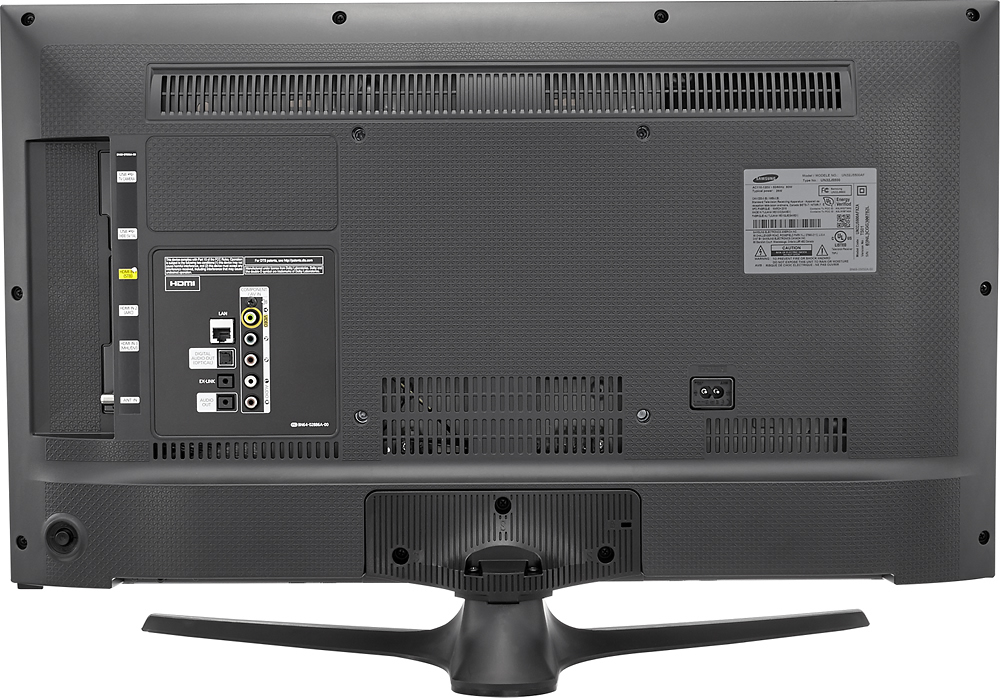
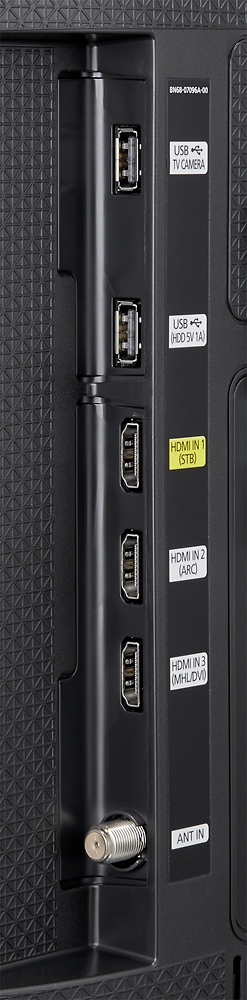
A:AnswerNo. But it does have 3 HDMI inputs, so you can use your own Roku. And in a few years when all the technology changes, it's a lot cheaper to buy a new Roku stick than a new TV.
A:AnswerI think your browser speed is more dependent on your Internet provider's bandwidth. This TV was manufactured in 2015 and I have a lot of bandwidth provided by AT&T. I've never seen it do any buffering, even when streaming HD movies. All the best.
A:AnswerTry hooking up a mouse to it as well, Bluetooth or USB. Also using the arrow keys usually will move down to the next section of a form, or also try pressing the tab key if the arrow key does not work.
A:AnswerWhen in the browser, the remote moves the cursor around like a mouse, except it only goes up / down / right / left. Therefore, you can do anything on the page that you could do on a computer. Of course it's a lot harder on the TV.
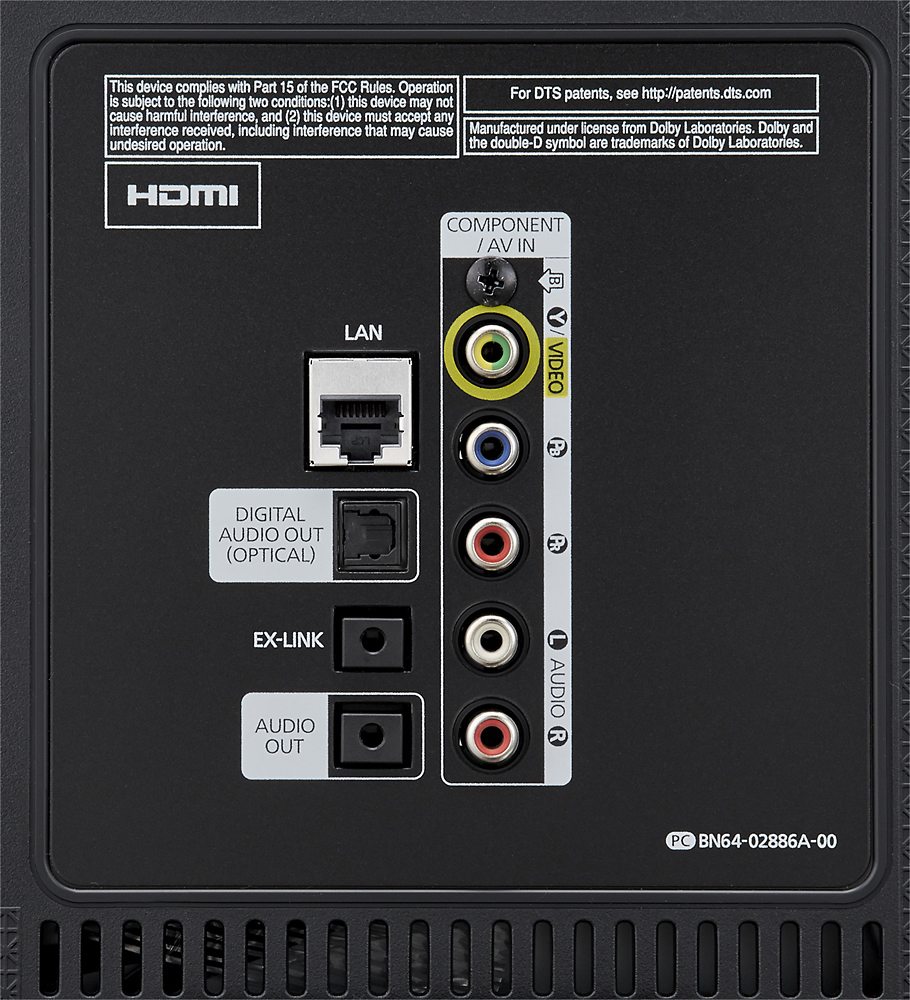
A:AnswerJust change the input to HDMI or Component you will still have the low signal message but just hit the smart hub button to activate the apps. You won't have the snow though.