A:AnswerGood thing you don't want WiFi!!
Yes, you can connect to Comcast.
SAM-SUNG has sung his last tune for me!
Samsung Model UN32J5500: after two months I can no longer connect to my wireless network. I have 13 devices in the house that CAN connect to any of my 3 networks, but not my Samsung.
Search the internet and you will read PLENTY of users with the exact same issue. The TV sits next to me at my home office, and my computer and phone are both on wifi but not my Samsung. SMART HUB is not so smart! As far as brands, choose any other.
I purchased : July 20, 2018 at Best Buy
A:AnswerI have experienced this same issue. Sometimes it won't turn on and sometimes only the sound comes on. I returned the first one, but the replacement has the same issue, just not as frequently. When it happens, I unplug the power then replug and then turn it on. If the problem persists I will return it to Best Buy and get a different model. They were great to work with when I returned the first one.
A:AnswerDon't confuse HDR as in High Definition Recorder and Samsungs HDR which stands for. "High Dynamic Range" which are 2 totally different features! Yrs this TV has HDR as in "High Dynamic Range" it does NOT have a HDRecorder as in a TIVO, satellite box or cable box!
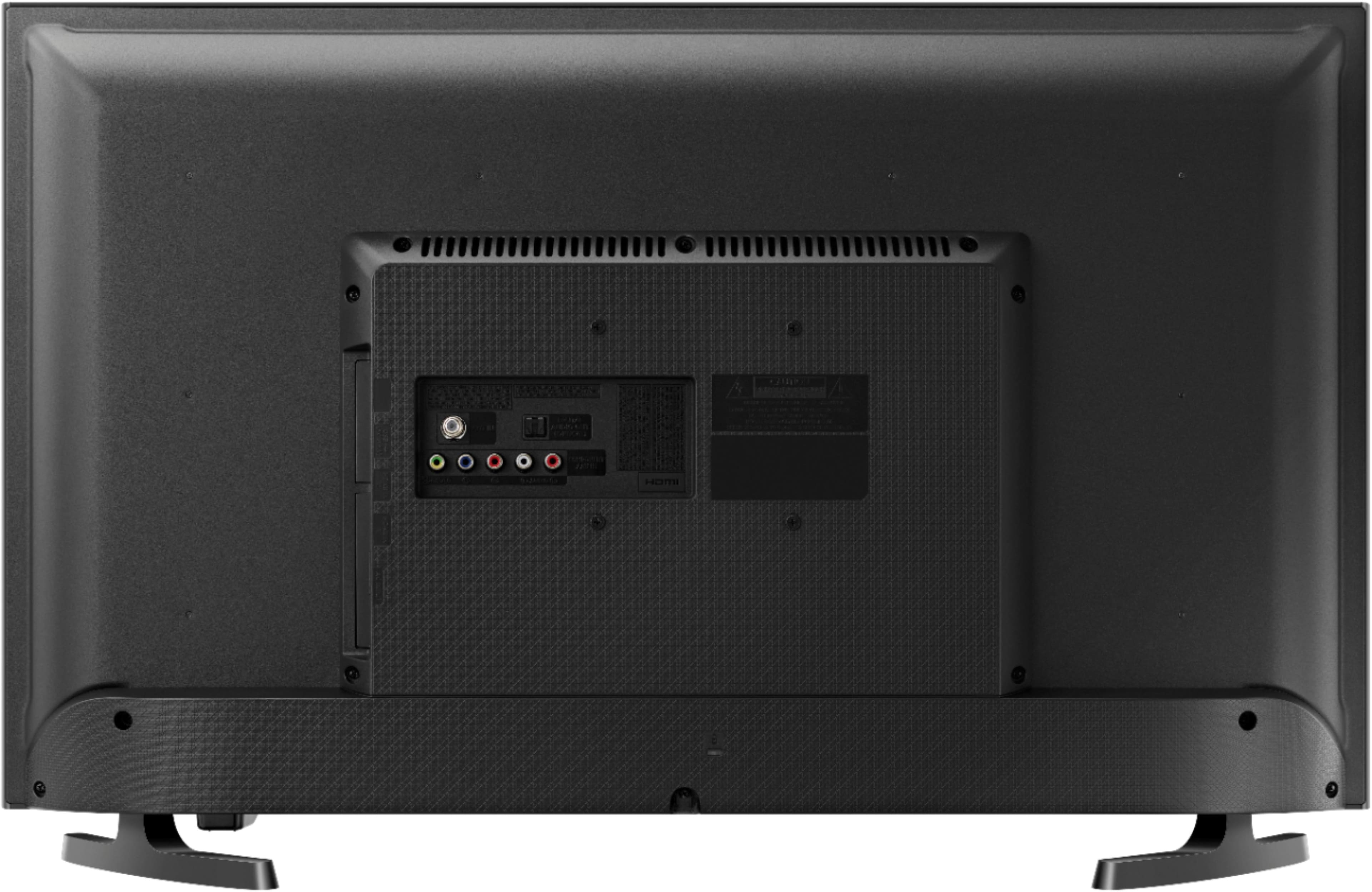
A:AnswerIt has 2 HDMI inputs, plus a set of Component jacks (Red, Green, Blue plus Audio L & R), and an F-type coax input. It can also connect to your home network via either WiFi or ethernet. There is also a digital audio output for connecting to a sound bar.
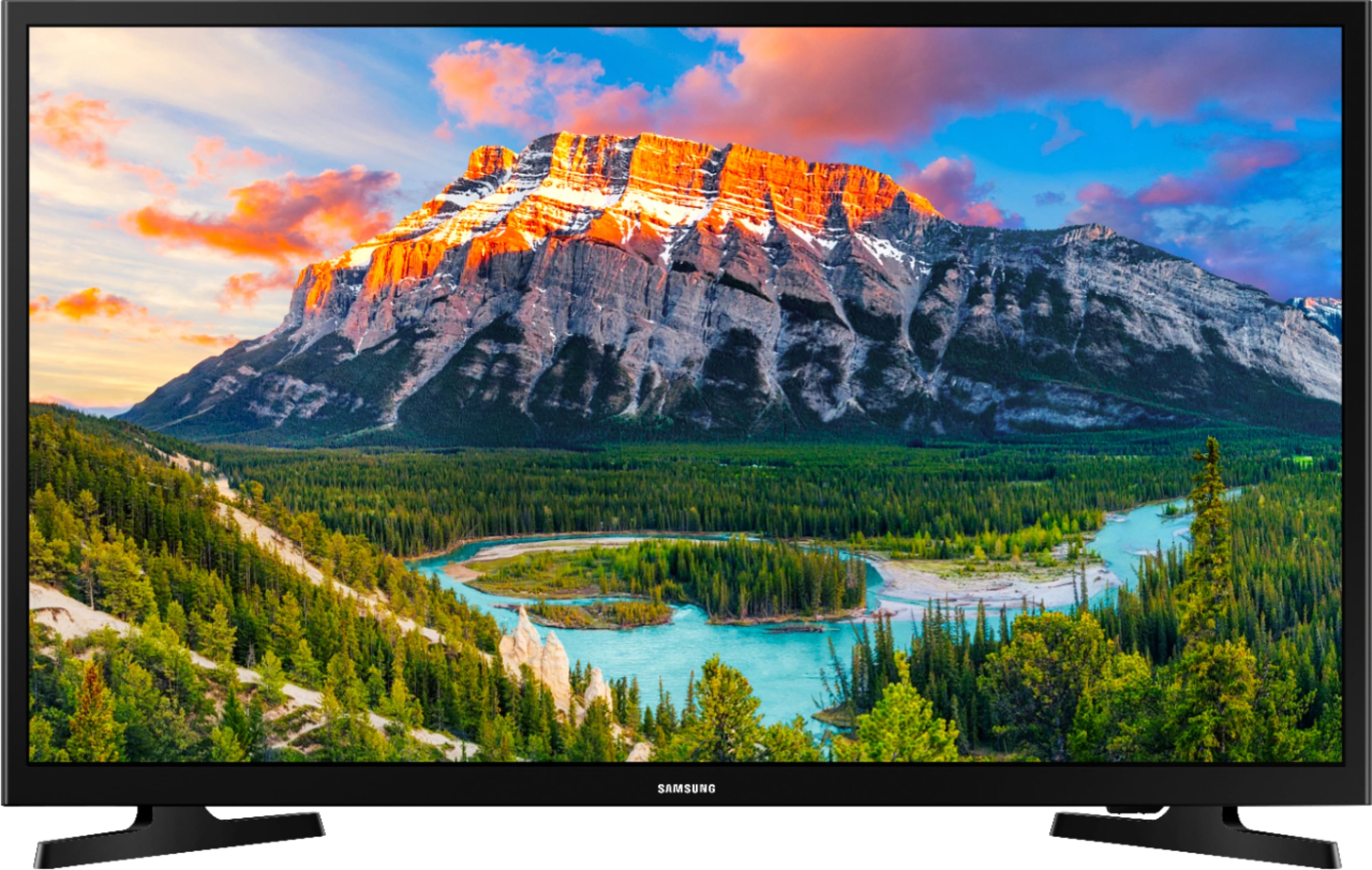
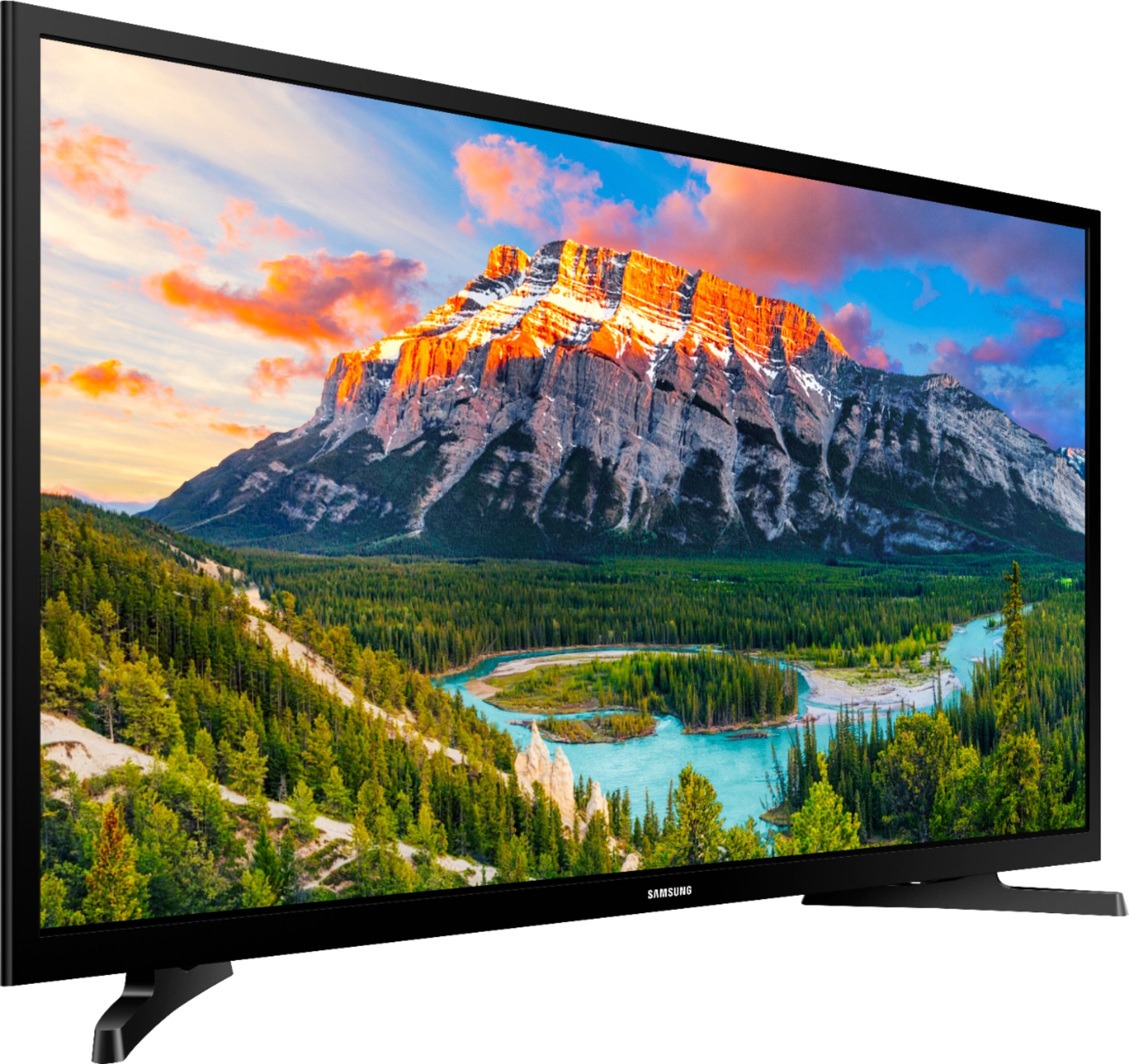
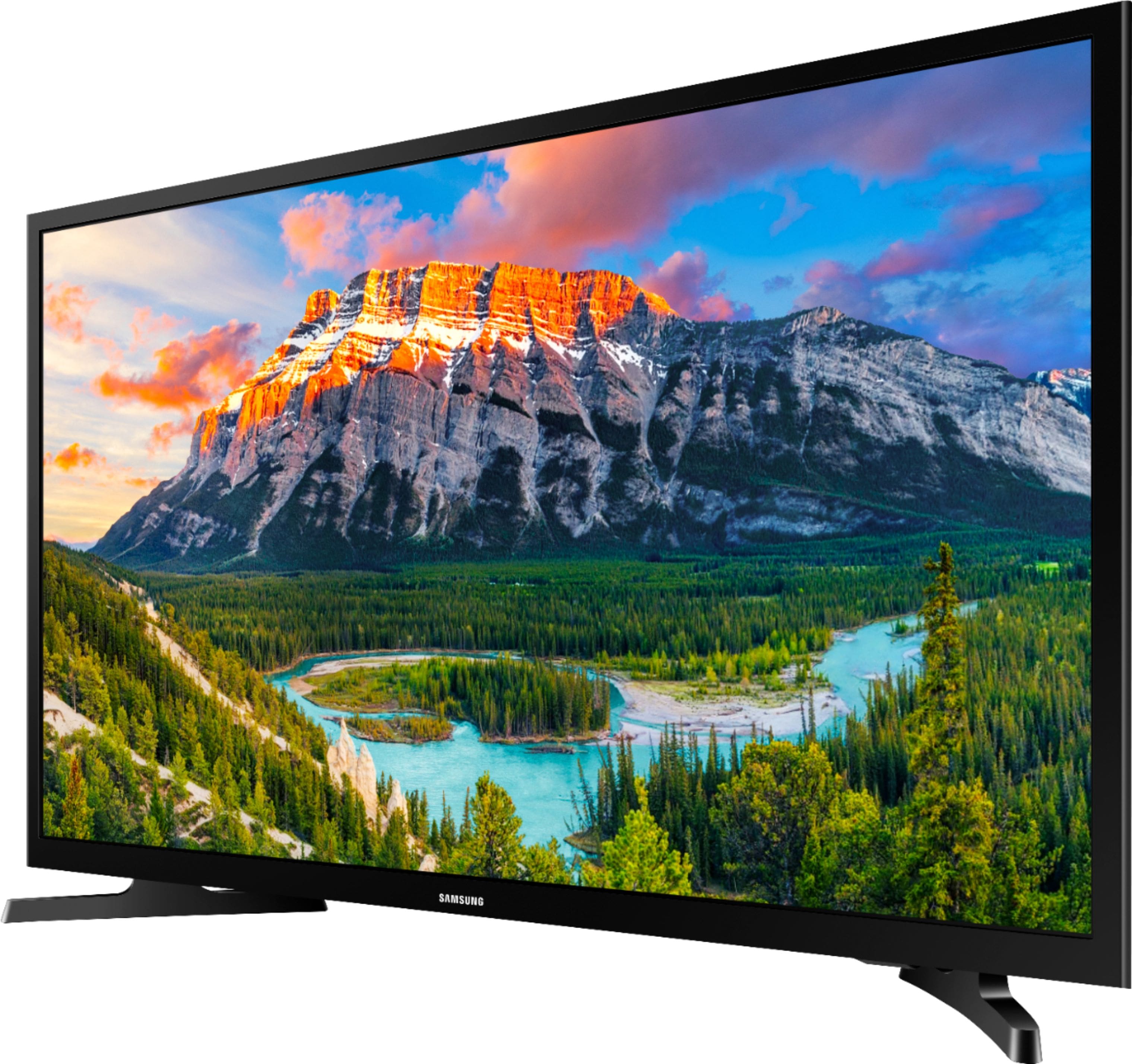
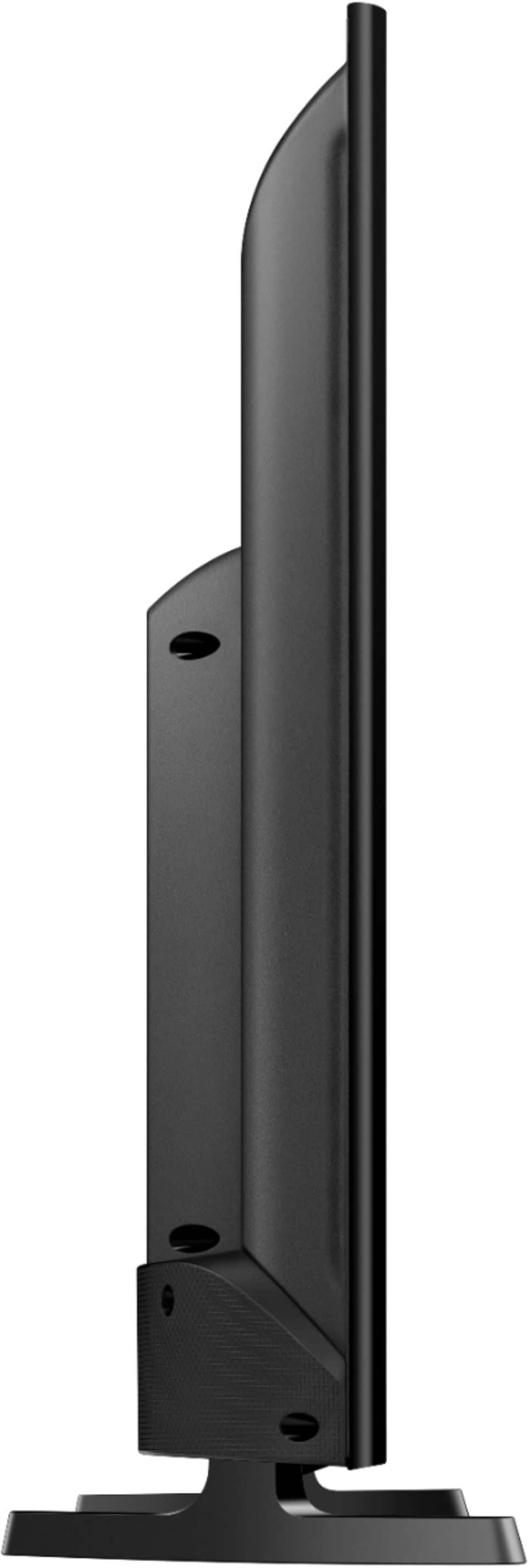
A:AnswerThere are 4 threaded mounting holes in a square pattern on the back. The set up instructions include specs for the 32 inch TV mounting hole pattern as being 100 X 100 millimeters square, center to center. However, these threaded mounting holes are attached to a thin plastic back panel, which has some flex in that panel, so any mounting device needs to be rigid. There is a warning not to over tightened the screws, nor to use screws that are longer than recommended. The TV is very lightweight though. The TV's set up instructions for mounting the TV on a wall recommends using a wall mount kit, sold by Samsung customer care, with a contact number for customer care. It's meant for on the wall type hangers, but there might be other swivel type stands, but the stands would have to be heavy enough to counterbalance a rotating TV. The TV is very light weight; I can easily lift it with one arm. A quick internet search shows several swivel stands available, just make sure you get one that can match the 4 mounting holes on the TV, or can be adjusted to match. The TV mounting holes are in a Square pattern 4 inches center to center, which matched the TV 100mmx100mm exactly. One minor problem I had was the 3 cable component receptacles on the back are used to connect X-box game, and the wall mount I have has a large sized flat plate to accommodate several TV mounting hole patterns; To avoid covering the 3 cable component receptacles with the mounting plate, I had to mount the TV slightly off center. For a wall mounted swing type, you can't tell, but for a table top mount, that might look off center. The connectors on the back, that might interfere are the component banana type receptacles, the audio optical receptacle, and the TV cable receptacle (see attached photo). The other receptacles, HDMI 1, HDMI2, LAN, USB and AC power are on a side mount in the back and were not a problem with my wall mount bracket. I have mine mounted to a wall mount, that not only extends but also swivels. My mount had numerous hole patterns so there was one pattern that matched exactly, I used my existing wall mount adjusting washers and screws, be sure to check the screws are compatible first, in thread pitch and length. Set up instructions recommend screw M4 with pitch 0.7mm.
A:AnswerFirst....DO NOT go with the Samsung TVs. There is a flaw in the circuit boards on many of the different models that require you to send the TV to an authorized repairman to have fixed. And who wants to have a brand new tv repaired coming right out of the box? The problem is that the tv DOES NOT turn back on without unplugging it each time. This is a well known issue with Samsung models made within the past 2 years. I bought one that did that and after reading hundreds of reviews on many different sites including this site, I returned that tv and bought a different brand.
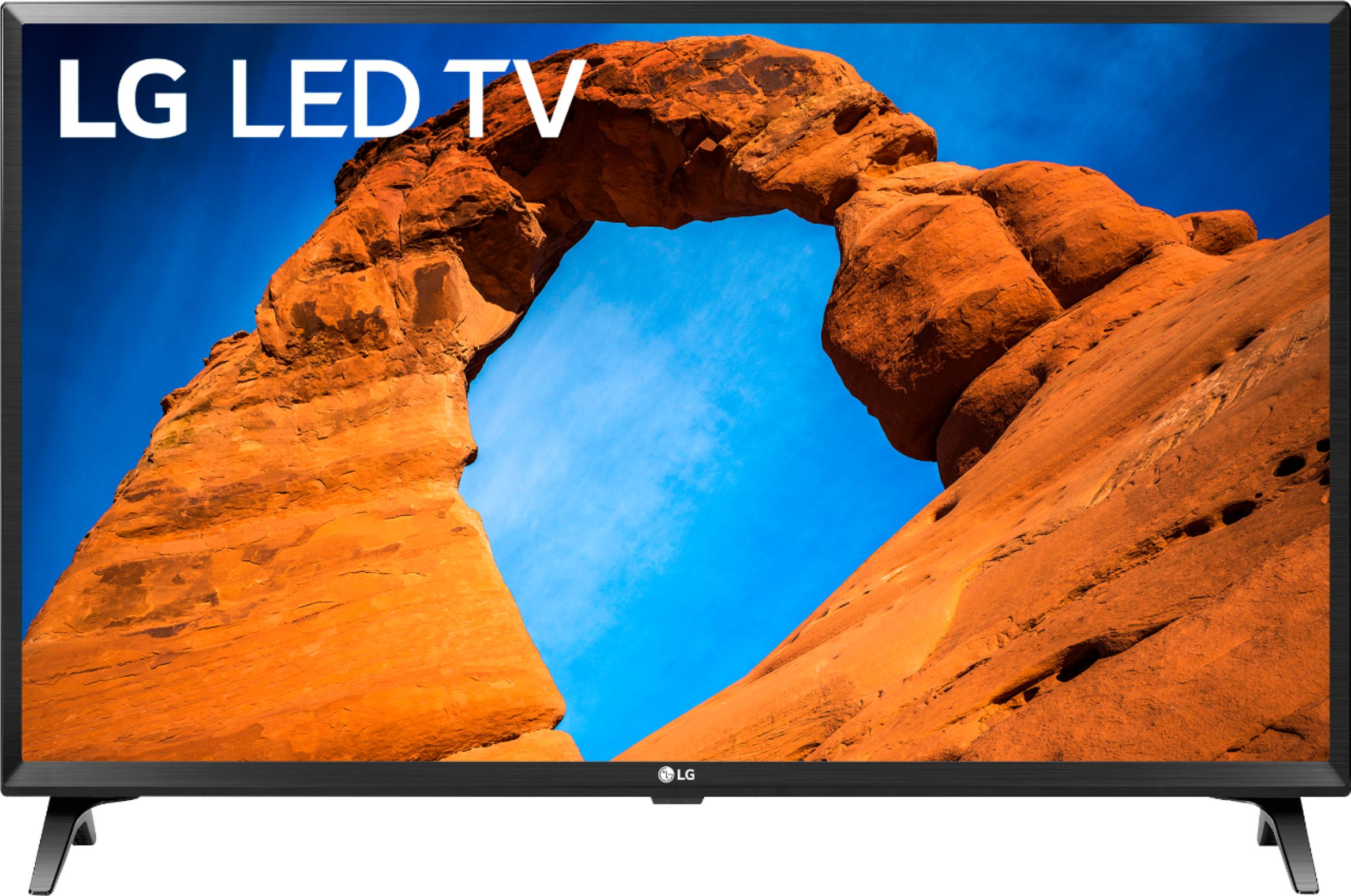
What I now have is another 32 inch tv...the........ LG - 32" Class - LED - 720p - Smart - HDTV ... Model number ... 32LK540BPUA .... I am extremely satisfied with it and there are plenty of great apps that you can download for it. It measures 19 1/2 inches tall and 28 3/4 wide. It does everything I need it to do app wise and the picture and sound is great. i hope this helps!
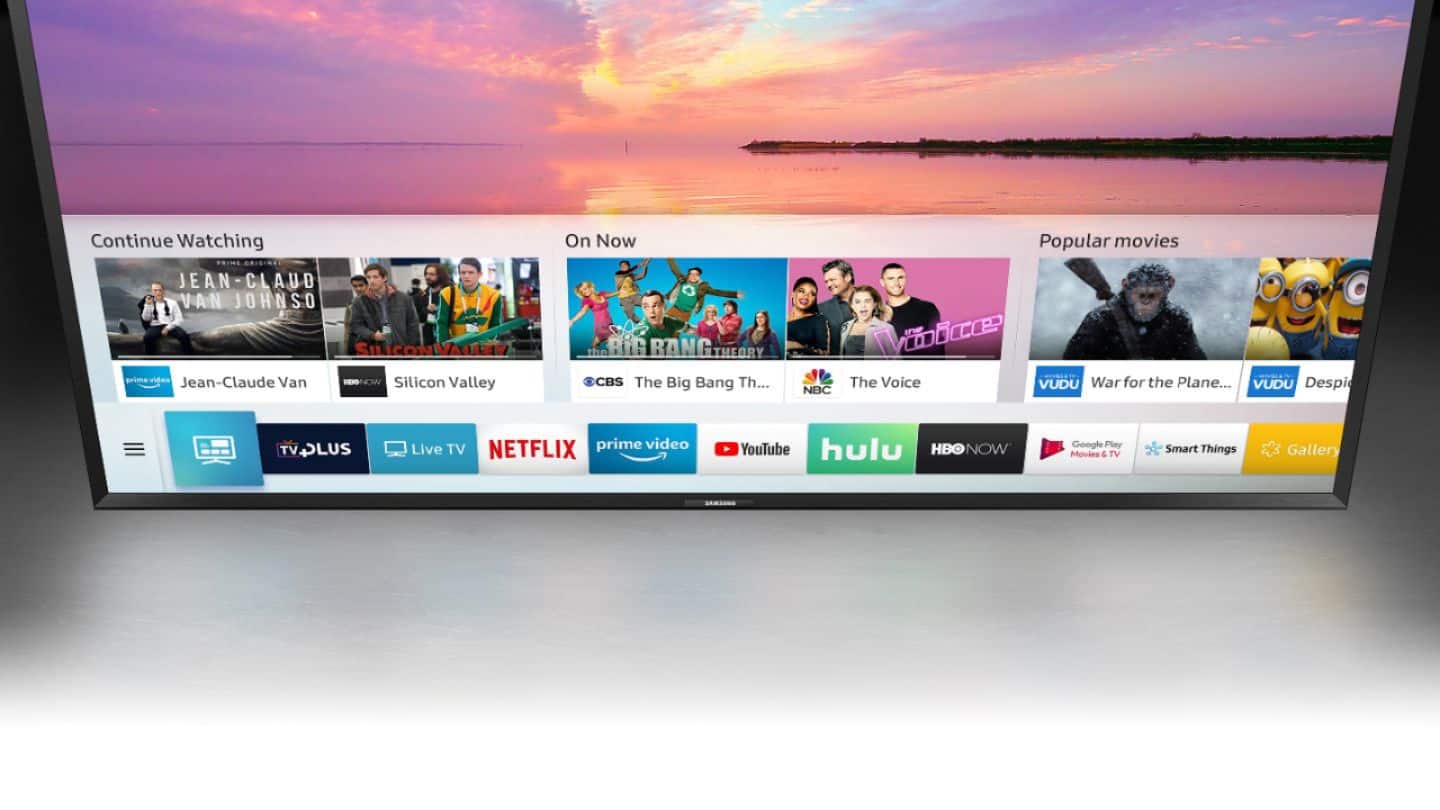
A:AnswerThis does not have a Tizen Smart App Platform. Although this is a 2018 Model it is operating on a 2003 operating system.
It will not find the CBS All Access App!