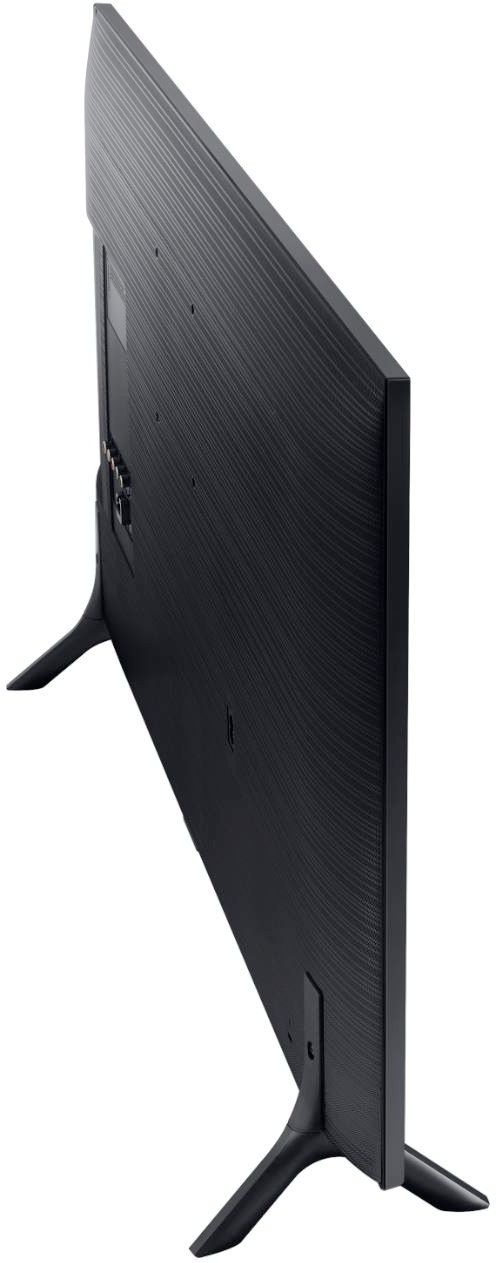
A:AnswerYes. I bought the following mount.
https://www.amazon.com/gp/product/B000WYVBR0/ref=ppx_od_dt_b_asin_title_s00?ie=UTF8&psc=1
I mounted mine on a door frame since I didn't want to bother finding the studs and it was easier to do since my room is small and the door frame was closer for where I wanted to mount and place the TV in my room.
A:AnswerEthernet port is there who told you it does not have?? You may use wired connection to the router or WiFi as well. It is really a great TV I do LOVE Samsung.
A:AnswerYes, under SETTINGS -> GENERAL -> ACCESSIBILITY there as an option to enable the TV speakers while Bluetooth is on. To be honest it makes NO SENSE to have that option tucked away in some random sub-menu. The only reason I found it was because I turned on high contrast + enlarge for the menus. Having the menus be ultra bright white is painful on the eyes when you are watching movies and trying to tweak some settings.
A:AnswerYou can and is nicer than having to scroll all over with the on screen keyboard. Be aware however that not all keyboard functions will work. I bought a pretty nice wireless keyboard (Logitech K830 Illuminated Living-Room Keyboard with Built-in Touchpad) but was most disappointed that the right click functionality just wasn't there. Meaning, you do have to type in everything and can't copy/paste. Bummer! In speaking with Best Buy Tech Rep he simply replied, "A TV is not a computer".
A:AnswerYes.
Android calls "screen mirroring" by different names; mostly the same feature.
Activate screen mirroring on your device, select your tv, use tv remote to accept the share, enjoy your mobile device on your tv screen.
No WIFI needed with Android.