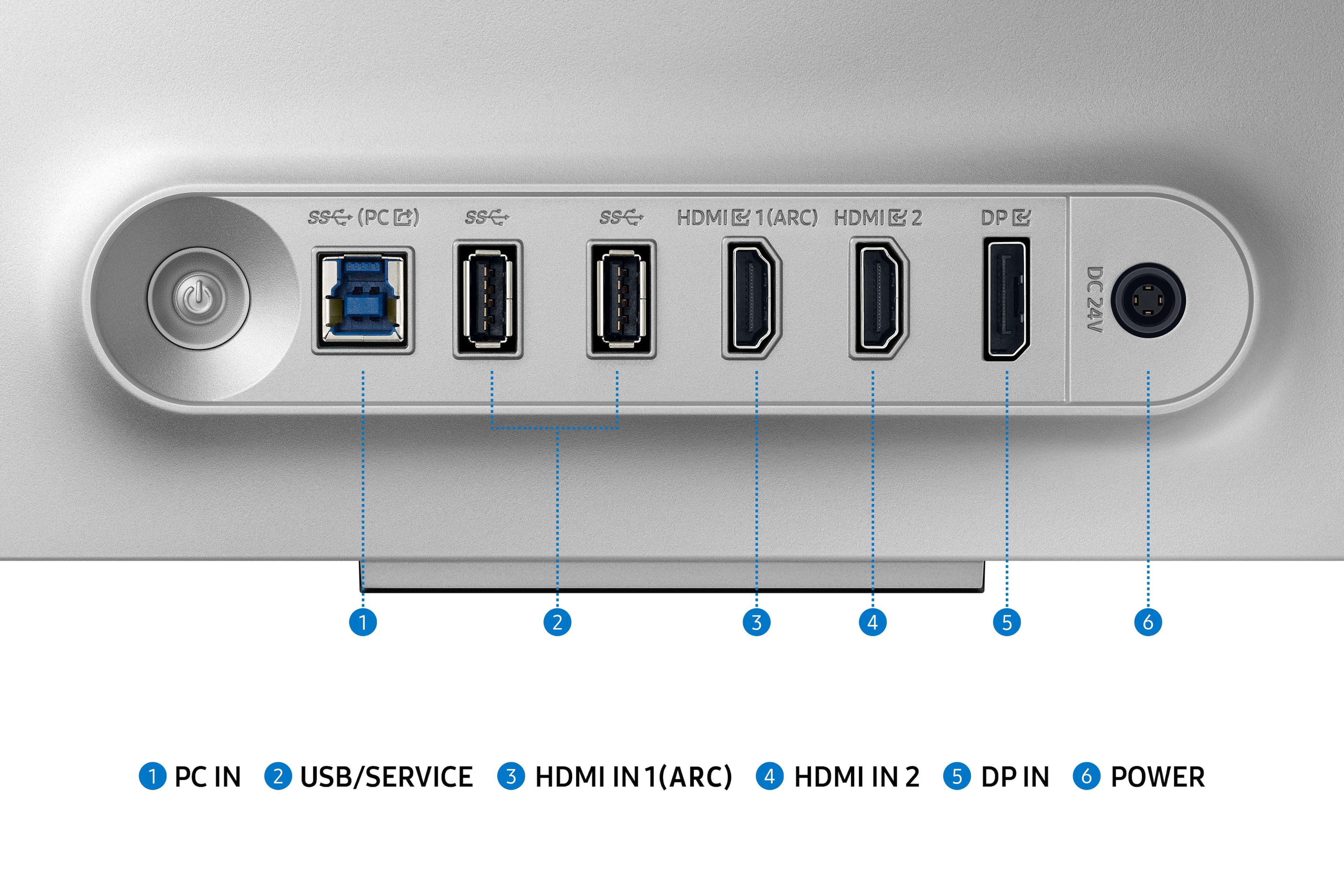
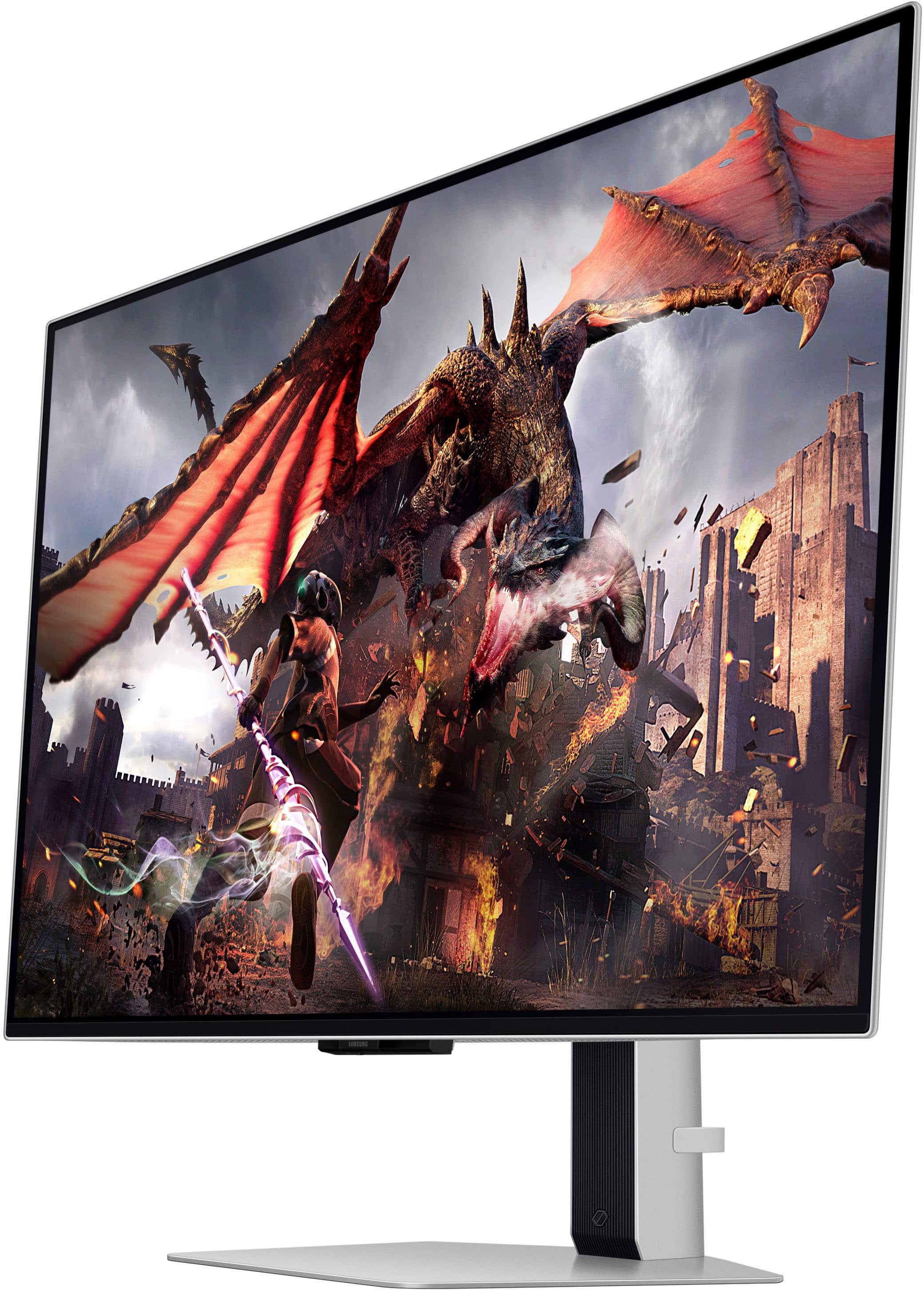
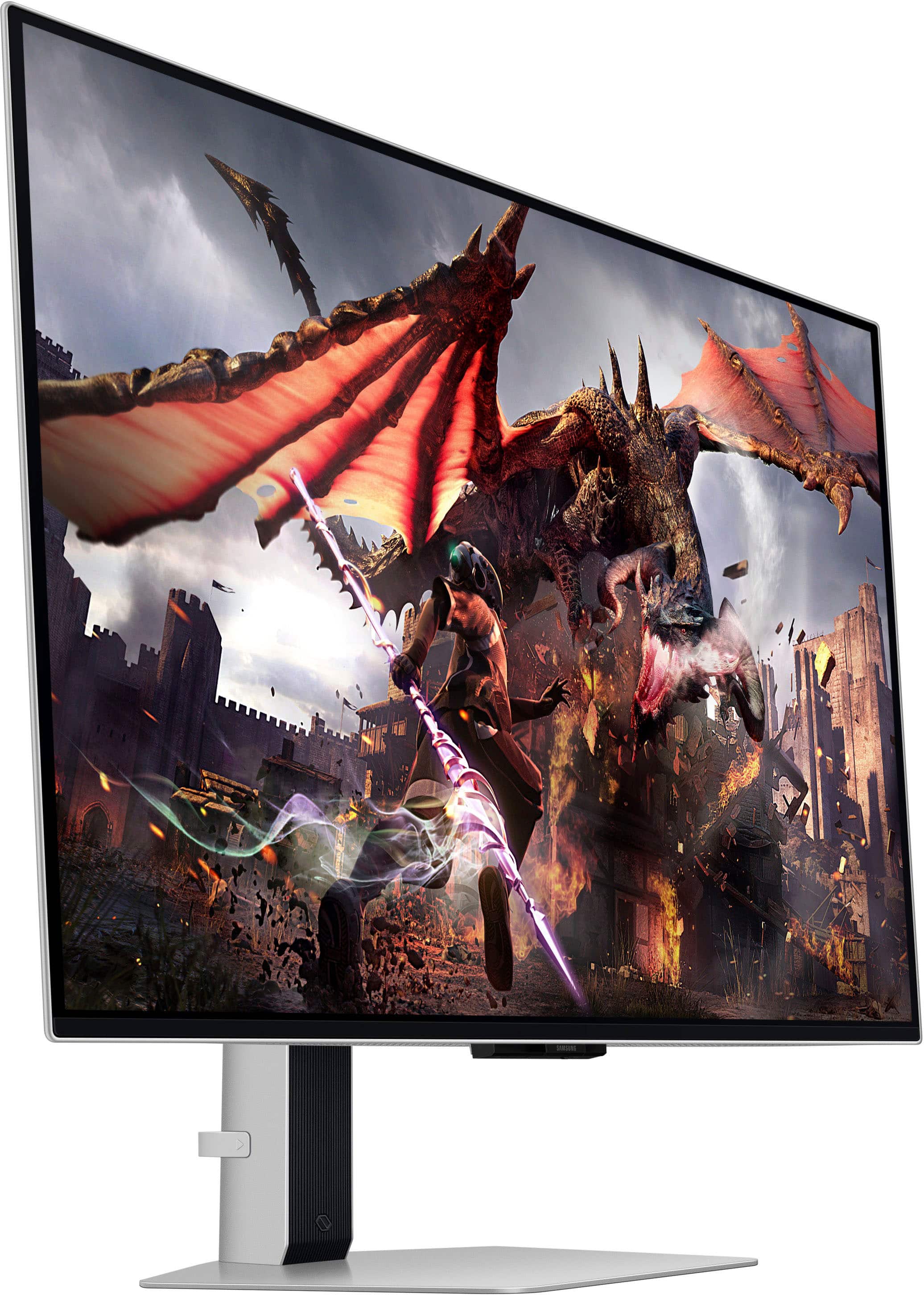
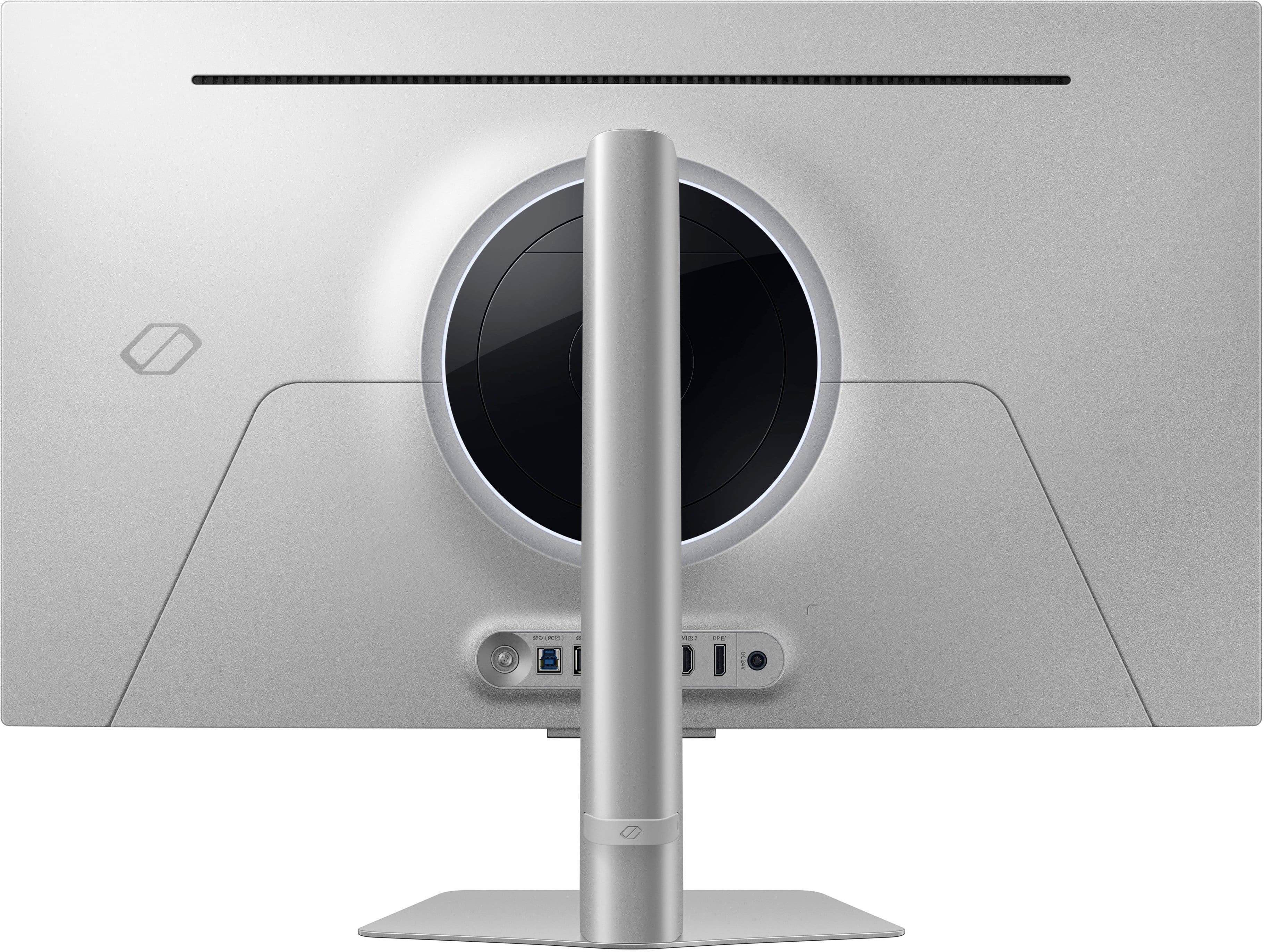
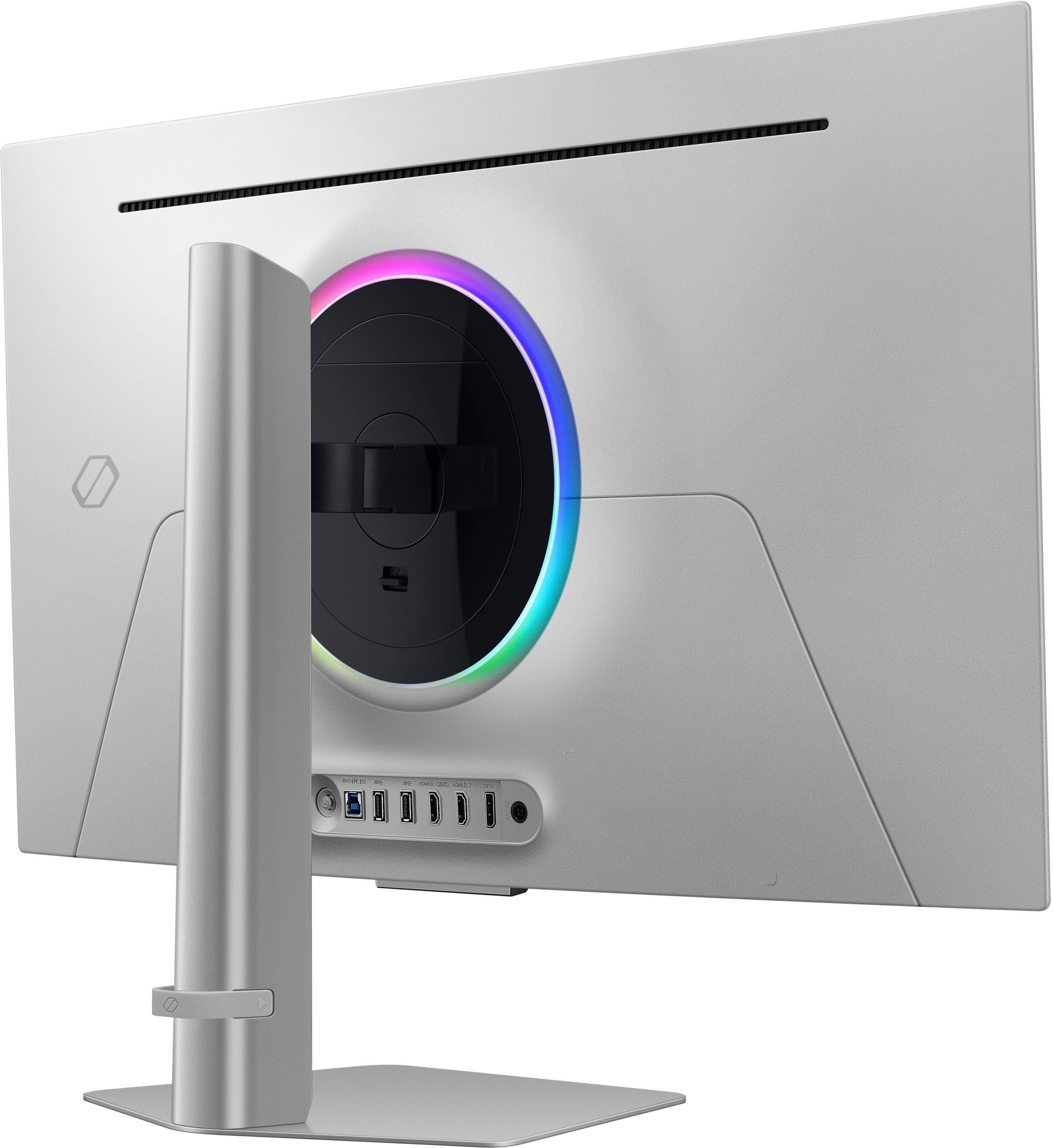
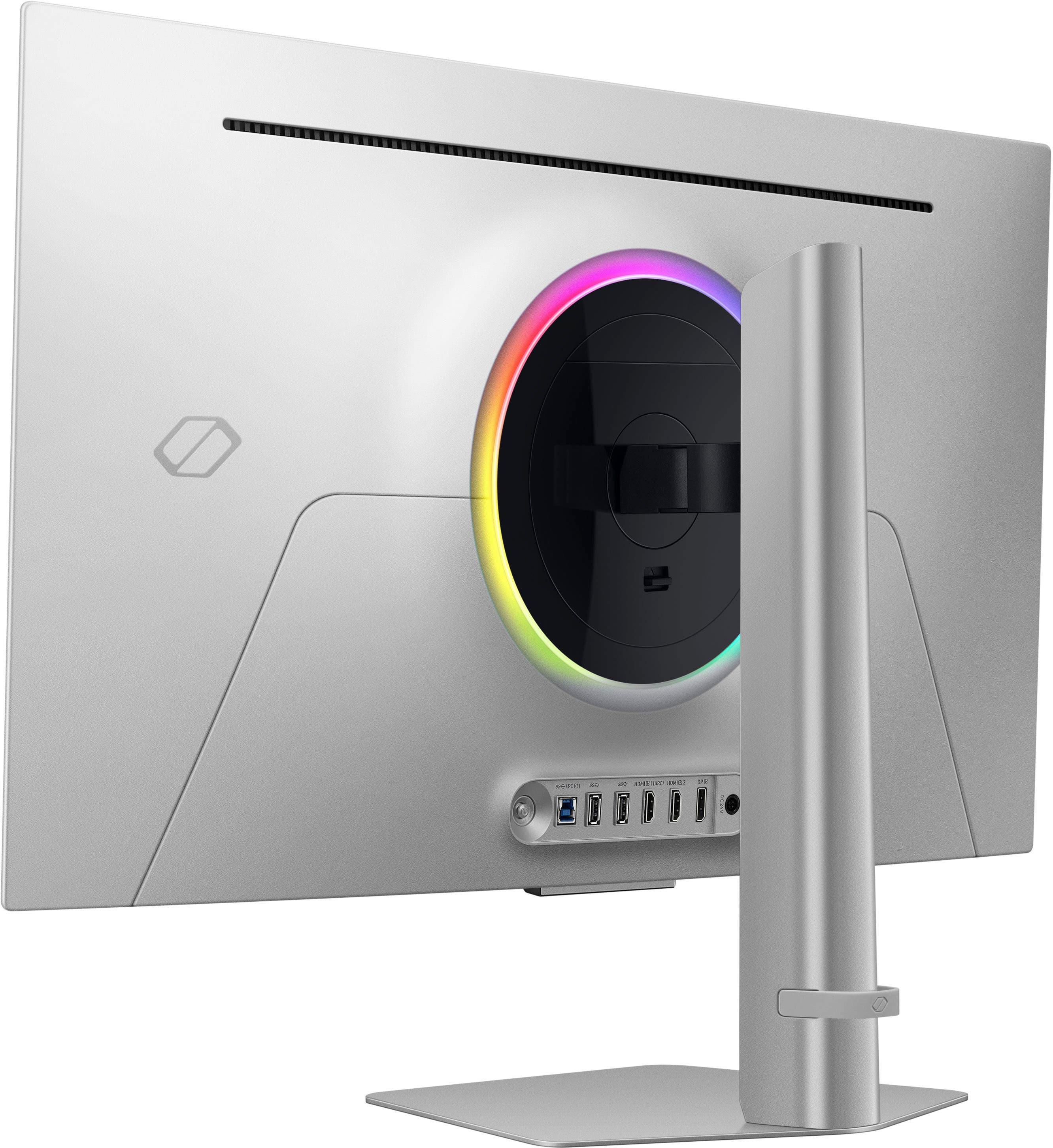
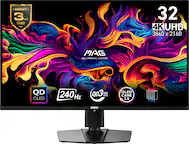
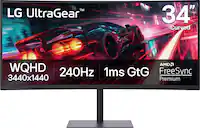
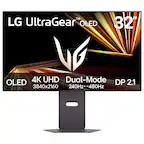
A:Answer The monitor has no USB-C input and its DisplayPort input is DP 1.4 (with DSC) - not DP 2.1 - so a USB-C→DP cable must rely on your computer’s USB-C DP Alt Mode to output DP 1.4+DSC. Many laptops/adapters cap at 4K120 over USB-C→DP, and some combinations fail handshakes; the cable’s DP80 rating won’t change the monitor’s DP 1.4 limit. For the most reliable 4K240, use a GPU’s full-size DisplayPort 1.4 (DSC) output or HDMI 2.1 from the GPU with a certified cable.