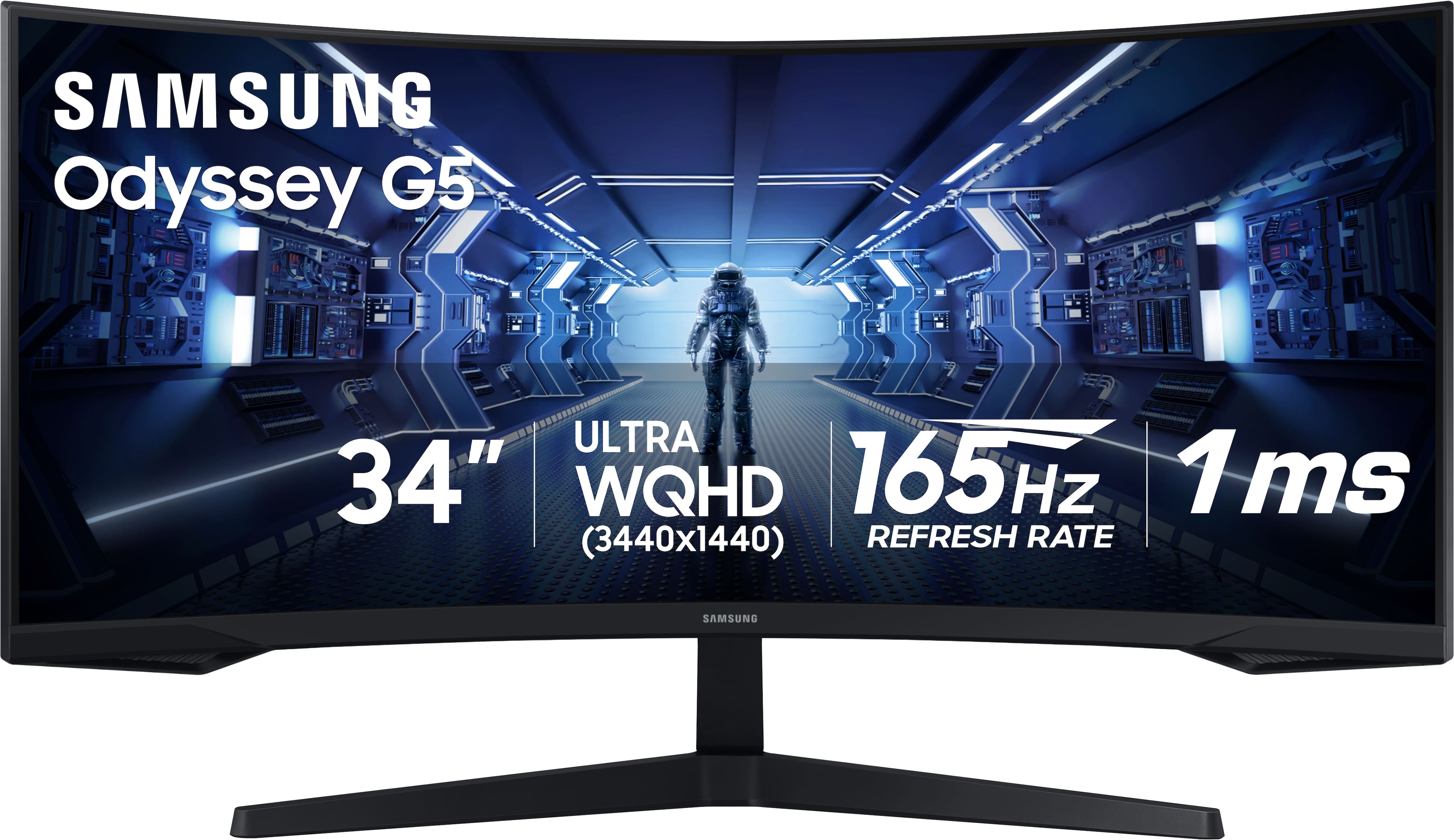
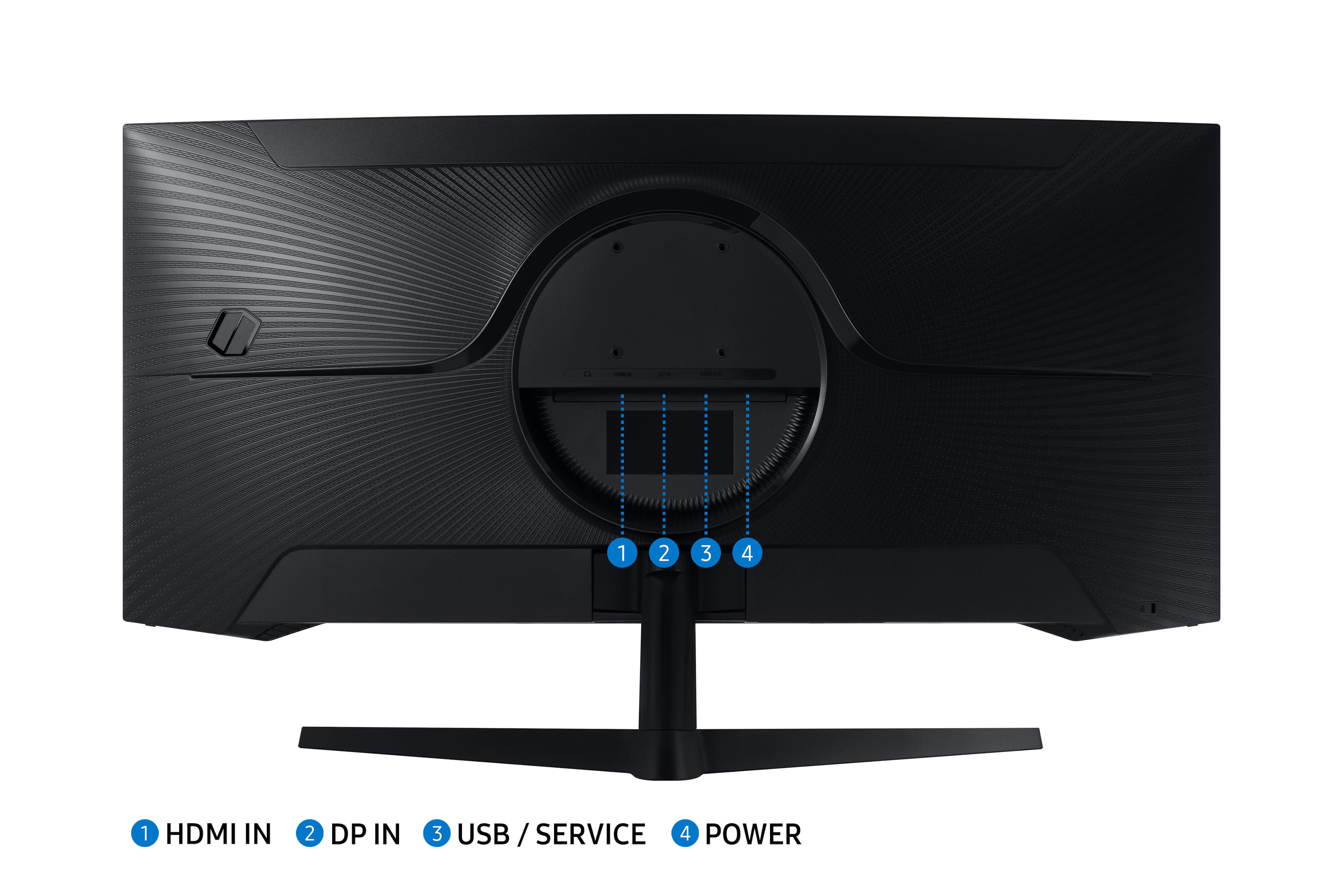
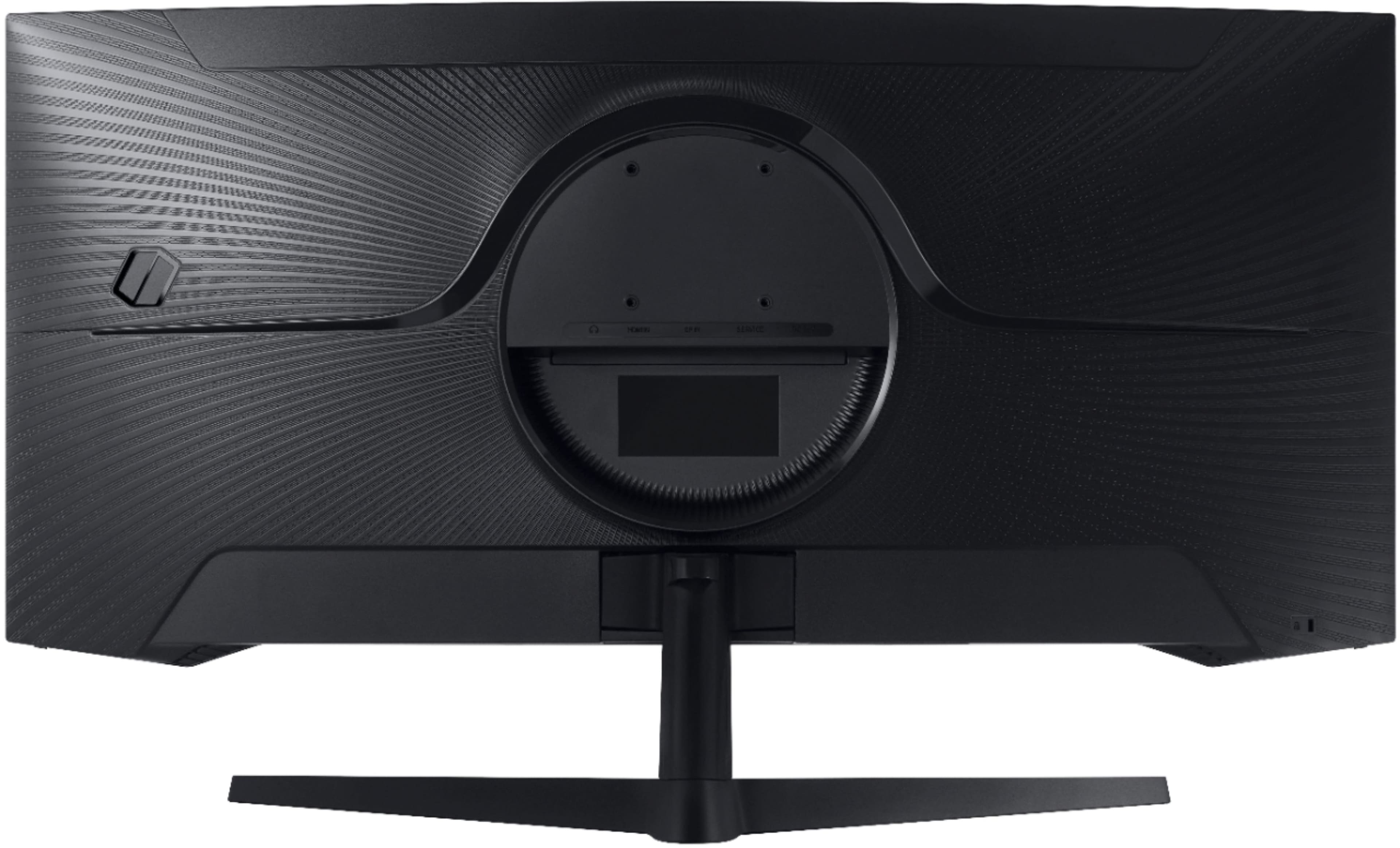
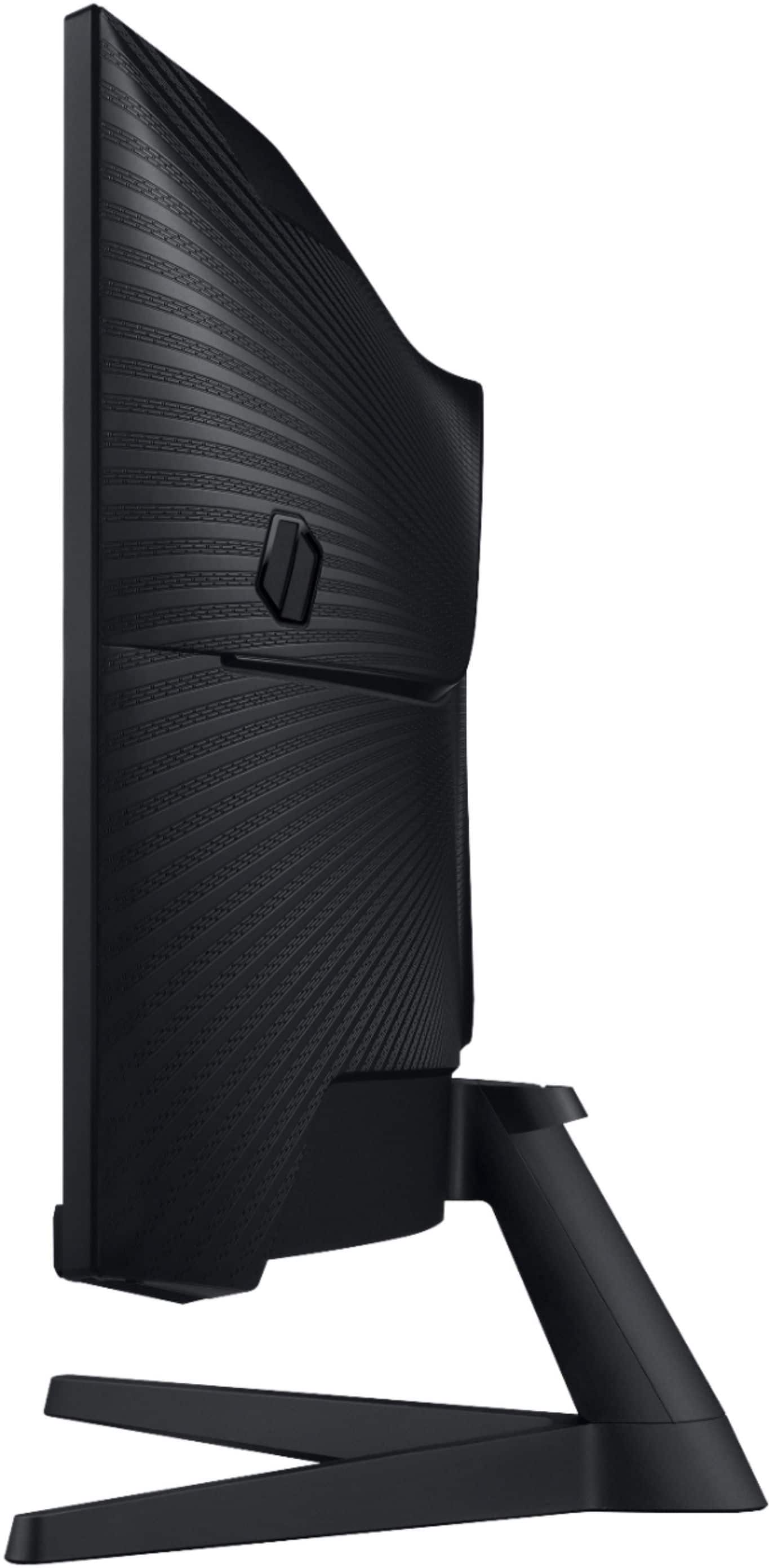
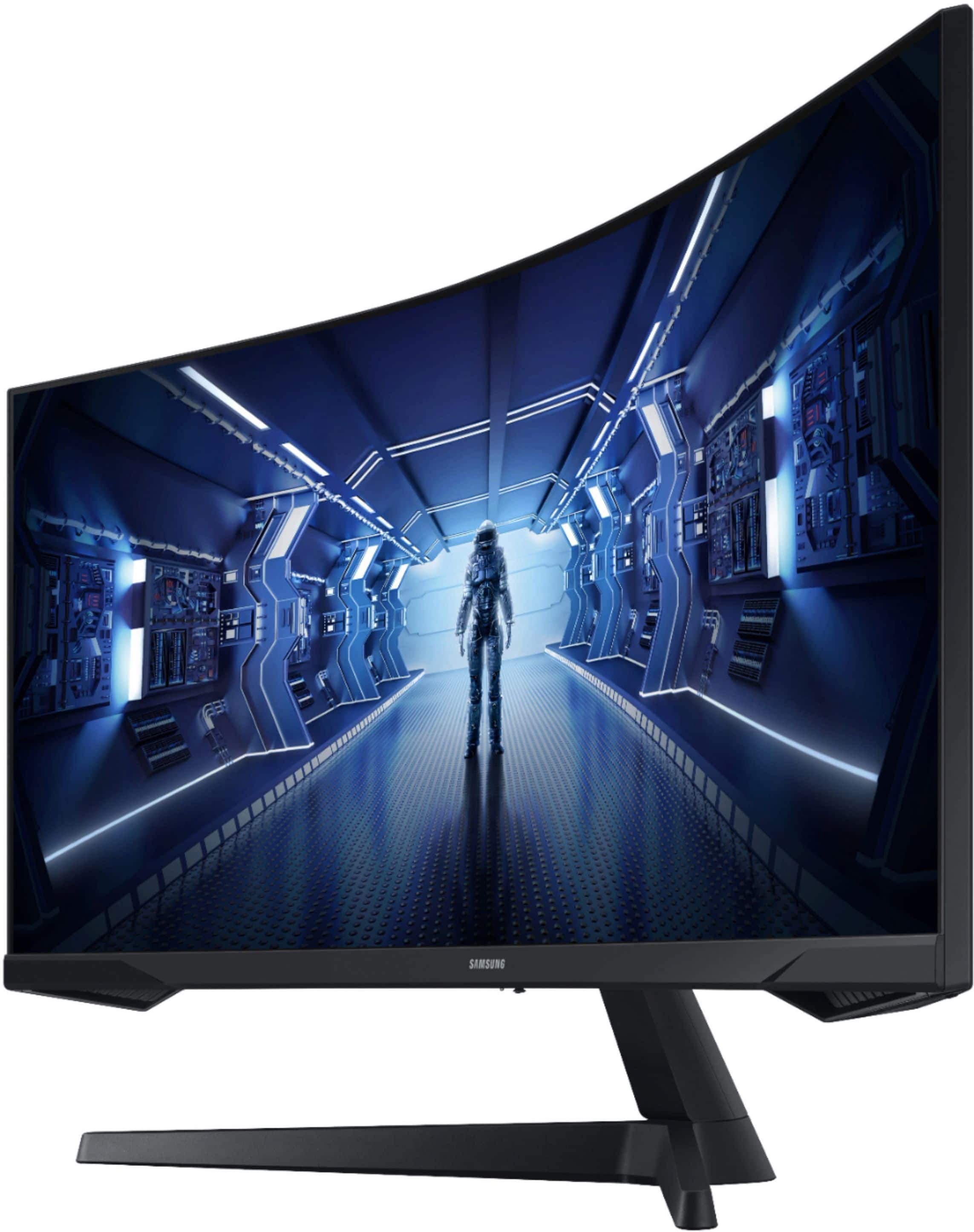
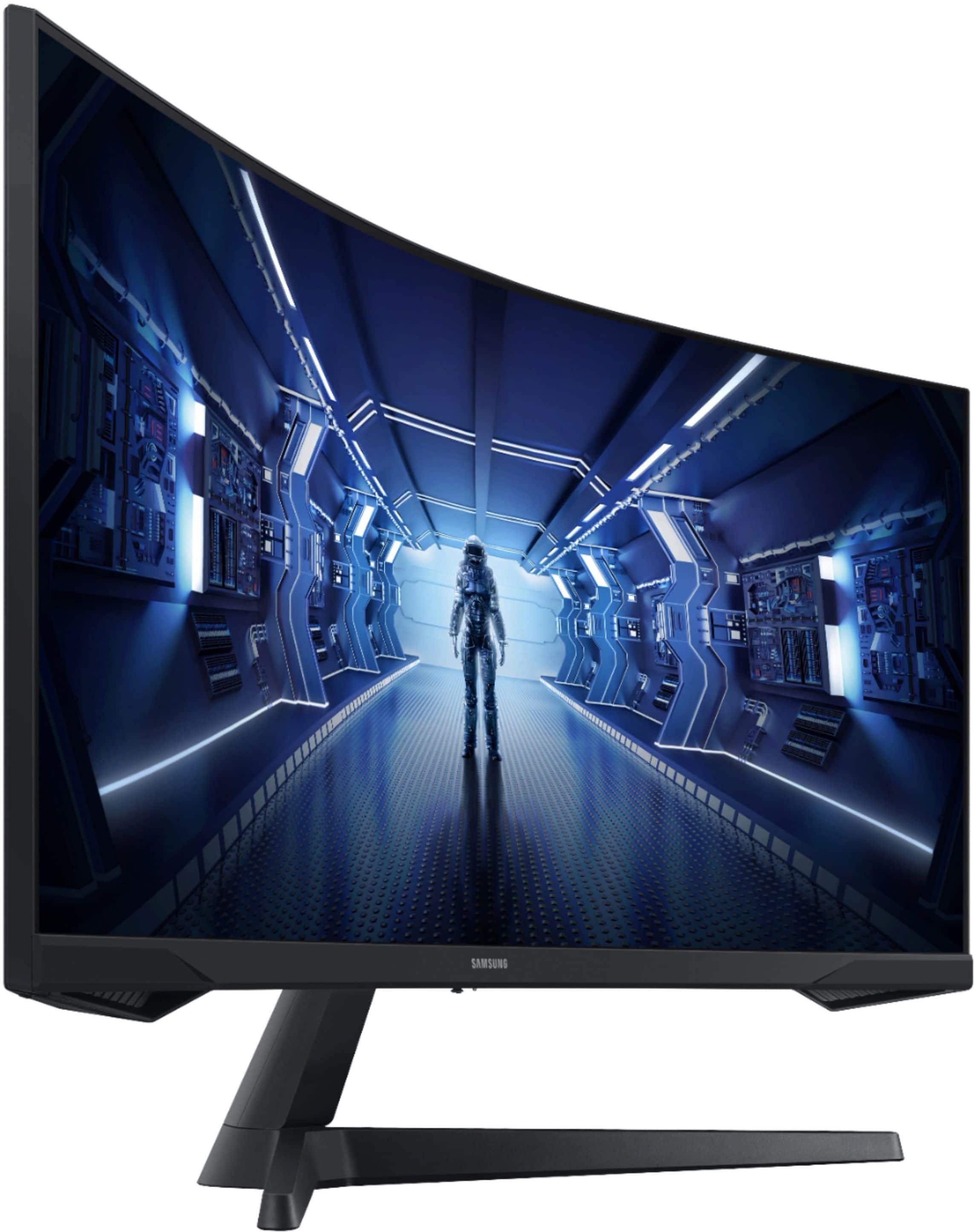
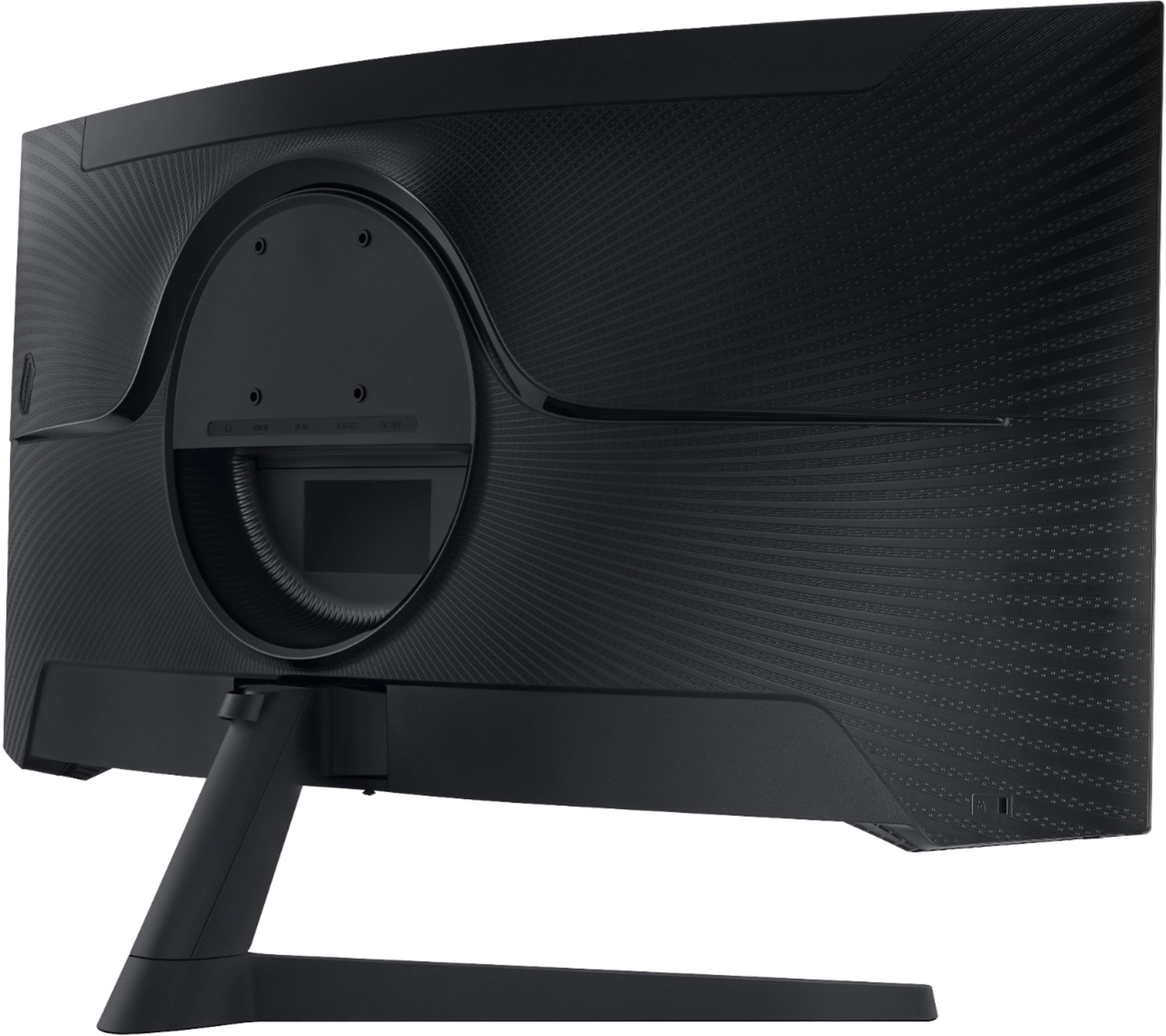
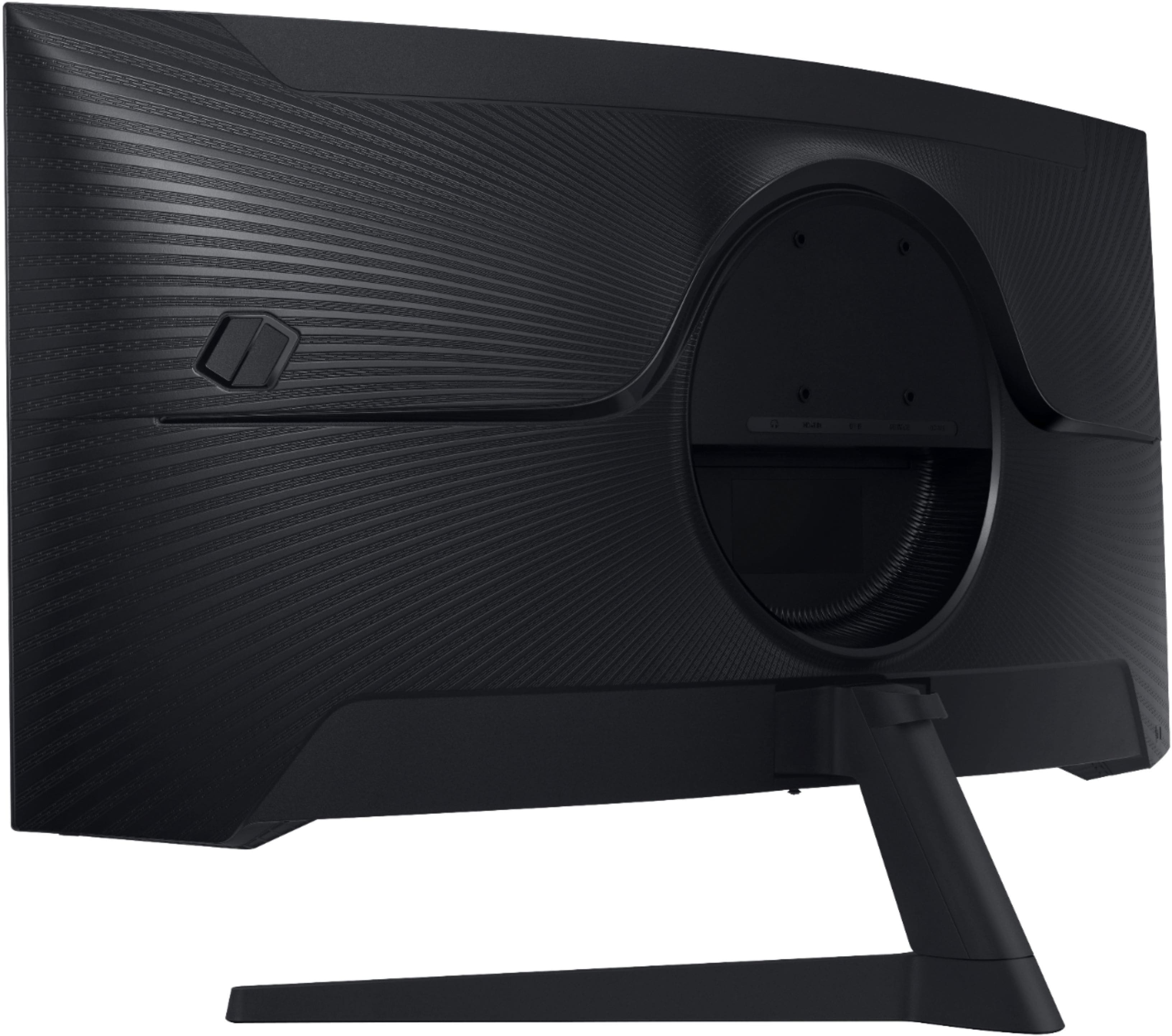
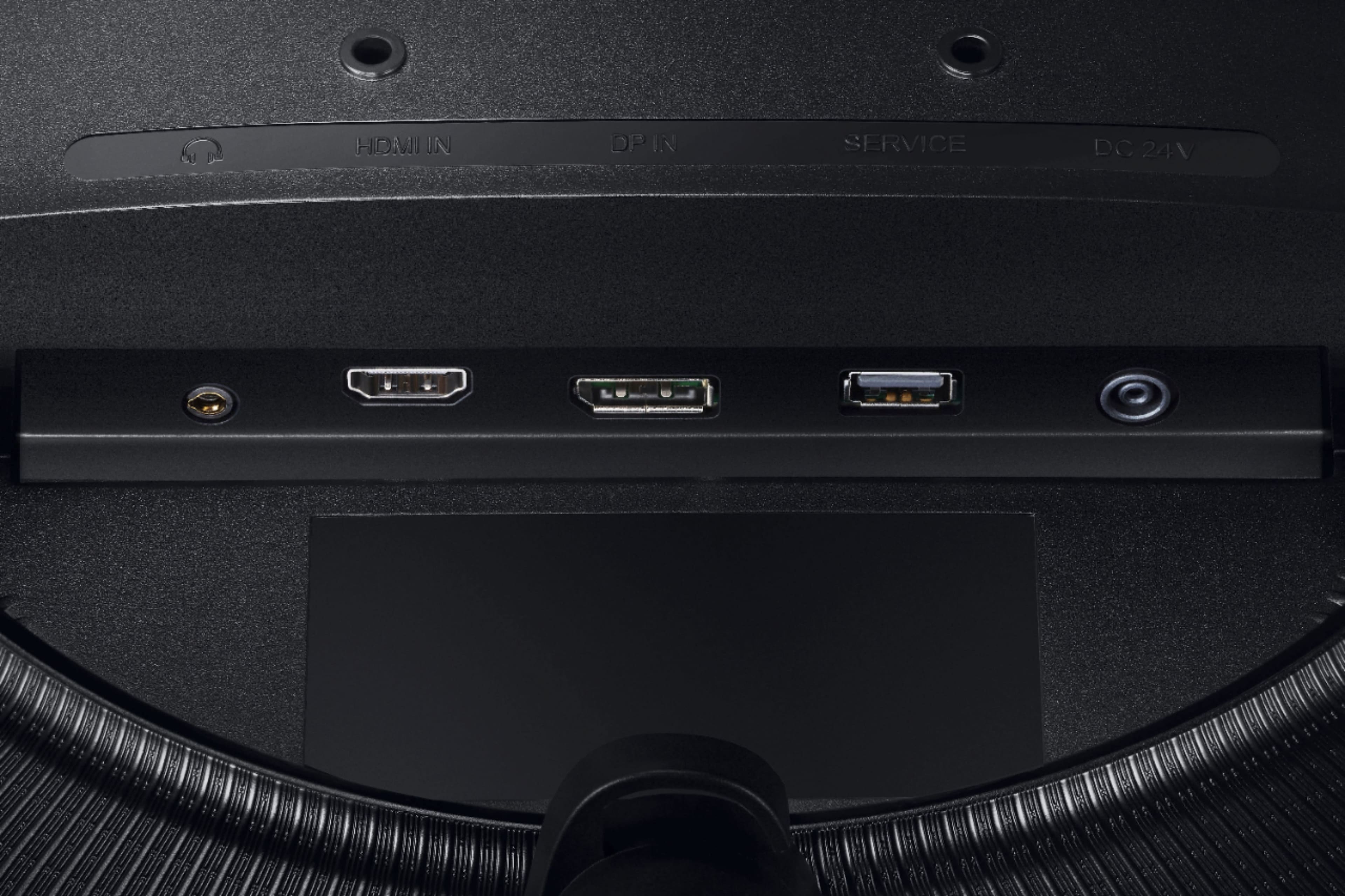
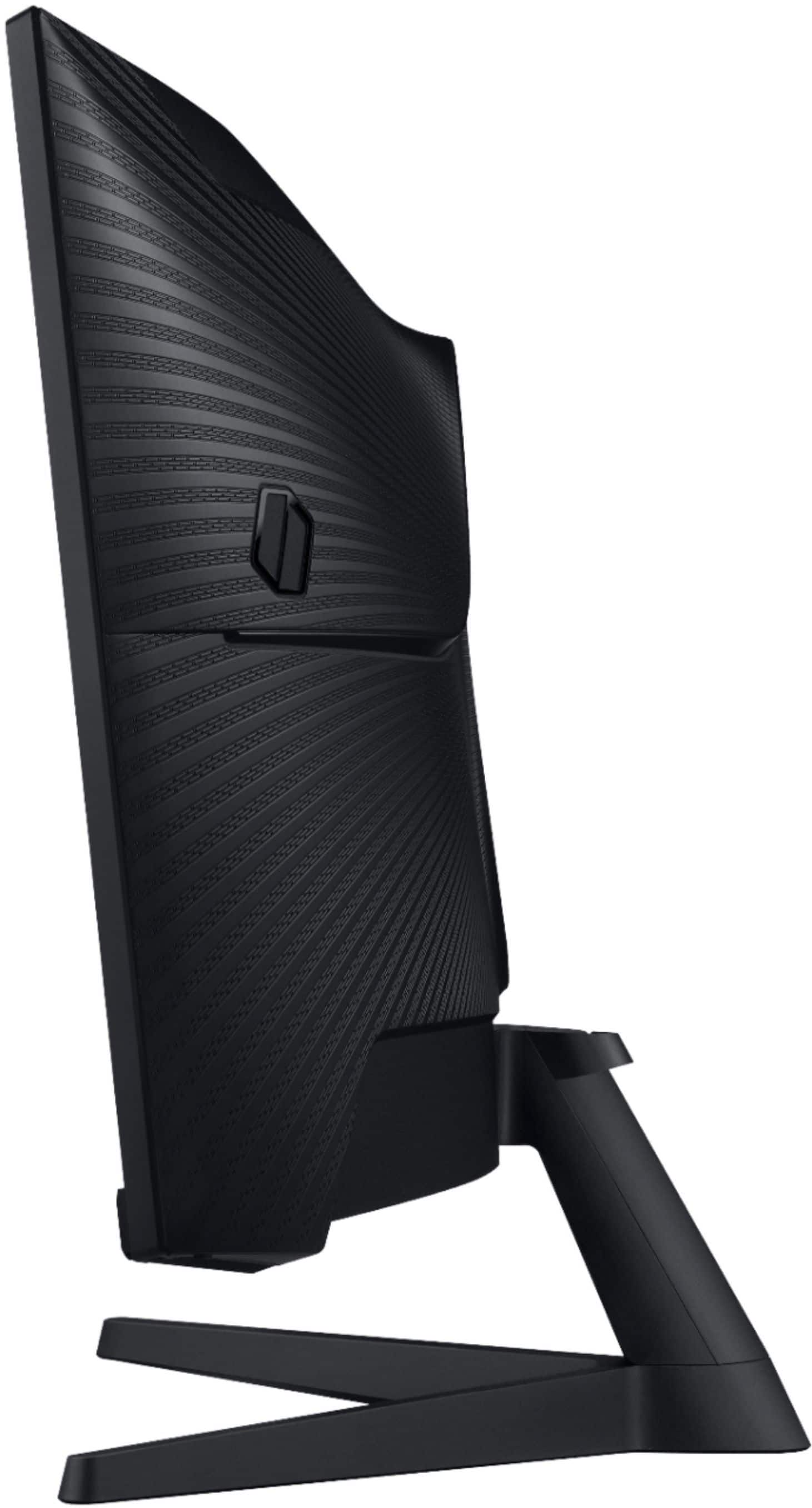
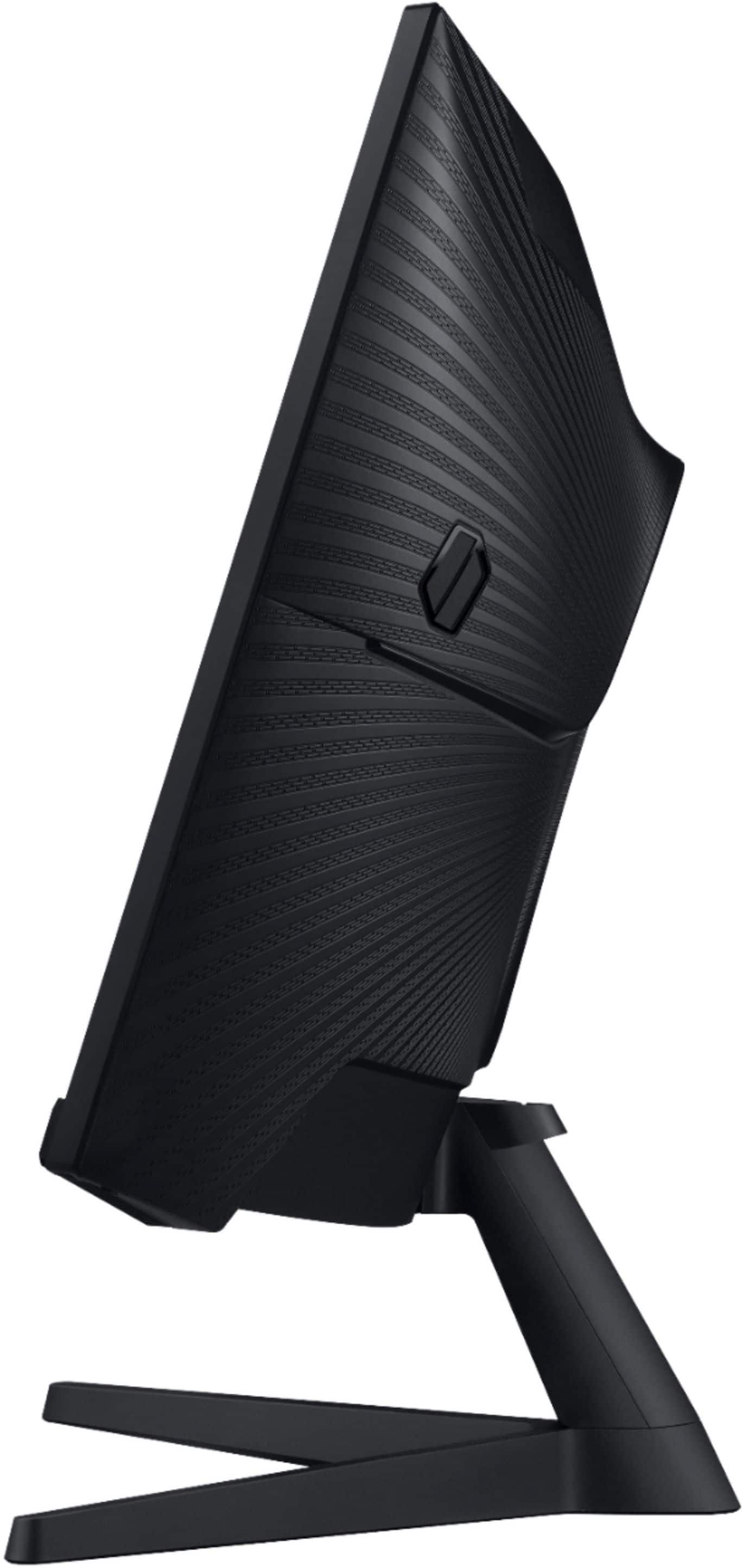
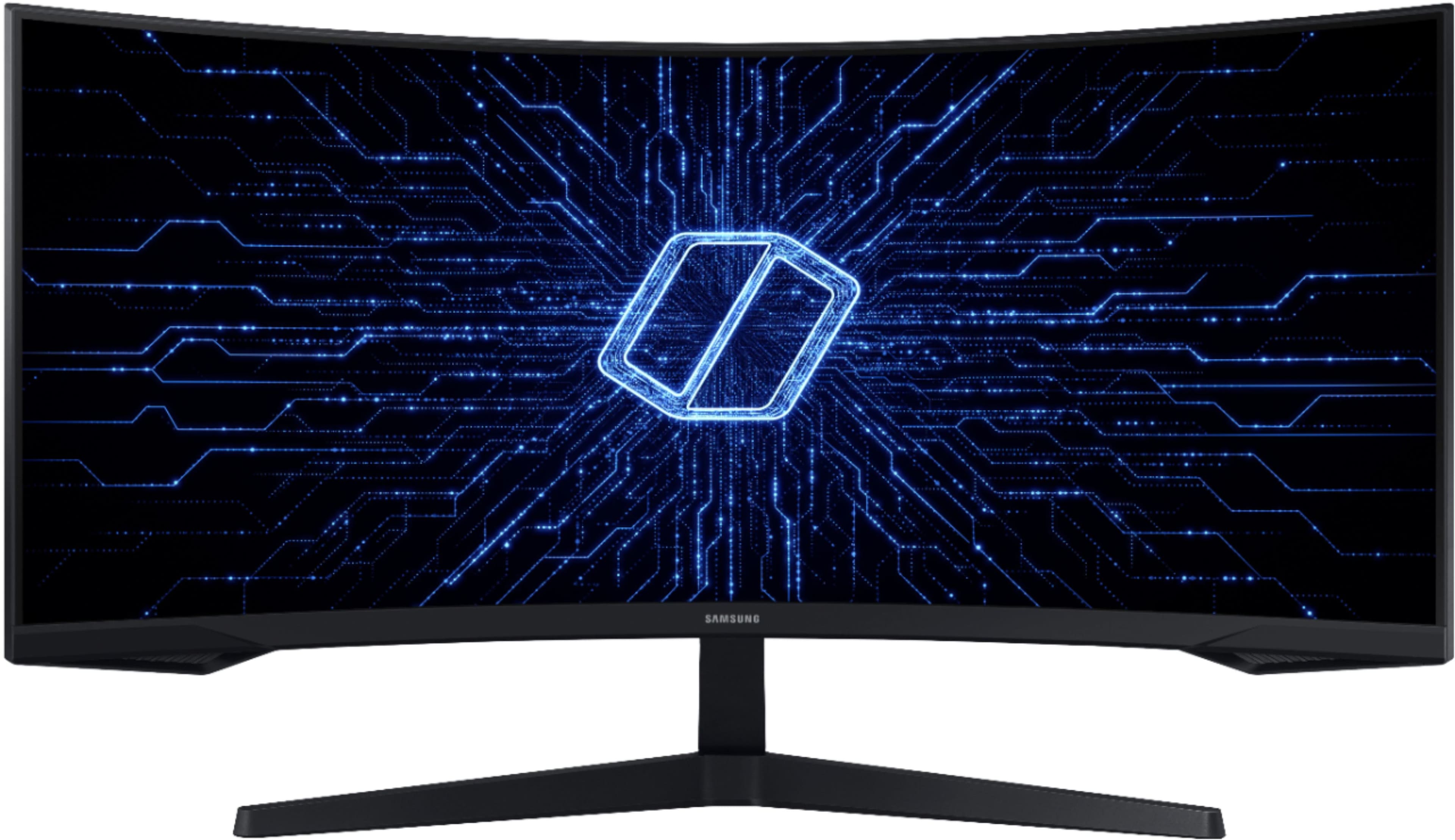
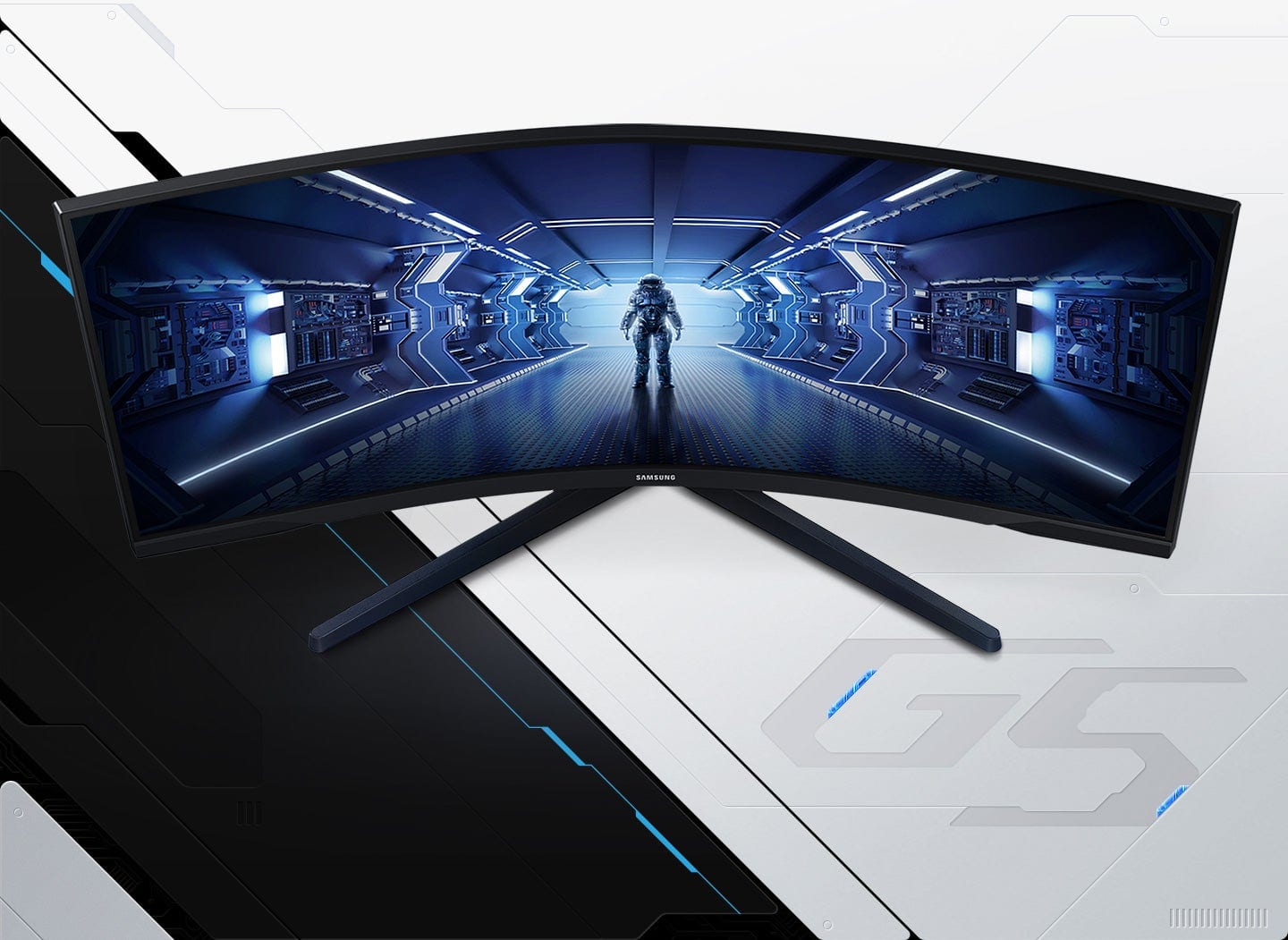
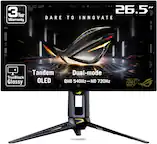
A:AnswerIt sure does! Just connect the monitor to the Xbox with a HDMI cable. Then select the source menu with the toggle switch located directly at the bottom center of the monitor.
A:AnswerThank you for your question! All of today’s gaming consoles will utilize HDMI as their connection to the display. The Odyssey G5 features HDMI (version 2.0) for compatibility with your Xbox.