A:AnswerThe standard remote uses infra red signals to control the TV and requires line of sight, meaning you must point the remote at the TV and if anything obstructs this line of sight, your remote inputs will do nothing. Bluetooth uses a radio waves that radiates from the remote itself and does not require line of sight meaning you don't have to point the remote at the TV and if the signal is strong enough you could change the channel from an adjacent room.
A:AnswerWe used 4 M8 machine screws (1.25 x 25 mm ) pan head phillips from Home Depot . Because the screw size you need you can't buy we also used two M8 washers per screw to get us to length we needed
A:AnswerThis model has upgraded to digital sound output. You will need to purchase Optical/coax digital to analog converter and digital optical audio cable. I purchased both of these from Best Buy. Very easy conversion. I also purchased wireless headphones. Very happy with all purchased items. Instructions easy to follow. These newer TVs do not have the old analog output jacks anymore. You cannot use the jacks that come with the TV package.
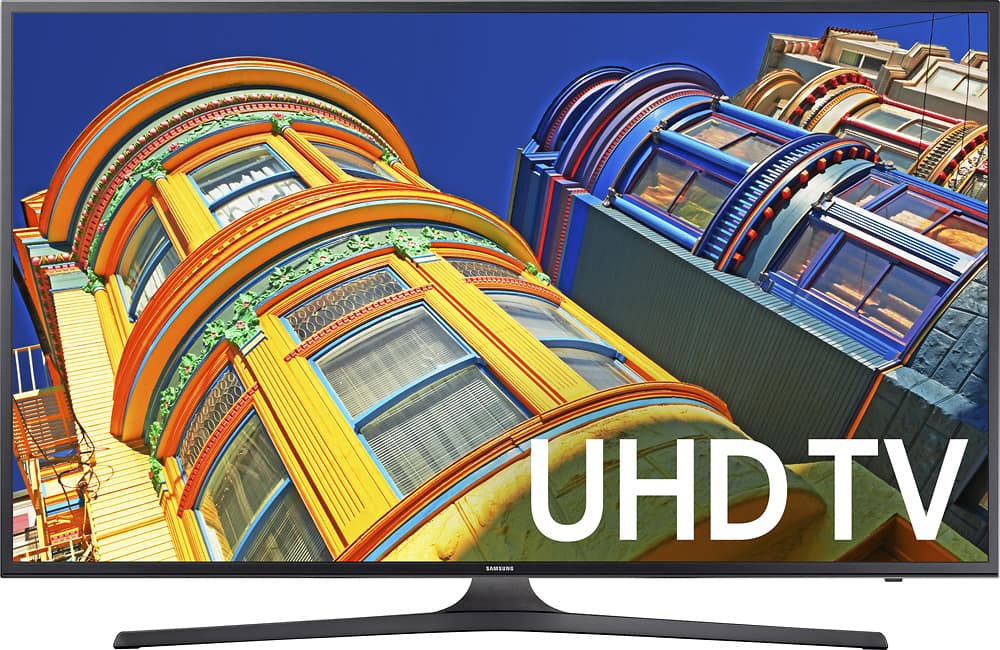
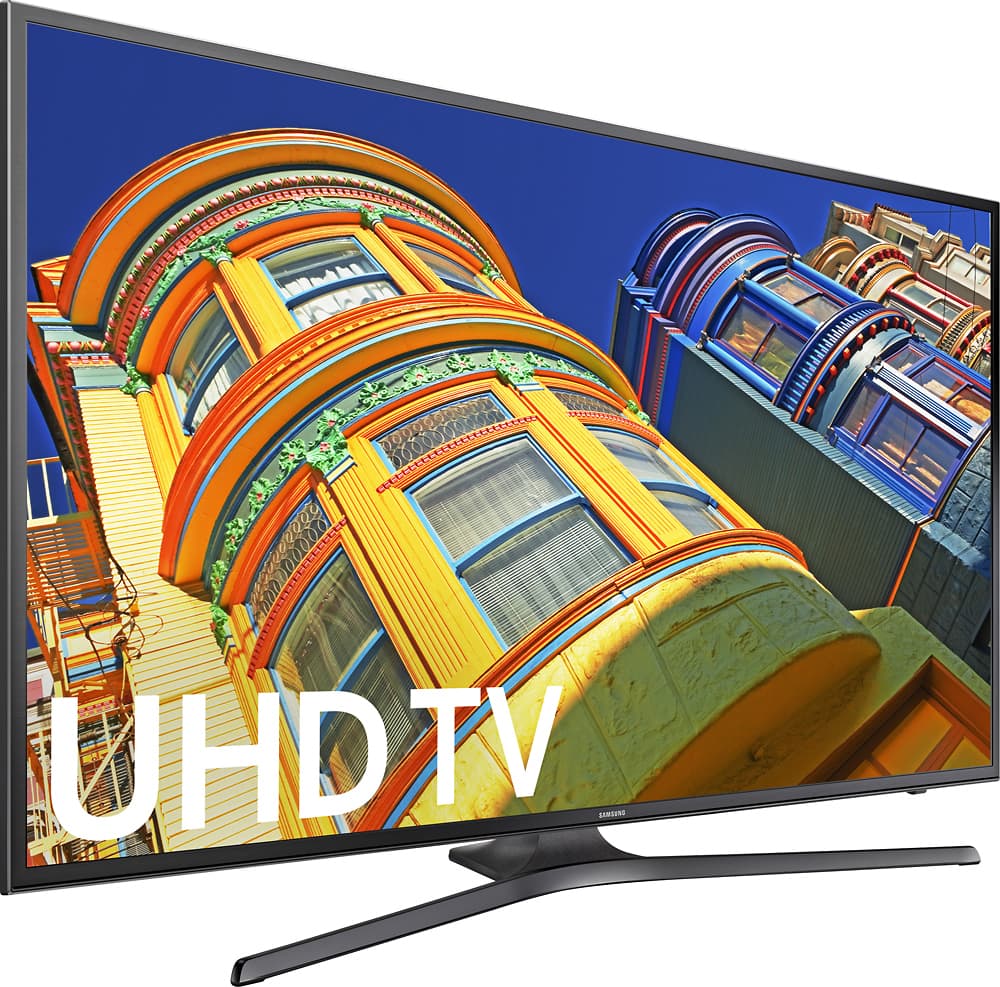
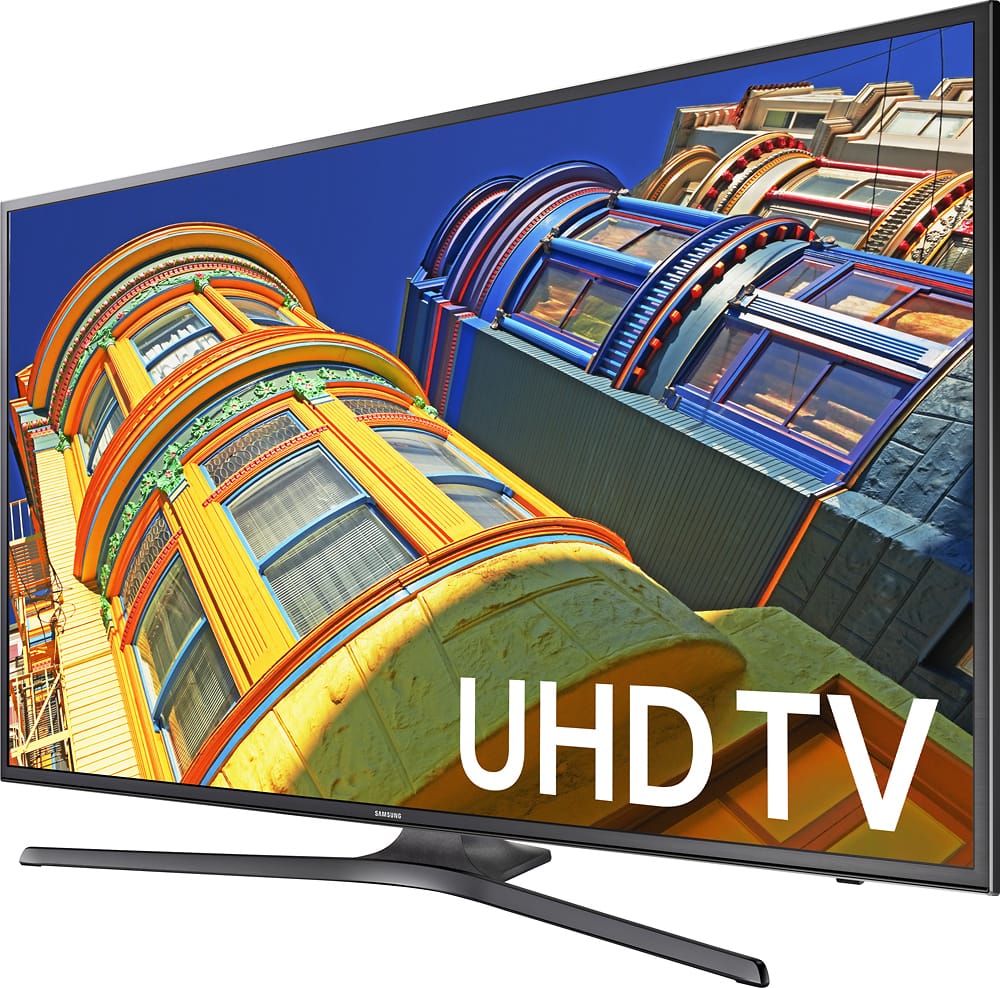
A:AnswerIt seems to be a black metalic steel look, probably one of the most attractive colors ive ever seen. I'm really impressed by the quality and the color makes the bezels look even thinner which helps blend the picture even more! Hope this helps.
A:AnswerI'd have to say it is possible to match the colors. Sorry as I cannot tell you exactly what settings are best with the TV controls alone. But let me explain why I believe it can be done. As a photographer I have a DataColor "Spyder" color calibration device, which allowed optimizing color, brightness levels and matching the monitors. I ended up with closely matched colors and brightness levels of two LED TV sets, a Sony Bravio 40 inch and the Samsung 40 inch. I use both as computer monitors. The Spyder calibration device isn't something most of us would run out to buy at several hundred dollars so what follows are my suggestions..
Why I think this can help your situation: My calibration starts with resetting everything then bring the "candle illumination levels" to a certain level as measured out by the device. Because I did this playing with the contrast, back lighting and contrast, perhaps doing some trial and error adjustments with those three items will help you.The calibration device did the rest to fine tune the sets.
Here are my final settings. Find this under the "PICTURE EXPERT" menu:
Picture Mode, Natural;
Backlight 20(Maximum);
Brightness 45;
Contrast 76;
Sharpness 45 ( I didn't change this);
Color 52 (I didn't change this);
Tint G/R G50 & R R50 (I didn't change this).
Great looking TV shows is a by-product I didn't expect (and doesn't make sense to me). Watching the same TV Movie "Christmas Wedding" side by side, the skin tones were very closely matched. The reason I didn't expect TV Shows to match is because I assumed color calibration only works when used with a computer since the calibration device alters the computer settings in a place called the Look Up Table (LUT). I've a two moniitor video card allowing two different LUT settings.
A:Answer4K/UHD means the TV's screen has a minimum resolution of 3,840 pixels wide and 2,160 pixels high, making it the equivalent to two 1080p screens in height and two in length. This resolution was originally known as "Quad HD," and it's used by basically every 4K TV. UHD is the official industry term for Ultra High Definition, which is the less-popular way to say " 4K."
A:AnswerYes it does have a digital optic because that I'm sure of since mines is also paired with a Samsung 5.1 surround sound system. It did also come with these plugs weigh looks like an RCA style connection into a auxiliary plug like what you would find on your smartphone which I don't know the size of those auxiliary Jack's.
A:AnswerI've owned several flat TVs and all of them have had awful audio. I own a nice surround sound set up due to this. I set up this TV and I was done. The sound is AMAZING for a flat TV! Highly recommended!