A:AnswerNetflix is “preloaded”. Just select Netflix from the menu and sign into your Netflix account. It works the same as Netflix on your other devices. If you don’t have an account, then you will have to create one. It might be easier to do so on your computer but should be doable on the TV as well.
A:AnswerTwo generation difference. 4 300 is the fourth generation. 6 300 is the sixth generation.
I understand there are newer ones but it's clear the 6300 is newer technology...and
possibly more I/O ports and more cores in the processor...the list could go on and on.
Check out samsung.com and get the specs on both for more information.
A:AnswerManufactures information. See this website for more information:
http://www.samsung.com/uk/support/tv-audio-video/what-do-samsung-tv-model-numbers-actually-mean-why-are-they-so-long/
for example: The letter F (a resolution indicator) means that this model has "Full HD Resolution"
A:Answervisit this URL - copy and paste
https://www.bestbuy.com/site/questions/submission?__BVSUBMISSIONPARAMETERS__&bvdisplaycode=3545w&bvappcode=qa&bvproductid=5768501&bvpage=https%3A%2F%2Fbestbuy.ugc.bazaarvoice.com%2Fanswers%2Fsubmit%2F3545w%2Fproduct%2F5768501%2Fquestion%2F5996754%2Fsubmitanswer.htm%3Fauthsourcetype%3D__AUTHTYPE__%26campaignid%3DQA_%26format%3Dembedded%26return%3Dhttps%253A%252F%252Fwww.bestbuy.com%252Fsite%252Fquestions%252Fsamsung-43-class-42-5-diag--led-2160p-smart-4k-ultra-hd-tv%252F5768501%253Fpage%253D10%2526sortedBy%253DMOST_RECENT_ANSWERS%26sessionparams%3D__BVSESSIONPARAMS__%26user%3D__USERID__&bvcontenttype=ANSWER_SUBMISSION&bvauthenticateuser=false
or just read this:
Dimensions
Product Size (W x H x D) Without Stand
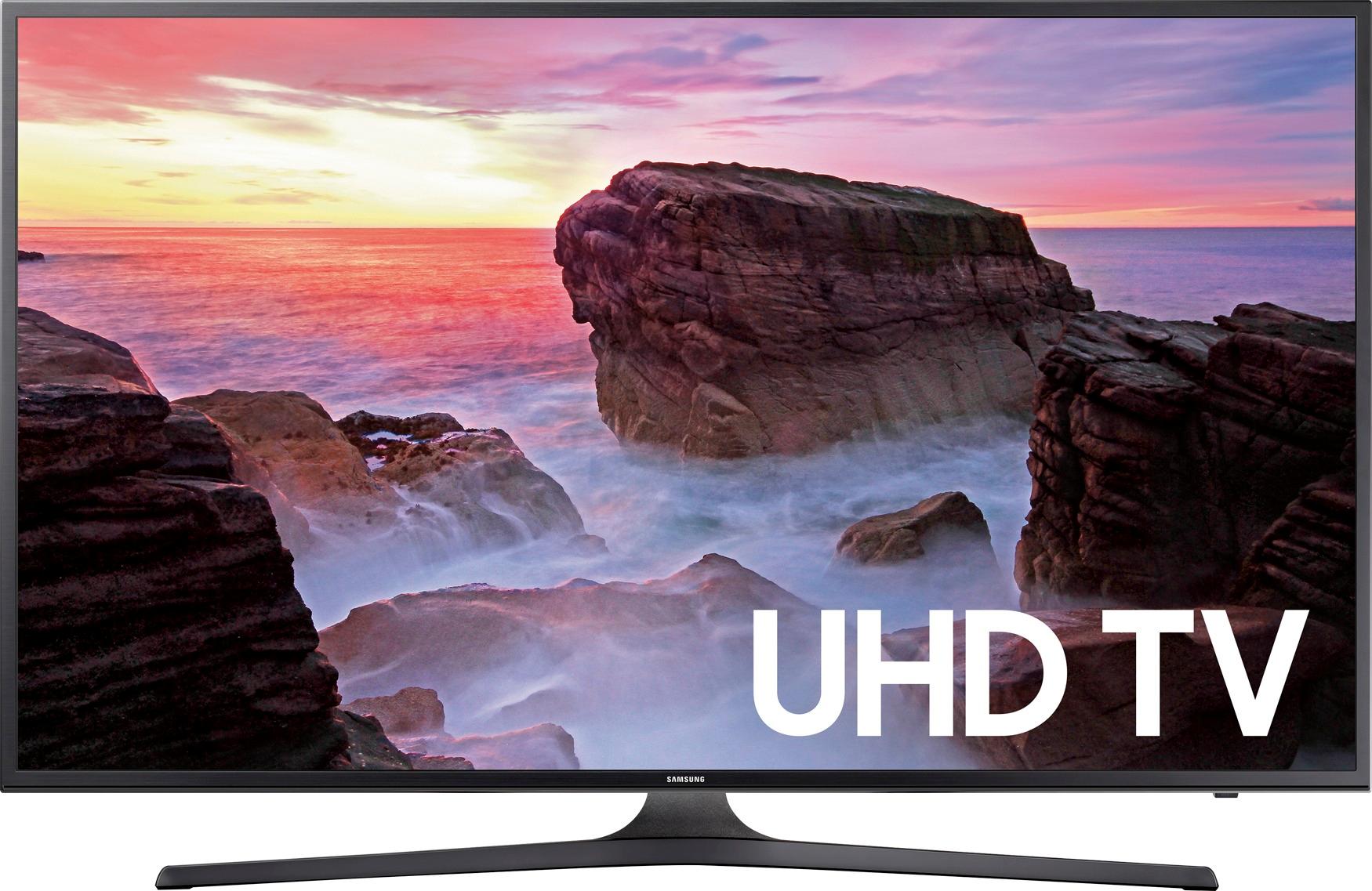
38.4" x 22.4" x 2.5"
Product Size (W x H x D) With Stand
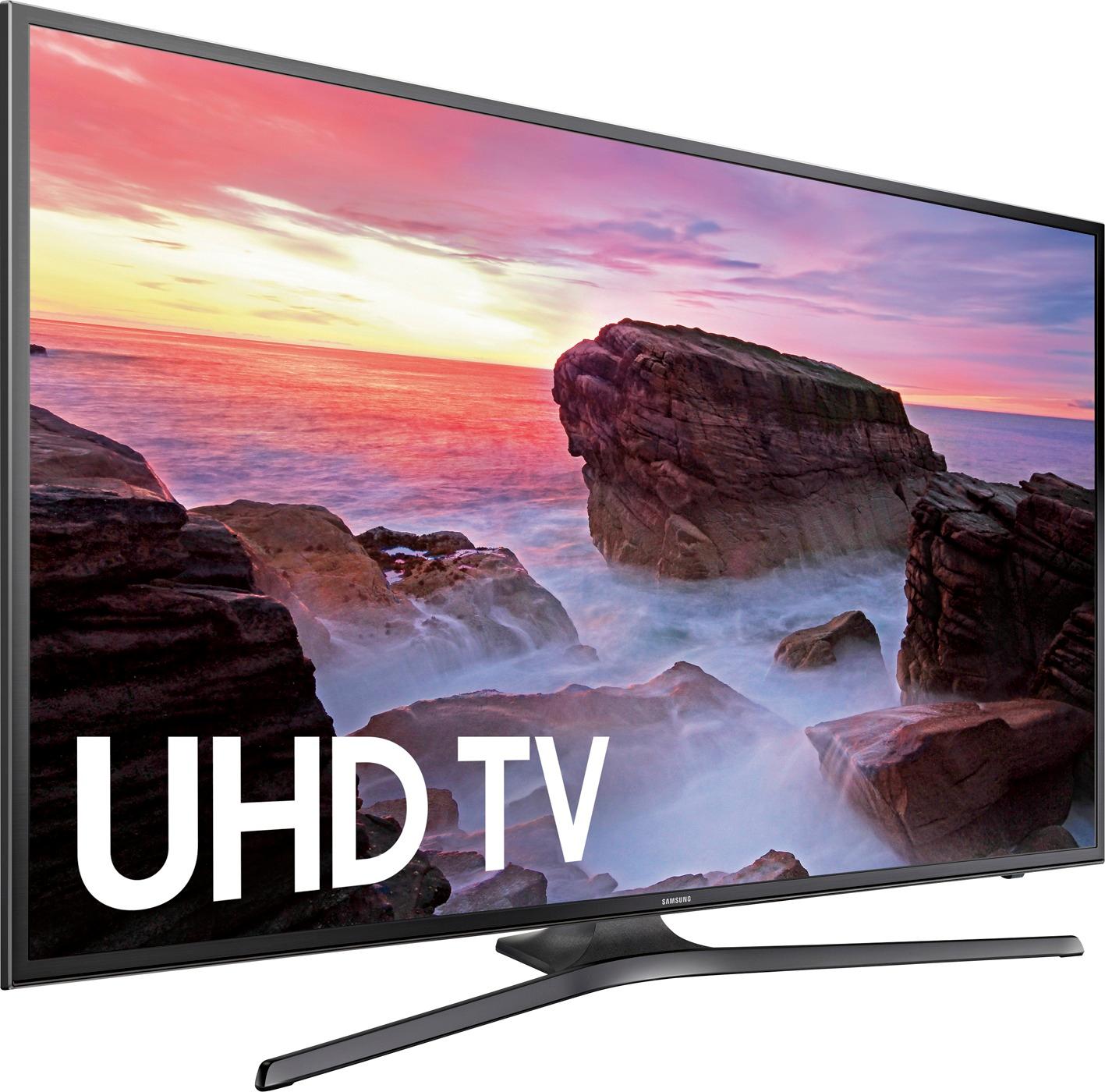
38.4" x 25.1" x 11.3"
Stand Size (WxHxD)
29.6" x 6.3" x 11.3"
Shipping Size (W x H x D)
48.5" x 26.5" x 6.3"
Weight
Product Weight Without Stand
19 lbs.
Product Weight With Stand
21.2 lbs.
Shipping Weight
29.5 lbs.
A:AnswerThe remote is a toggle and you are able to access all of the channels after the initial setup. The TV goes through and searches for the channels that are available in your area. Once that is done you should be good to go.
A:AnswerWe have ours sitting on a built in corner shelf. That is why we didn't go bigger because our space was limited. The stand being in the center of the TV was something we needed as well because of the corner shelf. It works well.
A:AnswerThis model does according to the Samsung website:
https://www.samsung.com/us/televisions-home-theater/tvs/4k-uhd-tvs/43--class-mu6300-4k-uhd-tv-un43mu6300fxza/
A:AnswerIt varies not only by the store, but whether or not you can purchase it on sale. I would give it ibn the $435.00 - $475.00 range. Remember, every store is different, I would check it out but, in the end, Best Buy is your best buy. I
A:AnswerWith such a high end video card you would be best to get a high quality computer monitor(s) to match or you would be just wasting it as the Samsung 6300 is way too slow for modern gaming.
A:AnswerIf you found the 43" for that amount of money, I would buy it. If you, for dimensional reasons prefer the 40", then purchase that one. If it doesn't matter, buy the 43", I've never seen it at such a cheap price. Good luck
A:AnswerWe wouldn't risk that unless you could attach it to the wall above the mantel. The t.v. is slim but 5" wouldn't be enough room if you're using the stand.