A:AnswerHi,
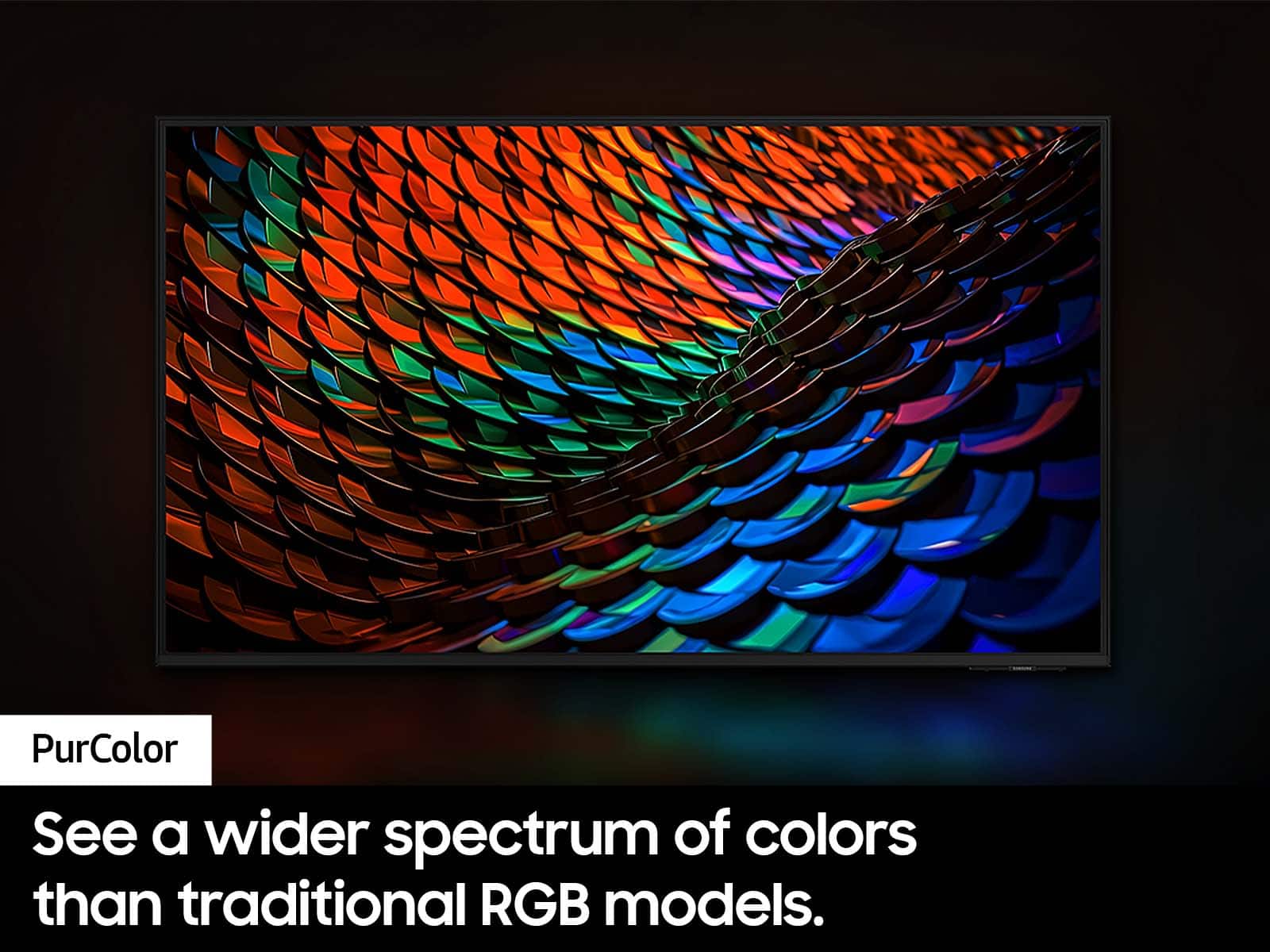
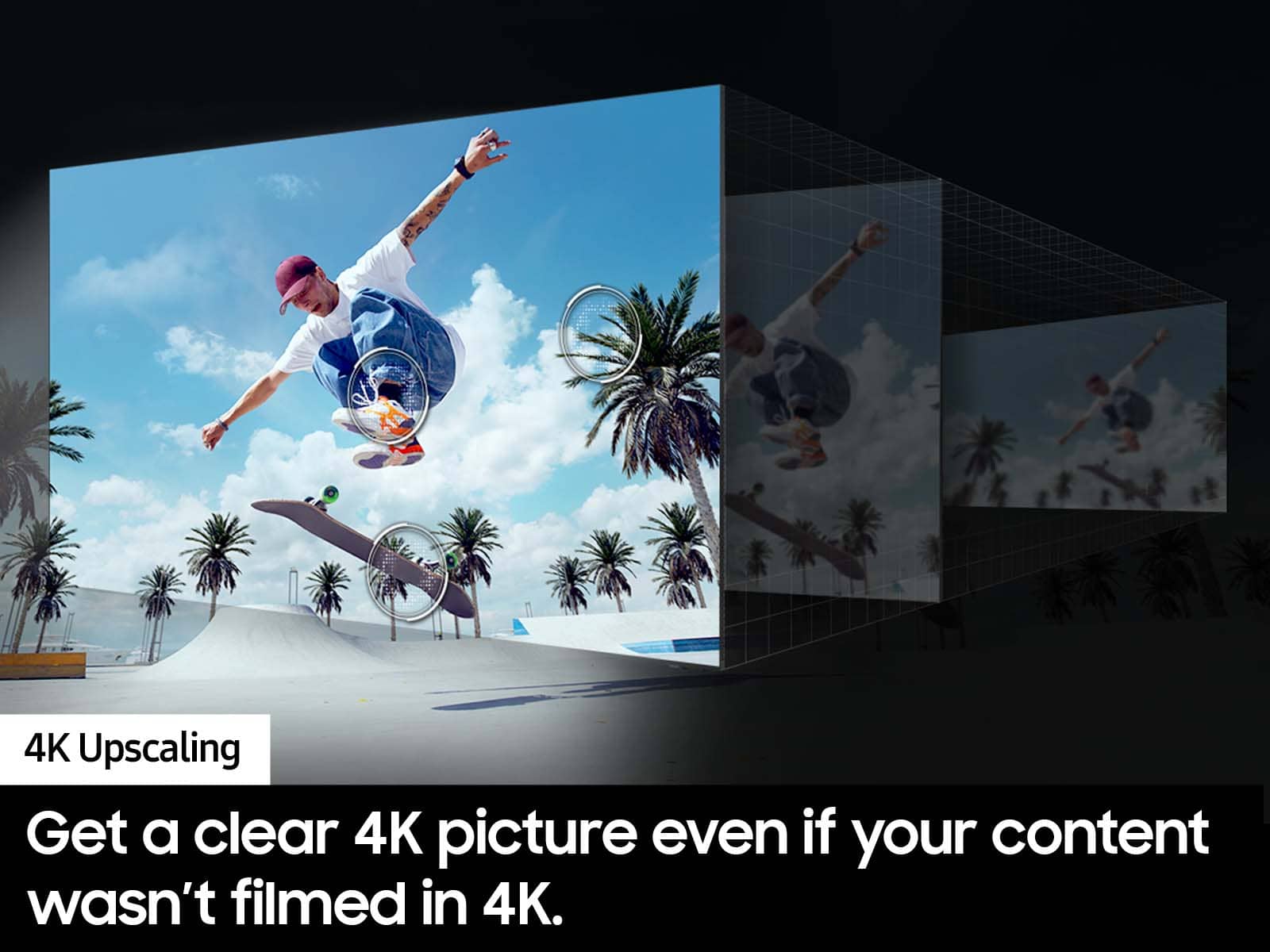
Both the DU6900 and DU7200 both feature Crystal Displays for brilliant colors and exceptionally crisp, vivid images. Their Crystal 4K Processor further brings impressive clarity to all your content while upscaling everything you watch to stunning 4K definition, no matter the source. When stepping up the DU7200 TV, you will gain an extra HDMI port, our Titan Gray bezel, and features like sound mirroring and Filmmaker mode!
~Samsung Advisor
A:AnswerHi RS59,
Yes, if you do not plan on using streaming apps such as Netflix, you do not need an internet connection. You can simply connect your TV to an external antenna for local channels or to your cable box or satellite provider.
~Samsung Advisor

A:AnswerHi,
To best assist you, please contact Samsung Support at 1-800-SAMSUNG, 8 AM – 12 AM EST, 7 days a week, or Chat with us on Samsung.com: https://www.samsung.com/us/support/contact/
~ Samsung Advisor
A:AnswerHi Chris,
The DU7200 TV comes with a built-in app store with hundreds of apps available for download. You cannot download third-party apps not offered in the store.
~Samsung Advisor

A:AnswerHi,
Thank you for considering the Samsung DU7200 TV for gaming! The DU7200 has 3 HDMI ports that each support HDR10+ and Auto Low Latency Mode (ALLM/Auto Game Mode). The “HDMI In 2” port further supports eARC.
However, if you are looking to game at 4K@120fps (FRL), take a look at our the 85” DU8000 Series and above.
~Samsung Advisor
A:AnswerHi,
HD channels will have black bars on either side of the screen when displaying upscaled SD (4:3) content. Black bars will appear at the top and bottom of the screen when watching movies with aspect ratios different from your TV. Adjust the picture size options on your external device or set the TV to full screen.
Go to: Home > Settings > All Settings> Picture > Picture Size Settings > Picture Size.
~Samsung Advisor