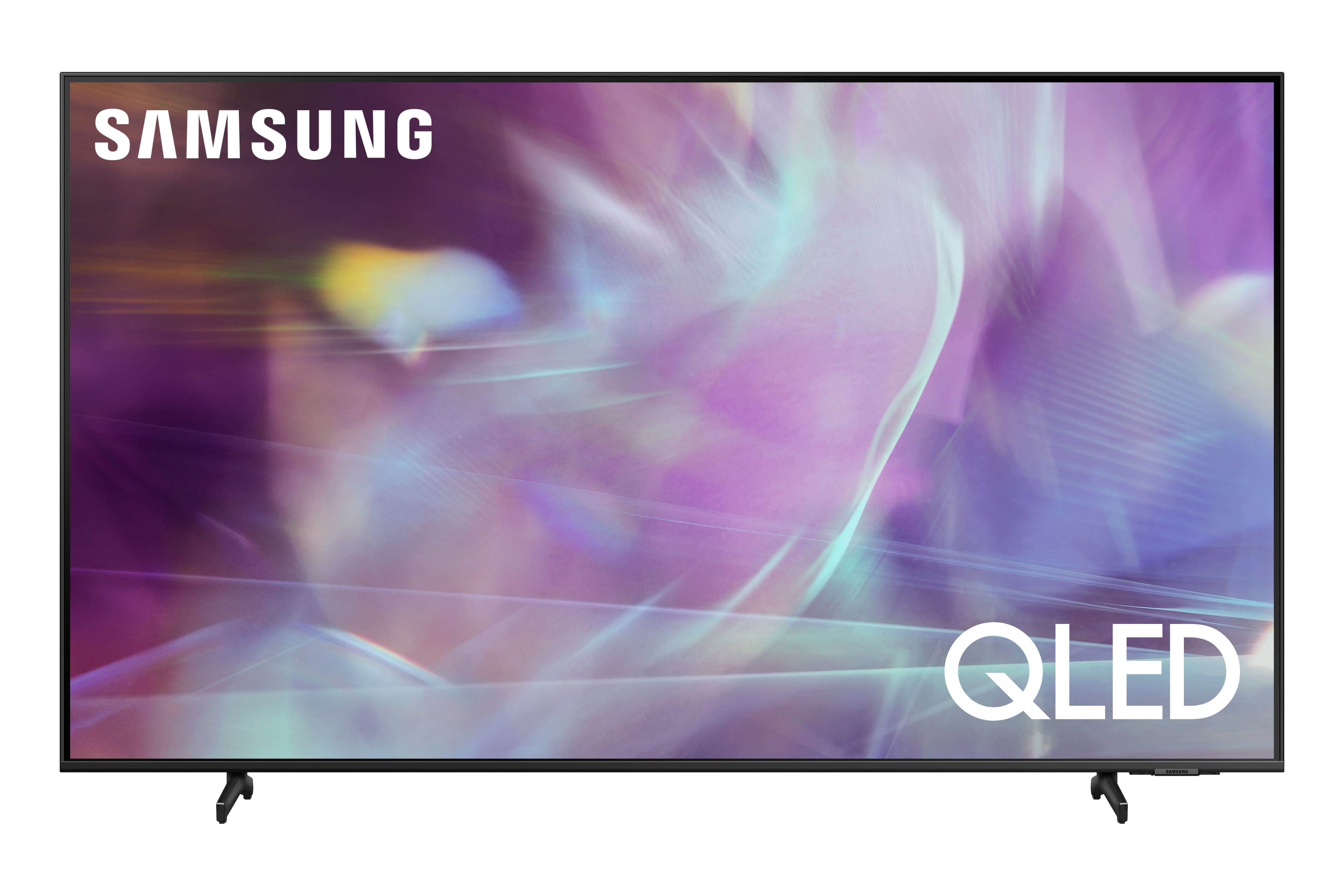
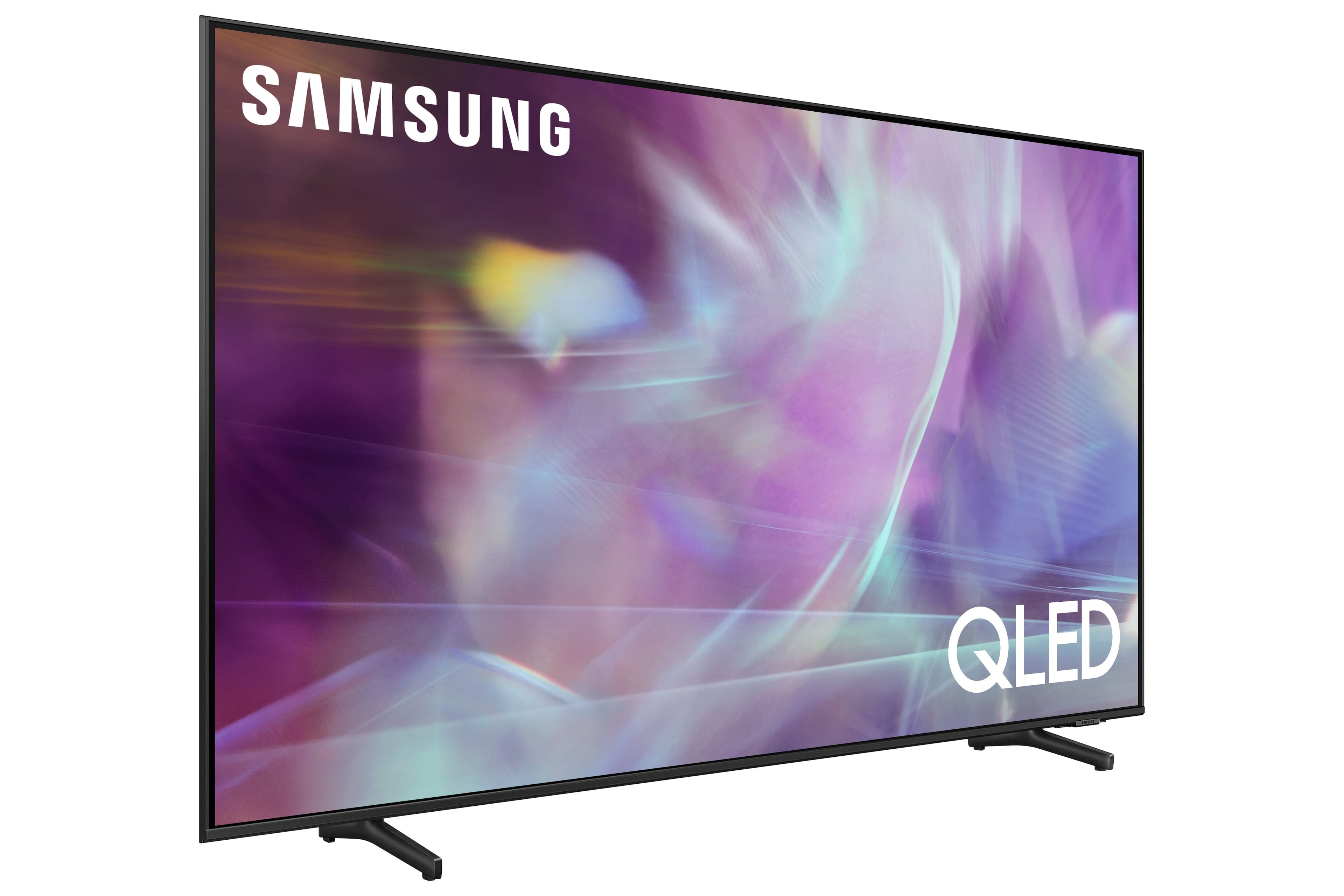
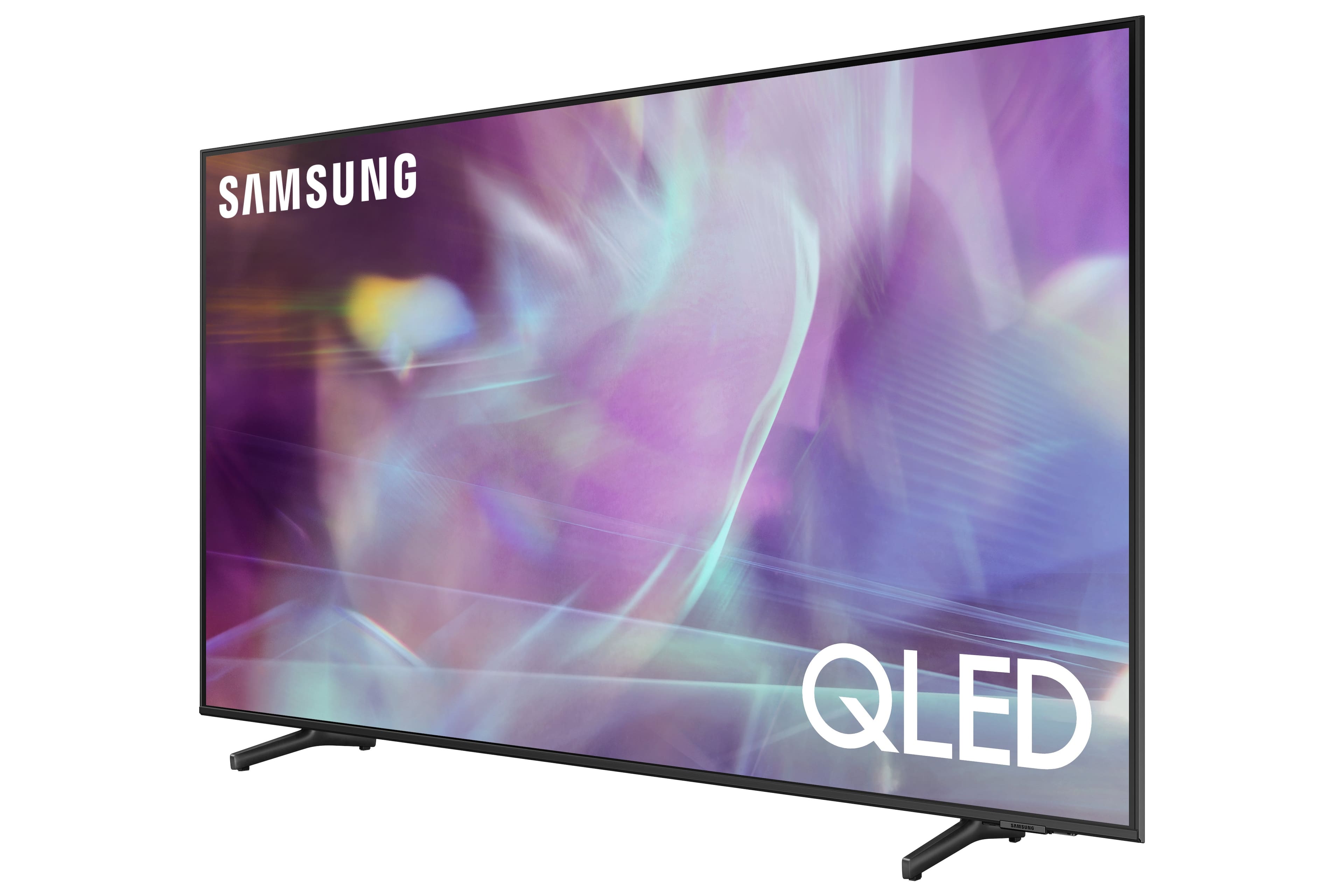
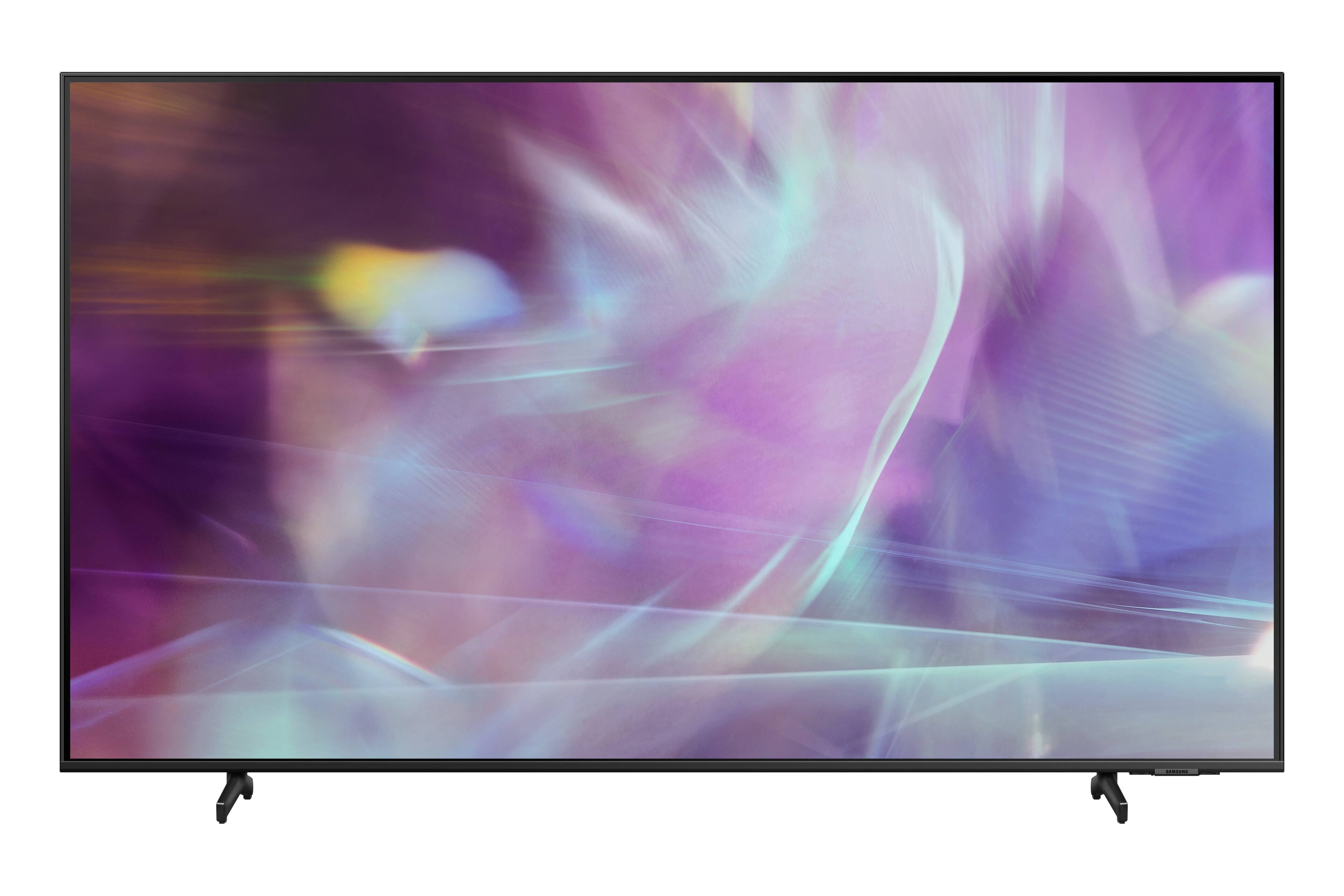
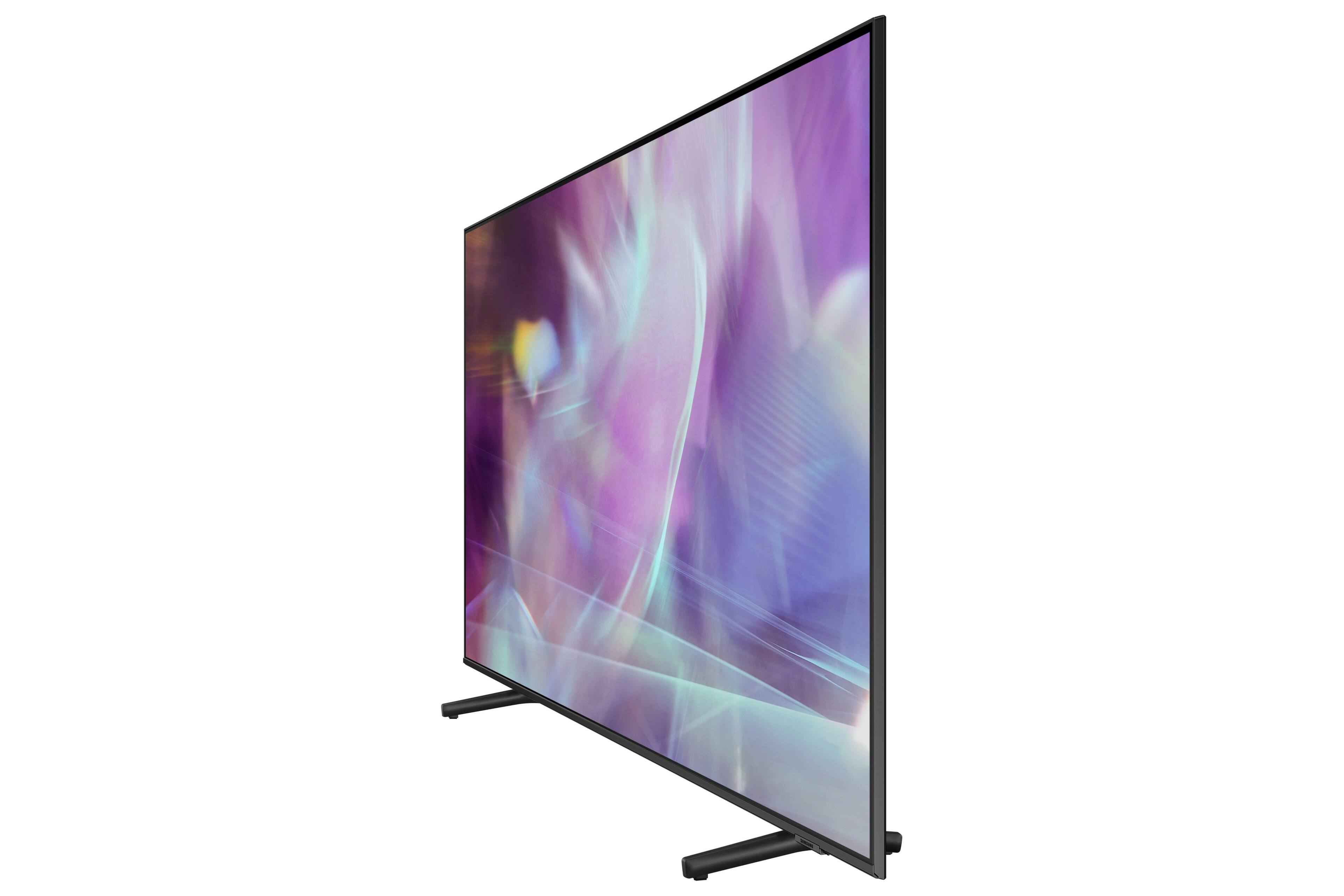
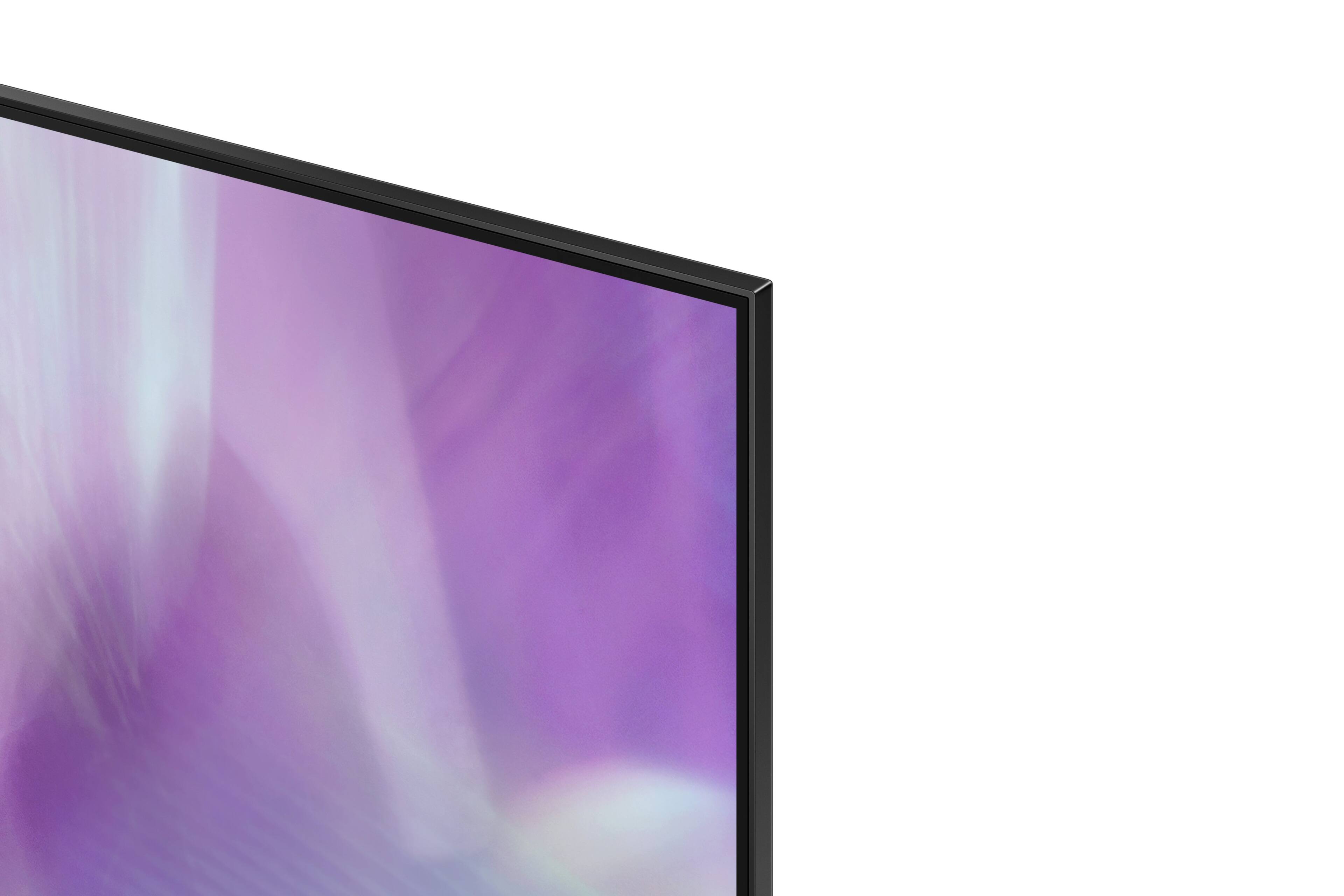
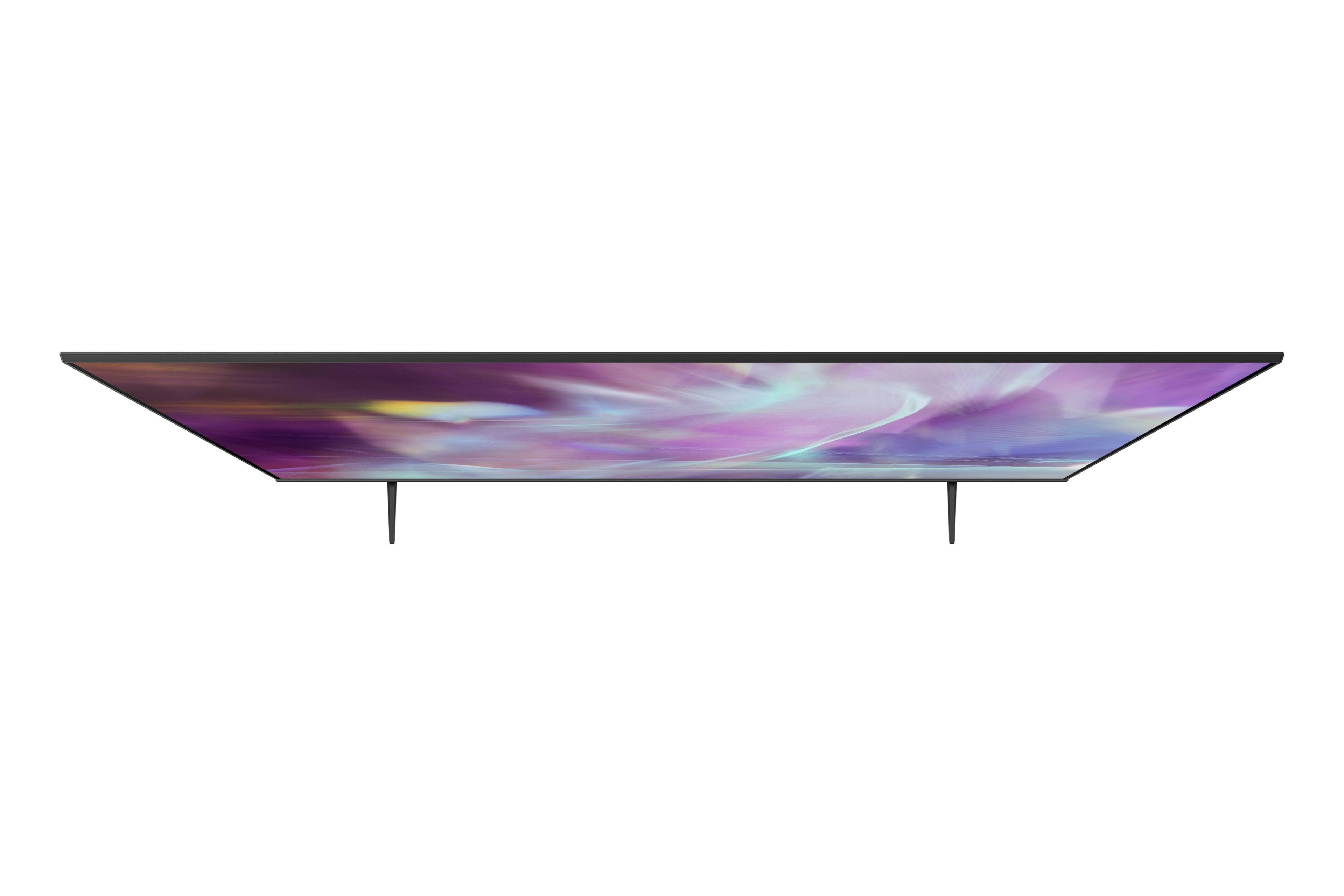
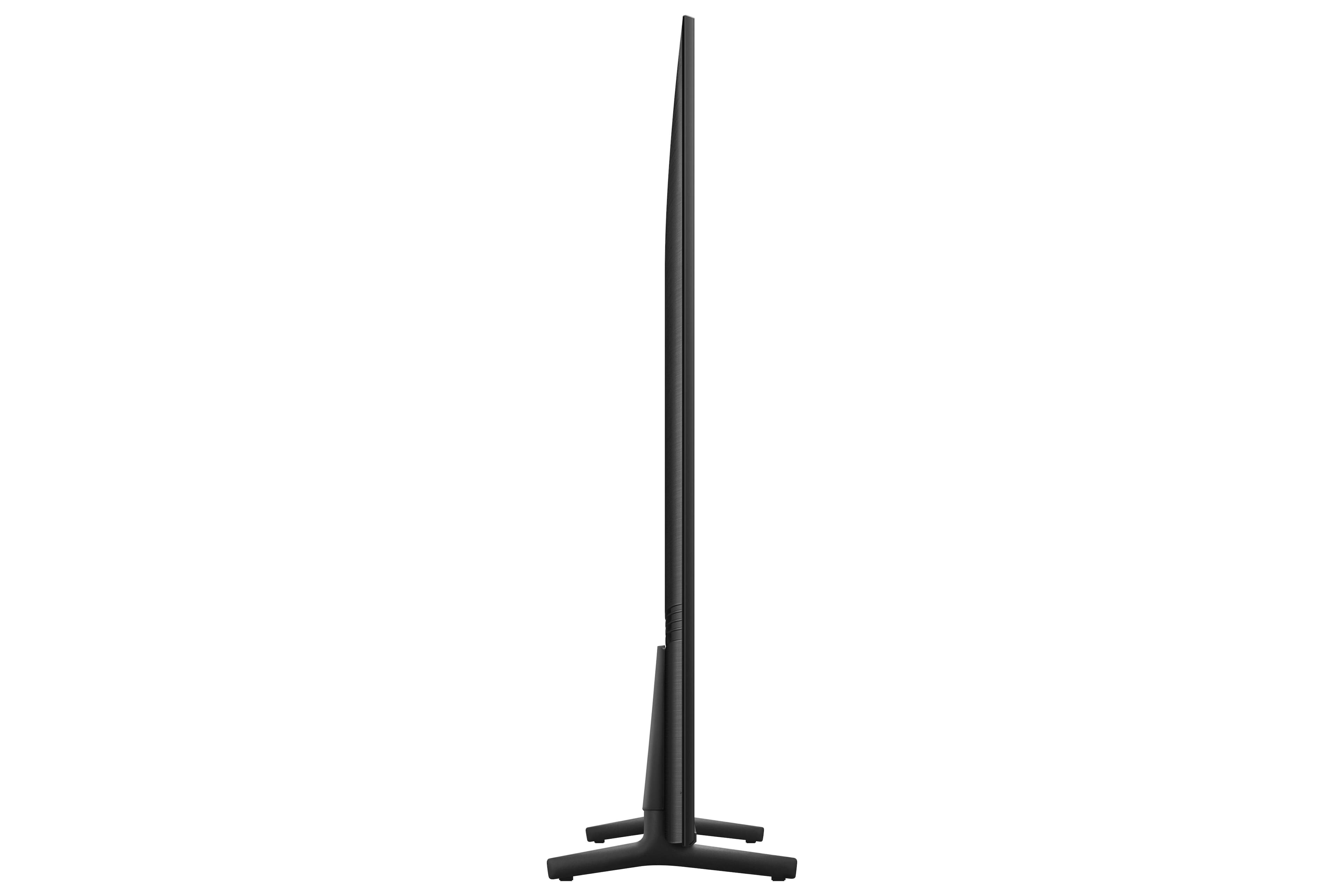
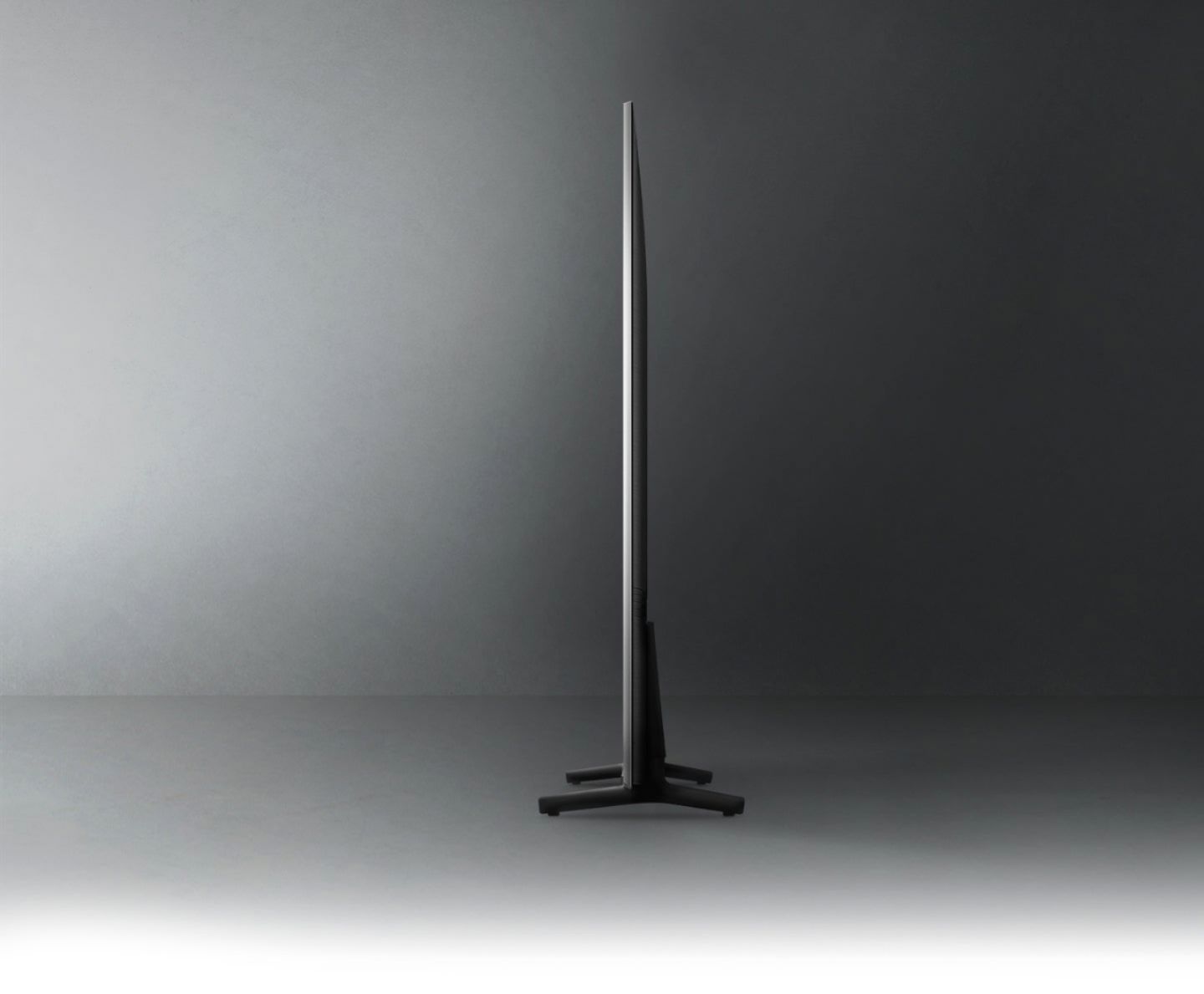
A:AnswerNo, This is not a PC. It is a "smart" TV meaning it can connect to the internet and has Apps that allow video and music streaming from the internet. It also can be used as a monitor for a PC.
A:AnswerHi sandy - So that we can better assist you with this, please reach out to Samsung Support at: 1-800-SAMSUNG (ask for TVs), available 8AM - 12AM EST, 7 days a week, or Chat with us on Samsung.com: https://www.samsung.com/us/support/contact/ ^Gina
A:AnswerHi Ovi - The Q60A is a Smart TV which features a built-in App Store, allowing you to choose from and download hundreds of apps such as discovery+, HBO Max, Disney+ and many more - no external streaming device necessary. Please keep in mind, some apps will require that you have a separate subscription. ^Gina
A:AnswerI wouldn't know. No one has explained a thing to me. They basically set it up and left. At this point I would have a hard time recommending Best Buy to anyone just because I have been given the "run-around" by so many people and your different departments don't see to communicate with each other. I am on yet another "waiting list" because you people keep sending appliance delivery people out and not home theater people to set the system up correctly and explain how the system works. It seems like each "division" of Best Buy is blaming the other when it comes down to accountability for getting things accomplished, at least with my order, which, in my opinion, is fairly straightforward and self-explanatory. Please get your acts together. I don't like giving anyone a bad review. Your personel on the phone and in person are all very polite, we just don't seem to be accomplishing anything. My recent experiences with Best Buy would definitely make me lean toward not recommending Best Buy to anyone....and I am even a member of your two-year extended Geek Squad coverage plan, or whatever it is called. I would not like to think how non-members try to navigate your system. FYI, after the "appliance" person delivered the nreplacement DVD player yesterday (because the one i just purchased was skipping) and he said he could not connect the replacement player, I hooked it up myself and, EUREKA, my new sound bar and woofer are now working. Please explain that to me. You guys set it up for me in the first place! Your home theater expert "Tony" was scheduled to come yesterday to hook up my universal remote that I apparently needed, but I had already left for the day, as the appliance guy just dropped off the replacement DVD player and DID NOT say (or didn't know) that anyone else would be arriving from Best Buy. Your expert home theater person "Tony" was apparently here and left a note on my door. I was long gone to Best Buy to explain my displeasure to your Geek Squad manager. Now I have to wait until December 20th to get Tony back here to get mu system up and running with the universal remote. This whole mess is an unacceptable way to do business. Get it together.
A:AnswerI use a separate Apple TV device to mirror my iPad and iPhone to my Samsung TVs. The two Samsungs are part of a home theater setups and it works for me.
So I haven’t tried to mirror directly to the TVs.
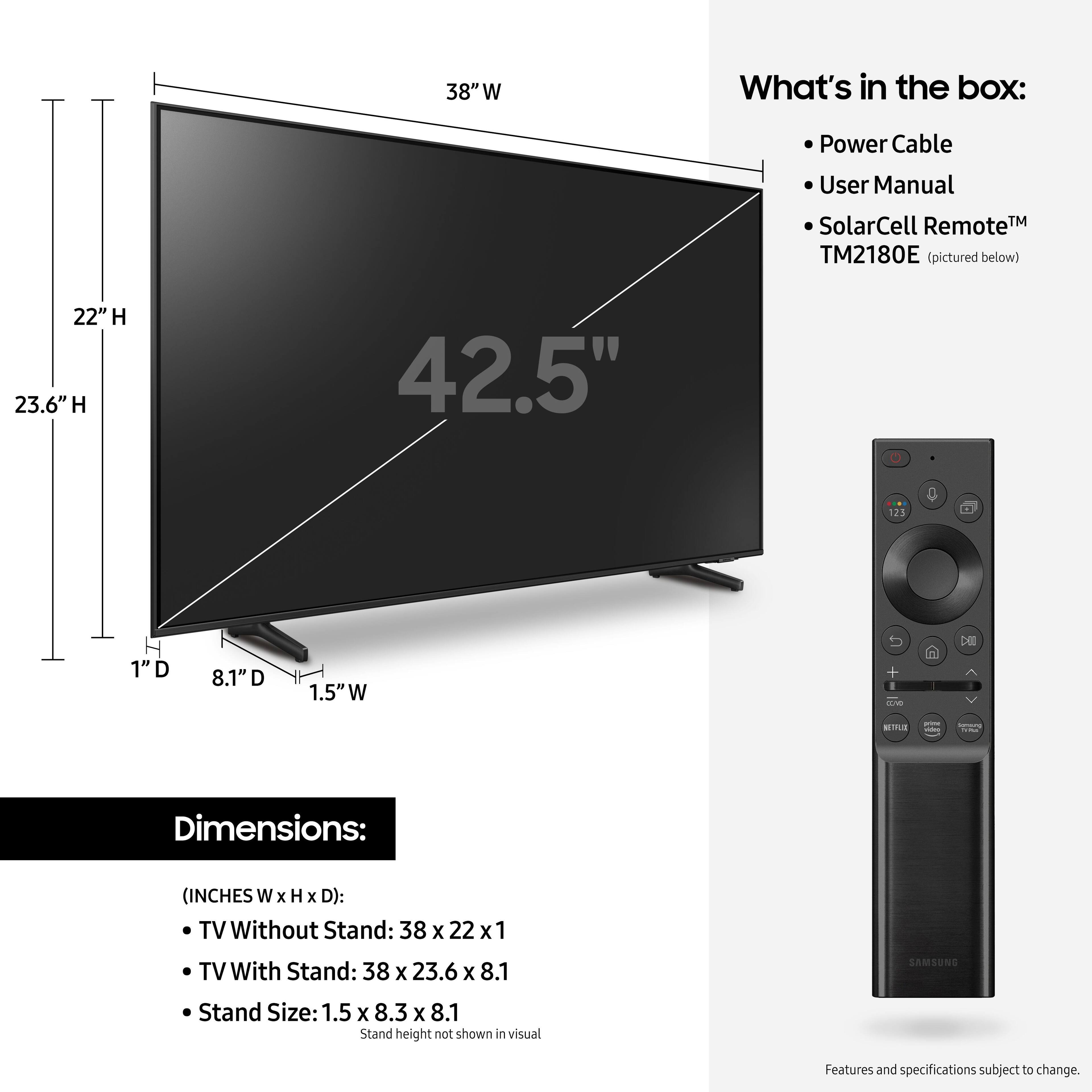
A:AnswerHey the length is 22” the width is 38” is that what you were looking for ? Also if you plan on mounting if the screws are not right you can buy at lows 1/8 $1.99 I replaced this on wall from a 40” & had to buy the new screws Hope this helps you
A:AnswerBOO - You can download the Xfinity Stream app directly from the Q60A TV's App Store. To add an app to the TV's Home screen, press home on your remote and navigate to and select APPS, select which one you would like, and press 'Add to Home'. ^Gina
A:AnswerHi - So we can better understand and assist you with your questions, please reach out to Samsung Support at: 1-800-SAMSUNG (ask for TVs), available 8AM - 12AM EST, 7 days a week, or Chat with us on Samsung.com: https://www.samsung.com/us/support/contact/ ^Gina