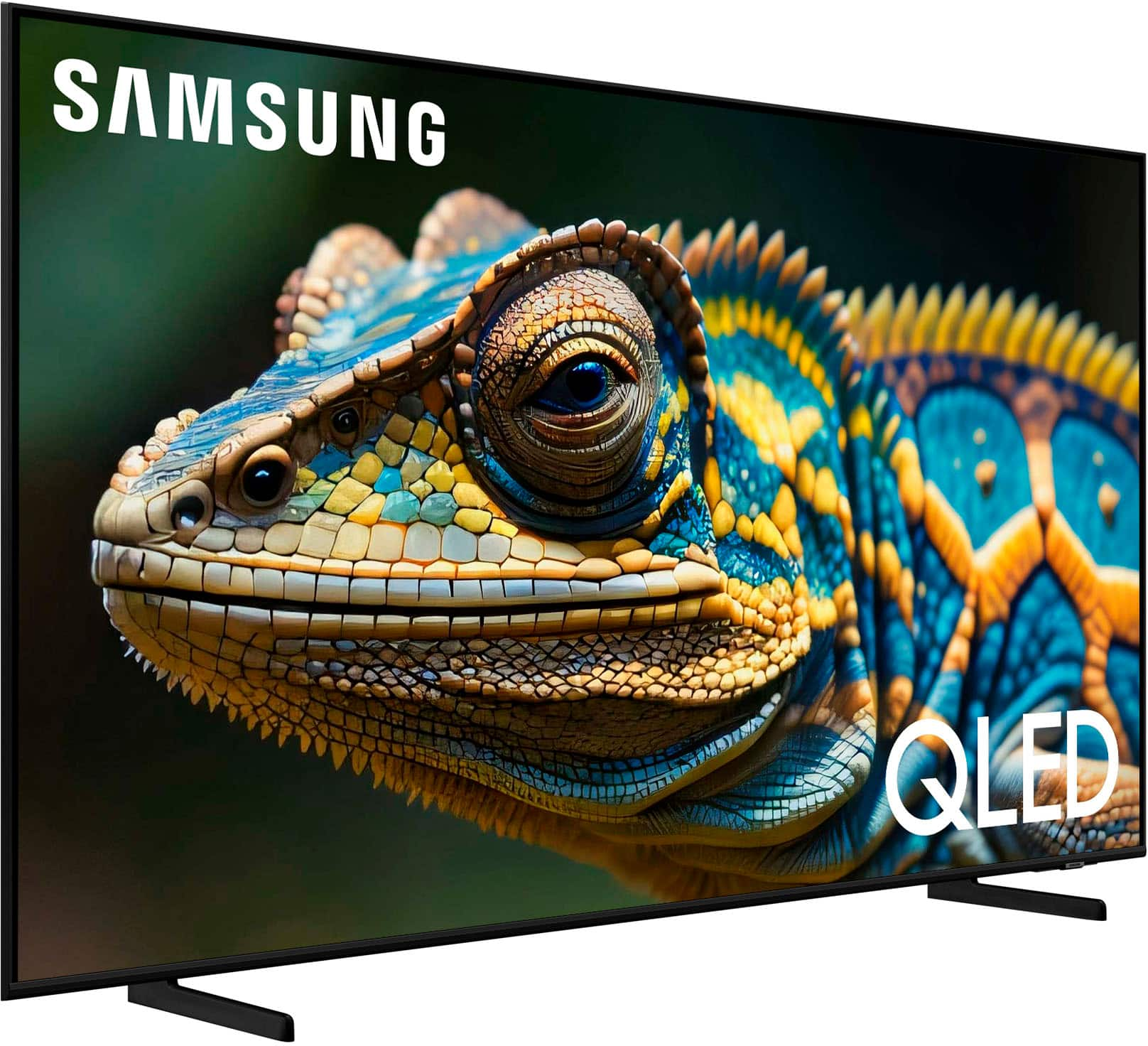
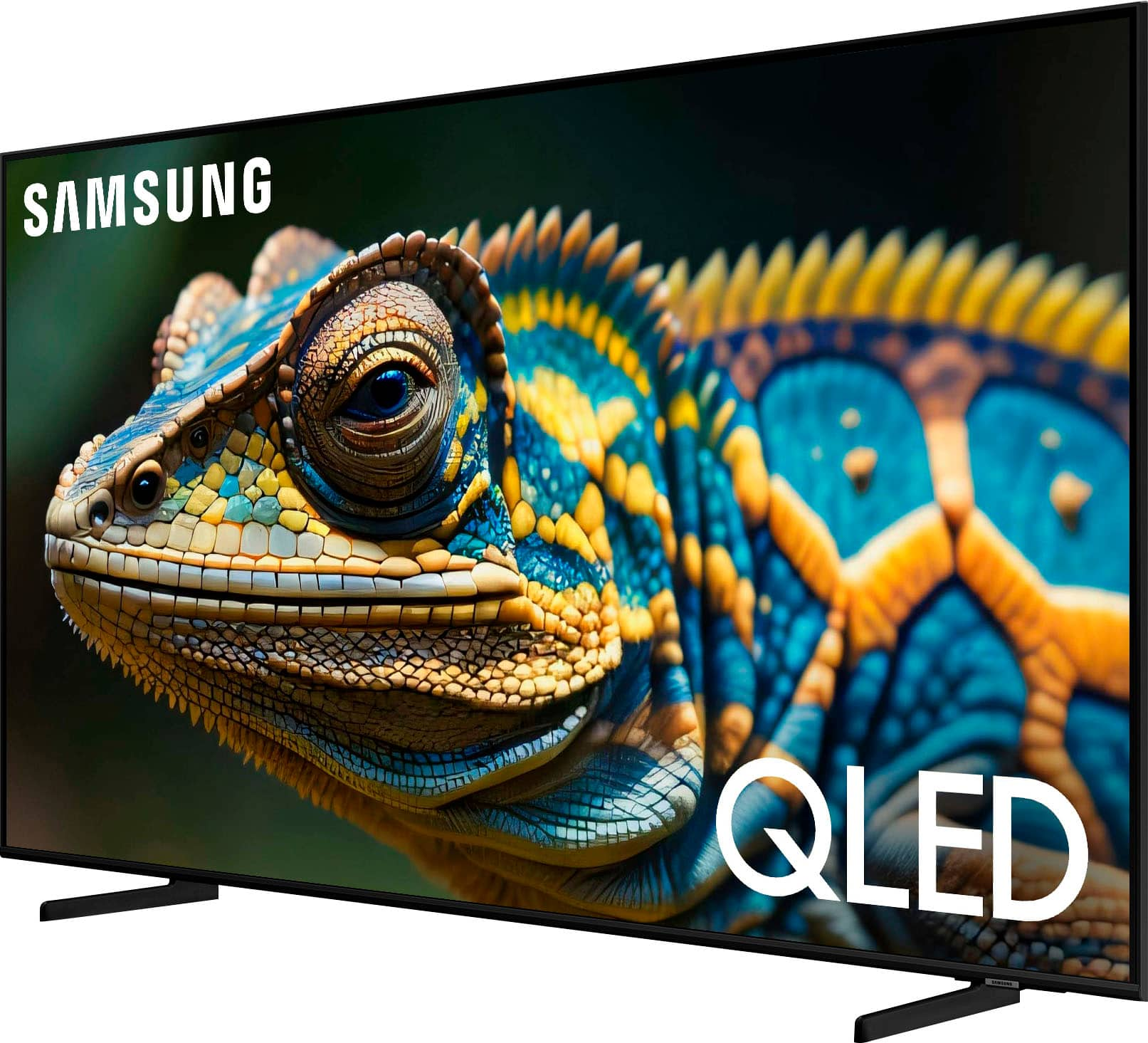
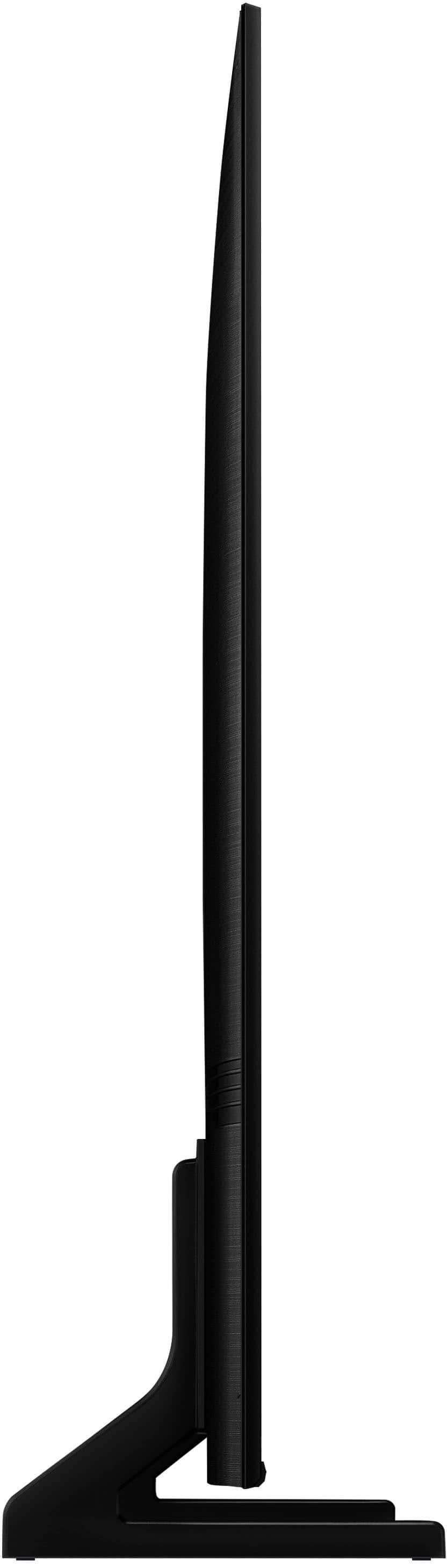
A:Answeraj - Please know your TV’s voice assistant capability will not be enabled until you’ve set it up in the menu. If Alexa has previously been set up, you can disable it by logging out of your Amazon account: Settings > All Settings > General & Privacy > Voice > Amazon Alexa Settings.
~ Samsung Specialist
A:AnswerPlease give us the opportunity to better assist with this by reaching Samsung Support at: 1-800-SAMSUNG, 8AM - 12AM EST, 7 days a week, or Chat with us on Samsung.com: https://www.samsung.com/us/support/contact/
~ Samsung Specialist
A:AnswerThe Q60D has a built-in ATSC 1.0/ClearQAM tuner; when stepping up to our Neo QLED 8K Series, you’ll gain a built-in ATSC 3.0 tuner for receiving digital broadcasts.
~ Samsung Specialist
A:AnswerConnie - The Q60D has 20-Watt 2 Channel speakers and features OTS Lite (Object Tracking Sound Lite). By electronically adjusting your audio, OTS Lite spatially immerses you in your favorite shows, movies, sports, and all you enjoy.
~ Samsung Specialist
A:AnswerRup - Please give us the opportunity to better assist with this by reaching Samsung Support at: 1-800-SAMSUNG, 8AM - 12AM EST, 7 days a week, or Chat with us on Samsung.com: https://www.samsung.com/us/support/contact/
~ Samsung Specialist
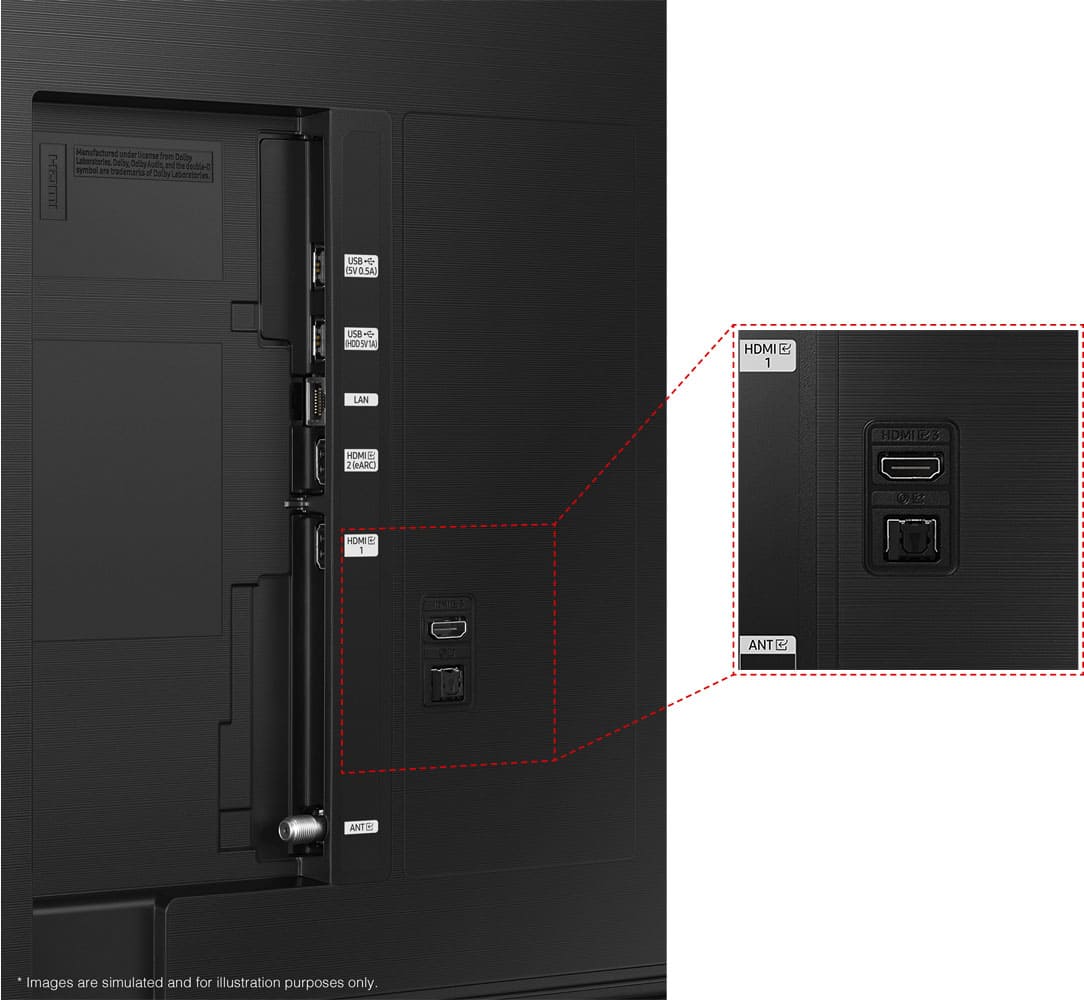
A:AnswerHi there - Thank you for considering the Q60D for your son's gaming needs. This model is equipped with 3 HDMI ports, all of which support HDR10+ and Auto Low Latency Mode (Auto Game Mode). The “HDMI In 2” port further supports eARC. If you’re looking for a TV capable of 4K@120Hz, please consider a step up to the Q70D TV, which supports this feature in all HDMI ports.
~ Samsung Specialist

A:Answersfa8 - Both Dolby Vision and HDR10+ are an enhancement of HDR; both formats still have HDR embedded into the content and will display on the TV.
~ Samsung Specialist