A:AnswerHi jgmurray51,
The U8000F TV offers HDMI and Bluetooth connections for devices such as a hearing aid connector. According to the OTICON website, the TV adapter 3.0 does not support HDMI or Bluetooth.
~Samsung Advisor
A:AnswerHi Laena,
To best assist you, please call us at 1-800-SAMSUNG (8AM – 12AM EST, 7 days a week), or connect with a LiveChat agent by selecting ‘Support’ on our website.
~ Samsung Advisor
A:AnswerHi Lainey,
Please ensure you are connected to the correct Source (TV) when scanning for broadcast channels. Go to Home> Connected Devices> Source> TV. Then you should be able to scan for channels by going to Home > Left directional key > Settings > All Settings > General & Privacy > Broadcasting > Auto Program.
~Samsung Advisor
A:AnswerHi,
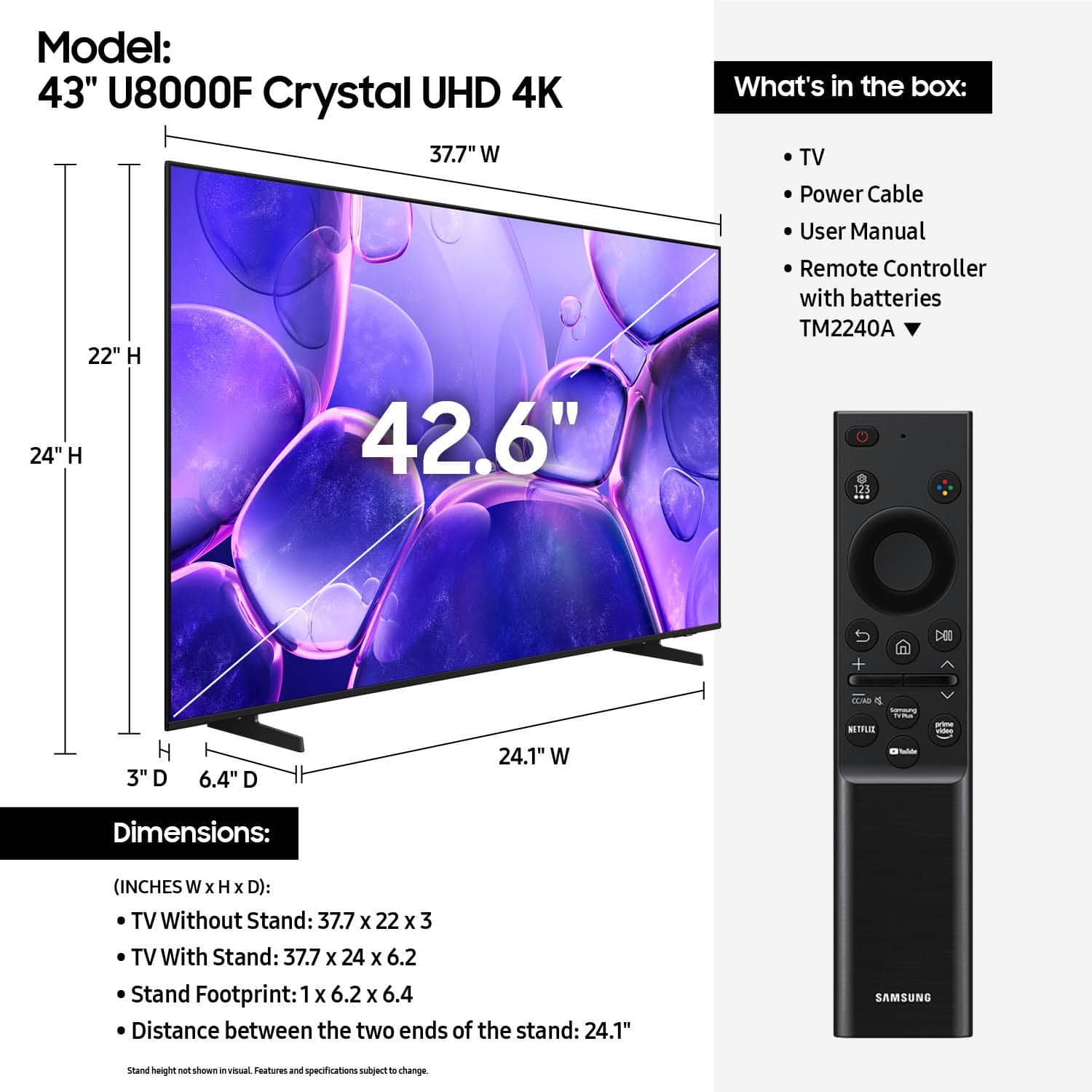
The apps pre-installed on the 2025 U8000F are: SmartThings, Samsung TV Plus, Netflix, Prime Video, Disney+, Hulu, Apple TV, Peacock, Sling TV, YouTube, Bixby, and Internet.
~Samsung Advisor
A:AnswerHi TexasSweetAngel,
When cleaning your Samsung TV screen, please follow these guidelines to help keep it in optimal condition:
• Power off your TV and allow it to cool for 5-10 minutes before cleaning to reduce streaking.
• Use a soft, dry microfiber cloth to gently wipe the screen - avoid pressing too hard.
• Do not use any chemicals or cleaning agents such as wax, alcohol, thinners, air fresheners, or detergents.
• Never spray water or liquid directly onto the screen or TV surface.
You can use a screen cleaner such as this product from Best Buy: https://www.bestbuy.com/site/audioquest-cleanscreen-cleaner-kit/6628358.p?skuId=6628358
~Samsung Advisor
A:AnswerHi,
For information about Best Buy's delivery options, including scheduling and availability in your area, please contact your local store or visit: https://www.bestbuy.com/site/help-topics/home-and-businessdelivery/pcmcat204400050032.c?id=pcmcat204400050032
~Samsung Advisor
A:AnswerHi TexasSweetAngel,
If fast-moving scenes appear blurry or uneven, try adjusting Picture Clarity Settings under: Settings > All Settings > Picture > Expert Settings > Picture Clarity Settings. Set to Auto for automatic adjustment or choose Custom to fine-tune options like Judder Reduction and LED.
The red light means your TV is shut off.
~Samsung Advisor
A:AnswerHenri - You won’t be able to record content directly to this TV. To record over-the-air programming, you'll need an external OTA DVR like the ones found here: https://www.bestbuy.com/site/searchpage.jsp?id=pcat17071&st=over+the+air+dvr
~ Samsung Specialist