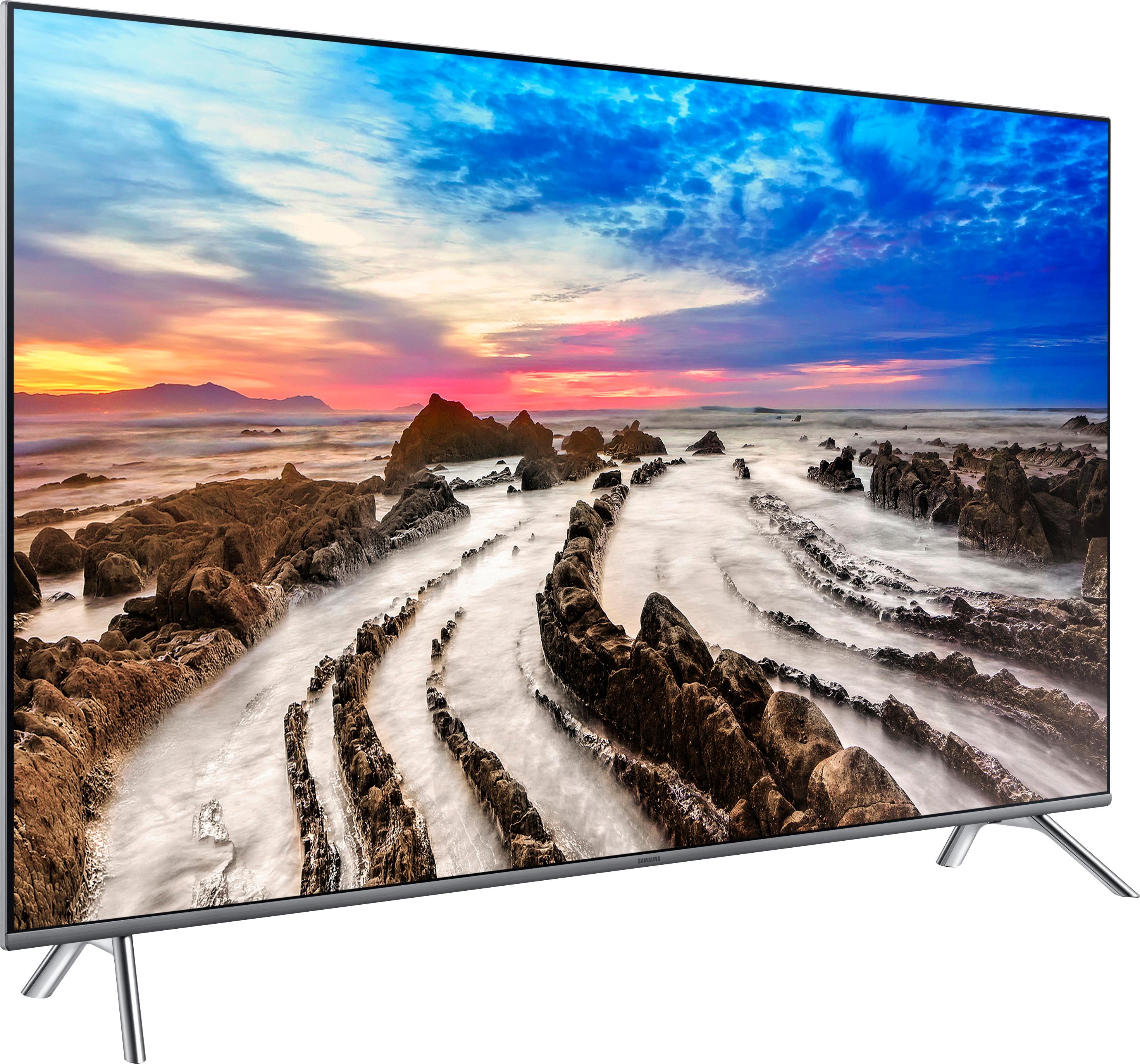
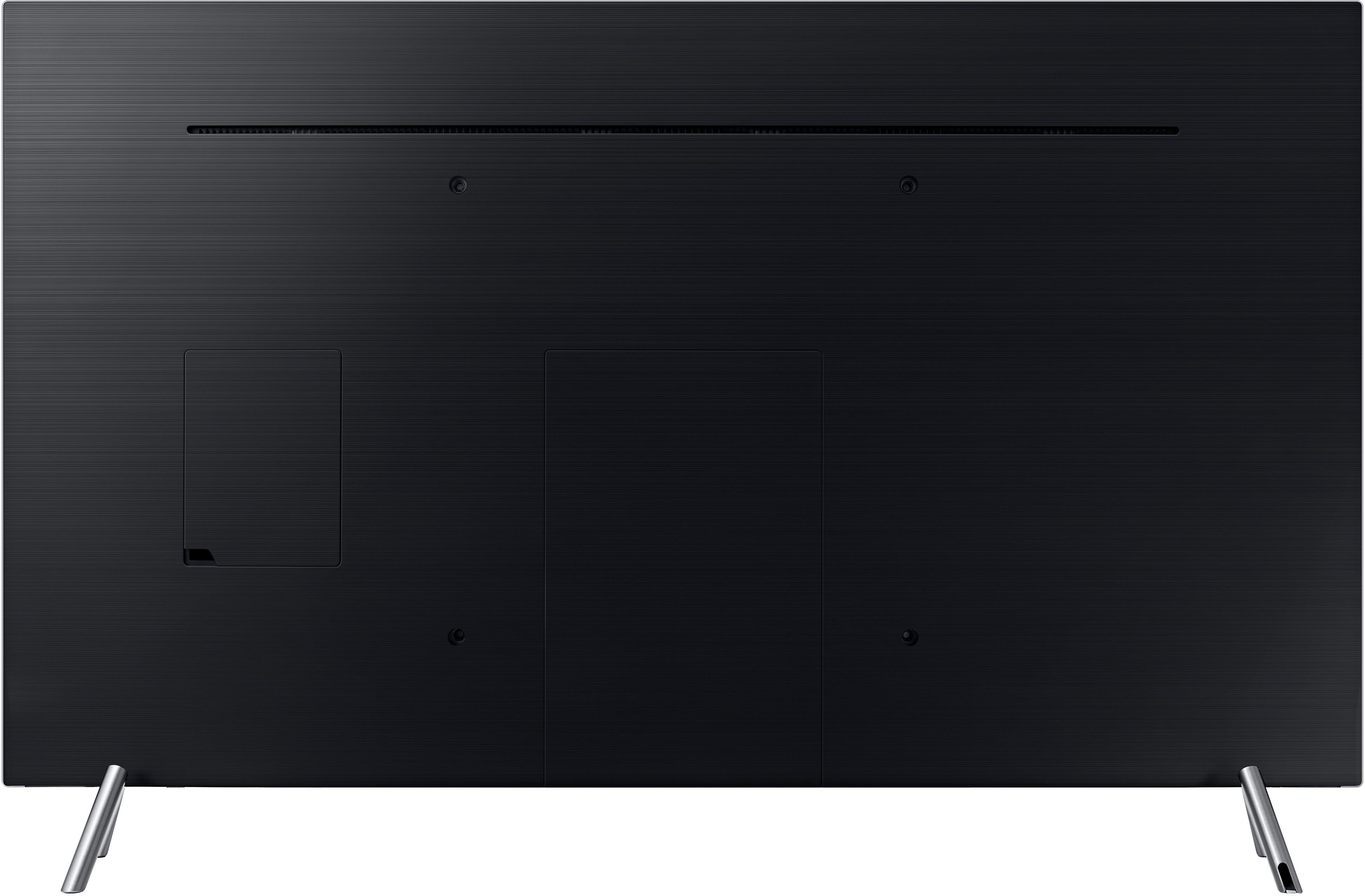
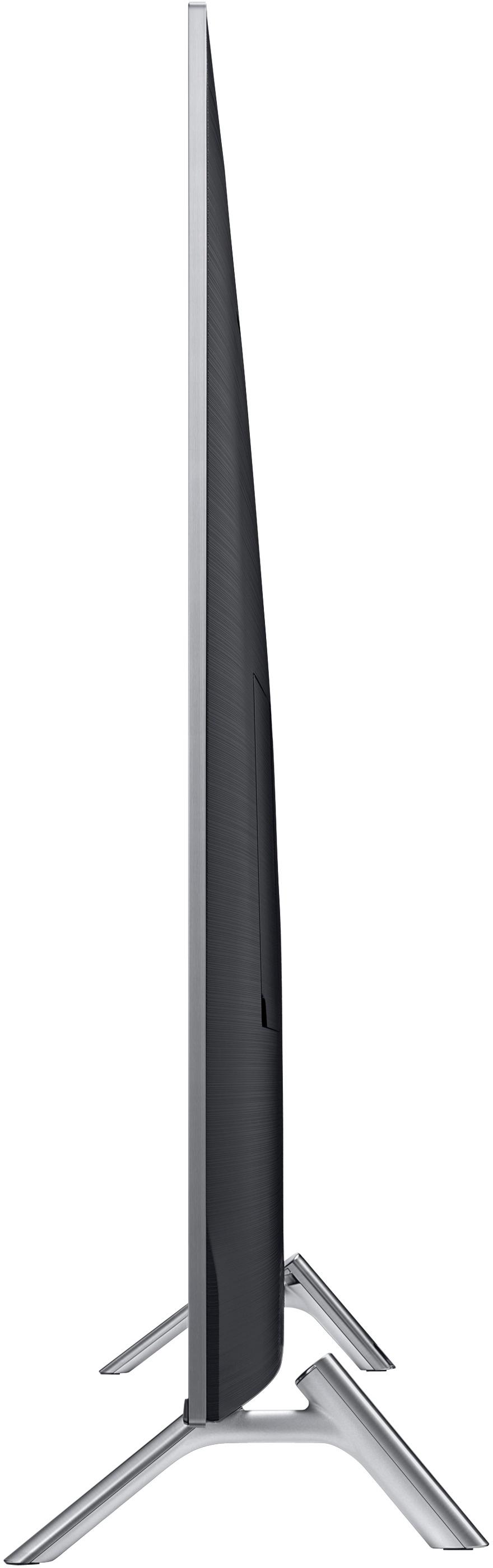
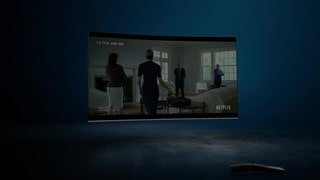
A:AnswerI guess it depends on how you plan on attaching your base. The metal legs with rubber-padded feet are attached into the rear of the unit by being screwed-in, but you may be able to forego attaching the included legs if your base is secure enough to hold the TV upright.
A:AnswerIt depends on the size of the fireplace, but nothing is more degrading to electronics than a significant heat source. Not advised to position this TV above a fireplace since heat rises and will destroy the screen and/or internal components.
A:AnswerHi Lisa, we understand your concerns with the TV. Please fill out the form below and one of our social media specialists would be happy to assist you. http://smsn.us/SamsungSupportUSA and we will respond accordingly. ^Britt
A:AnswerClick from the Samsung menu Home > Settings > General > External Device Manager > HDMI UHD Color and then select your HDMI connection. Whoever said this TV doesn't support HDR10 shouldn't be answering questions they know nothing about ...
A:AnswerThe one connect cable is not long enough to be used behind walls. There are longer cables but you have to call Samsung to be sure they are compatible with the tv. The cable that comes with the tv is about 4ft long, long enough for a tv stand but a bit short for some wall mounting positions.
A:AnswerInput lag doesn't seem to be an issue. The TV also has a gaming mode that creates an ever better experience. Ive been playing CoD all night with no issues. :)