A:AnswerThis soundbar has one HDMI port and one HDMI ARC port.
So if your TV supports ARC or eARC you could connect it to the soundbar via the HDMI ARC port, leaving the other port for your HDMI switch.
A:AnswerTheFRIZZ, To control the volume of the treble or bass sound, select TREBLE or BASS in Sound Settings, and then adjust the volume between -6~+6 by using the Up/Down buttons.
Press and hold the SOUND CONTROL button for about 5 seconds to adjust the sound for each frequency band. 150Hz, 300Hz, 600Hz, 1.2kHz, 2.5kHz, 5kHz, and 10kHz are selectable using the Left/Right buttons and each can be adjusted to a setting between -6 to +6 using the Up/Down buttons. (Make sure the Sound mode is set to “STANDARD”.)
To control the volume of each speaker select CENTER LEVEL, SIDE LEVEL, or FRONT TOP LEVEL in Sound Settings, and then adjust the volume between -6~+6 by using the Up/Down buttons.
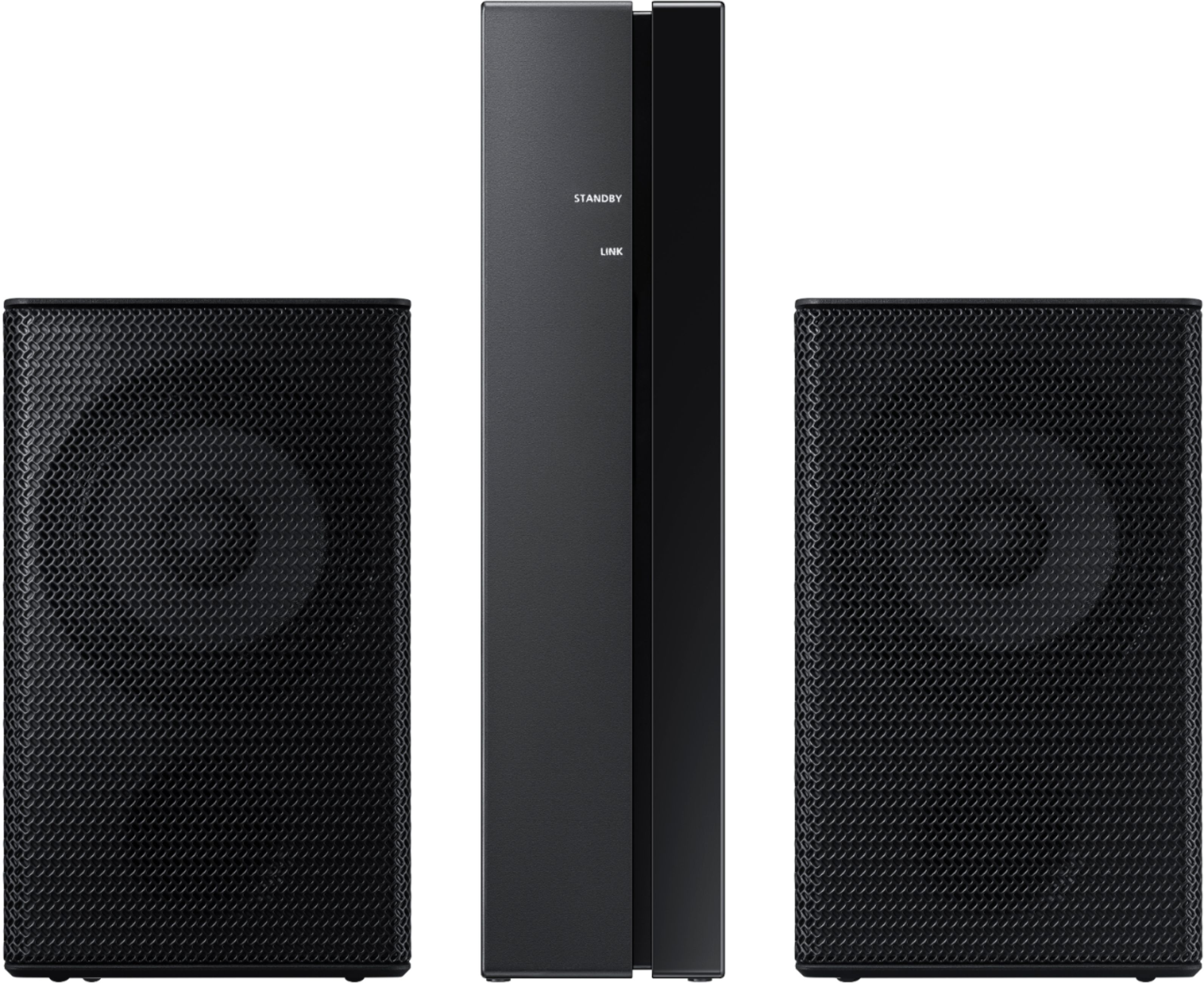
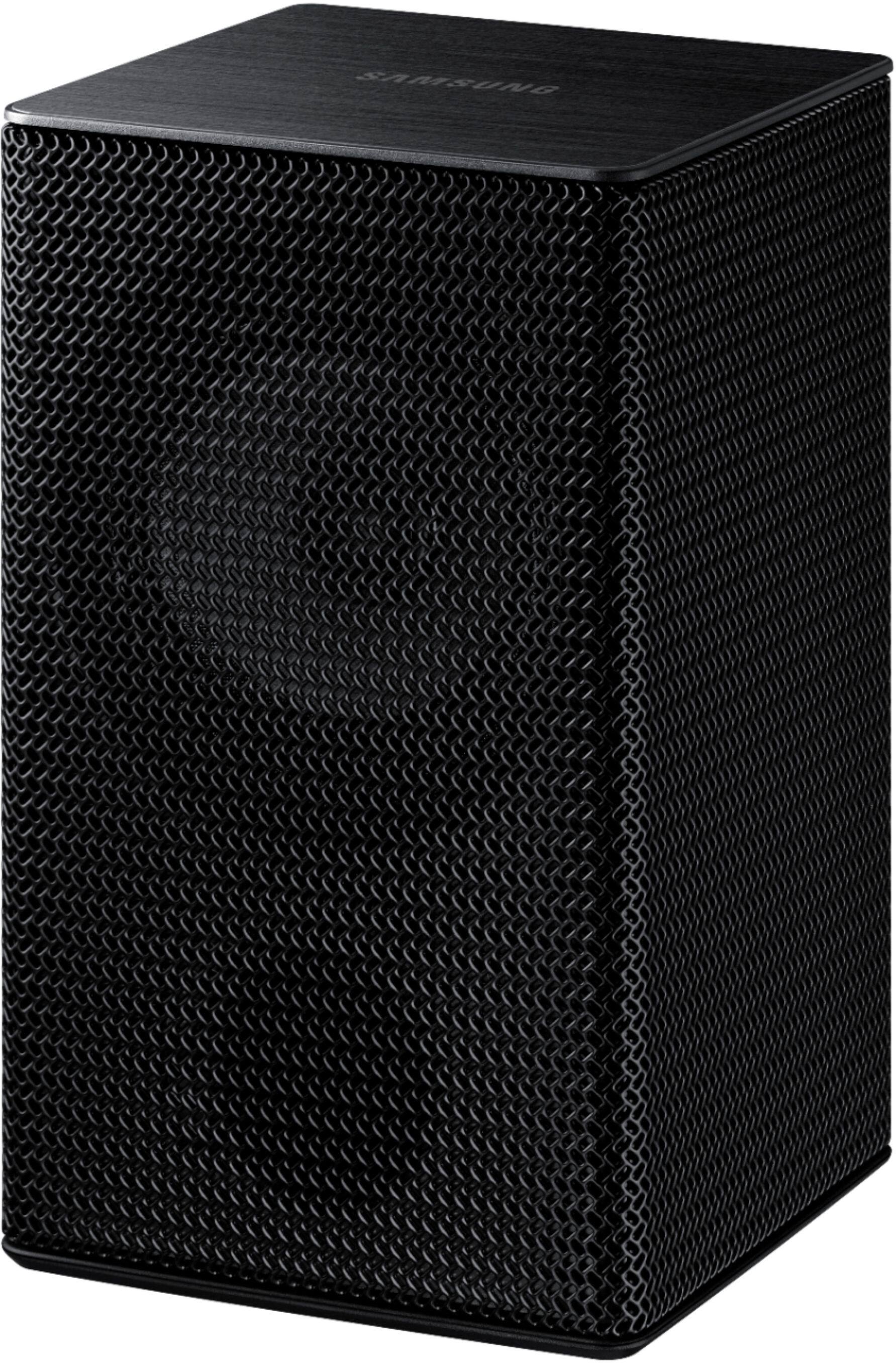
If Surround Speakers are connected, select REAR LEVEL and then use the Up/Down buttons to adjust the volume within a -6 to +6 range. ^Patty
A:AnswerHi Mike! I am very sorry that you are experiencing connection issues with your soundbar. Updating the firmware on your soundbar gives you all the benefits of the latest improvements. Please make sure you are running the latest firmware update which includes improved connectivity. You can update your firmware ver. 1017.5 by Auto Update or by using a USB device.
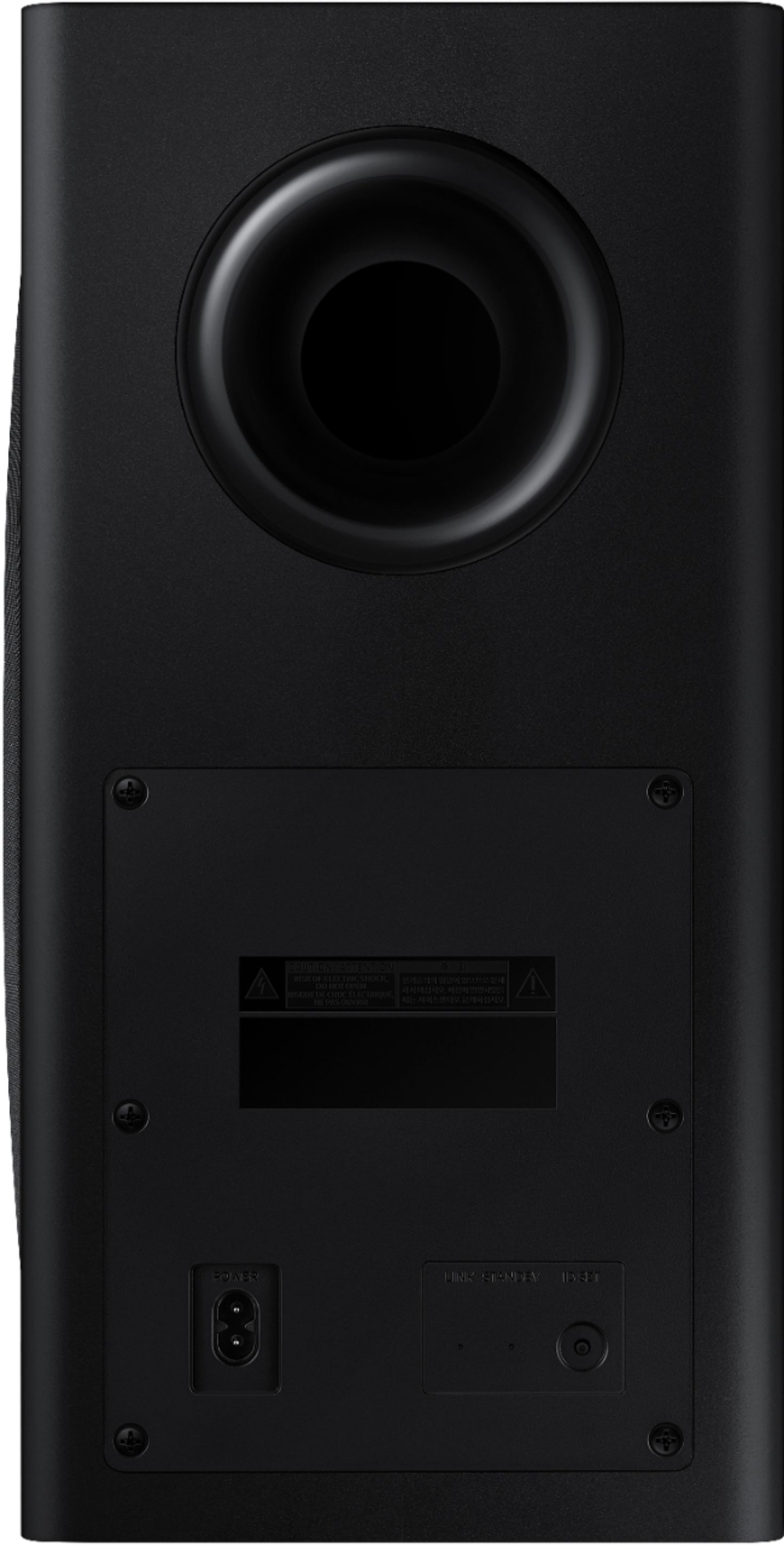
Your issue may be caused by wireless interference. When there is a wireless device (e.g., wireless LAN) using the same frequency (5.8GHz) near the Soundbar, the wireless connection between the Subwoofer and Surround Speaker could become unstable. This will affect the quality of audio output.
In this case, the radio frequency channel of the Subwoofer and Surround Speaker can be changed as below :
1. With the power of the Soundbar on, vertically press and hold the WOOFER button on the remote controller for at least 5 seconds.
• The display shows “W-CH” and the currently set radio frequency channel.
2. Press the Up/Down button on the remote controller to change the radio frequency channel, and then press the Play button.
• The display shows “OK” and then the frequency is set to the changed channel.
• You can exit the setting mode by pressing any button other than Up/Down or Play.
The maximum transmission distance of the main unit’s wireless signal is about 32.8 ft. but may vary depending on your operating environment. If a steel-concrete or metallic wall is between the main unit and the wireless subwoofer, the system may not operate at all because the wireless signal cannot penetrate metal.
For optimal listening performance, make sure that the area around the wireless subwoofer and the Wireless Receiver Module is clear of any obstructions.
If your issue persists, please reach out to Samsung Support at: ― Phone: 1-800-SAMSUNG / Available 8AM - 12AM EST, 7 days a week ― LiveChat or email: https://www.samsung.com/us/support/#contact_us_for_support ^Patty
A:AnswerHi Brandon! The sub should be placed on the floor. Placement can depend on room shape, size, and the furniture in the room, so it can be different for every customer's room. Nice thing about a sub is that it can go anywhere. I recommend you it try it in a couple of different spots and see where it sounds best for you. ^Patty

A:AnswerHow do you have this connected? By optical audio or HDMI Arc? HDMI Arc is designed for 4K pass through of video and audio. An optical connection may cause some latency. I have this exact same sound bar. I had a Definitive Technology sound bar with an optical connection and this latency would happen. Does not happen with this sound bar and an HDMI Arc connection. If you connect via HDMI Aec, you need to make sure you power things on in sequence or the handshake will glitch at times. Power off the TV, power off the soundbar. Unplu the sound bar from the TV. Power up the TV, then connect the sound bar and poer up the sound bar. That should do it.
A:AnswerHi Ron! There are a few things you may want to check:
1) The maximum wireless signal transmission distance is about 33 ft.
2) If there is a wall between the sound bar and the subwoofer it may cause interference or not work at all depending on the material in the wall.
3) If there is a device that uses the same wireless frequency (2.4 GHz) near the Soundbar, interference may cause some sound interruption.
4) Check all of the sources on the soundbar. If the audio is dropping while watching TV it could be an issue with the broadcast.
5) Also, please be sure you have the latest firmware update. . You can update your firmware by Auto Update or by using a USB device. You can find the update on the product page of your HW-Q850T on the Samsung website.
Should you need further assistance with this issue, please reach out to Samsung Support at: ― Phone: 1-800-SAMSUNG / Available 8AM - 12AM EST, 7 days a week ― LiveChat or Email: https://www.samsung.com/us/support/#contact_us_for_support. ^Patty

A:AnswerHi JackieStar - You can connect the HW-Q850T Soundbar to your TV via any HDMI port but you won't be able to passthrough Dolby content, which HW-Q850T supports. If your TV doesn't support ARC, it likely doesn't have Dolby. ^Patty
A:AnswerHi Pony! So that we can better assist you, please reach out to Samsung Support at:
― Phone: 1-800-SAMSUNG / Available 8AM - 12AM EST, 7 days a week
― LiveChat or Email: https://www.samsung.com/us/support/#contact_us_for_support
We look forward to hearing from you. ^Gina
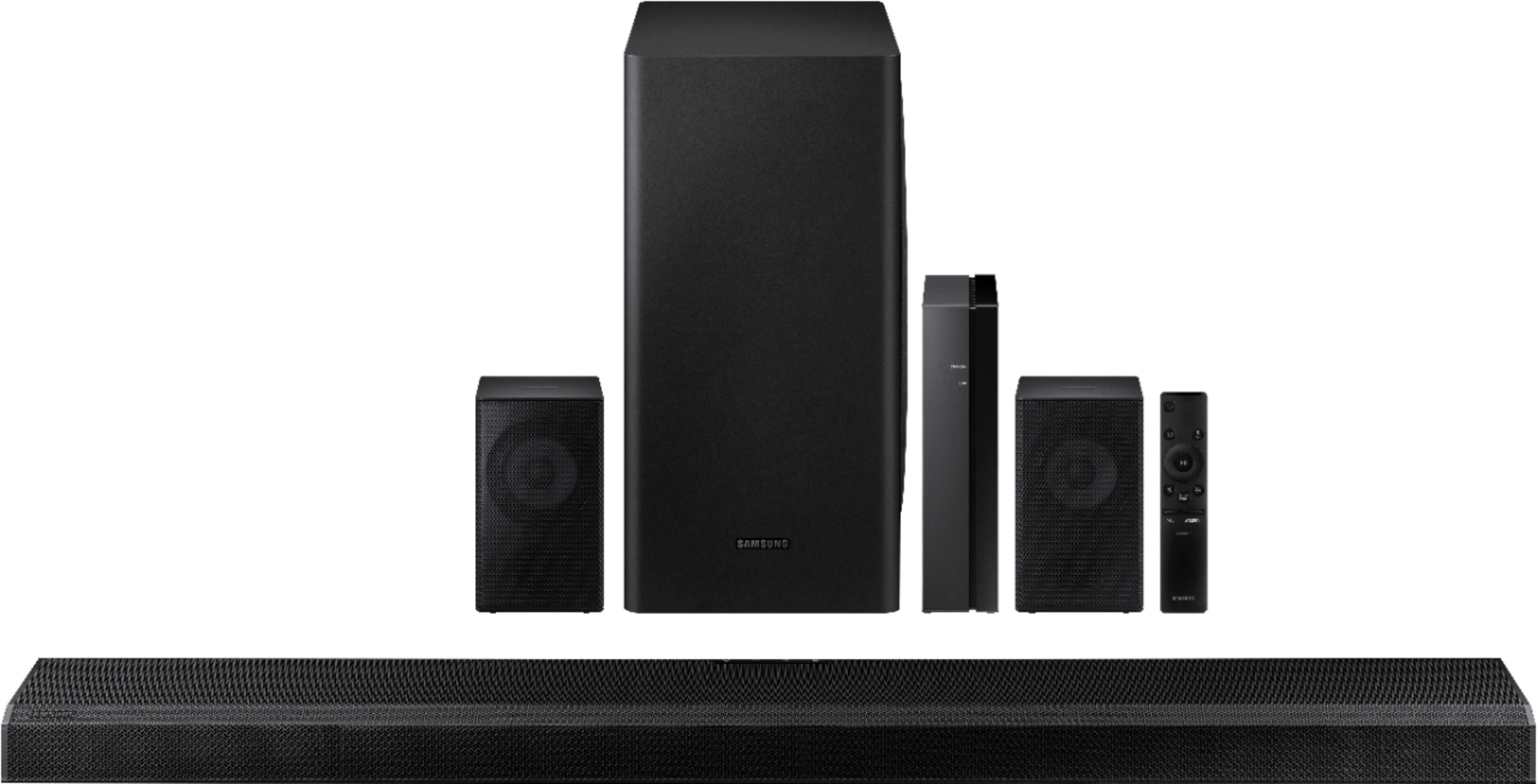
A:AnswerHi DO, I apologize for any issues you are having. The best option is to unplug all the components (soundbar, subwoofer and rear speakers) for a couple minutes. Then plug in the rear speakers first (you should see a blue light flashing), then the subwoofer and last the soundbar. Turn on the soundbar and it should find the subwoofer and rear speakers. If it still doesn't connect I would suggest reaching out to Samsung Support and they can walk you through a couple more options that should solve the problem. Please reach out to Samsung Support via any of these options:
Phone: 1-800-SAMSUNG
Available 8 AM - 12 AM EST 7 days a week
LiveChat or Text: https://www.samsung.com/us/support/contact/
Facebook Messenger: https://www.facebook.com/samsungsupport
Twitter: https://twitter.com/SamsungSupport
The Samsung TV Community is also a great resource for getting help from Samsung moderators and customers: https://us.community.samsung.com/ ^Jeremy
A:AnswerHi David! I'm sorry to see you're having troubles pairing the rear speakers on your HW-Q850T Soundbar. So that we can better troubleshoot towards a solution, please reach out to Samsung Support at:
― Phone: 1-800-SAMSUNG / Available 8AM - 12AM EST, 7 days a week
― LiveChat or Email: https://www.samsung.com/us/support/#contact_us_for_support
We look forward to hearing from you. ^Gina
A:AnswerHi Ronn! Yes, connect the HW-Q850T to your Samsung 65NU7300 using HDMI ARC for the best audio performance and compatibility with Dolby Atmos. ^Tim
A:AnswerHi! Yes, the HW-Q850T and 85Q80T are compatible. You can even take advantage of Q Symphony allowing your TV speakers to work with your soundbar for our most immersive audio technology yet. Connect the soundbar to the TV using HDMI eARC for optimal sound performance.
^Tim
A:AnswerHi! No, the HW-Q850T is only compatible with the included wireless subwoofer. You cannot connect multiple subwoofers to this unit at a time. ^Tim
A:AnswerHi! The HW-Q850T comes with Alexa built-in. Enjoy all the things you know and love about Alexa, from streaming music to asking about the weather, with the advantage of powerful, optimized sound from your soundbar. ^Tim