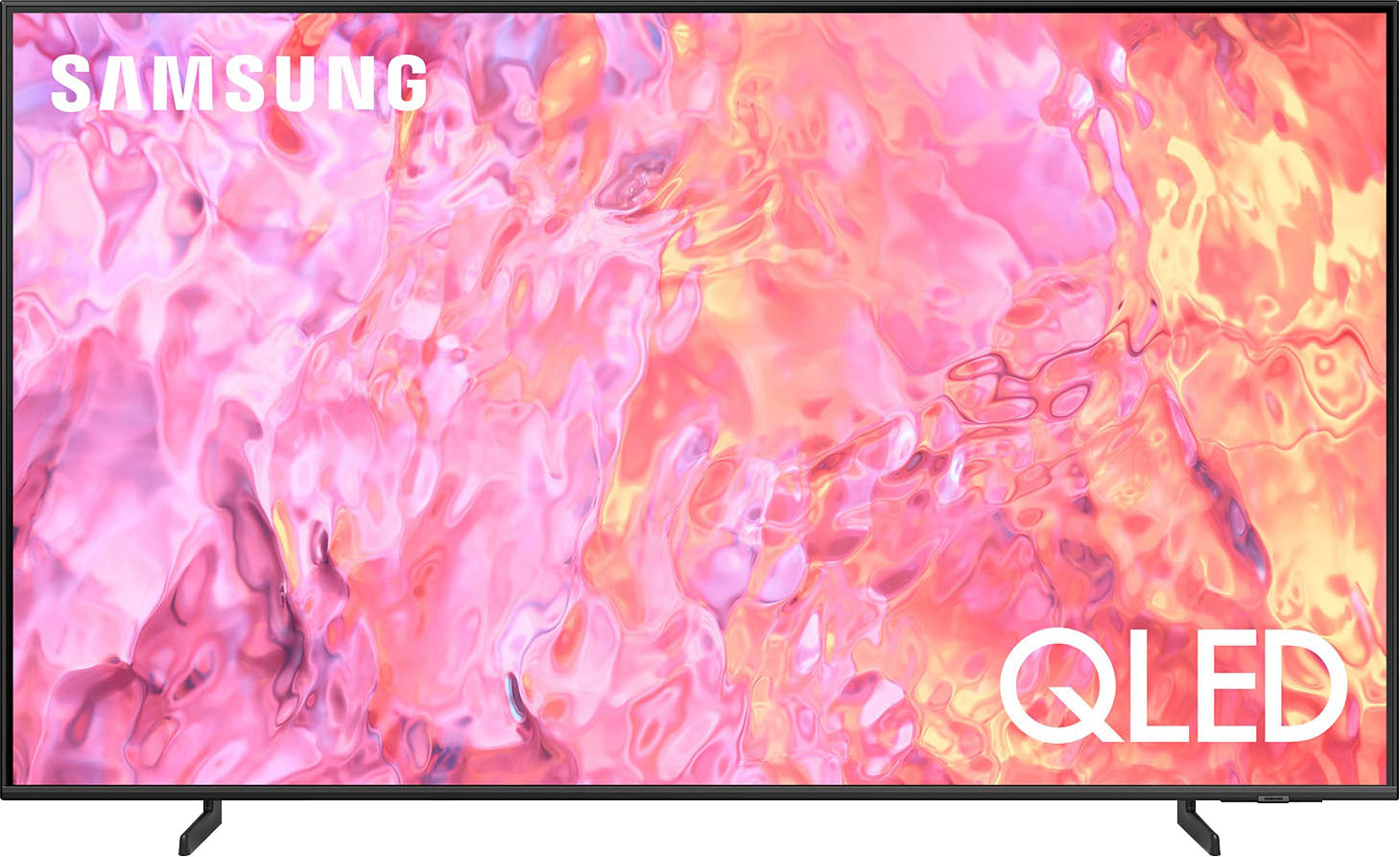
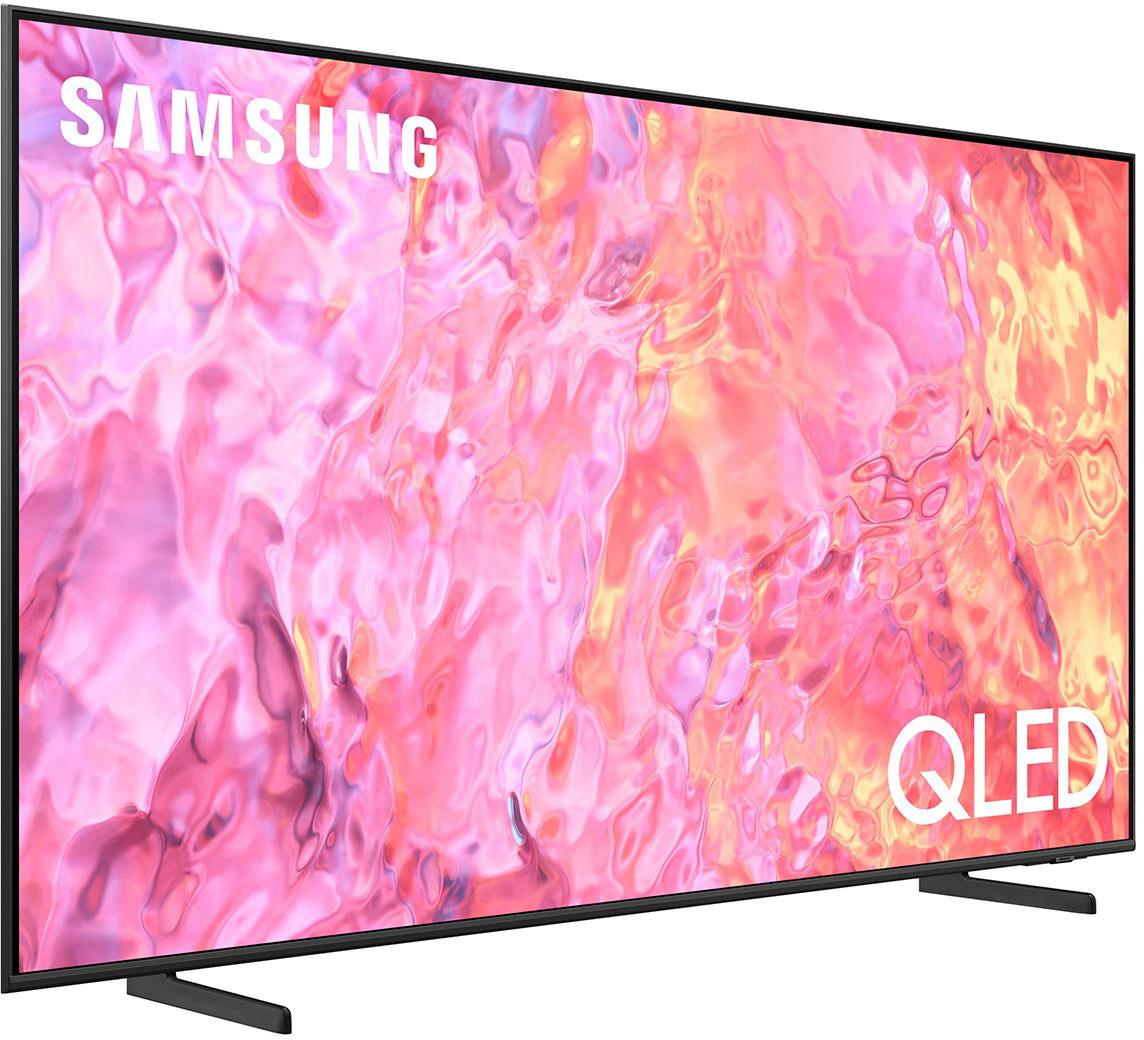
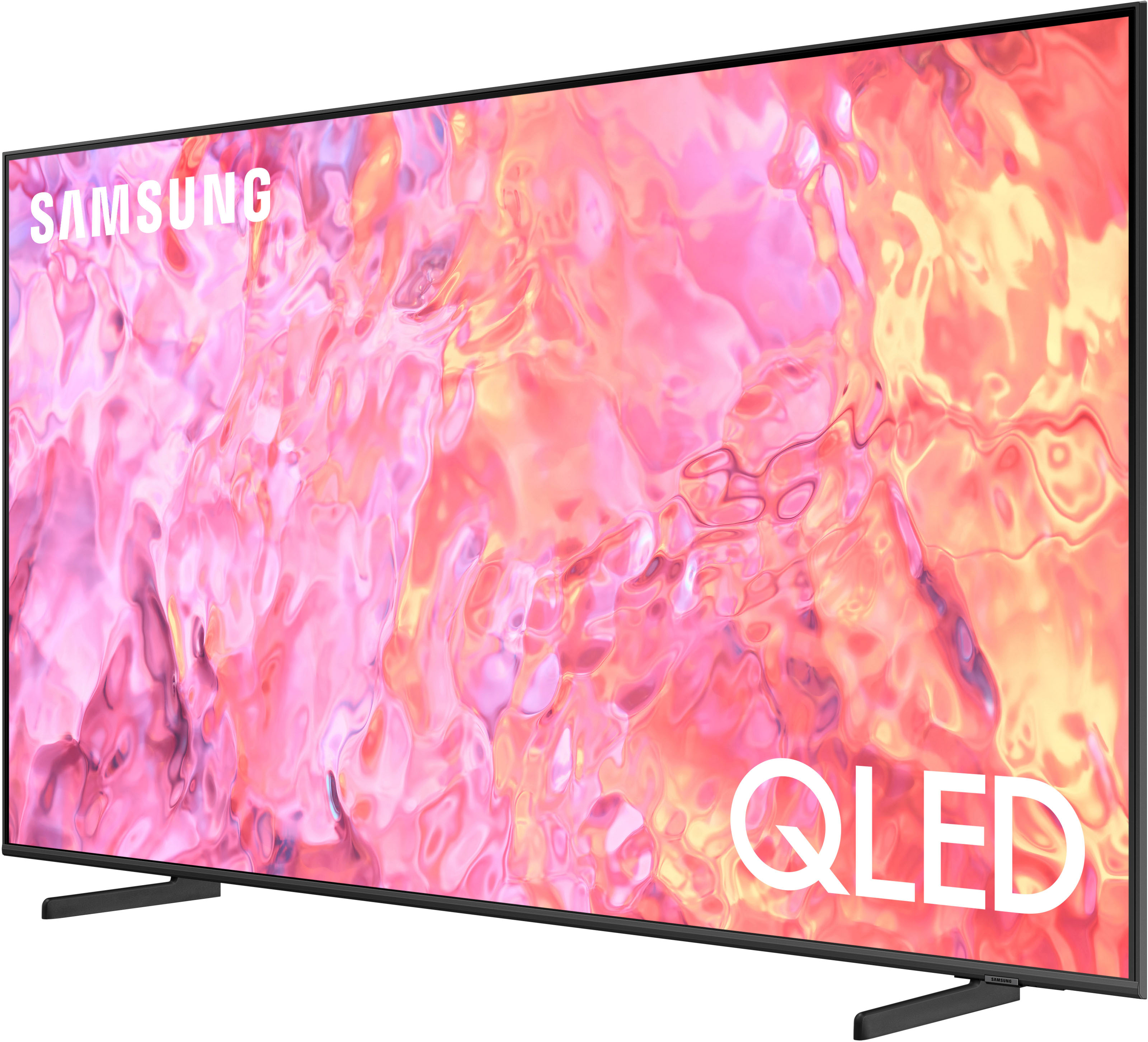
A:AnswerBrenda - QLED TVs are powered by Quantum Dot technology and provide you with over a billion brilliant shades of vivid and lifelike colors that stay true without fading, regardless of the scene's brightness. OLED (Organic Light-Emitting Diode) panels use self-lit pixels to control colors of individual pixels to create life-like colors. It also allows the TV to turn individual pixels on and off to create deep blacks for incredible contrast when viewing HDR content.
~ Samsung Specialist
A:AnswerNo, the Paramount+ app doesn't work on any Samsung tv I own. You can download it and it may work for awhile but will stop working even after uninstall and reinstall. The app loads but says something went wrong. I have 5 Samsung TVs including the 85" flagship model and same result. End up using firestick for paramount.
A:AnswerRichard - You can find these measurements on this model’s product page – just click Show Full Specs and scroll down to Dimension: https://www.bestbuy.com/site/samsung-50-class-q60c-qled-4k-uhd-smart-tizen-tv/6537419.p?skuId=6537419
~ Samsung Specialist
A:AnswerBobby - Please ensure Anynet+ (HDMI-CEC) is turned off on your TV. Anynet+ will automatically turn on HDMI-connected devices each time you turn on your TV. To turn off Anynet+ (HDMI-CEC), go to: Settings > All Settings > Connection > External Device Manager > Anynet+ (HDMI-CEC) = OFF.
~ Samsung Specialist