A:AnswerYes it will. I have my PC hooked up to it and it works very well. My older Samsung never did a great job of scaling the desktop properly but this one does an excellent job. You will need to hook it up HDMI.
A:AnswerI SUGGEST YOU PURCHASE PROPER HDMI CABLE FROM BEST BUY. I HAD SIMILAR EXPERIENCE BUT AFTER I CHANGED THE HDMI, I AM ENJOYING THE TV PICTURE QUALITY, PARTICULARLY T SHOWS IN HD FORMAT
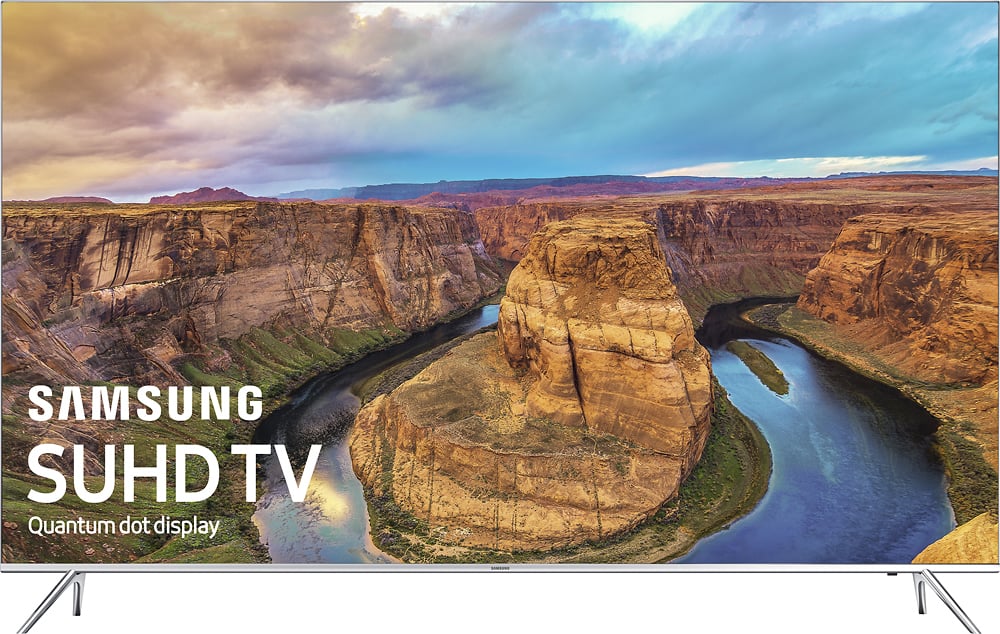
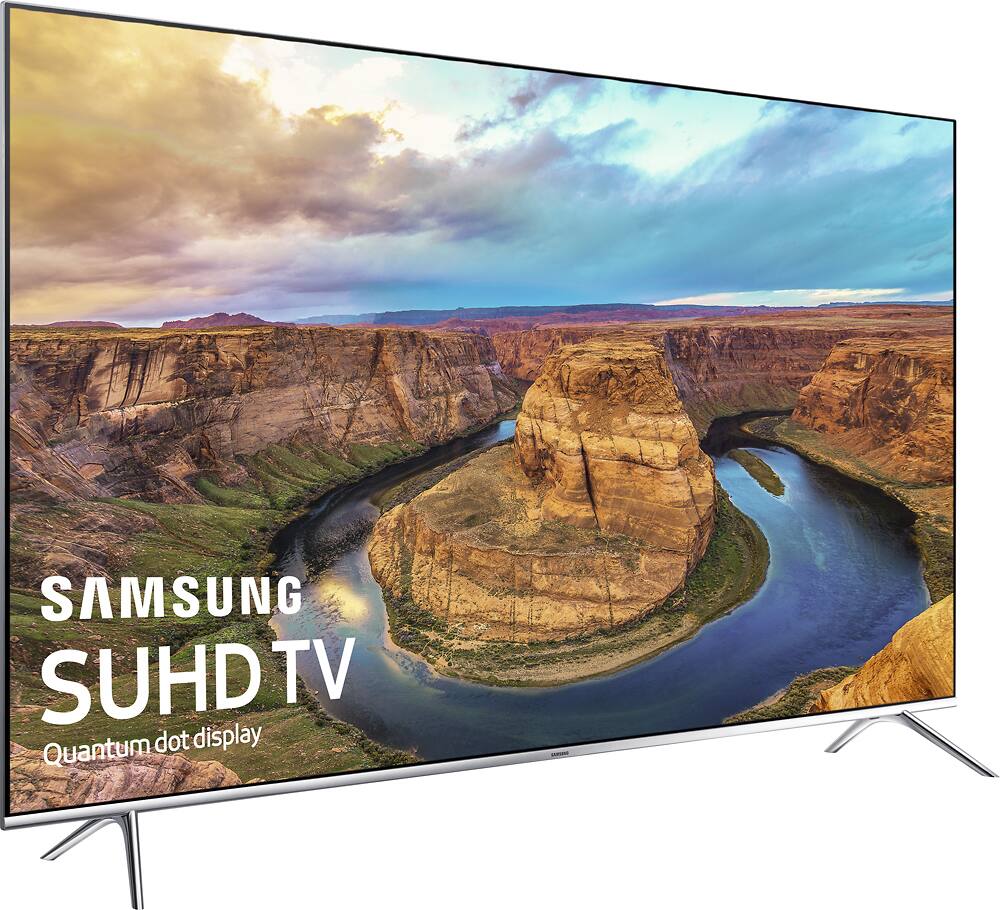
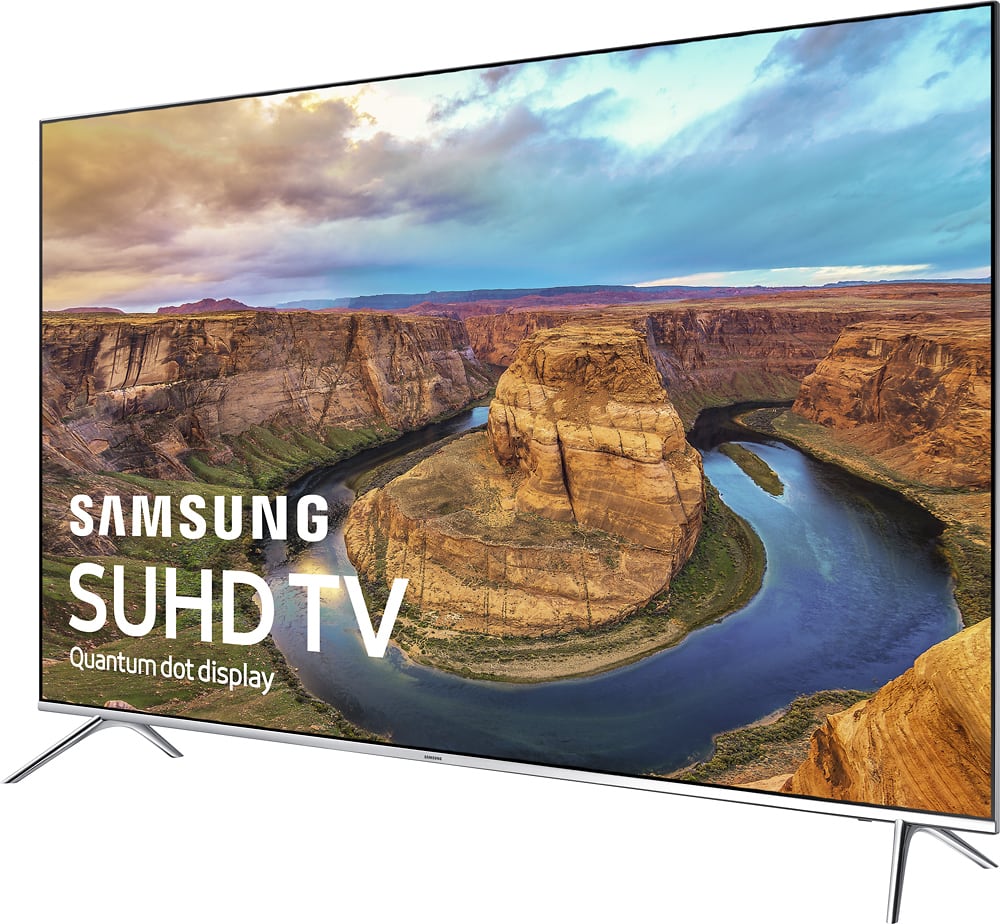
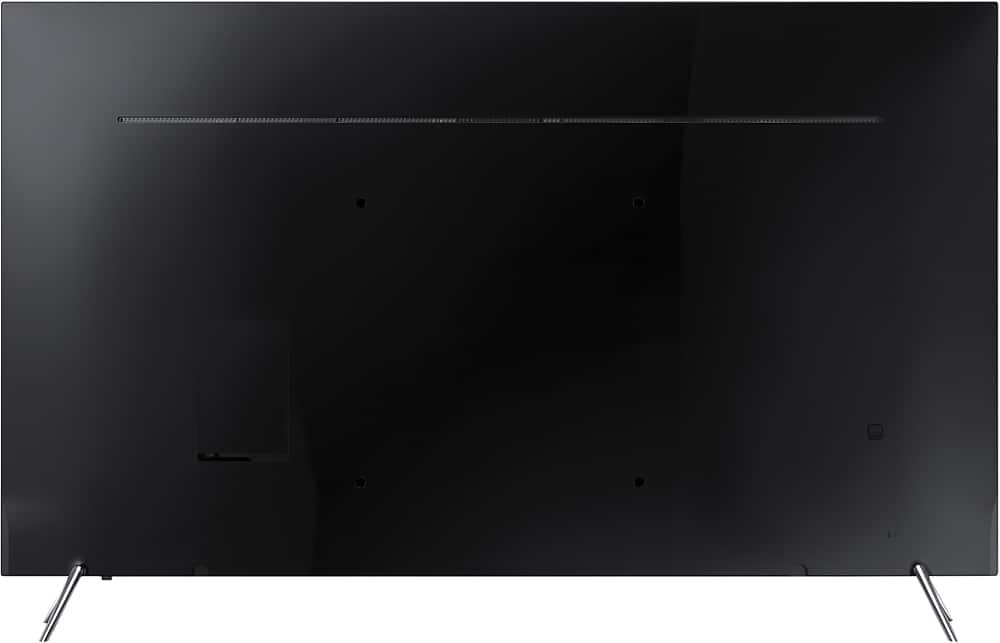
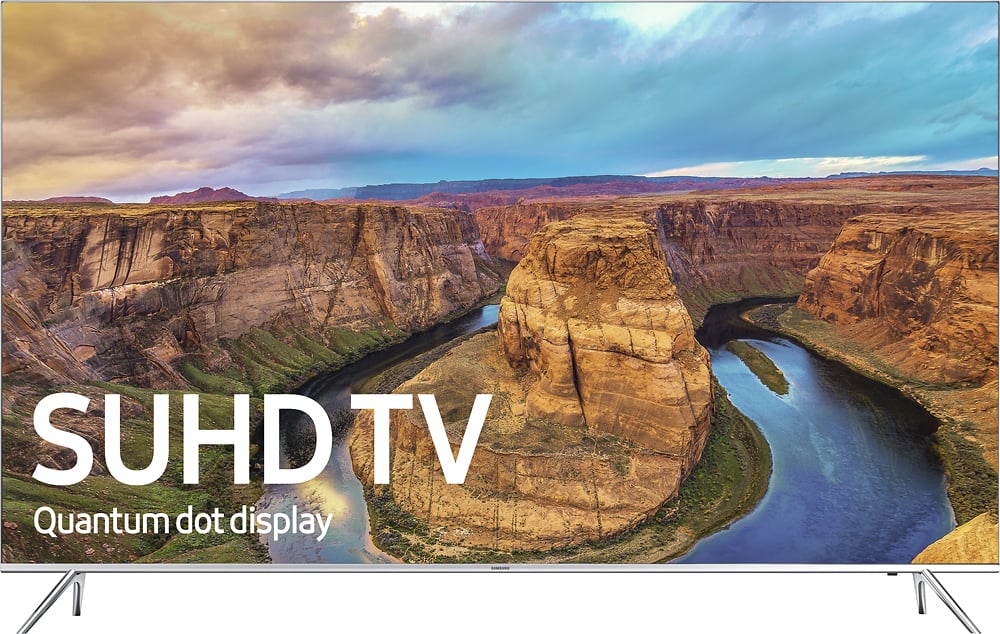
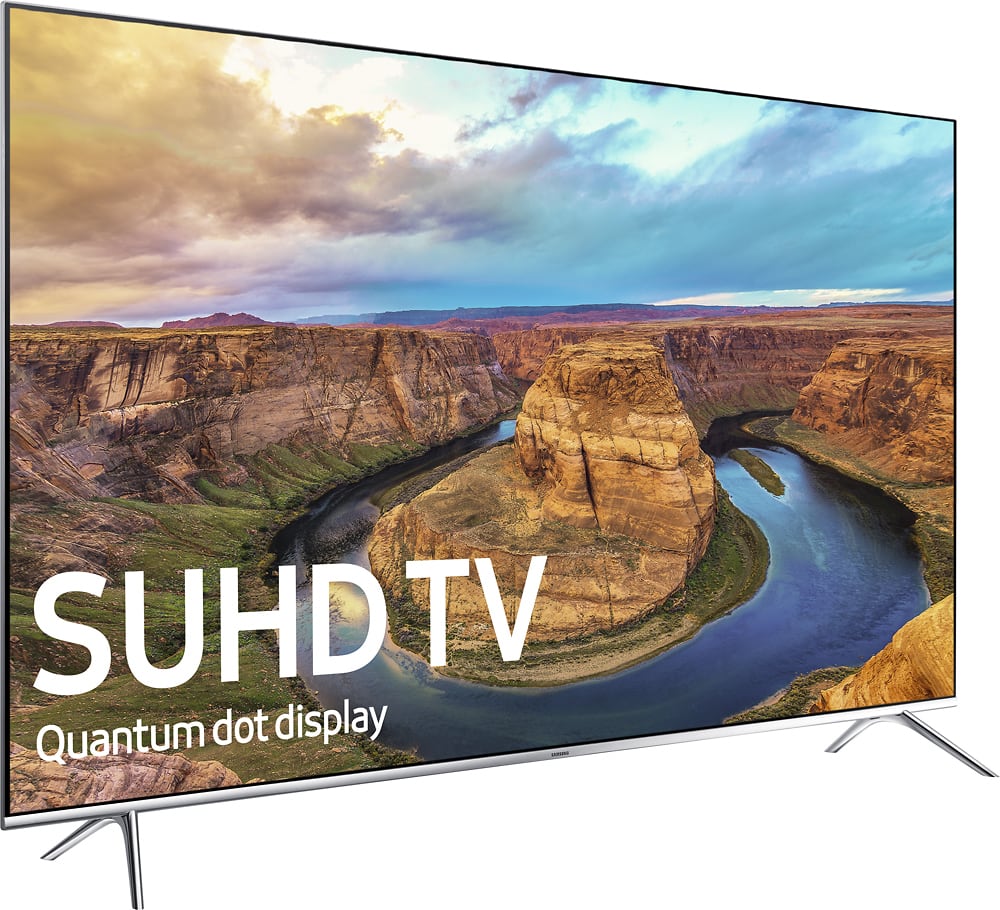
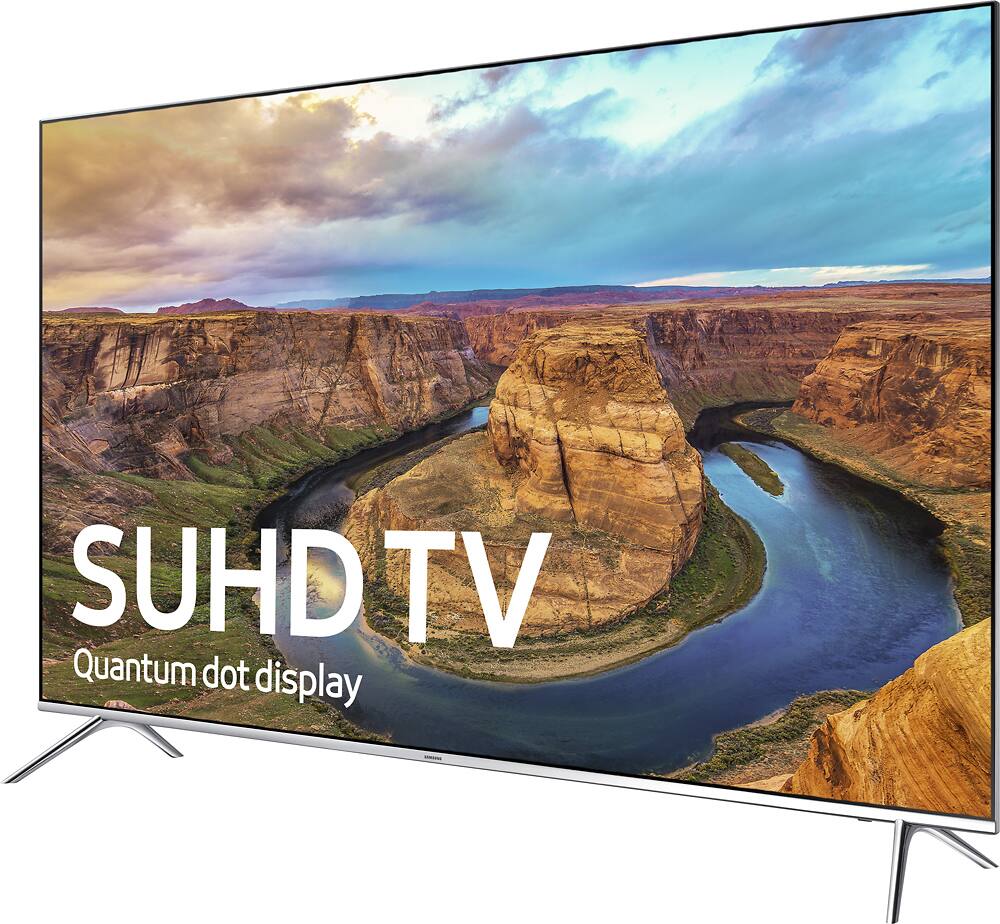
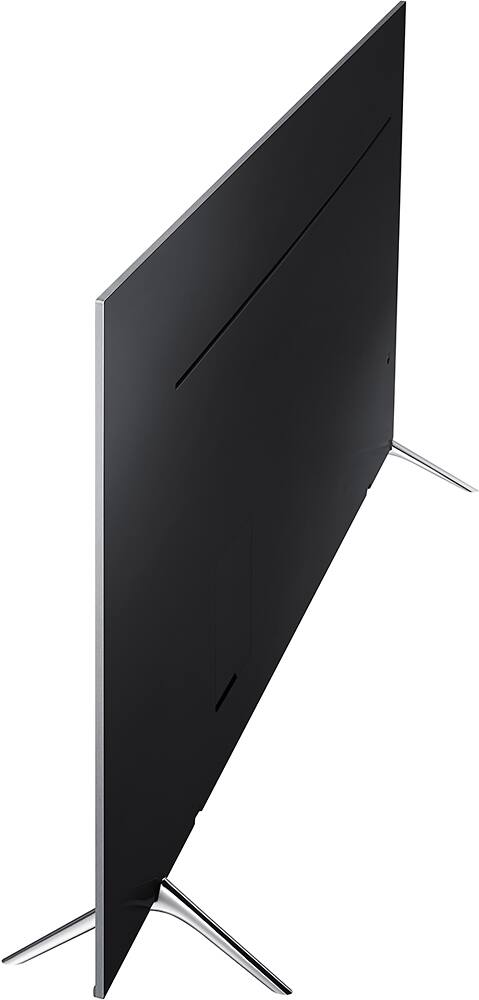
A:AnswerOurs just made it. those legs are right on the outside and not in the center like many other tv's. I strongly suggest you measure the legs of the sample set in the store and then go home and look at exactly where they will fit on your cabinet. Hope it works out for you. It's a great TV!
A:AnswerI have not tried it, but if you Google "ks8000 bluetooth headphones" there is a support article on Samsung's website that guides you through setting them up, so I am thinking the answer is YES.
A:AnswerFlat!!! A curved screen is best for straight-on viewing with no window glare. A curved screen will drive you crazy as it catches more glare from a window and it always seems like you have it tilted the wrong way. Curved is great for straight-on gaming but little else.
A:Answerim not sure it will play movies from USB, never tried it but i did use a regular old USB to update to the latest firmware. The TV was not updating and when i contacted Samsung they said it needed to be updated via USB and that i needed an empty USB stick for it to recognize the update. Try Samsung website they have a chat support so you dont have to wait all day on the phone.
A:AnswerThe TV is 4 feet lengthwise. The legs sit 2" in from the edge of the TV. If you are going to angle the TV on the stand then depth of the stand is important.