A:AnswerHi Gladys! The AU8000 is compatible with a wide range of universal remote solutions. Depending on the type of remote you are utilizing, it may require additional programming steps. You can find programming instructions on your cable provider's website or contacting them directly. Alternatively, the Samsung TV remote features the ability to control devices connected to the TV allowing you to use one remote for all of your devices.
^Tim
A:AnswerHi! Yes, the 55" AU8000 features a VESA mounting pattern of 200 x 200 for compatibility with a wide range of universal mounting solutions. To mount this TV, you will need 4 M8 screws, 11-13mm depth, 1.25mm pitch. Please also consider the thickness of your bracket when choosing the optimal screw length. ^Tim
A:AnswerHi Randyd! The 55" AU8000 features a VESA mounting pattern of 200 x 200 for compatibility with a wide range of universal mounting or stand solutions. To mount this TV, you will need 4 M8 screws, 11-13mm depth, 1.25mm pitch. Please also consider the thickness of your bracket when choosing the optimal screw length.
^Tim
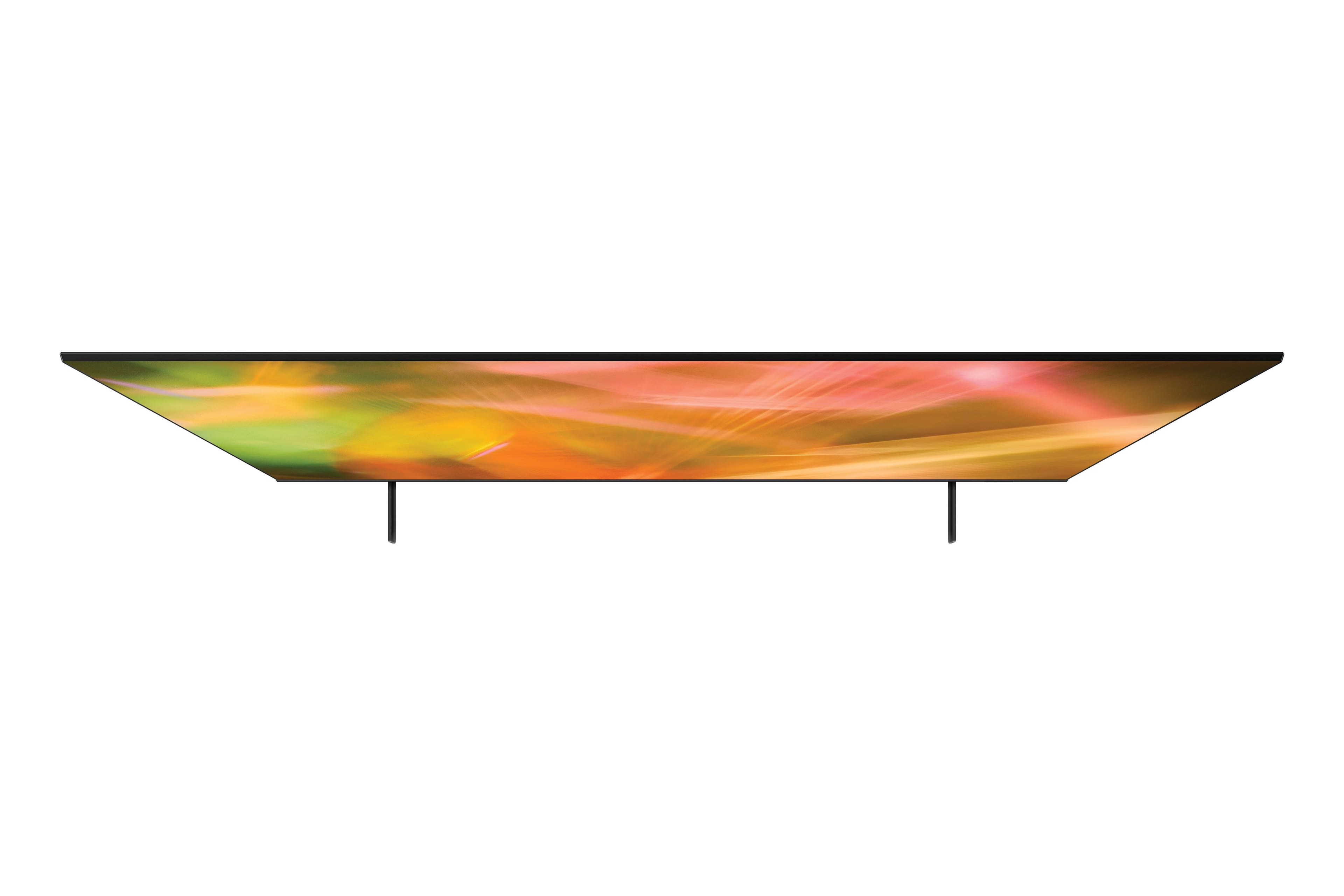
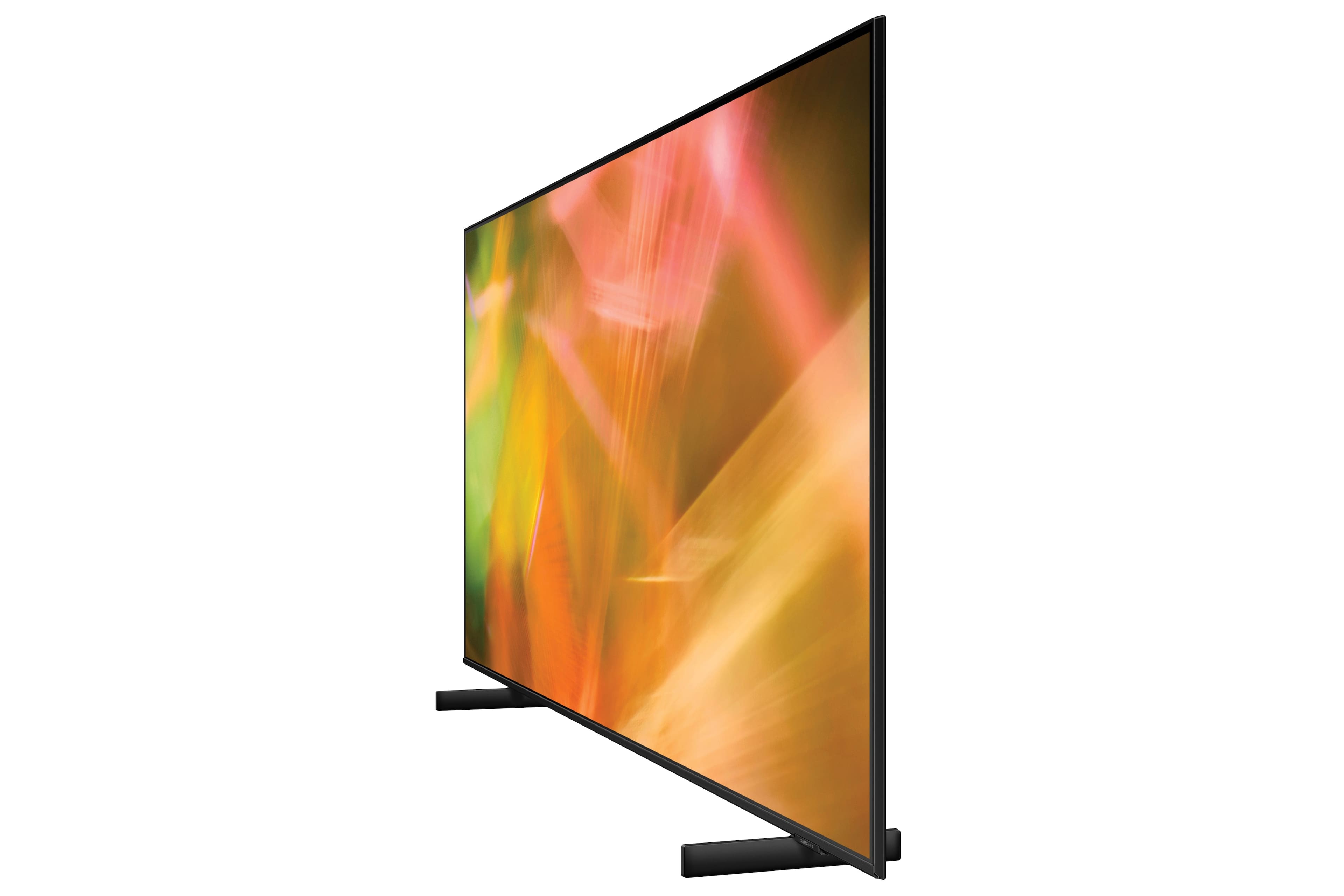
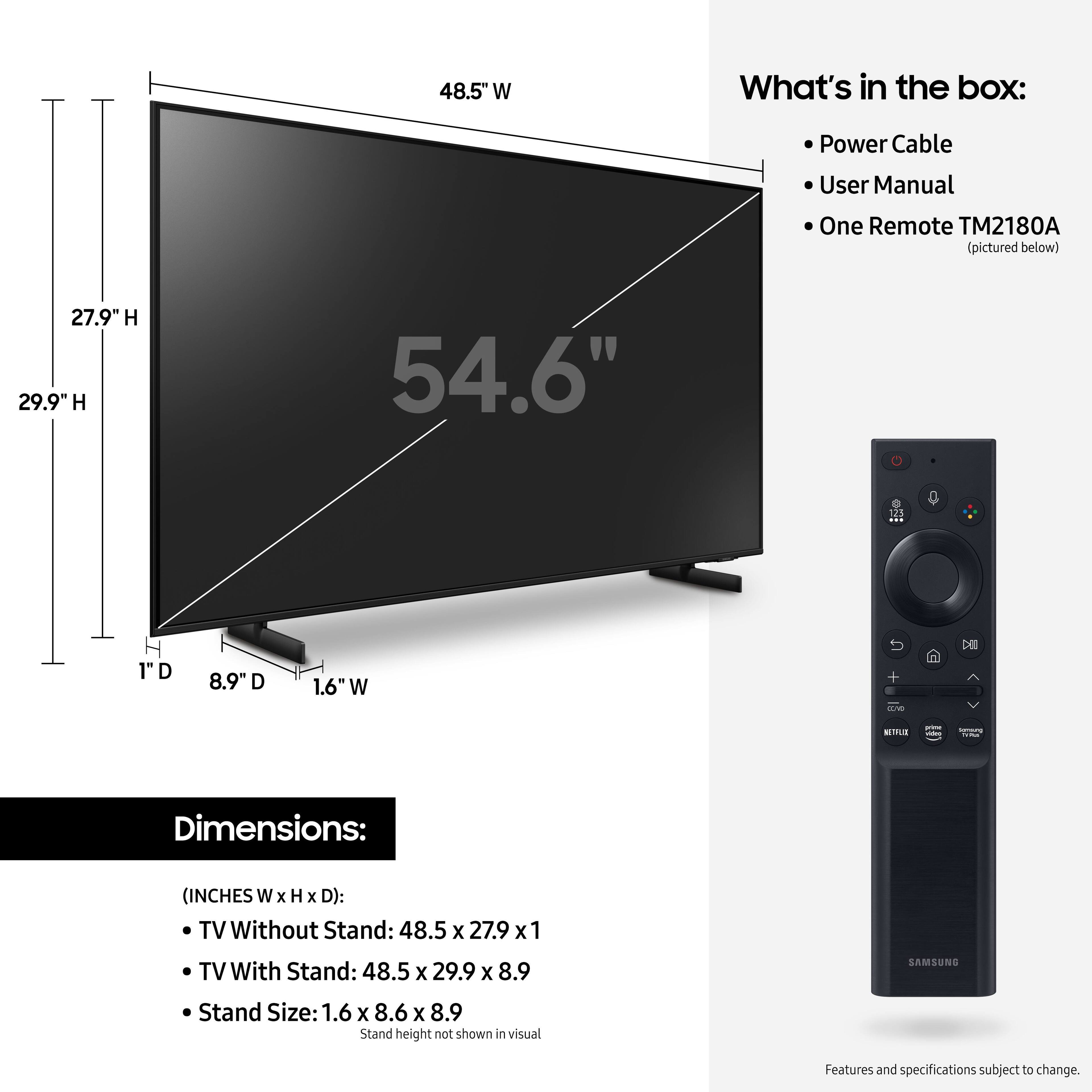
A:AnswerHi RPF! Here are the full dimensions of the 55" AU8000: INCHES (WxHxD):
TV Without stand: 48.5 x 27.9 x 1
TV With stand: 48.5 x 29.9 x 8.9
^Tim
A:AnswerHi Maggiemay! You may want to try adjusting the sound settings to better suit your preference. Change the Sound Mode by going to: Settings > Sound > Sound Mode. You can also customize the sound with Expert Settings by going to: Settings > Sound > Expert Settings
For additional assistance with the audio settings of your new TV, please reach out to Samsung Support at: 1-800-SAMSUNG (ask for TVs), available 8AM - 12AM EST, 7 days a week, or Chat with us on Samsung.com: https://www.samsung.com/us/support/contact/
^Tim
A:AnswerHi BobbE! The Smart Remote with Voice included with the AU8000 will allow you to control basic functions of a wide range of external devices that are connected via HDMI. Connect an external device to the HDMI port of the TV, and then power on the external device. Your TV will automatically recognize the device when connected through HDMI, and will switch the output. If it doesn’t automatically detect, press Source, and select Universal Remote to continue the setup process for the Universal Remote.
^Tim
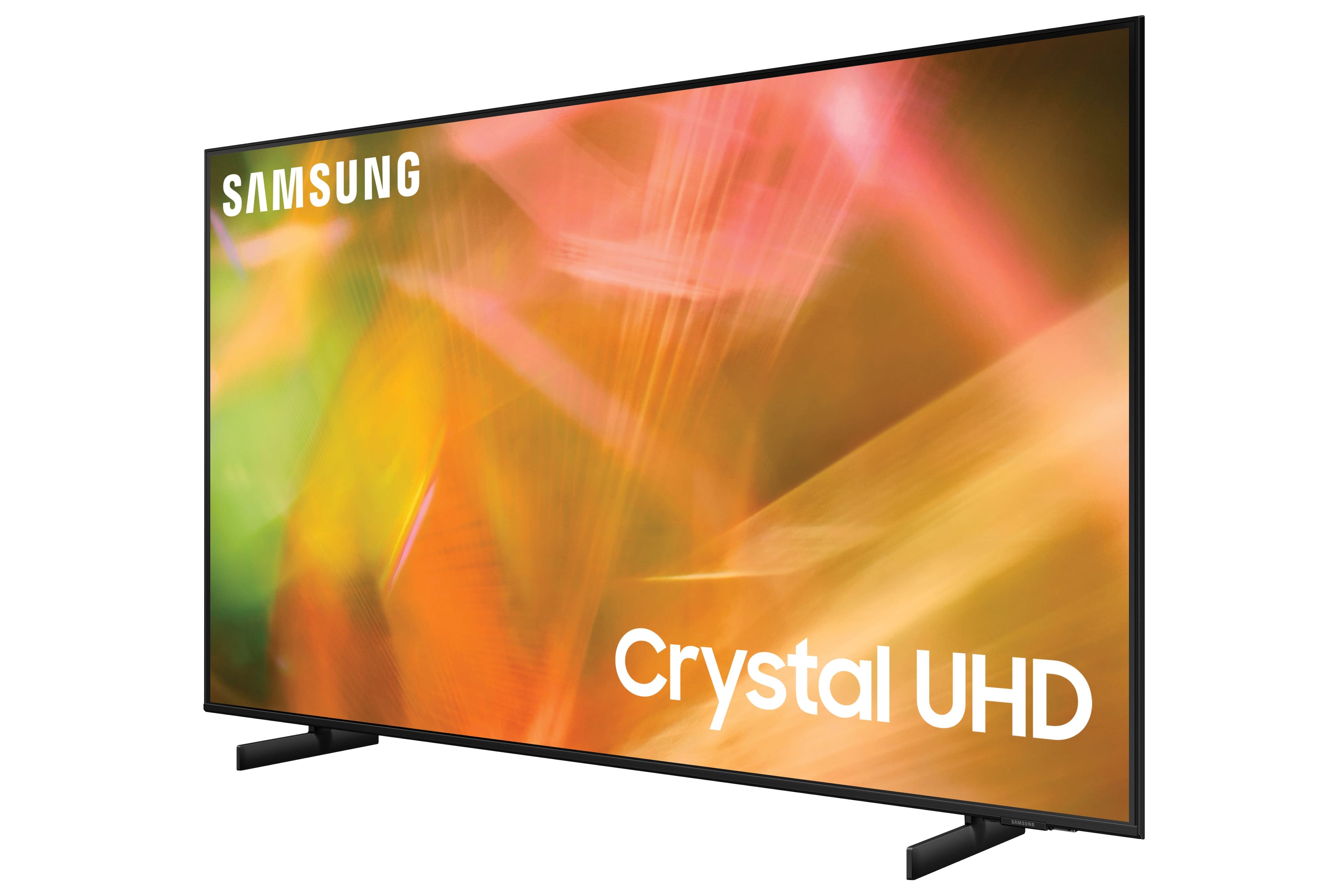
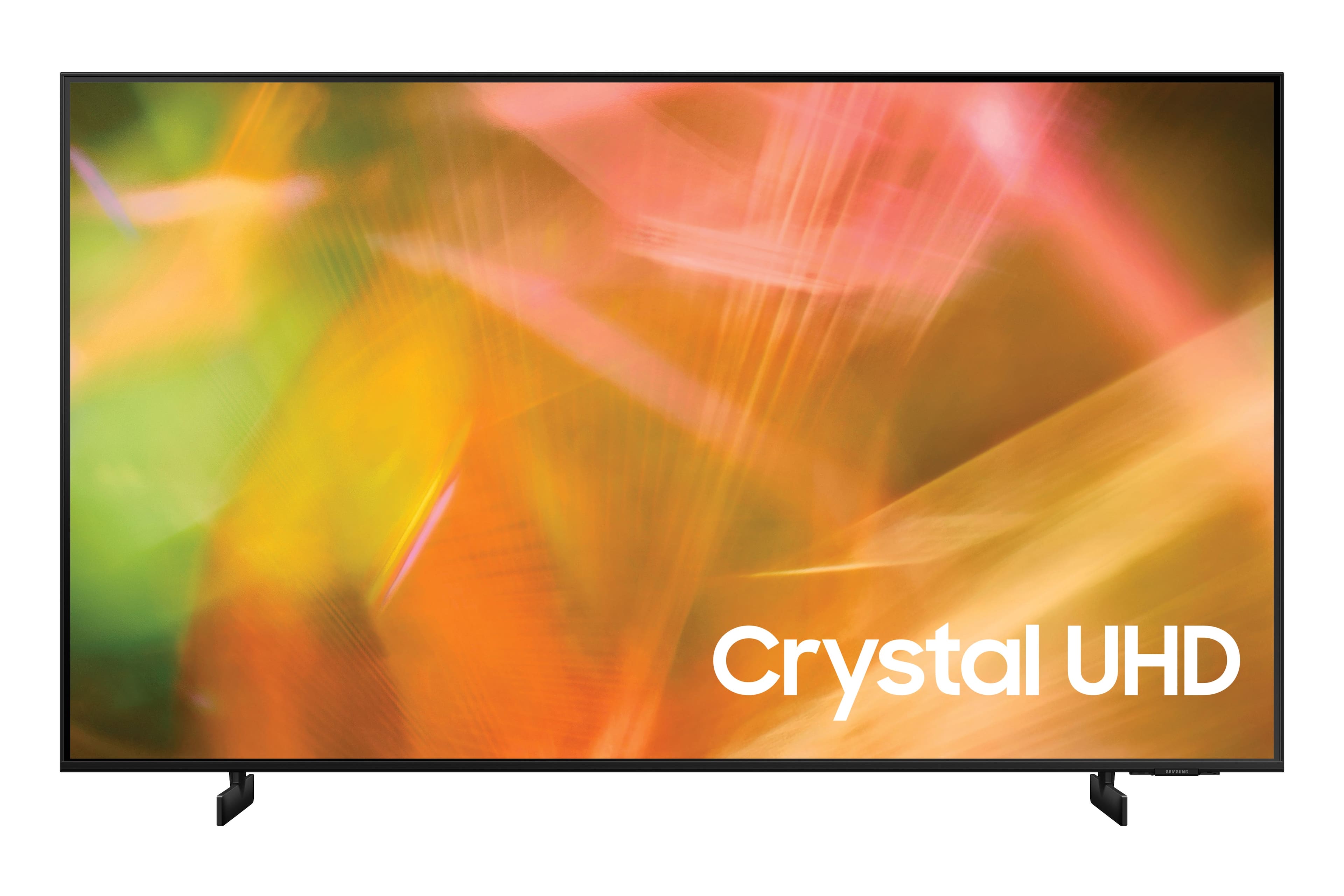
A:AnswerHi Kim! Crystal UHD is the term used for Samsung's 2021 UHD TVs featuring powerful processing from the Crystal Processor 4K and impressive color from the Dynamic Crystal Color technology.
^Tim
A:AnswerHi robing2748! The AU8000 includes Samsung's standard 1 year manufacturer's warranty. You can view the full details of the included warranty at the following link: https://www.samsung.com/us/support/service/warranty/UN55AU8000FXZA
You can learn more about the Geek Squad protection plans for TVs available from Best Buy at the following link: https://www.bestbuy.com/site/tv-home-theater-protection-plans/tv-protection/pcmcat1594152111966.c?id=pcmcat1594152111966
^Tim
A:AnswerHi Sling! Yes, the Sling TV app can be searched for and downloaded through the AU8000's built in app store, eliminating the need to connect an external device.
^Tim
A:Answernyrich,
I’m sorry to see that you are having difficulties with edge lighting. So that we can better troubleshoot towards a solution, please reach out to Samsung Support at 1-800-SAMSUNG (ask for TVs), available 8AM - 12AM EST, 7 days a week.
For additional support resources, visit us on the Samsung website and click on the ‘Support’ link in the upper right corner of the homepage for:
1) Chat with Us/Product Help: To begin a chat or find solutions, choose ‘TVs & Home Theater’ and select your model & topic.
2) Register a Product: For access to easy warranty support, convenient opt-in to special promos and offers, faster troubleshooting and service, and quick notification of system updates.
3) Manuals & Software
4) Warranty Info
5) Contact Us
^Patty