A:AnswerHi Grandma,
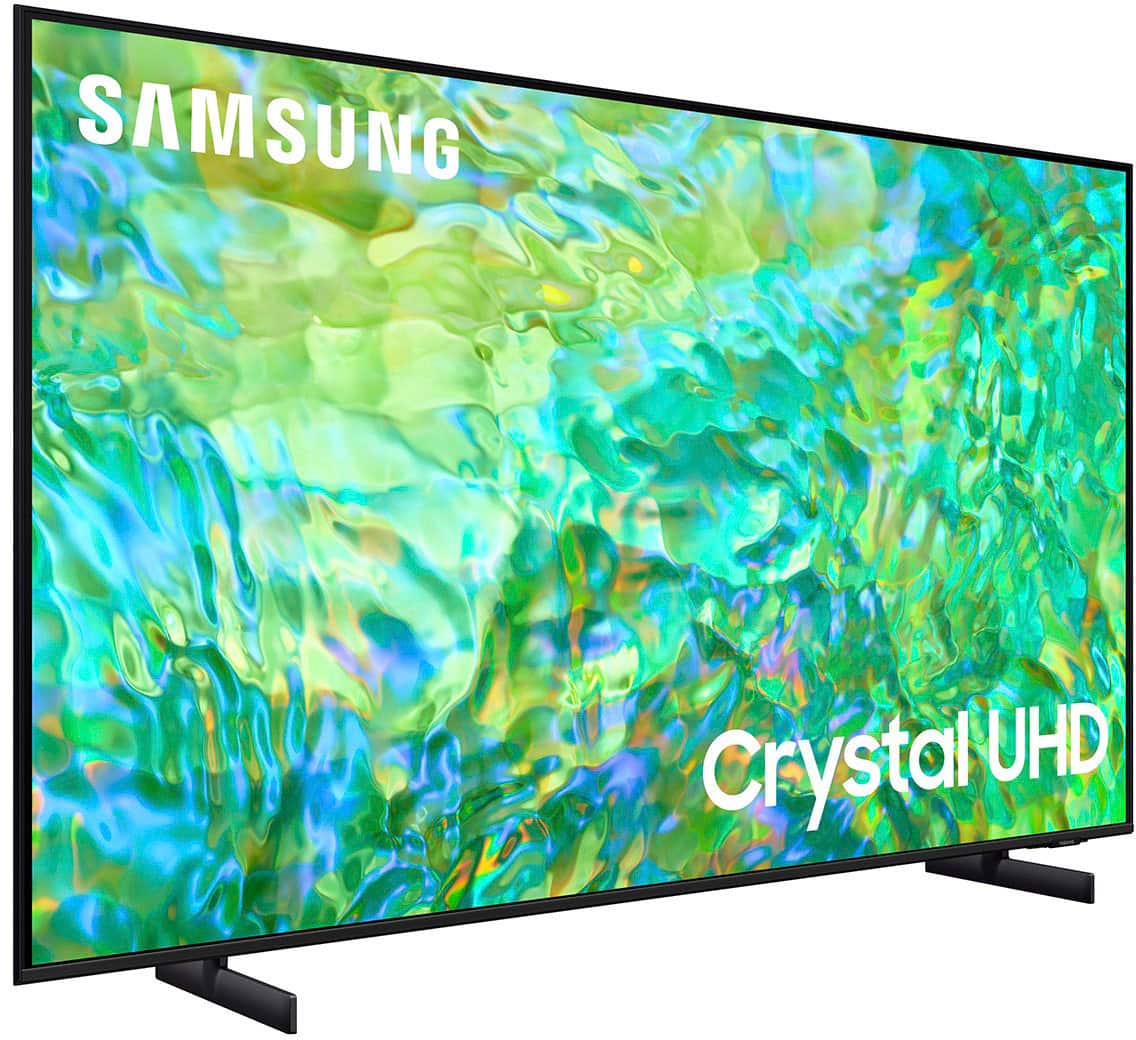
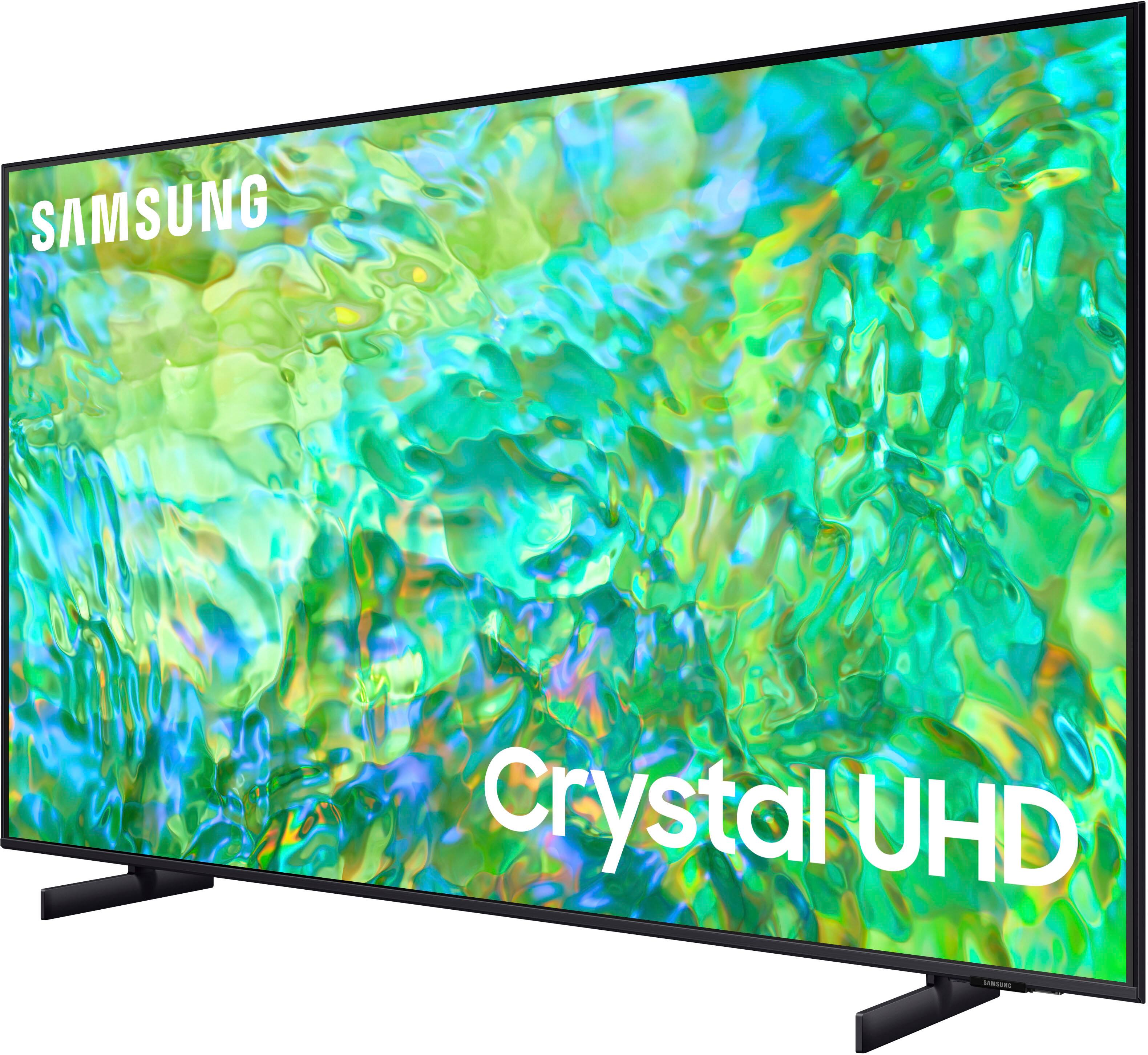
The CU7000 features Crystal Displays for brilliant colors and exceptionally crisp, vivid images. Their Crystal 4K Processor further brings impressive clarity to all your content while upscaling everything you watch to stunning 4K definition, no matter the source.
You'll also gain Dolby decoder MS12 2ch, dual Bluetooth audio, mobile camera support, and Google Meet. Plus, you will gain Filmmaker Mode, which allows you to watch the source content (e.g., movie) just as the director intended, as well as Tap View, which allows you to cast content from your smartphone by simply tapping it to the side of the TV.
When stepping up the new CU8000 you will gain a ton of added features that we are very excited about, such as Multi-View-allowing you to view several types of content at the same time, Dual Audio Support - connect to two Bluetooth devices at once, ConnecTime - make video calls to and from your screens, and Samsung Gaming Hub allowing you to play your favorite games online.
I hope this helps!
~Samsung Advisor
A:AnswerHi,
To disable Smart Hub from appearing when you turn on your television, go to Home >Settings> All Settings> General> Smart Features> Disable the Autorun Smart Hub function.
~Samsung Advisor

A:AnswerHi,
Great question! The CU7000 features Crystal Displays for brilliant colors and exceptionally crisp, vivid images. Their Crystal 4K Processor further brings impressive clarity to all your content while upscaling everything you watch to stunning 4K definition, no matter the source.
You'll also gain Dolby decoder MS12 2ch, dual Bluetooth audio, mobile camera support, and Google Meet. Plus, you will gain Filmmaker Mode, which allows you to watch the source content (e.g., movie) just as the director intended, as well as Tap View, which allows you to cast content from your smartphone by simply tapping it to the side of the TV.
When stepping up the new CU8000, you will gain a ton of added features that we are very excited about, such as Multi-View-allowing you to view several types of content at the same time, Dual Audio Support - connect to two Bluetooth devices at once, and ConnecTime - make video calls to and from your screens.
~Samsung Advisor

A:AnswerNo, Samsung has their own Operating system called TIZEN. The apps (Hulu, Netflix, etc) run on that. I do not care for the samsung OS.. it is slow and clunky at times., All of my Samsung TV's (5) have ROKU devices attached to them to run the streaming services.
A:AnswerHi MikeyD,
Yes, you can use both TV and Bluetooth device audio simultaneously using the Multi-Output Audio feature. When this function is active, you can set the volume of the Bluetooth headphones higher than the volume of the TV speaker. First, make sure your Bluetooth headphones are paired. Press HOME on your CU8000 remote. Then go to Settings > General > Accessibility > Multi-output Audio.
~Samsung Advisor
A:AnswerHi IWUJacks,
You can screen mirror from your (laptop, phone, etc.) to the CU8000 TV using SmartThings on Android devices or Apple AirPlay on iOS devices.
~Samsung Advisor

A:AnswerThe CU8000 TV has 2 20-watt speakers with Object Tracking Sound Lite giving you 3D surround sound that follows the movement on screen using our incredible virtual top channel audio.
~Samsung Advisor
A:AnswerHi OddSide,
No, the CU8000 should not be mounted vertically. If you are looking for a TV to use in Portrait Mode, I recommend the Samsung Frame TV.
~Samsung Advisor