A:AnswerSkip,
You can set the Sleep Timer to turn off after a set period of time. Additionally, you can enable Auto Power Off to have the TV turn itself off if there has been no activity for a set period of time. This is one of your TV’s energy-efficiency functions.
~Samsung Pro
A:AnswerHoop,
For help choosing a soundbar to pair with your DU6900 TV, please reach out to our dedicated support team at 1-800-SAMSUNG, 8 AM – 12 AM EST, 7 days a week, or Chat with us on Samsung.com: https://www.samsung.com/us/support/contact/
~ Samsung Pro
A:AnswerMaddox,
You can set the Sleep Timer to turn off after a set period of time. Additionally, you can enable Auto Power Off to have the TV turn itself off if there has been no activity for a set period of time. This is one of your TV’s energy-efficiency functions.
~Samsung Pro
A:AnswerNonix4,
To compare Samsung TVs, check out our website or reach out to our support team via Facebook, Chat (on Samsung’s website), or call us at 1-800-SAMSUNG / Available 8 AM – 12 AM EST, 7 days a week. We can also help recommend a soundbar to enhance your television experience.
~ Samsung Pro
A:Answersoundbar,
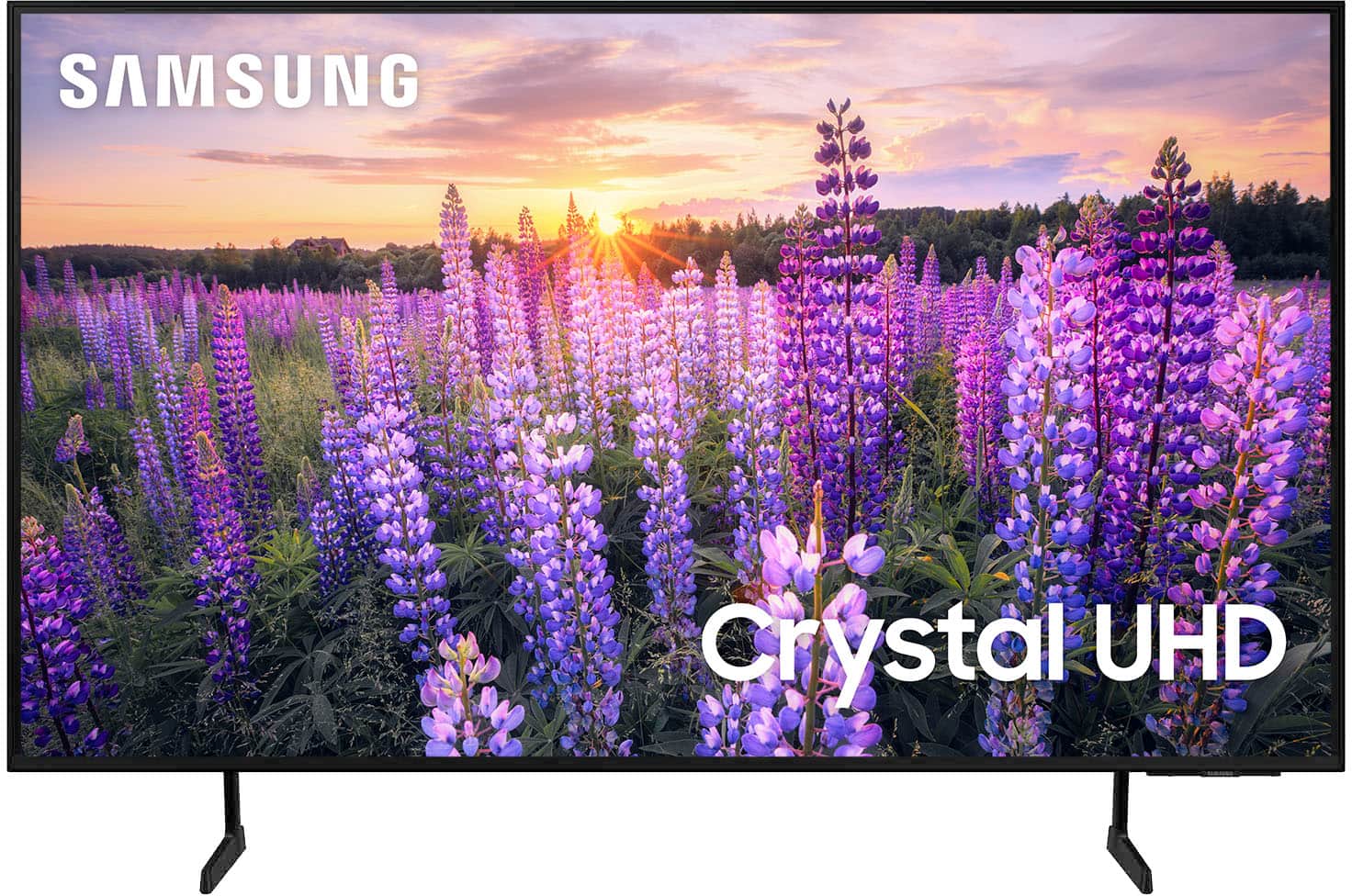
The DU6900 TV offers 2 HDMI ports and is Bluetooth and Wi-Fi capable, allowing a seamless connection across multiple devices at a time. If your external device requires an Optical port, we recommend utilizing an HDMI to Optical Converter. These can be found at your local electronics store. Please also keep in mind that an Optical port can be found on our DU8000F Series and above.
~Samsung Pro