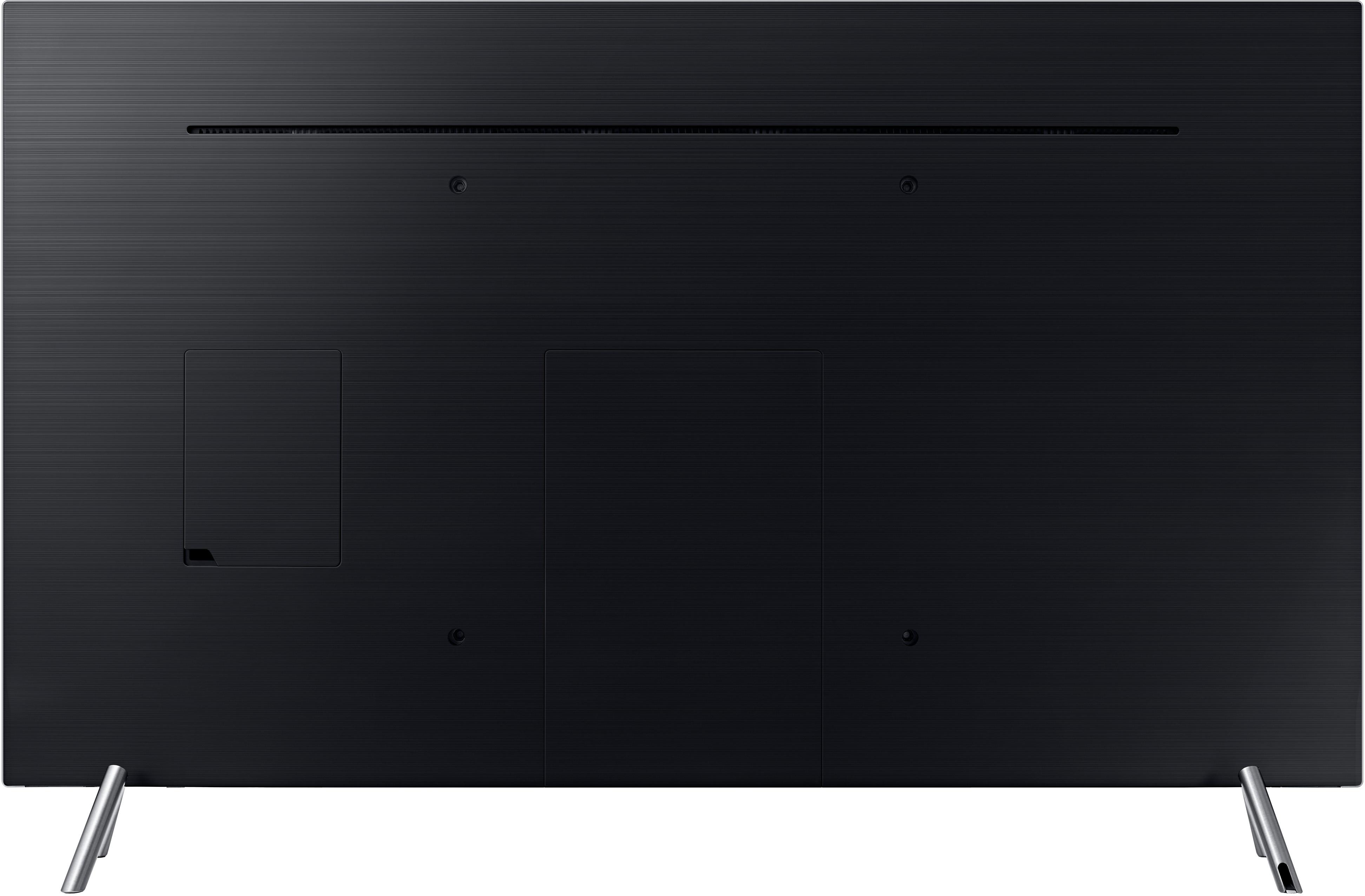
A:AnswerYour wall mount should have various locations to place the bracket on the wall. Mine had approximately a 16" slot, top and bottom, that allowed me to hit the studs no matter where the TV mounting screws are located.
A:AnswerHi Connor, we understand your concerns with the TV. Please fill out the form below and one of our social media specialists would be happy to assist you. http://smsn.us/SamsungSupportUSA and we will respond accordingly. ^Britt
A:AnswerYou should be able to by pressing the home button and scroll left to source then go up and to the right to connection guide select connection guide and scroll down to Audio Device and select which method you want to use to hook up your device.
A:AnswerHello wolf41352, I have attached a link below to the user manual, you will find more information regarding HDR starting on page 65
http://downloadcenter.samsung.com/content/UM/201801/20180123102314699/ENG_US_KTMATSCL-3.0.8.pdf
^Britt
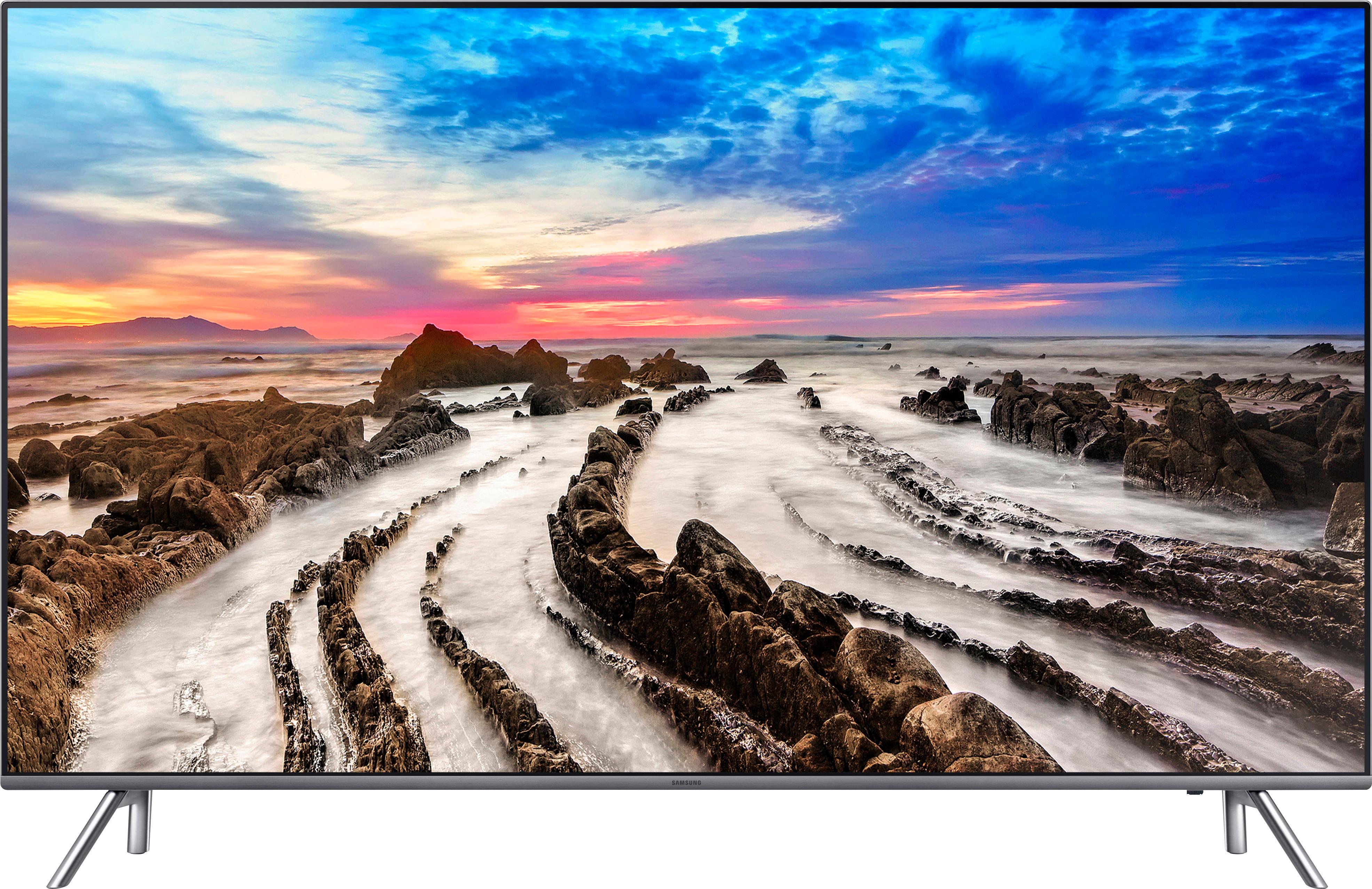
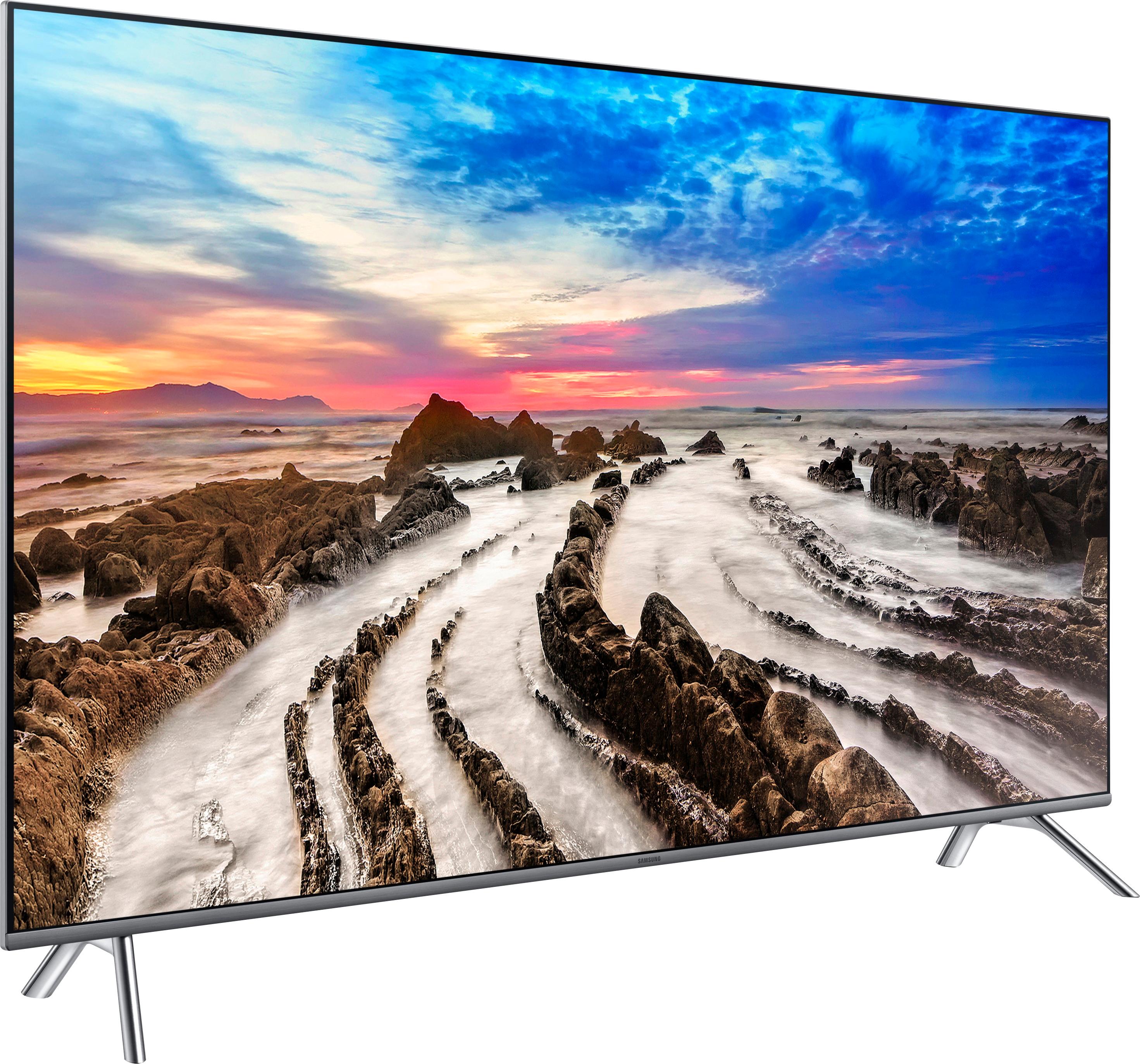
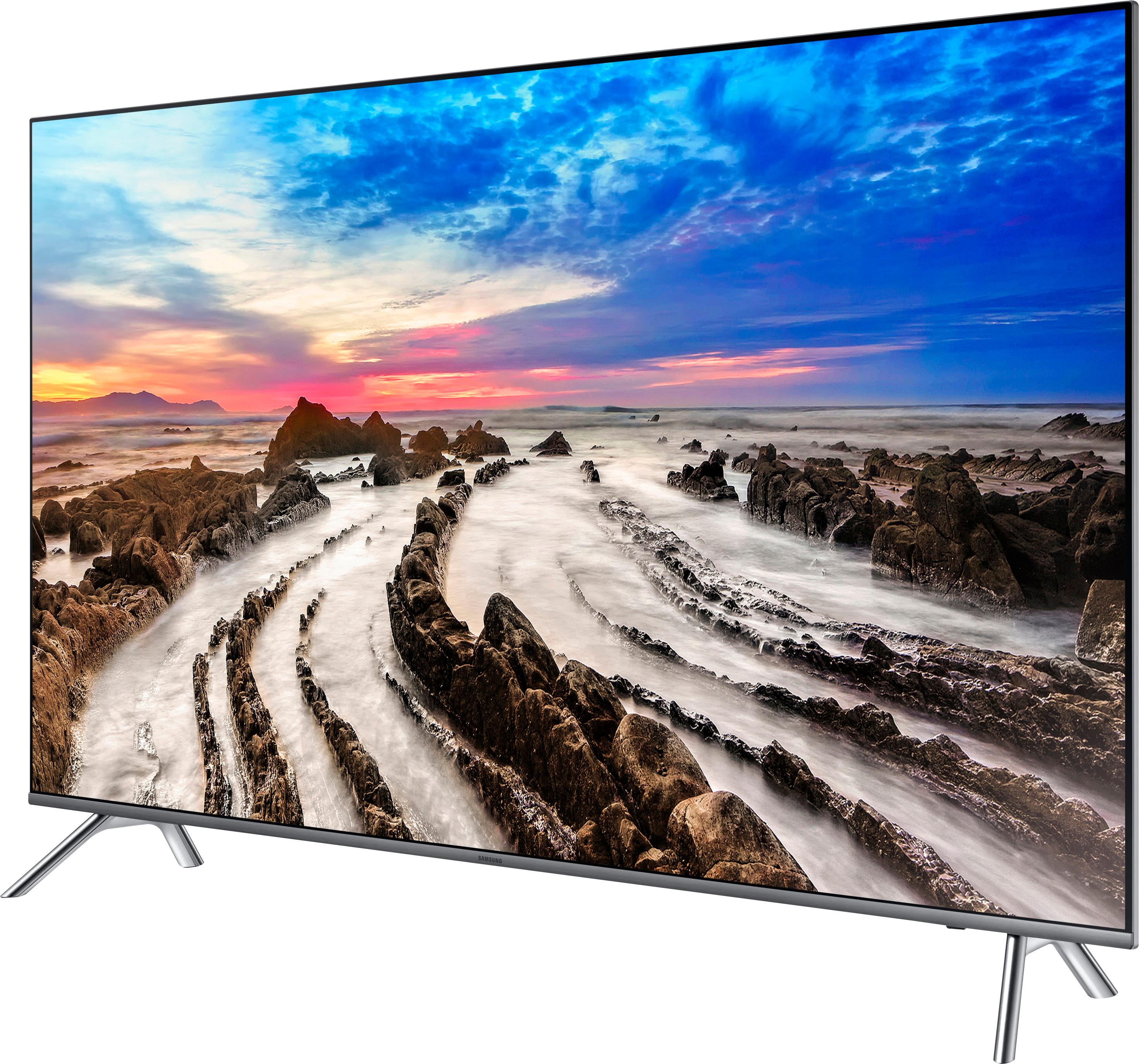
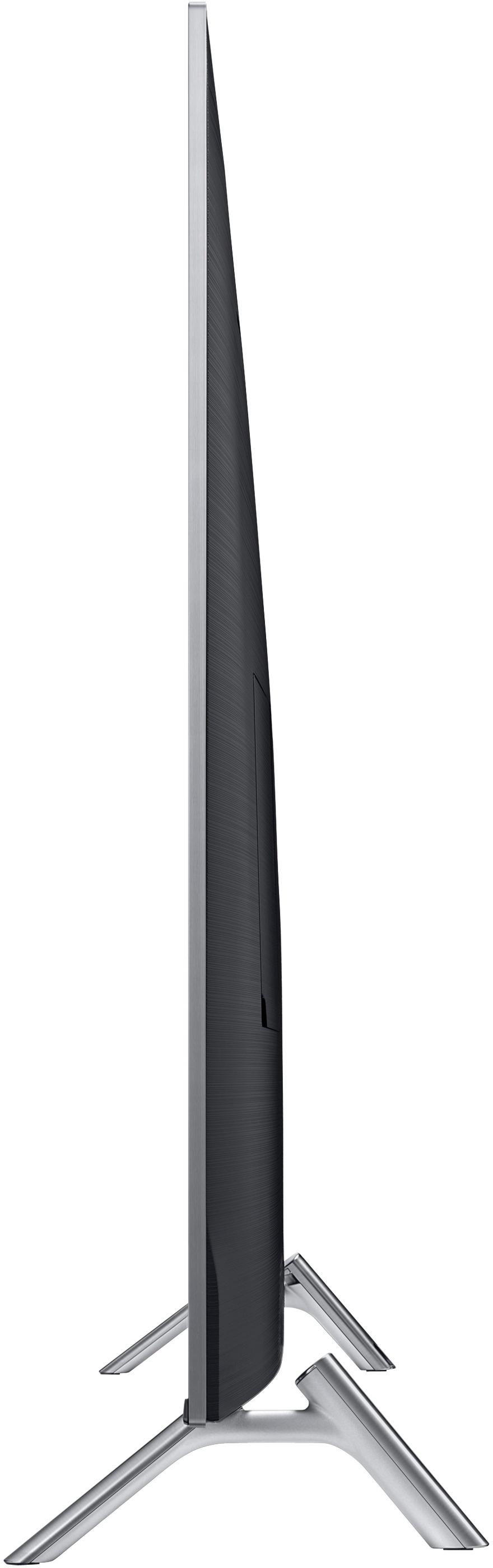
A:AnswerExact overall length of 55" model is 48 1/4 inches. I installed legs on the two closest (smaller distance) holes that measures 35 3/4 inches to the outermost point of the feet.
The other 2 holes each appear to be 4 inches farther out and would add about 8 inches total to the above measurement. Hope this helps.
A:AnswerHi, Santino, special characters or symbols are not accepted in passwords for the TV's connection. We recommend changing the password to something different so you can connect the TV wirelessly. ^Rosi