A:AnswerNo but join the club. No where did they tell me I cannot use any source other than "TV" for sound out to wireless headphones and the TV at the same time. I can't hear the TV now but when my wife is away I can turn it up real loud. So this TV is worthless to me. My former Samsung TV worked just fine producing sound to my Avantree headphones thru a TX and to its own speakers at the same time and so naturally figured this one would work.
I am Not going to buy another Samsung anything.
A:AnswerPress the home button on the remote with the tv on. Navigate the curser to the left until settings is highlighted. Push the center circular button to choose settings. That will activate the settings menu. Continue navigating and selecting the various settings from there.
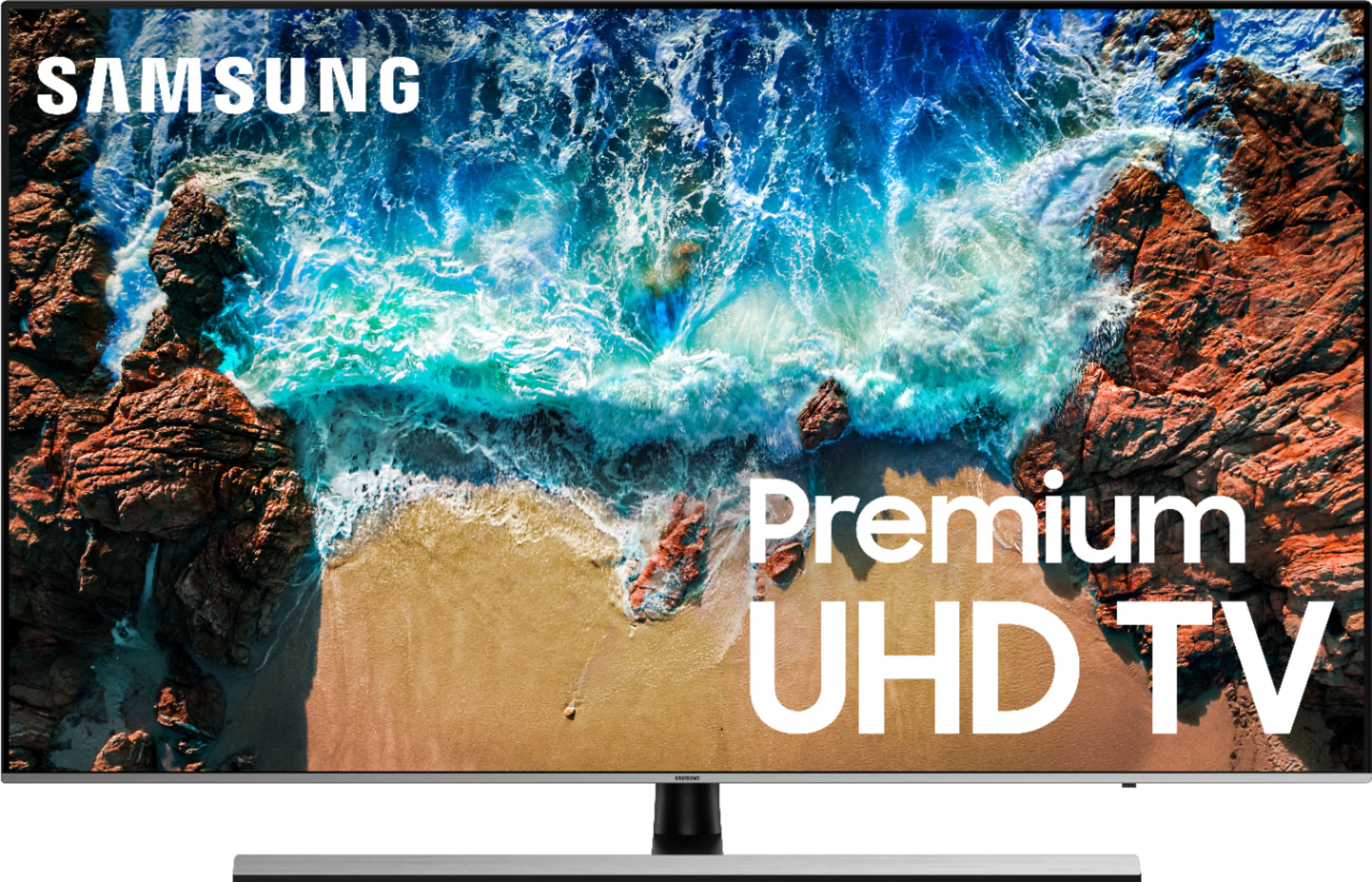
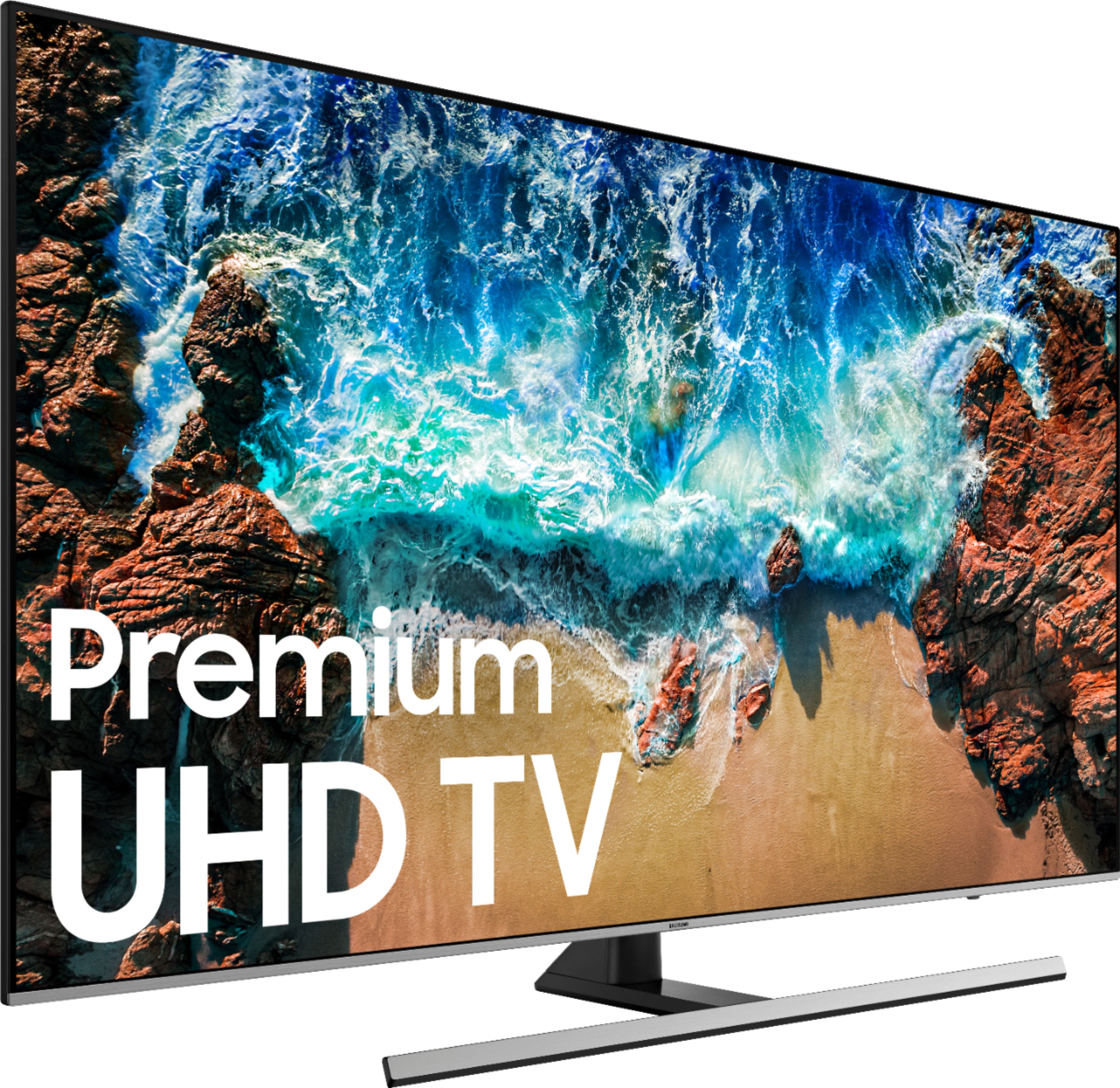
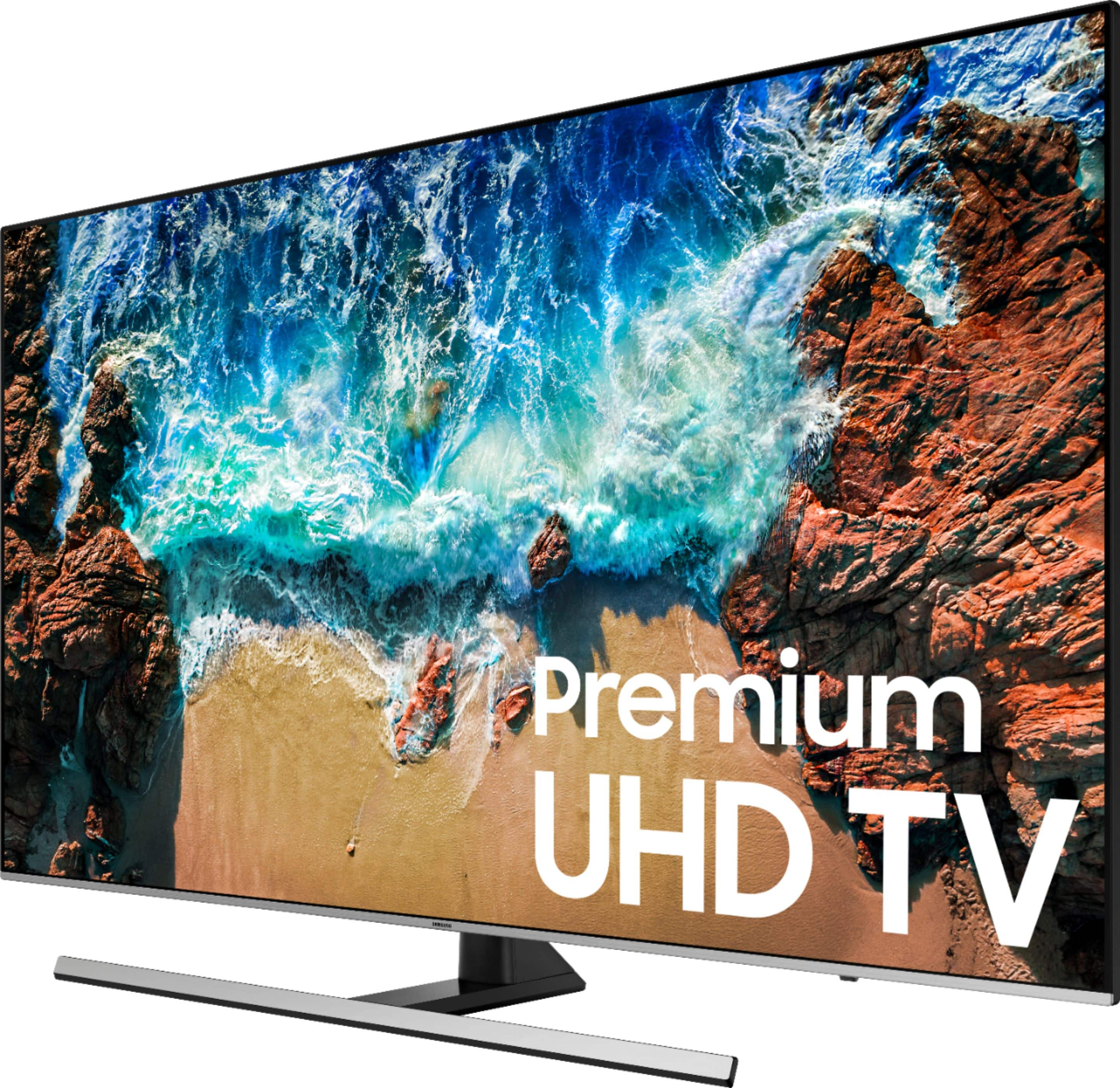
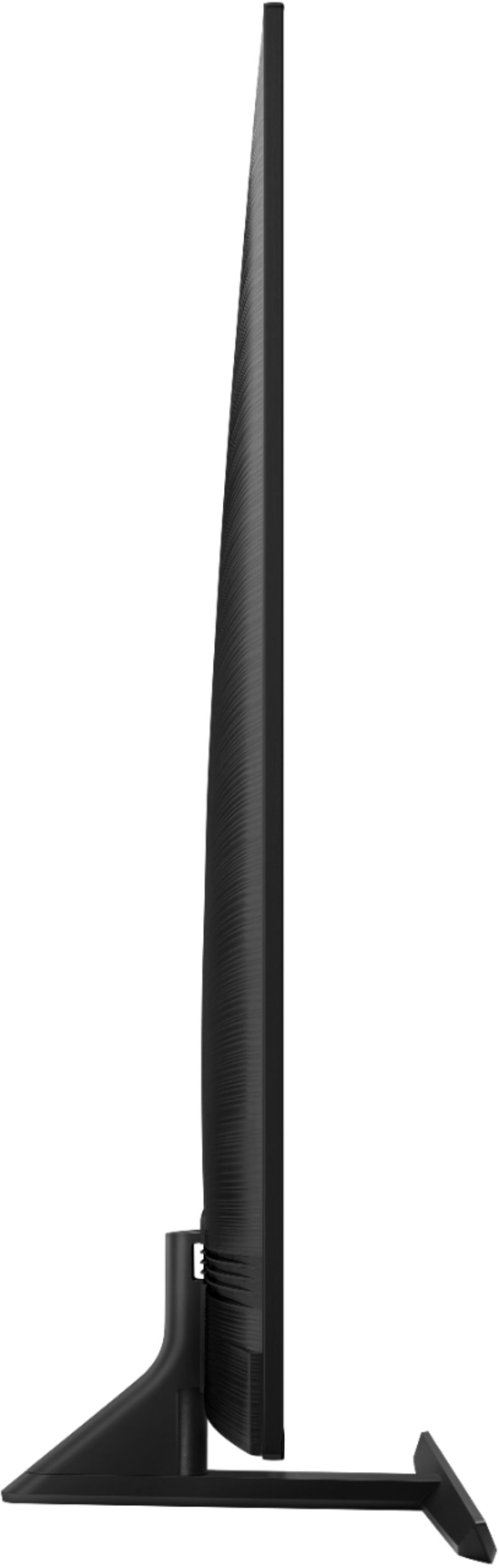
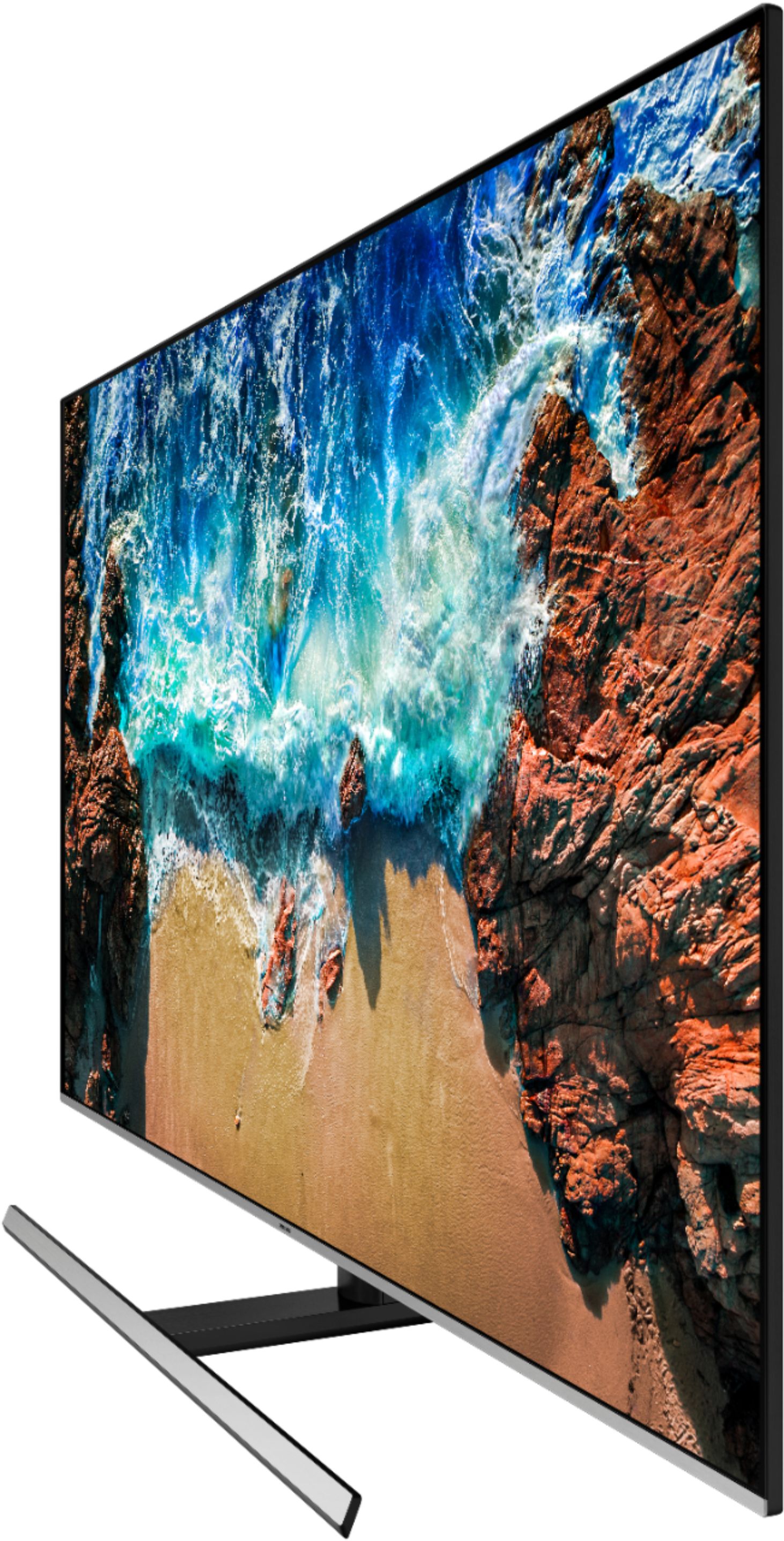
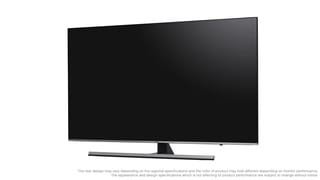
A:AnswerThe stand is not able to be adjusted. When together, the bottom of the TV is 3.25 inches off the furniture itself. Is nice....able to use it on our tinier stand.
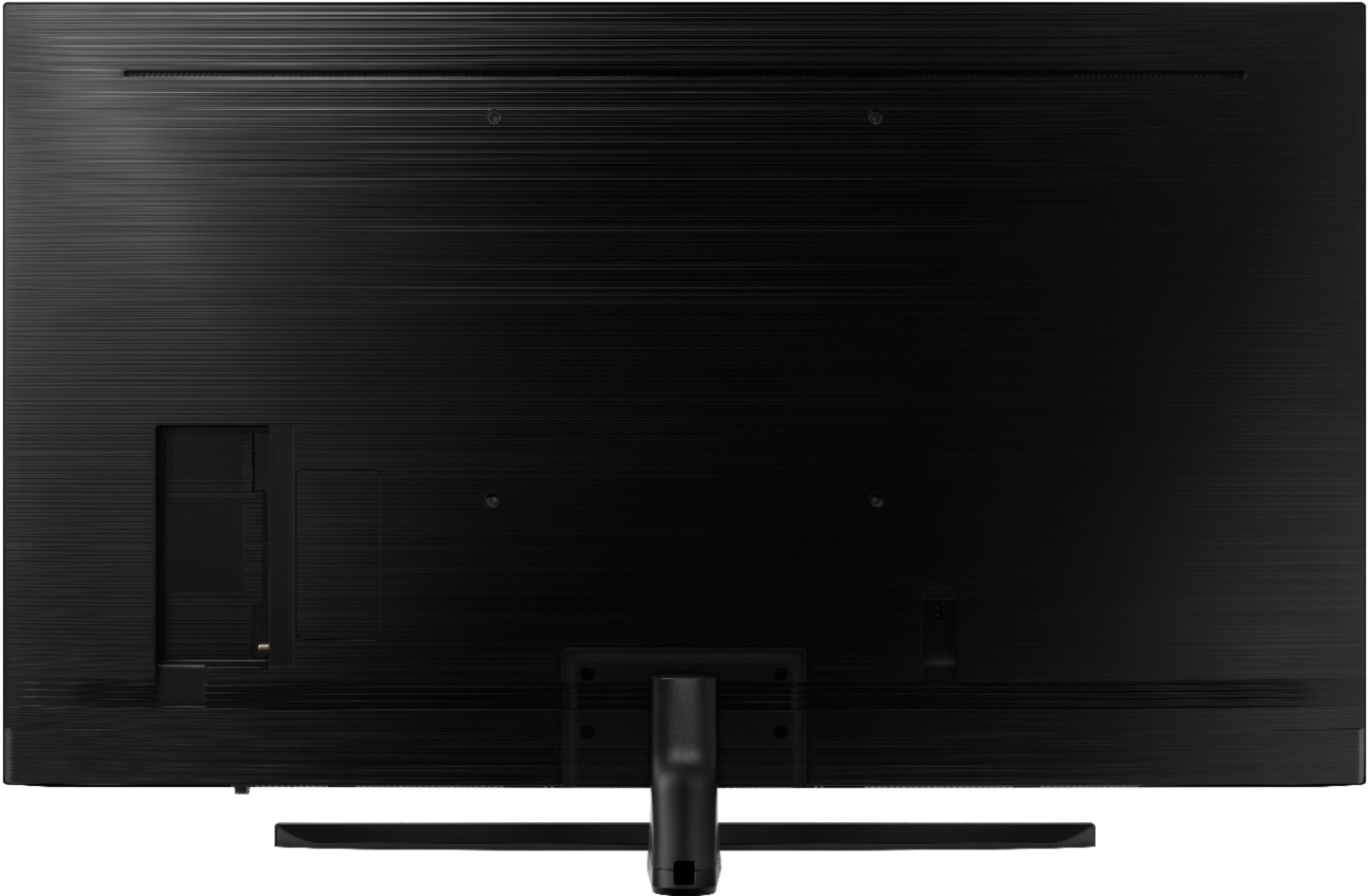
A:AnswerIn your manual it explains to use longer than normal M8 screws. 43-45mm long. Those “adapter plugs” aren’t there to secure it but to give it a flat base for the mounts since the back of the tv is rounded. It’s an awful design.
A:AnswerWe also have Comcast (Xfinity) with a remote. It works fine with our new TV. Geek Squad installed our TV and made sure everything worked before leaving. It's a great TV!
A:AnswerThe front base support is 31 inches wide and the main base stand (in the center of the tv) is 12 inches (front to back) by 2 and 3/4 inches wide.