A:AnswerHi there - Programming specific remotes may need to be performed with DirecTV, not the S90D TV itself. We recommend contacting DirecTV directly to see if programming is needed on their end.
~ Samsung Specialist
A:AnswerEB - Please know your TV’s voice assistant capability will not be enabled until you’ve set it up in the menu. If Alexa has previously been set up, you can disable it by logging out of your Amazon account: Settings > All Settings > General & Privacy > Voice > Amazon Alexa Settings.
~ Samsung Specialist
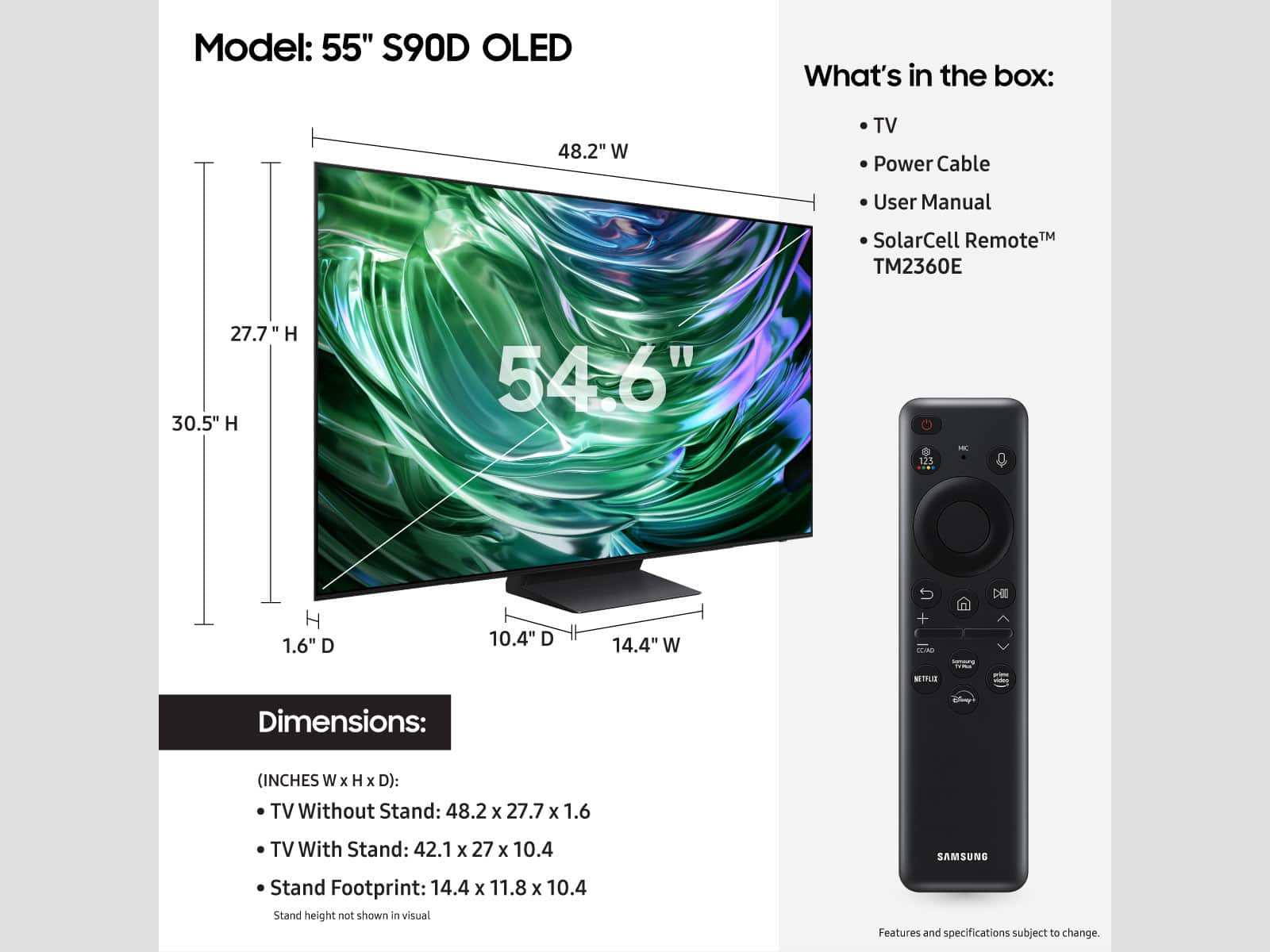
A:AnswerYes it is wall mountable.
It does not come with mounting hardware. That will require purchasing a separate wall mounting kit.
The tv had four mounting holes on the back that accept screws that attach the mounting bracket. Screws are usually included with mounting hardware kit.
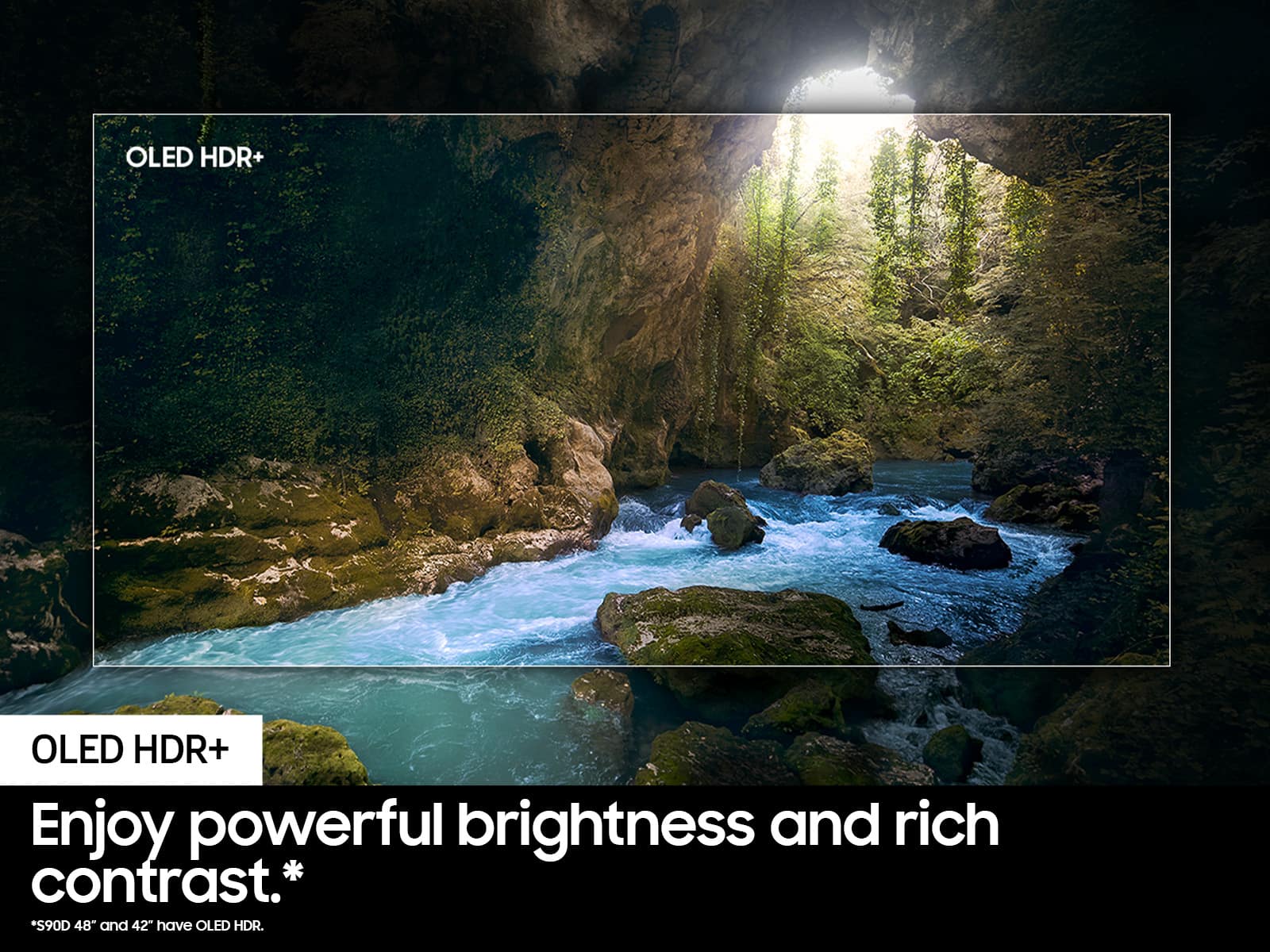
A:AnswerRose - While the S90D features Ultra Viewing Angle and Anti-Reflection technology to provide you with wider viewing angles, enhanced color, and minimized glare to help you enjoy shows without distractions, OLED Glare Free is available on our S95D Series. ~ Samsung Specialist
A:AnswerHi Jamestowndude - So that we can better understand and assist with this, please reach out to Samsung Support at: 1-800-SAMSUNG, 8AM - 12AM EST, 7 days a week, or Chat with us on Samsung.com: https://www.samsung.com/us/support/contact/
~ Samsung Specialist
A:AnswerOne week? That sort of response time wont work real well with video games.
I dont see response time for this TV but OLED monitors typically have a response time of 1mS.
A:Answerpetermadsen - For more information on installation services, please contact your local Best Buy or visit:
https://www.bestbuy.com/site/tv-home-theater-services/tv-mounting-packages/pcmcat748300648009.c?id=pcmcat748300648009#1
~ Samsung Specialist

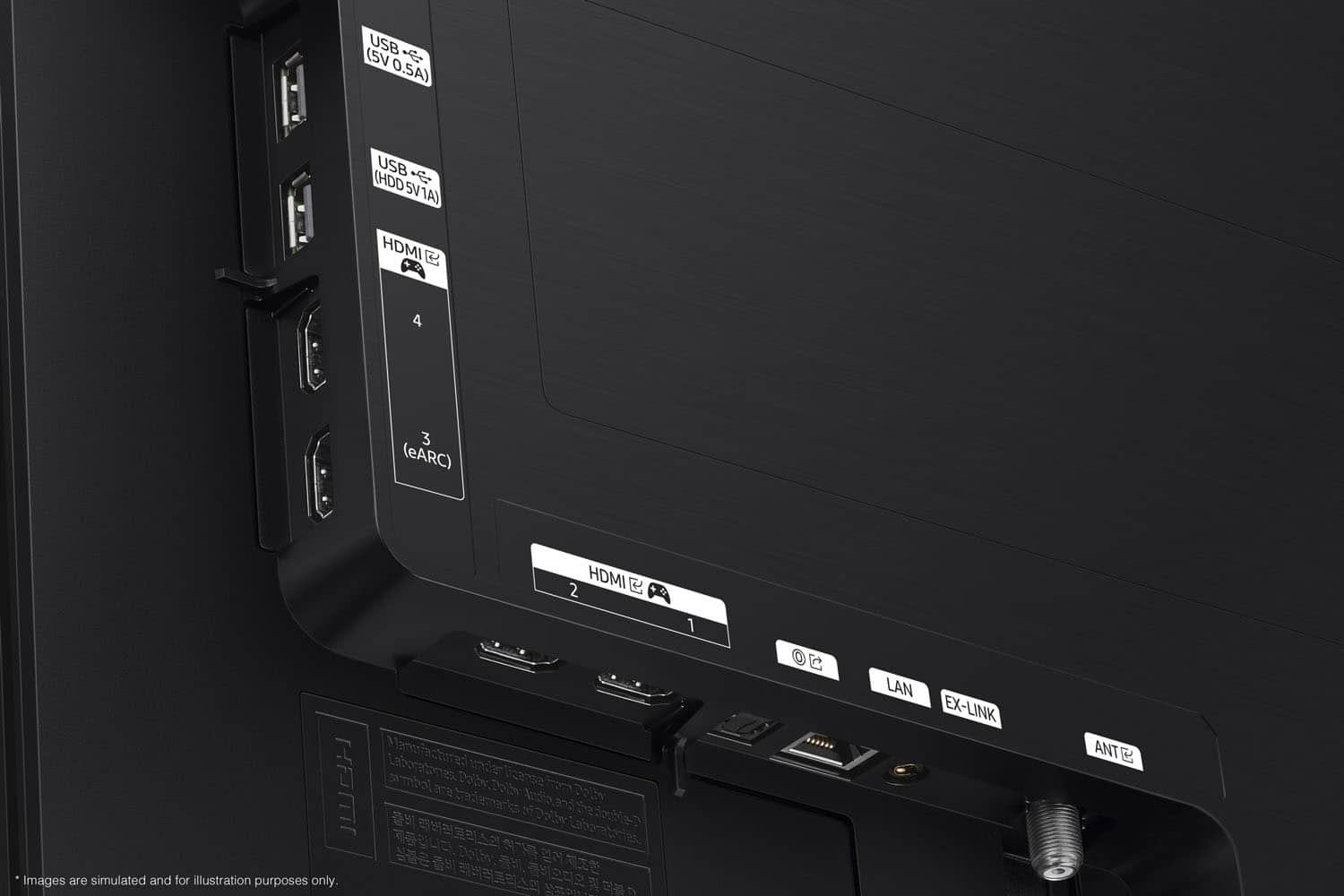
A:AnswerRBrouse - All 4 HDMI ports on the S90D are capable of Auto Low Latency Mode (ALLM), Dynamic Metadata (HDR10+), Variable Refresh Rate (VRR), and 4K@120Hz (up to 144Hz for PCs). eARC support can further be found in HDMI port 3.
~ Samsung Specialist

A:AnswerPeewee - While it mostly depends on personal preference, the recommended viewing distance is typically 2x the size of the TV (the diagonal measurement of the screen).
~ Samsung Specialist
A:AnswerVisit a Best Buy store and compare the various display TVs next to each other. You will see why some are higher priced for a similar size by noticing the superb picture quality of the higher priced models.