A:AnswerSamsung does not manufacture 60 in panels. The panel in the JS8000 in manufactured by Sharp which is a excellent panel. I verified this information in the service menu. . The panel option code is H which means it's a Sharp panel. I do not recommend the average person to enter the service menu.
A:AnswerResearched this a lot. This JS8000 a Best Buy exclusive from Samsung. It appears to be most similar to the JS7000 with two significant differences: 1) it's 240 motion rate for JS8000 vs 120 for JS7000 and 2) it has a smart remote where the JS7000 does not. Otherwise the TVs appear to be very, very similar.
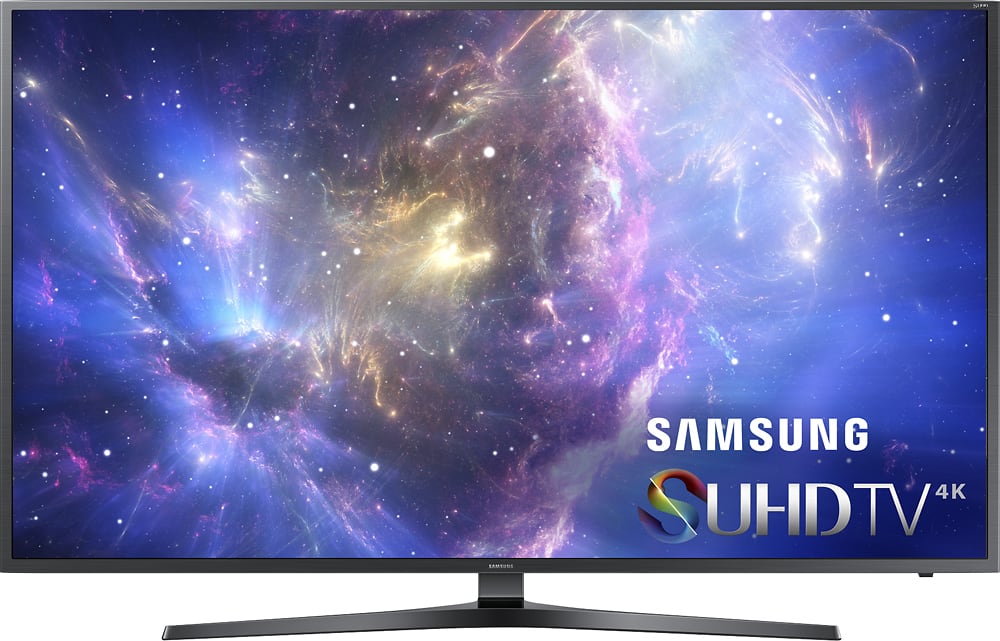
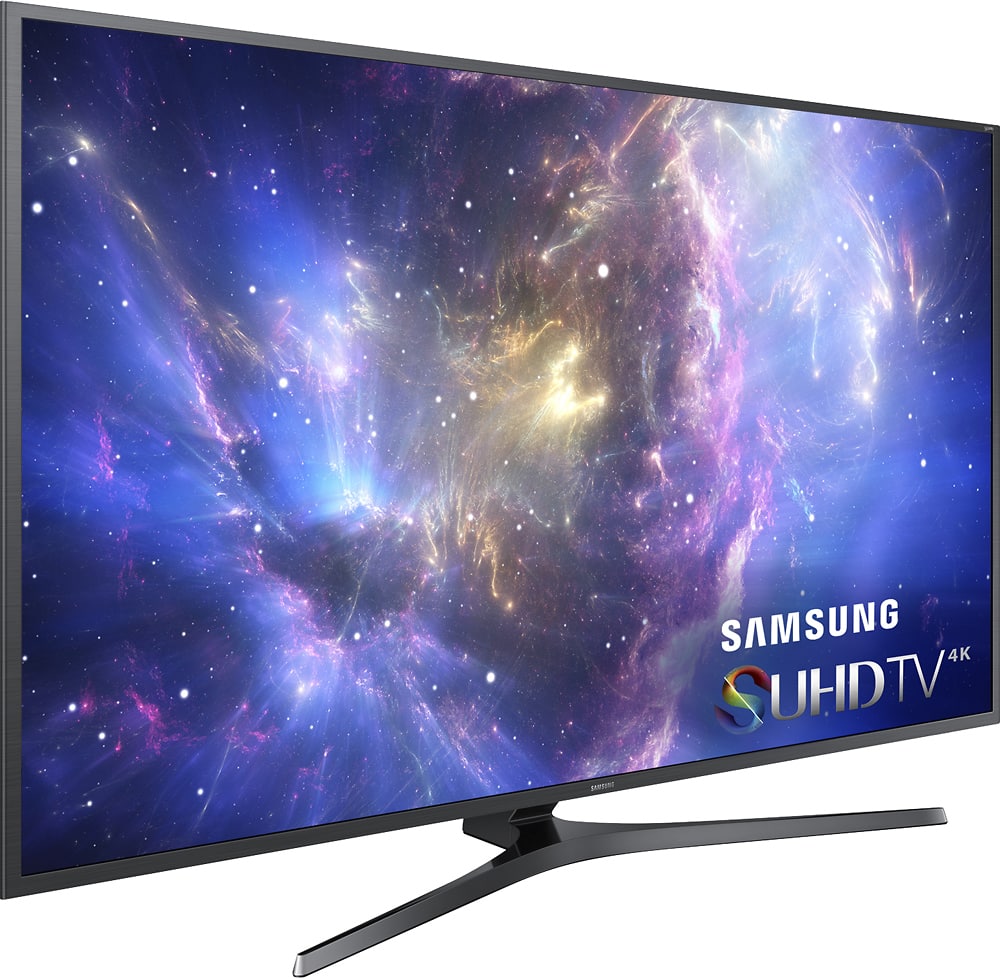
A:AnswerThe stand is ~35.5 inches tip to tip and sits about 4.5 inches in front of the panel at it's farthest point and about 9 inches behind the panel in the center.
A:AnswerI have only done a basic calibration, using the Digital Video Essentials DVD (non-BluRay) on the Standard picture mode. My current settings are as follows:
Backlight: 12
Contrast: 87
Brightness: 42
Sharpness: 0
Color: 48
Tint (G/R): G50/R50
A:AnswerNative refresh rate for the panel is 120hz. Samsung rates refresh as double the native. So a 120hz Clear Motion is actually a 60hz panel is not as good as a native 120hz panel with a Clear Motion rating of 240hz. A 60hz panel will give judder during 24p Blu-ray playback. So opting for a 120hz panel is the best route.
A:AnswerThe JS8000 recognizes UHD HDR meta data and will automatically adjust settings for it. It has 4K upscale capabilities. However....keep in mind if your sending it a junk compressed signal at 480 or something it will not make magic happen. It'll upscale to 4k as it has to since the panel is 4K. But the quality depends on the source video feed. This is true for all TV's. An upscaler can only do so much to clean up a poor signal.