A:AnswerYou guys are correct, the lag or delay can be adjusted in the TV's settings menu under the "Audio" tab. However, no one else has mentioned that the TV is not the only device that has an adjustable delay setting. Your AVR, Blu-Ray player, DVD player, gaming console and sound bar ALL have a delay that can be adjusted. Most manufacturers default the delay at ZERO from the factory, but if you bought an open box or previously owned electronic device the delay may have been changed by the previous owner.
A:Answerif you have smartphone, you can download app to do most of the features. Not as efficient as the original remote. You should be able to go to Samsung site and order through them or ask them how to get a replacement one. Another option os to get a high-end universal remote (best buy has them)
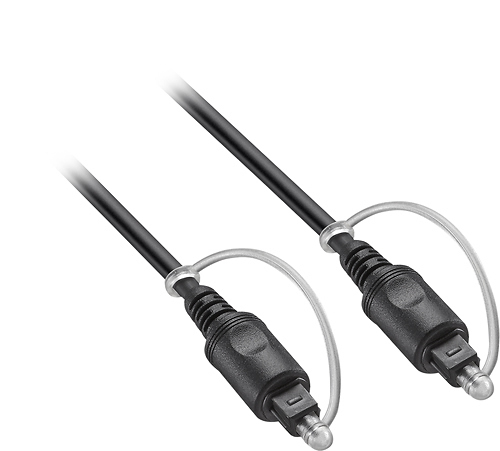
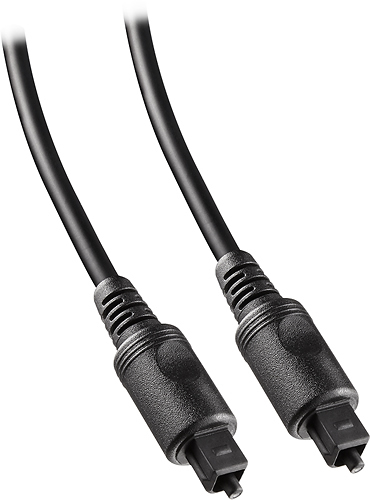
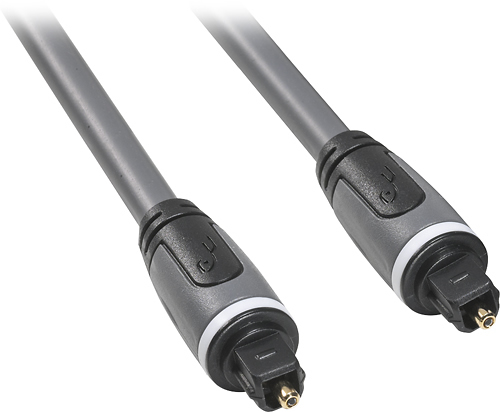
A:AnswerTry using an optic connecter to connect your sound up with. it does sound like you have the wrong cable, you must have one that is for audio only.
Bit investing in an optic cable is awesome, it delivers better sound and is so much easier to connect.
A:AnswerInterested,
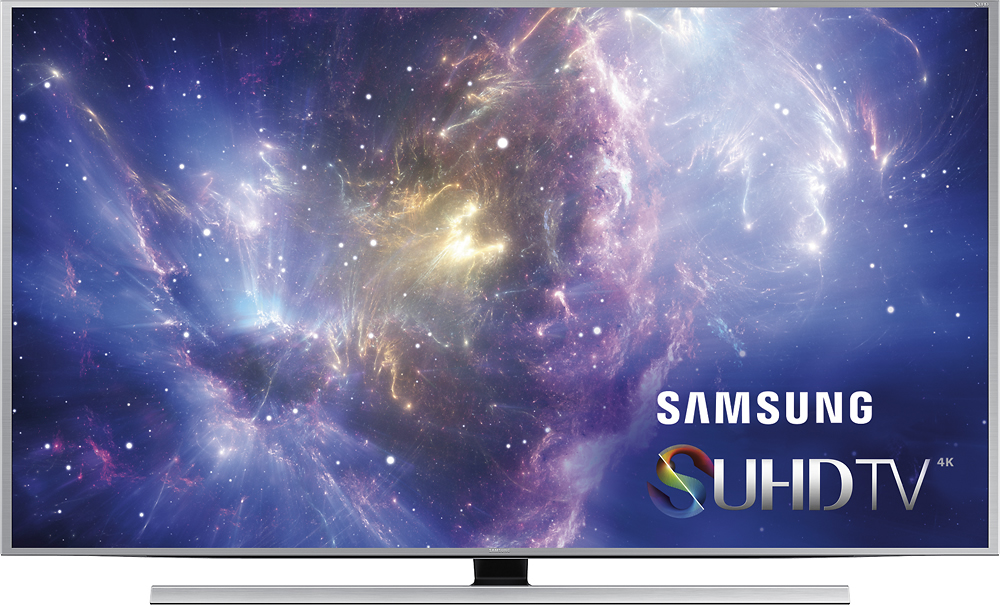
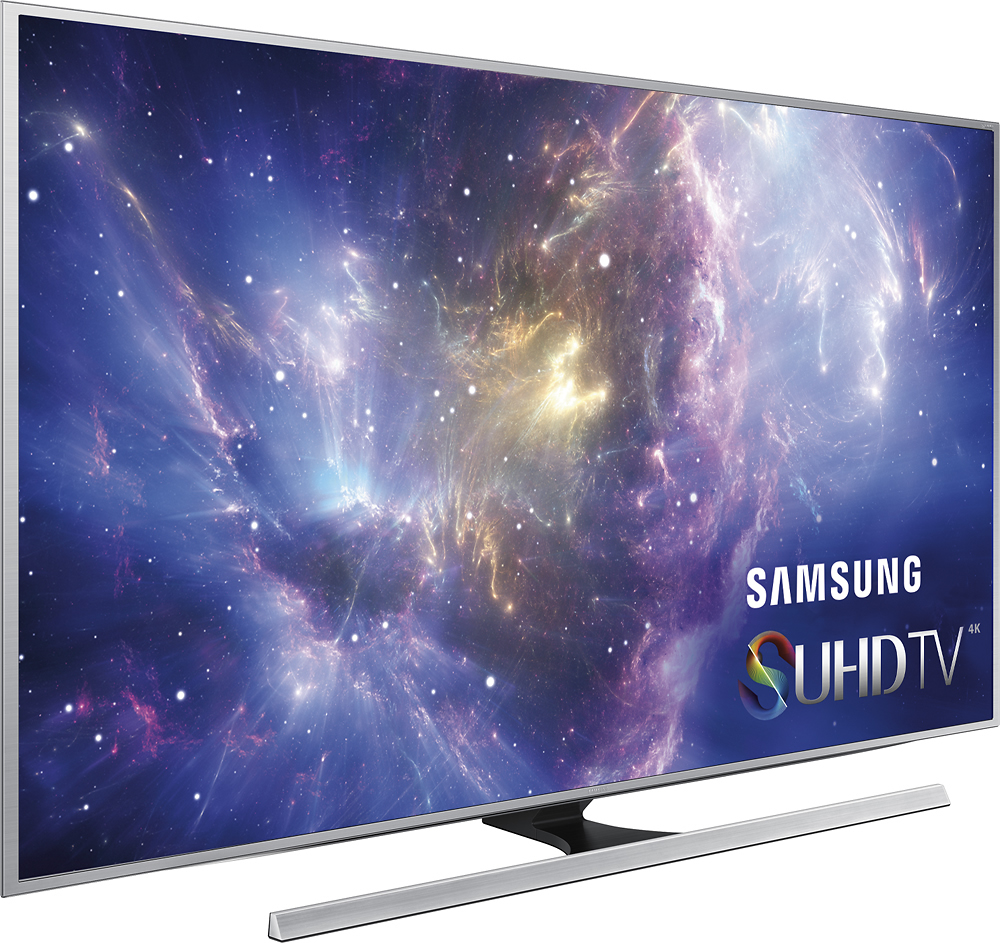
This uses Edge Lit technology and uses UHD Dimming technology with an Ultra Clear Pro and Peak Illuminator Technology that assists with wide color. Also, there's a Contrast Enhancer that you can use to really get the extra color processing if you want that extra push.
Thanks for your interest in Samsung products.
--Mr. S
A:AnswerThe option to purchase a Geek Squad Protection plan is entirely up to you. While your TV did come with a one year manufacturer warranty, there would be a charge for any needed services after that without a Geek Squad Protection plan. I would consider it a good idea to purchase a plan when it comes to the higher priced items, as it is obviously a bigger investment.
I hope that helps!
A:AnswerNEC Article 640: Audio Interconnects and Speaker Wires
Audio interconnect cables and speaker wires fall under Article 640, and so whether they can be installed in-wall or in other specific settings will depend on that article. Under NEC 640.21(C), these are in turn governed by Article 725, "Class 1, Class 2, and Class 3 Remote-Control, Signaling, and Power-Limited Circuits."
General installation of wiring, including installation inside of walls, is governed by 725.61(E), the principal features of which, for our purposes, are:
(1) CL2 and CL3 are always permitted;
(2) CL2X ("X" is a residential suffix, signifying a lower grade than plain CL2) or CL3X may be installed in raceways;
(3) CL2X or CL3X, if under 1/4 inch in diameter, may be installed in a 1 or 2 family residential dwelling without a raceway; if nonconcealed, it may also be installed in multifamily dwellings.
So, if a cable isn't marked CL2 or CL3, is it suitable for in-wall installation? It may be. The NEC allows cable of a higher rating to be substituted for a lower rating, and therefore, any of the following may be used: CM, CMP, CMR, CMG, CL2R, CL3R, CL2P, CL3P, PLTC. CMX also may be used where CL2X or CL3X is required.
In a plenum, 725.61(A) governs; CL2P or CL3P are required, and CMP is a permitted substitution.
A riser presents a bit different situation, governed by 725.61(B). If you're in a single or two-family dwelling, CL2, CL3, CL2X and CL3X may be used (and, of course, any of the substitutions listed above). In a commercial building or multifamily dwelling, any of those cables are permitted if they are installed in metal raceways or located in a fireproof shaft having firestops at each floor. In a commercial or multifamily building, without a raceway or shaft, if the vertical run of the cable penetrates more than one floor, CL2R or CL3R must be used (or any of these substitutes: CMR, CMP, CL2P, or CL3P).
A:AnswerYes, I am using DTV and it worked right out of the box. the setup walks you through it and the remote with the tv even works with DTV. Though i still use my DTV remote...
A:AnswerThe 9000's screen is curved and the 8500 is not. The curved screen was the deal-breaker for me. The 8500 has a quad-core chip; the 9000 has an octa-core processor so it's probably a little faster. The 8500 has the mini One Connect box; the 9000 has the full-size One Connect box.
A:AnswerThere's 2 different elements of "panels" to be aware of. First, the manufacturer, and 2nd, the type of panel. The Samsung JS8500 is a VA type panel, which is the best to get for contrast and motion handling. IPS has better viewing angles but awful contrast. OLED is almost perfect, but too expensive for what you get.
As for the panel manufacturer, I doubt you'll find a JS8500 without a Samsung panel. You have to look directly on the box itself, at the store, and confirm that it's a TH01 panel, which is made by Samsung. It's on the barcode sticker next to "Version", underneath the Model Number.
The difference in panel versions is the manufacturer. TH0x and TS0x is Samsung (generally the best), HS0x is Sharp (not bad but decent), Ax0x is AU Optronics (worse contrast), CH0x, CM0x, CS0x is Chimea, and the worst one to get and rarely found on high-end Samsung TVs.