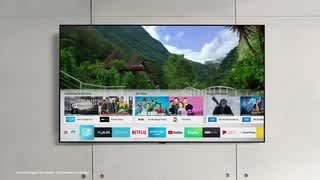
A:Answer I set the Picture on Movie. Some of the following you may have to experiment with, but the following did well for me. I also went on line and read the article that helped me thru this (https://www.tomsguide.com/us/samsung-tv-settings-guide,review-4663.html)
Go to Setting, Picture, Expert Settings - Set
Backlight - 40, Brightness - 0, Contrast - 50, Sharpness - 10, Color - 20, Tint (G/R) - 0
Digital Clean View - Off
Auto Motion Plus Settings -
Blur Reduction - 10, Judder Reduction - 3, LED Clear Motion - Off
Local Dimming - Standard, Contrast Enhancer - Low, HDR+ Mode - Off, Film Mode - Auto2, Color Tone - Standard
The rest I left alone. Hope this helps. The only thing I don't like about the TV is the sound fluctuates. I read that seems to be a problem with this TV. Other than that the TV is great.