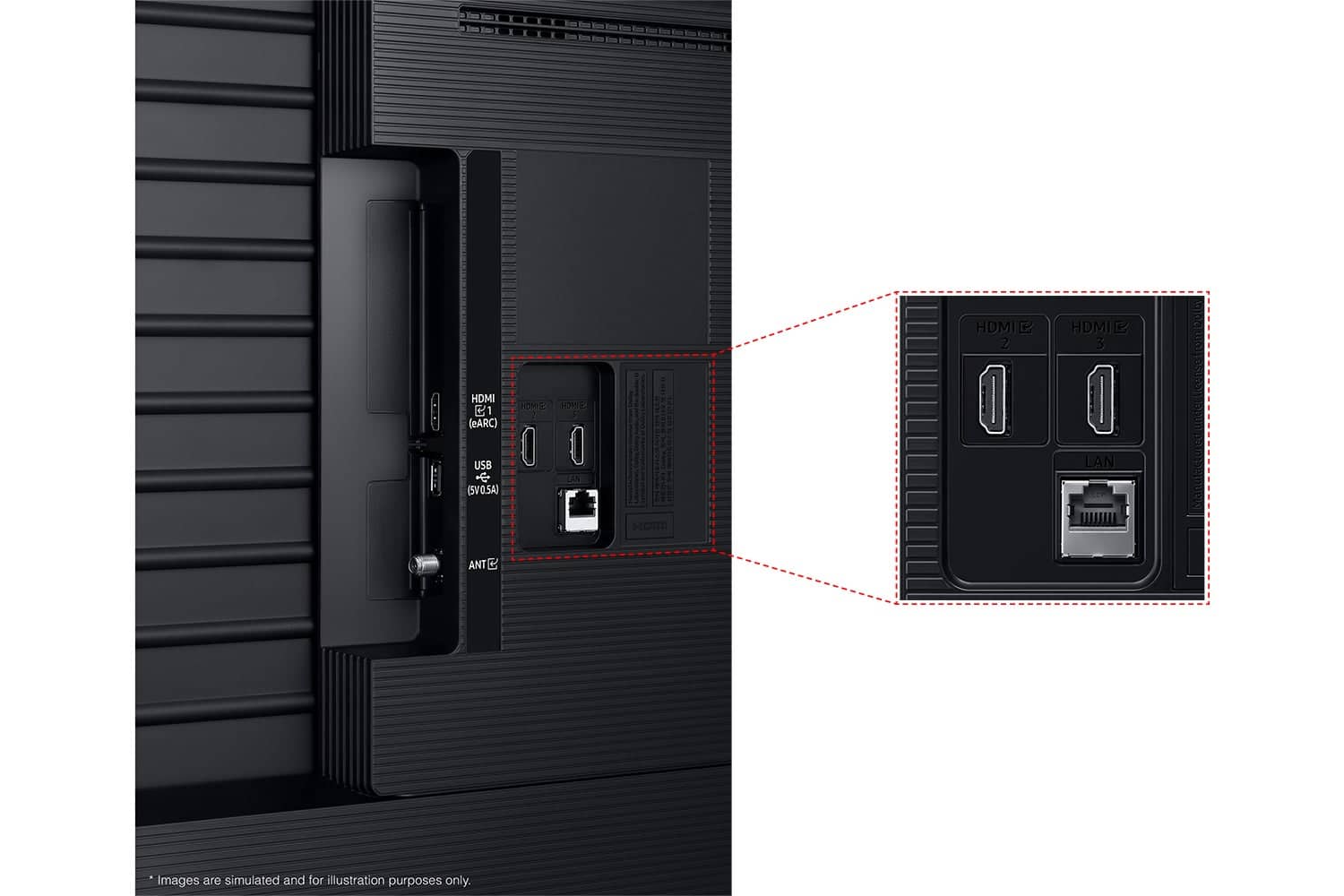
A:AnswerSyama - While the Q6F TV does not include an Optical port, it does support audio over HDMI, Bluetooth, and Wi-Fi. If an Optical port is important to your setup, this input is available starting with our Q8F Series.
~ Samsung Specialist
A:AnswerPlease give us the opportunity to better assist with this by reaching Samsung Support at: 1-800-SAMSUNG, 8AM - 12AM EST, 7 days a week, or Chat with us on Samsung.com: https://www.samsung.com/us/support/contact/
~ Samsung Specialist
A:AnswerBill - The apps pre-installed on the 2025 Q6F are: SmartThings, Samsung TV Plus, Netflix, Prime Video, Disney+, Hulu, Apple TV, Peacock, Sling TV, YouTube, Bixby, and Internet.
~ Samsung Specialist
A:AnswerTato - Dual Bluetooth Audio allows you to connect multiple Bluetooth devices – for instance, you can pair 2 headsets to your TV simultaneously. You can even stream 2 different audio contents to each headset when using the Multi View feature. To set this up, go to: Home > left directional key > Settings > All Settings > Sound > Sound Output > Bluetooth Speaker List, then connect the devices you’d like to pair (one at a time). When selecting the second device, select Multi Connect.
~ Samsung Specialist

A:AnswerPeter - Audio devices can utilize any HDMI port. If your device supports ARC/eARC, we recommend using the HDMI port labeled as such.
~ Samsung Specialist

A:AnswerIf you’re looking for haul-away services for TVs or appliances, please visit your local Best Buy or see the full service details here:
https://www.bestbuy.com/site/recycling/tv-appliances-haul-away/pcmcat174900050009.c?id=pcmcat174900050009
~ Samsung Specialist
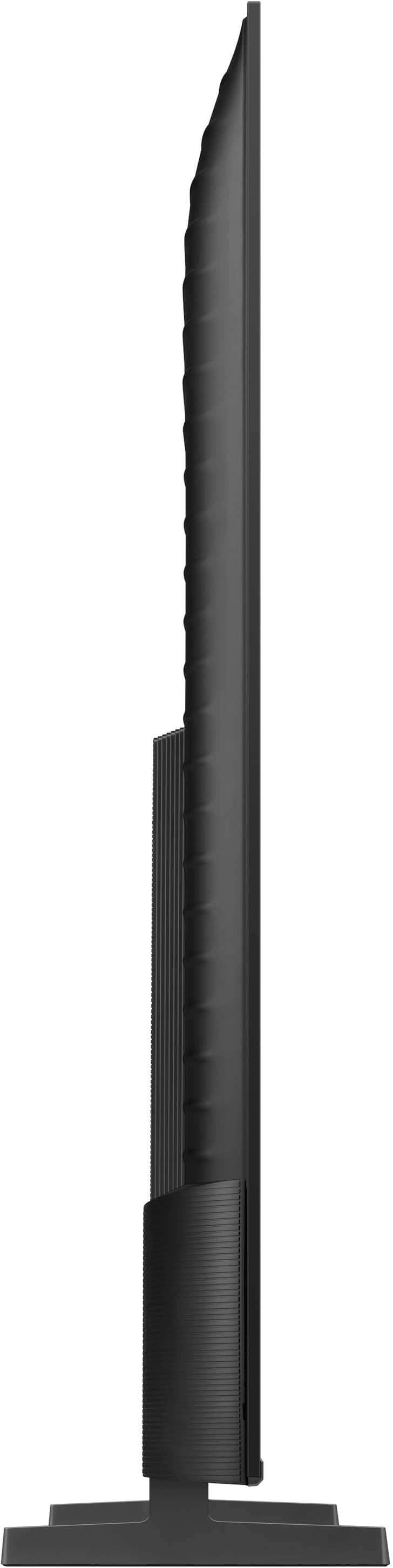
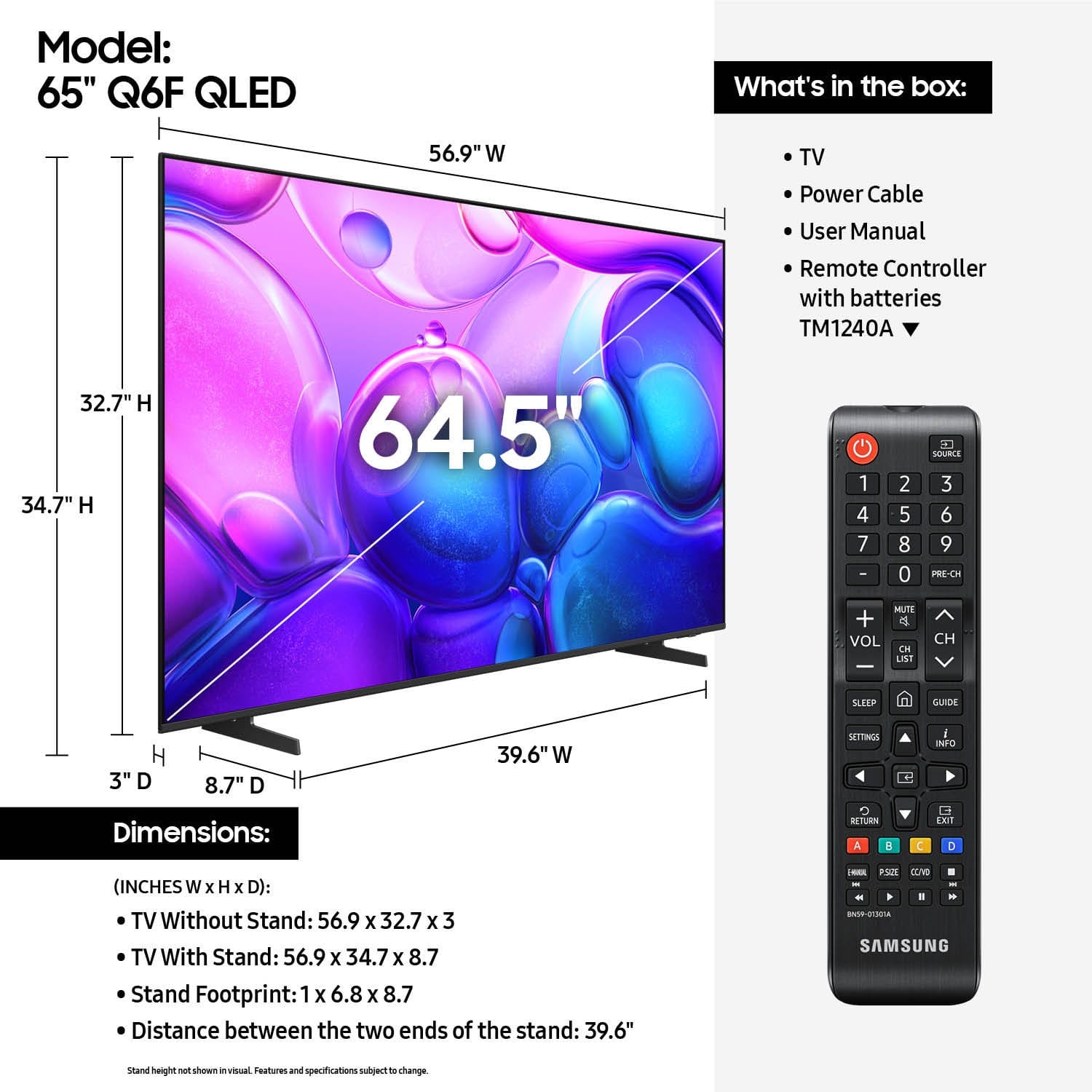
A:AnswerMarkDFW - Yes, a coax port in available. On the 65" Q6F, the distance from the top VESA mounting holes to the top of the TV is 15.7". The distance from the bottom VESA holes to the bottom of the TV is 9.2".
~ Samsung Specialist

A:AnswerHi Grandma - While most universal remotes are compatible, please keep in mind that some may require additional programming. We recommend contacting or visiting your local Best Buy to explore options that best fit your needs.
~ Samsung Specialist