A:AnswerHi Tv,
If your TV has a black screen even when it's on, it's quite possible it could be your external device and not your TV. Please try these troubleshooting steps for your blank screen issue:
1. Check the One Connect cable for damage and solid connection. Disconnect and firmly reconnect the One Connect cable at both ends.
Note: If the One Connect cable is bent, broken, kinked, pinched, or has a heavy object on top of it, it can cause an issue. The cable needs to be replaced if damaged.
2. Disconnect the One Connect Box (either by disconnecting its power cord, or the One Connect cable) to see if the TV displays an error message.
If you see anything (like a message or picture) on the TV after disconnecting the One Connect Box, the One Connect Box needs to be replaced.
If the TV is plugged into a wall outlet, turned on, and disconnected from the One Connect Box, but no message appears, your TV will need service.
3. Press the Home button on the remote. If the menu does not appear, the TV may be having power issues.
Check the red standby light, a little red light at the edge of the TV that you aim the remote at. In normal use, the red standby light is on when the TV is off (indicating the TV is on standby), and the red standby light is off when the TV is in use (or doesn't have power).
4. Confirm the TV is set to the same source as the external device.
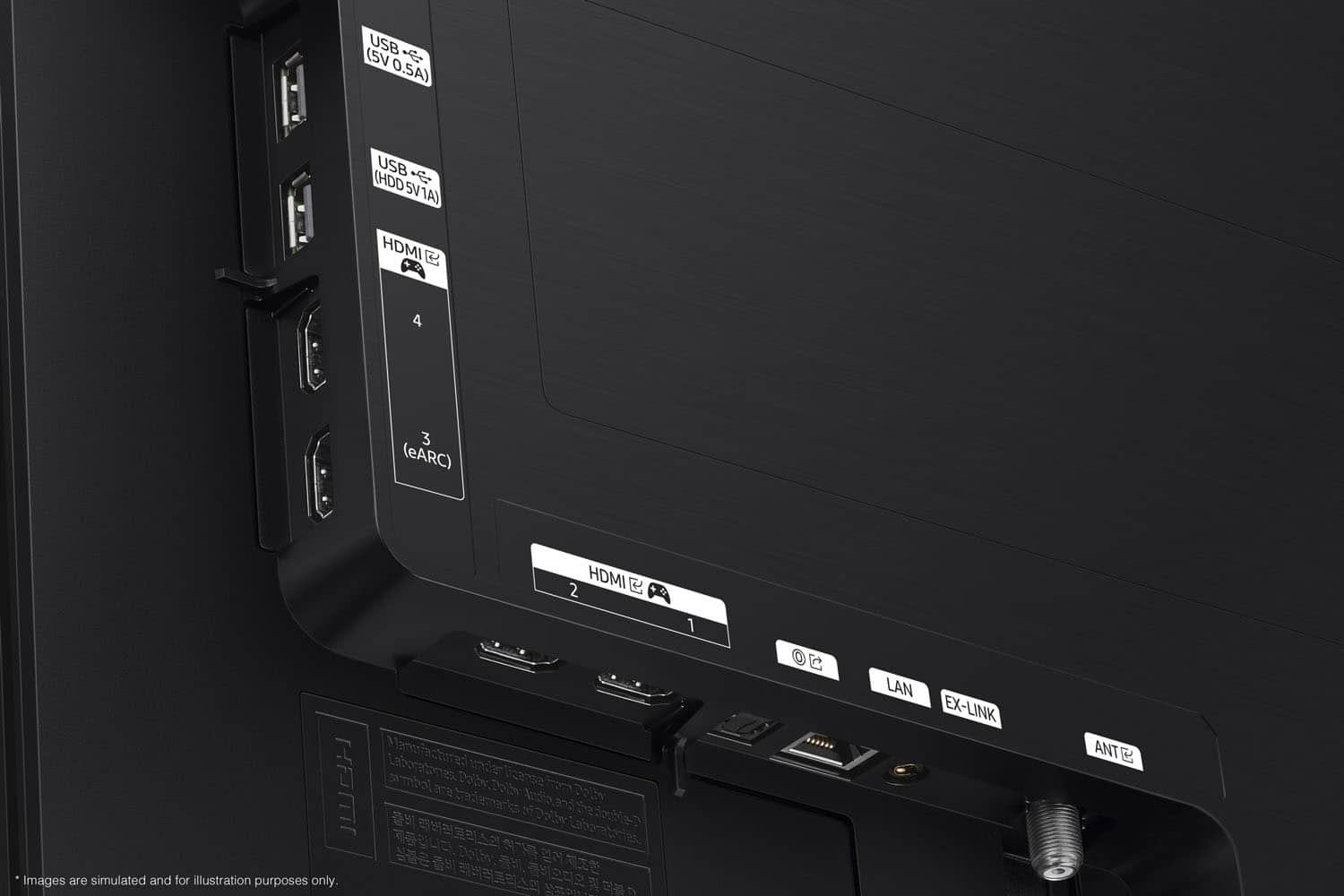
For instance, if your cable box is connected to HDMI 1, set the TV source to HDMI 1.
If the TV is set to the correct source, but there is still no image, unplug and reconnect the AV connections one cable at a time, from both ends of each cable. If there's any damage to the cable, it will need to be replaced.
After you've reconnected the external device, turn it off and then back on.
5. Run HDMI Troubleshooting. Using HDMI Troubleshooting, you can check the connection to HDMI cables and external devices (takes approximately 2 minutes). Menu > Connected Devices > Connection Guide > Video Device > HDMI Troubleshooting
6. Test different external devices. The final thing to rule out is the external device you're using. Try connecting a different device or using a different source port. If you were unable to test the cable in the previous step, then try swapping the cable, too. If the TV can display a picture in any other setup, then you've ruled the TV out as the cause of the issue. Keep trying various setups until you identify the device or cable that is not working and troubleshoot or replace it.
If the issue persists after these steps, the TV may need service. So we can better investigate your issue and assist you towards a solution or replacement, please call us at 1-800-SAMSUNG, 8AM - 12AM EST, 7 days a week.
~Samsung Advisor
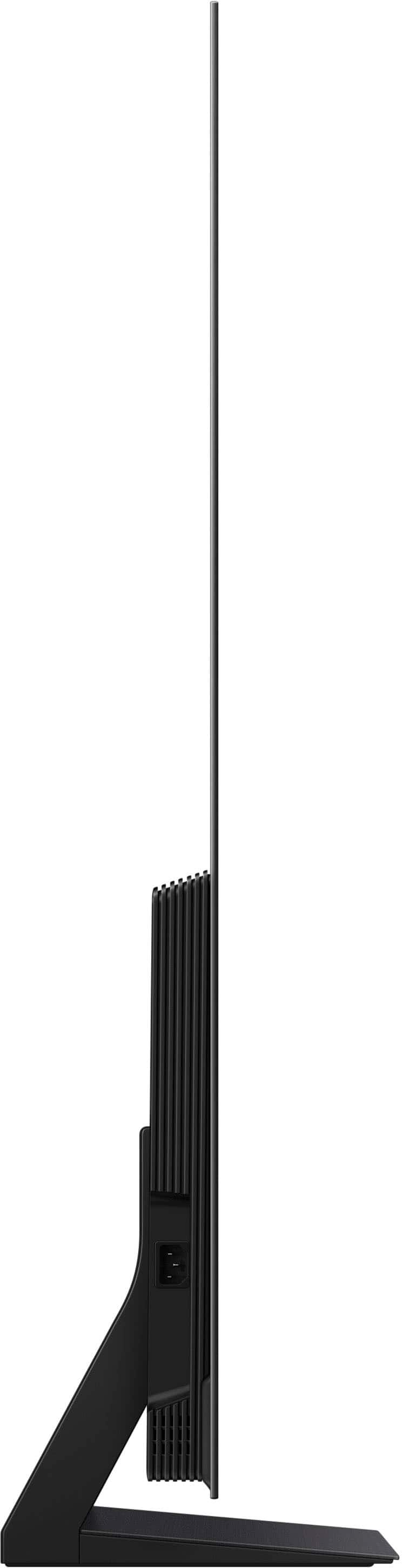
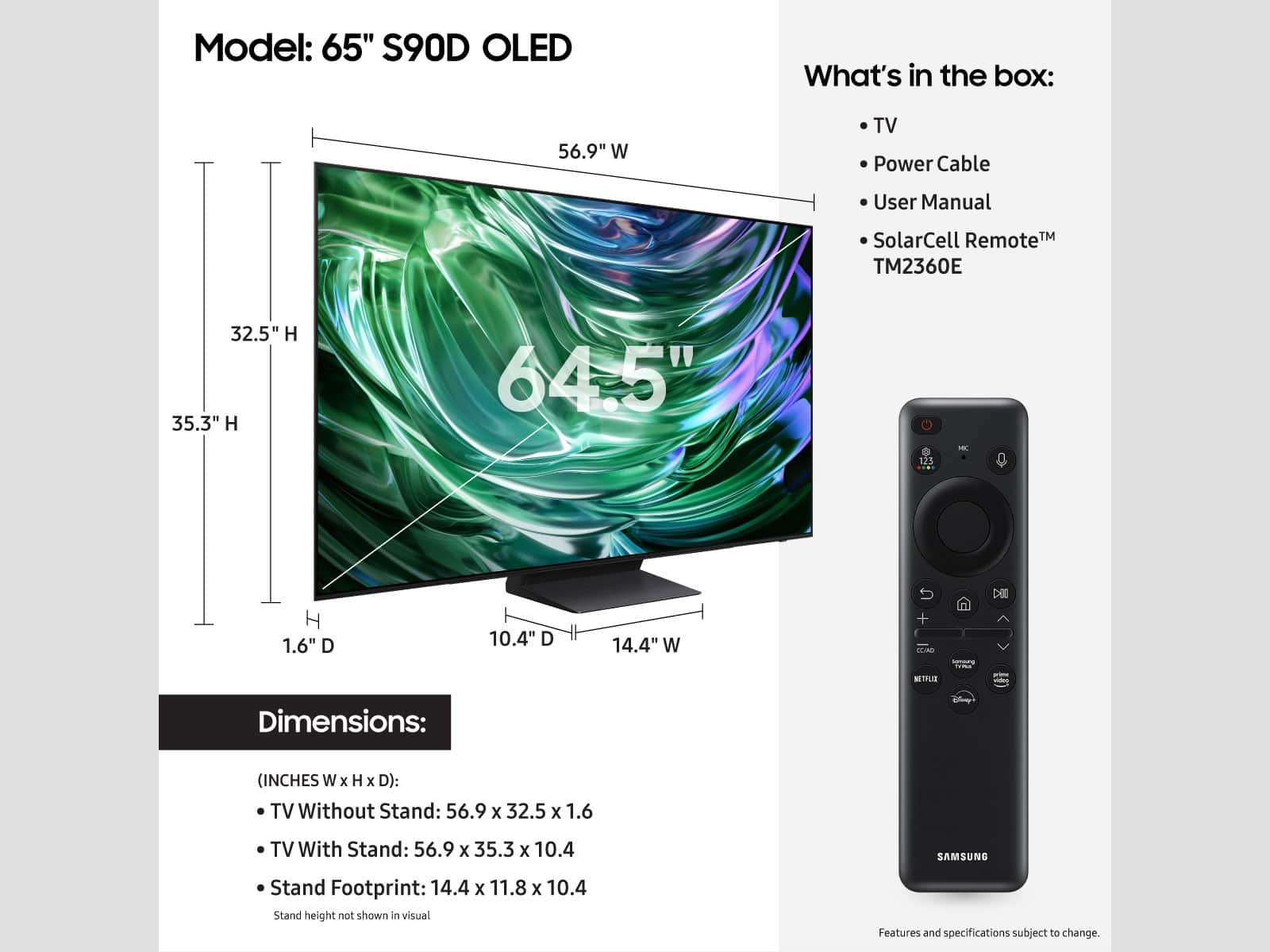
A:AnswerSunspa - You can find these measurements on this model’s product page – just click Specifications and scroll down to Dimensions: https://www.bestbuy.com/site/samsung-65-class-s90d-series-oled-4k-uhd-smart-tizen-tv-2024/6576598.p?skuId=6576598
~ Samsung Specialist
A:Answermost new receivers have that capability. you have to spend some money. I have a denon that has that ability. but you need to turn the tv on then the rest connects
A:Answeryes, we have Gen 2 airpods paired. We have generation 4 noise cancelling airpods but have not tried pairing them yet because with the previous Samsung tv it would not allow rewinding. It would keep dropping the pairing with Gen 4 airpods. Apparently this is a known issue with Samsung but I am not sure if any recent updates have corrected this problem for Gen 4 airpods. But Gen 2 airpods are good to go.
A:AnswerHonestly man out of anything this TV is too bright!!! I wake up in the middle of the night to turn on the TV to have it on for some noise and it is like a flash bang! The only things that make it the terrible is the ads at place other than that great TV
A:AnswerHelp - You can find these measurements on this model’s product page – just click Show Full Specs and scroll down to Dimensions: https://www.bestbuy.com/site/samsung-65-class-s90d-series-oled-4k-uhd-smart-tizen-tv-2024/6576598.p?skuId=6576598
~ Samsung Specialist
A:AnswerNo, you only get one remote, which is a tiny 5 inch remote that is charged by sunlight which is pretty cool. I haven’t seen this in the other TVs!