A:AnswerHello,
The apps pre-installed on the 2024 S90D TV are: SmartThings, Samsung TV Plus, Netflix, Prime Video, Disney+, Hulu, Apple TV, Sling TV, YouTube, Alexa, Bixby, and Internet. You can also download additional apps in the TV's built-in App Store.
~ Samsung Pro
A:AnswerBob,
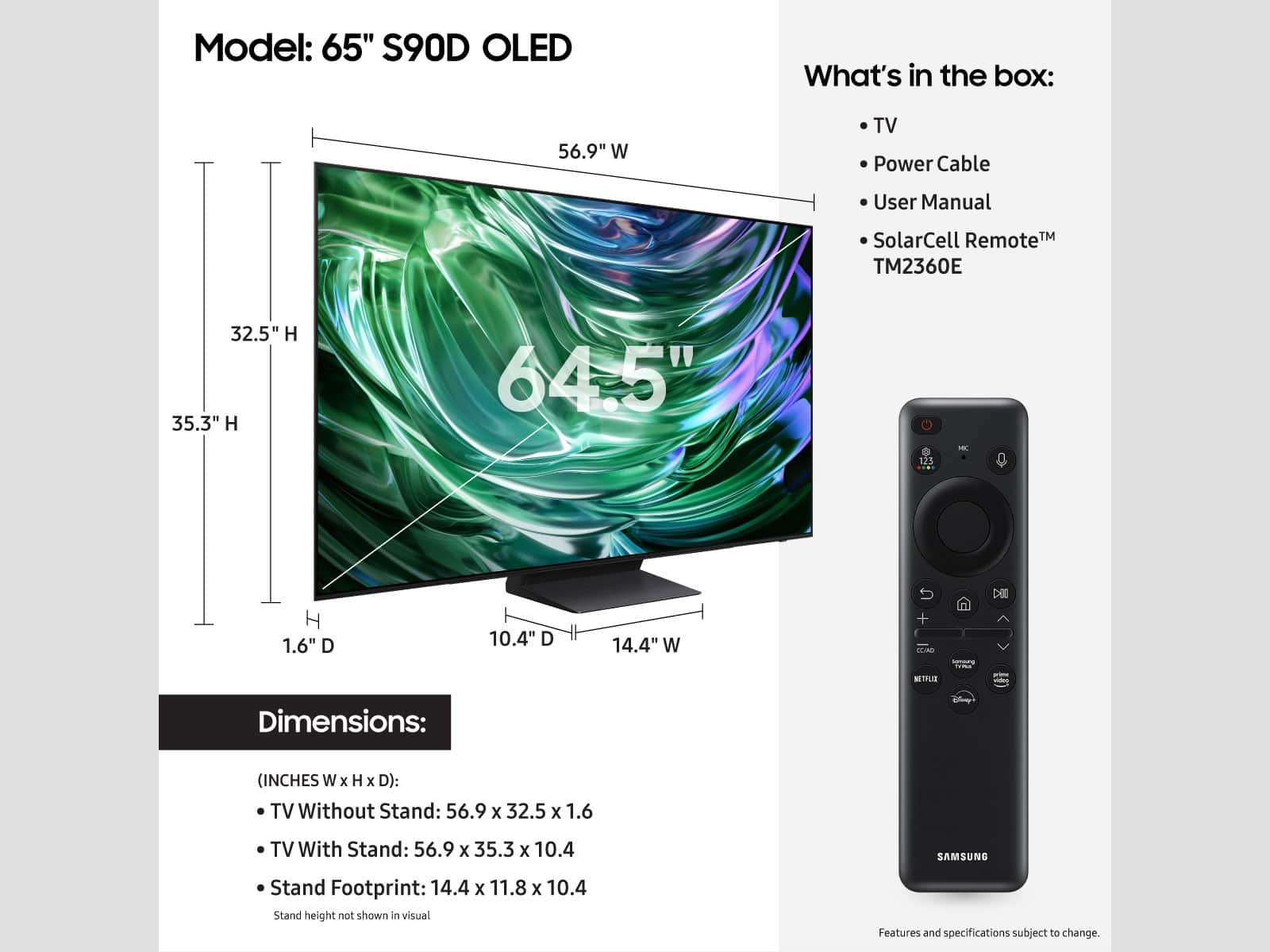
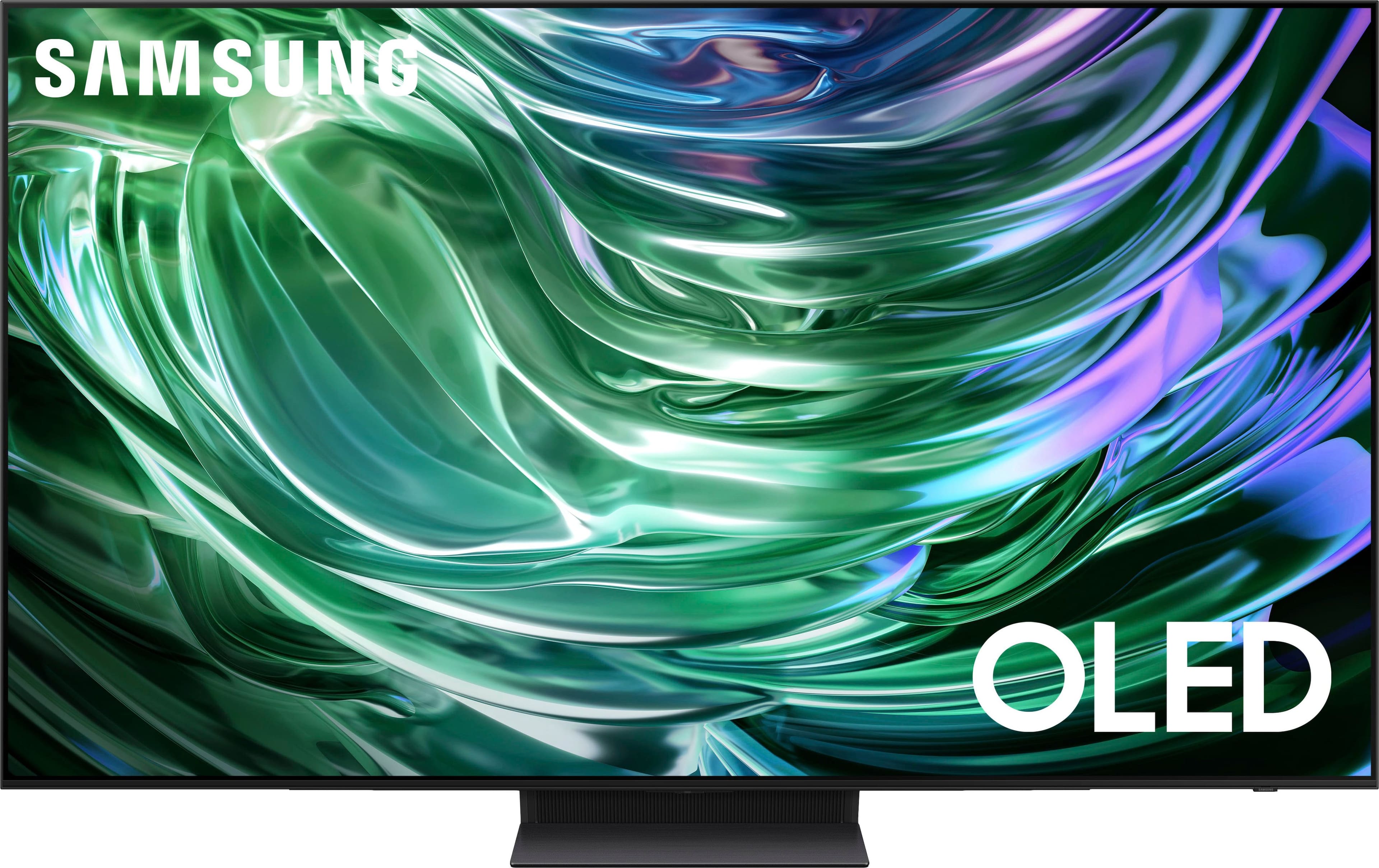
This Samsung TV is VESA Compliant and works with any wall mount or stand that is also VESA Compliant and designed for the TV's size.
~ Samsung Pro

A:AnswerBatman,
The operating temperature is between 50˚F to 104˚F. Operating humidity is between 10% - 80%. Storage temperature ranges between -4˚F to 103˚F. Conditions falling outside these ranges may lead to serious damage to your TV.
~ Samsung Pro

A:AnswerIn North America, the Samsung S90D has QD-OLED panels on the 55-inch, 65-inch, and 77-inch models, while the 42-inch and 48-inch sizes use WOLED panels. The specific panel technology can vary by region and screen size, so it is best to check the model number suffix for your specific TV. Look at the last four characters of the model number. In North America, models with the FXZA suffix have QD-OLED panels, while those with the EXZA suffix use WOLED panels.
A:AnswerPaul,
Please give us the opportunity to better assist with this by reaching Samsung Support at: 1-800-SAMSUNG, 8AM - 12AM EST, 7 days a week, or Chat with us on Samsung.com: https://www.samsung.com/us/support/contact/
~ Samsung Pro

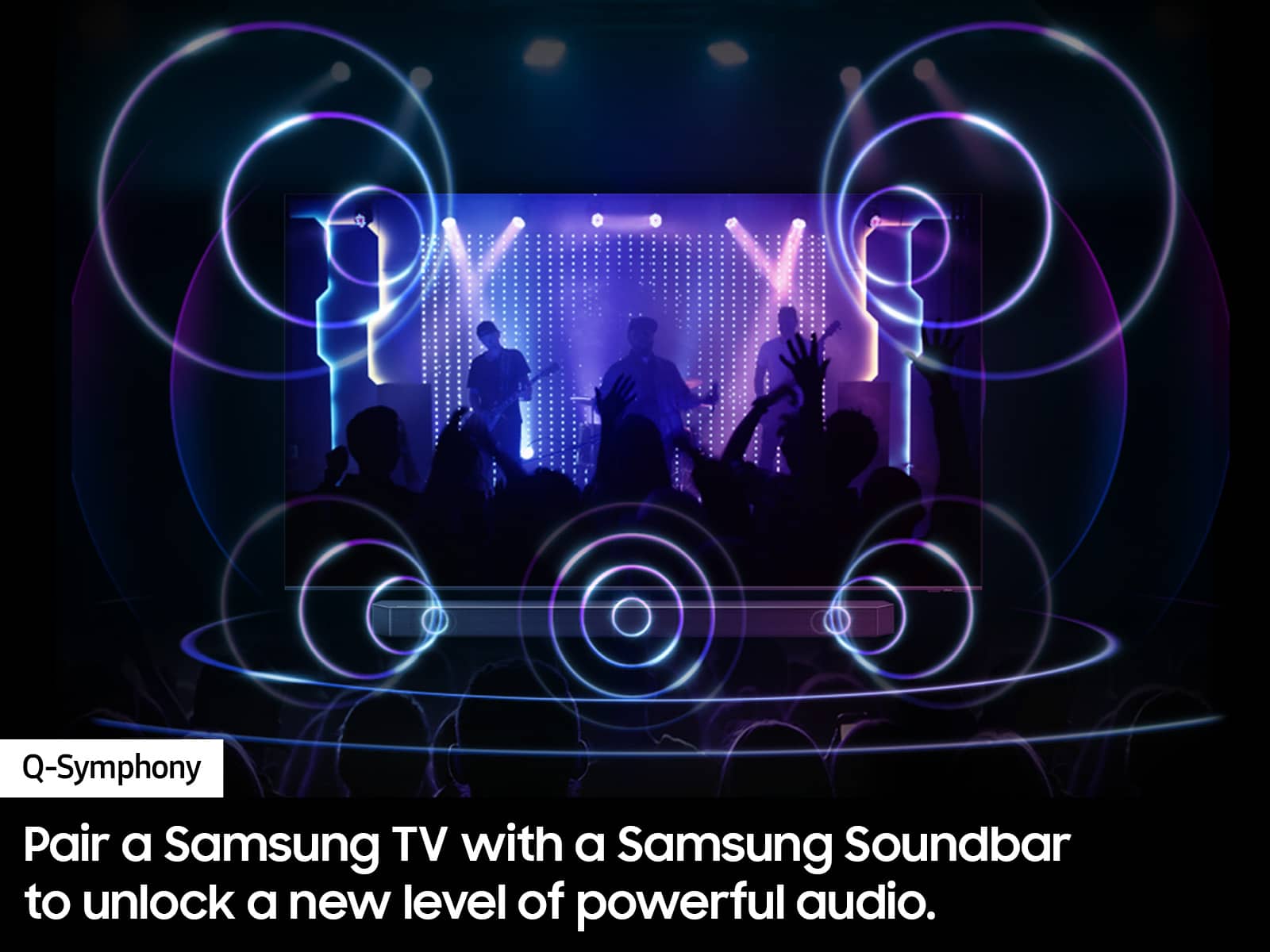
A:AnswerThe Samsung S90D has a 2.0.2-channel speaker system with speakers located at the bottom of the TV and an object-tracking sound (OTS) system that directs sound to follow on-screen action. The OTS system uses upward-firing speakers to create a more immersive, 3D audio experience.
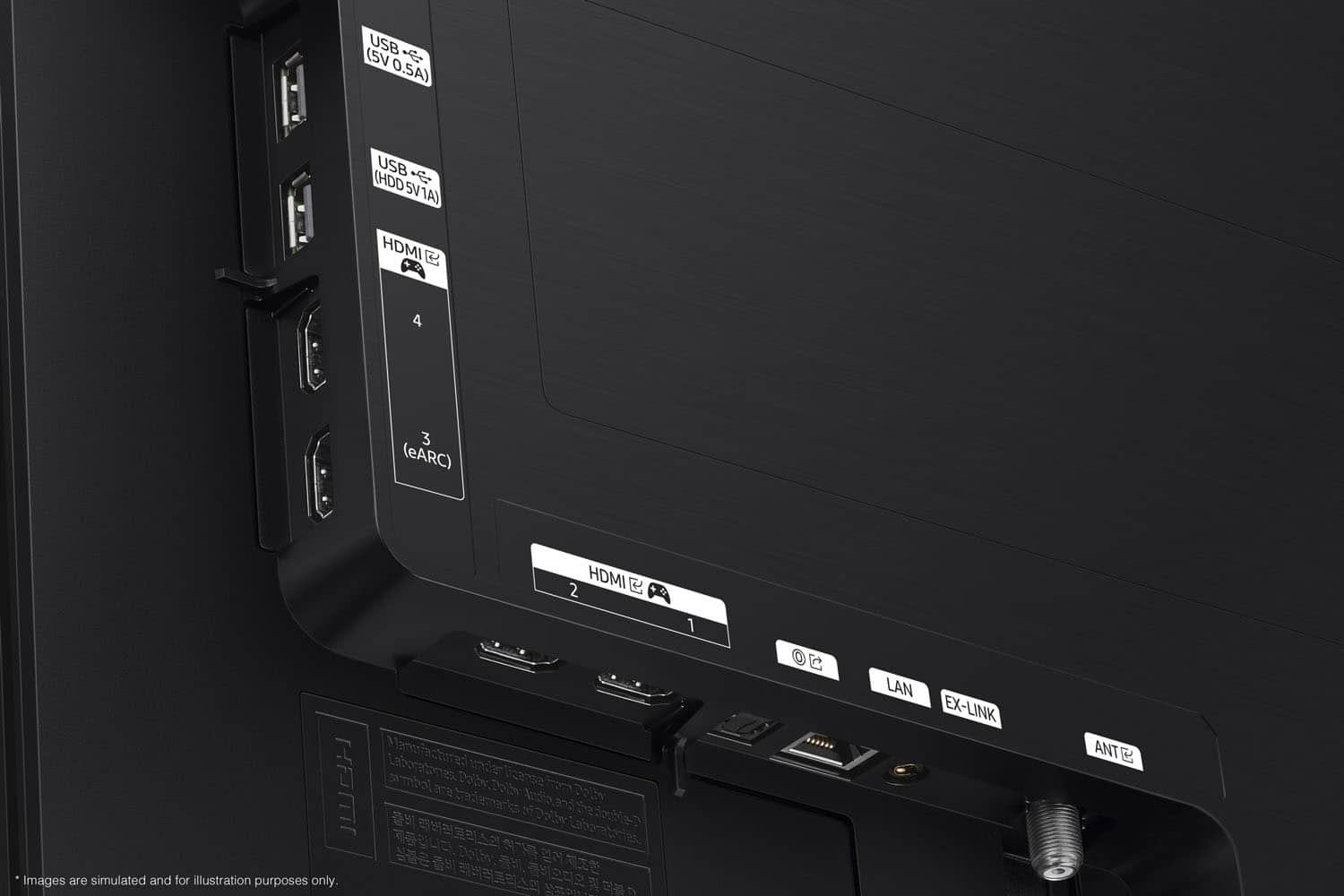
A:AnswerDepends on the connections you have. It will accept Coax USB and HDMI input. You can purchase a separate adapter from some PlayStation output to convert to HDMI.
A:AnswerNot sure what you mean about Picture TV.
Yes, you can attach an Over-the Air antenna if you want.
Yes you can connect a Flash Drive and show pictures if you want
A:AnswerYes, the Samsung S90D is compatible with the Spectrum TV app because it is a Samsung Smart TV from model year 2024, and Samsung TVs from 2017 and newer are supported. You can install the app directly from the Samsung TV's apps screen to stream live and On Demand content.
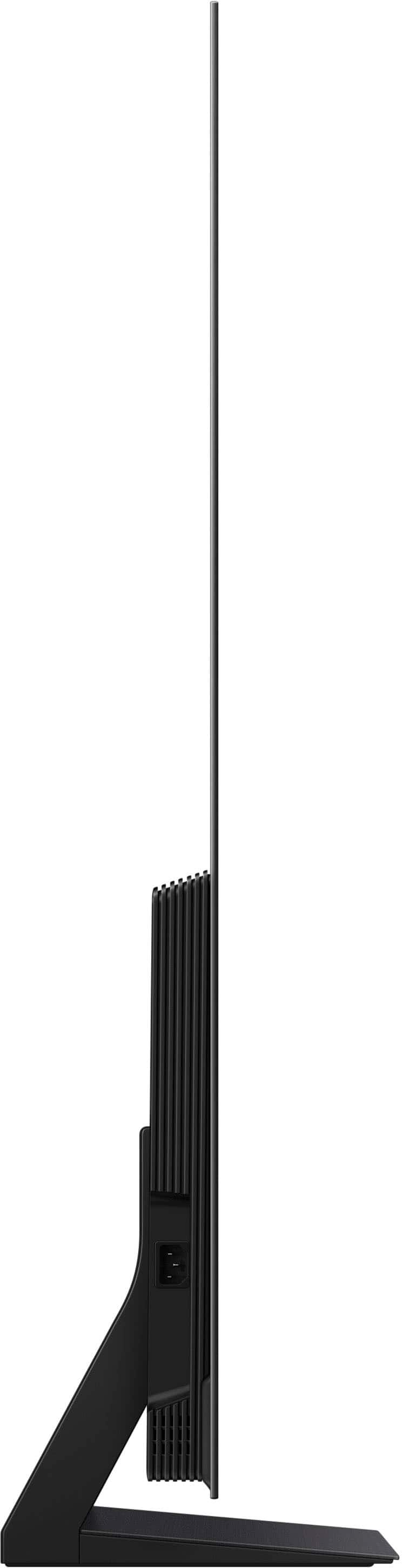
A:AnswerThe stand it comes with is adequate to give you about 6 inches from bottom of the screen to the table it is on, and minimum 2-4 inches clearance from the wall.
I used it for a week then mounted the TV to the wall with a sturdy mount
A:AnswerYes, you can — almost all the popular apps are available in the Tizen app store. Personally, I use my Samsung S90D with an Apple TV, and it’s been an excellent experience.
A:AnswerCleaning,
When cleaning your TV’s screen, please follow these steps:
- Power off your TV before cleaning. Leaving your TV off for 5-10 minutes prior to cleaning will allow the screen to cool down and prevent excessive streaking.
- Carefully wipe using a soft, dry cloth to avoid scratches
- Do not use any chemicals such as wax, benzene, alcohol, thinners, insecticide, air fresheners, lubricants, or detergents
You can use a screen cleaner such as this product from Best Buy: https://www.bestbuy.com/site/audioquest-cleanscreen-cleaner-kit/6628358.p?skuId=6628358
~Samsung Pro
A:AnswerGRAM,
Please give us the opportunity to better assist with this by reaching Samsung Support at: 1-800-SAMSUNG, 8AM - 12AM EST, 7 days a week, or Chat with us on Samsung.com: https://www.samsung.com/us/support/contact/
~ Samsung Pro
A:AnswerI had this same issue! I had the Geek Squad come back and they worked with my provider Cox to straighten it out! It has to do with your WIFI connection I believe!

A:AnswerBillybluz - To locate the storage amount available to be used for Apps please follow these steps: Home > Apps > Settings. In the upper right-hand corner, you can see how much storage you have used and what is available to be used.
~ Samsung Specialist