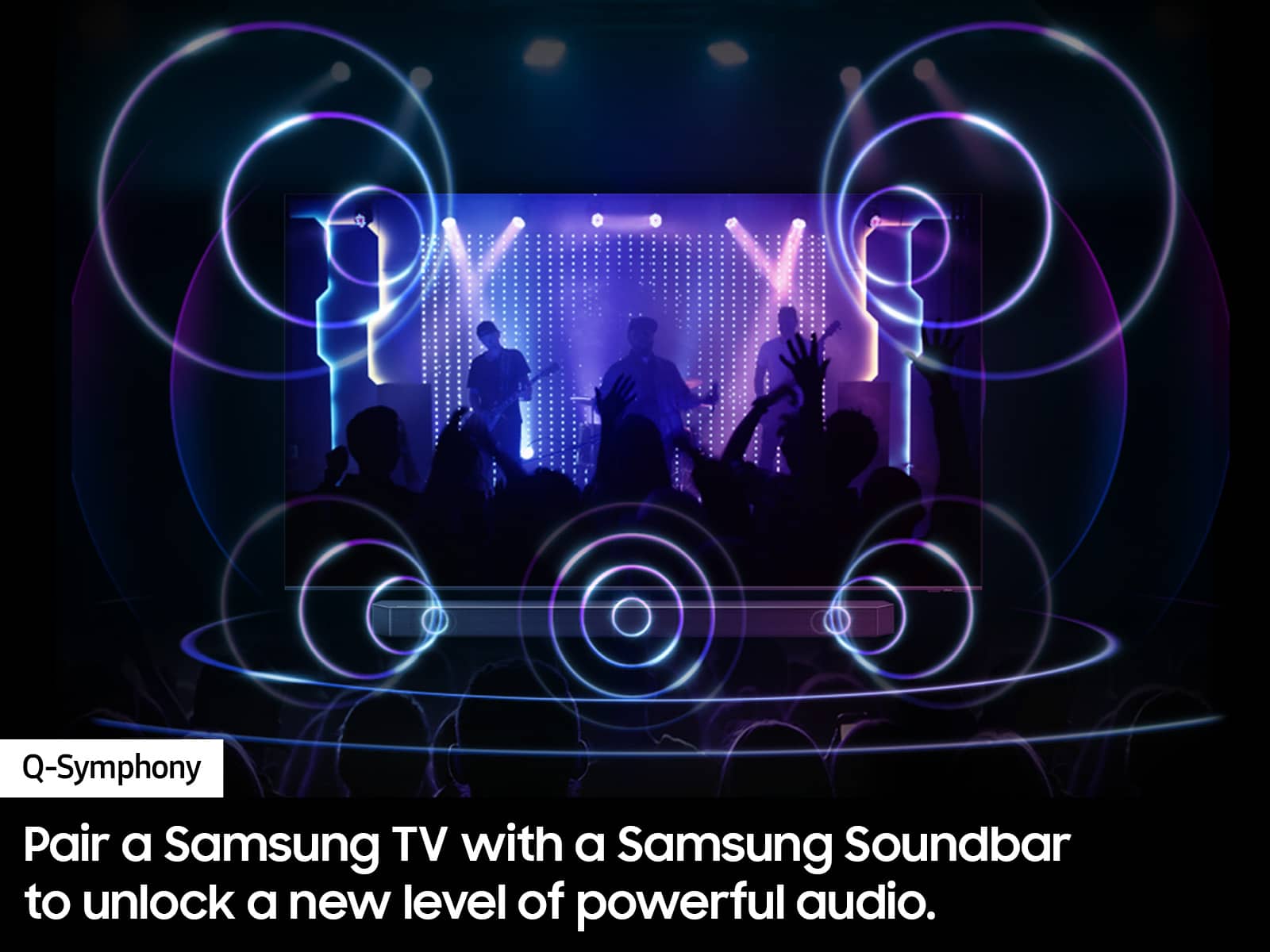
A:AnswerYes, the S90D is a Bluetooth enabled Smart TV that'll pair with Bluetooth enabled devices and allow audio through the TV speakers simultaneously. ~ Samsung Specialist
A:AnswerHi Mousetime - We do not recommend mounting your TV over a fireplace. Your primary concern will be the heat; Samsung TVs should never exceed 104°F. Before you even think of mounting a TV above your fireplace, light a fire and check the temperature first.
If you have a wood-burning fireplaces, ash could accumulate on the TV and its vents. You may be cleaning the TV much more often because of it.
Also keep in mind that if you mount your TV above a fireplace, it will be well above eye level when you're sitting down. Consider getting a mount that can be angled to make it easier on your neck.
~ Samsung Specialist
A:AnswerOurs worked without internet access, although we did connect it after we set up the cable, dvd, & soundbar, but did not notice any popups or anything.
You can set up how the TV should launch when you turn it on - e.g. last used (hdmi 1 or pc/server or whatever).
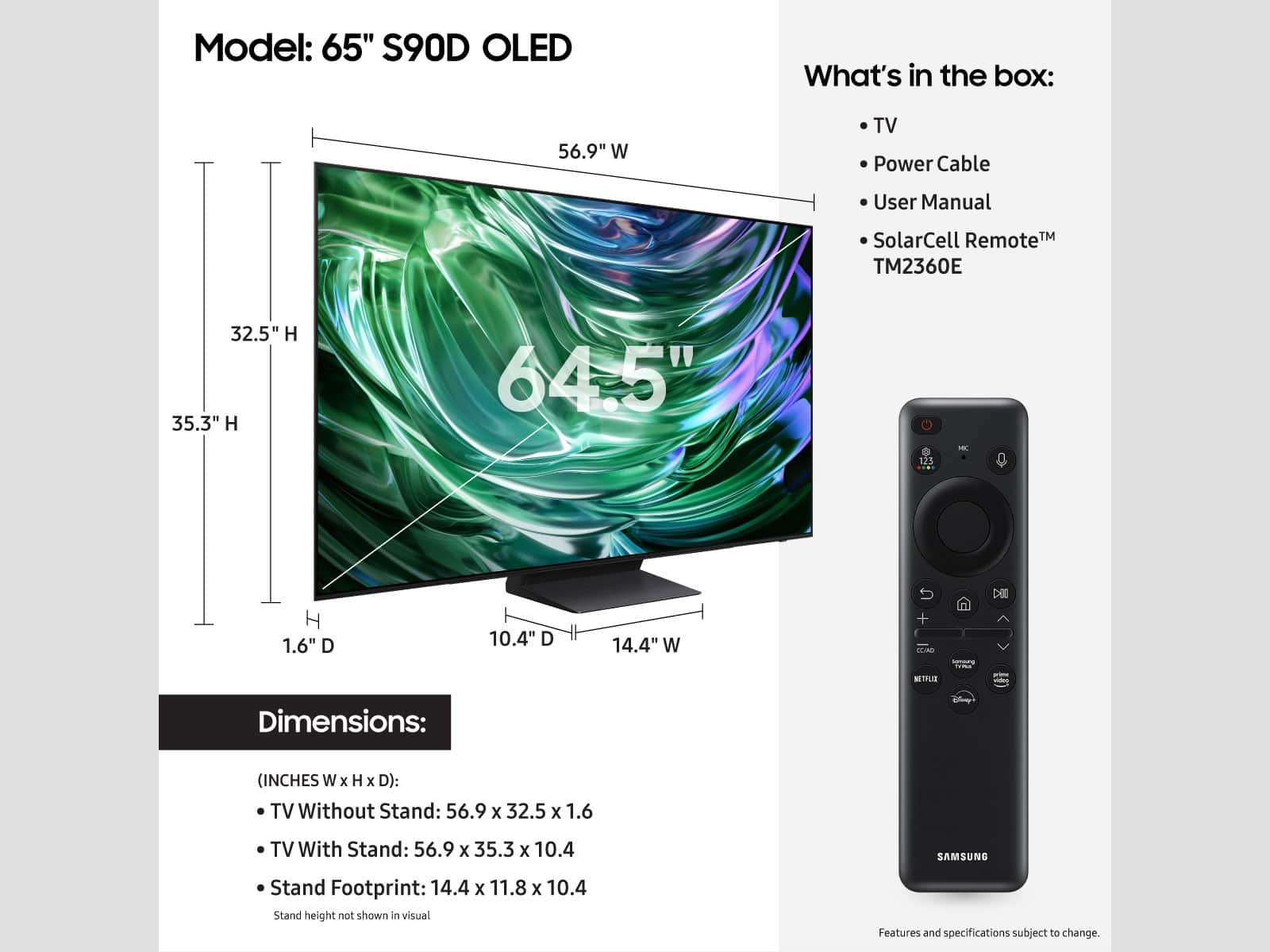
The remote has solar charging, which seems cool, & can be setup to control multiple devices.
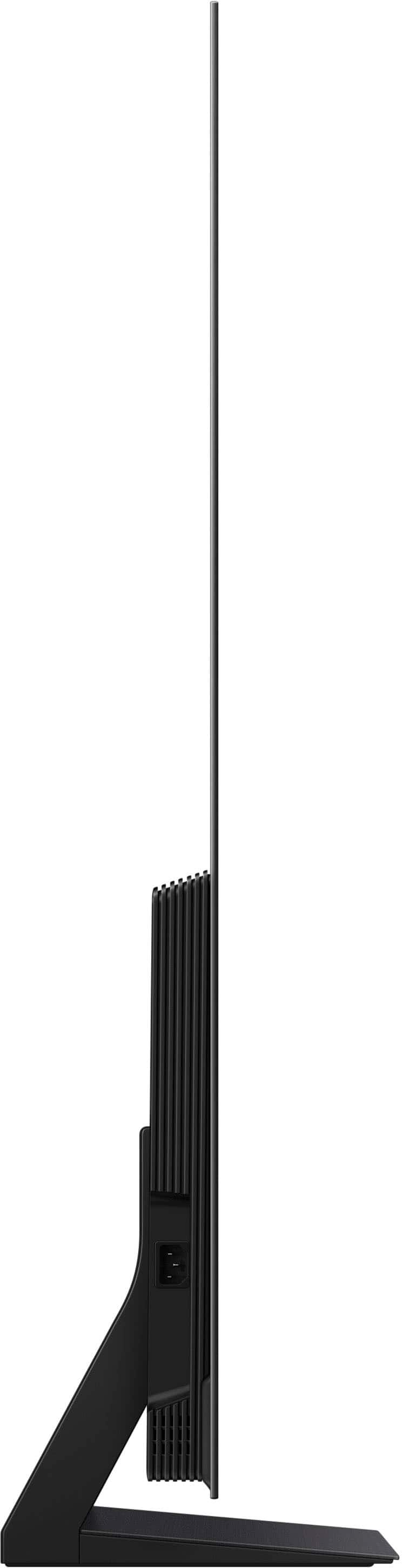
A:AnswerHi paulg - The 65” S90D provides you with a clearance of 2.6", and a soundbar can be placed directly on the stand. Most Samsung Soundbars will easily fit in this clearance. If you have more questions, please feel free to reach Samsung Support at 1-800-SAMSUNG, 8AM - 12AM EST, 7 days a week, or Chat with Us on Samsung.com: https://www.samsung.com/us/support/contact/
~ Samsung Specialist
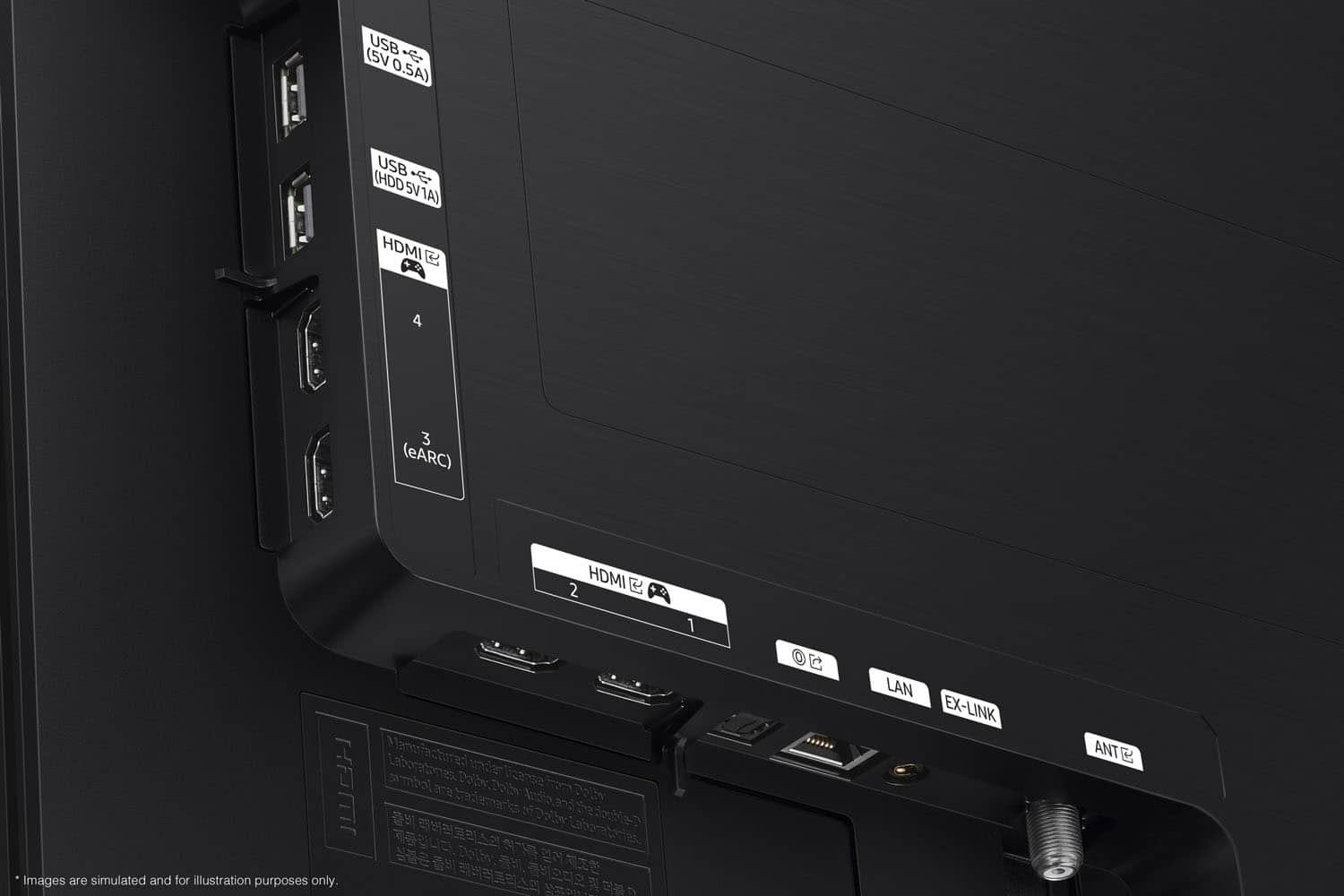
A:AnswerThe S90D OLED does not utilize/support a One Connect Box. The S95D comes with a Slim One Connect Box which can be mounted to the back of the TV stand.
~ Samsung Specialist
A:Answer108dragon,
Please give us the opportunity to better assist with this by reaching Samsung Support at: 1-800-SAMSUNG, 8AM - 12AM EST, 7 days a week, or Chat with us on Samsung.com: https://www.samsung.com/us/support/contact/
~ Samsung Pro
A:AnswerThe TV doesn't have built in DVR. You need a separate device for that but you can watch recorded content from your DVR device on the television.
A:AnswerLedoonan,
Please give us the opportunity to better assist with this by reaching Samsung Support at: 1-800-SAMSUNG, 8AM - 12AM EST, 7 days a week, or Chat with us on Samsung.com: https://www.samsung.com/us/support/contact/
~ Samsung Pro
A:AnswerFrustratedChris,
You can choose what your TV does when you turn it on by going to: Menu > Settings > All Settings > General & Privacy > Start Screen Option > Autorun Smart Hub
- Enabling Autorun Smart Hub automatically launches the Smart Hub when the TV is turned on. Navigate to this option to enable or disable the feature.
- If Autorun Last App is set to on, the last used app is automatically run when you turn on the TV. You can turn this function on or off by pressing the Select button in the current menu.
~ Samsung Pro
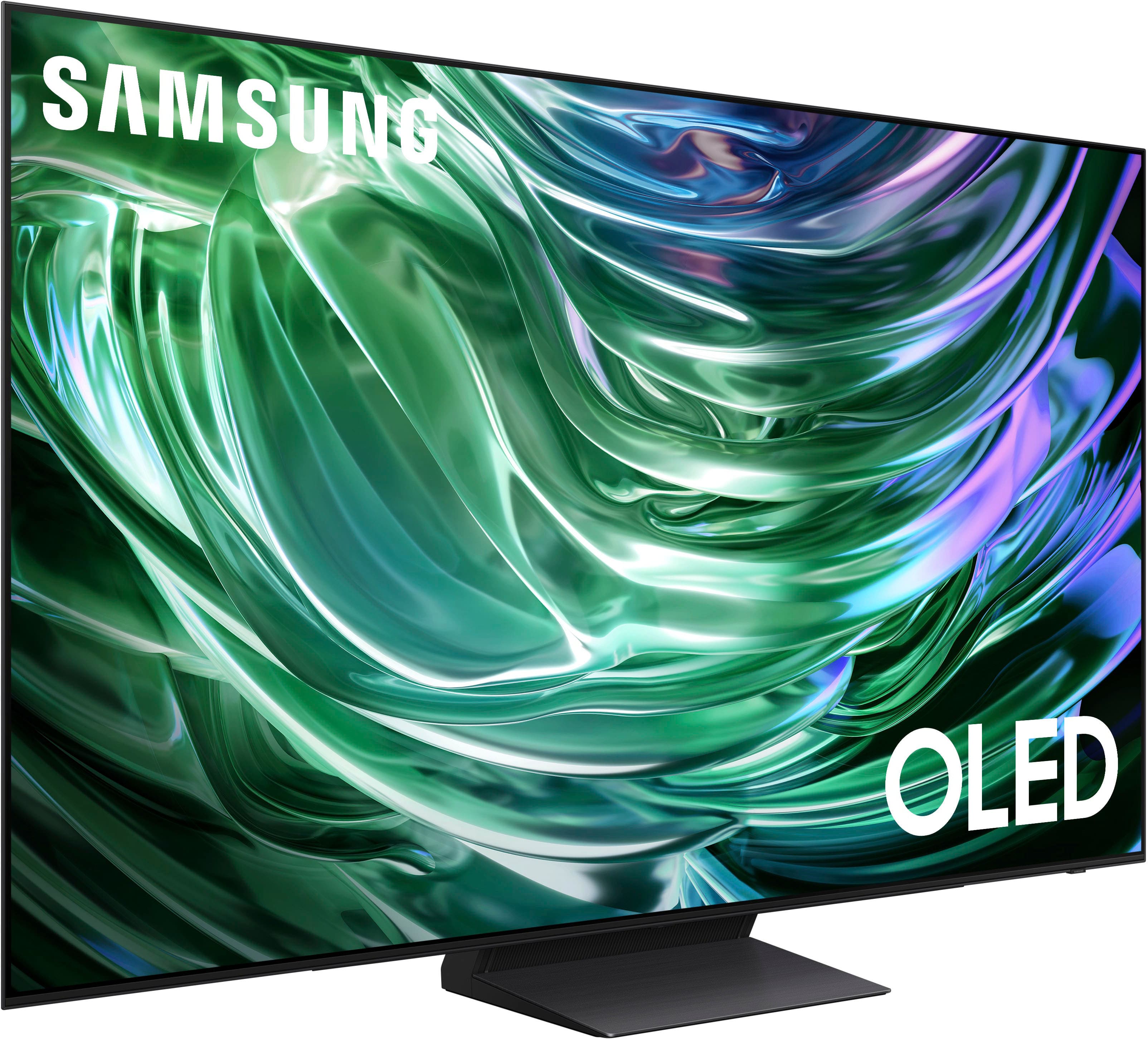
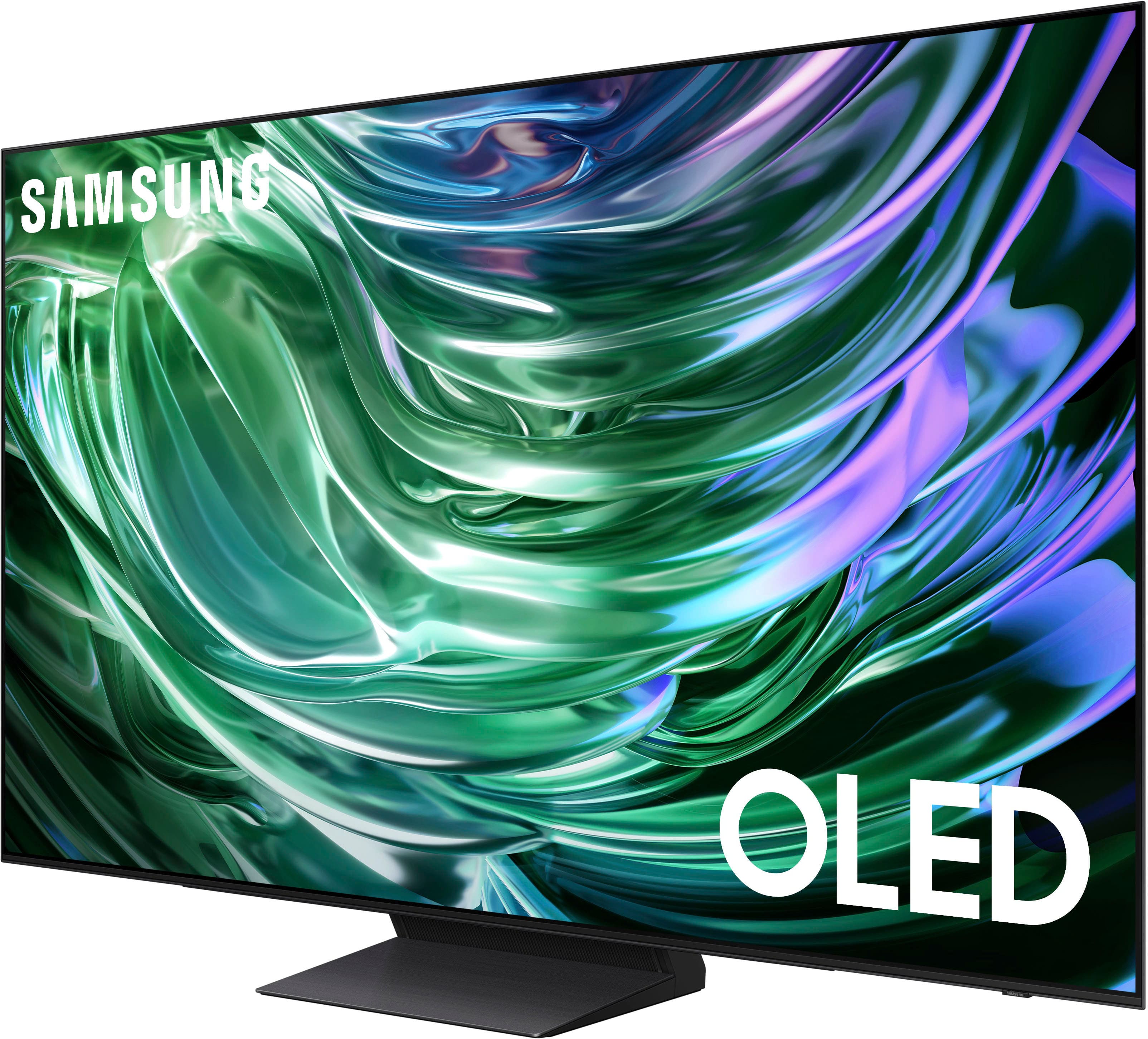
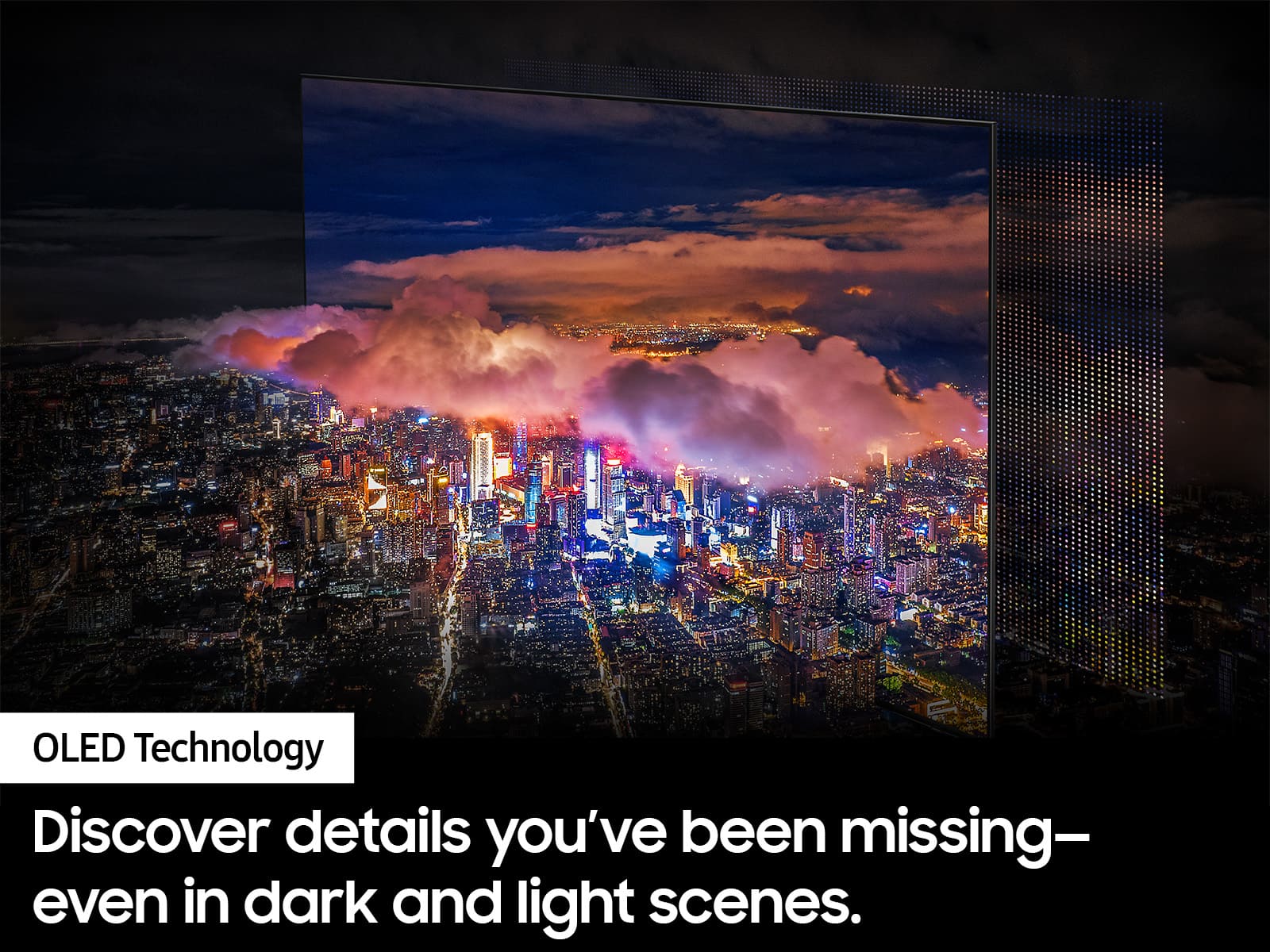
A:AnswerThe Samsung S90D is a "self-luminous" OLED TV, meaning each pixel lights itself and doesn't require a traditional backlight. However, depending on the screen size and region, it can use either a QD-OLED or a W-OLED panel. The QD-OLED panel is considered to offer better color brightness and picture quality than the W-OLED.
A:AnswerYes you can. The TV will just sit a little higher on the mount because of the holes on the back of the TV for the mounting arms are much lower to account for the glass screen
A:AnswerHello,
The apps pre-installed on the 2024 S90D TV are: SmartThings, Samsung TV Plus, Netflix, Prime Video, Disney+, Hulu, Apple TV, Sling TV, YouTube, Alexa, Bixby, and Internet. You can also download additional apps in the TV's built-in App Store.
~ Samsung Pro
A:AnswerBob,
This Samsung TV is VESA Compliant and works with any wall mount or stand that is also VESA Compliant and designed for the TV's size.
~ Samsung Pro