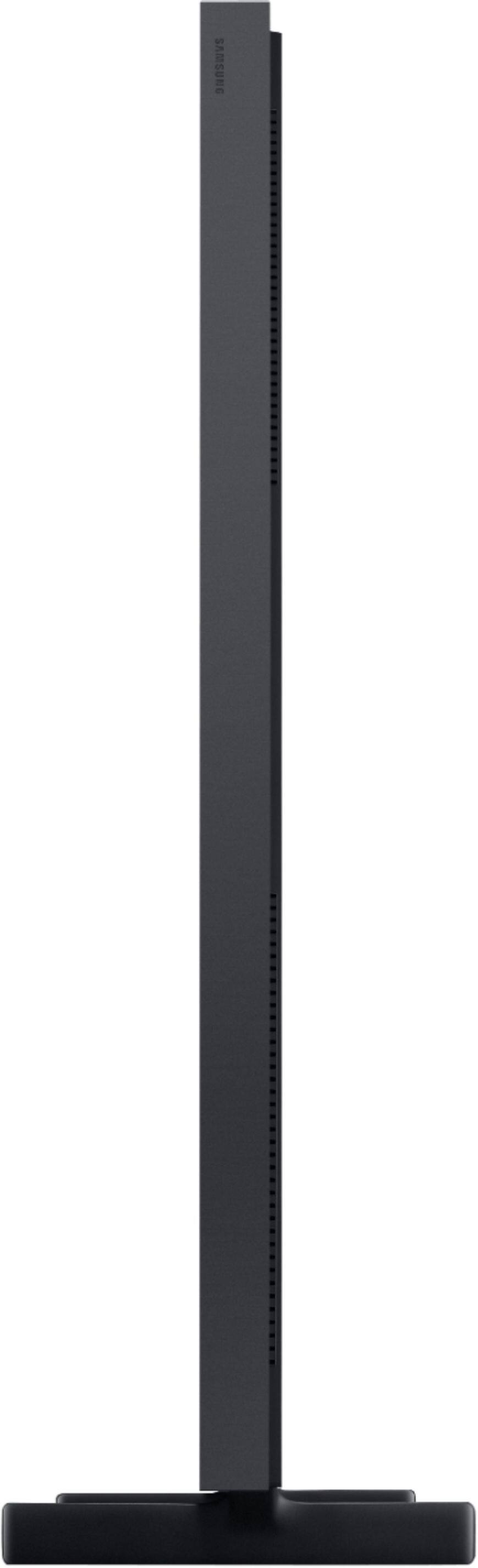
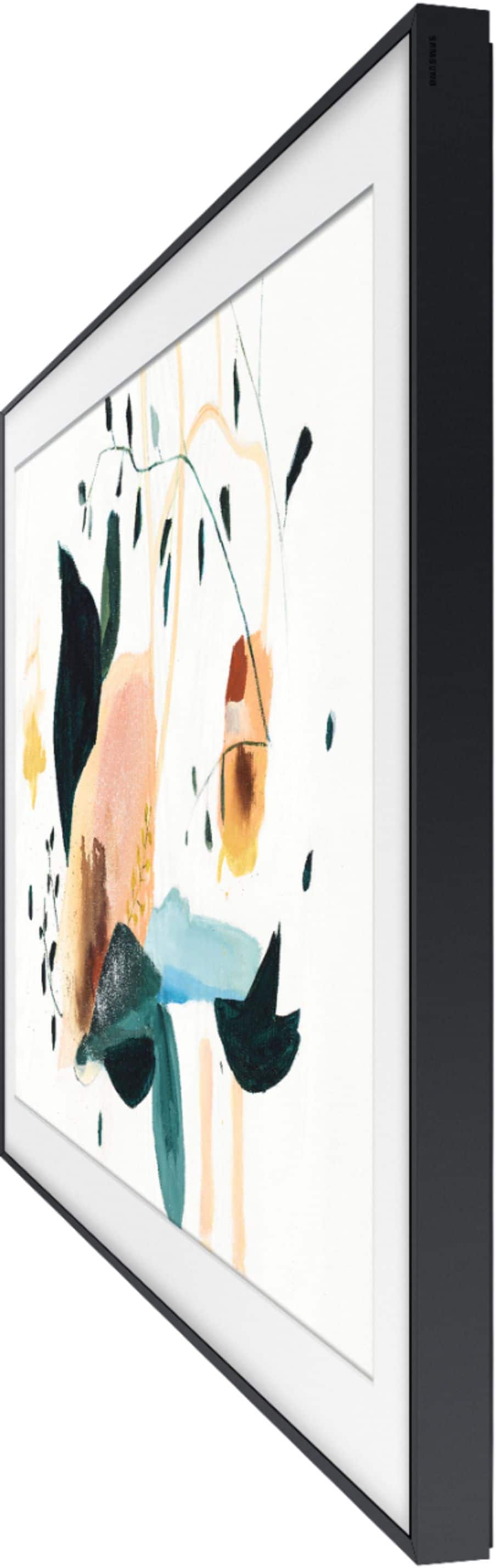
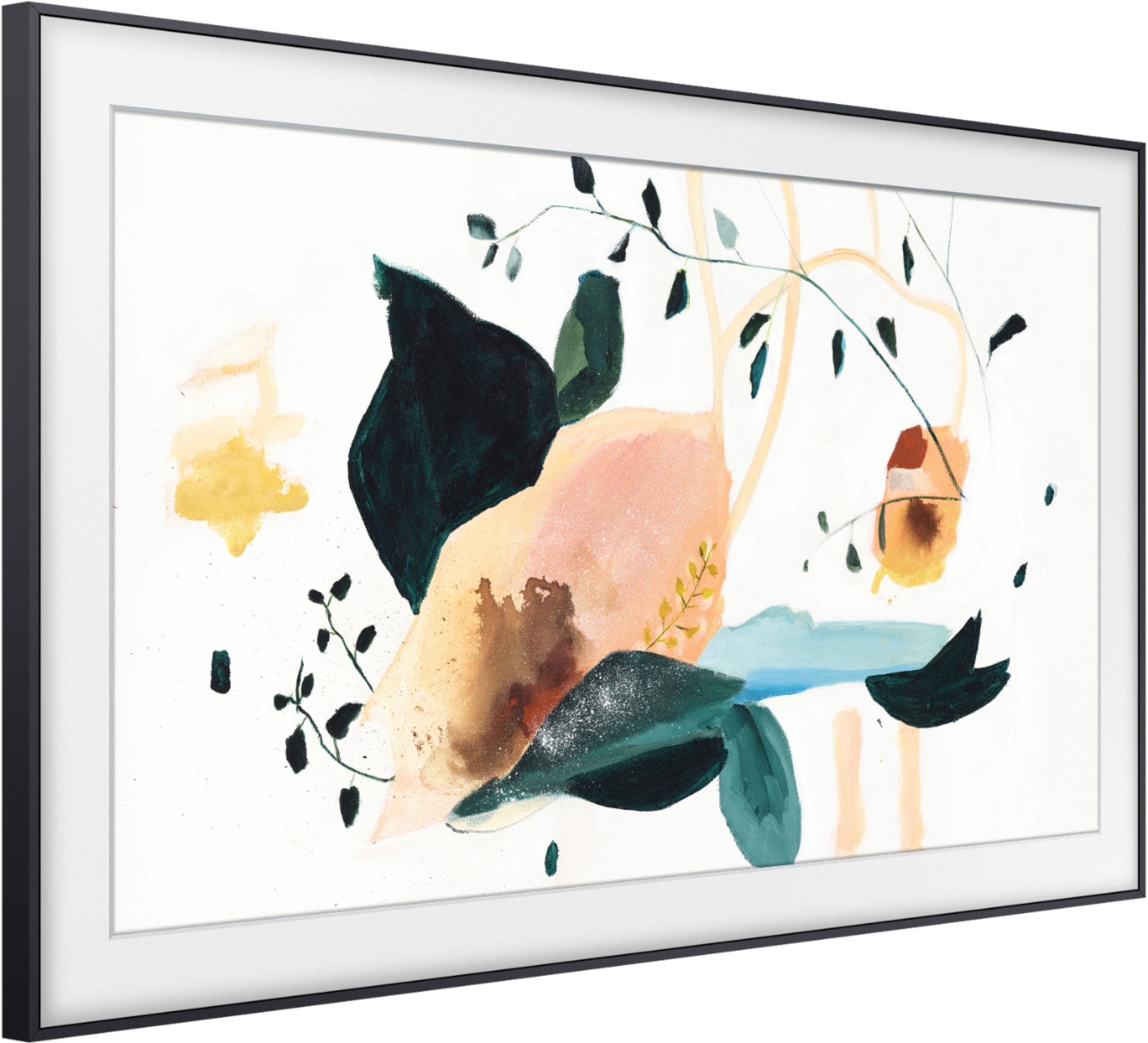
A:AnswerHi! Yes, the Samsung 2020 Frame TV features built in Bluetooth allowing you to connect Bluetooth audio devices for additional ways to hear your TV, or Bluetooth keyboards to navigate through the Smart TV experience. ^Tim
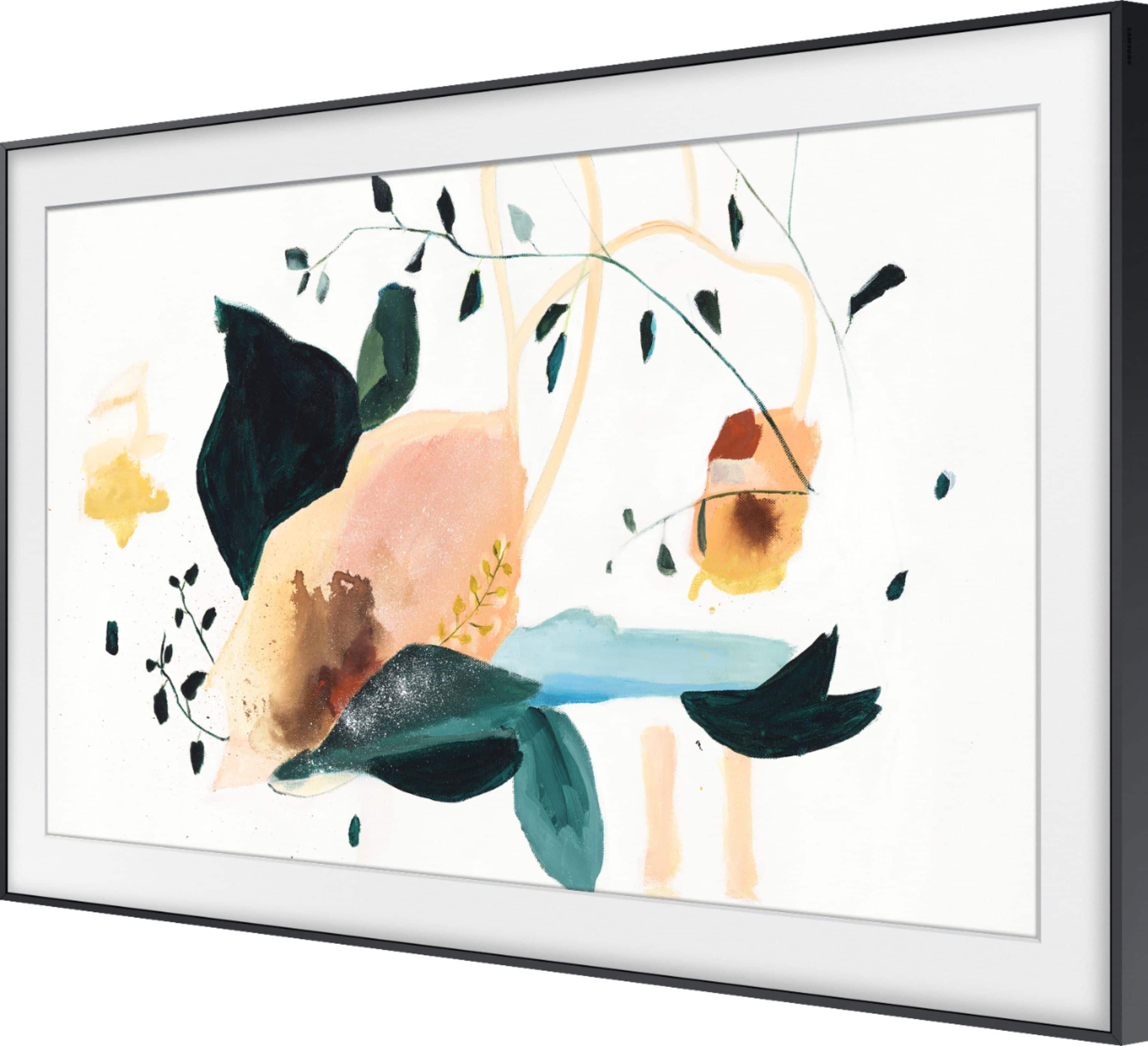
A:AnswerHi Jamie! The Frame comes with 20 selected artworks and the ability to add your own. The Art Store subscription requires a low monthly fee to access the full selection of over 1,200 works of art. Pieces from the Art Store can also be purchase individually. Prices may change over time. ^Tim
A:AnswerJes, the TV Controller button at the bottom of the TV next to the sensor. When you push the controller button it will allow you to power the TV on/off along with other features. ^Celina
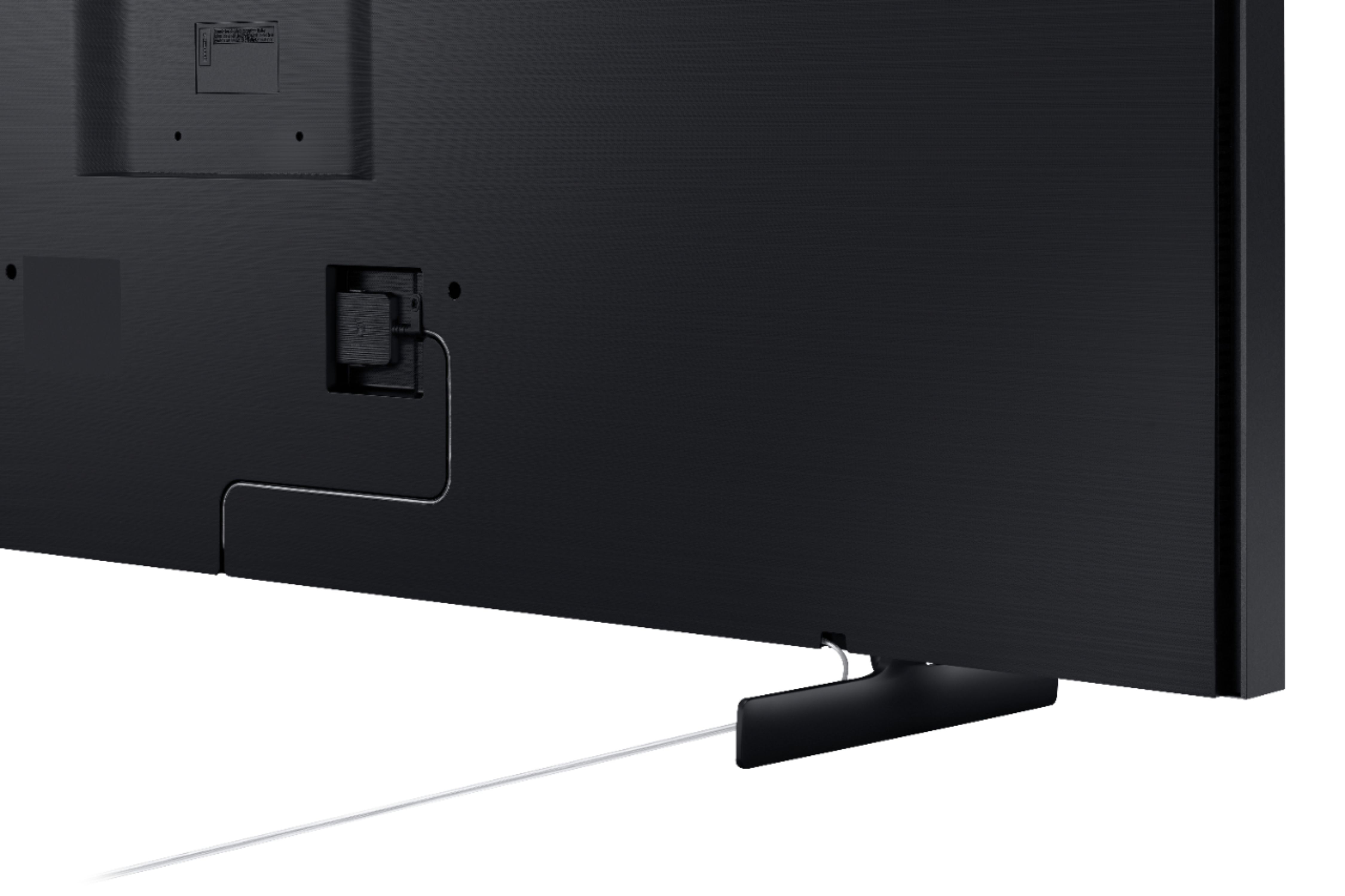
A:AnswerHi there, the only port in the back of the TV is for the one connect box. You could consider using a recessed wall box to hold the One Connect box however. I hope this helped! ^Scott
A:AnswerHi Elysewd! The One Connect Box is required to utilize The Frame TVs. We recommend contacting Best Buy as they offer free Home Consultations to provide you with the best solution for TV placement: https://www.bestbuy.com/site/services/best-buy-home/pcmcat748300620643.c?id=pcmcat748300620643 ^Gina
A:AnswerHello Kes601,
Yes, the QN65LS03 uses VESA Wall Mount Standard :400mm x 300mm. We do recommend using the included NoGap wall mount for the best look and experience. ^Cristian
A:AnswerHi Debbie, on the Samsung - 65" Class The Frame Series you can easily upload and display your own photographs on The Frame via your smartphone using the SmartThings app or a USB flash drive. ^Celina