A:AnswerHi Jsgatfb,
Just below the Back button and above the Netflix hotkey, you’ll find a thin rocker-style button with a (+) on top and a (–) below. Push up on this button to raise the volume, or down to lower it.
~Samsung Advisor
A:AnswerHi,
With HDMI 2.1 being such a complex topic, we feel it’s clearer to highlight the specific features supported by each TV model. The U7900 has 2 HDMI ports, both of which support HDR10+ and Auto Low Latency Mode (Auto Game Mode). HDMI port #2 further supports eARC. If you’re looking for a TV capable of 4K@120Hz, please consider a step up to the 55-85” Q8F TV, which supports this feature in all HDMI ports.
~Samsung Advisor
A:AnswerHi Mare,
The U7900 TV has a built-in app store with hundreds of apps available for download. Third-party apps, not available in the app store, cannot be downloaded.
~Samsung Advisor
A:AnswerWhile we aren't sure of the VESA pattern supported on your current TV, the 65" U7900F works with any type of universal wall mount that supports a VESA pattern of 200mm x 200mm.
~ Samsung Specialist
A:AnswerHi Les,
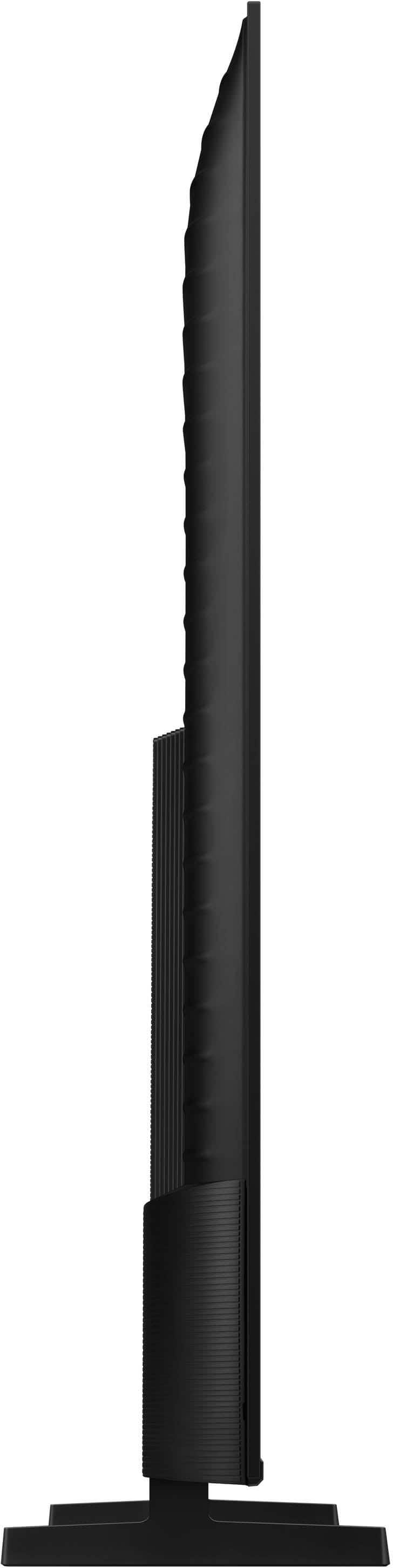
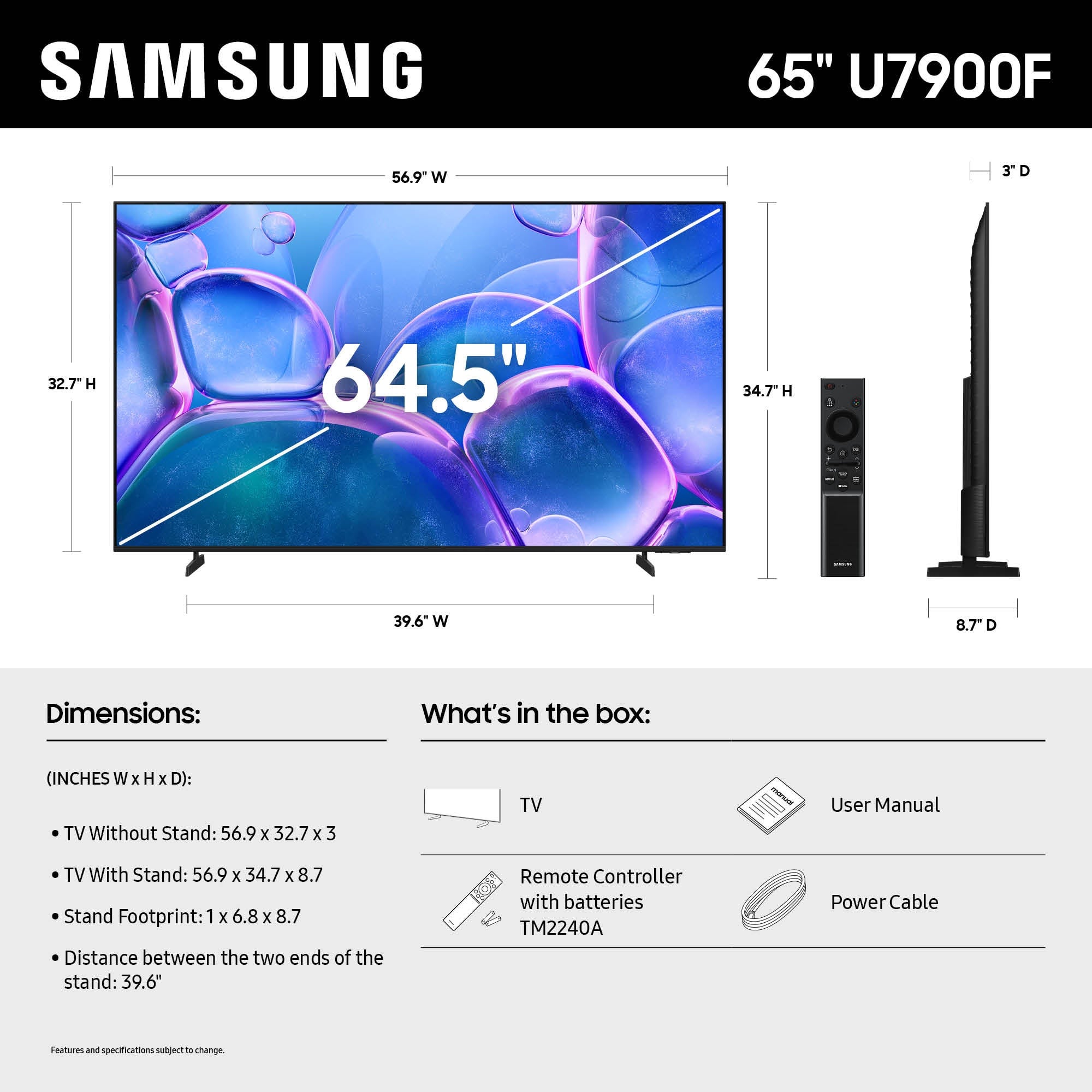
No, the 65" U7900 TV feet can only be set in one position: 39.6" apart. However, the 75" U7900 TV legs can be placed in two positions: either 49.2" or 31.2" apart.
~Samsung Advisor

A:AnswerHi Johnny,
Yes, the Paramount+ app, Showtime, YouTube, DirecTV Stream, and Prime apps are available and can be accessed with the TV remote.
~Samsung Advisor