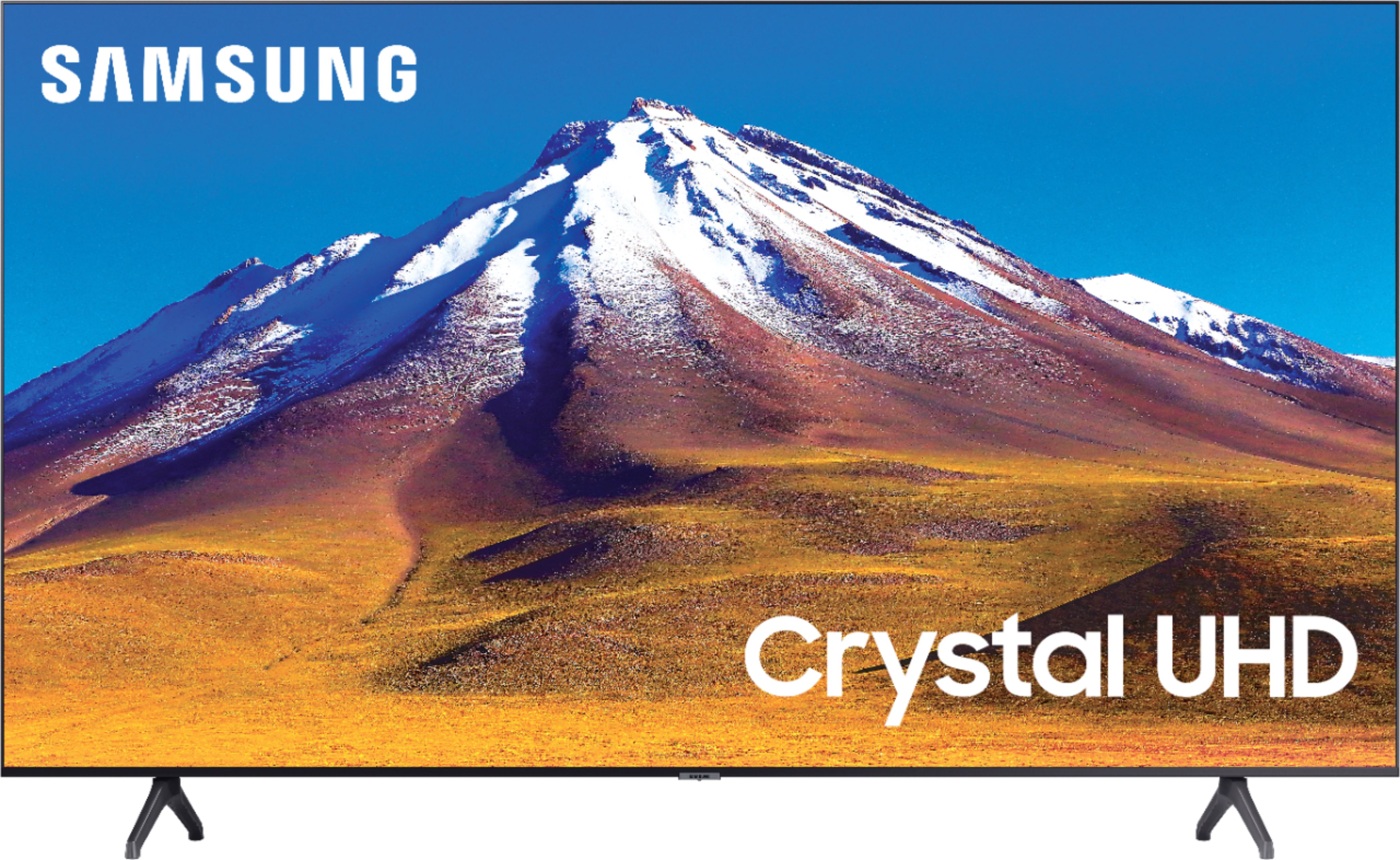
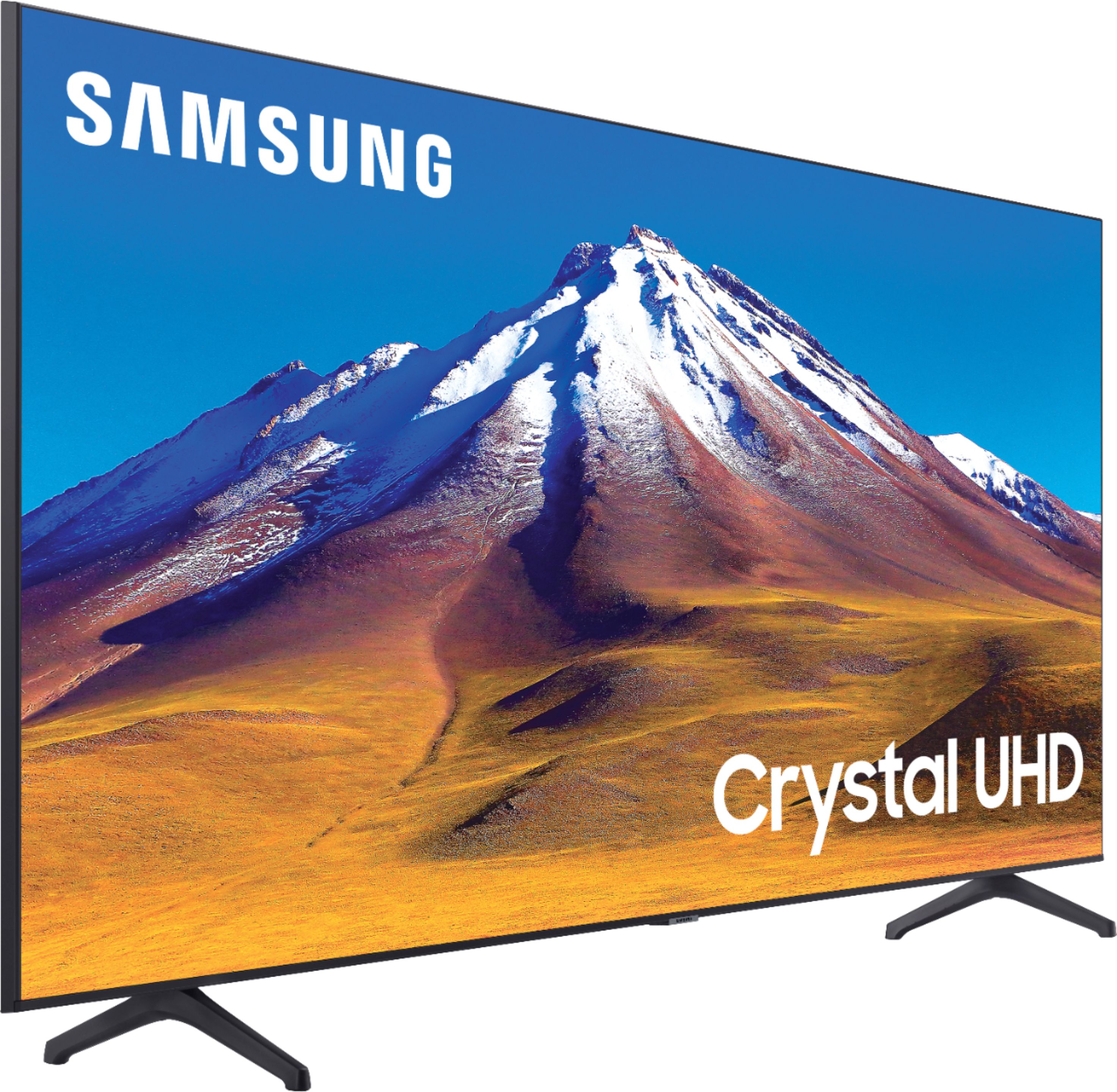
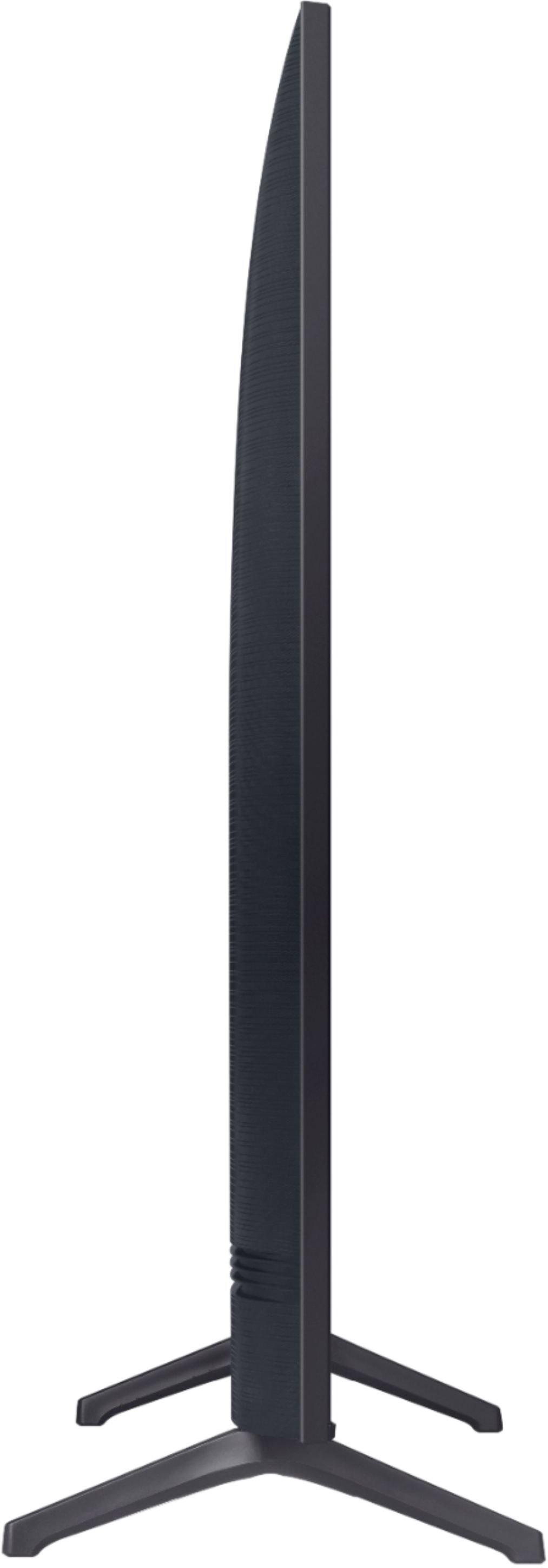
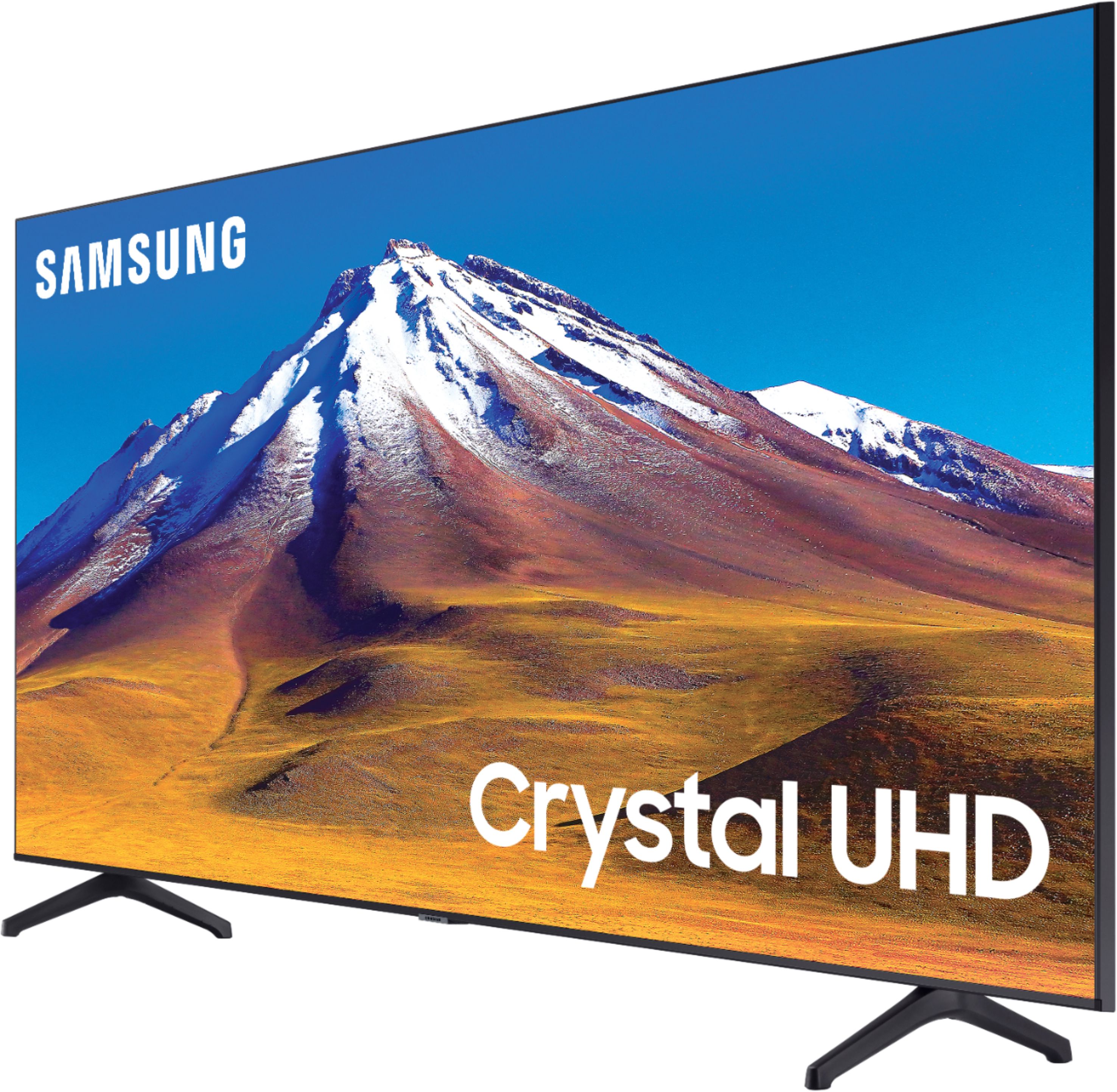
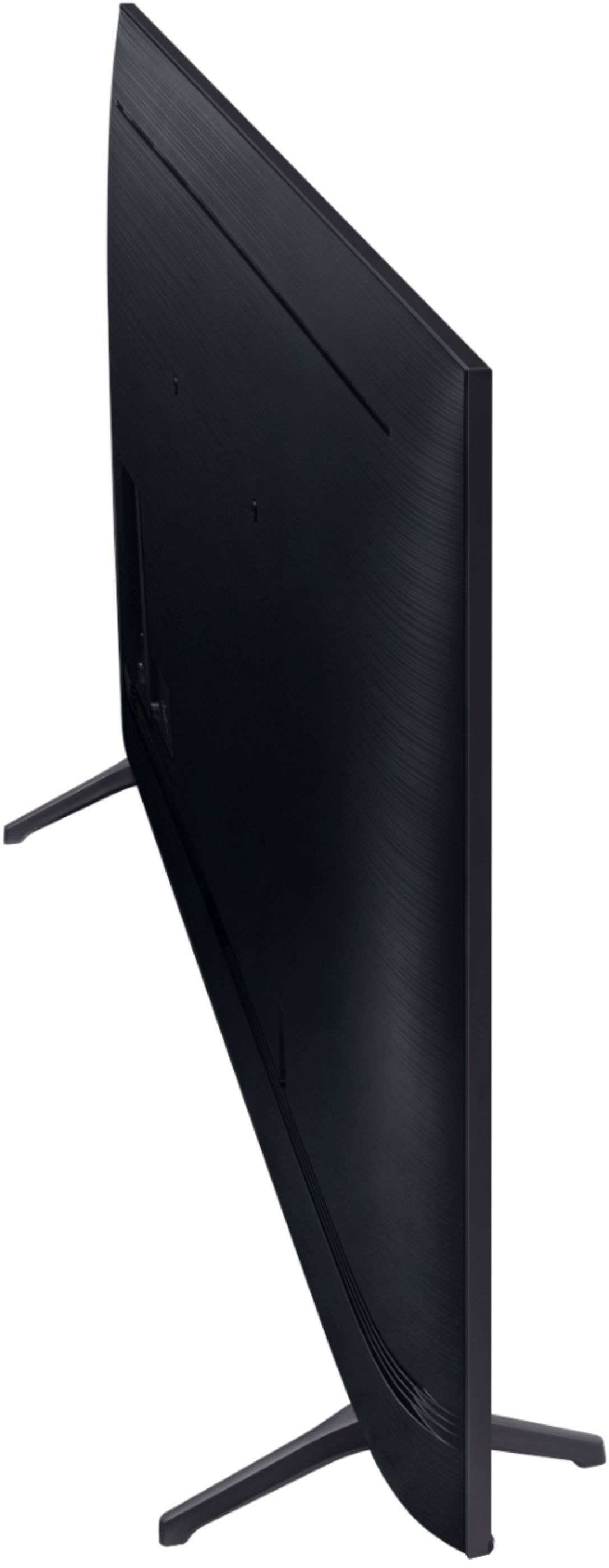
A:AnswerTweetybird, You can wall mount the Samsung - 70" Class 6 Series with any wall mount with a VESA Standard of 400mm x 300mm. Check out some compatible wall mounts at Best Buy: https://www.bestbuy.com/site/searchpage.jsp?st=400mm+x+300mm+wall+mount&_dyncharset=UTF-8&_dynSessConf=&id=pcat17071&type=page&sc=Global&cp=1&nrp=&sp=&qp=&list=n&af=true&iht=y&usc=All+Categories&ks=960&keys=keys ^Celina
A:AnswerHi Jeny! You will not need a separate device to stream apps; the TU6980 has Netflix, Hulu, YouTube, Disney+, Prime Video, and many more available to download directly onto your TV! ^Gina
A:AnswerHi Manny! The TU6980 has 20 Watt 2 Channel speakers. While a soundbar isn't always necessary, we recommend adding one to provide you with a more immersive experience. ^Gina
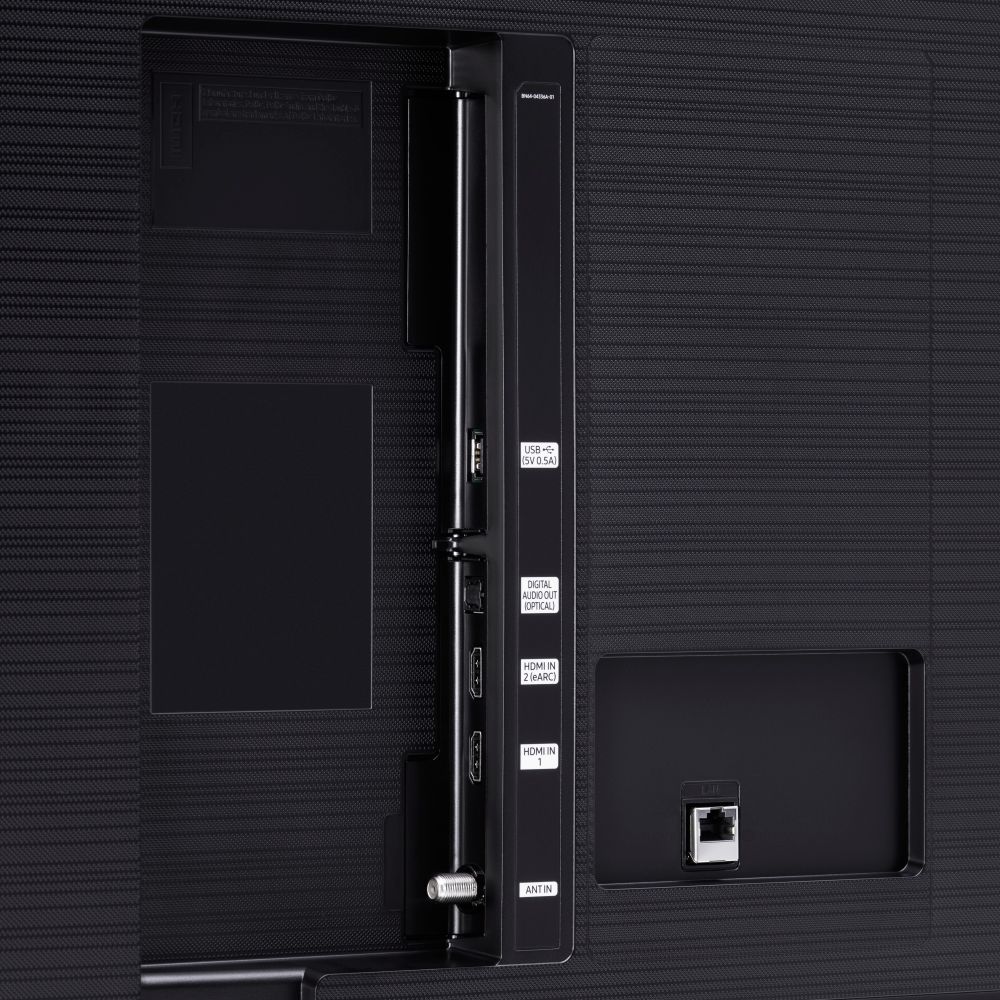
A:AnswerHi Kimk, you sure can use the TU6980 as a monitor! You can connect your laptop to your TV via HDMI cable, or wirelessly using WiDi (Wireless Display) capabilities if your laptop supports this. ^Gina
A:AnswerHi Bubs! For the next-gen consoles, we recommend checking out the Q70T or above, as these models all support HDMI 2.1/HDMI eARC and 4K@120FPS: https://www.bestbuy.com/site/searchpage.jsp?st=q70t&_dyncharset=UTF-8&_dynSessConf=&id=pcat17071&type=page&sc=Global&cp=1&nrp=&sp=&qp=&list=n&af=true&iht=y&usc=All+Categories&ks=960&keys=keys ^Gina