A:AnswerHello bob, the TU7000 works with Alexa Assistant. However, you will need to have a standalone Alexa Assistant device to perform commands such as changing channels, swapping input selections and launching partner apps. When stepping up to the TU8000, you will gain built-in voice assistants (Amazon Alexa, Bixby, Google Assistant) and a dedicated voice assistant button on your remote for a much wider list of commands such as weather, music, and getting questions answered with your voice. Check out the TU8000 at Best Buy: https://www.bestbuy.com/site/samsung-65-class-8-series-4k-uhd-tv-smart-led-with-hdr/6401718.p?skuId=6401718
^Cristian
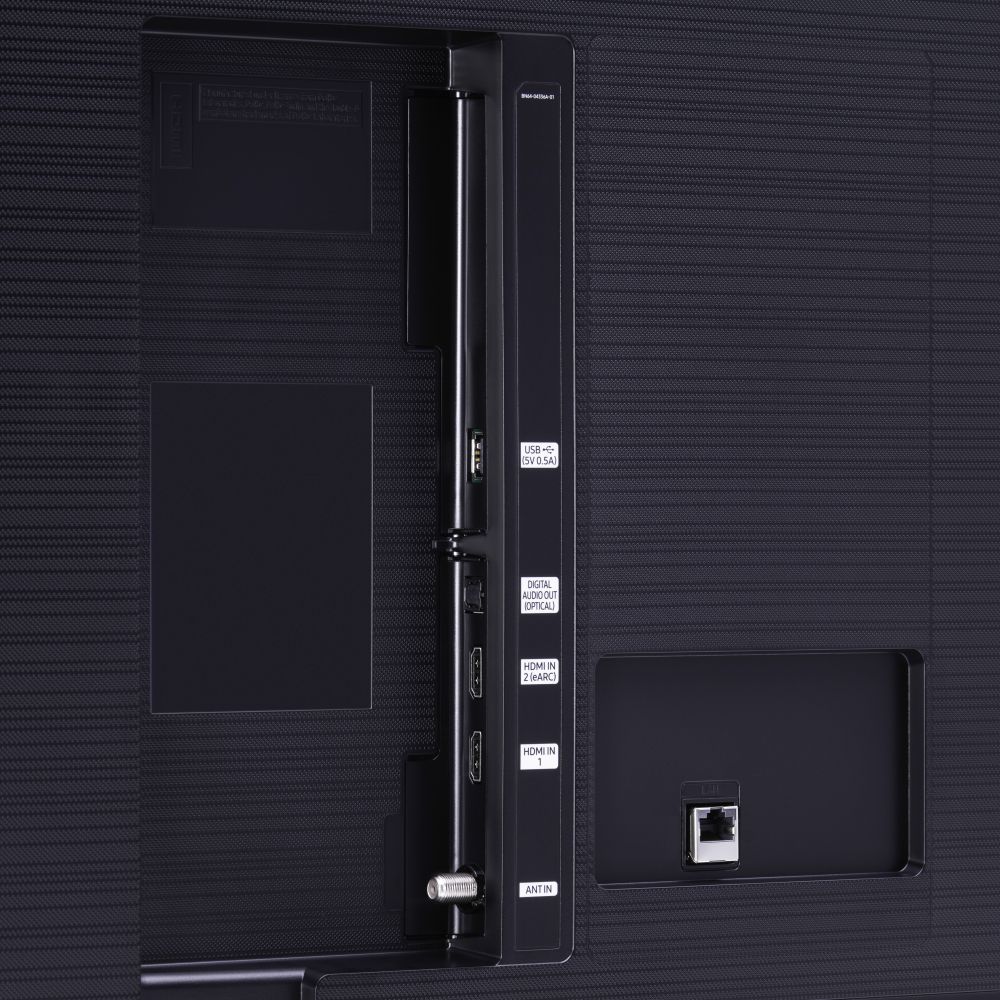
A:AnswerI would go LAN for cable box which will provide fastest data transfer although you don't really need that high a speed. Another option is wi fi. Works great if you have 5G
Depending on your hearing, you could go optical on the speakers. Quality difference is something I couldn't tell but I am old so that probably makes a difference.
A:AnswerHi Gio! The OneRemote with Voice included with the TU8000 is not compatible with the TU7000. You can purchase a 75TU8000 from Best Buy at the following link to gain voice control with the Bluetooth OneRemote: https://www.bestbuy.com/site/samsung-75-class-8-series-led-4k-uhd-smart-tizen-tv/6401717.p?skuId=6401717 ^Tim
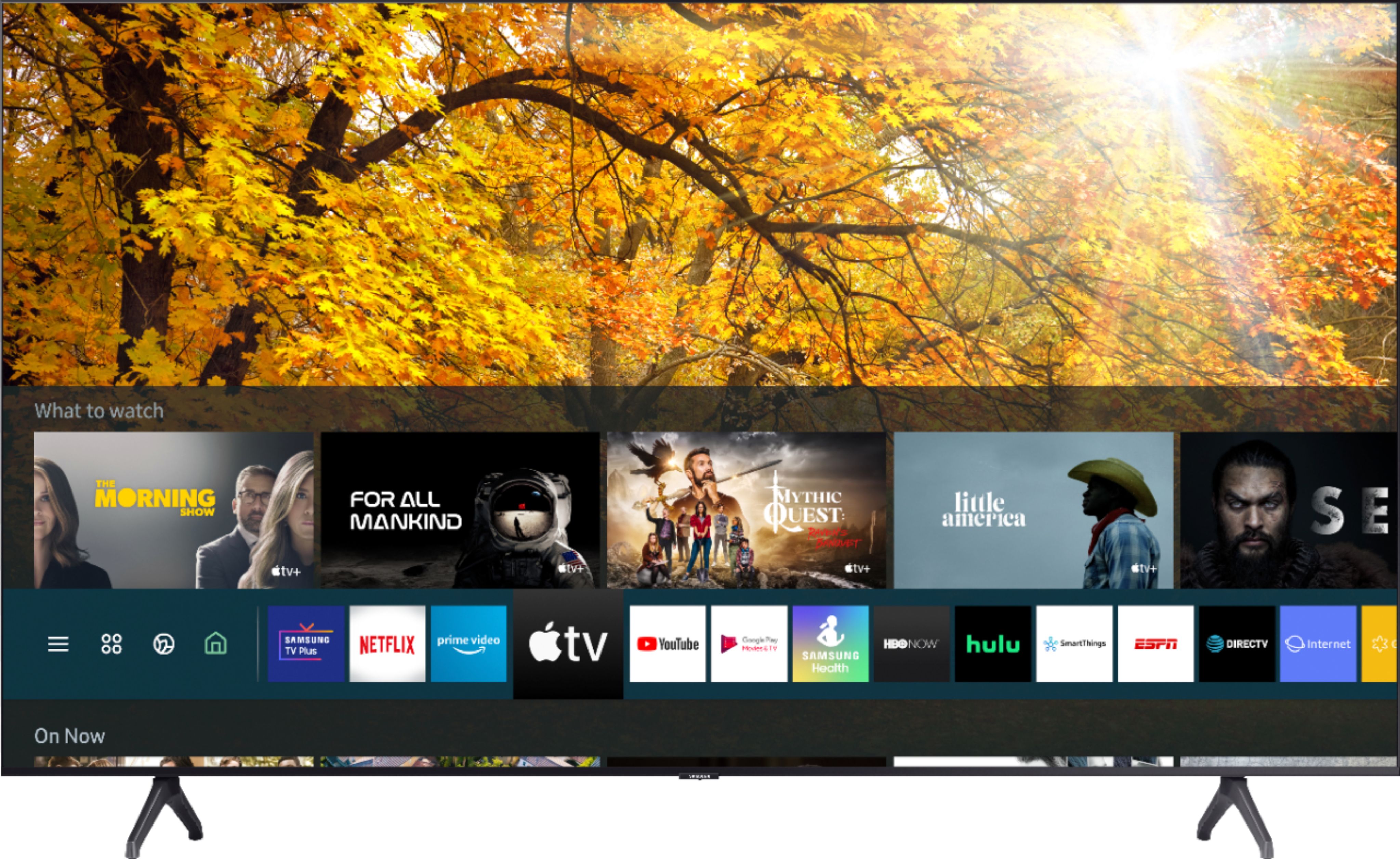
A:AnswerHi RLD, this TV uses the Tizen operating system, not Android. Tizen is a very stable, straightforward operating system which allows the user to access all their content in one place, whether it is streaming services, cable, or virtually any other type of content. Thanks, ^Scott
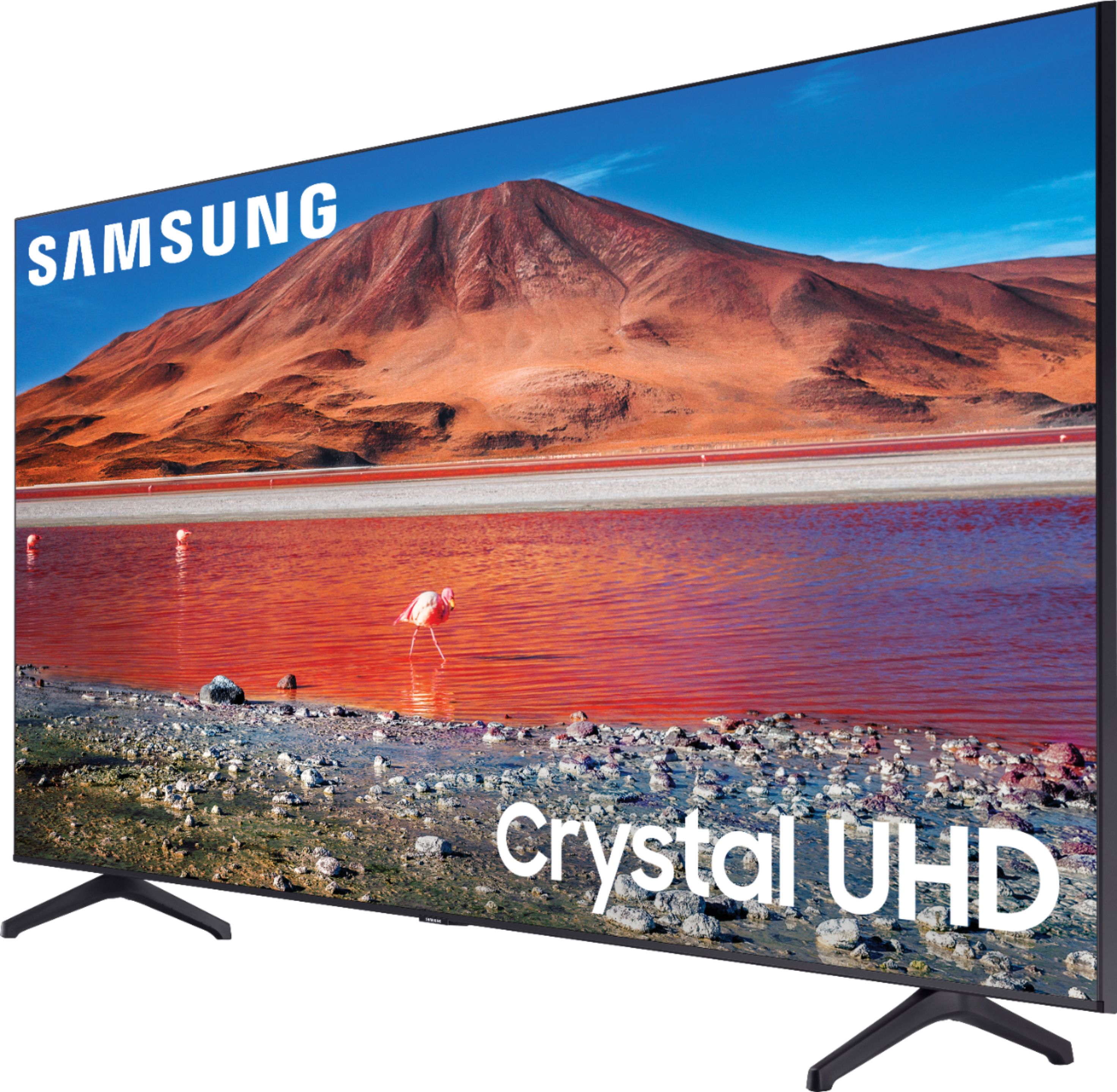
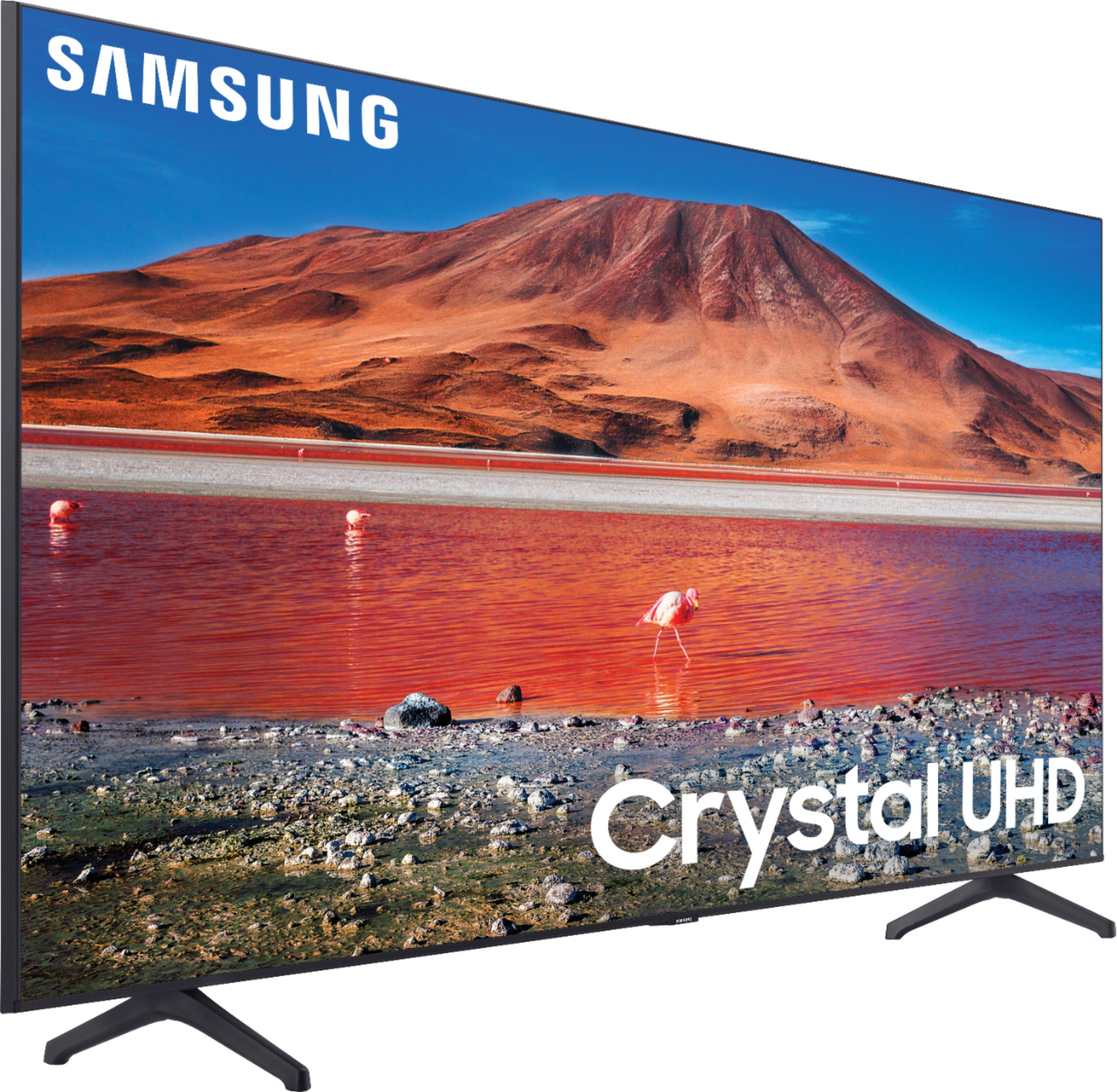
A:AnswerHave you looked to see if you put the legs on the correct sides and pushed them all the way into their slots? You should hear a click once they are fully inserted.
A:AnswerHi Bob, Samsung TV's can access USB information, even if it is through a splitter. There are lots of options here: https://www.bestbuy.com/site/searchpage.jsp?id=pcat17071&st=usb+splitter. Thanks! ^Scott
A:AnswerThe series 6 only works with 2g networks. The series 7 with 2g and 5G. The HDR processor on the series 7 is better and also have some smart features like auto configuration of the remote to control any device you connect to the tv, like cable box, blue ray player etc. It makes more sense to buy the 7 for just a few more dollars.
A:AnswerNerso, if apps are not working correctly, we recommend first checking for firmware updates on your TV (Home > Settings > Support > Software Update). If your TV is up to date, try a cold boot. There are two ways to cold boot your TV. With the Remote: For most people, the easiest way is to hold down the Power button on the Samsung TV remote until the TV turns off and on again. This should only take about 5 seconds. With the Plug: If you do not have the remote, unplug your TV from the wall outlet or surge protector, leave it unplugged for 30 seconds, and then plug it back in. If the issue persists, please reach out to Samsung TV Support at: ― Phone: 1-800-SAMSUNG / Available 8 AM - 9 PM EST, Mon - Fri ― LiveChat or Email: https://www.samsung.com/us/support/#contact_us_for_support We look forward to hearing from you. ^Celina
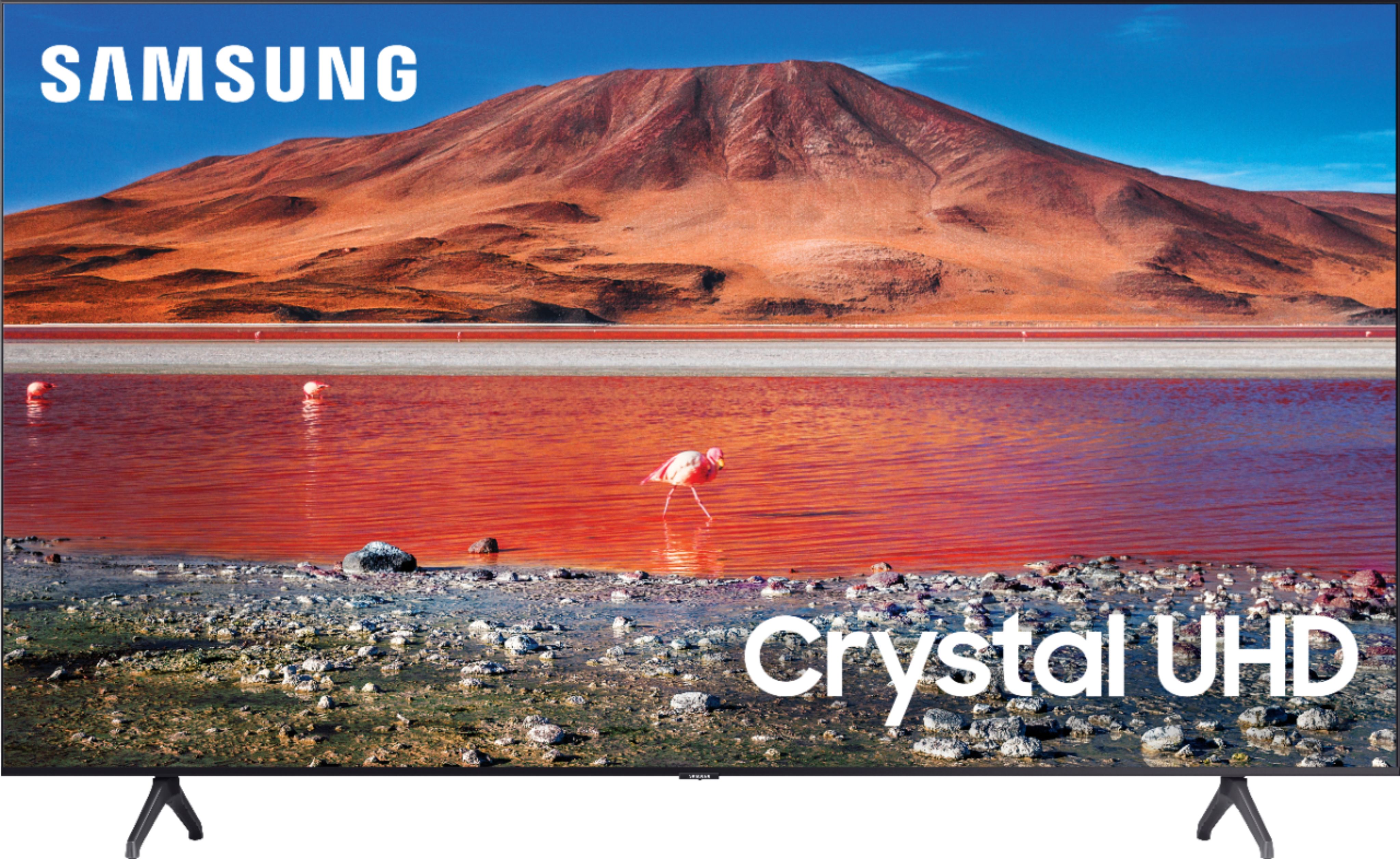
A:AnswerHi! Samsung TVs feature a user friendly smart system built in called Tizen allowing you to access all of your favorite streaming content including YouTube, a built in web browser, free TV with Samsung TV Plus, and a wide range of other great smart features. You can also mirror content from your mobile device to the big screen. ^Tim