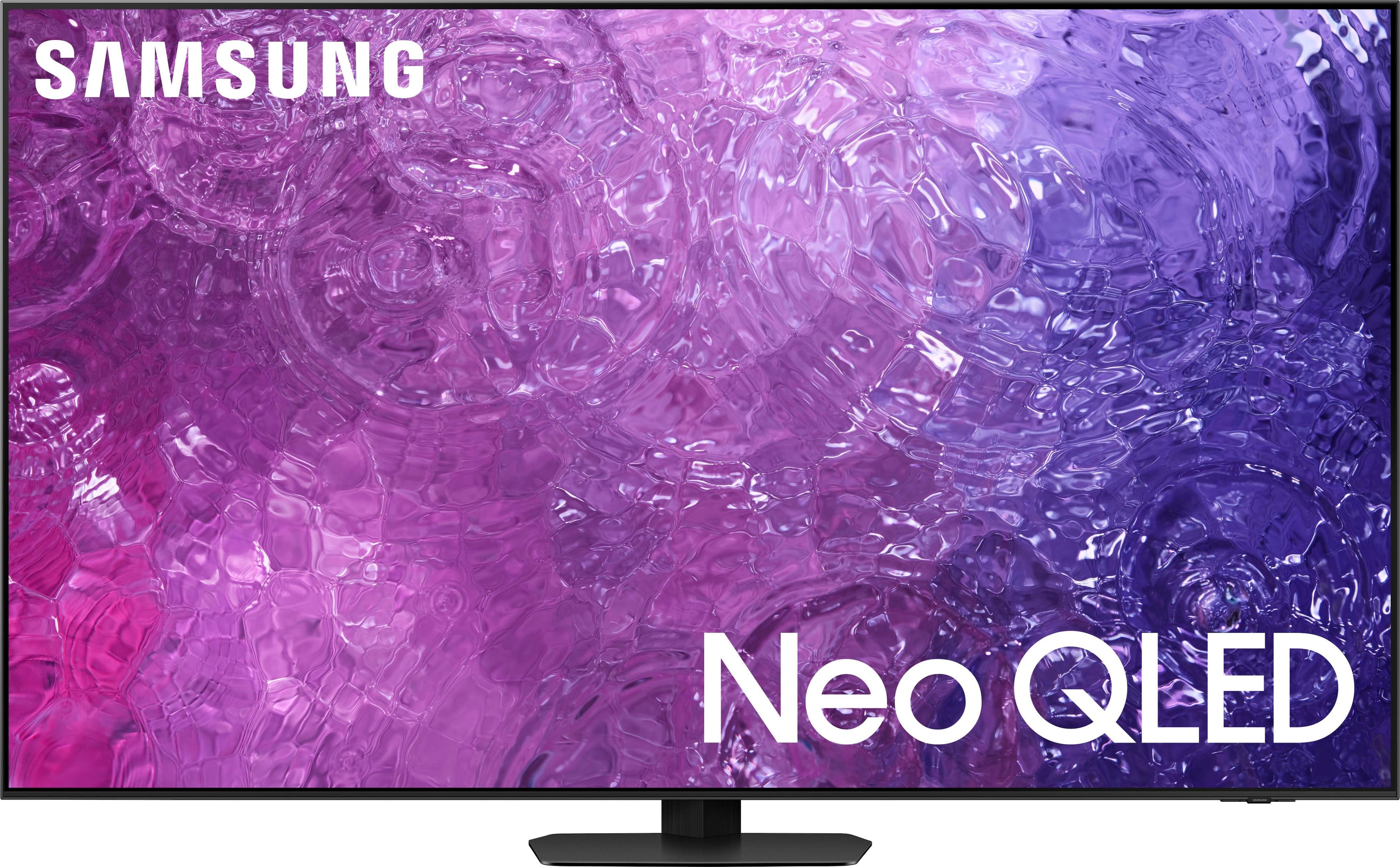
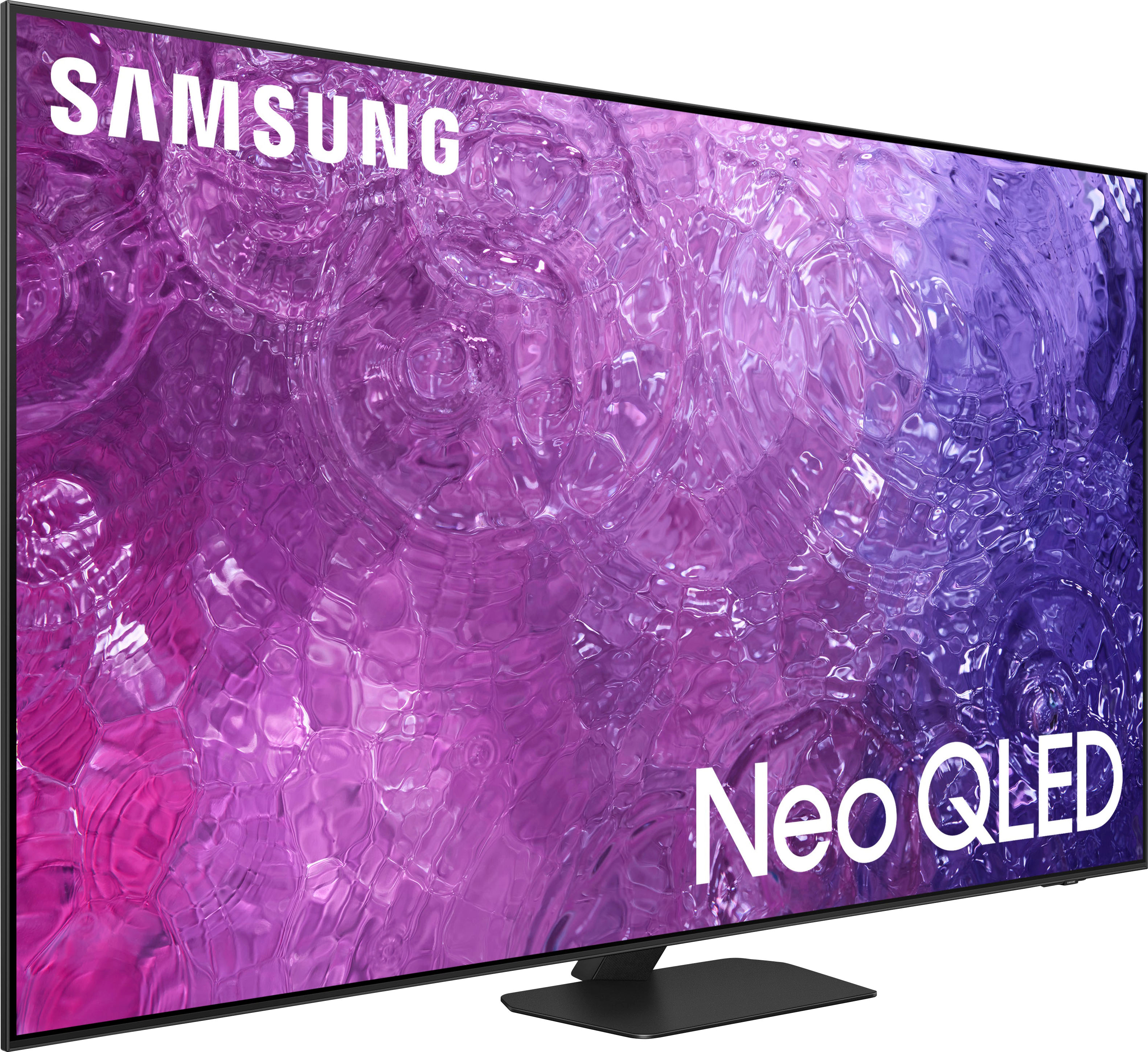
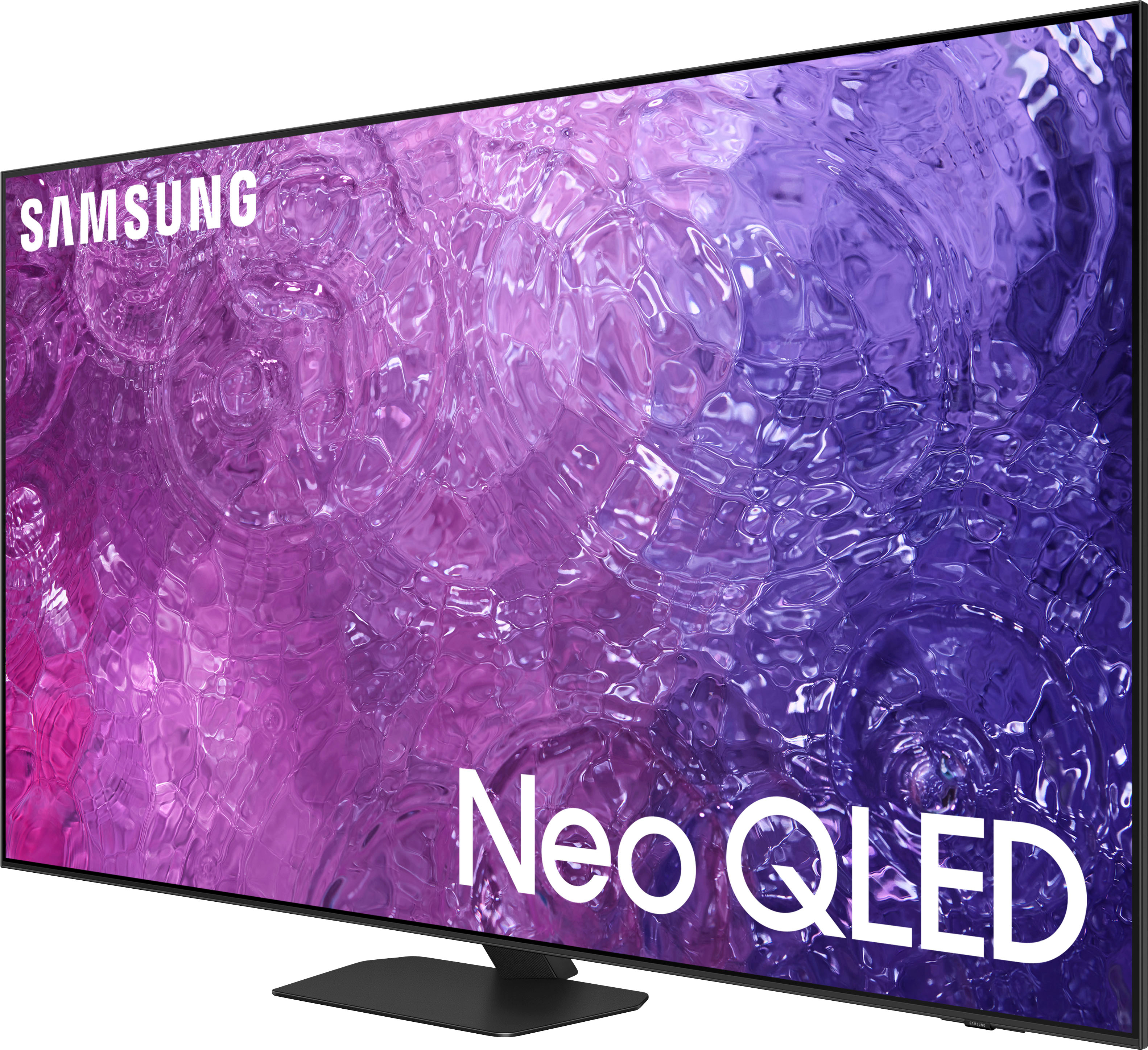
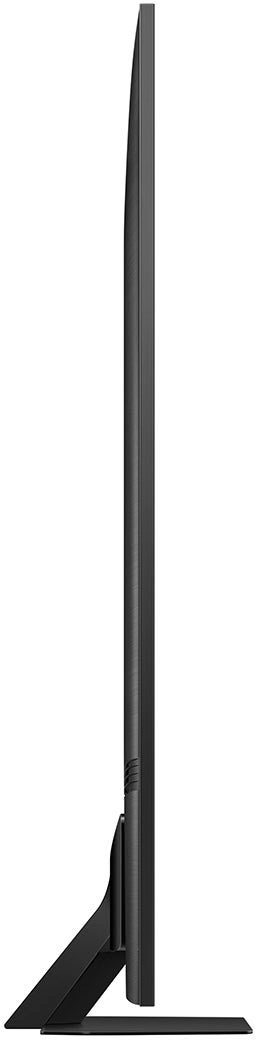
A:AnswerMake sure the remote sensor on the bottom of the TV screen is not blocked by anything. Make sure the remote is charged (solar screen on backside of remote, place in well lit area for a few hours), if it still doesn’t work then you probably have a defective remote (get replaced, hopefully under Warranty).
A:AnswerMeghie - You can find these measurements on this model’s product page – just click Show Full Specs and scroll down to Dimension: https://www.bestbuy.com/site/samsung-75-class-qn90c-neo-qled-4k-uhd-smart-tizen-tv/6533539.p?skuId=6533539
~ Samsung Specialist
A:AnswerBobT - You can find these measurements on this model’s product page – just click Show Full Specs and scroll down to Dimension: https://www.bestbuy.com/site/samsung-75-class-qn90c-neo-qled-4k-uhd-smart-tizen-tv/6533539.p?skuId=6533539
~ Samsung Specialist
A:AnswerYou can find these measurements on this model’s product page – just click Show Full Specs and scroll down to Box Dimension: https://www.bestbuy.com/site/samsung-75-class-qn90c-neo-qled-4k-uhd-smart-tizen-tv/6533539.p?skuId=6533539
~ Samsung Specialist
A:AnswerAl247 - Please give us the opportunity to better assist with this by reaching Samsung Support at: 1-800-SAMSUNG, 8AM - 12AM EST, 7 days a week, or Chat with us on Samsung.com: https://www.samsung.com/us/support/contact/
~ Samsung Specialist
A:AnswerPlease give us the opportunity to better assist with this by reaching Samsung Support at: 1-800-SAMSUNG, 8AM - 12AM EST, 7 days a week, or Chat with us on Samsung.com: https://www.samsung.com/us/support/contact/
~ Samsung Specialist