A:AnswerYes, the Evo 860 is compatible with the MacBook Pro 2012. I installed it on mine and it is working great, it gave a second youth to my computer.
A:AnswerIf you use crucial.com's upgrade scan tool it may tell you the size (physical not capacity) storage drive you can use. Then see if that matches up with this drive's specs.
A:AnswerThe 860 EVO does not come with a SATA cable. It also does not come with a USB to SATA adapter cable. Samsung cloning software as well as many other cloning software packages will not work if the source hard drive is formatted as a dynamic drive. However, there are a couple of software packages on the internet that will clone a dynamic drive but the free versions of these may not work properly. After some research, I payed $50 for some cloning software on the internet and it cloned my dynamic drive effortlessly and flawlessly even though my source drive was a 10 Giga Bytes larger than my target drive. Also, some software cloning packages do not require the SSD target to be attached to a USB port. The particular cloning software that I used did not require a USB connection for the target drive (SSD).
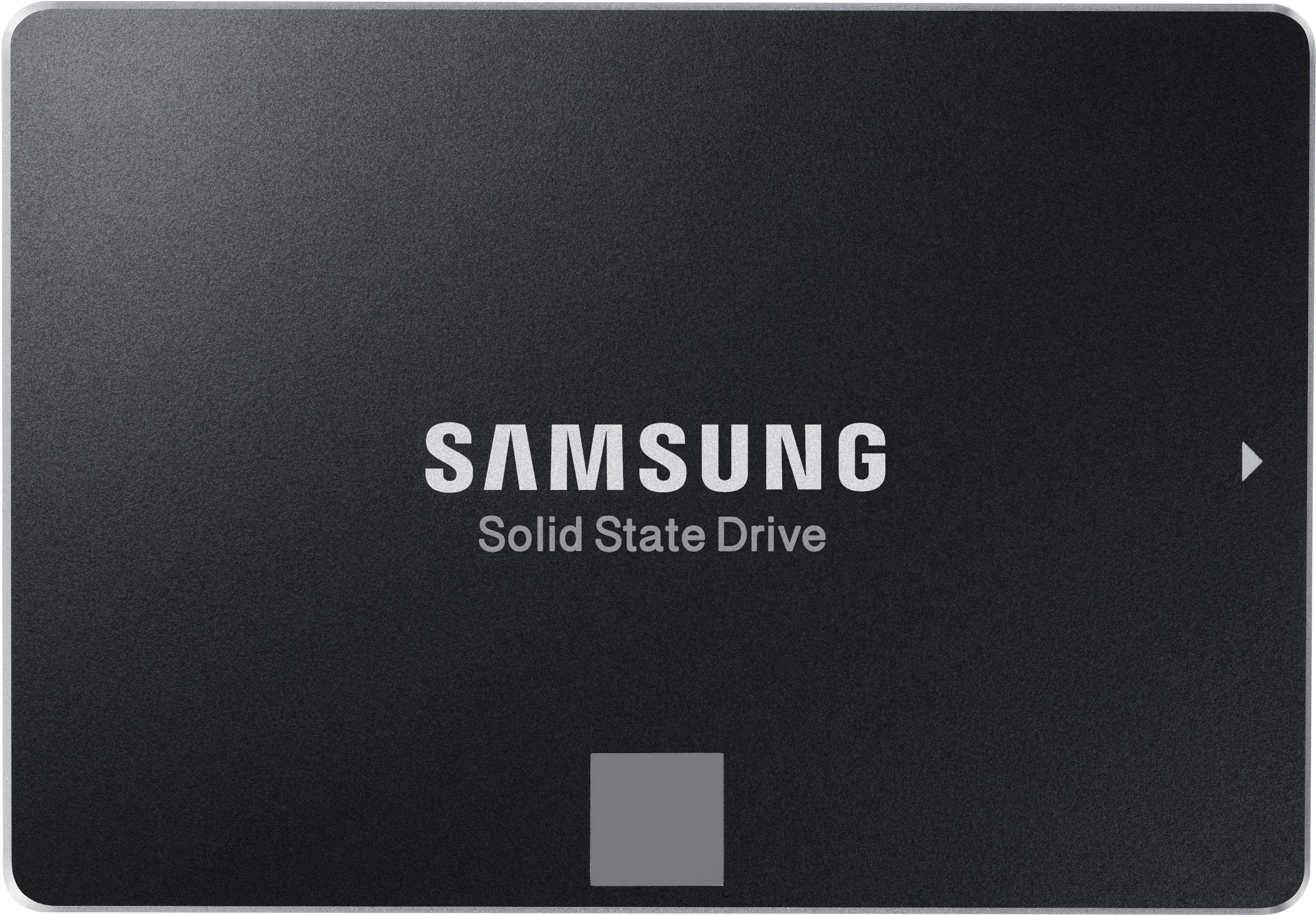
A:AnswerI'm just going from this forum post since I don't have your notebook, but it looks like it will work: https://h30434.www3.hp.com/t5/Notebooks-Archive-Read-Only/Help-Upgrading-SSD-and-RAM-on-m7-J120dx/td-p/5933003
If you're going to upgrade the hard drive yourself, you might as well open up your notebook right now to verify that the hard drive bay will accommodate a 2.5" drive and that it has the standard SATA connector for an SSD.
A:AnswerYes, you may want to look into an adapter to fill up the space and mount it into the old hard drive location. they are everywhere and they are cheap.
A:AnswerI dont see why not. I have installed them in asus, alienware m15 r3, and hp computers without a hitch. Love the speeds you get with therye free software app.