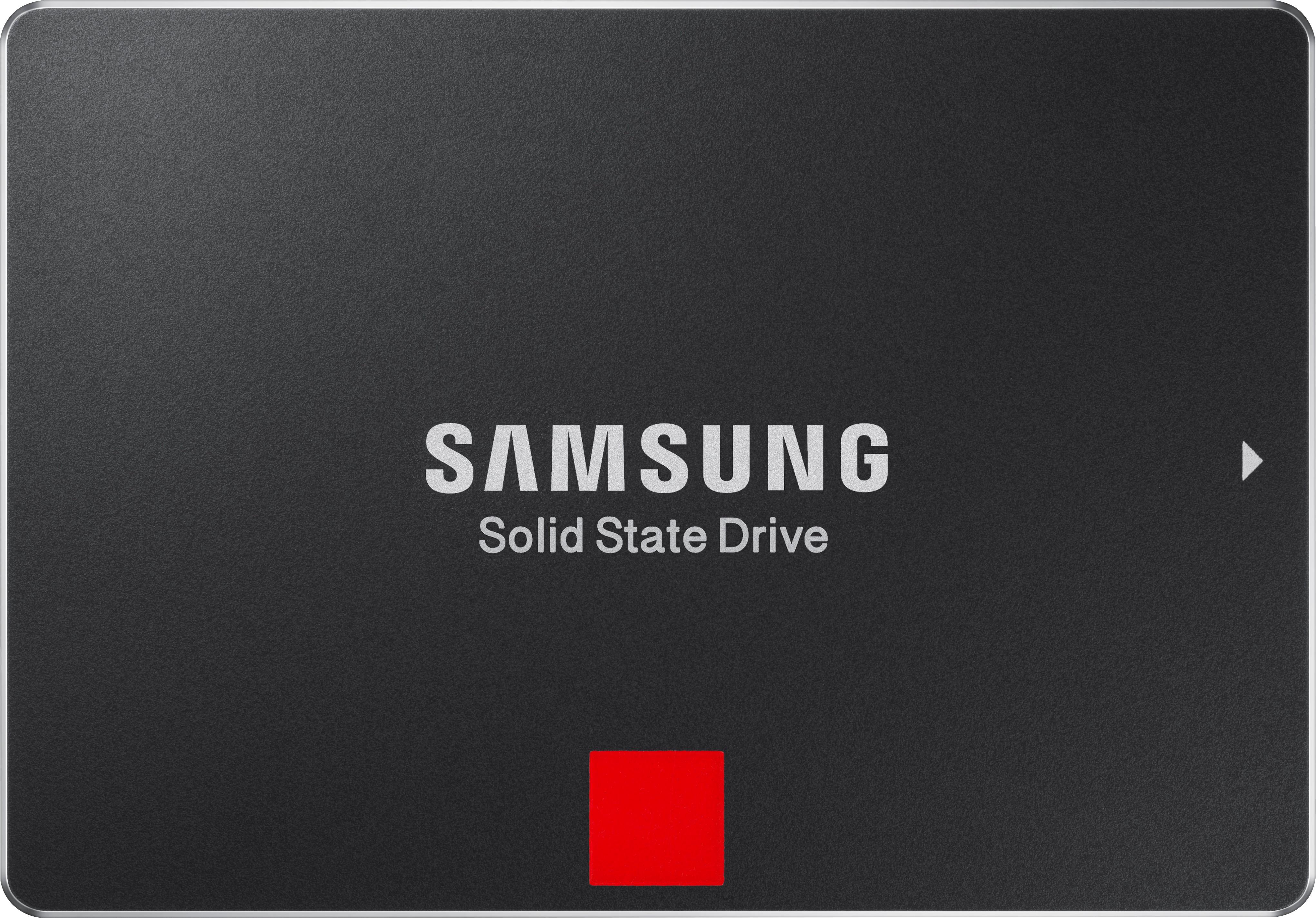
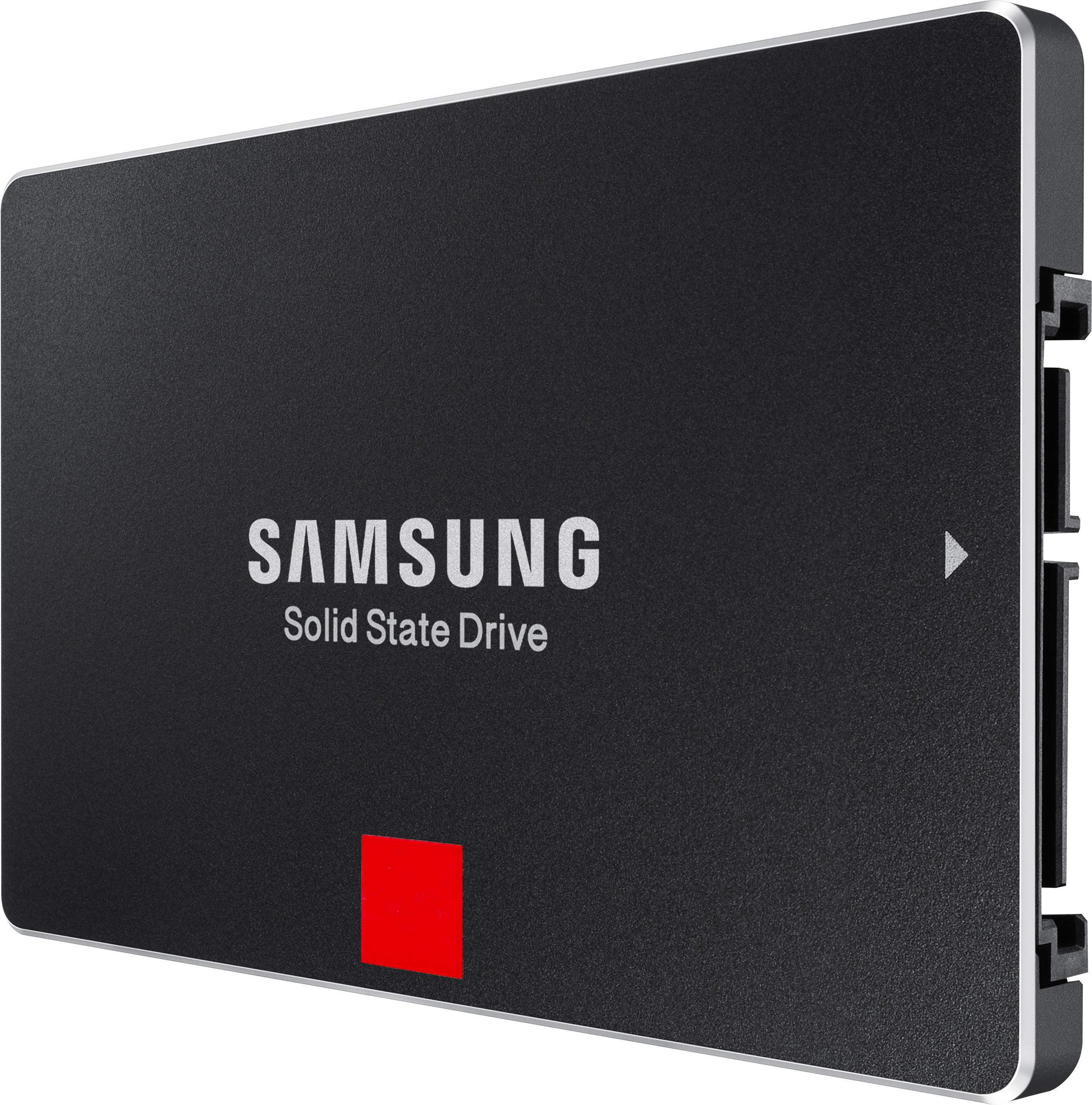
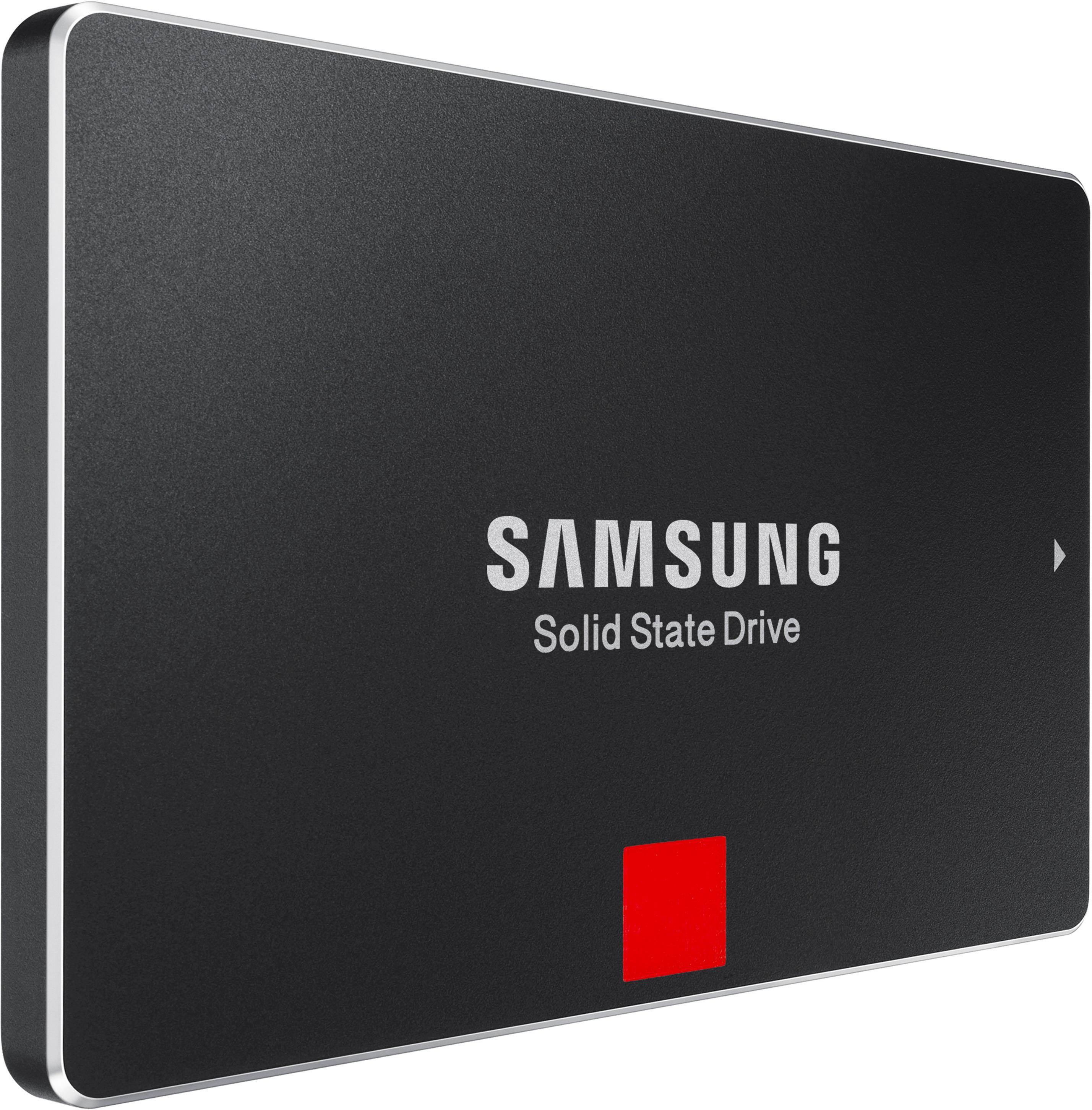
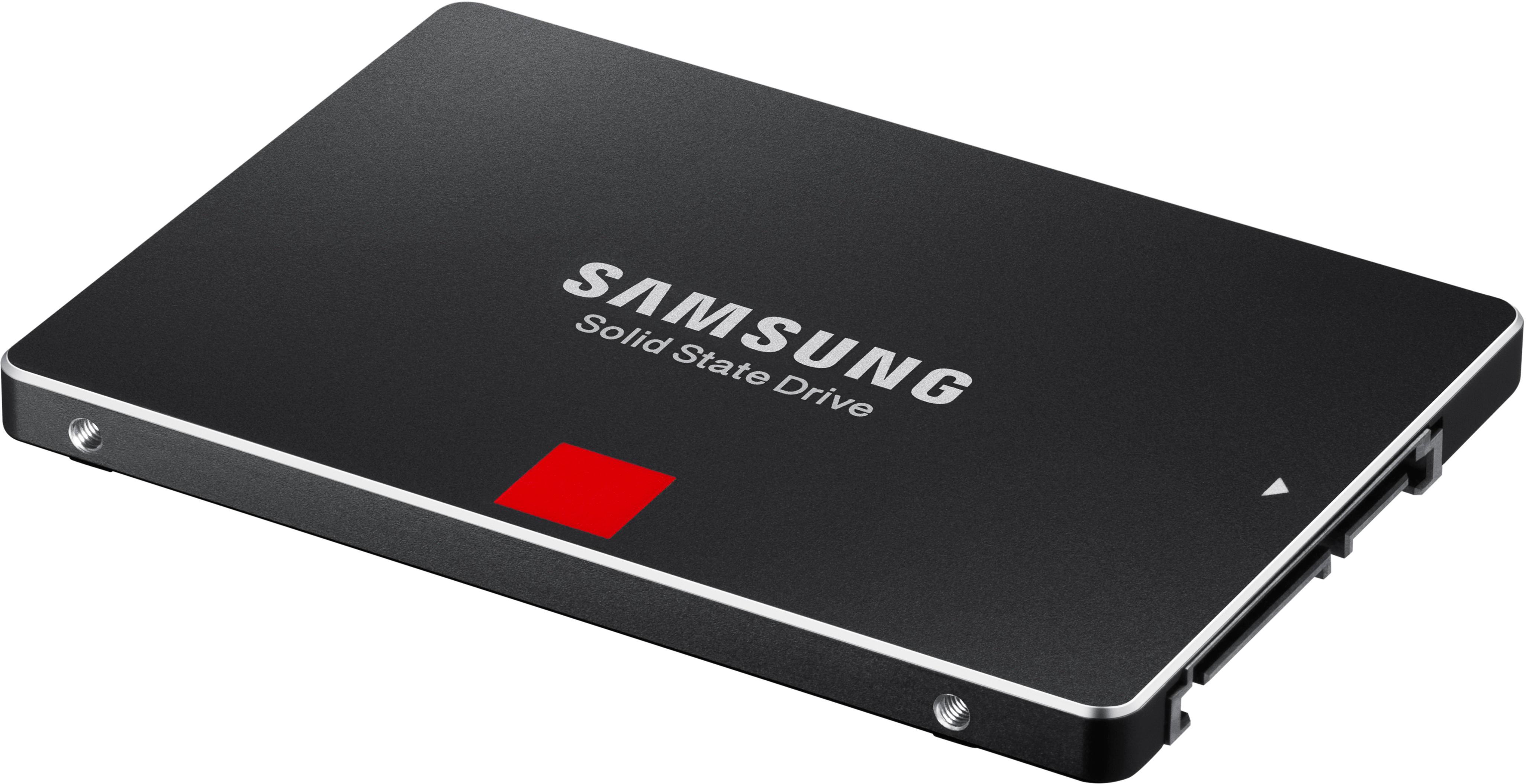
A:Answer Yes it is. You will need to stick with standard SATA III interface 2.5-inch internal drives for your MBP model. If you will install it yourself there are good kits with all the tools you’ll need from OWC, iFixIt and others (Apple uses special screws, requires careful disconnection of cables, etc and a kit is a must as you won’t get by with your standard screw heads). Make sure you work properly with ESD protections when going the DIY route for installation.
I had an older 15-inch Mid-2012 (non-retina) MBP that I upgraded with a SATA III Samsung 860 EVO 2TB at the same time I replaced its battery so I could hand it down to a member of my family that started college.
Considering the performance you’ll experience when installed, the “PRO” stamp might be a bit meaningless. Specs are selling points - what they provide are performance numbers based on what the SATA III interface is capable of and not what you’ll actually experience when the drive is installed and you’re using it. Don’t get me wrong, it’s a great fast and reliable class of Samsung SSD drives and is absolutely a solid upgrade from HDD, hybrid SSD/HDD (Fusión in the Apple language), and the OEM SSD Apple provides for your model of MBP.
You can get more bang for the buck with a higher capacity regular EVO flavor of the drive. If warranty is a concern, bolt on the Geek Squad protection with a higher capacity EVO. The few times I’ve had to use Geek Squad to replace things, I was able to go to the store, get the replacement, keep the warranty going and did not have to deal with the manufacturer’s RMA processes.