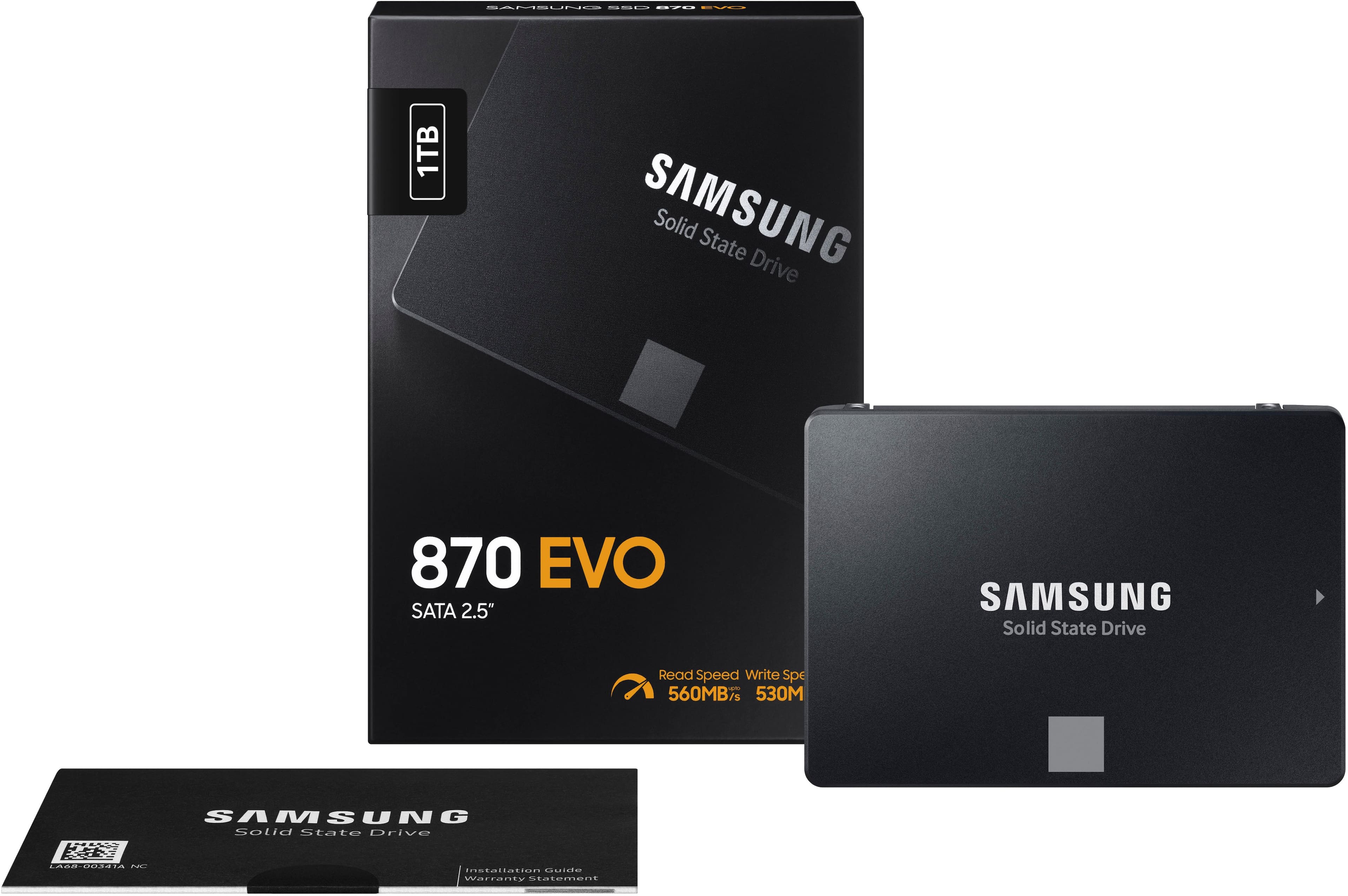
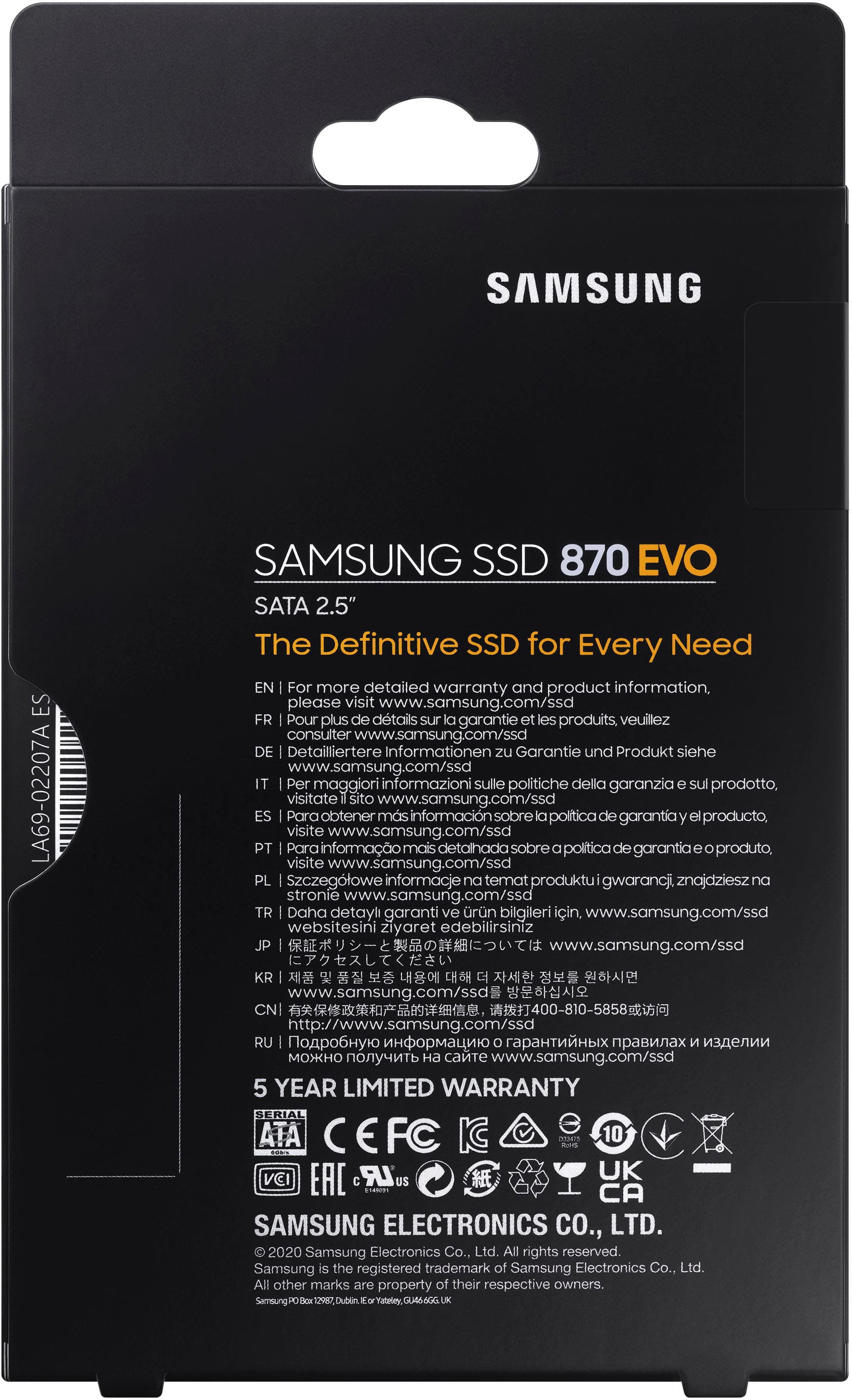
A:AnswerIf your laptop currently has a 2.5" HDD, then it should fit. Check out Crucial's website. They have a tool you can download which will recommend SSD, RAM, etc. You can use that info to buy their SSD, or, better yet, a Samsung 870 EVO
A:AnswerYes this will work in your PS4 as I had a Corsair 250 GB drive on mine, I will say it isn't going to make that much of a difference on a pS4 but it is possible, you will have to format a USB stick to FAT 16 I believe and install it on the SSD so the PS4 will recognize it and then connect it to the PS4 and then copy all of your stuff from the old HDD to the new one before installing the new SSD
A:AnswerMine did not come with any mounting screws or anything else. I had to purchase a cloning cable and screws seperatly after getting home from Amazon because Best Buy was out of both when I called back afterwards.
A:AnswerIt should be an easy swap. Follow the guide on the link below.
https://www.anysoftwaretools.com/best-ssd-for-macbook-pro/
Good luck with your upgrade.
A:AnswerNO! Your ASUS gaming laptop does not support this hard drive!
You do not have 2.5" hard drive bay in your laptop.
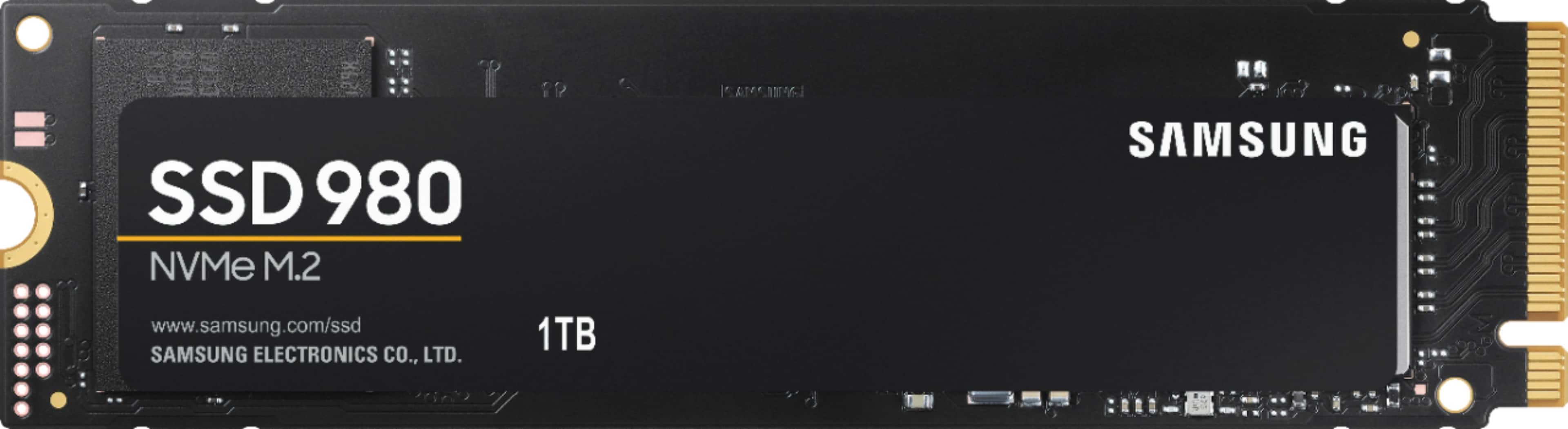
You have m.2 hard drive only, which is faster.
m.2 looks more like a stick of memory than a hard drive.
m.2 drive connects directly to your motherboard.
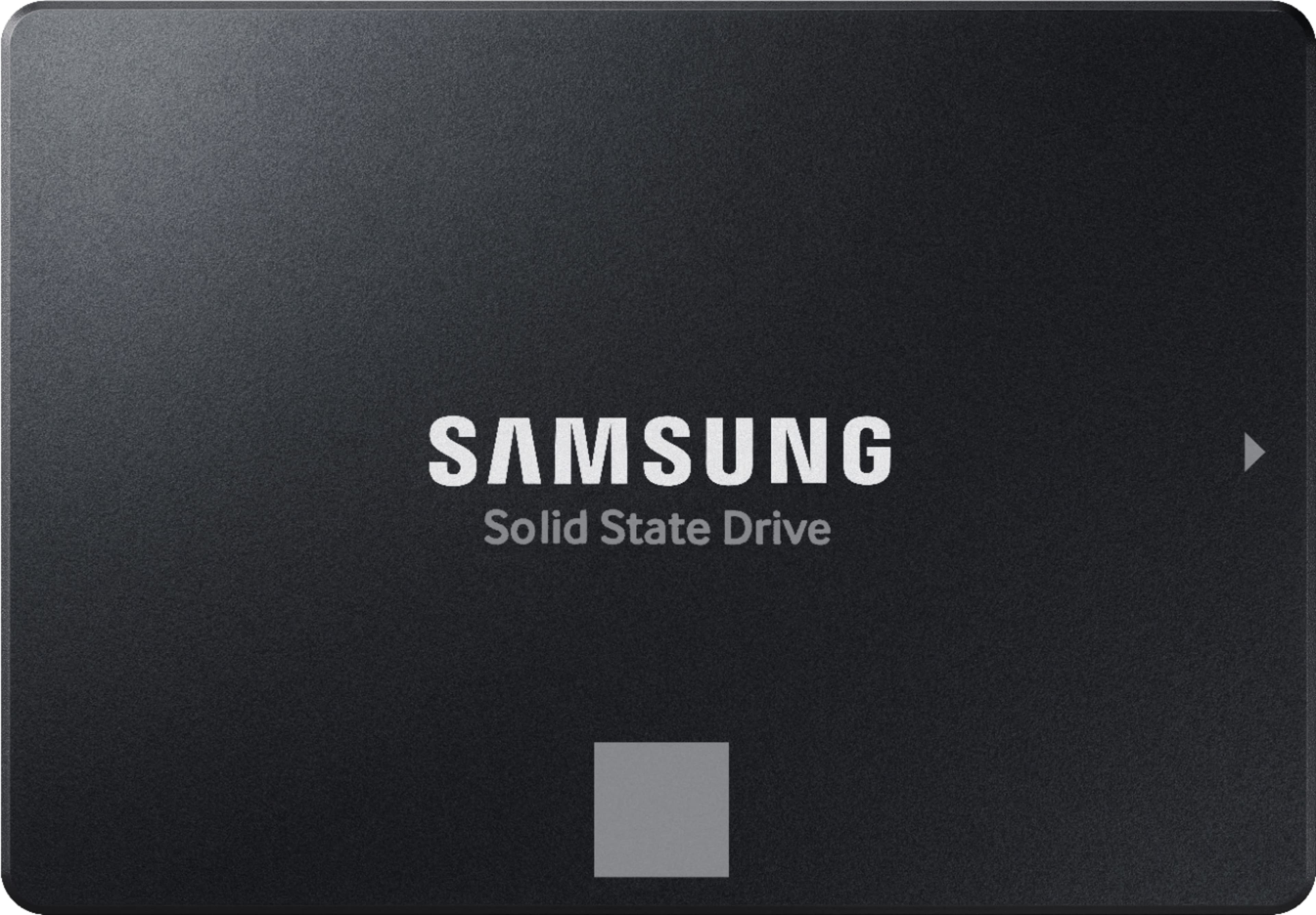
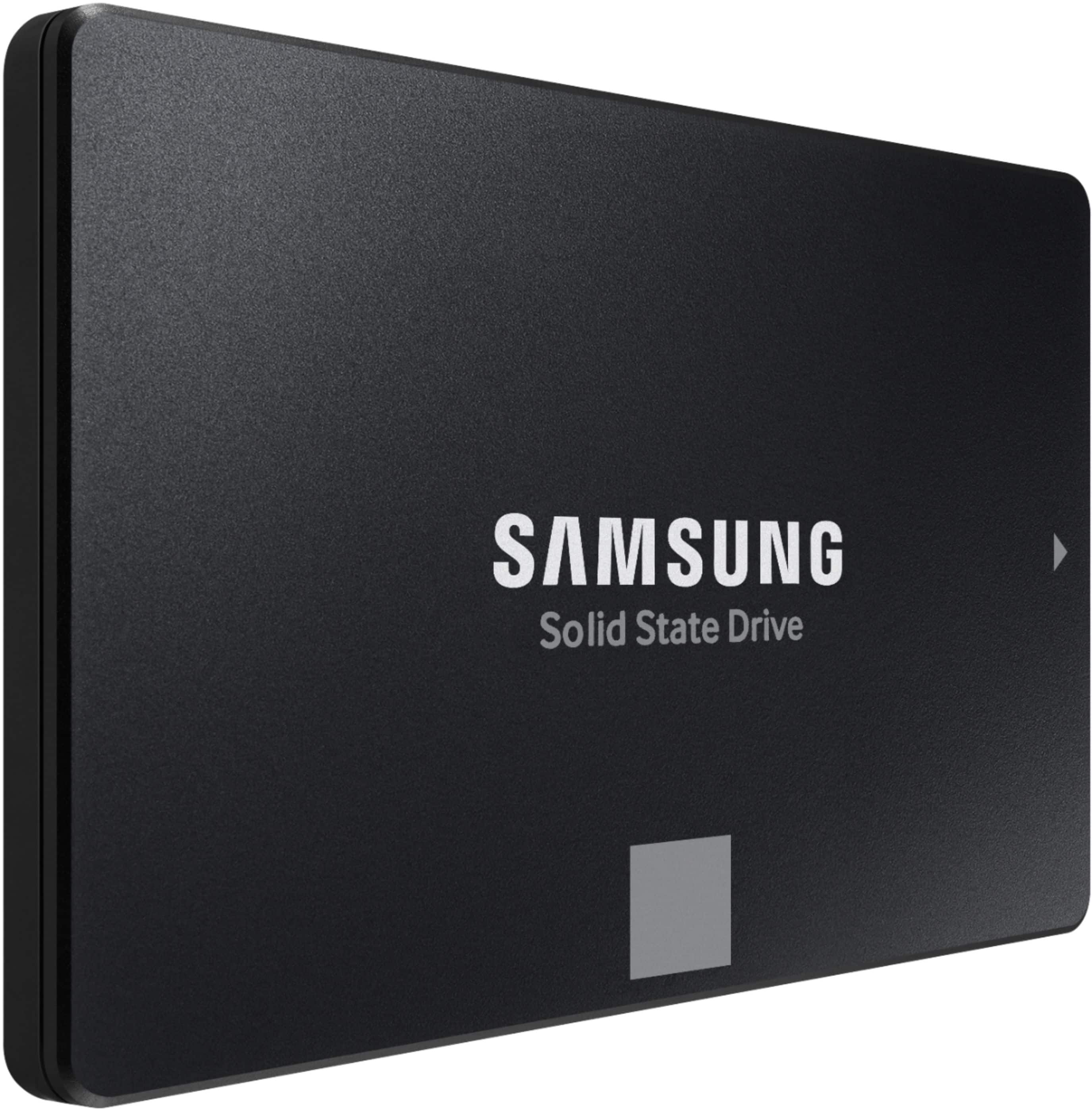
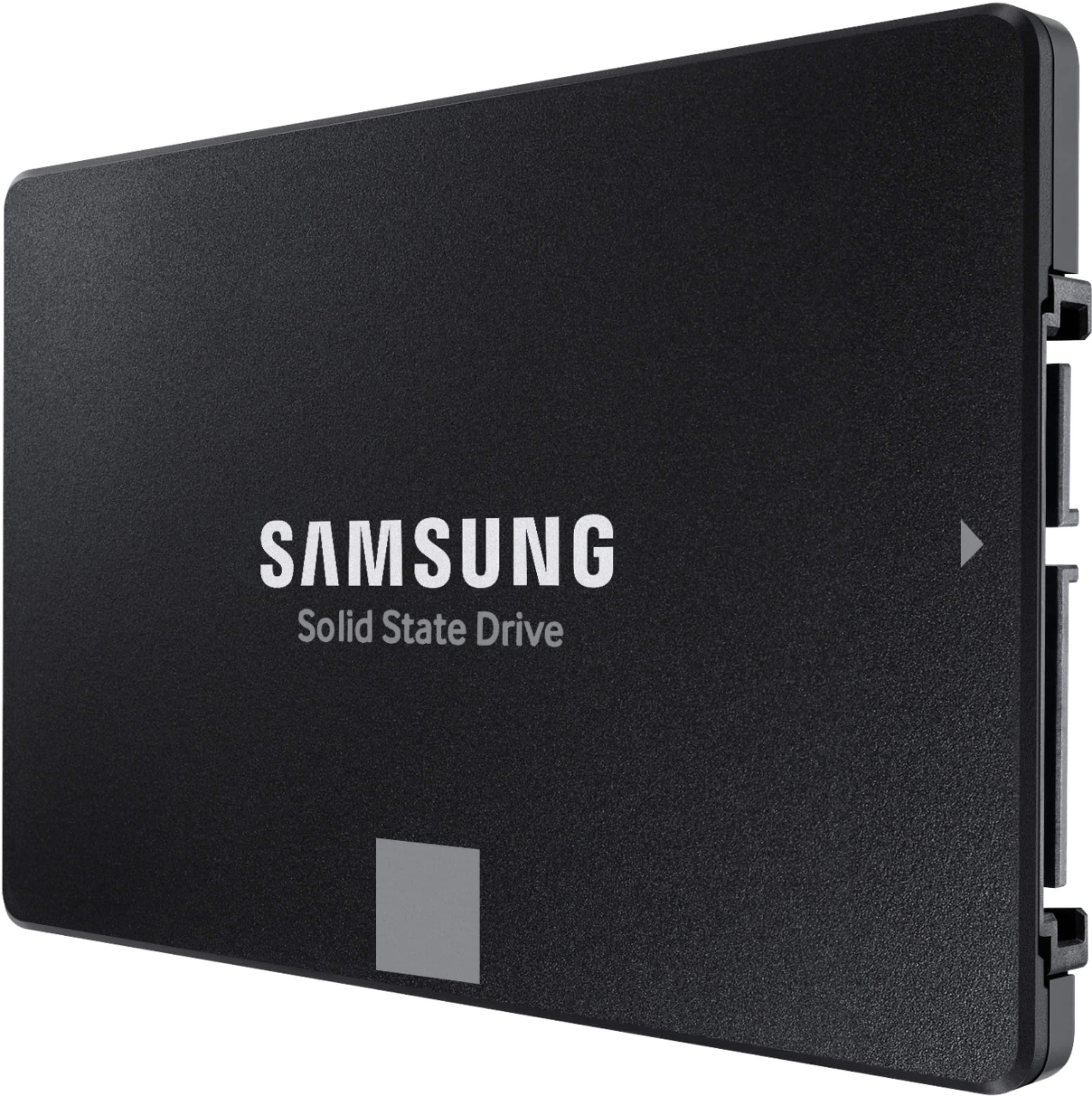
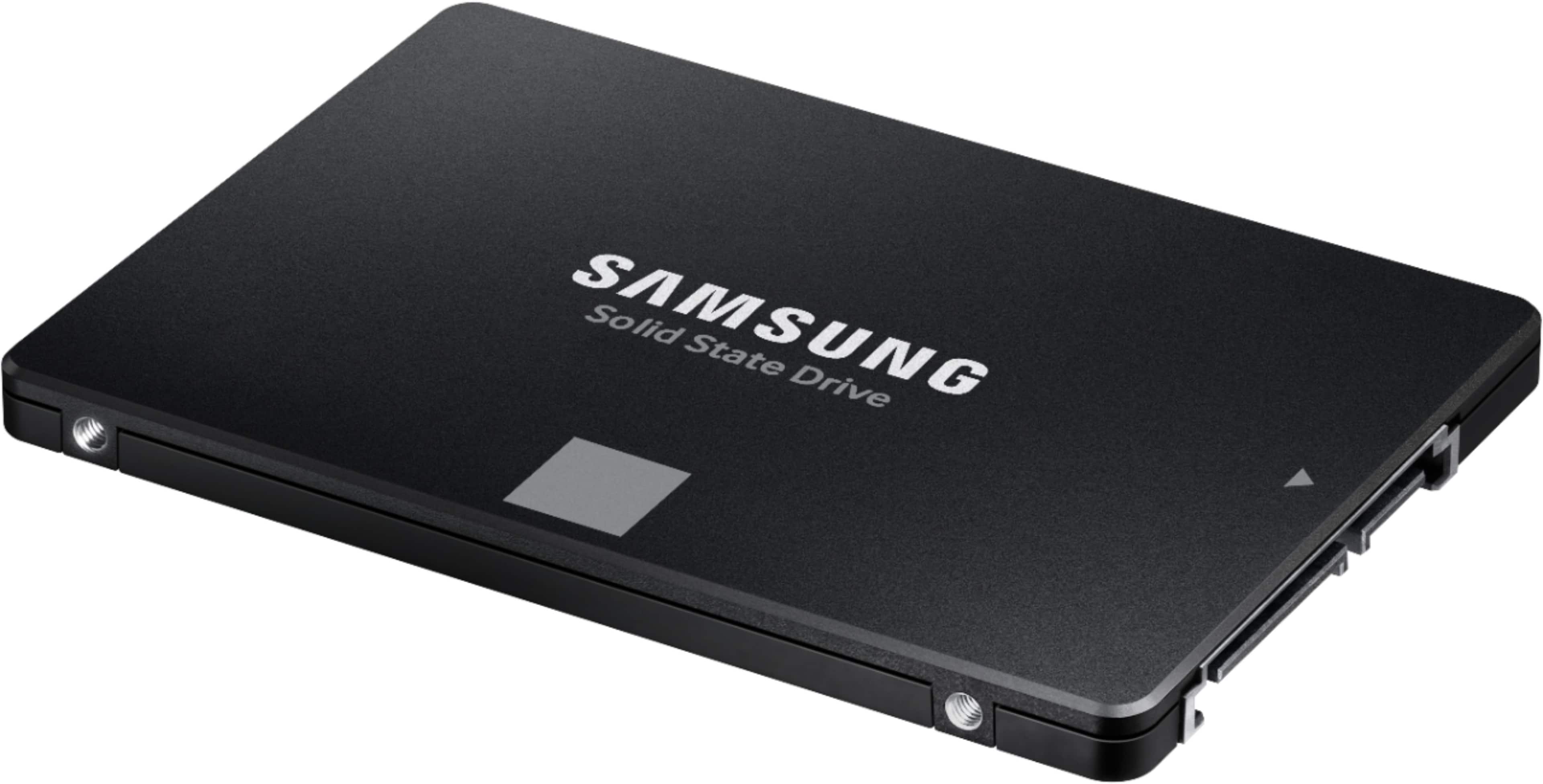
 Product of KOREA WARRANTY VOID IF REMOVED SAMSUNG ELECTRONICS CO., LTD.](https://pisces.bbystatic.com/image2/BestBuy_US/images/products/6447/6447127cv14d.jpg)