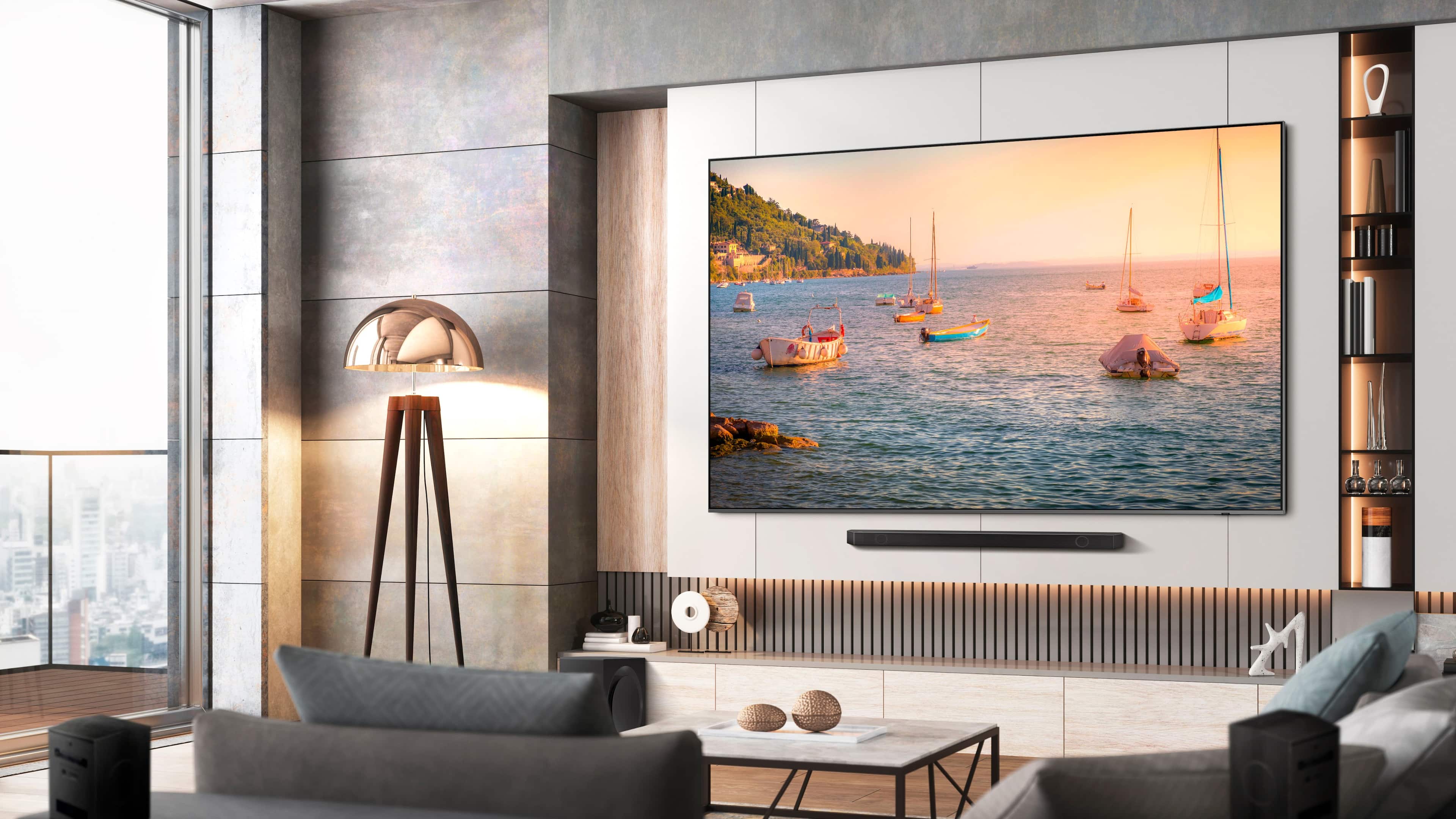
A:AnswerGeneral - The HW-Q800D Soundbar would be a great addition to the Q80C TV. With 5.1.2ch audio, built-in Wireless Dolby Atmos, and SpaceFit Sound Pro, you’ll get room-filling audio that’s automatically optimized and calibrated for your space - all without the hassle of attached cables. And with Q-Symphony, our Q-Series Soundbar will synchronize with the speakers of your Q80C TV for an immersive 3D sound experience.
~ Samsung Specialist
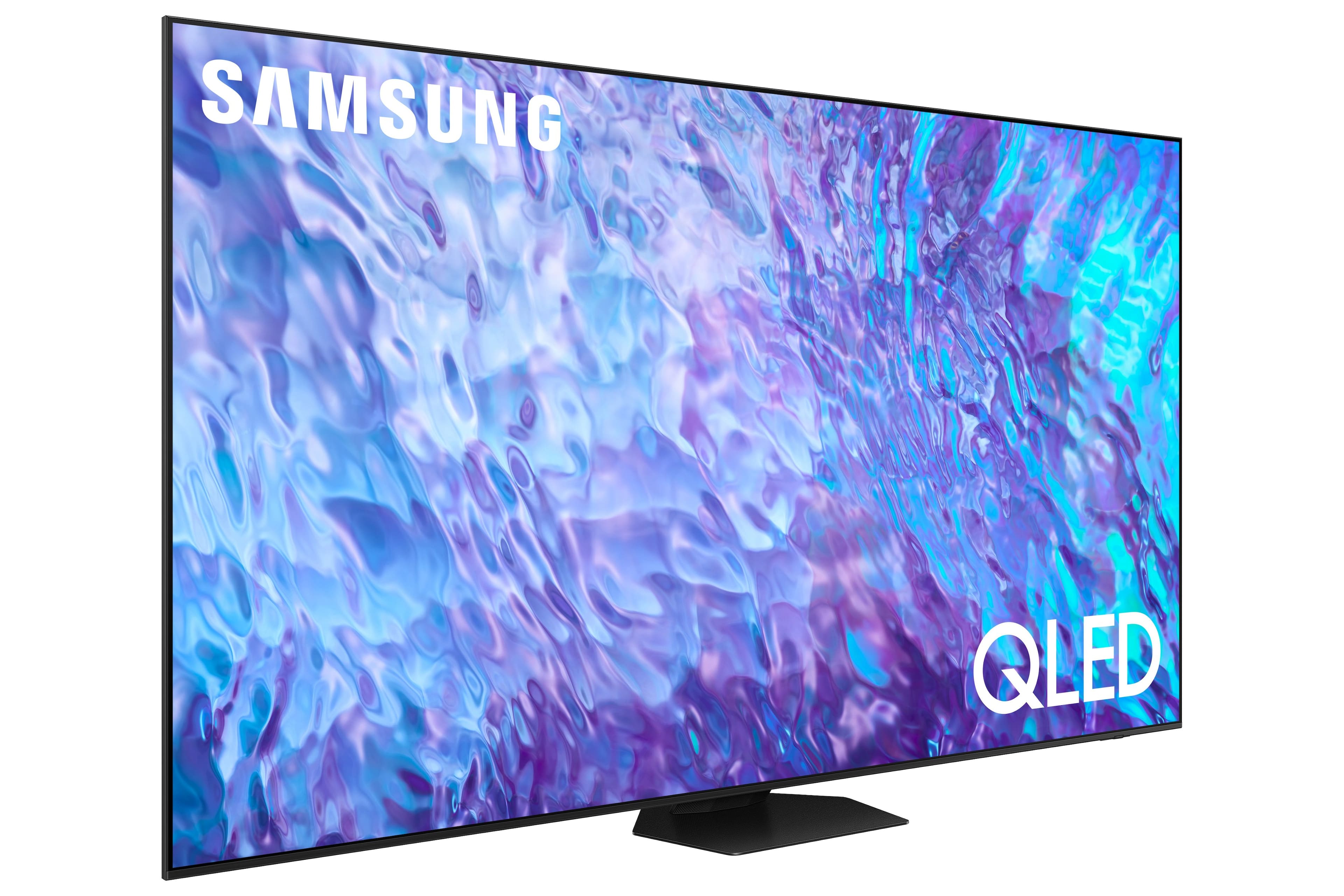
A:AnswerWhile Art Mode is exclusive to The Frame TV, the Q80C features Ambient Mode which offers customizable themes, colors, and photo options. Instead of seeing a blank background when your TV is turned off, you can enhance your screen with landscape images, artwork, and unique scenes. Your own photos can be turned into backgrounds as well with the My Album feature. Ambient Mode can be accessed directly on your TV or with the SmartThings app on your phone or tablet.
~ Samsung Specialist
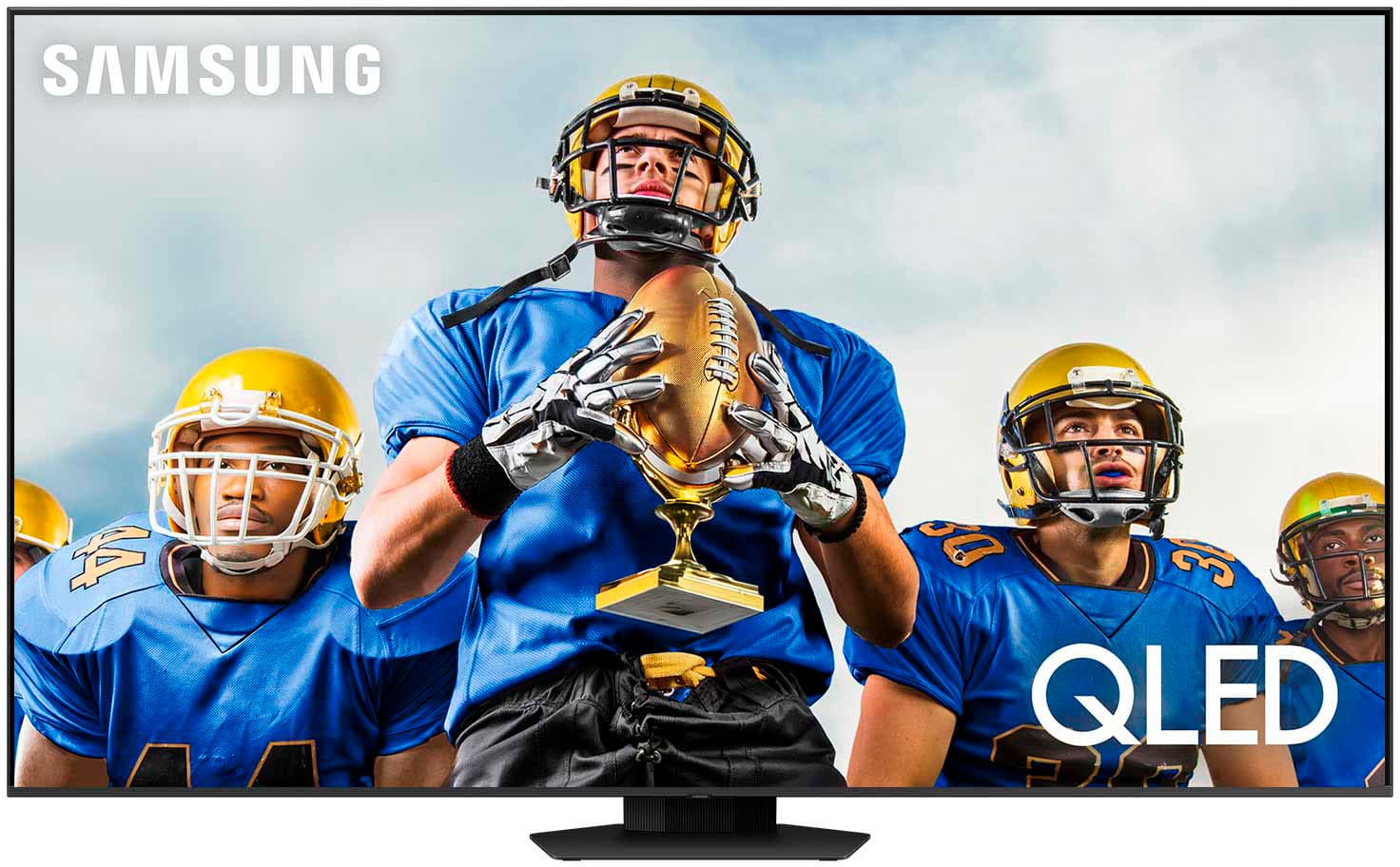
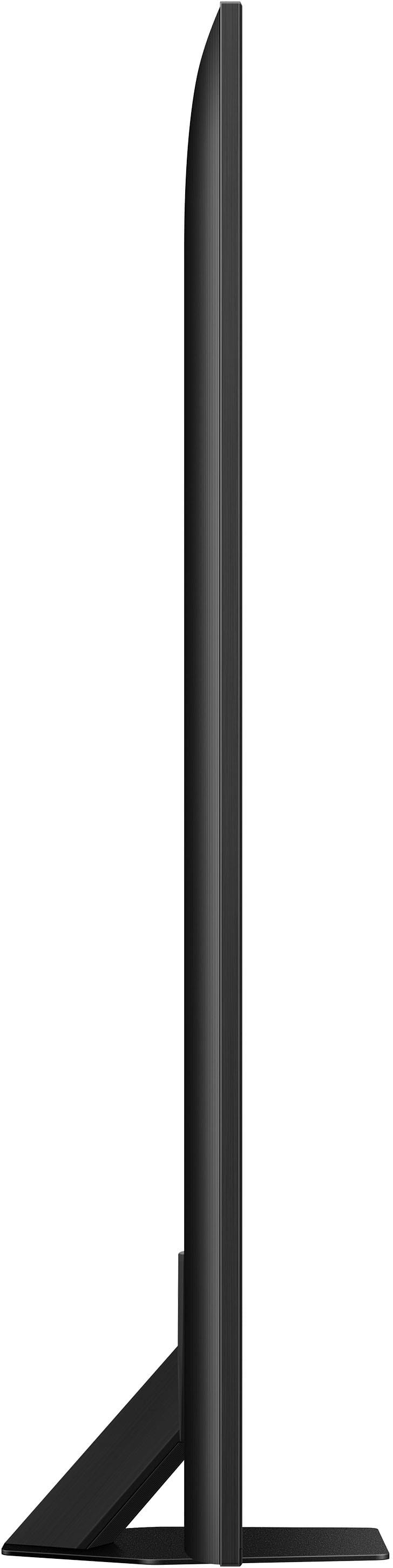
A:AnswerHotsand5 - You can find these measurements on this model’s product page – just click Show Full Specs and scroll down to Box Dimension: https://www.bestbuy.com/site/samsung-98-class-q80c-qled-4k-uhd-smart-tizen-tv-2023/6543837.p?skuId=6543837
~ Samsung Specialist
A:AnswerEggy - Please give us the opportunity to better assist with this by reaching Samsung Support at: 1-800-SAMSUNG, 8AM - 12AM EST, 7 days a week, or Chat with us on Samsung.com: https://www.samsung.com/us/support/contact/
~ Samsung Specialist
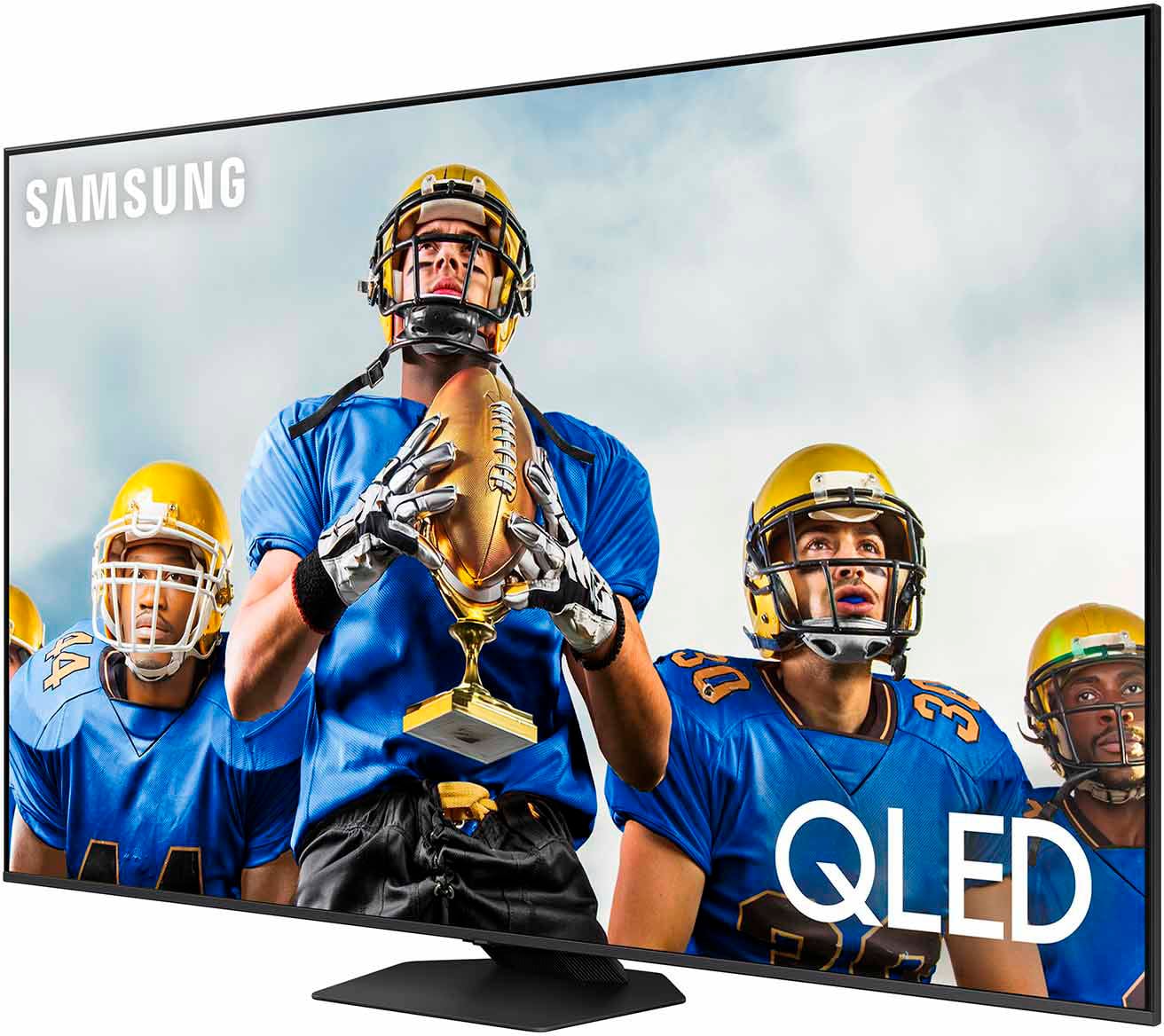
A:AnswerYour answer was very vague, please be more pacific. In watching a old tv show that doesn't fill the screen can I
fill the screen using a format option ???
A:AnswerSlick - While it mostly depends on personal preference, the recommended viewing distance is typically 2x the size of the TV (the diagonal measurement of the screen).
~ Samsung Specialist
A:AnswerI have one. Of course it's not the best in terms of actual quality because it is a 4K tv rather than an 8K tv. However, the upscaling makes it incredible. I love watching movies on this thing. If you get really close to the TV you can definitely see that it's not as good as the 8K but you shouldn't be really close to a 98" TV anyway lol
A:AnswerWillyO - So that we can better understand and assist with this, please reach out to Samsung Support at: 1-800-SAMSUNG, 8AM - 12AM EST, 7 days a week, or Chat with us on Samsung.com: https://www.samsung.com/us/support/contact/
~ Samsung Specialist
A:AnswerFarshad - You can find these measurements on this model’s product page – just click Show Full Specs and scroll down to Dimension: https://www.bestbuy.com/site/samsung-98-class-q80c-qled-4k-uhd-smart-tizen-tv/6543837.p?skuId=6543837
~ Samsung Specialist

A:AnswerNot sure how many Mbps it can receive, but I have Gig Ethernet at the house and haven't had any issues with the streaming buffering on any of the shows I've streamed.
A:AnswerNo anti glare/anti reflection screen, but it is native 120 hz refresh rate.
Also, should be using the better VA panel for higher contrast over the ADS panel they use in 75"s and smaller.
Downside you lose the wide viewing, upside you get better black levels and less blooming.