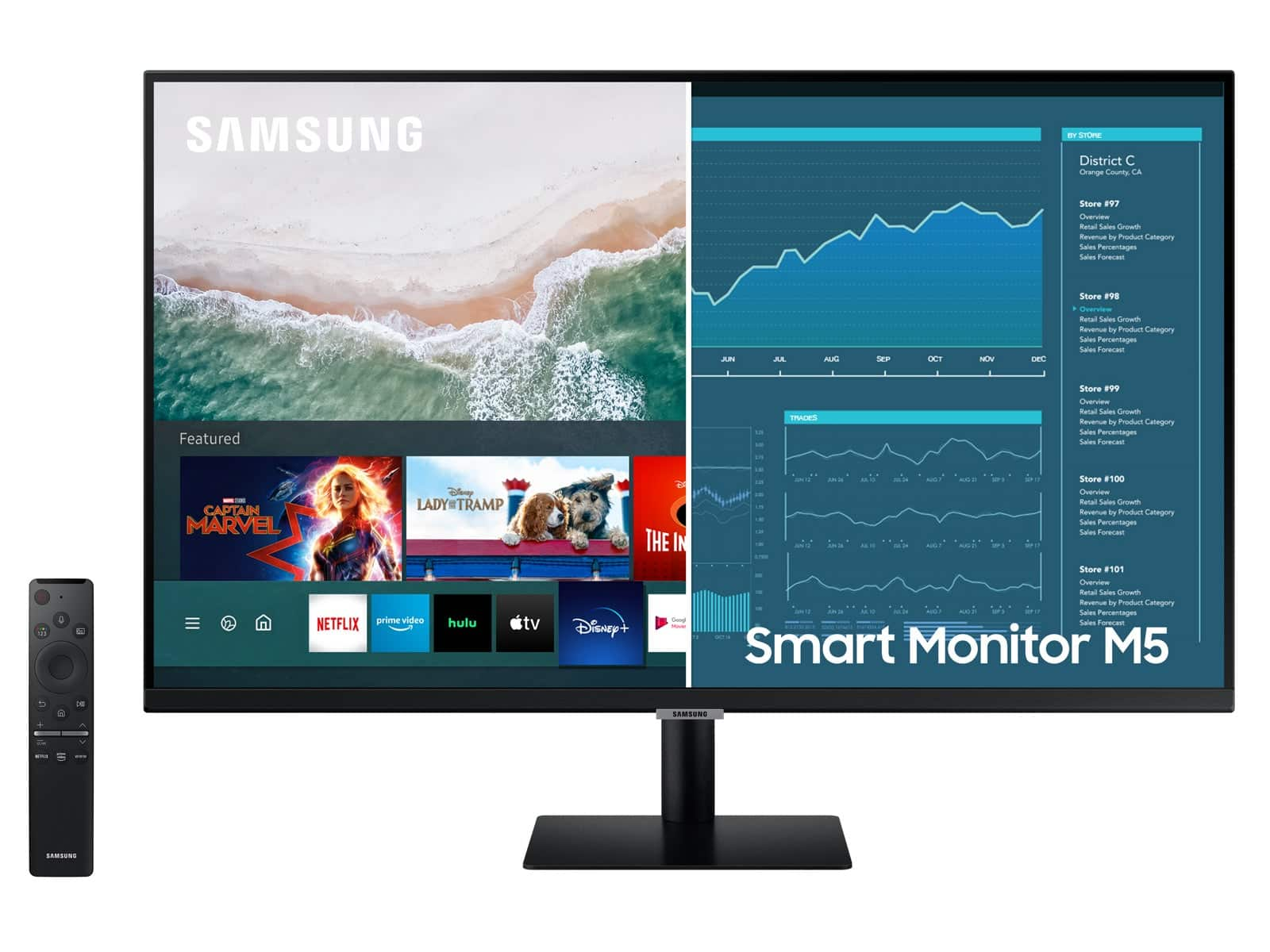
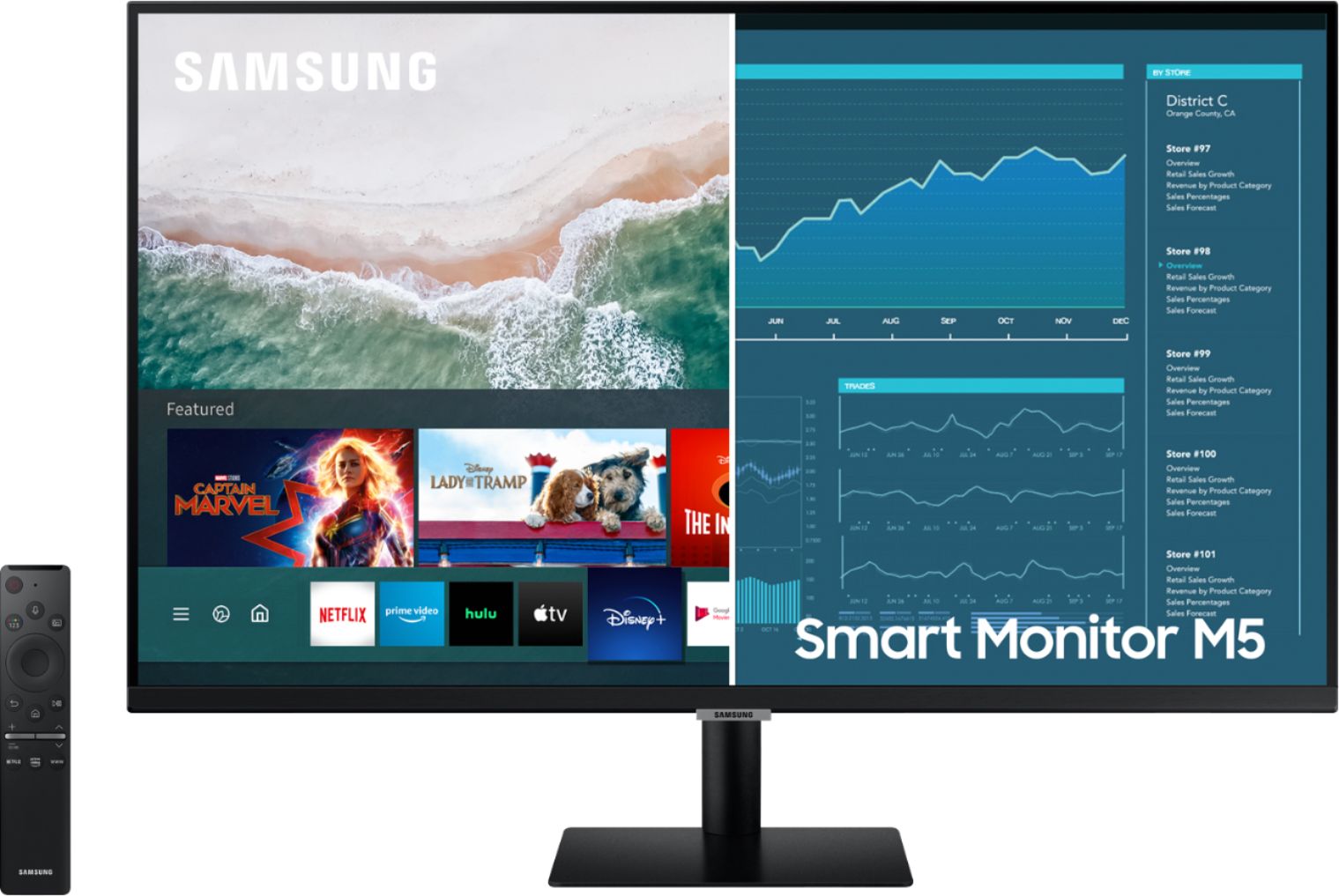
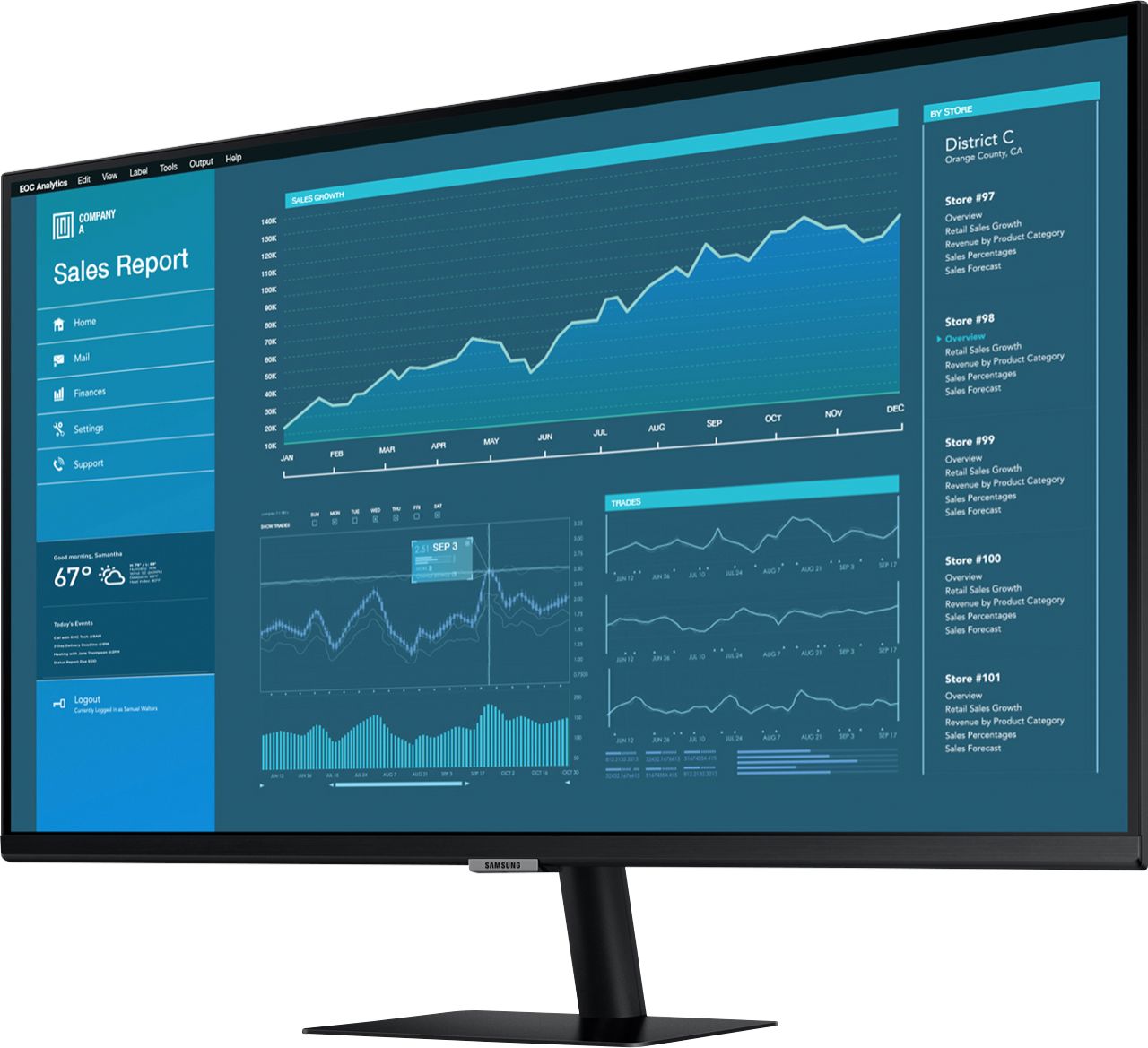
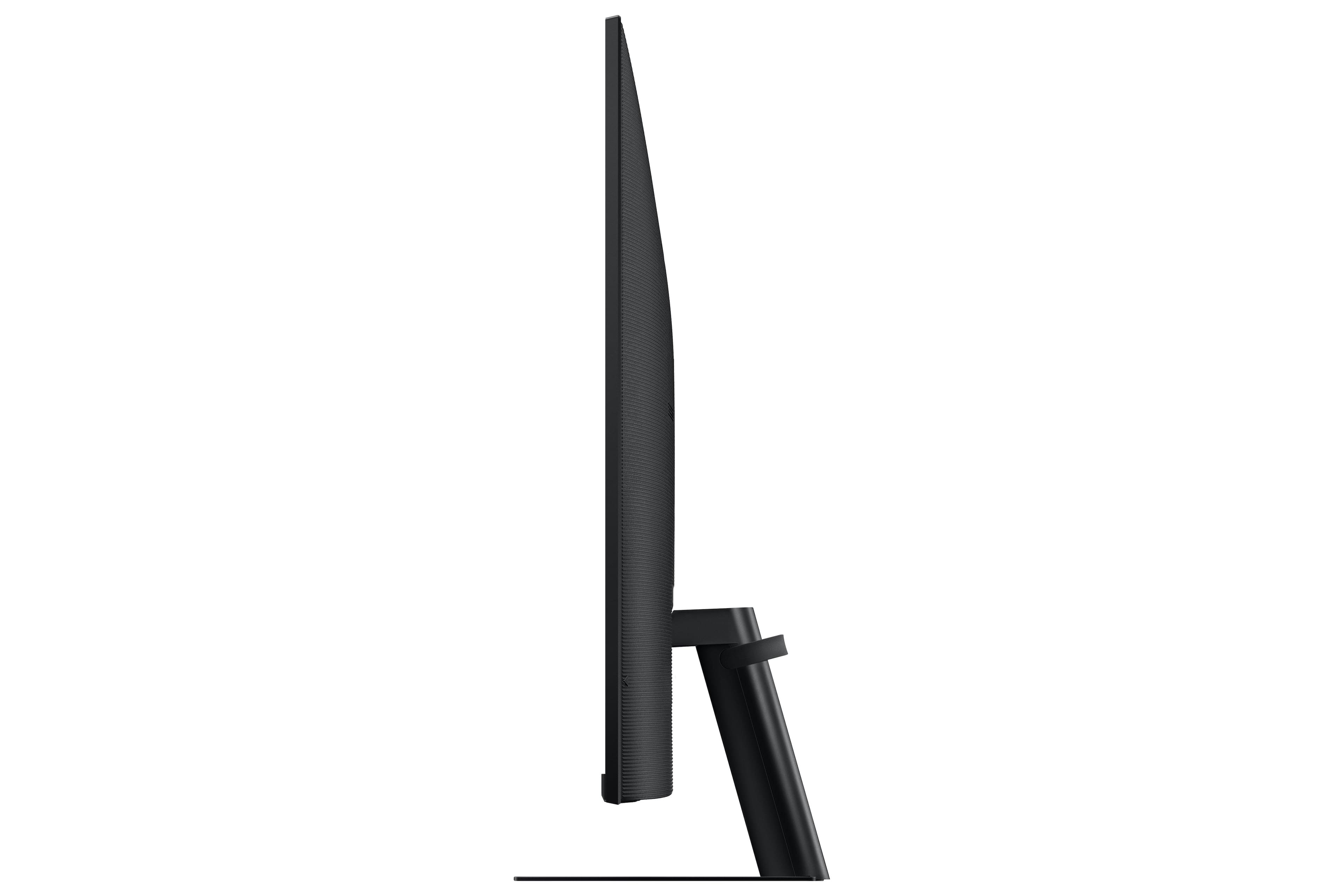
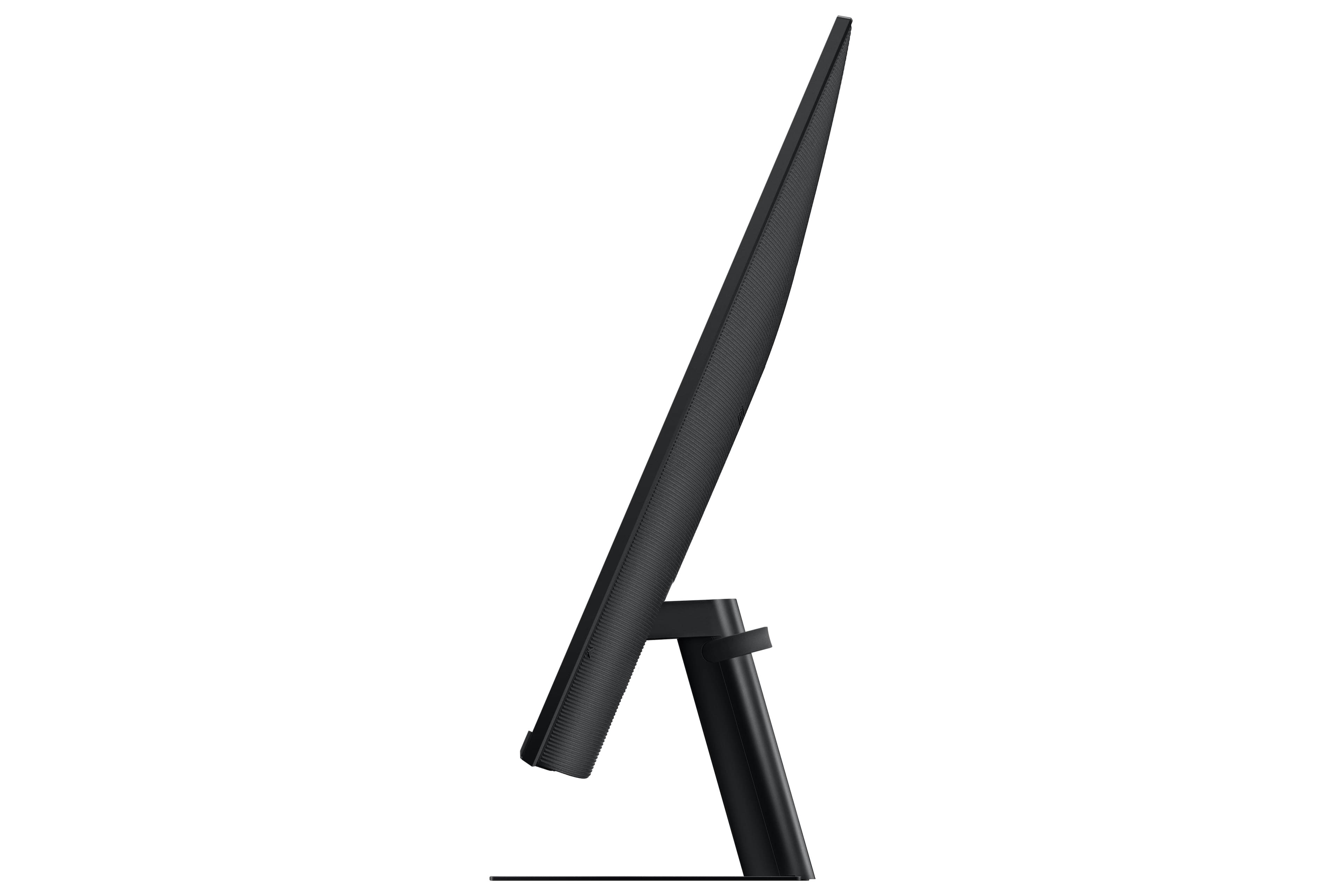
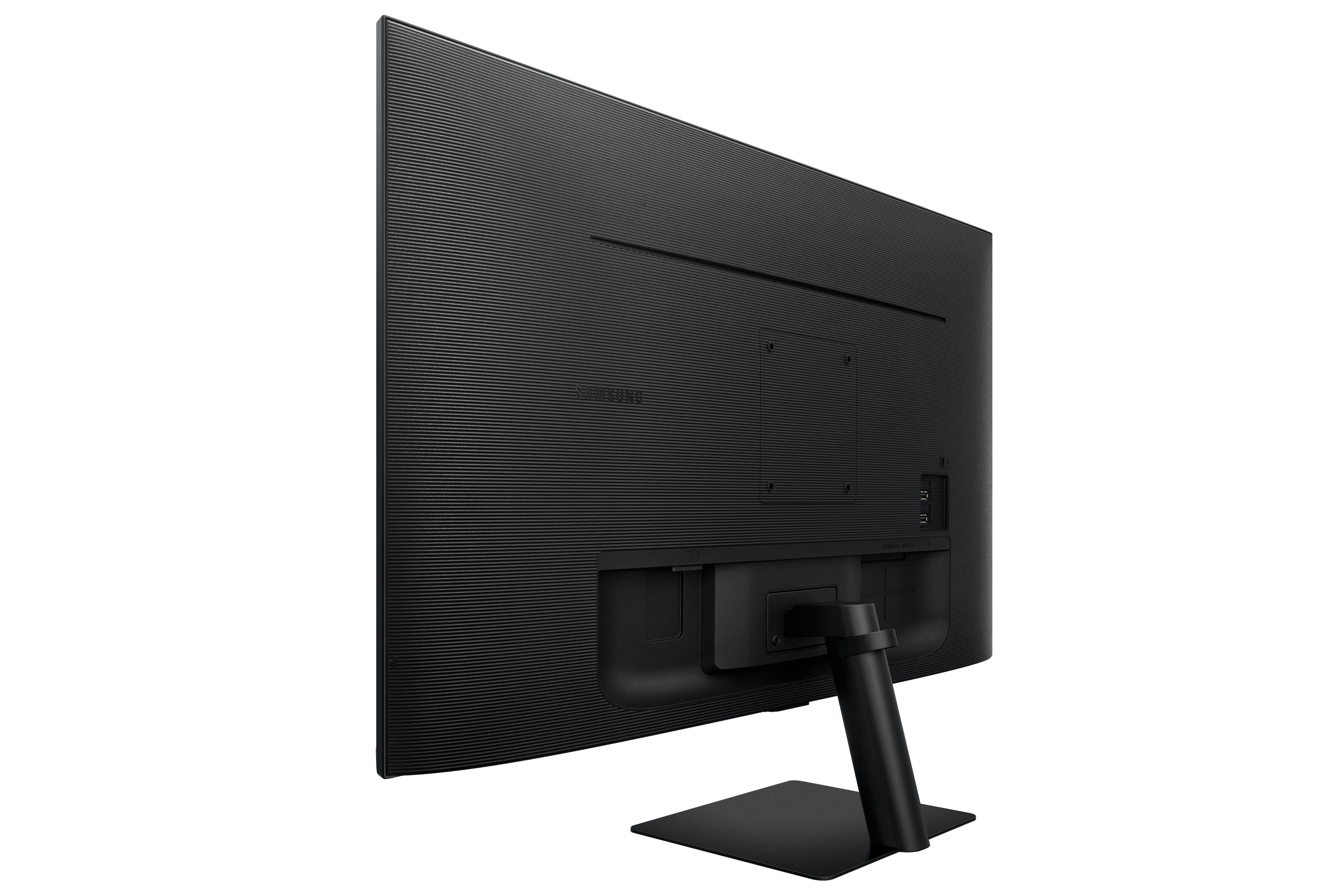
A:AnswerThe monitor base that comes in the box will not allow a 90o degree rotation. However, this monitor is VESA compatible (100mm x 100mm). You can look up on amazon a monitor mount that supports rotation and suits your specific needs.
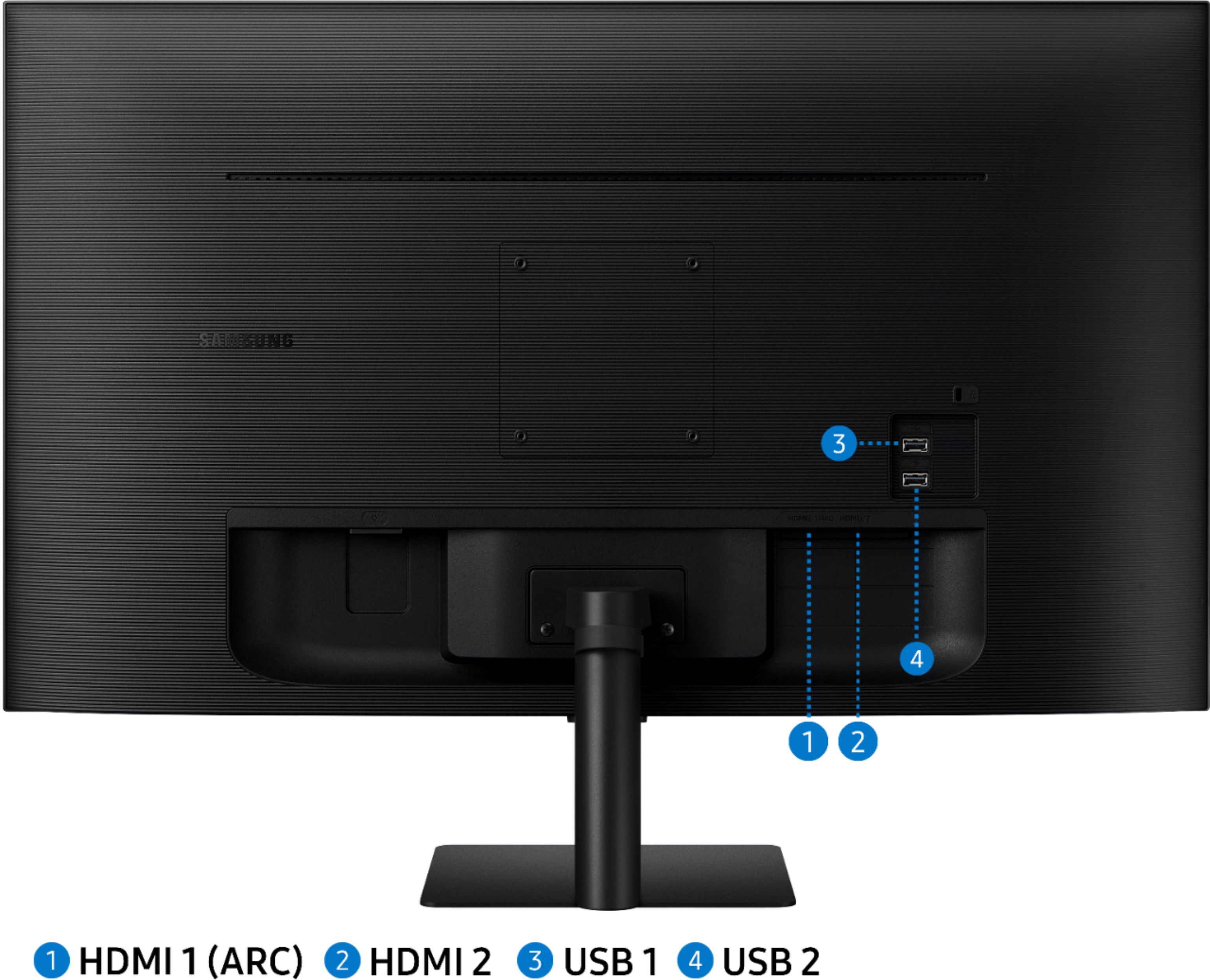
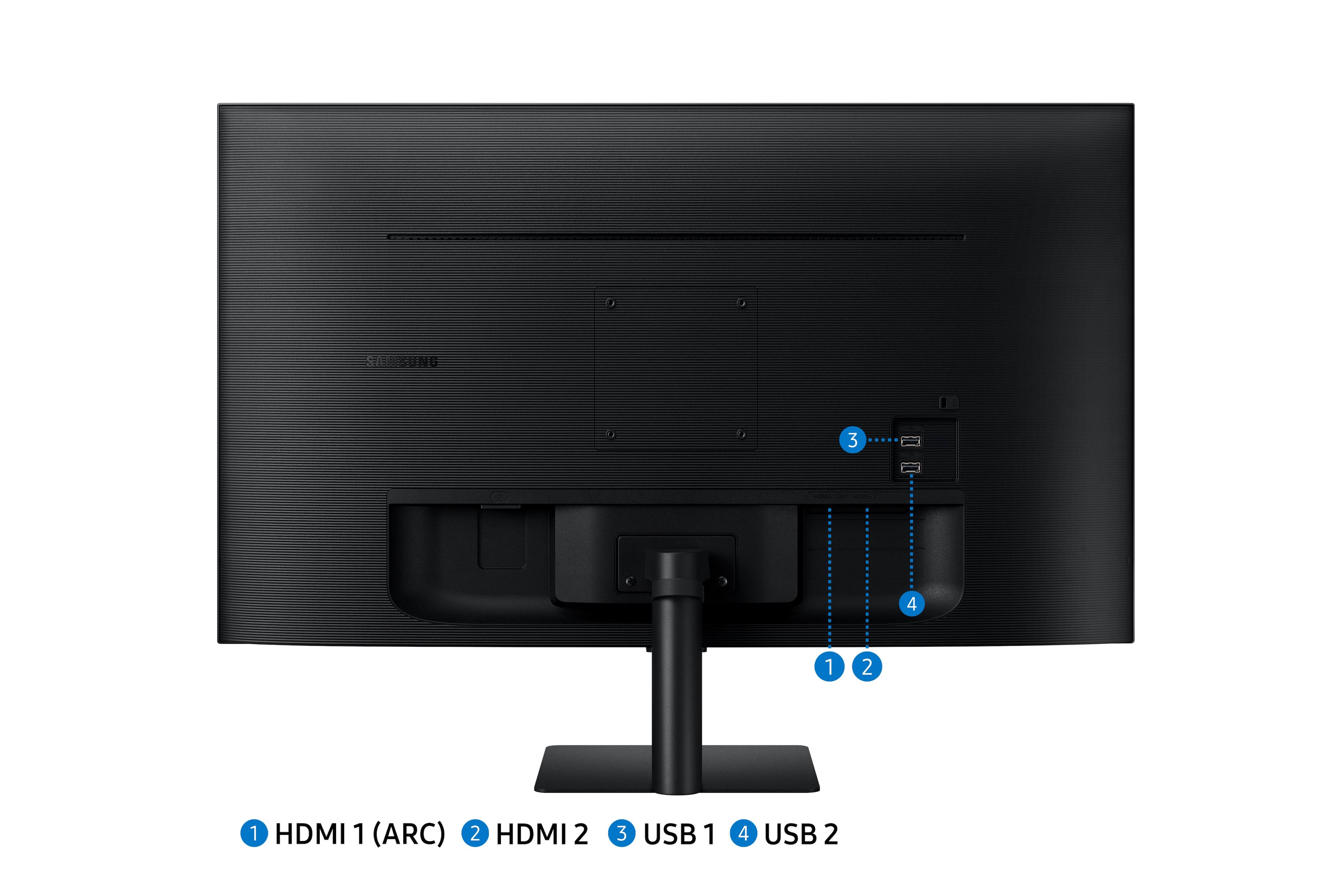
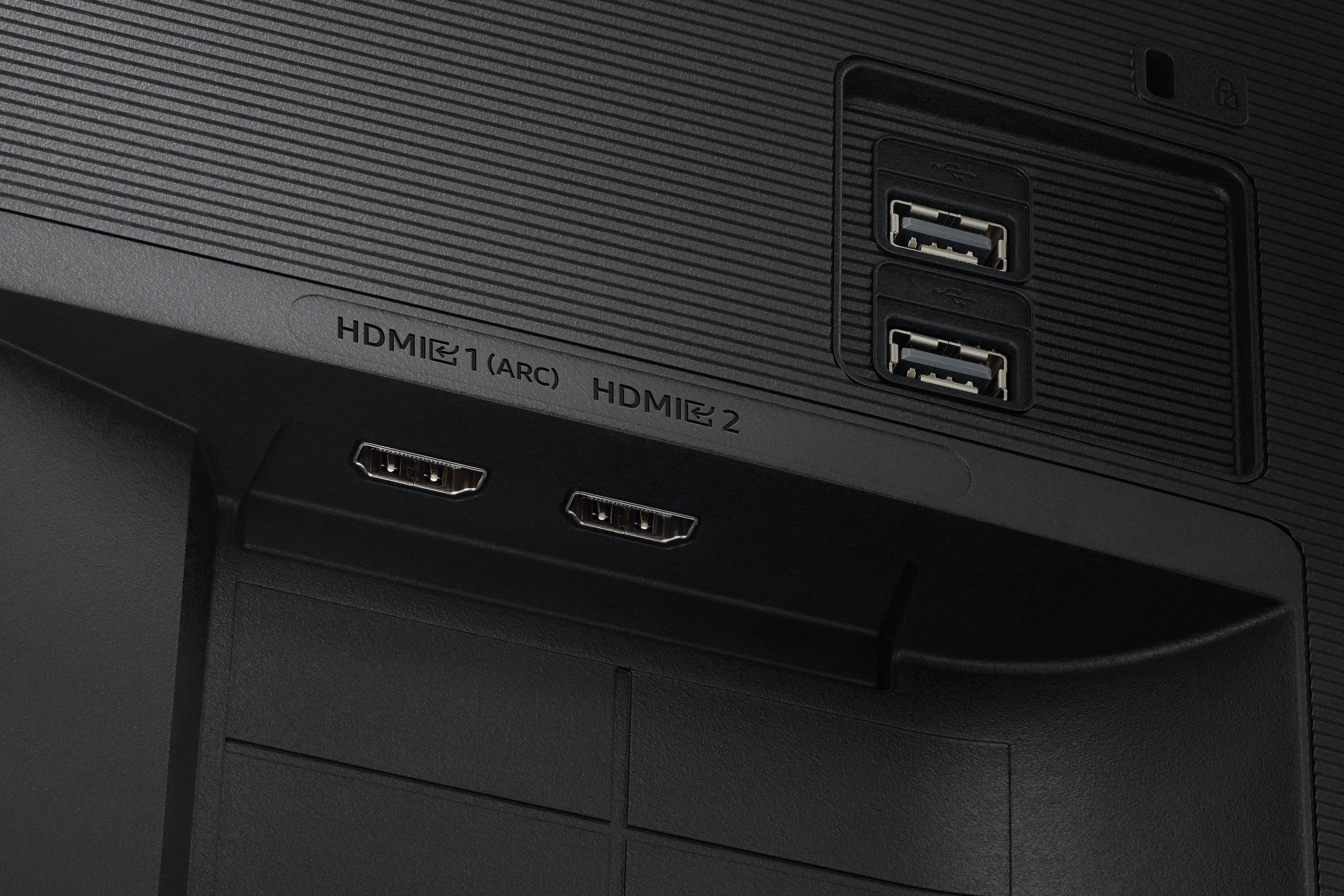
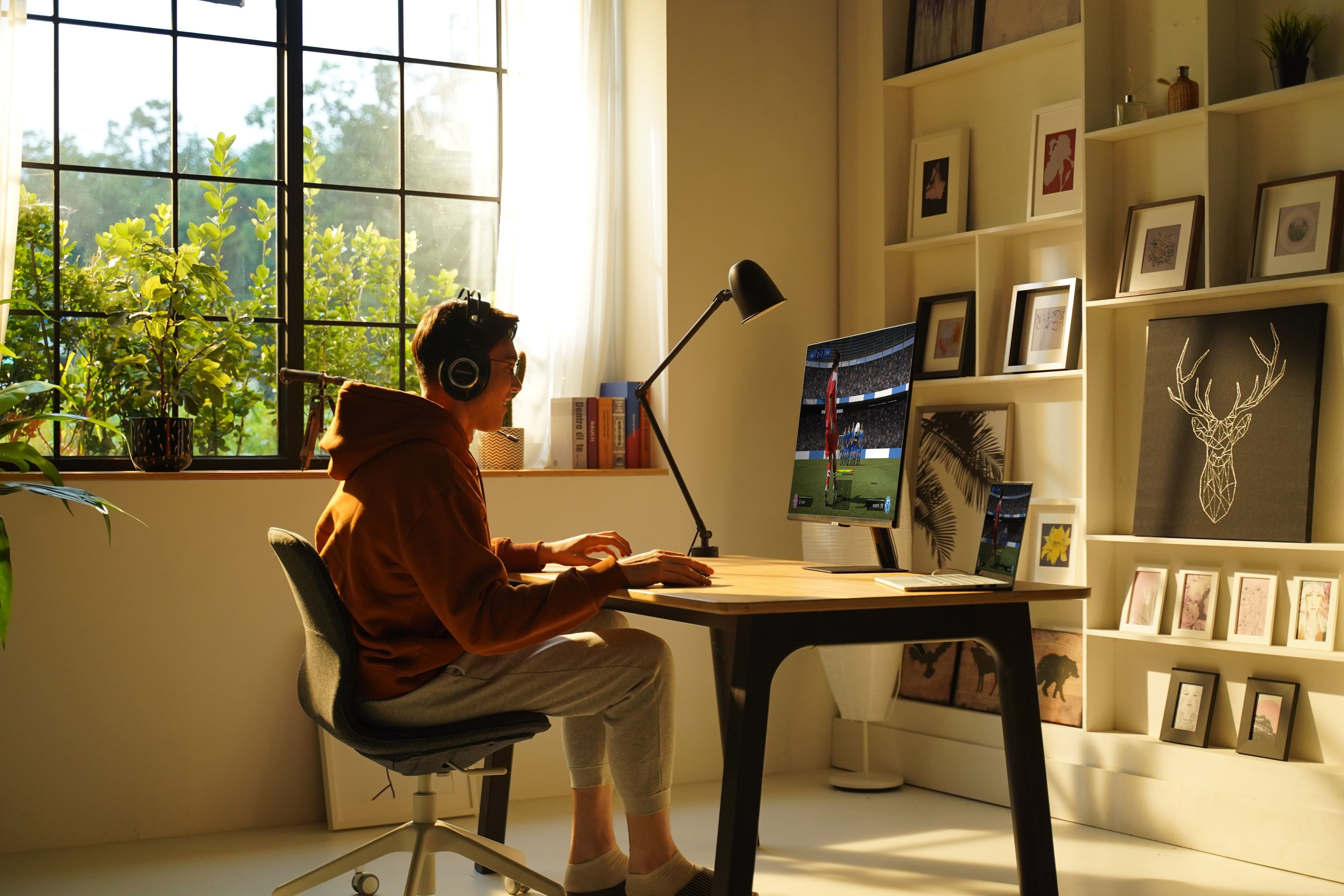
A:AnswerSure! There are 2 HDMI ports in the back (1 of these ports is HDMI ARC also). Keep in mind that the resolution of the monitor is only Full HD (latest generation consoles can display games in 4K resolution, you might want to evaluate higher resolution options).
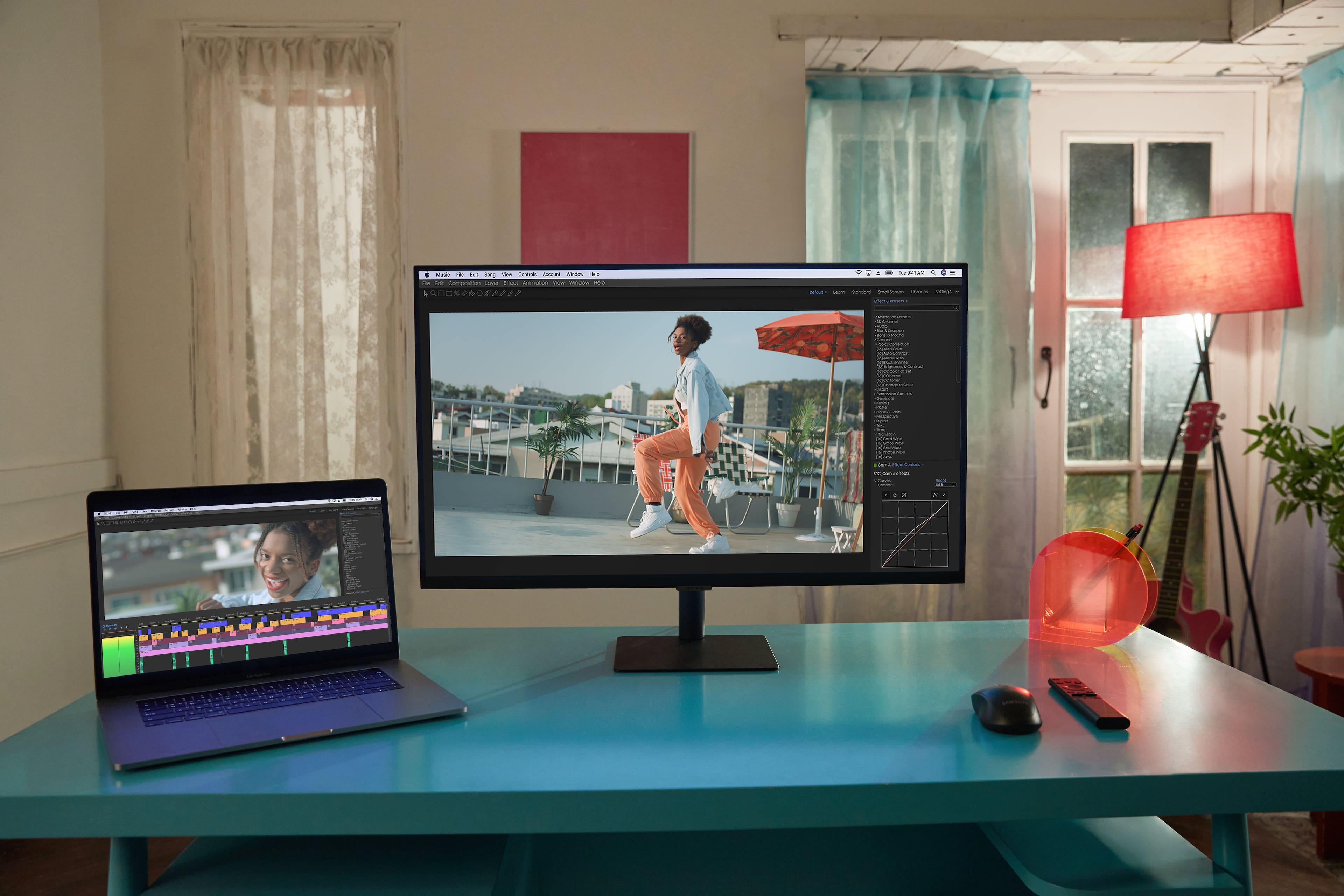
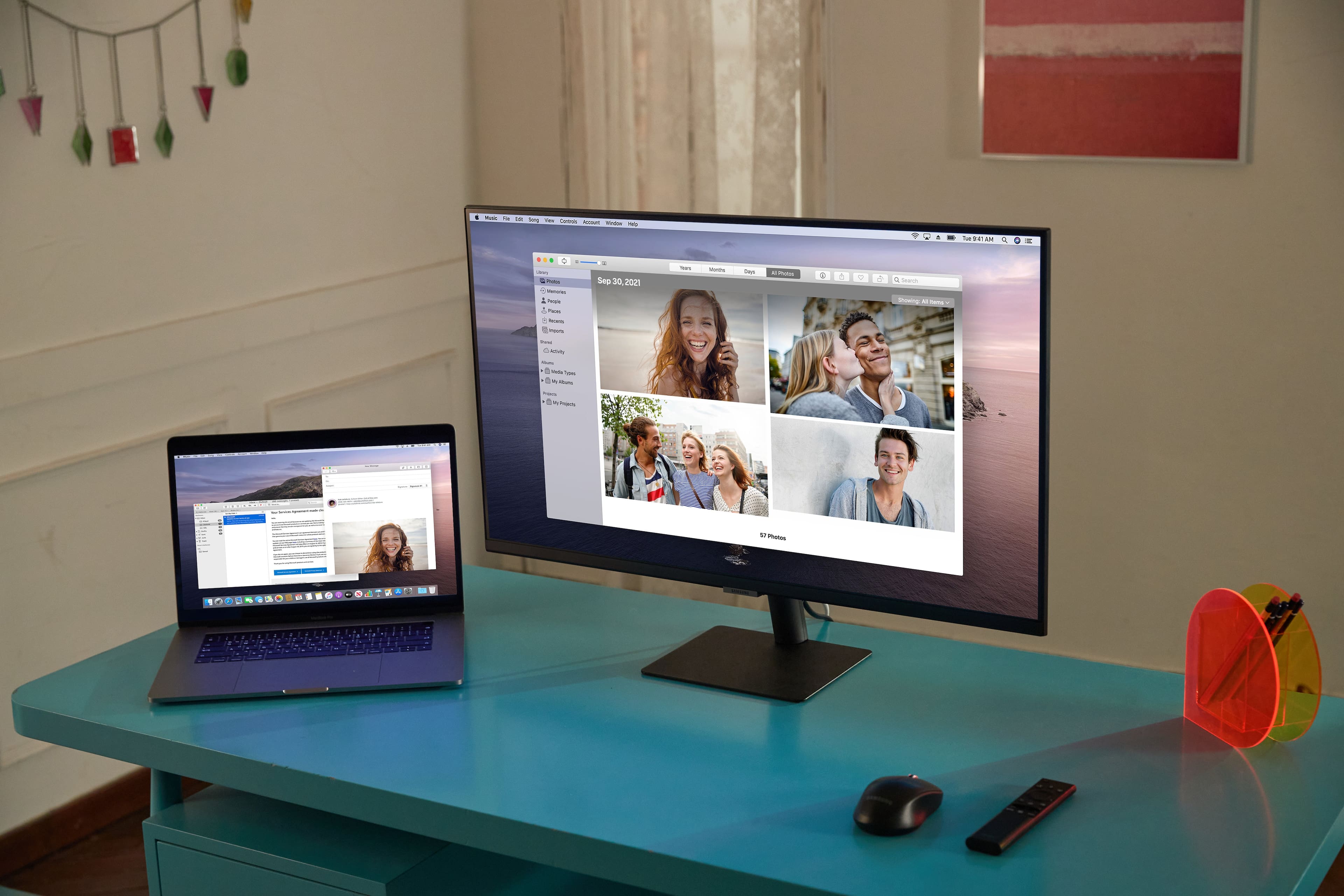
A:AnswerYes, but depending on your model / version you might need a dongle (USB-C to HDMI port adapter) to connect you note. Latest gen macbooks running the M1 Pro or M1 Max chipsets have a dedicated HDMI port (making the adapter unecessary).
A:AnswerI have spectrum internet and phone so I wouldn't know, but I can watch tv with the monitor. I'm trying to find out if I can add a fire stick and watch tv from it.
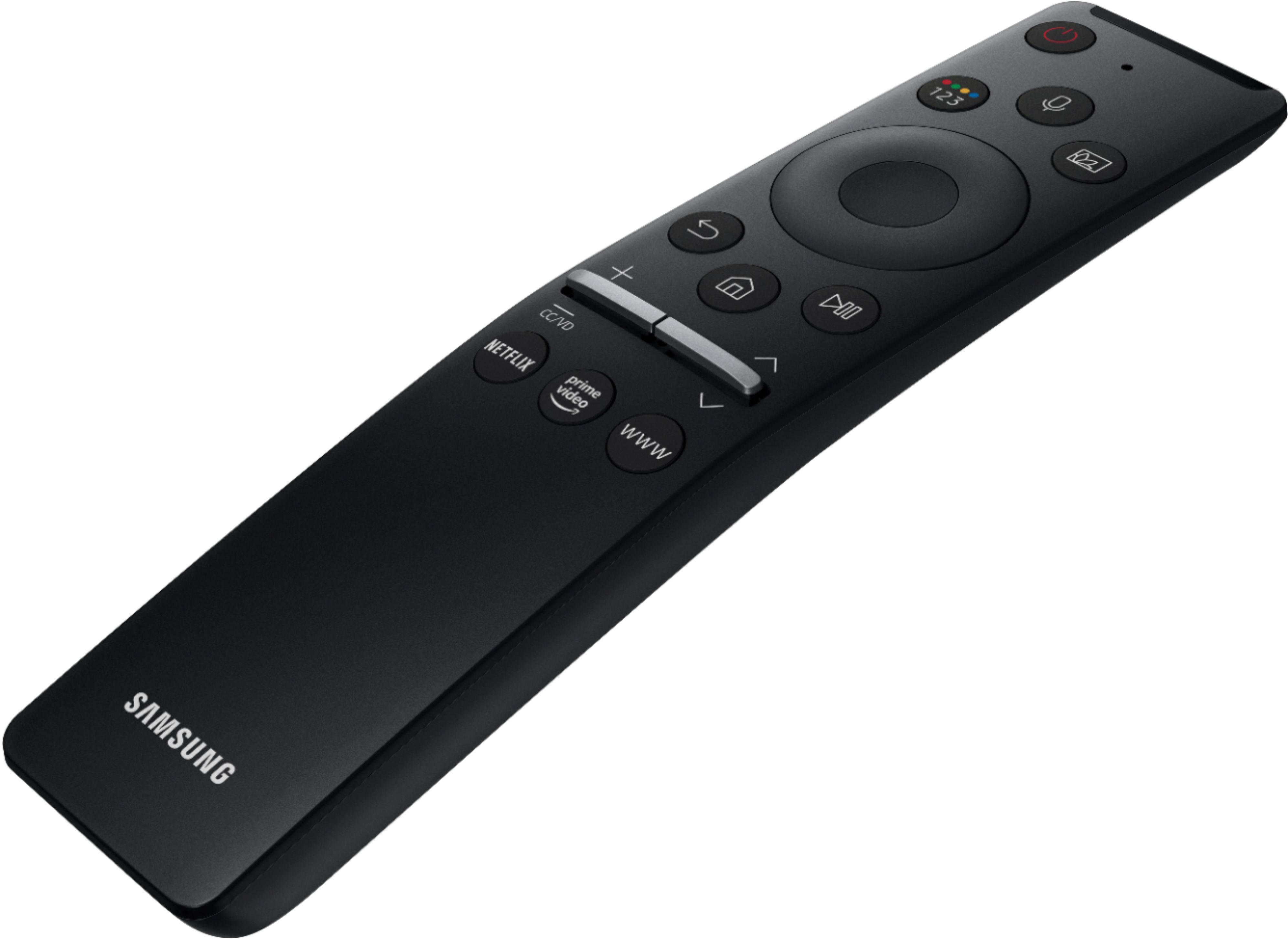
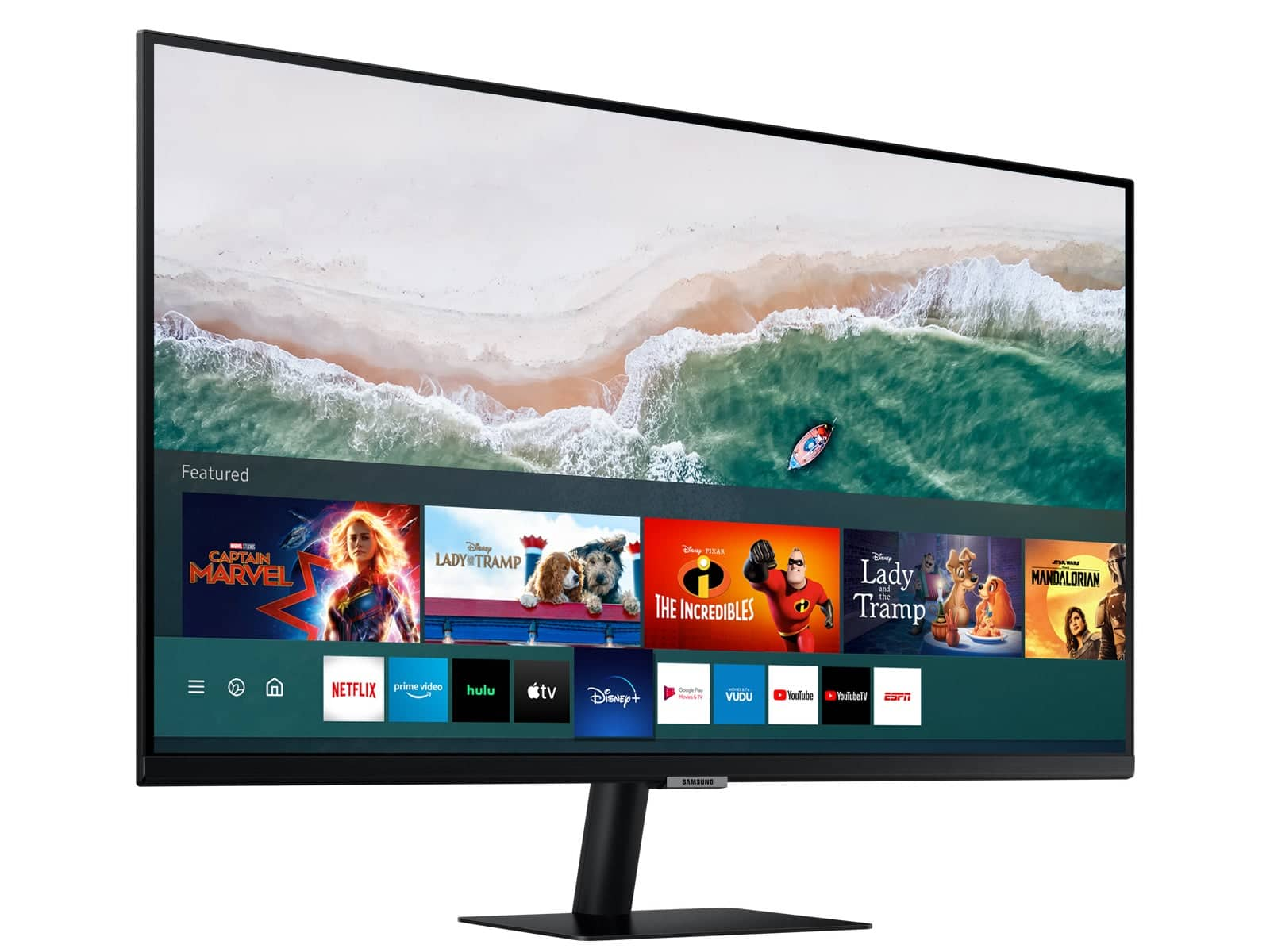
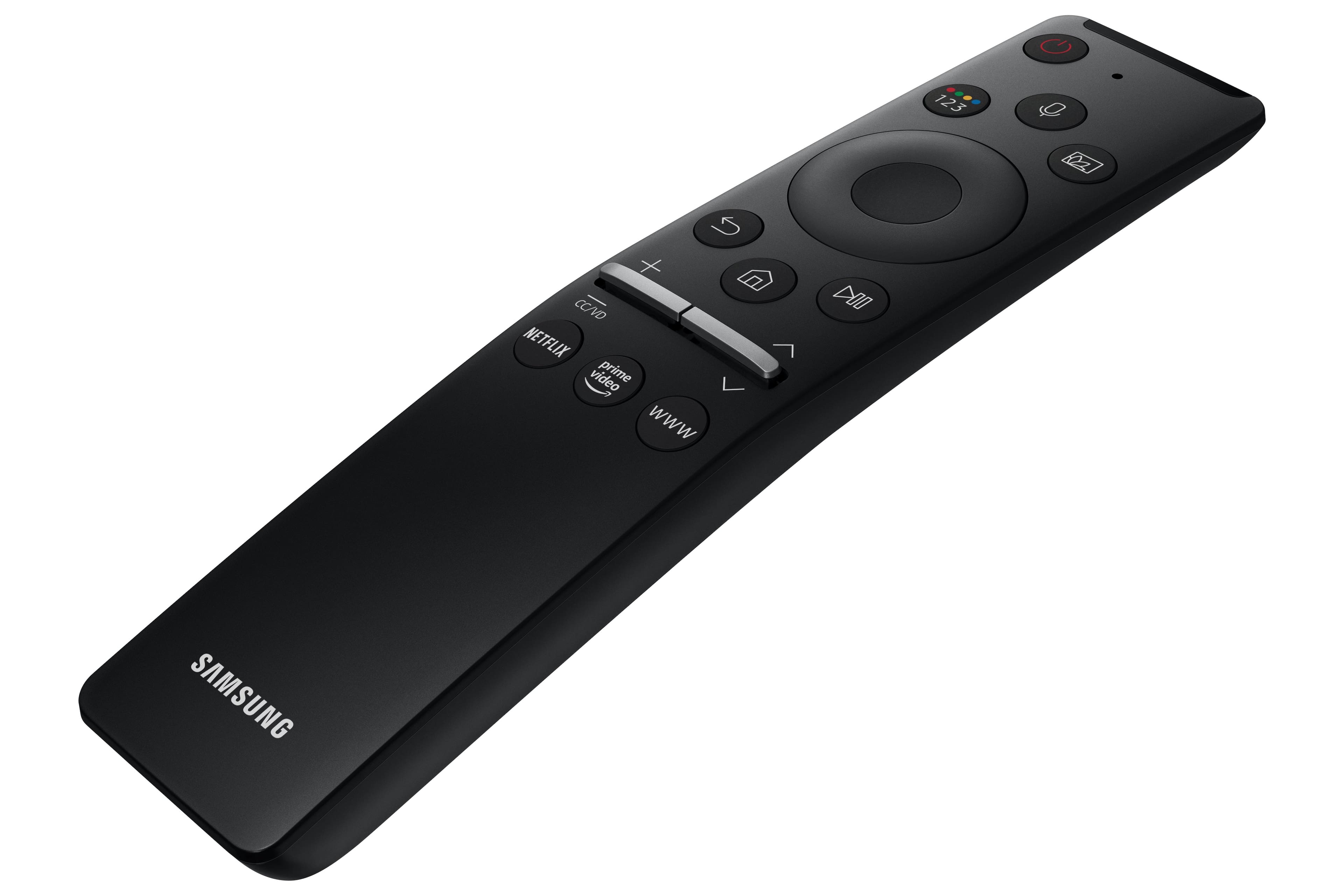
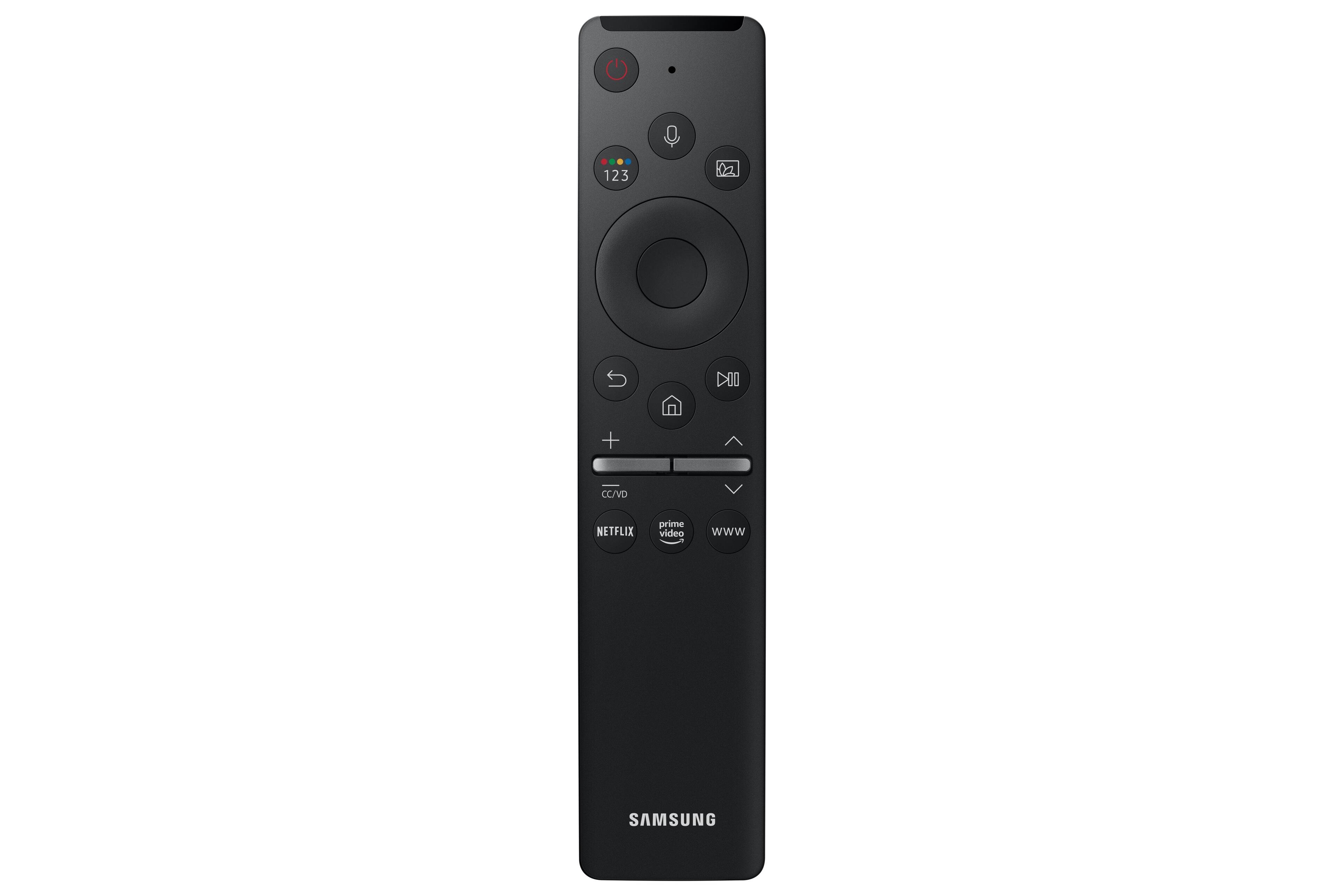
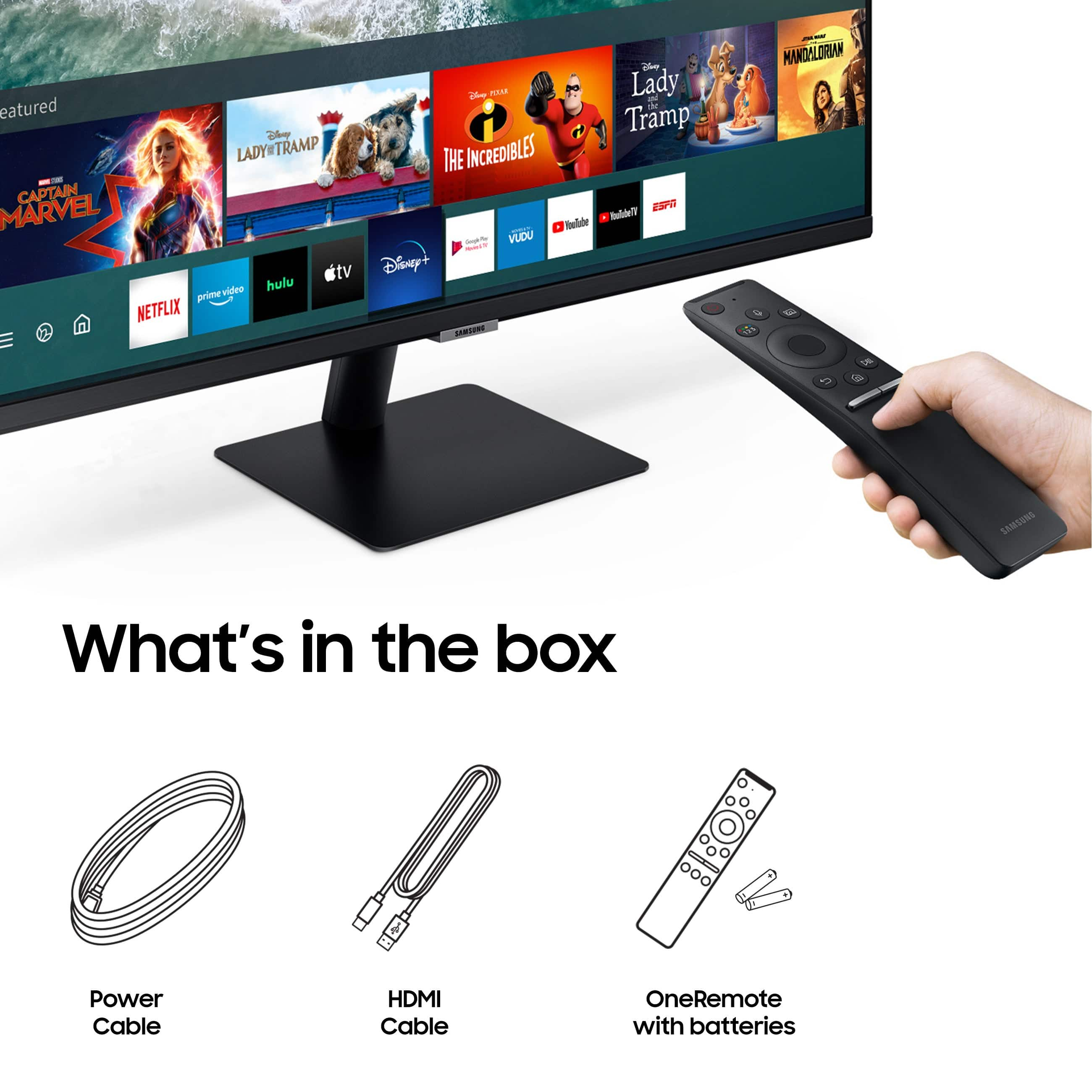
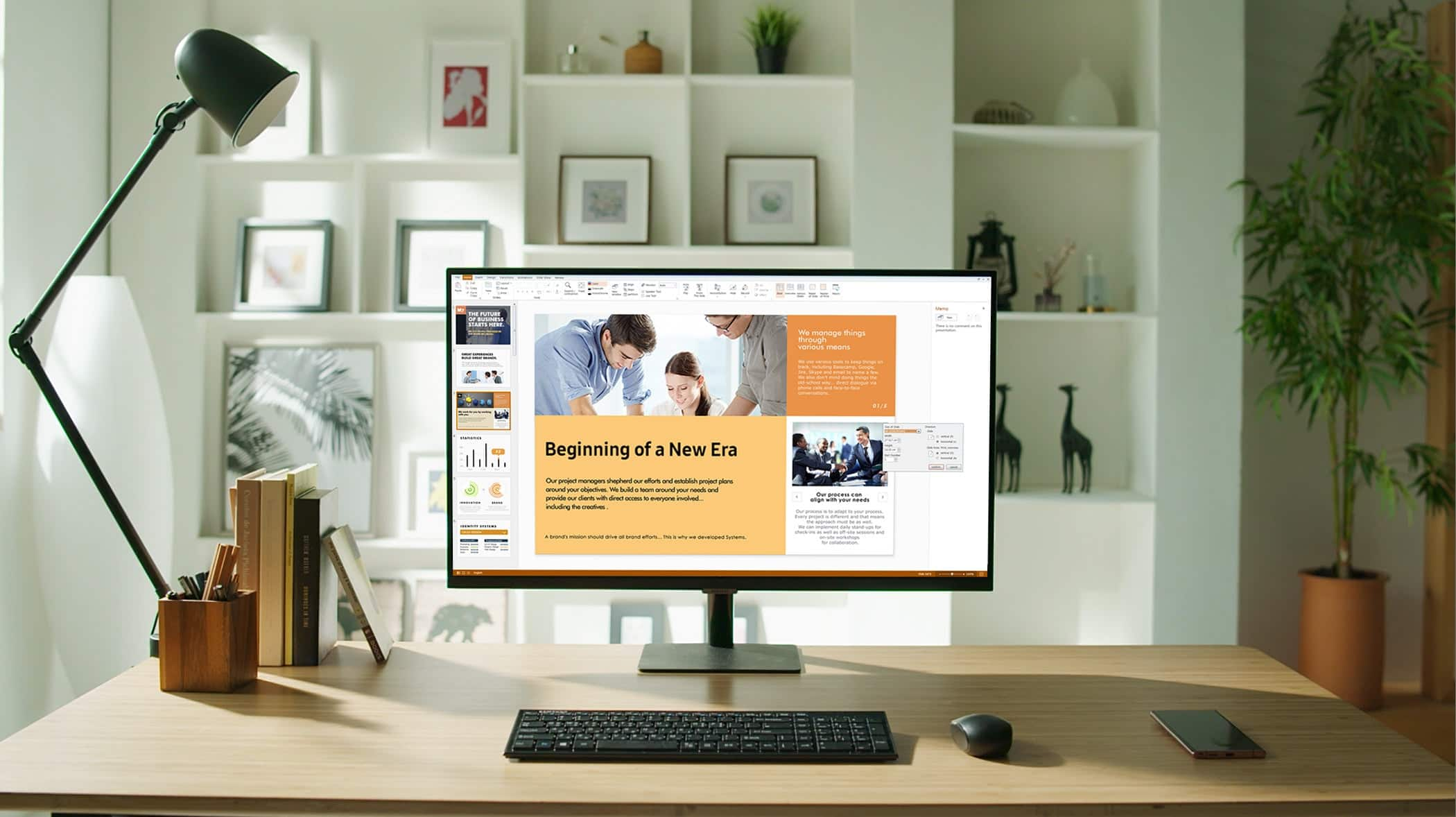
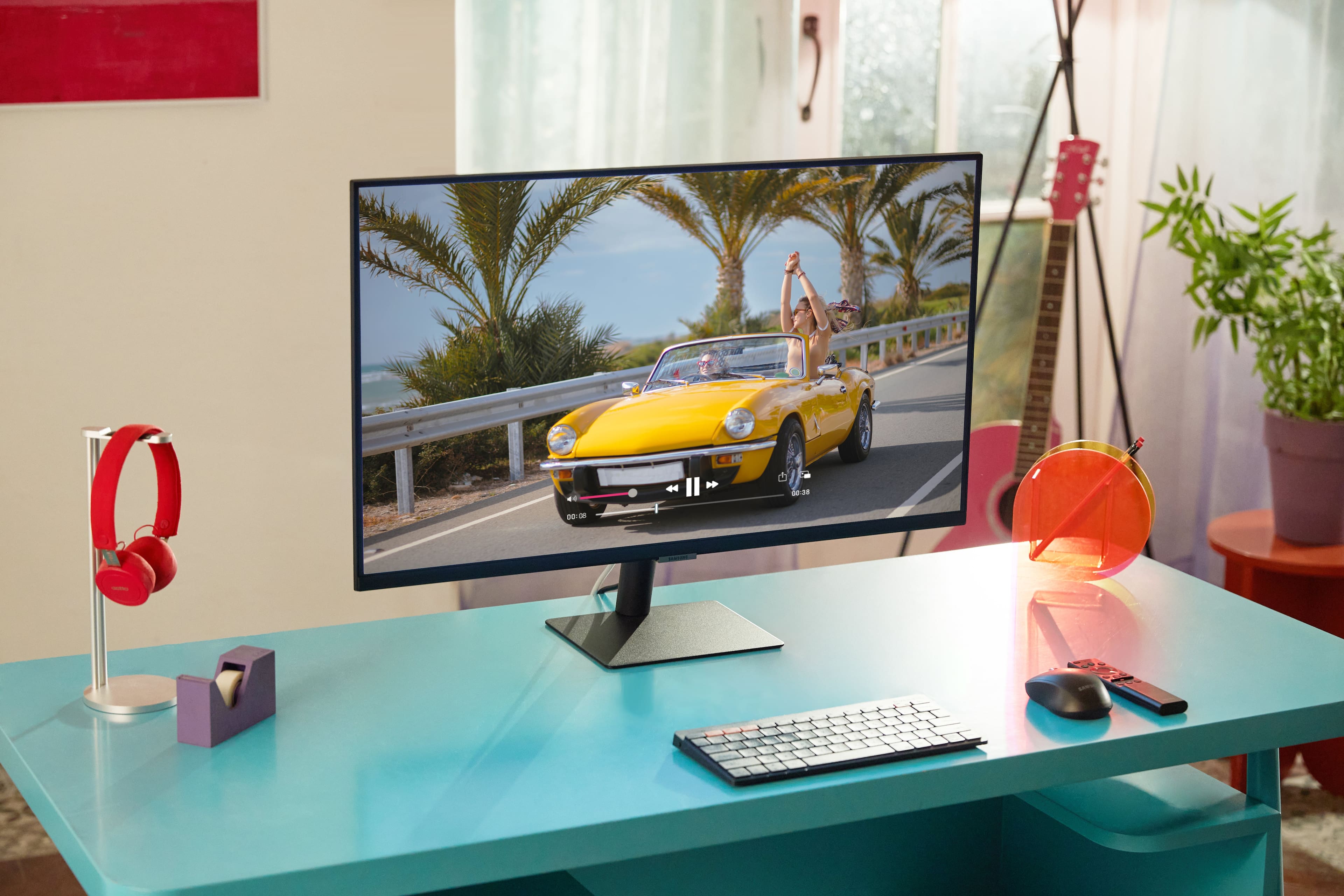
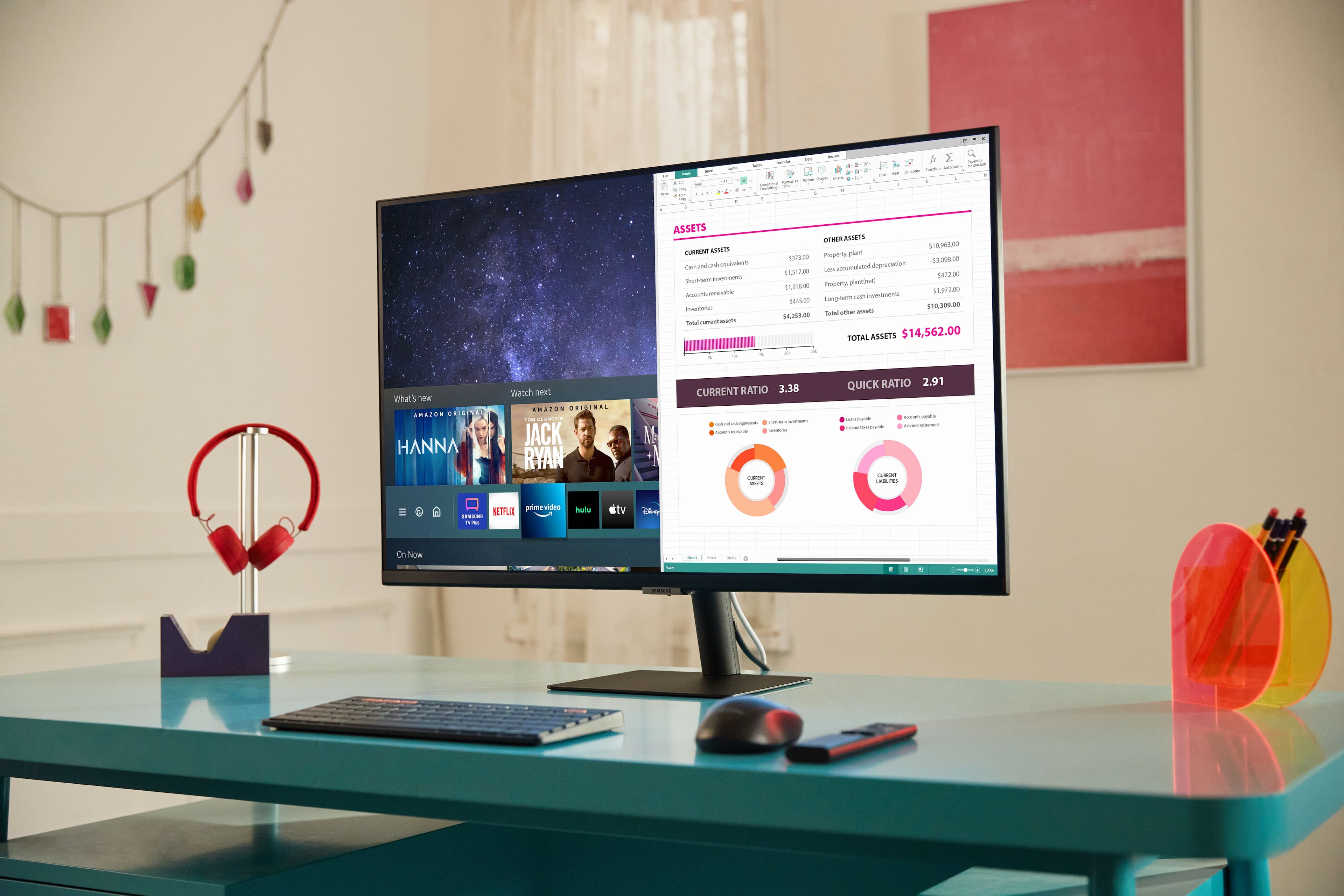
A:AnswerIt is a normal computer monitor as well as a self contained streaming device. So yes. Not a super high performance gaming monitor though. It has a nice remote but like quite a few getting the battery lid off can be difficult.
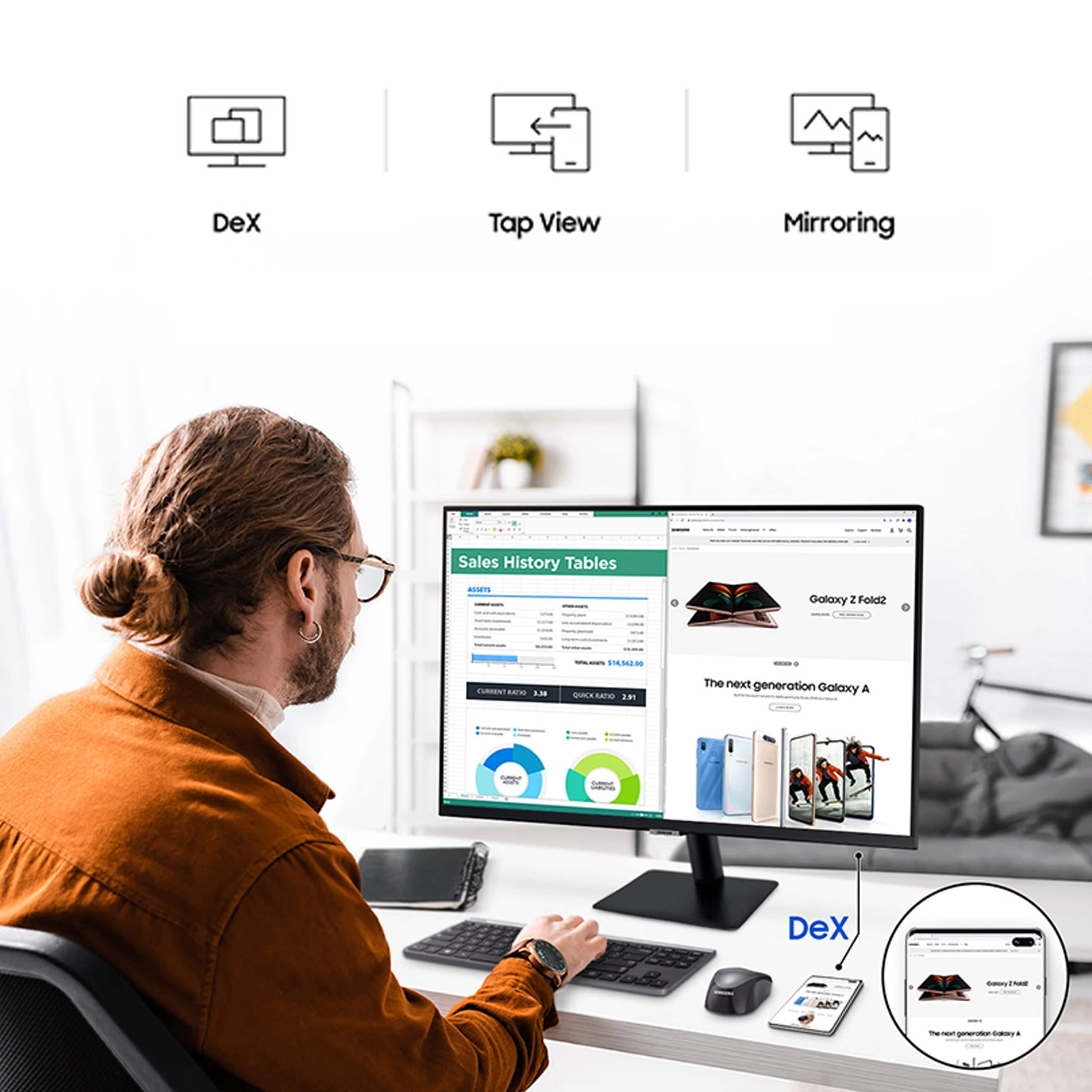
A:AnswerI disagree with the other question answerer, if you connect a keyboard and mouse to the tv you can use them to browse content on the built in apps and with samsung phones actually navigate the entire phone on the screen of your monitor. its really nice if you've ever wanted to run an android app on a big screen without having to still click things on your phone with your finger.