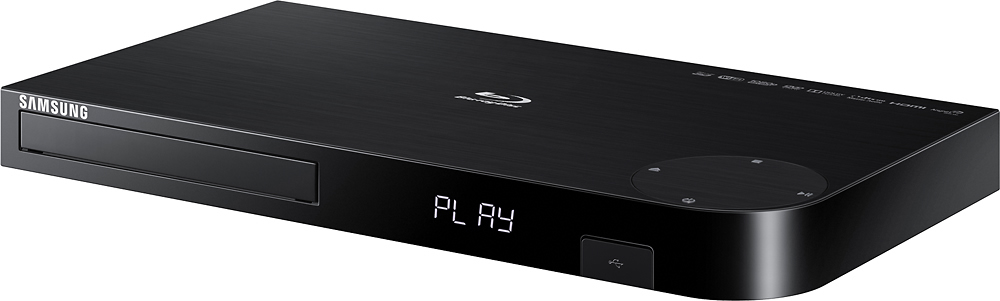
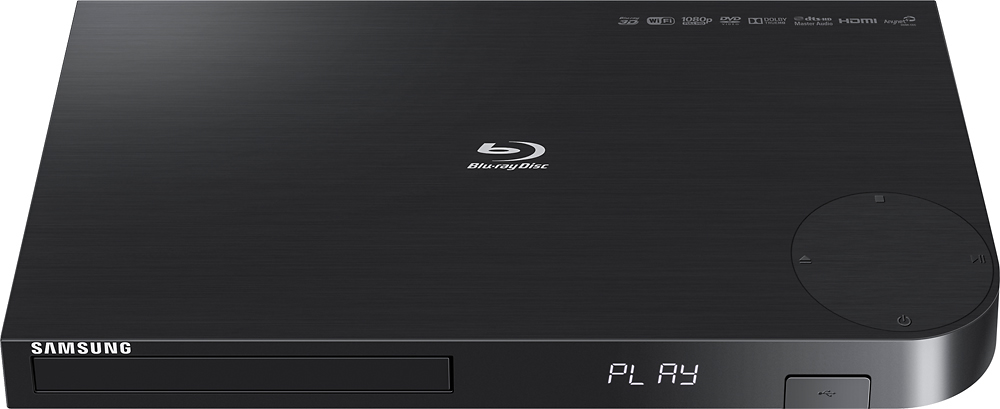
A:AnswerYour TV brand will determine the type of glasses required. LG passive. Samsung active. Always ask your sales person. If they don't know go to the Magnolia section. They usually are more knowledgeable.
A:Answeryes. choose which audio track you desire. dvd player handles many audio formats. use an optical cable if you can into your a/v receiver in addition to the HDMI to get slightly better audio quality. You are able to set audio delay to lipsync or set it to automatic.
A:AnswerShould be fine. You might be worried about the opposite thing where you can't play blu ray on a regular player but this should play normal cds and dvds no problem. You will however need some kind of sound outlet so if it's hooked to your tv it will use the tv speakers. Mine are hitched to my home theater Yamaha system works great.
A:AnswerI know that there is an "ACORN TV" channel (=app) on ROKU that streams all of the videos that Acorn makes available, so I would guess that it would be available on the BD-J6300.
However, you should check on Samsung's website to be sure.
B
A:AnswerYes but be prepared to go into setup and change the stream from PCM to uncompressed bitstream. It will give you a warning. Ignore it. This setting tells the player to allow the receiver to do decoding which is where the Atmos/dts-x is. VERIFY on your receiver's screen. Otherwise you could go a week thinking your sound is fantastic but still be missing out. Atmos is beyond fantastic.