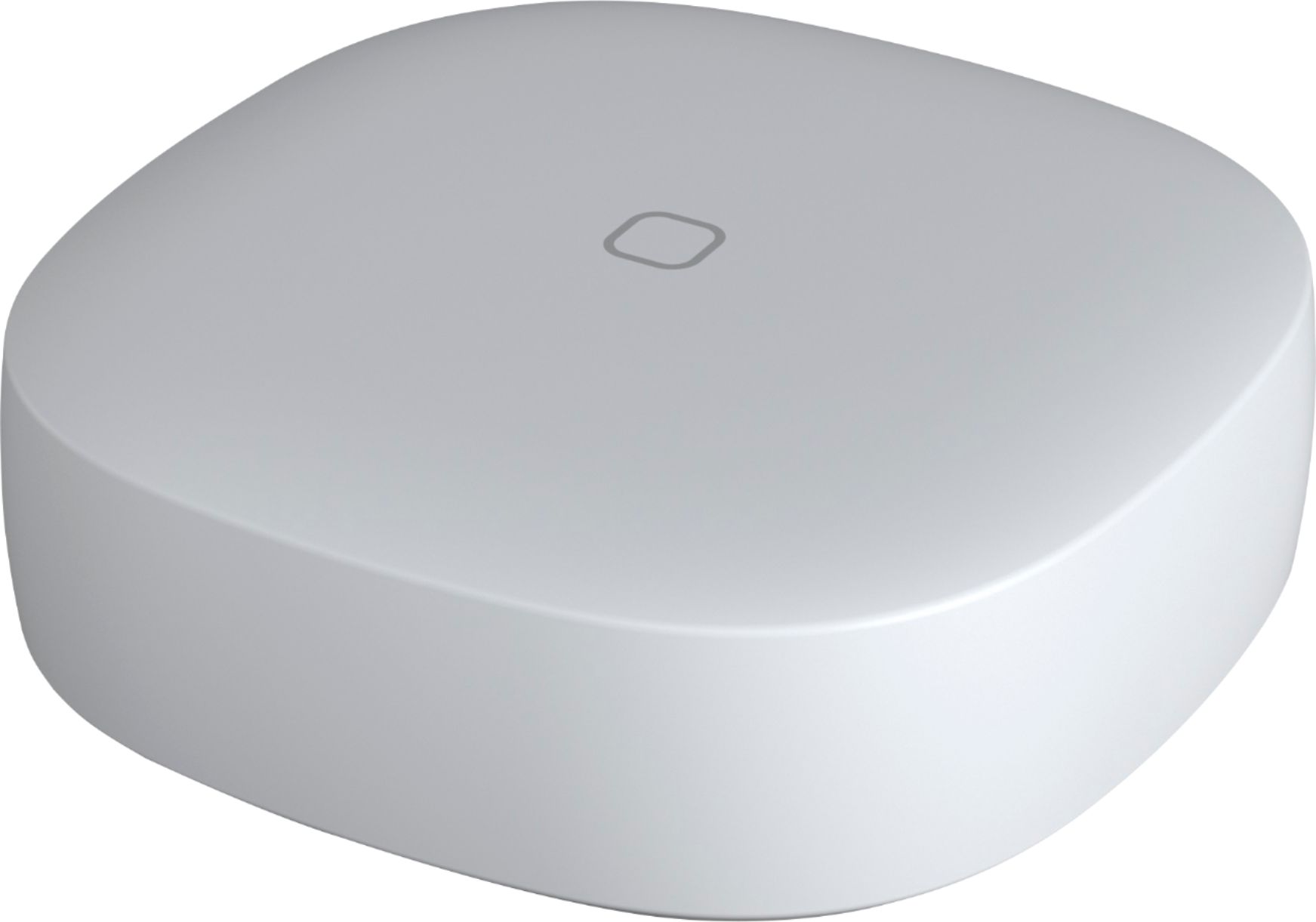
A:AnswerYes you can. I eventually got tired of Google's inconsistency in picking up my voice for commands so I got a few of these buttons for controlling light bulbs that are not tied to a light switch. This works really well. You can set it to toggle so the first tap will turn on and the second tap will turn off.
A:AnswerApparently not. SmartThings button can only be used to turn ON or OFF the accessories produced by companies affiliated with smartThings hub. Echo products by amazon are not one of those.
A:AnswerTechnically, no. It uses Zigbee, which is not WiFi. You need a central device to talk Zigbee, like a SmartThings Hub. Typically you need an app to setup a hub, and the app does need WiFi to talk to the hub.
A:AnswerI would not recommend this. If you are already in the smartthings ecosystem, you could use custom code in Webcore to press once to go up or two to go down, but without a display it would be blind. What you could do is mount a cheap amazon fire tablet to the wall and install the Nest App, but that would give them access to other settings so beware.