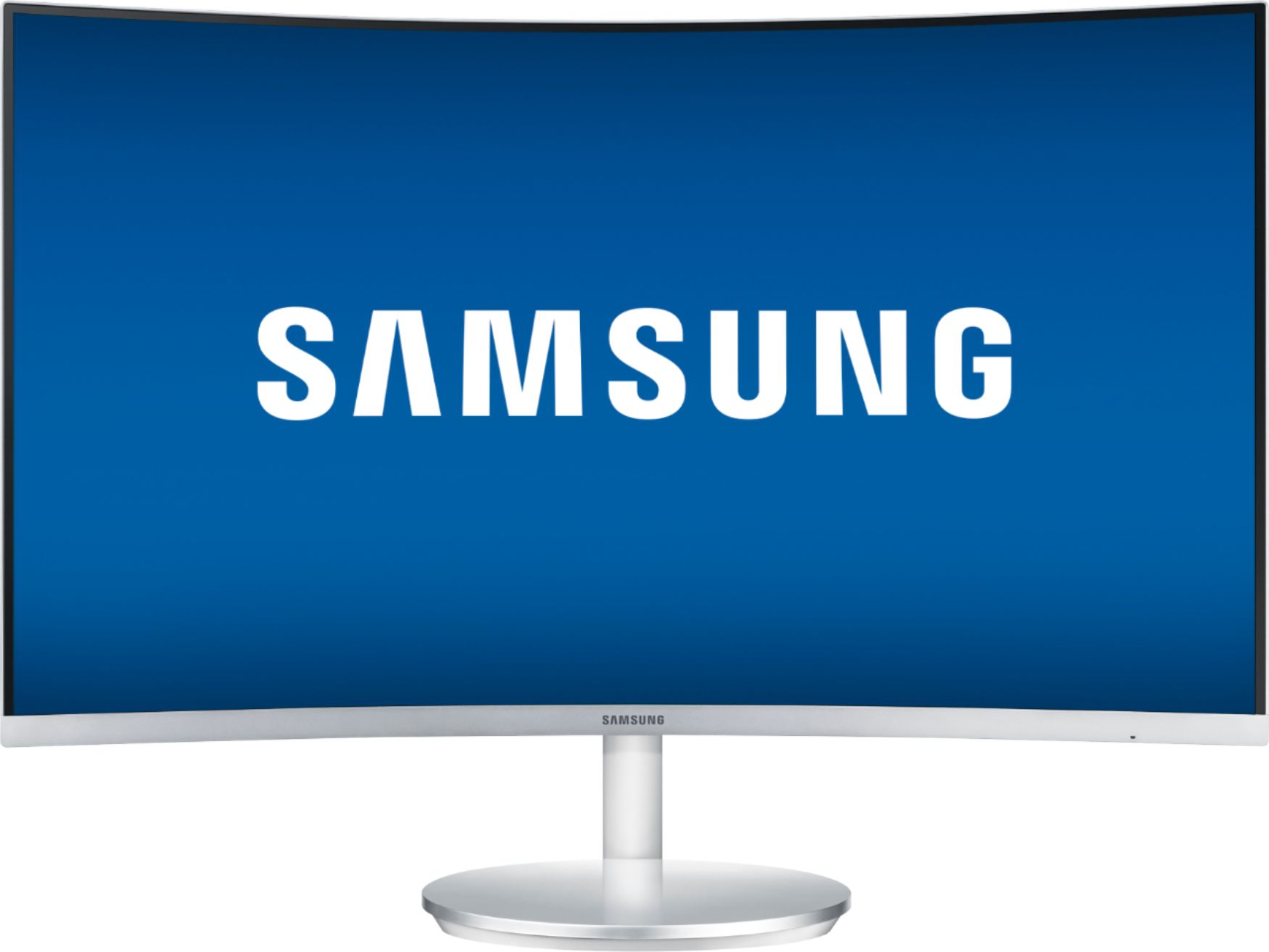
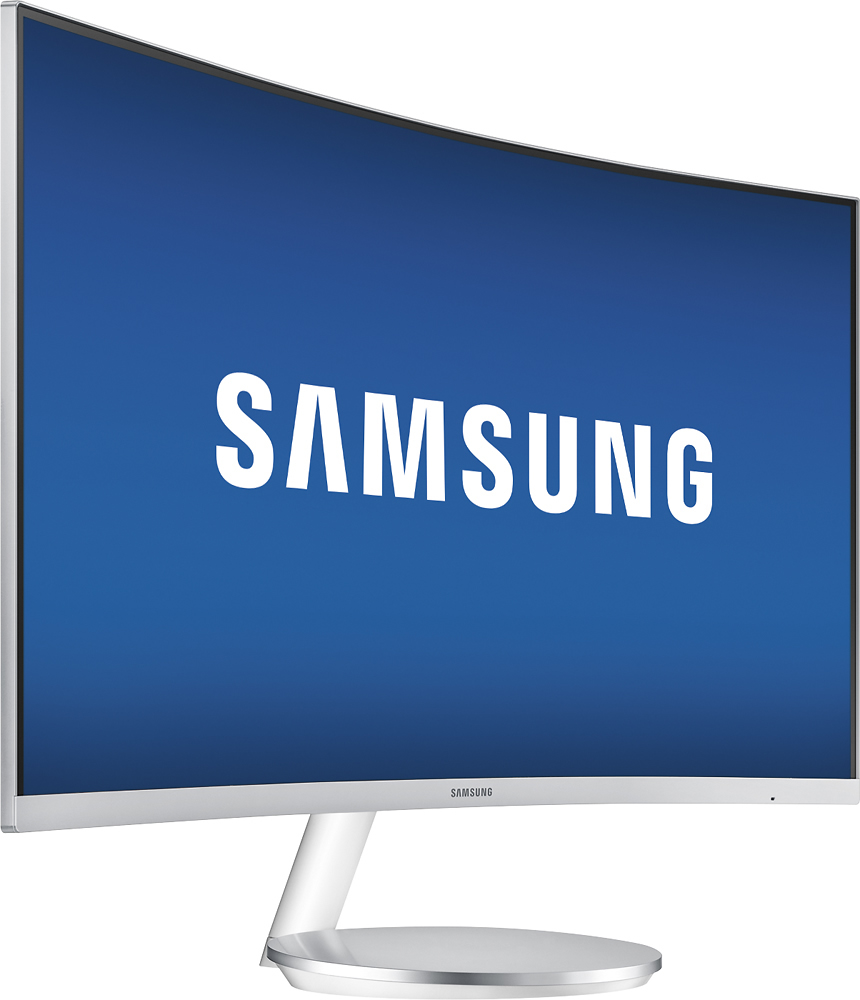
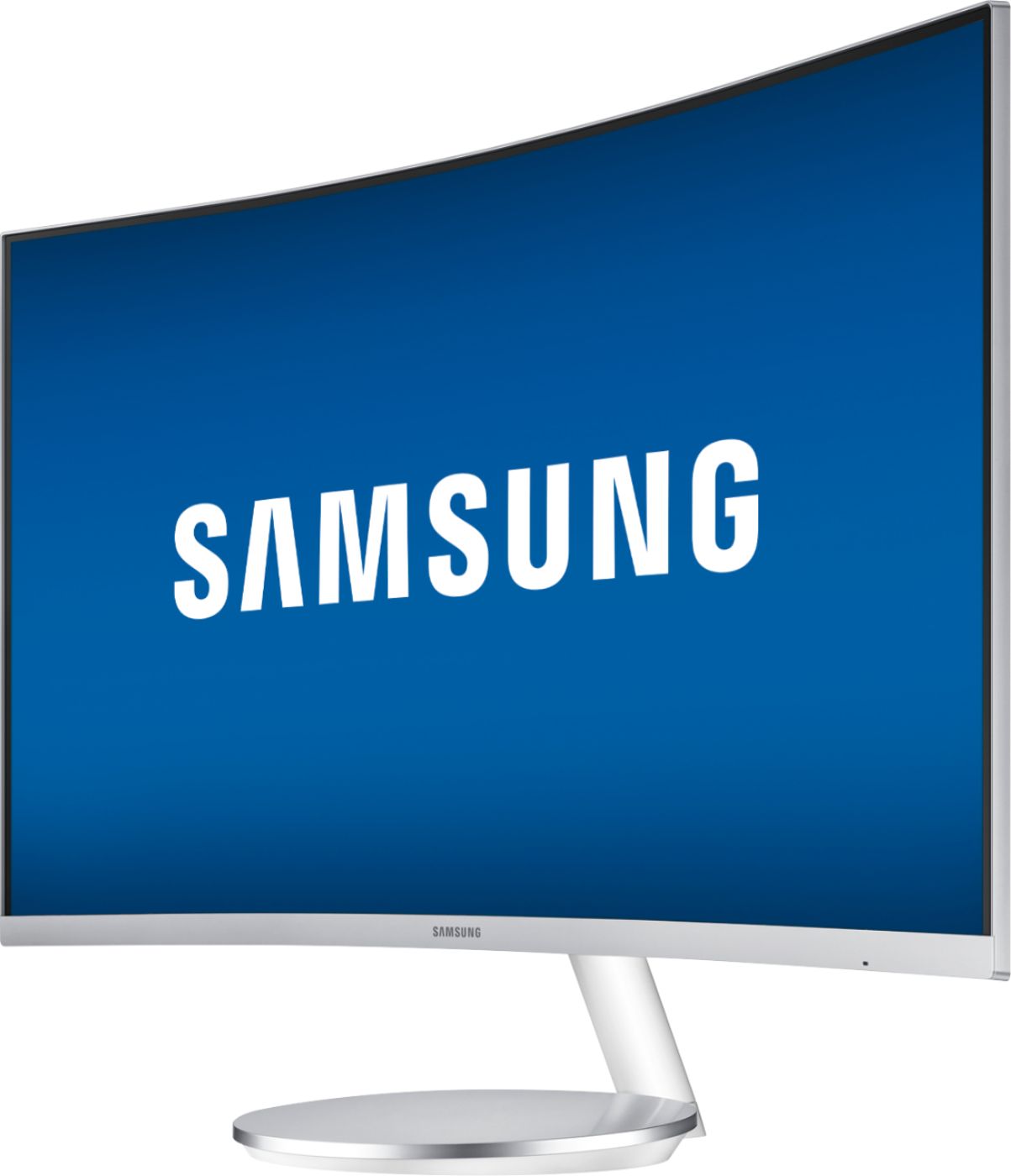
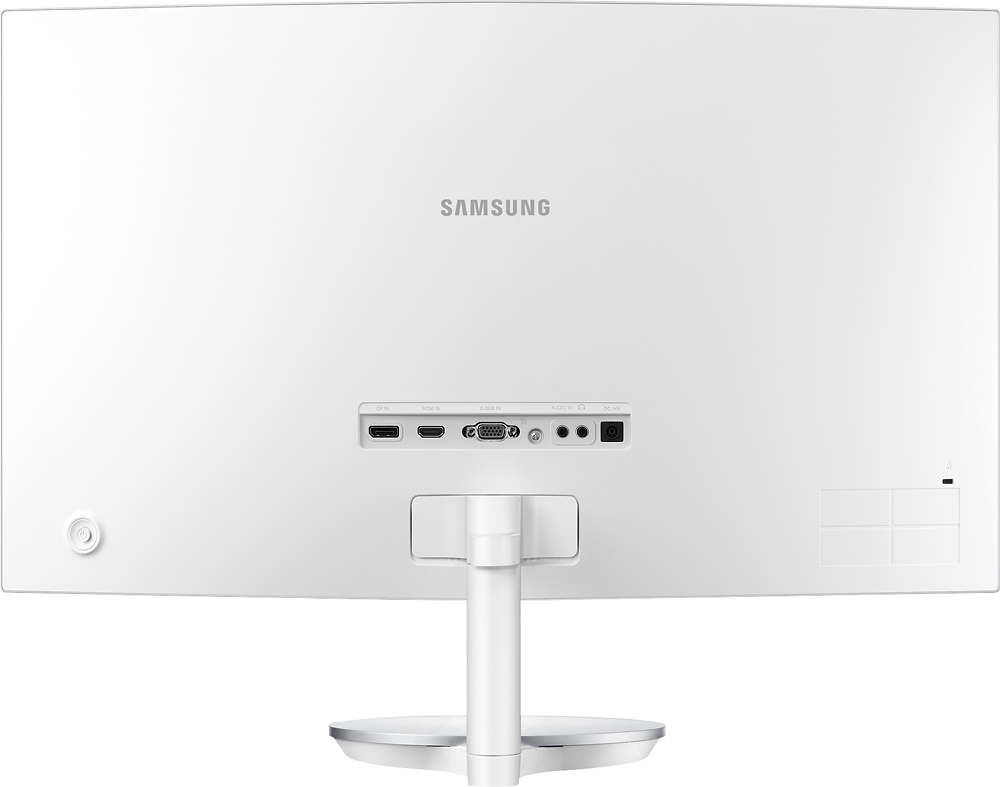
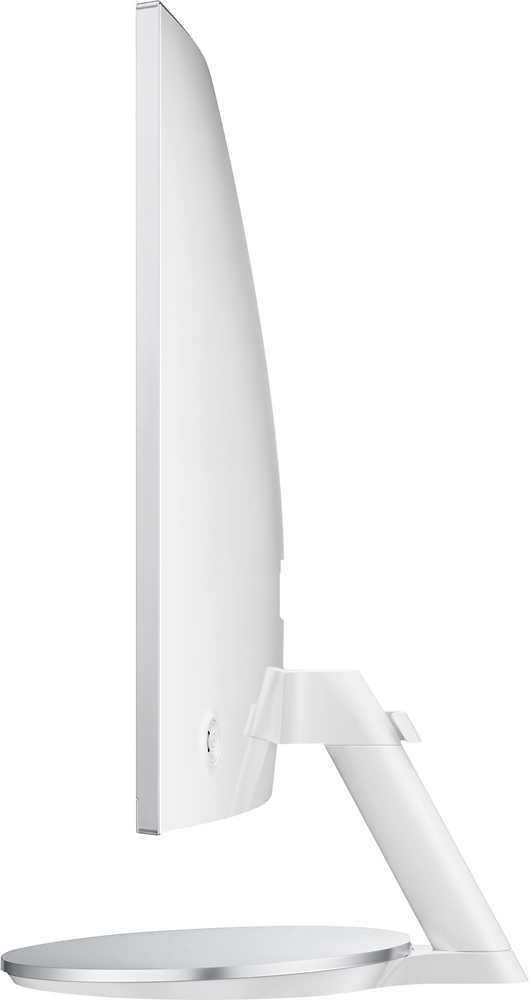
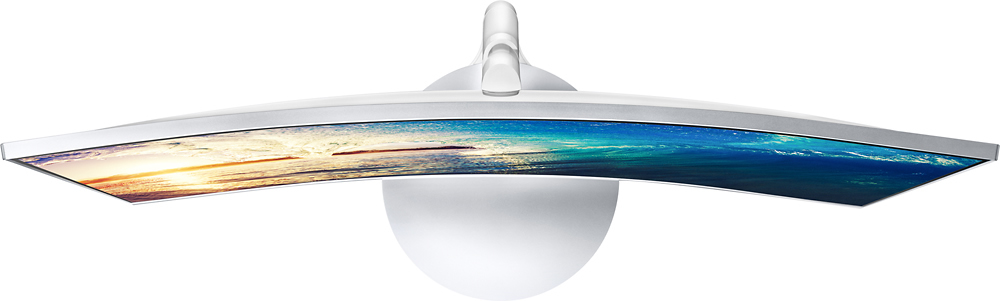
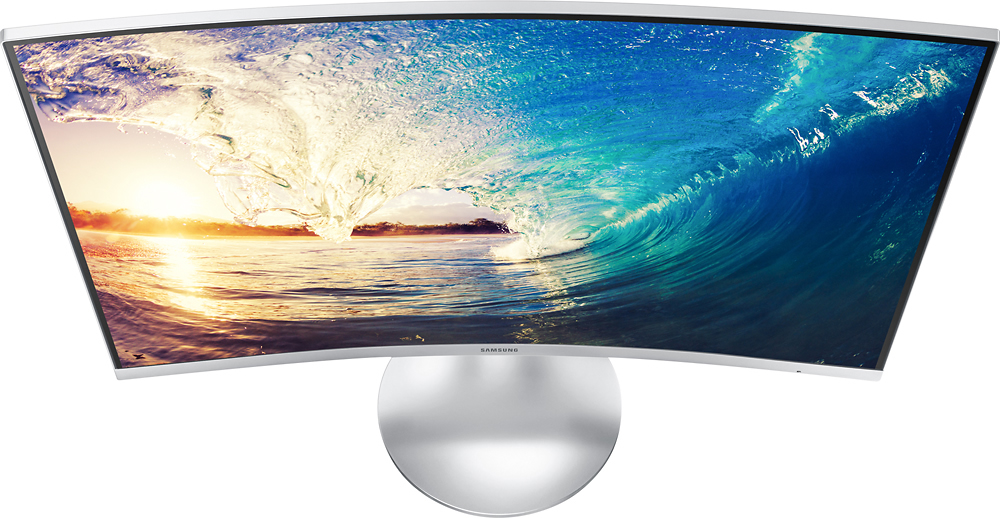
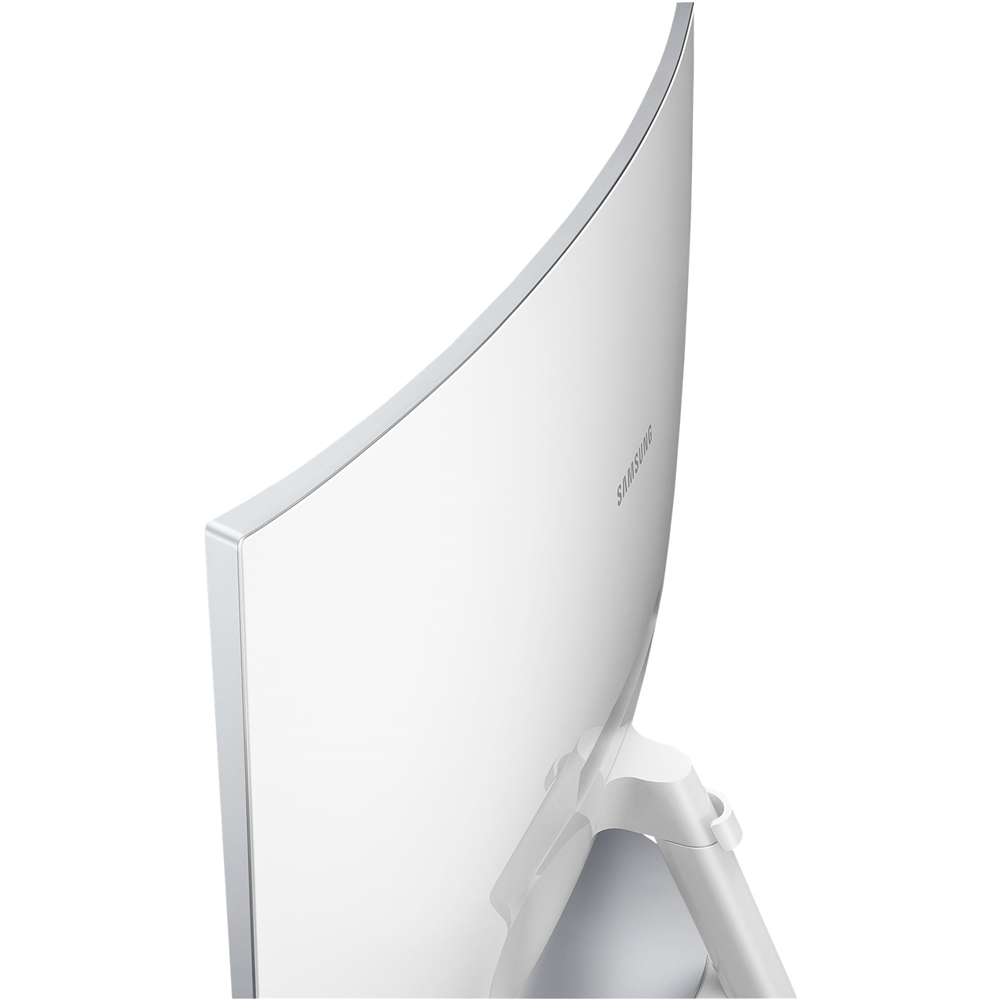
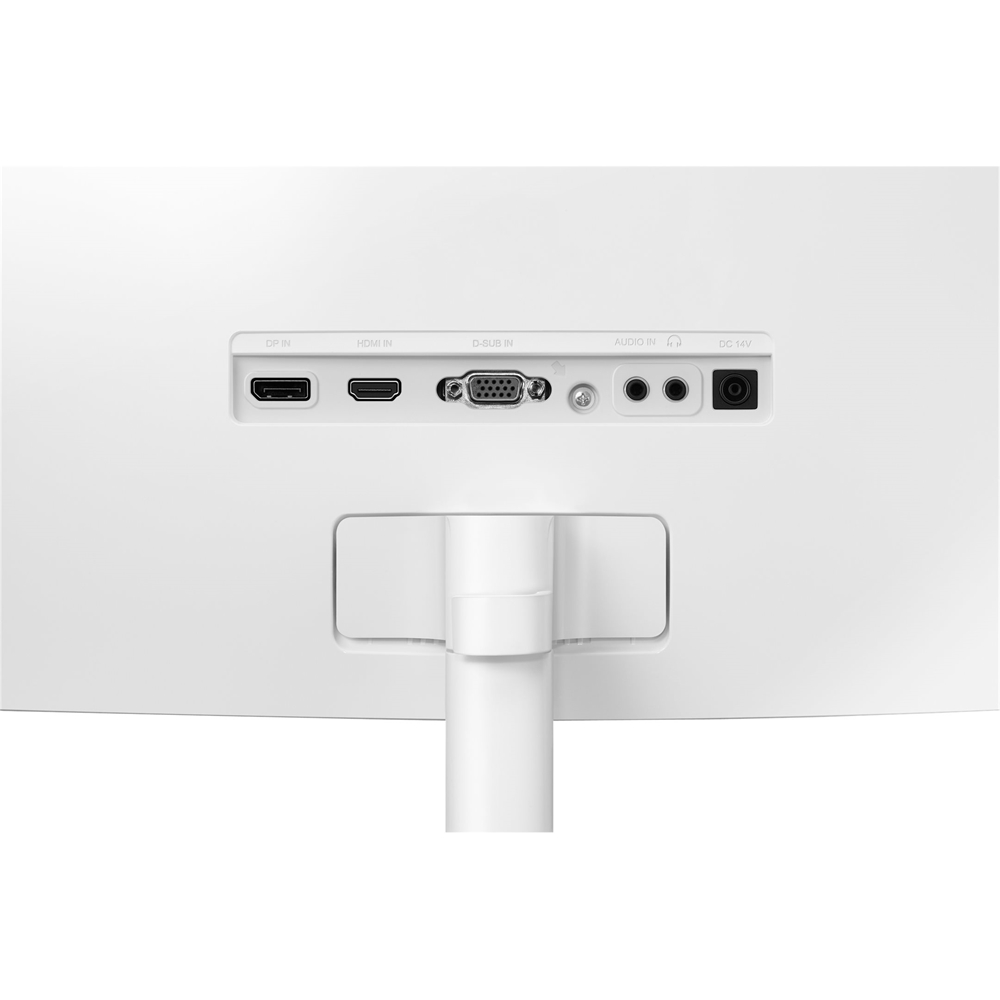
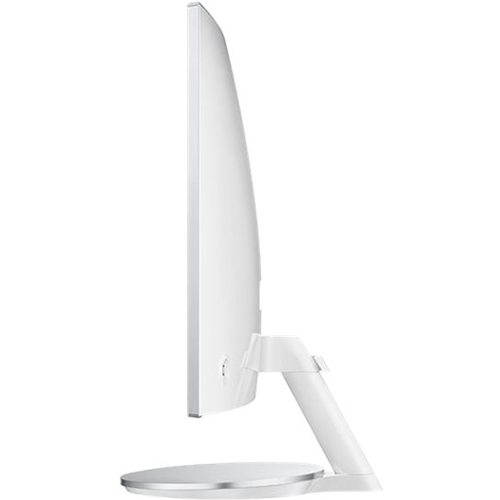
A:AnswerI never tried to connect a amazon fire stick , I don't own one to try, However there is an additional HDMI port on the back of the monitor, their is no USB ports on the back of monitor.
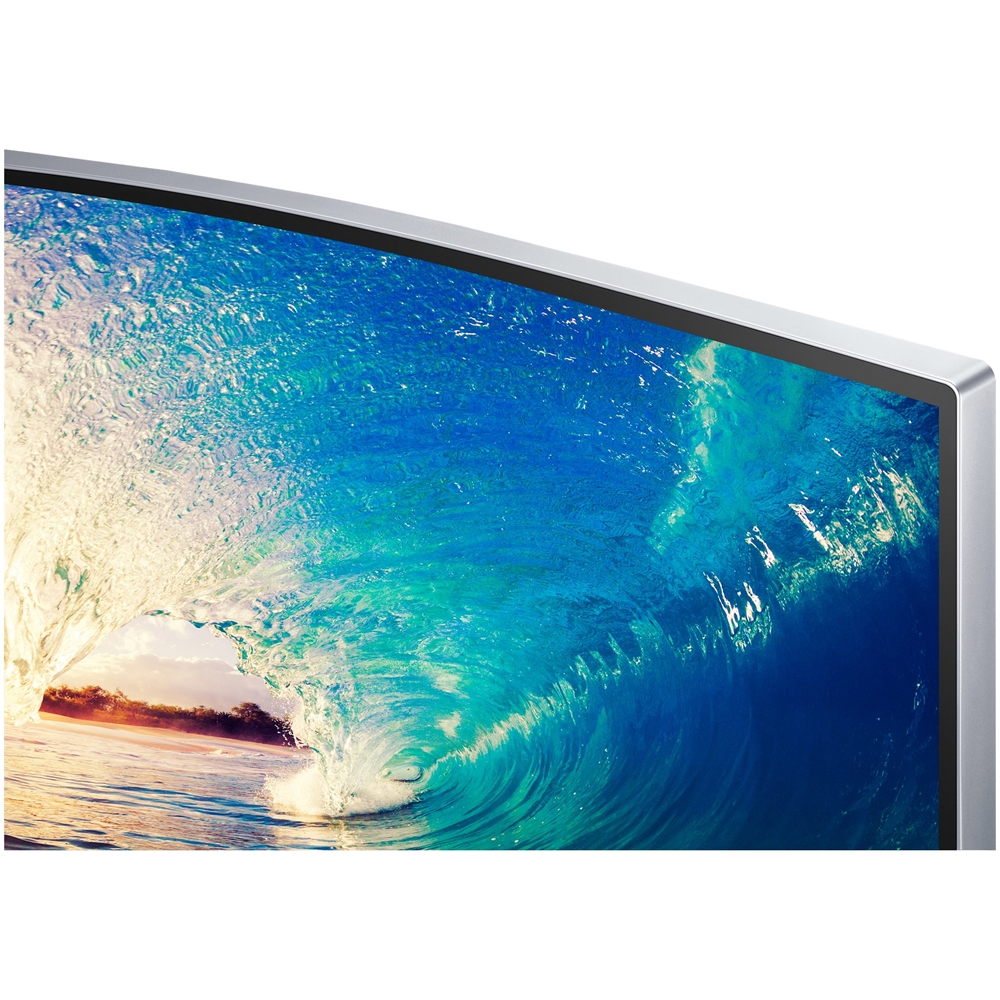
A:AnswerIt has a pretty shiny finish, it does have a couple settings that you might help with what your asking, it has a regular setting and then it has what is called a gaming on setting, and that takes the resolution and quality of the image and makes it pop really well.
A:AnswerNo this monitor does not support 4K content , However they did have one the same size curved as well that does support 4K for an additional 100.00. only difference it had a white stand.
A:AnswerWith the remote guide there should be a code or more likely several codes for Samsung pairing. If you don’t have your guide, go online and search “pair remote to Samsung TV”
Good luck.
A:AnswerThe most common problem is your connection. Ensure that it is connected to the correct ports. If so, make sure that both ends are fully inserted. I know this sounds way to simply but, many people (including myself) have done this in the past. Make sure that you don't have a problem with your new computer. I've bought several new things in the past that were defective. Many times, we overthink things too much. Good luck!