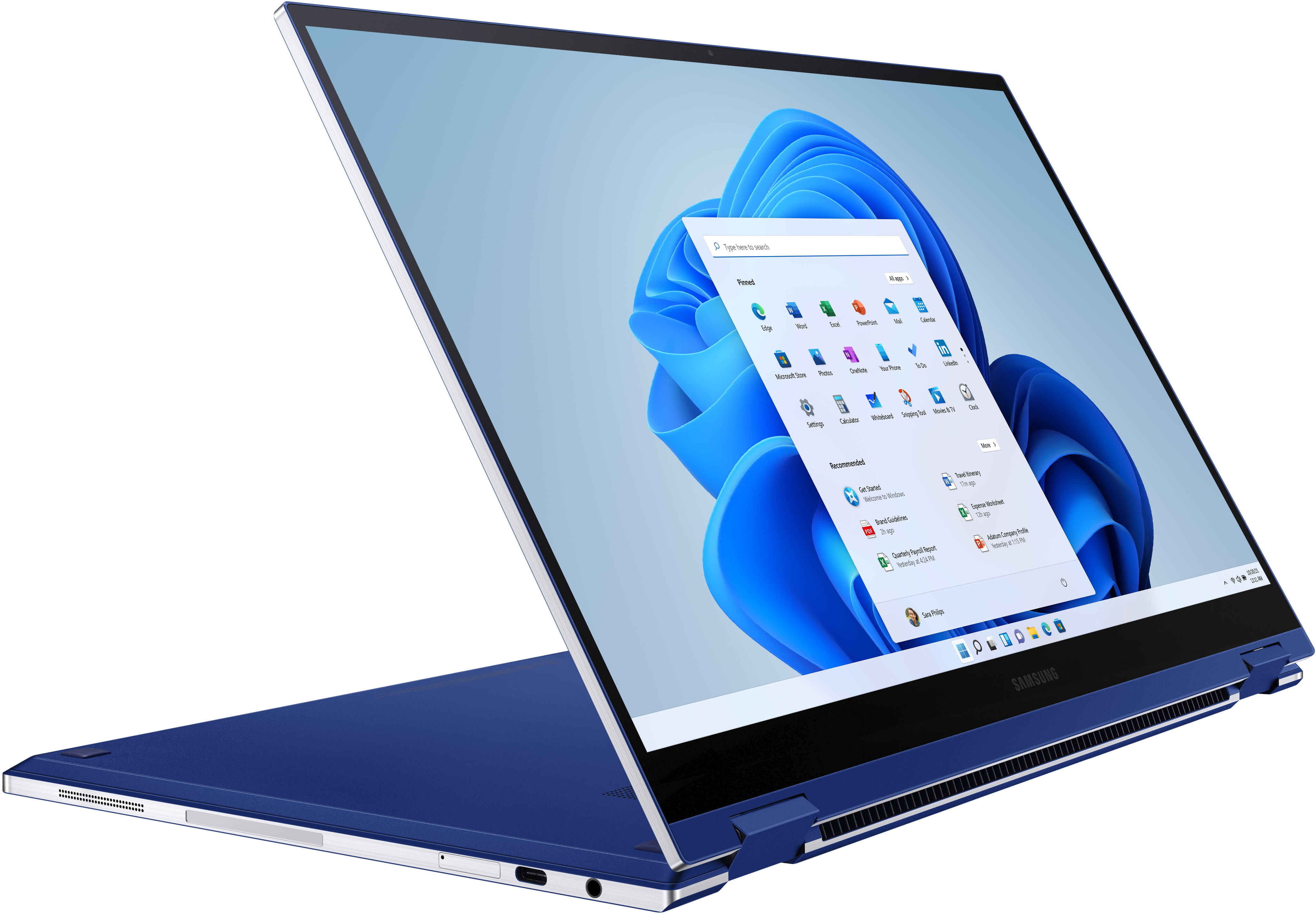
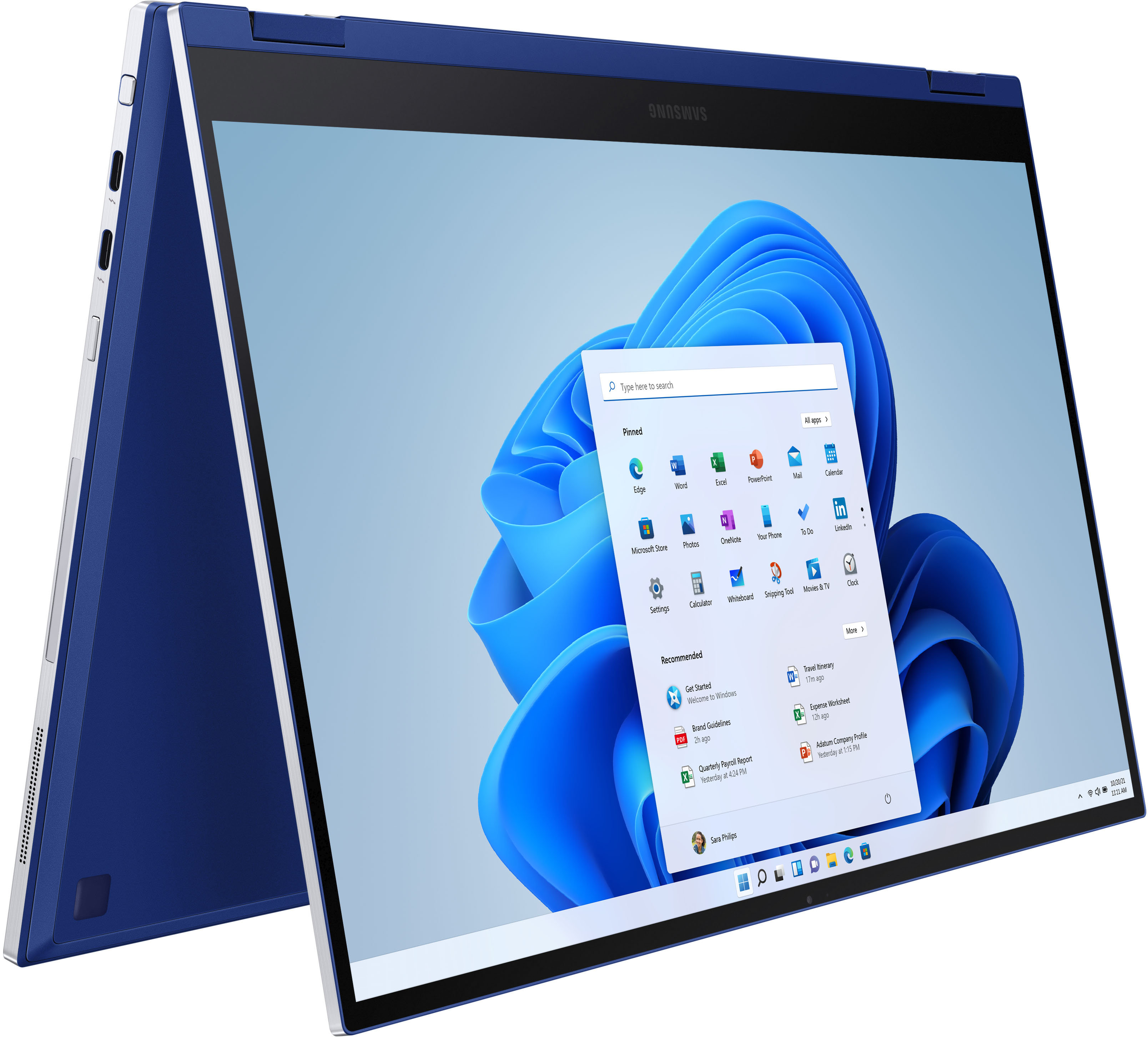
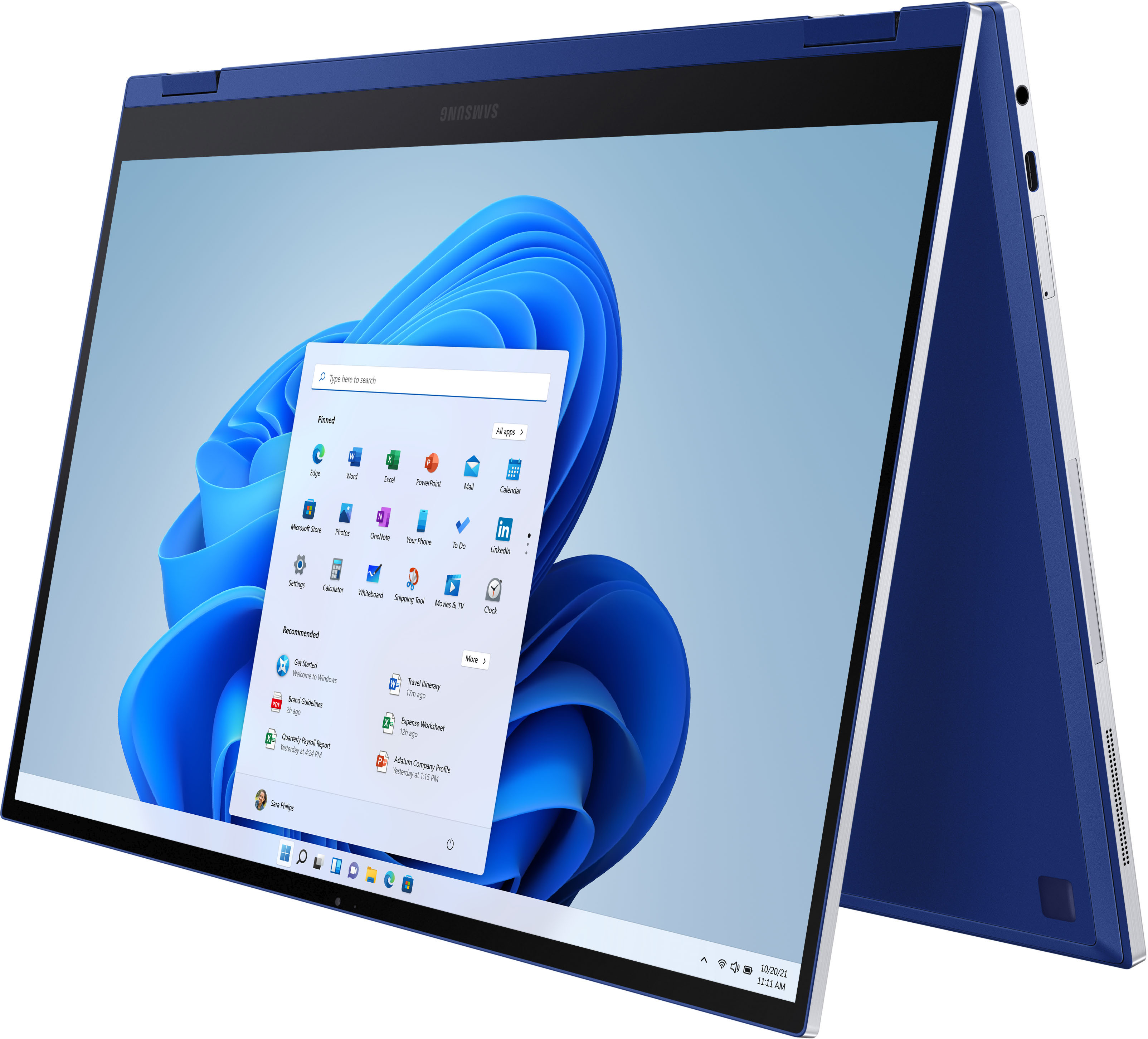
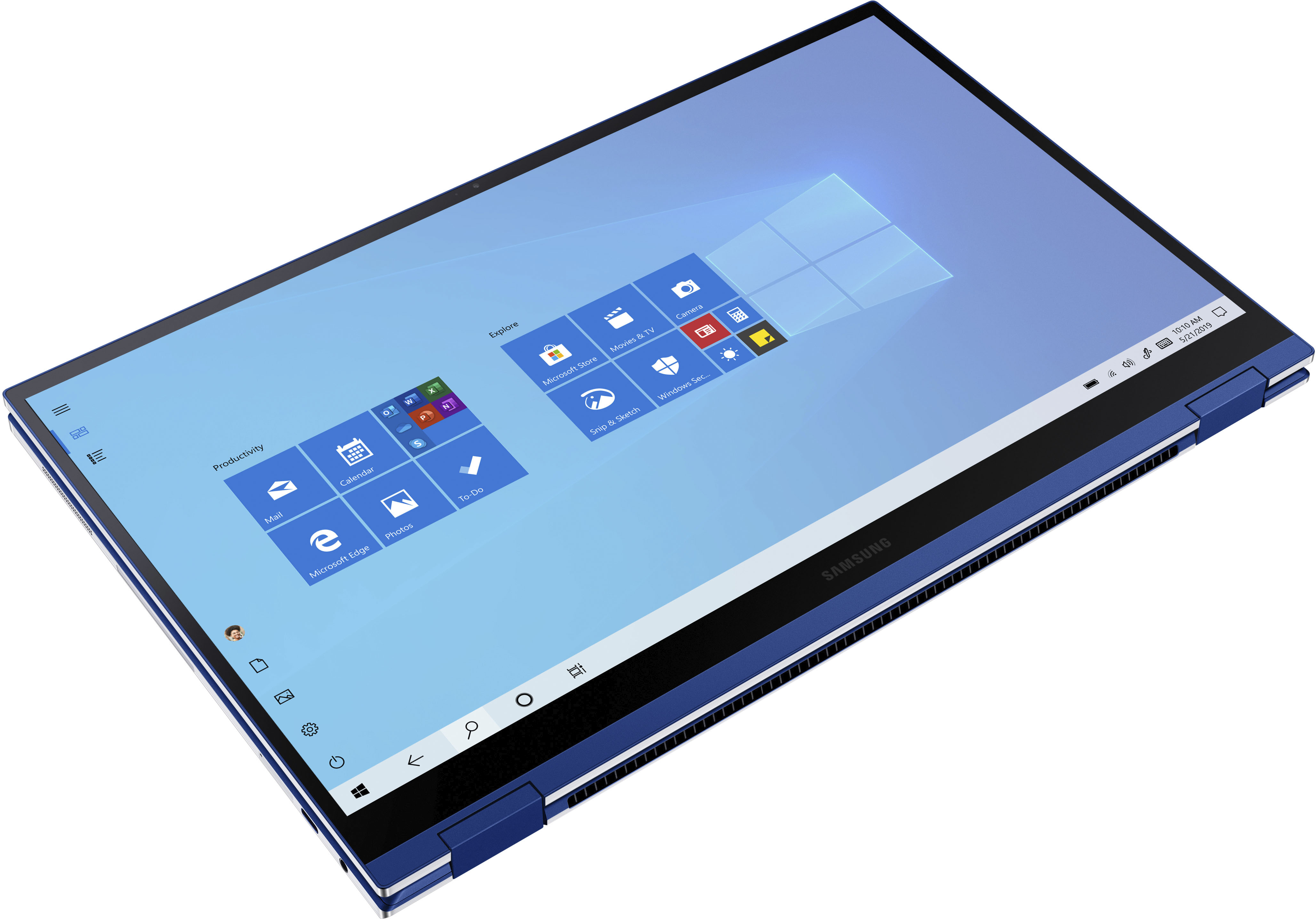
A:AnswerIt only has 1 SSD slot, the 15.6" version at least. I just got done upgrading the 512 GB SSD to a 2 TB SSD and it's an even better laptop now! I'd assume the 13" has the same amount of slots.
The Ion must have a different motherboard. The Ion only has 1 of 2 RAM slots soldered in as well so you can stick in another RAM stick if you want to.
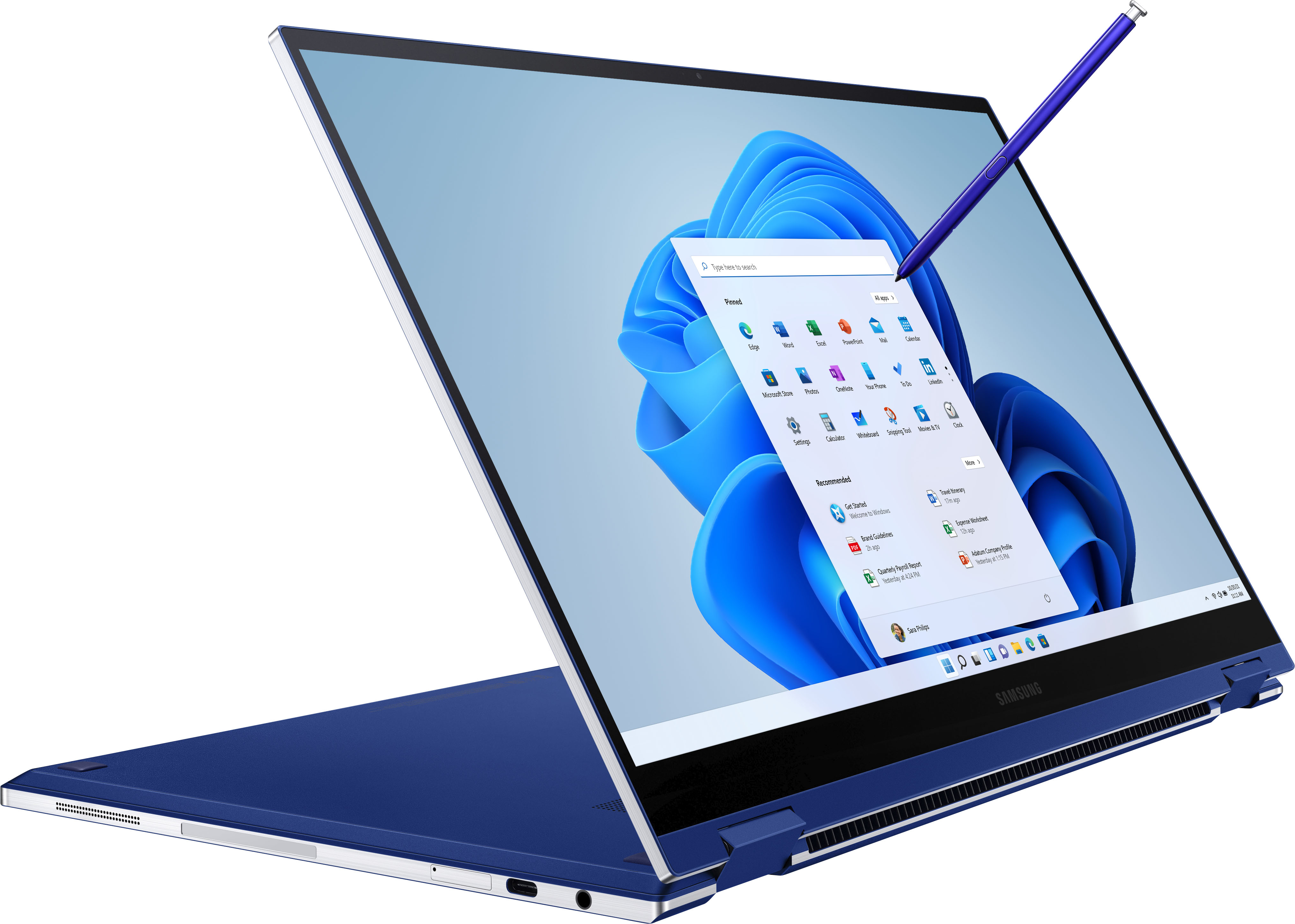
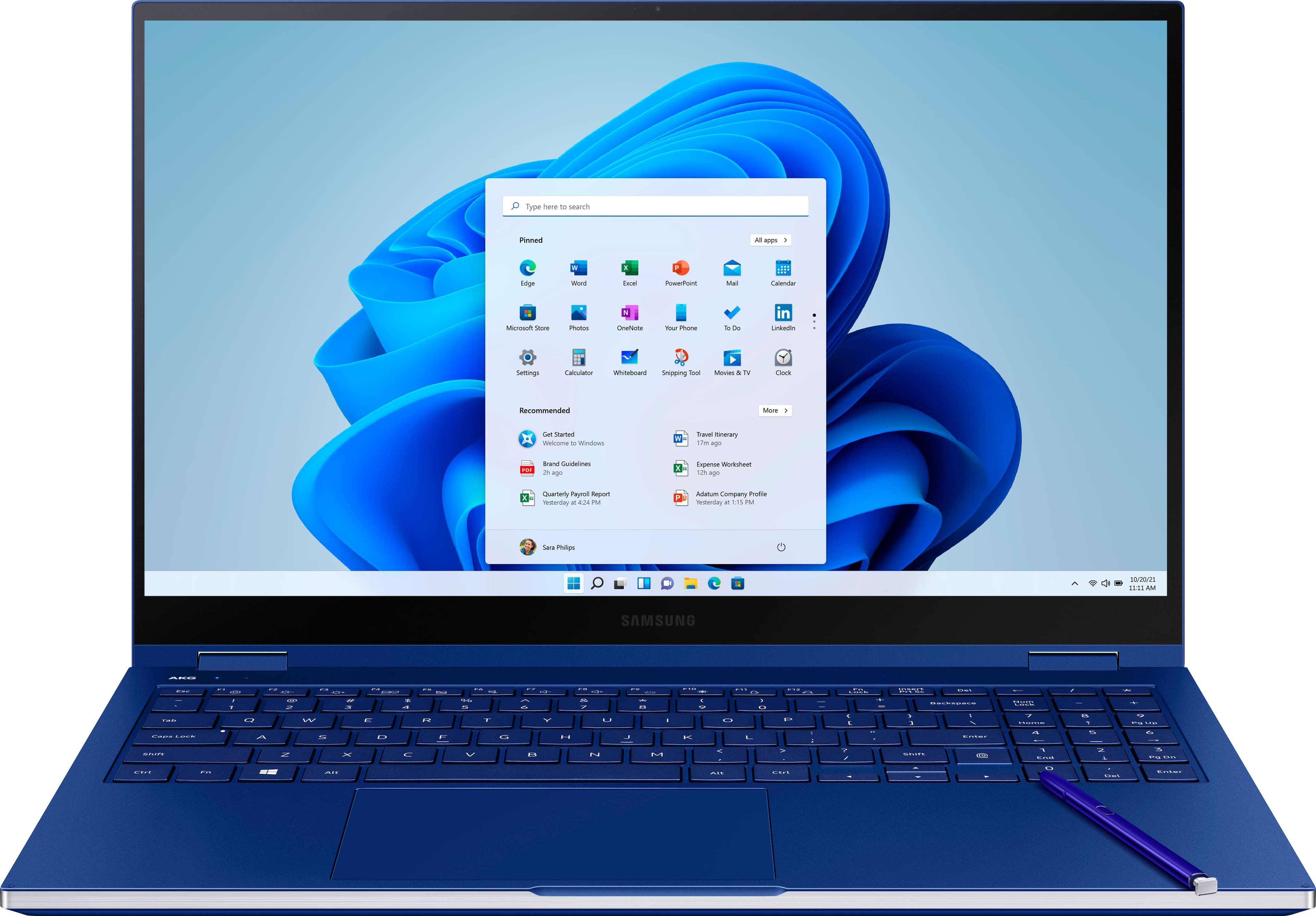
A:AnswerA US power charger that has a USB-C plugin instead of the usual AC adapter comes in the box. You also get an S-pen removal tool with a couple extra tips, a USB-A to USB-C adapter and an eject tool for accessing the SDcard tray. The USA version of this laptop apparently doesn't come with the HDMI to USB-C adapter or the white wireless mouse like the Korean version does, which kinda made me sad. Still a beautiful 2 in 1 notebook.
A:AnswerYou can but it will be at low graphics. This laptop does not have a dedicated GPU and uses the graphics built into the CPU. You can add an external GPU to boost performance but if your looking for a laptop for gaming this isn't really the one you would want.
A:AnswerThe NVME SSD can be upgraded after you purchase it by opening up the laptop. I'm going to upgrade my 15" Flex's SSD to a 2 TB SSD from the 512 GB SSD that came with it.
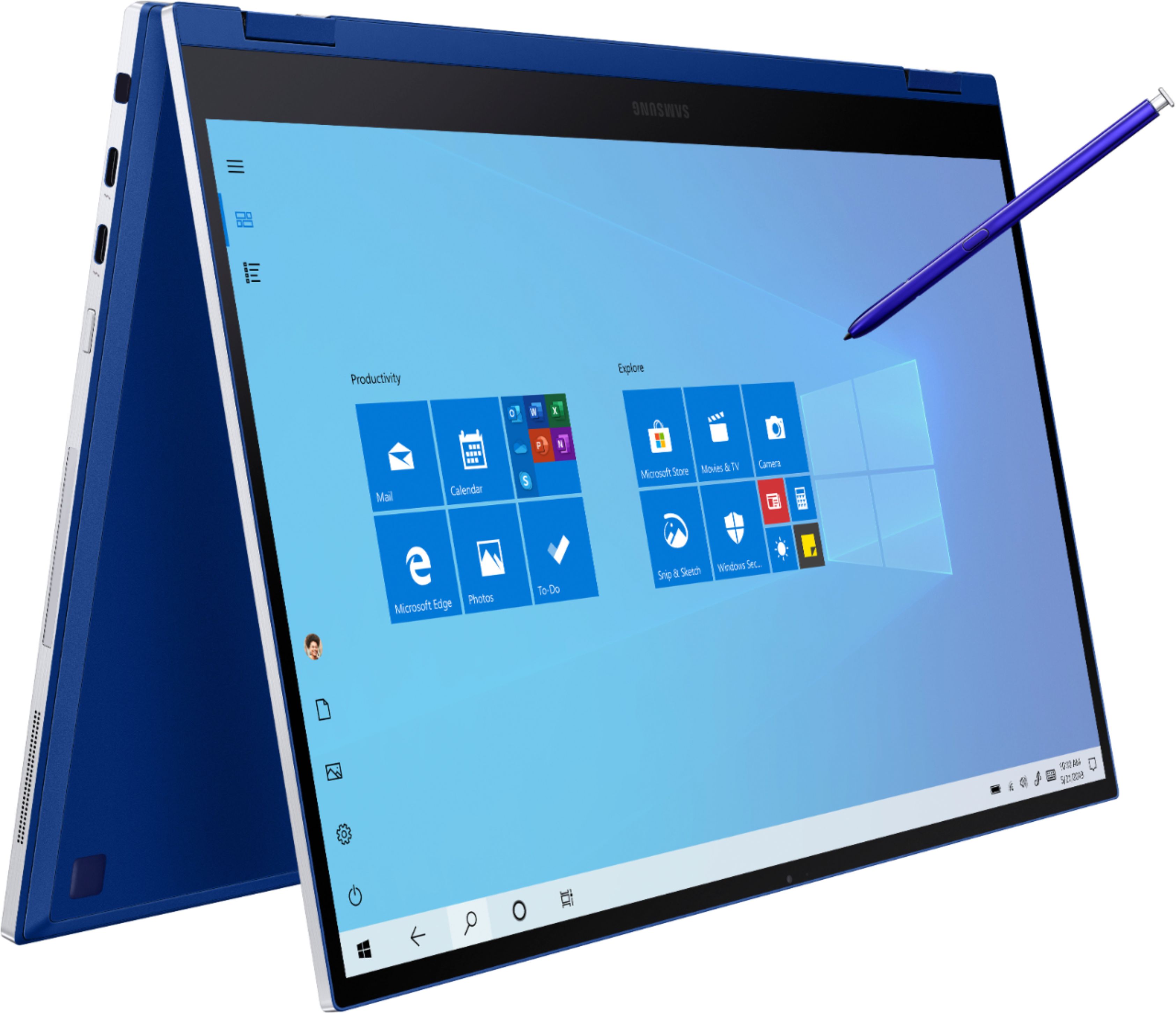
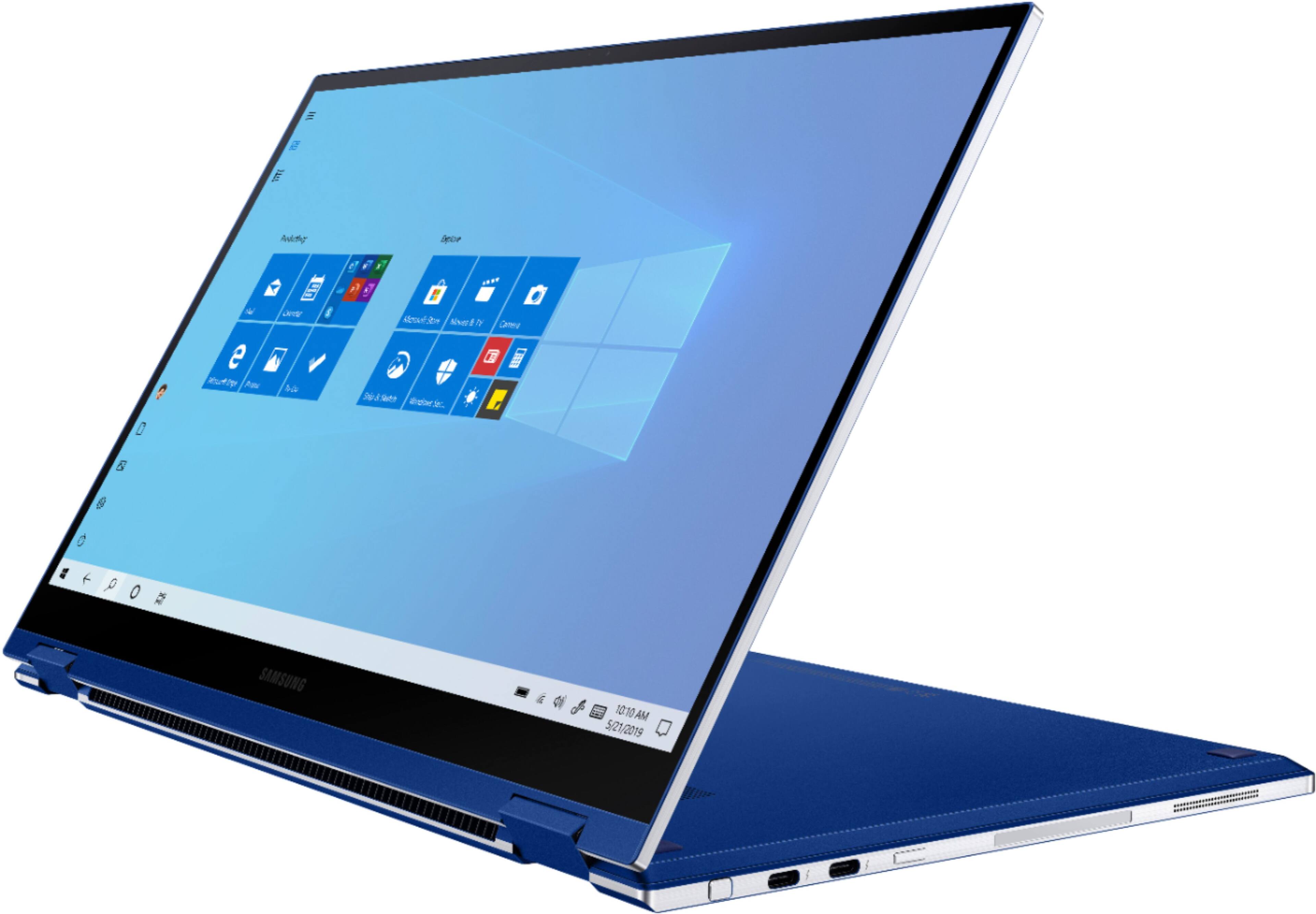
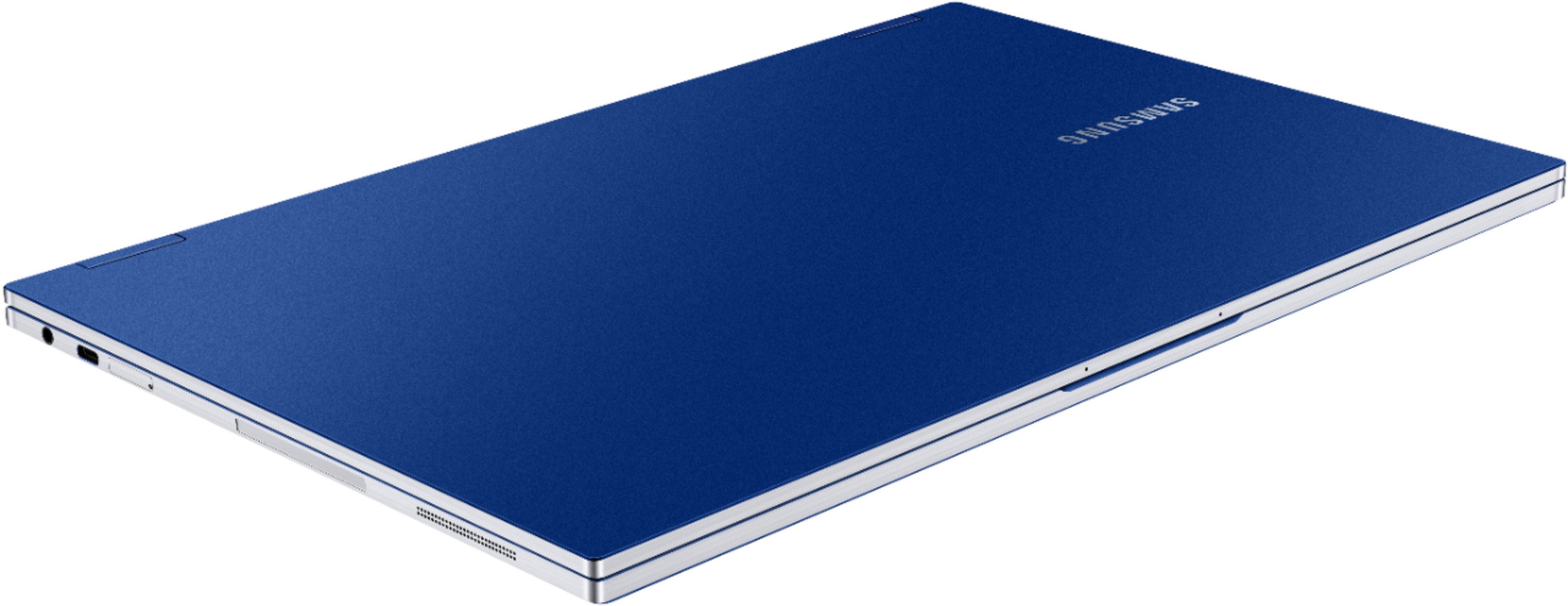
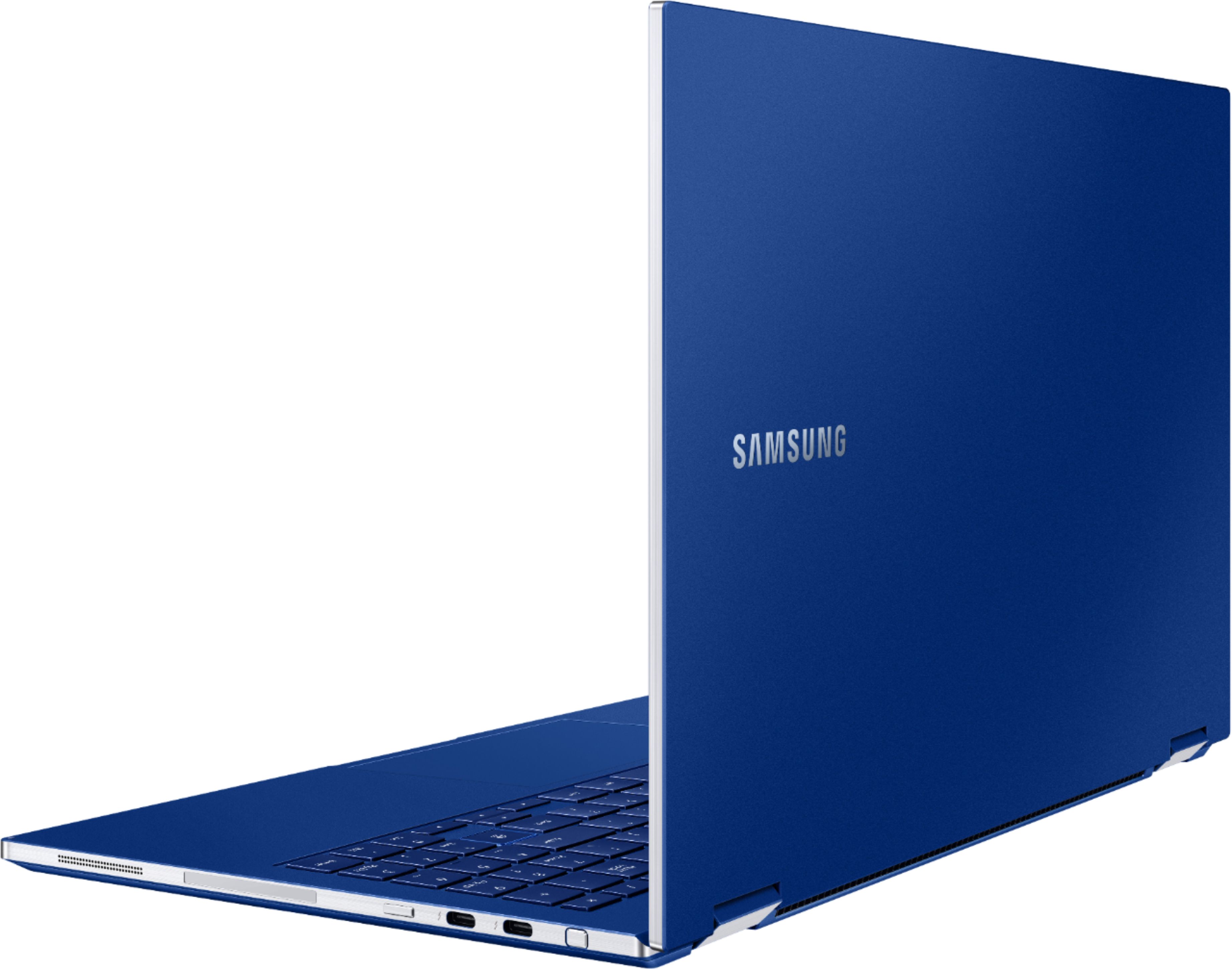
A:AnswerThis just has 2 Thunderbolt ports and 1 regular USB-C port and does not have any "standard" USB-A ports. It does come with 1 USB-A to USB-C adapter in the box when you buy it, so that helps. You will need to purchase more adapters or be mindful to get other devices or cables that use USB-C connectors in the future. USB-C is the new standard so more and more devices will be ditching the old "standard" USB-A ports especially to keep new laptops slim.
A:AnswerI don't have the device, but I have heard that if you go though the installation process for all of the initial updates it is supposed to perform better. You can try updating the operating system, BIOS and any apps from the Windows 10 store your have installed on your machine. This should improve the sound quality and some other things on it as well. I have heard people are getting around 10 or so hours, so hopefully that should help at least a bit. The advertised 20 hours for the 13 inch model and 19 hours for the 15 inch version are likely when they are idle since other manufacturers often do the same thing. Another thing you can try is turning off location services and Bluetooth in addition to decreasing the brightness of the screen. These features are known to consume battery life quickly, especially on touch screen laptops. Good luck.
A:AnswerYes you can download apps and games but this runs Windows rather than Android. There is the Microsoft store and you can install anything else that you normally can on a Windows machine. This won't be able to play high end games as it has on board graphics but the same would apply to a tablet as well.
A:AnswerIf you get a Samsung solid state drive and manually insert it into the device it might cost you around $200-250 from what I see available online. There are Samsung drives that are less than or equal to 2TB of storage on Best Buy's website. This is assuming you follow the instructions of a video tutorial on YouTube and install the component yourself, thus saving some time and money in the process. Good luck.
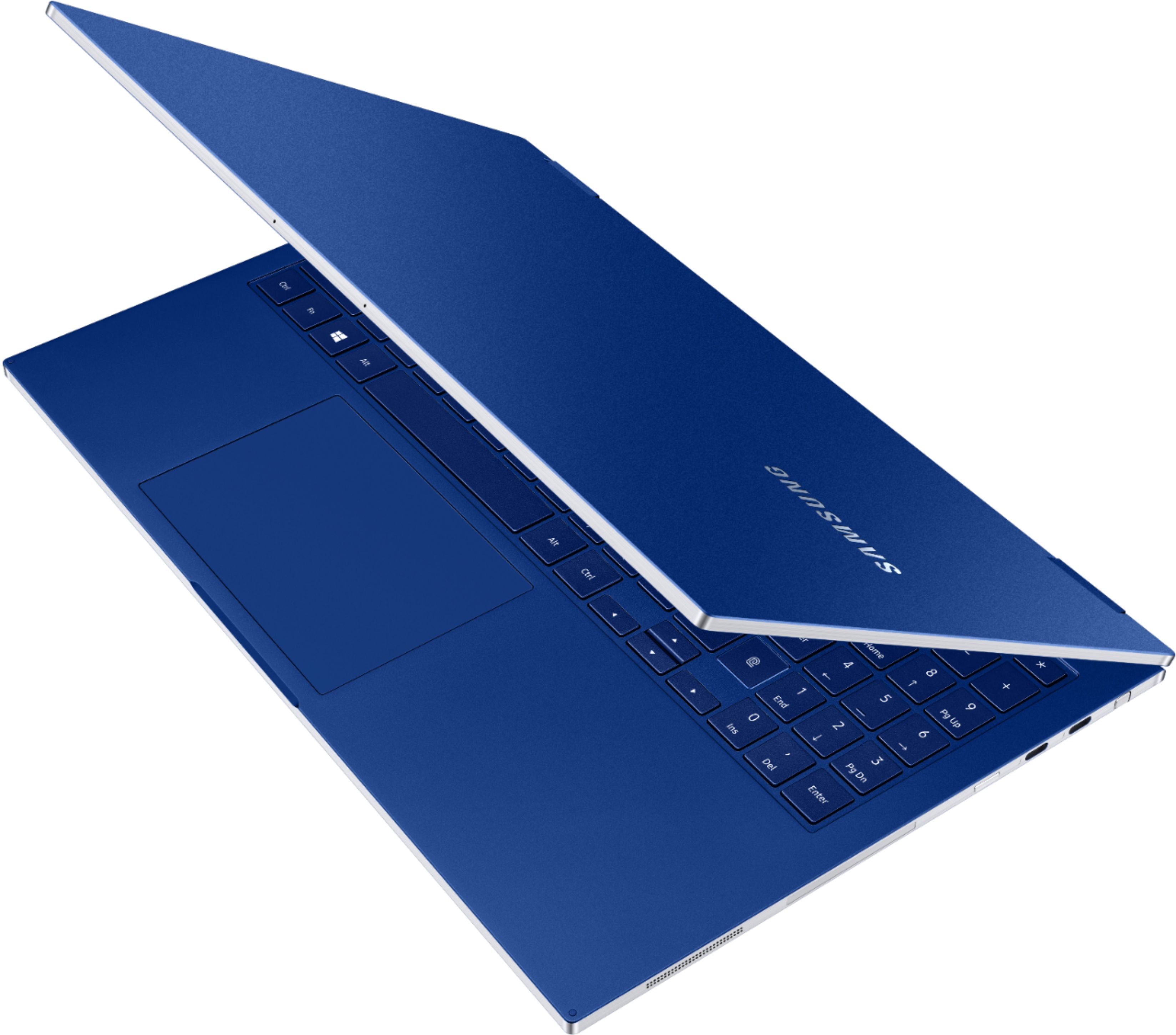
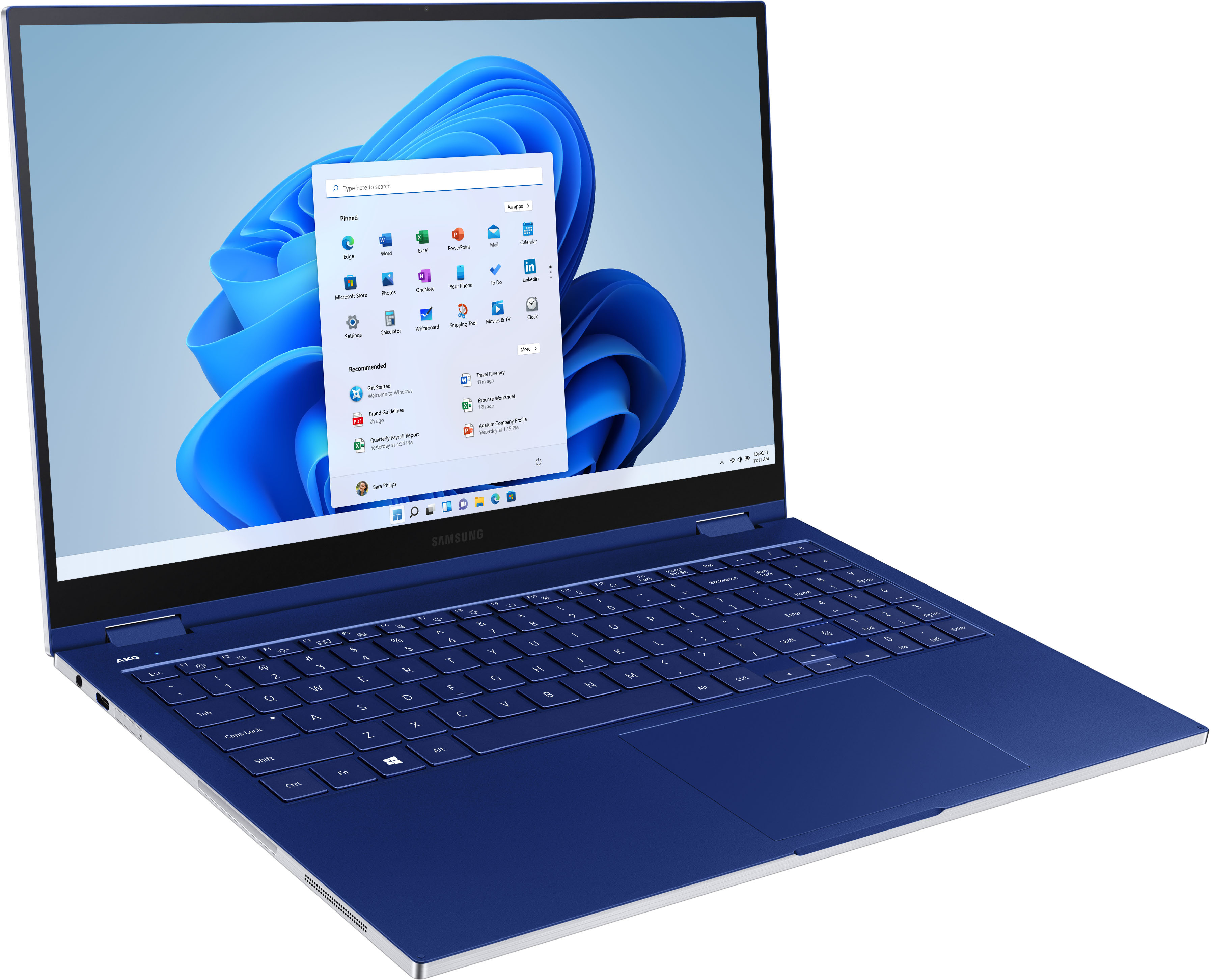
A:AnswerYes the track pad is a wireless charger you turn it on through settings and place items on it. I have used all items you mentioned all work fine charging
A:AnswerThis 2-in-1 laptop does work with an external CD/DVD/Blu-Ray player. Here is what you will need:
- LG Blu-Ray Rewritter
- 2 USB A (normal USB port/plug) to USB C adapters
The rewritter can be bought at BestBuy without much searching and the needed adapters are also available on BestBuy's website as well. The rewritter will take two USB ports on the laptop, so that is why you will need more than one adapter to convert signals from one form of USB to another. There is only one USB A to USB C adapter in the box, so it will not be sufficient for the job. Try the silver USB adapters by J5 Create. They will function properly, but remember to install the necessary software to operate the video player which will be included with the rewritter before you try it.
A:AnswerNo and yes. Though there are no HDMI ports on the actual device, you can get a USB C to HDMI adaptor for that purpose. It should perform as intended, so there is a way that the laptop can function in that manner.
A:AnswerI do have some difficulty with palm rejection, but mostly on the edges since the trackpad is large. The pad is quick to turn on and off, so there is always that option if using the touchscreen more (or external mouse).
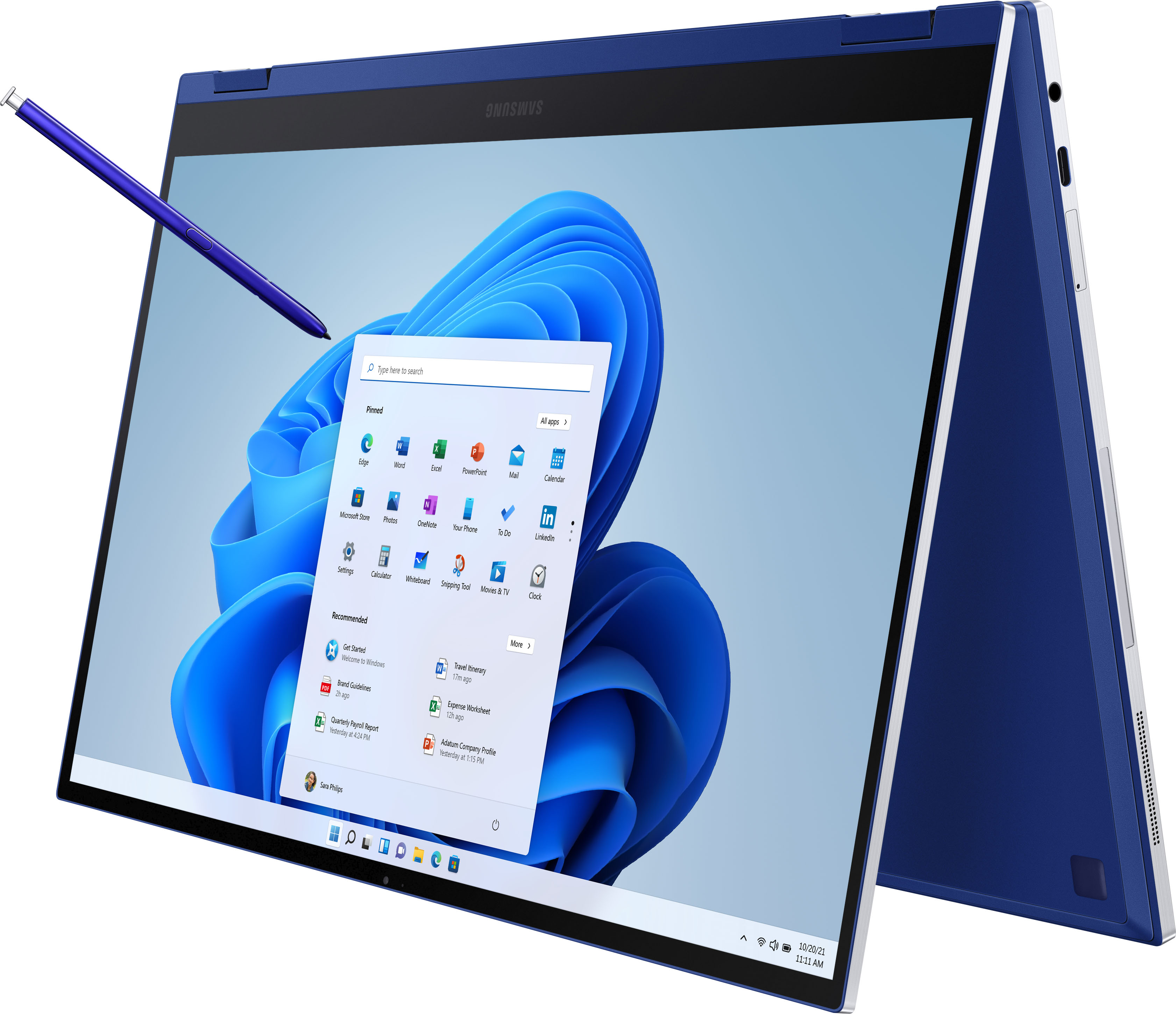
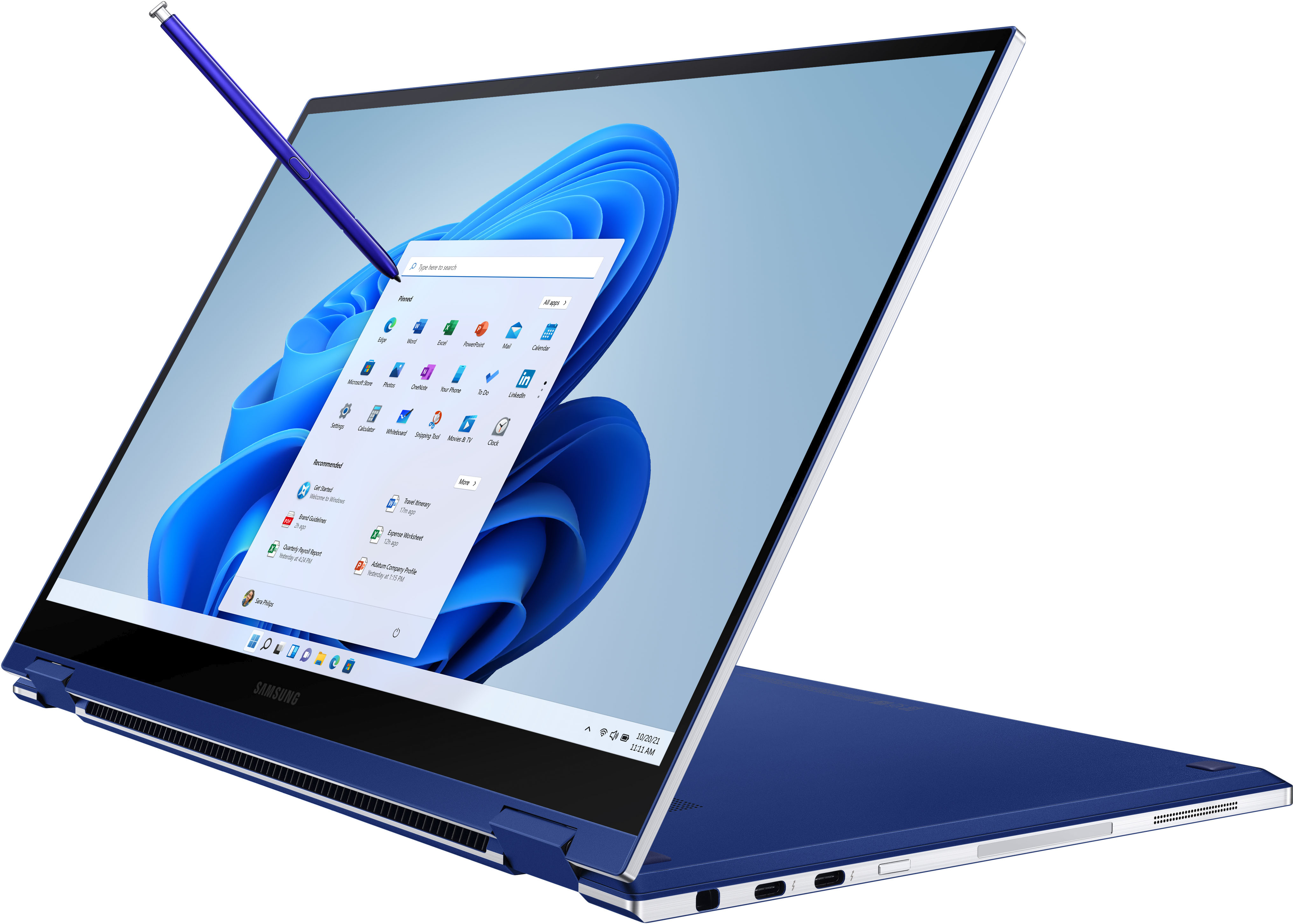
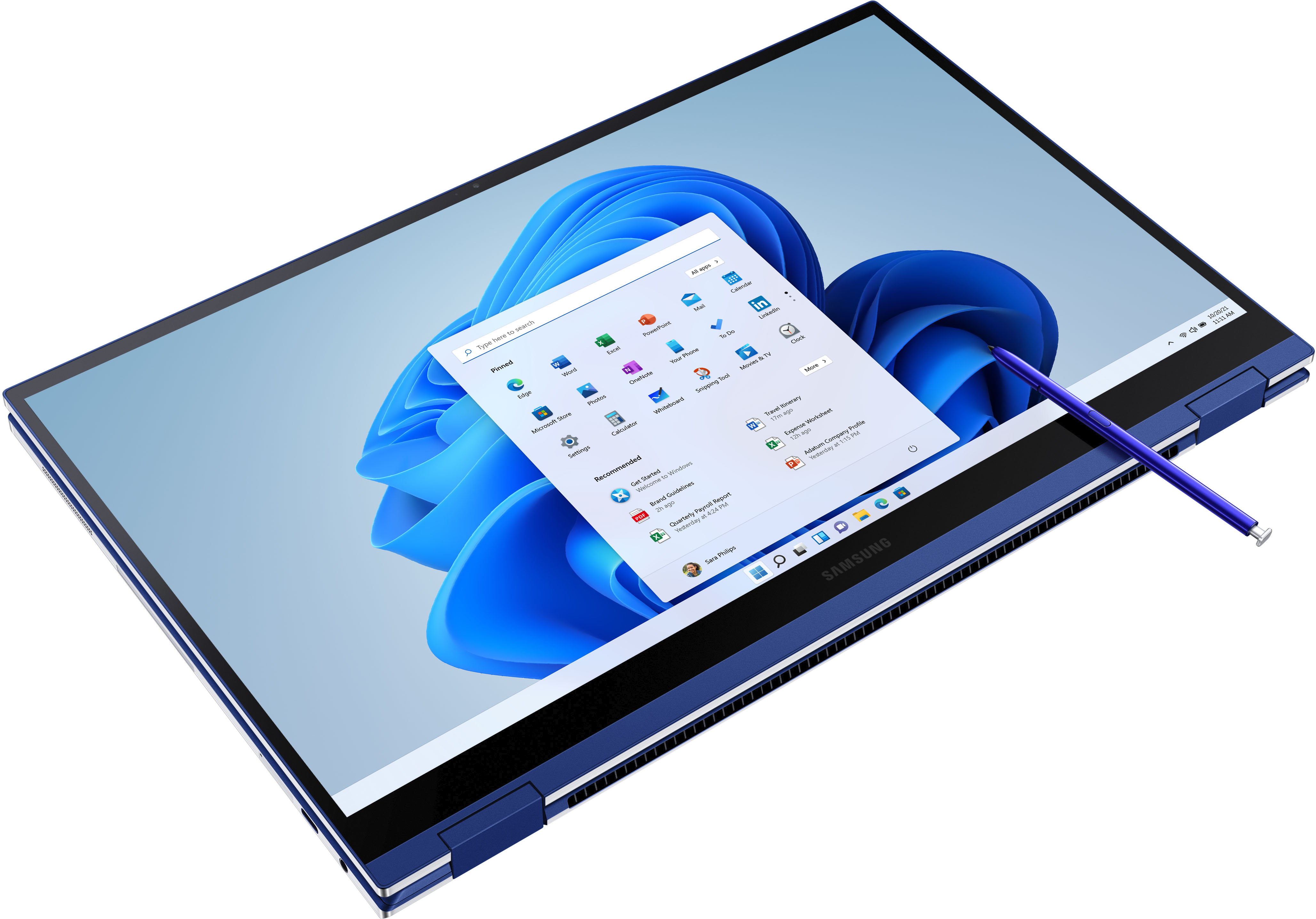
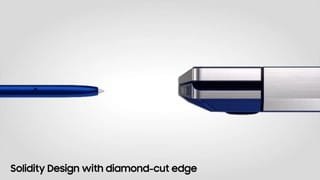
The stylus interacts well and allows precise placements. The soft tip does contact the screen, but shouldnt scratch. Comes with 2 spare tips of different colors.
Overall, love the machine. Quick. Not big 3d gaming capability, but crisp and clear and bright.
A:AnswerYes, you can install the Chrome web browser onto the laptop since it uses Windows 10 Home edition as its operating system, but I doubt you can put Play Store apps onto it since it is not an Android tablet. However, you can login to your Google account and access your email as well as stream your movies and shows from there if that is what you want to do. You might be able to more from there as well, and I think there is a way to simulate an Android environment within Windows 10 using some type of software. So you might be able to utilize Android apps in this fashion on the device. Good luck.

A:AnswerWho knows when they will have more new ones in stock. If you keep an eye on the site, there are "open box" laptops available sometimes and at the time of this writing there is an open box one available for about $100 cheaper. You can try your luck with one of those or you can order directly from Samsung but you can't use your Best Buy credit card. Samsung has their own financing that you could apply for.
A:AnswerThis device works with external optical drives (rewritters) and handles CDs, DVDs, and even Blu-Ray discs. Check out the external LG Blu-Ray Rewritter on BestBuy's website. It uses two USB ports to function though, so you will need two USB A to USB C adapters for it to run properly.