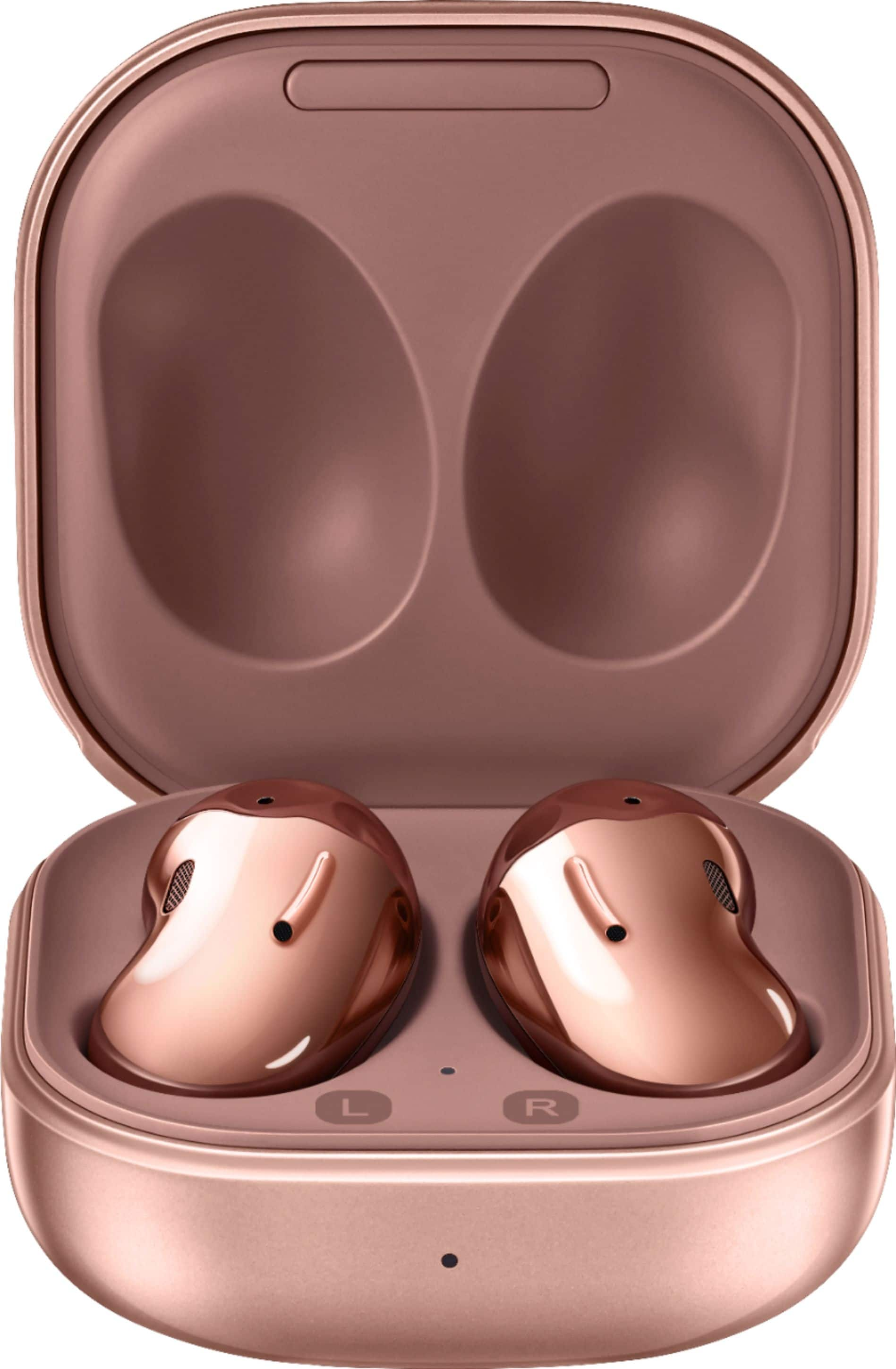
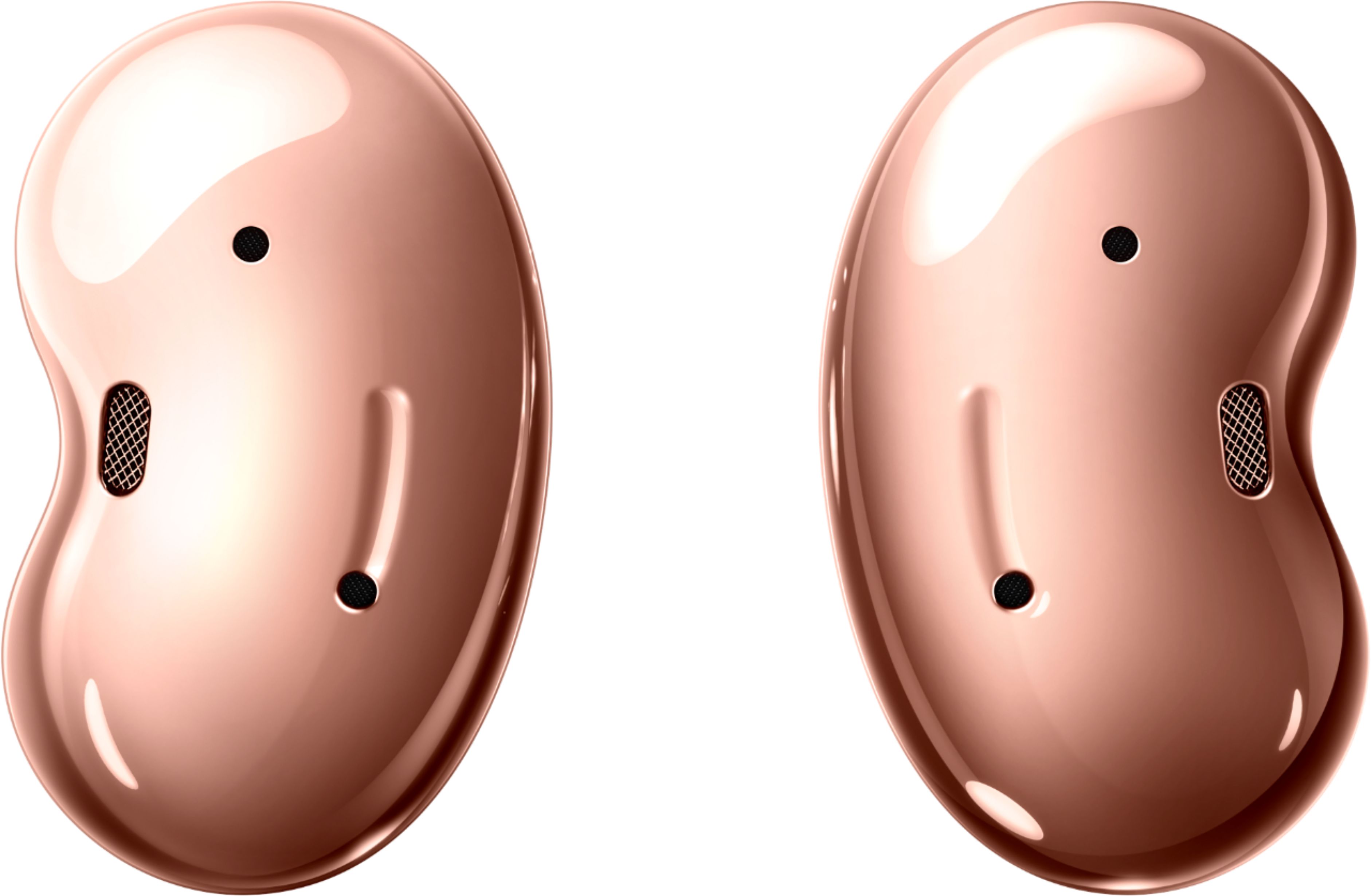
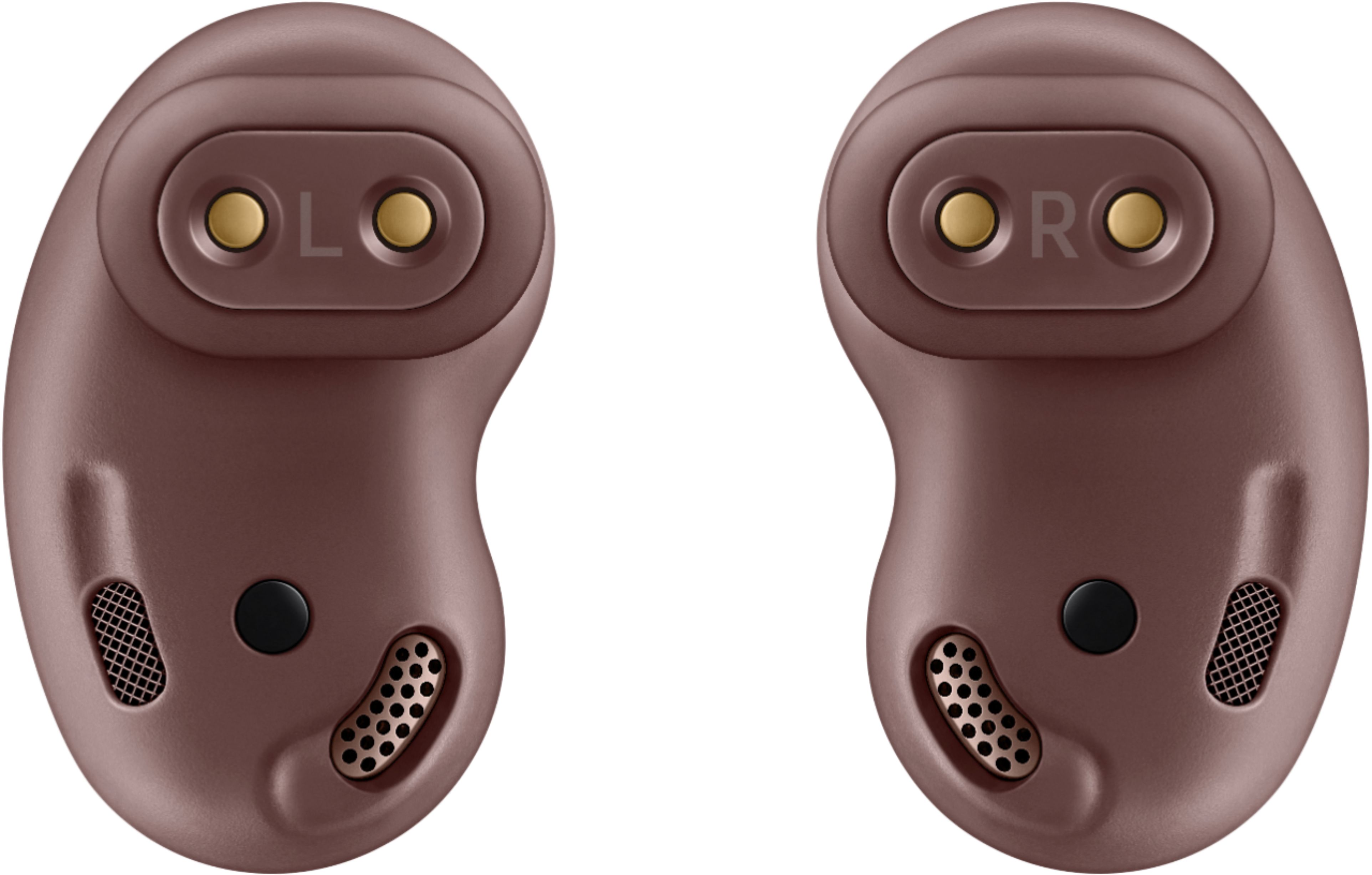
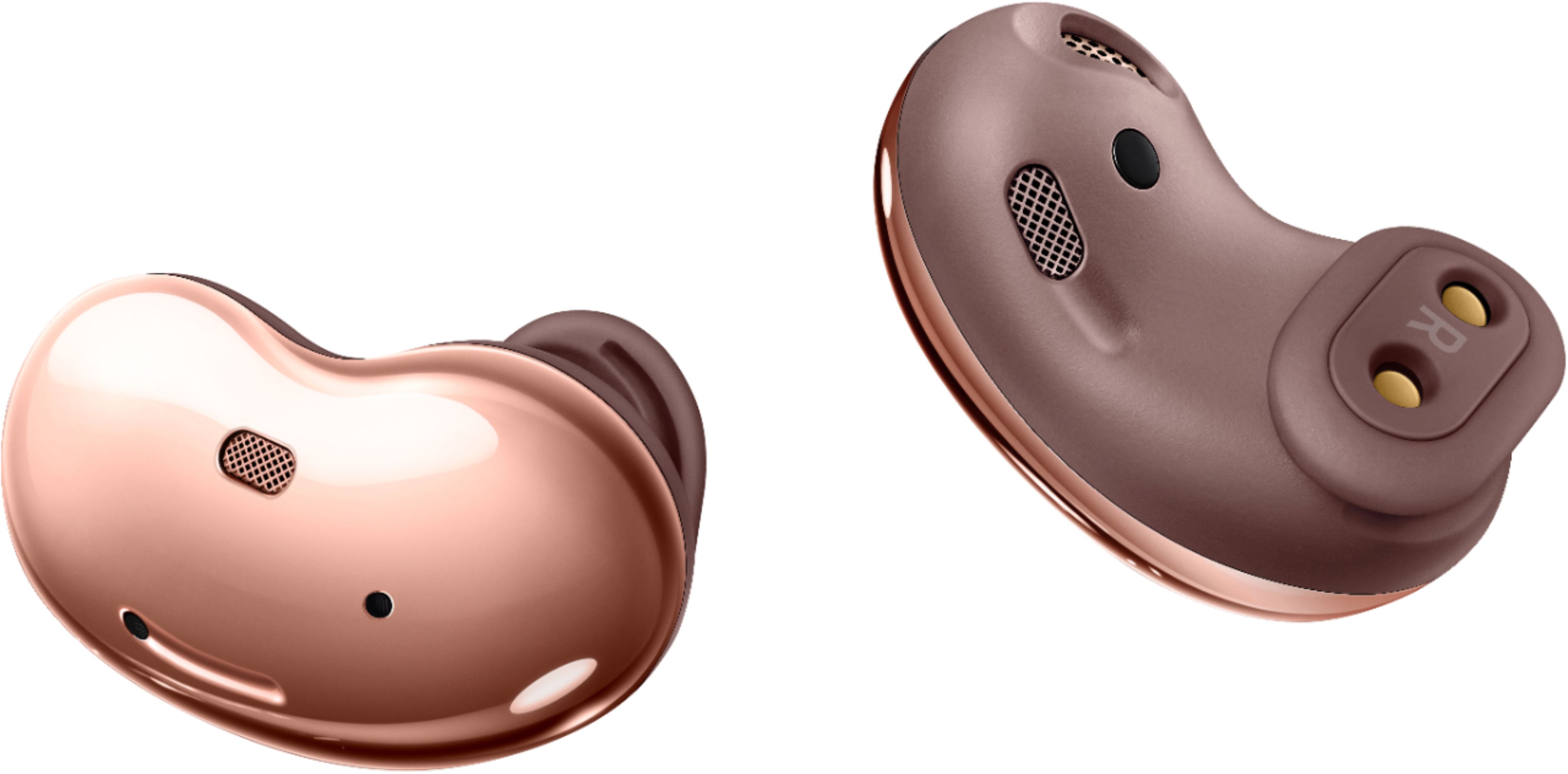
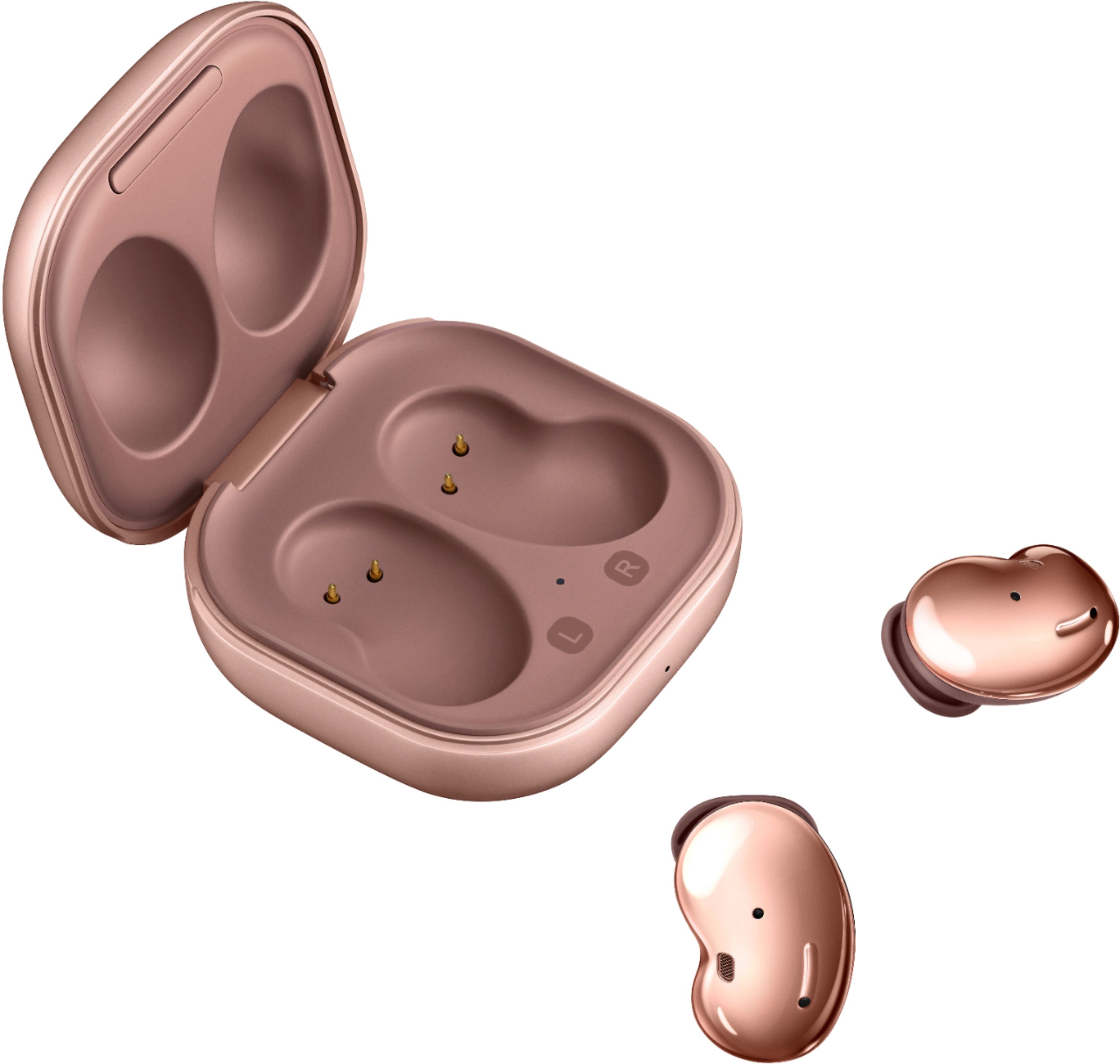
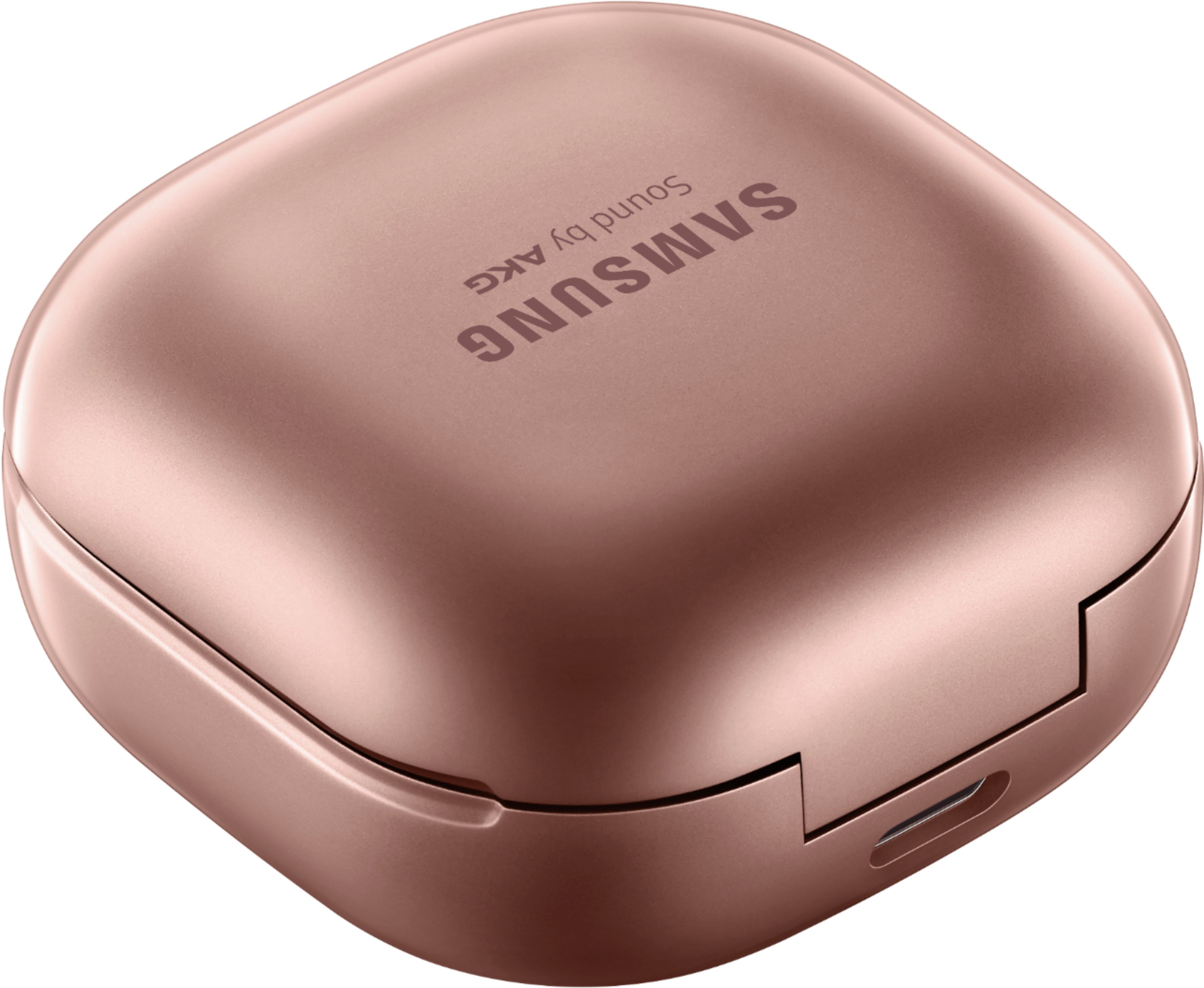
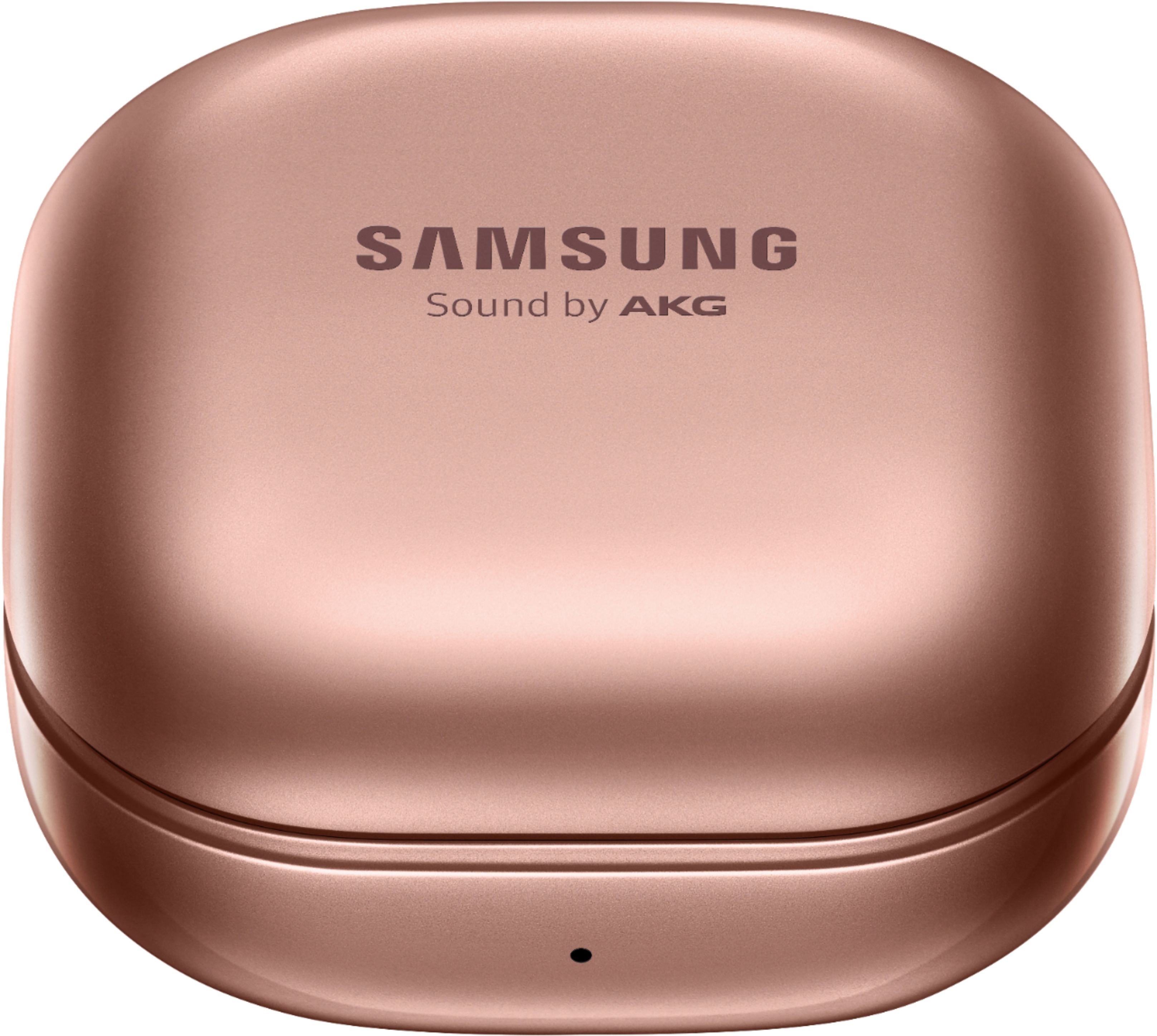
A:Answer Yes, the Samsung Galaxy Buds should work with an Apple iPod 7th generation.
The Galaxy Buds Live use Bluetooth technology to connect to devices, which is a universal wireless standard that allows for compatibility with a wide range of devices, including smartphones, tablets, computers, and media players. The iPod 7th generation also supports Bluetooth connectivity, so you should be able to pair the Galaxy Buds Live with the iPod and use them to listen to music or make calls.
To pair the Galaxy Buds Live with the iPod, make sure that Bluetooth is turned on and that the earbuds are in pairing mode. You can put the earbuds in pairing mode by removing them from the charging case and pressing and holding the touchpad on the earbud until the indicator light on the earbud flashes.
Then, on the iPod, go to Settings > Bluetooth and turn on Bluetooth. The iPod should search for available devices and display the Galaxy Buds Live in the list of available devices. Select the Galaxy Buds Live from the list and follow the on-screen prompts to complete the pairing process.
Once the Galaxy Buds Live are paired with the iPod, you should be able to use them to listen to music, make calls, and control playback directly from the earbuds.