A:AnswerYes. With the sound on, and ambient sound turned off, it's nearly impossible to hear anything around you. Of course you CAN still hear things going on, just extremely faint. Someone talking extremely loud is usually what you'd hear, and even then, you can't make out much of what's said without removing an ear bud or turning ambient sound on.
A:AnswerI've left my phone in my car while at the gas station and went inside to pay for the gas, and I was still able to talk on the phone so I would say at least, 20-50ft range.
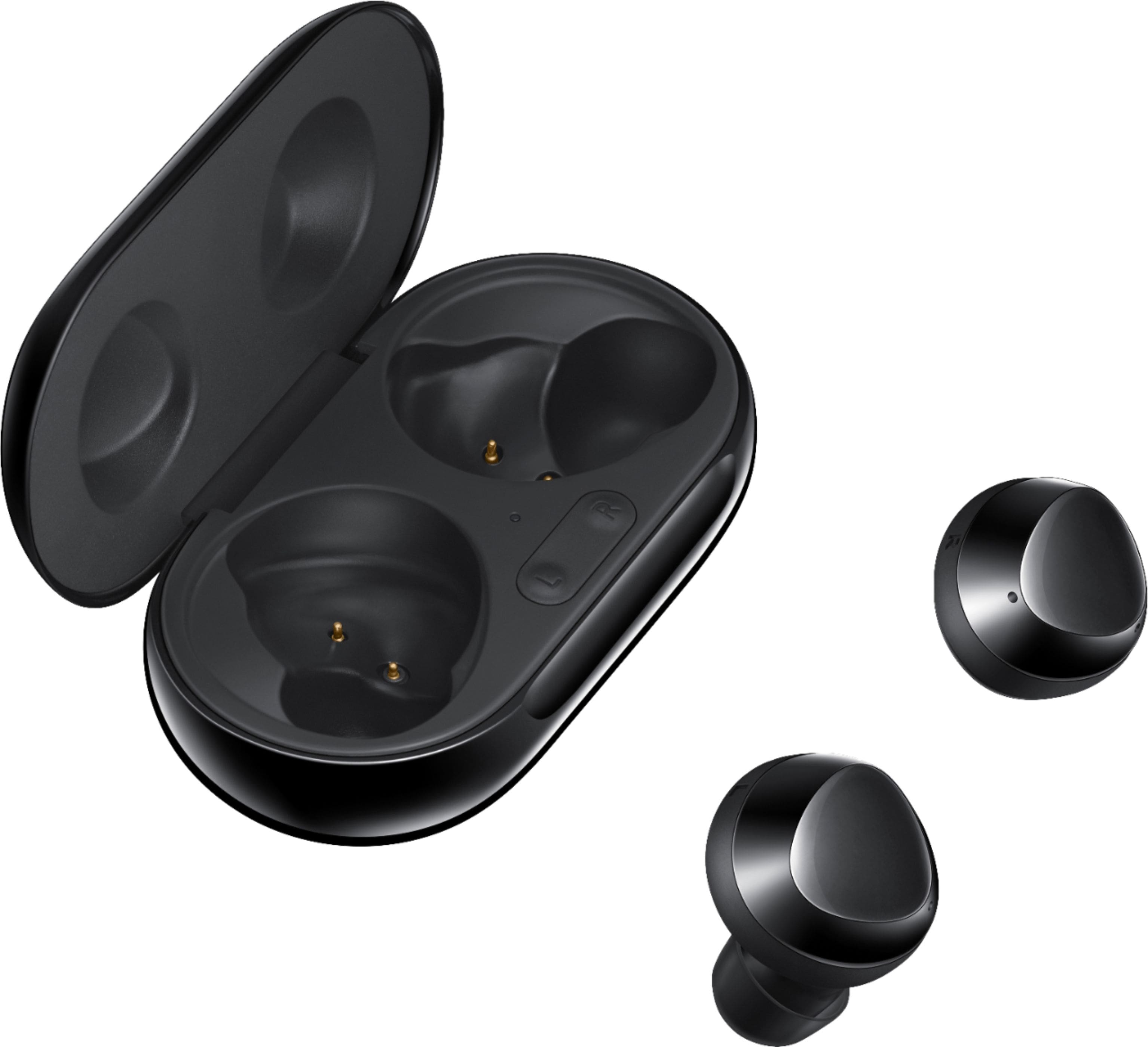
A:AnswerI have personally charged the Buds with my laptop with no issues. I have also charged them using my Samsung Galaxy Note20 Ultra phone as well as my Playstation 4 and a power bank and I have not had any issues with any of them. I would say though that it seems to me that the fastest way to charge them is with the fast charge brick and cable plugged into a wall.
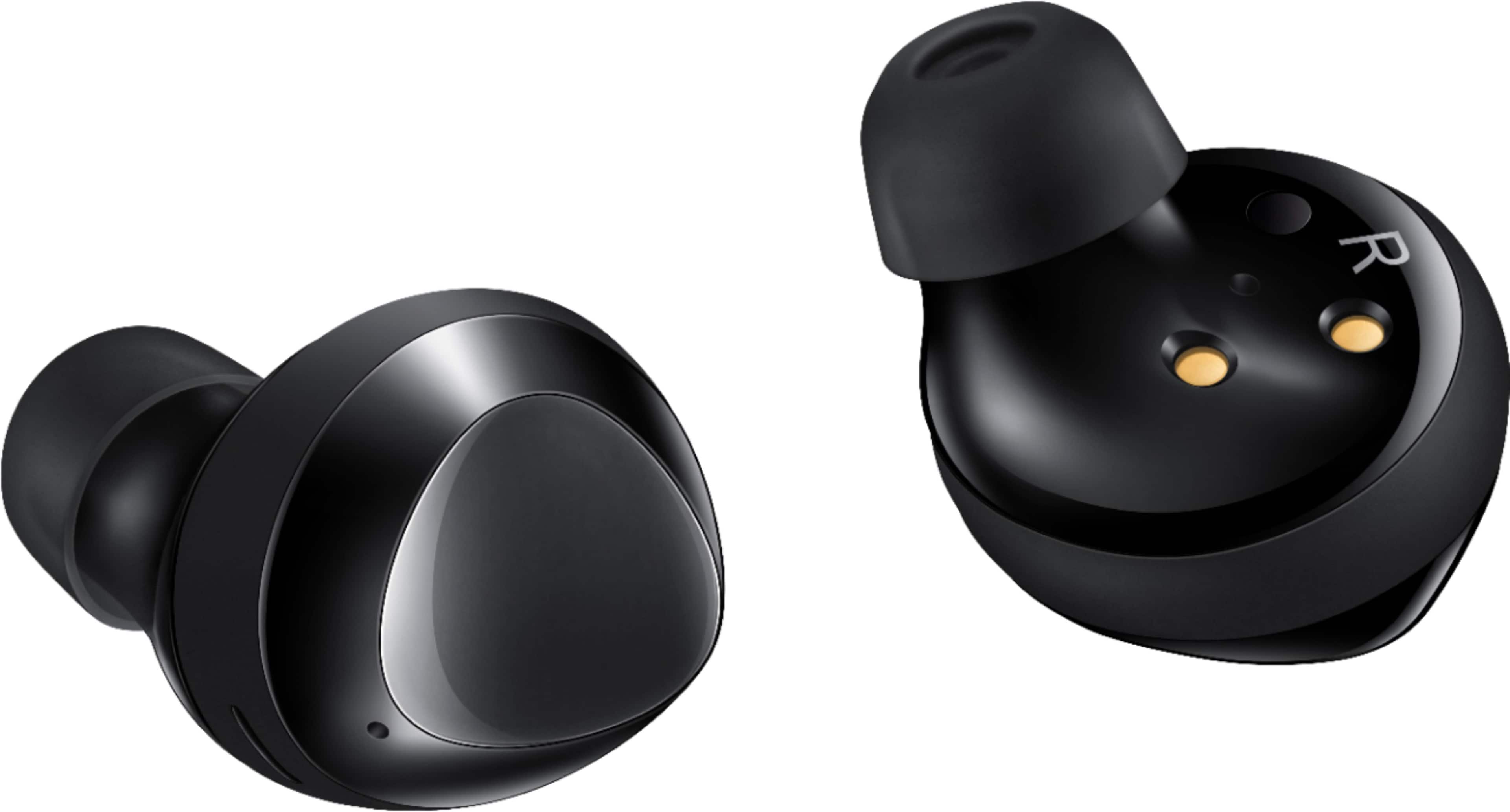
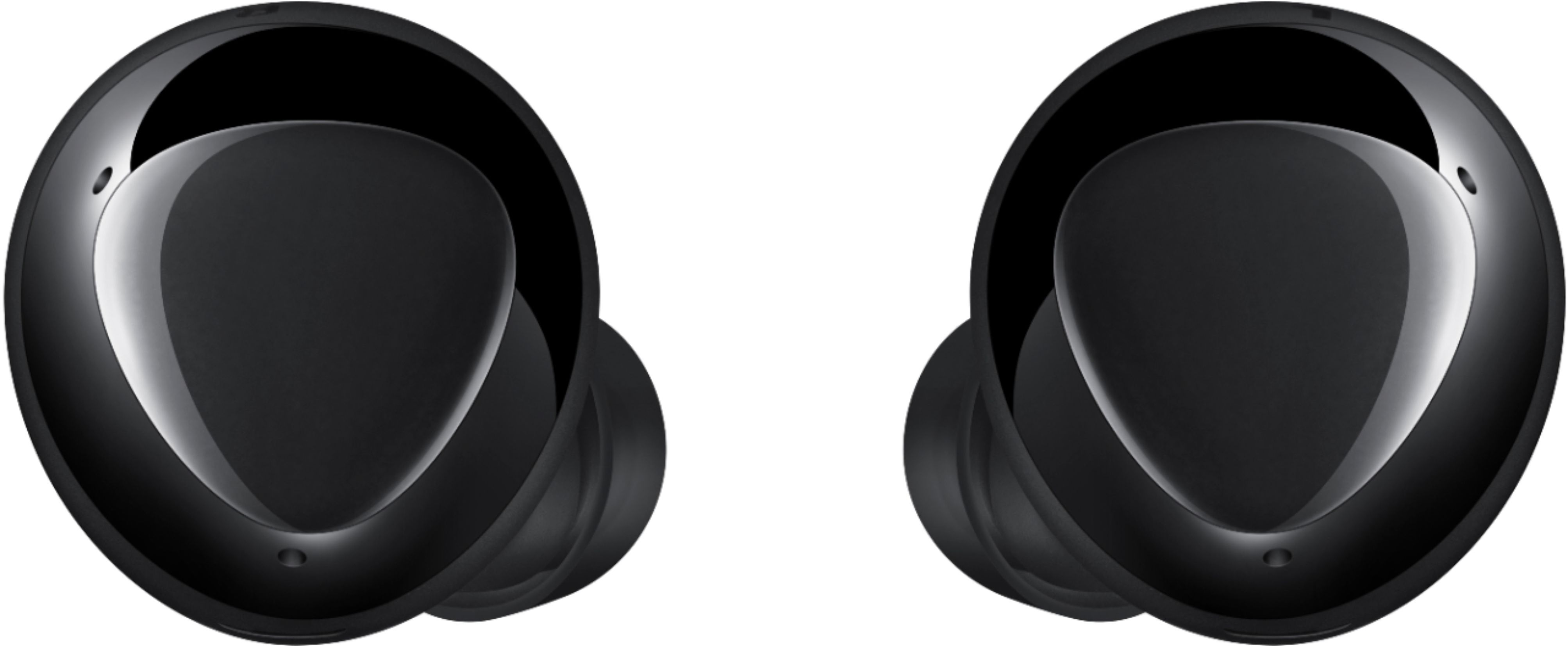
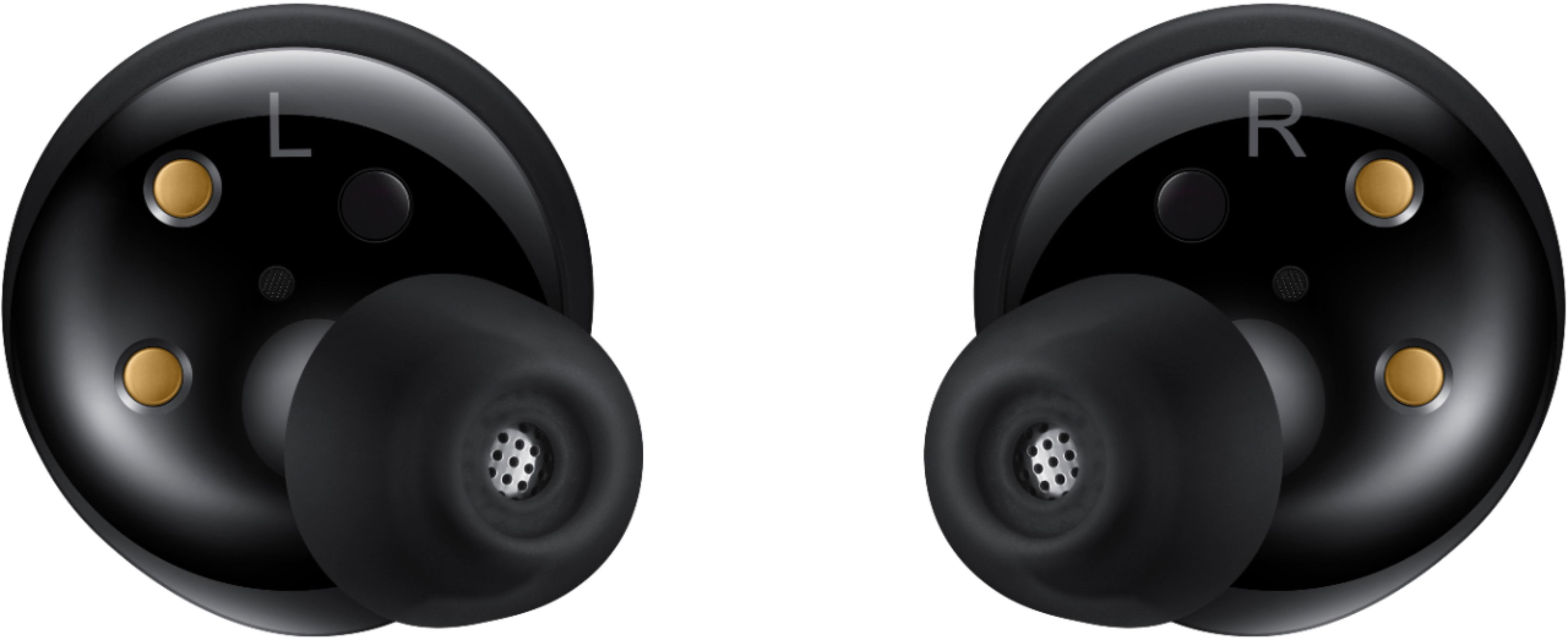
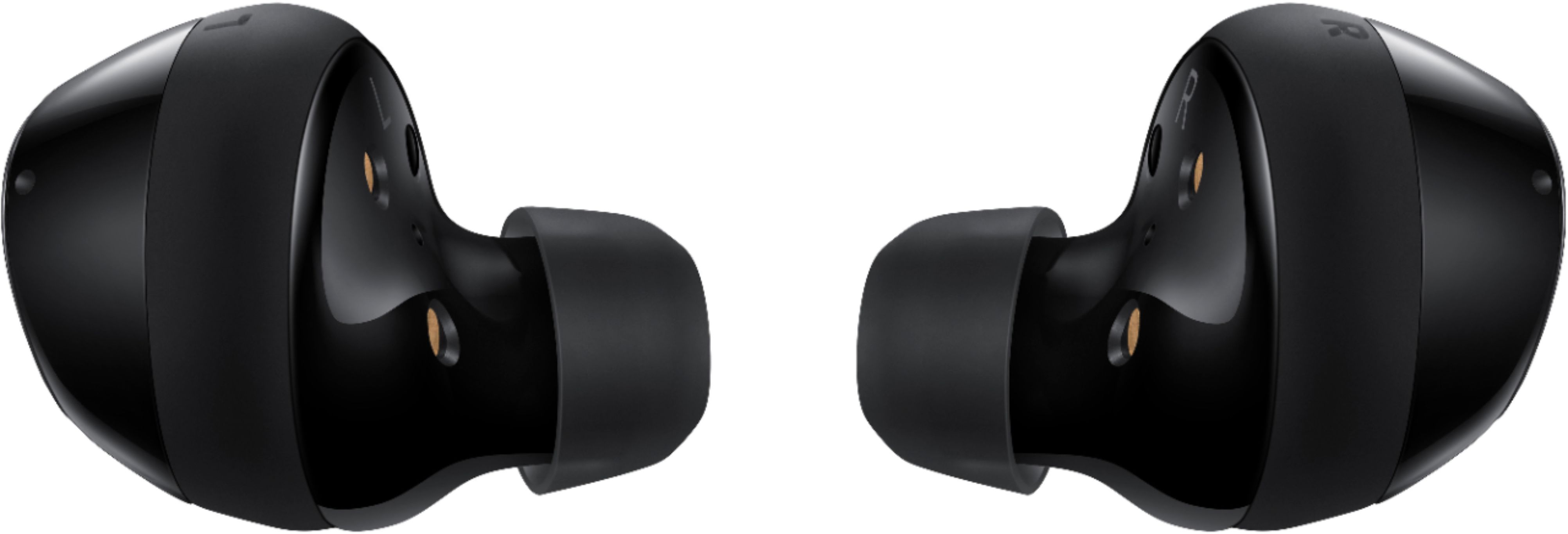
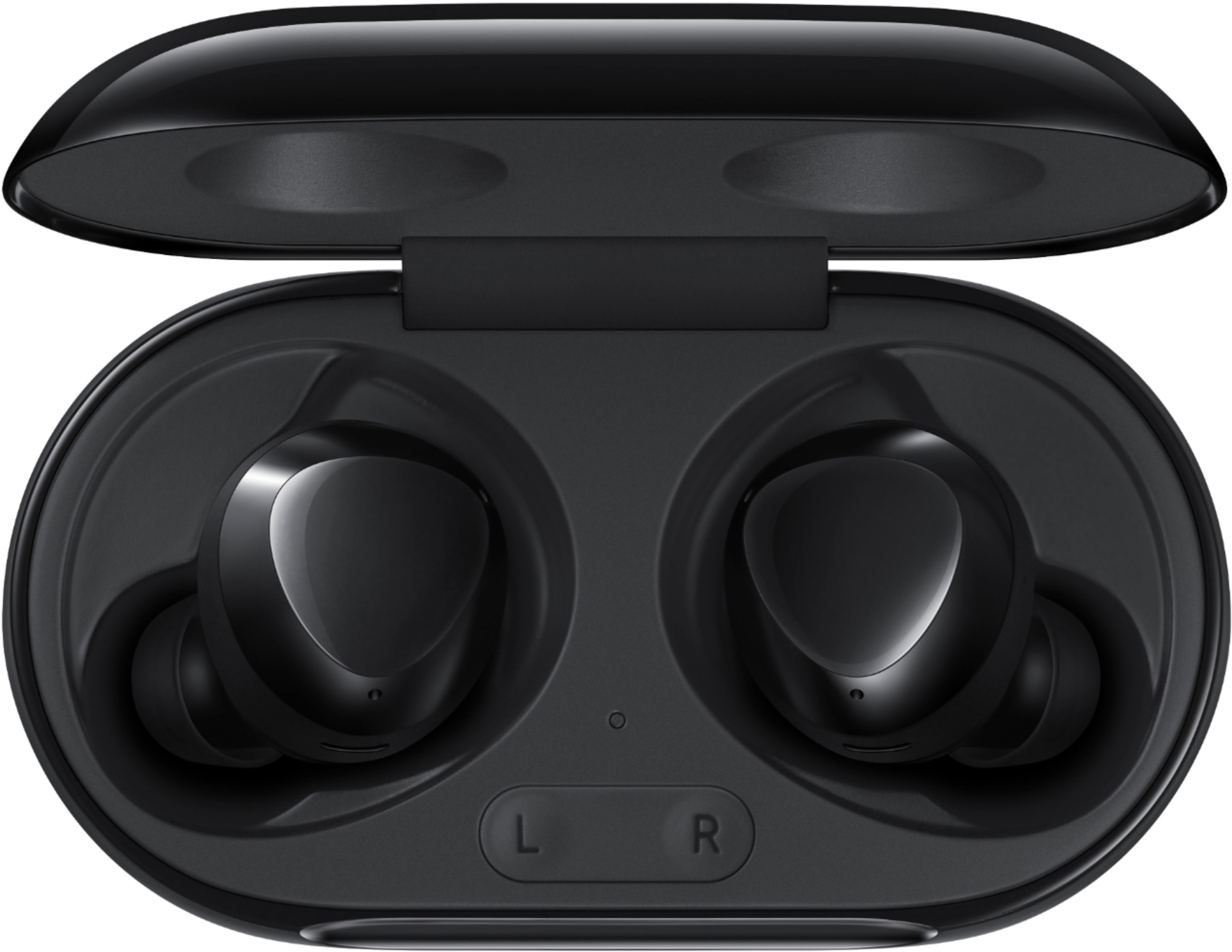
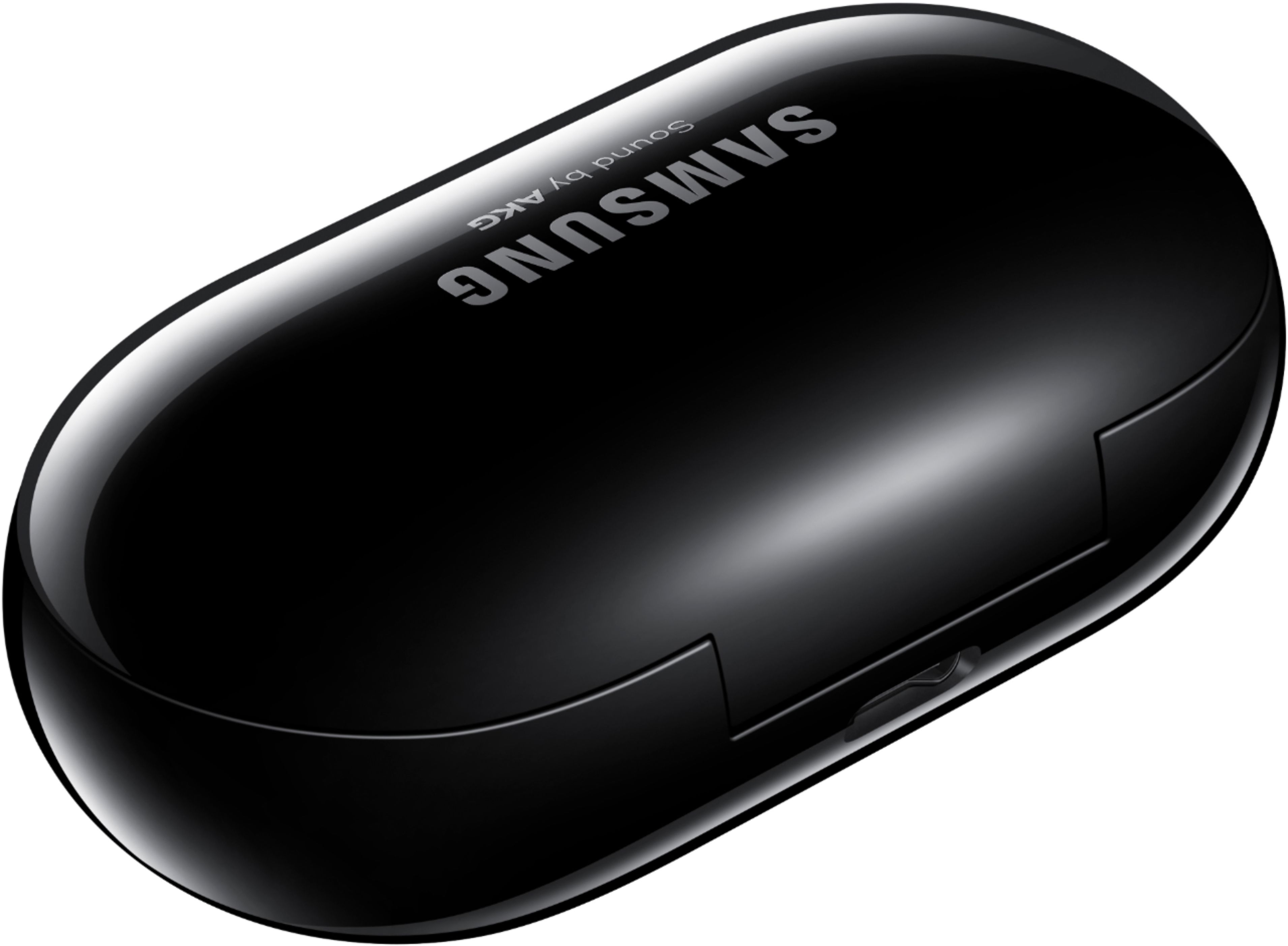
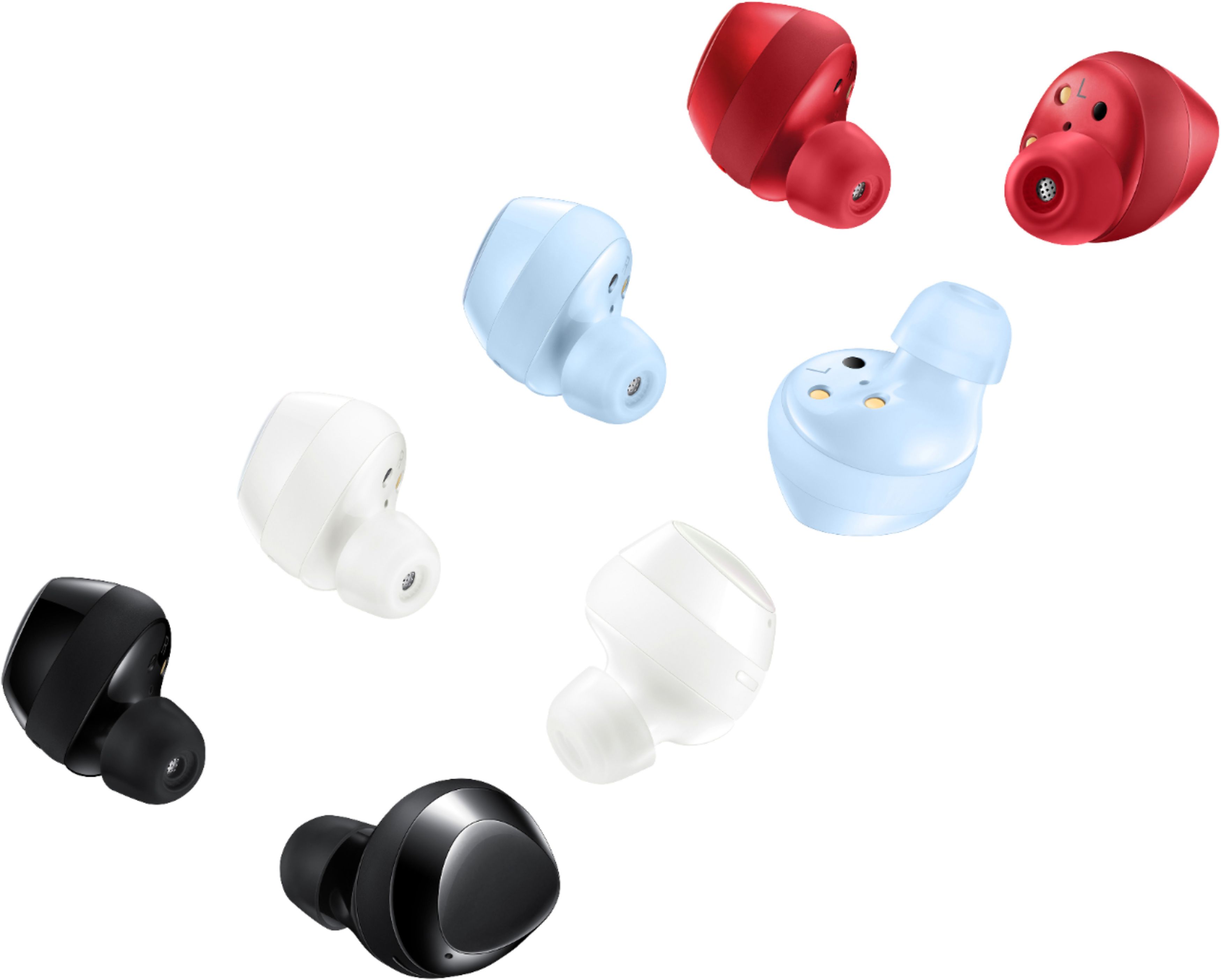
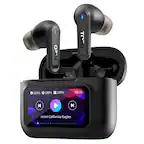
A:AnswerHello ruble, good question! These earbuds include a Charging Case, Earbuds, Eartips (S, M, L), Quick Start Guide, USB Cable, and Wingtips (S, M, L) in the box. ^Elizabeth
A:AnswerThey do! They also have changeable wing tips for your ears in case you need a better fit. The default ones have worked great for my pair and my wife's.
A:AnswerYes they do, it makes a noise when you put it in your ear, and mine fall out all the time bc they are to big. Using a small ear piece doesn't work, it's the back side where the controls are that's too big. They need a slightly smaller version, also if you lady on them they ff or rr, but the sound is awesome!
A:AnswerNot exactly sure if you can purchase another set and use one feom each set. That might be best to try out in store if they could even answer that question. As for hooking up individually, you can use one ear bud at a time and only that one will hook up while the other stays in the case. When the case is closed with an ear bud in it, it will not hook up to your phone. Just the one that is out of the case will hook up.
A:AnswerAbsolutely. Go to your Bluetooth settings on your computer or device (iPad, etc.) and set up the connection. Once paired they work great with Zoom, Teams, or just listening to audio/videos from your PC.