A:AnswerI am using this laptop with Zoom and it works well. It has more than enough horsepower to handle video conferencing. But remember it is necessary to have a strong wireless connection for videoconferencing. You can have the most powerful device available, but if your internet signal is weak your Zoom calls will always be substandard.
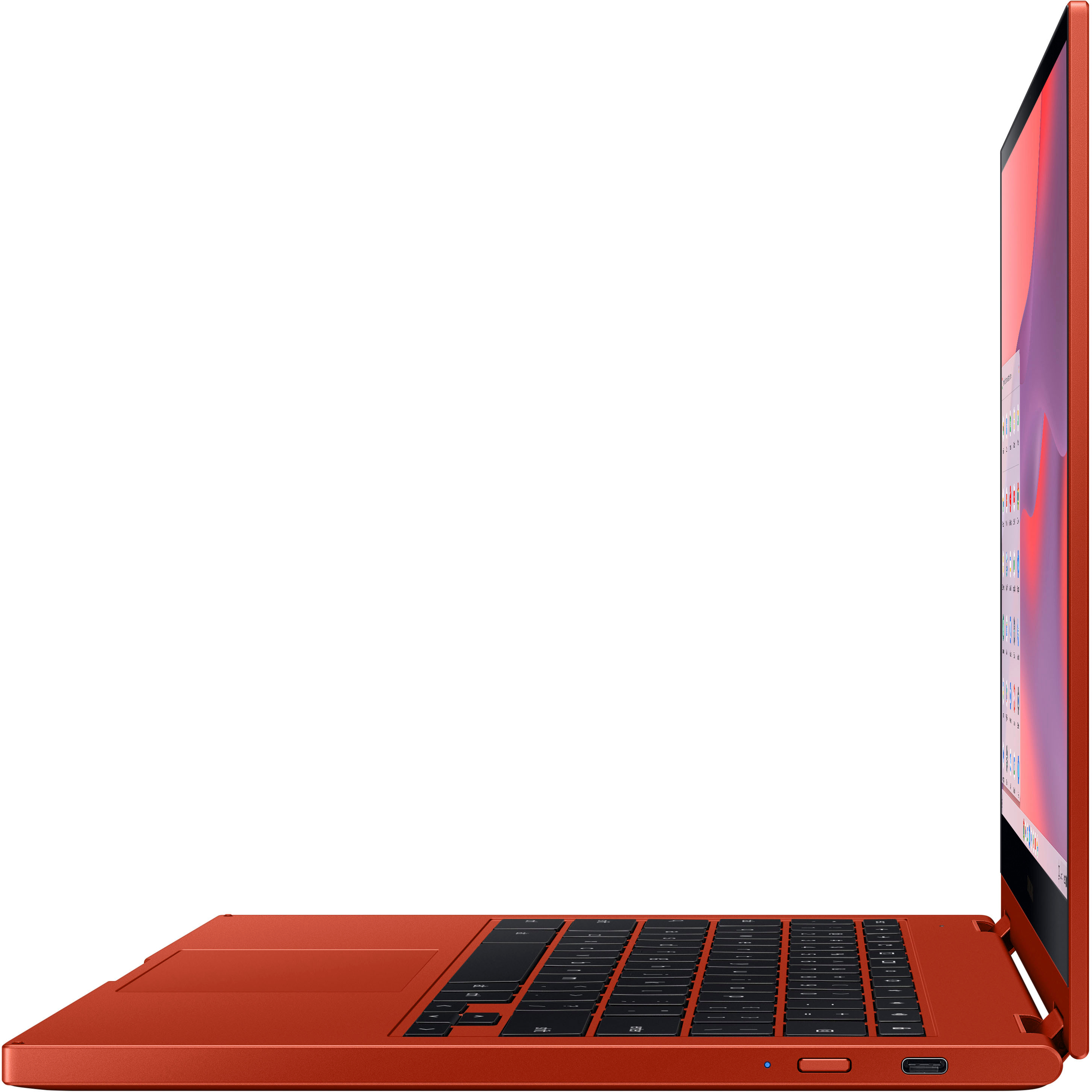
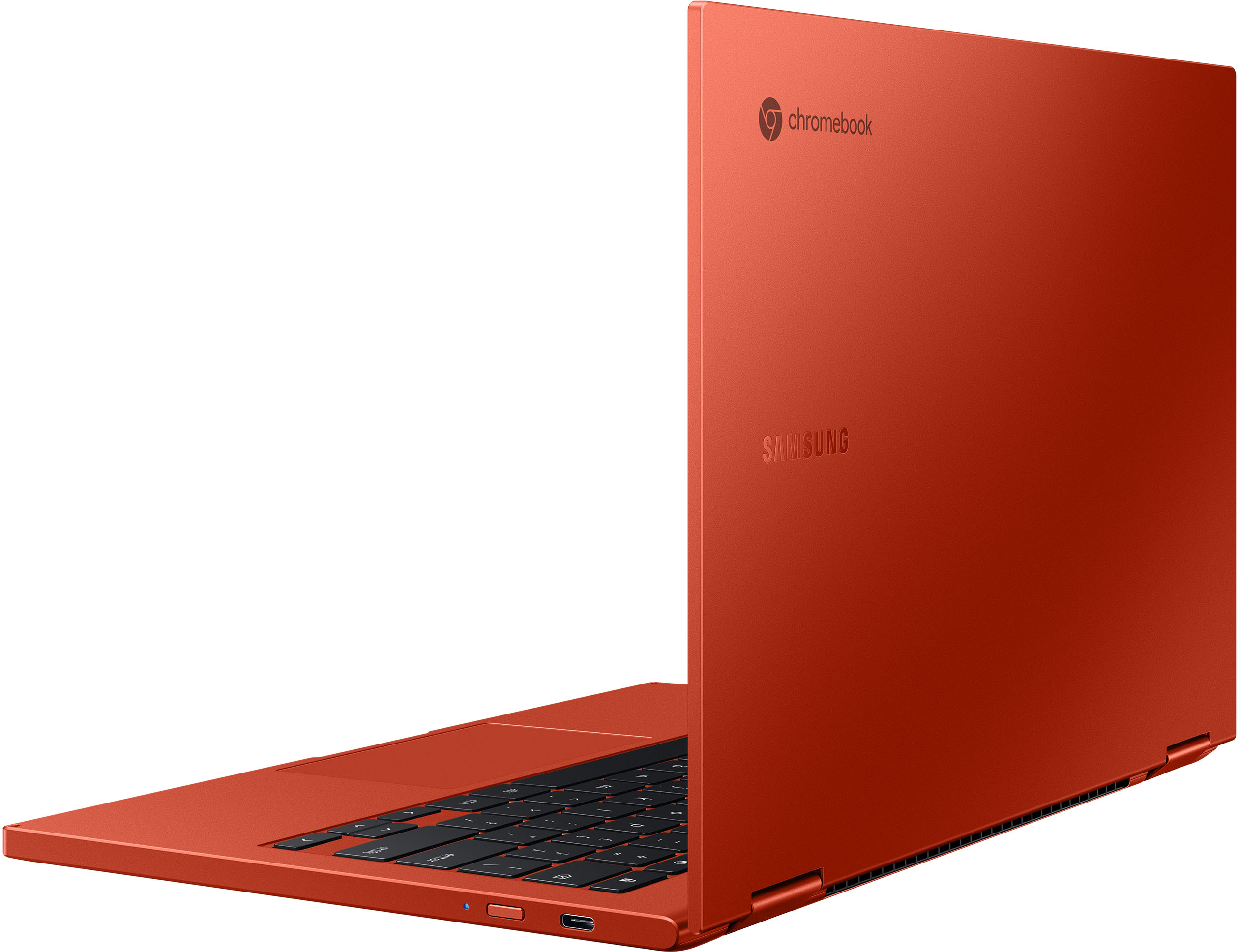
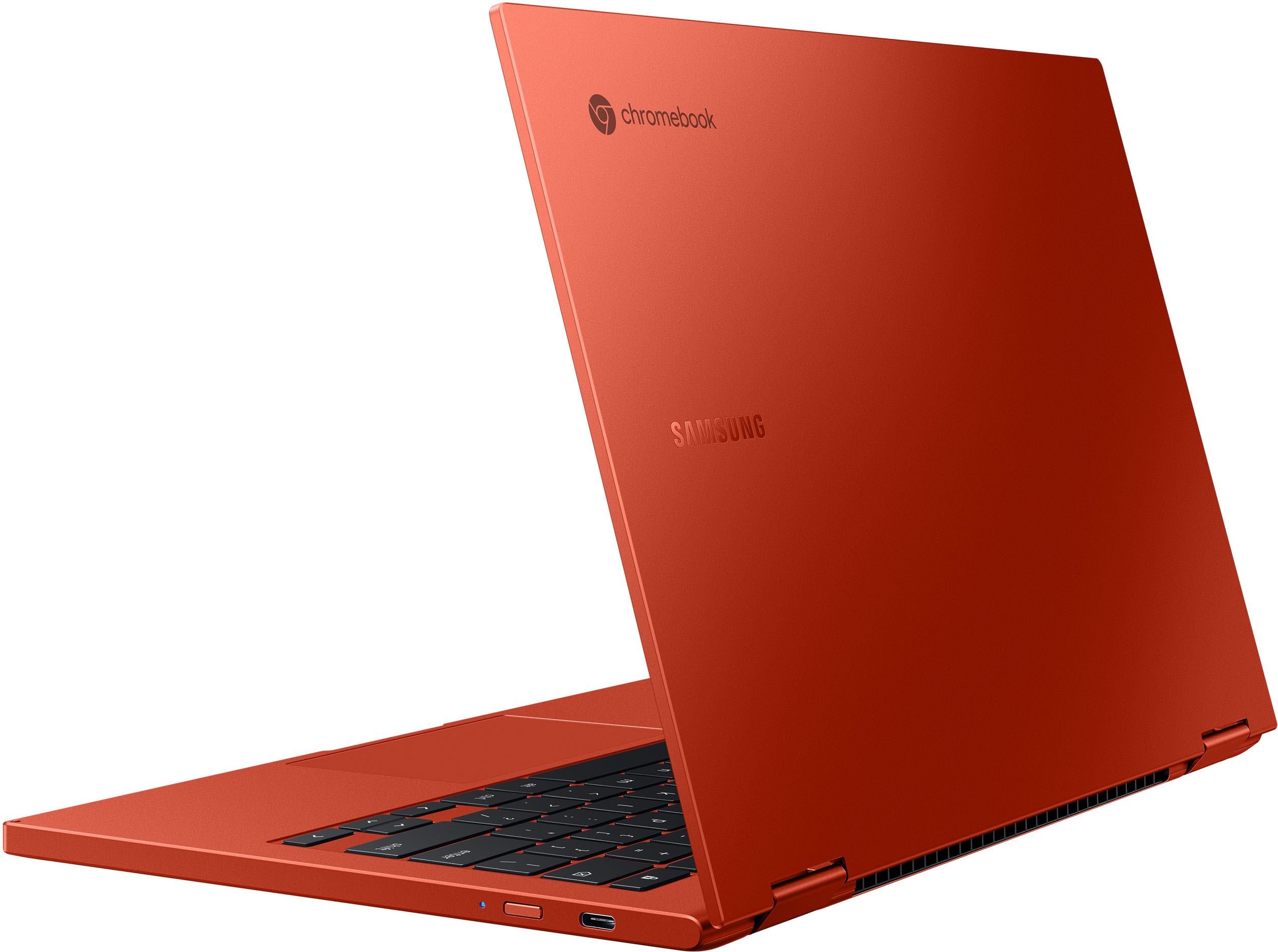
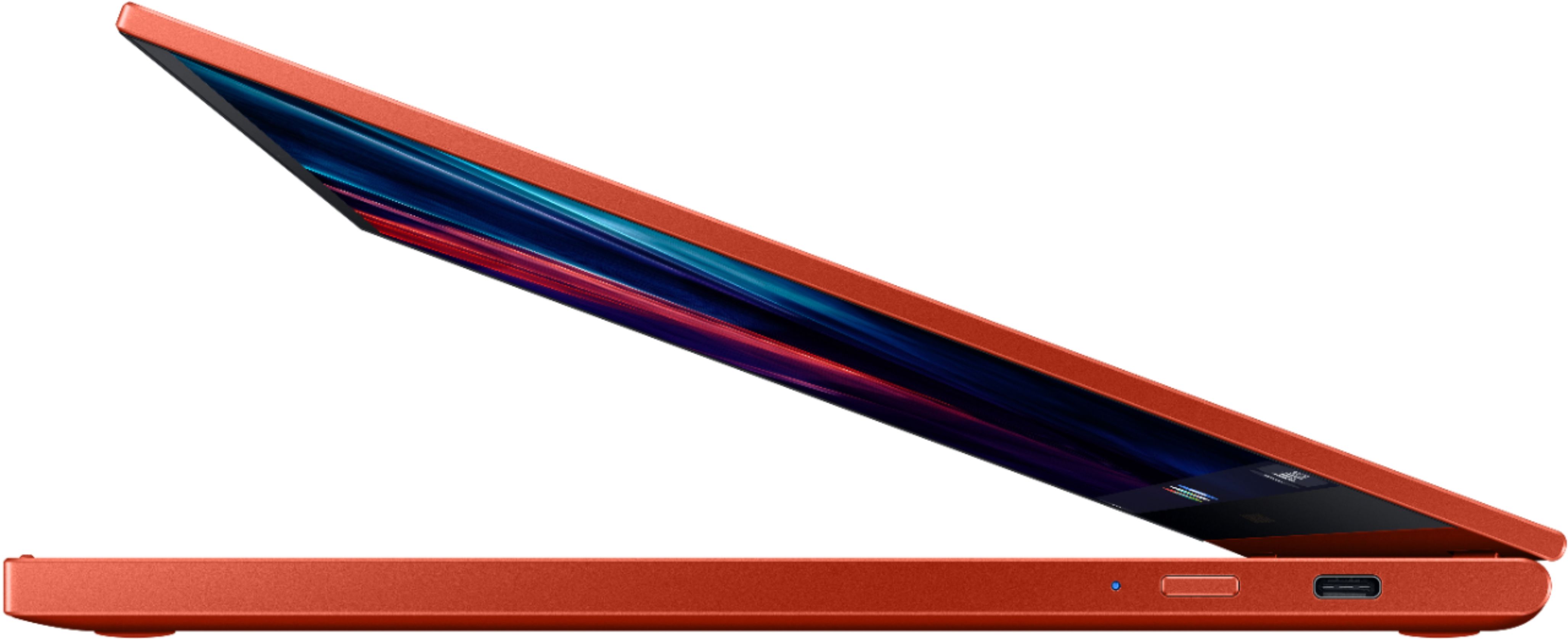
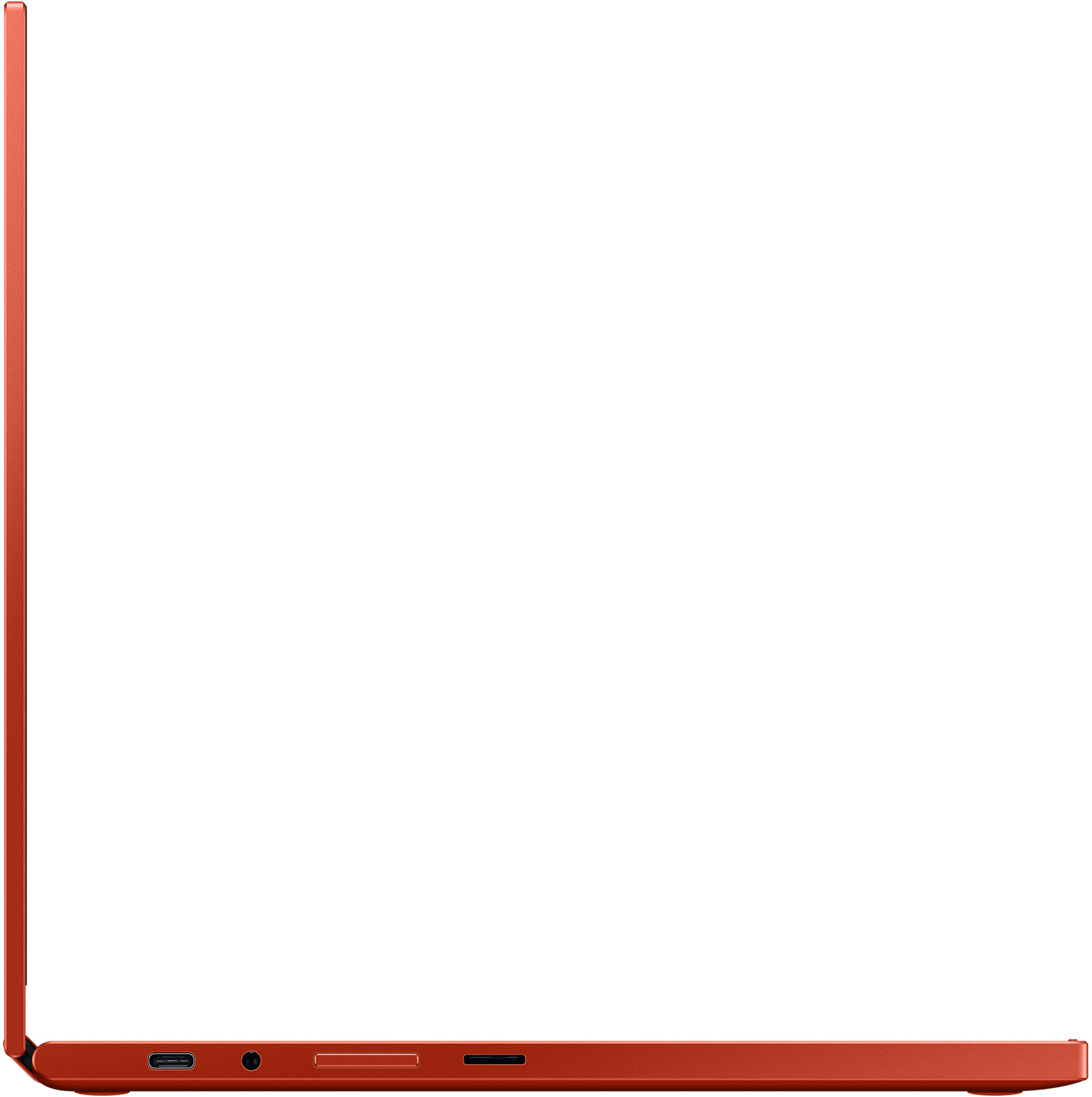
A:AnswerNo it does not have an HDMI output. But it does have USB-C ports which are capable of outputting video and audio to a HDMI display by using a USB-C to HDMI adapter cable.
A:AnswerThis computer has access to Microsoft Office. It uses, Word, Excel, PowerPoint and Outlook. Anything I type on my PC or Mac I can open on this and vice versa. They have made it seamless.
A:AnswerAs far as I know there is no GPS chip in the machine. There is no cellular on it as well. I have had this computer out in the open numerous times and the only time it is able to find its location is when I connect it too my phone as a hot spot
A:AnswerThis computer does not come with a stylus. You have to use a USI stylus which you have to purchase seperately. There is nowhere on the computer to store the pen. You will have to get yourself a bag to carry it in. Sorry
A:AnswerThis is a chromebook and yes you can watch DVD's, BluRays, and listen to CD's on this. The only problem you are going to have to get a converter from a USB C to USB A then attach any drive you may have except a superdive from Apple.
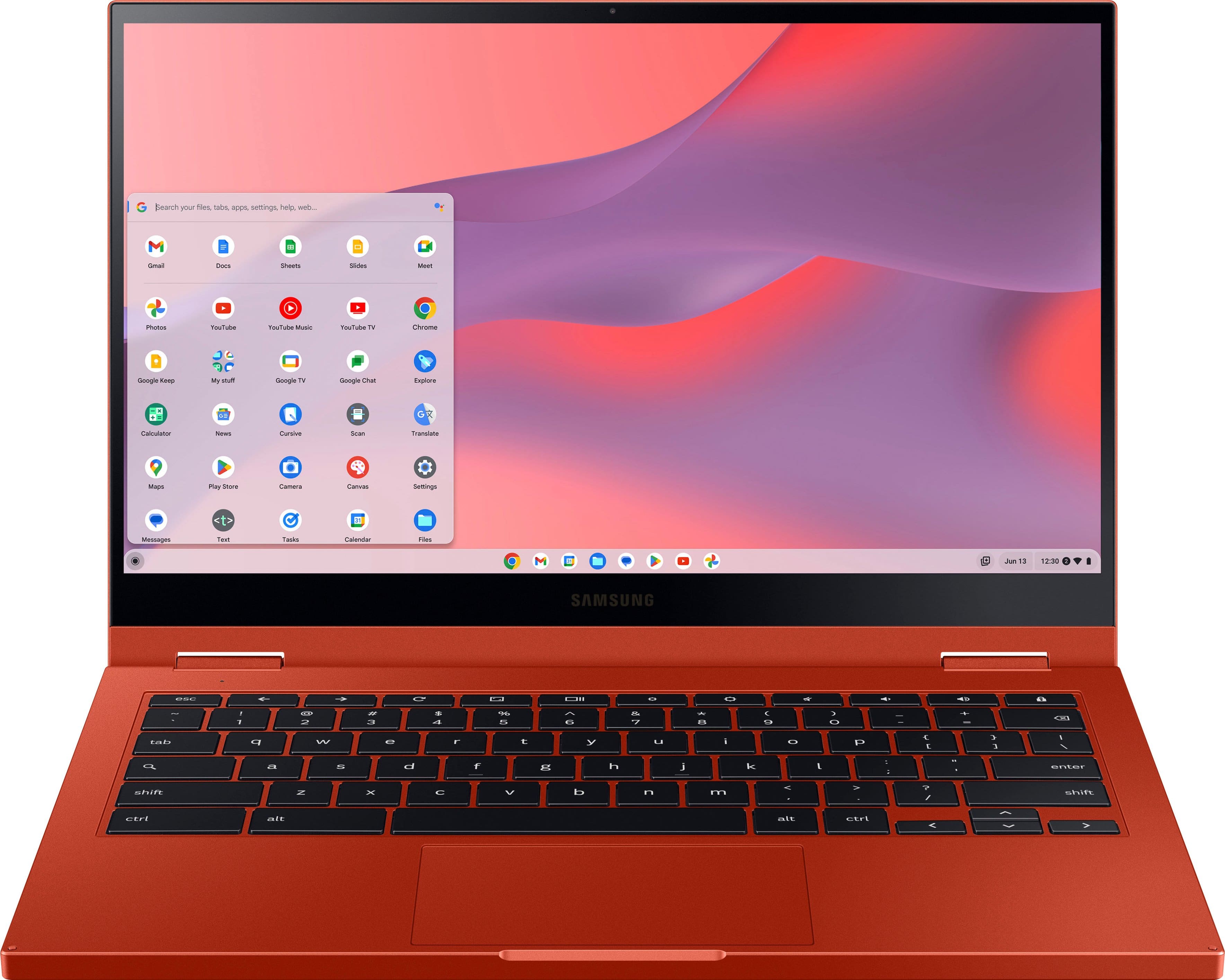
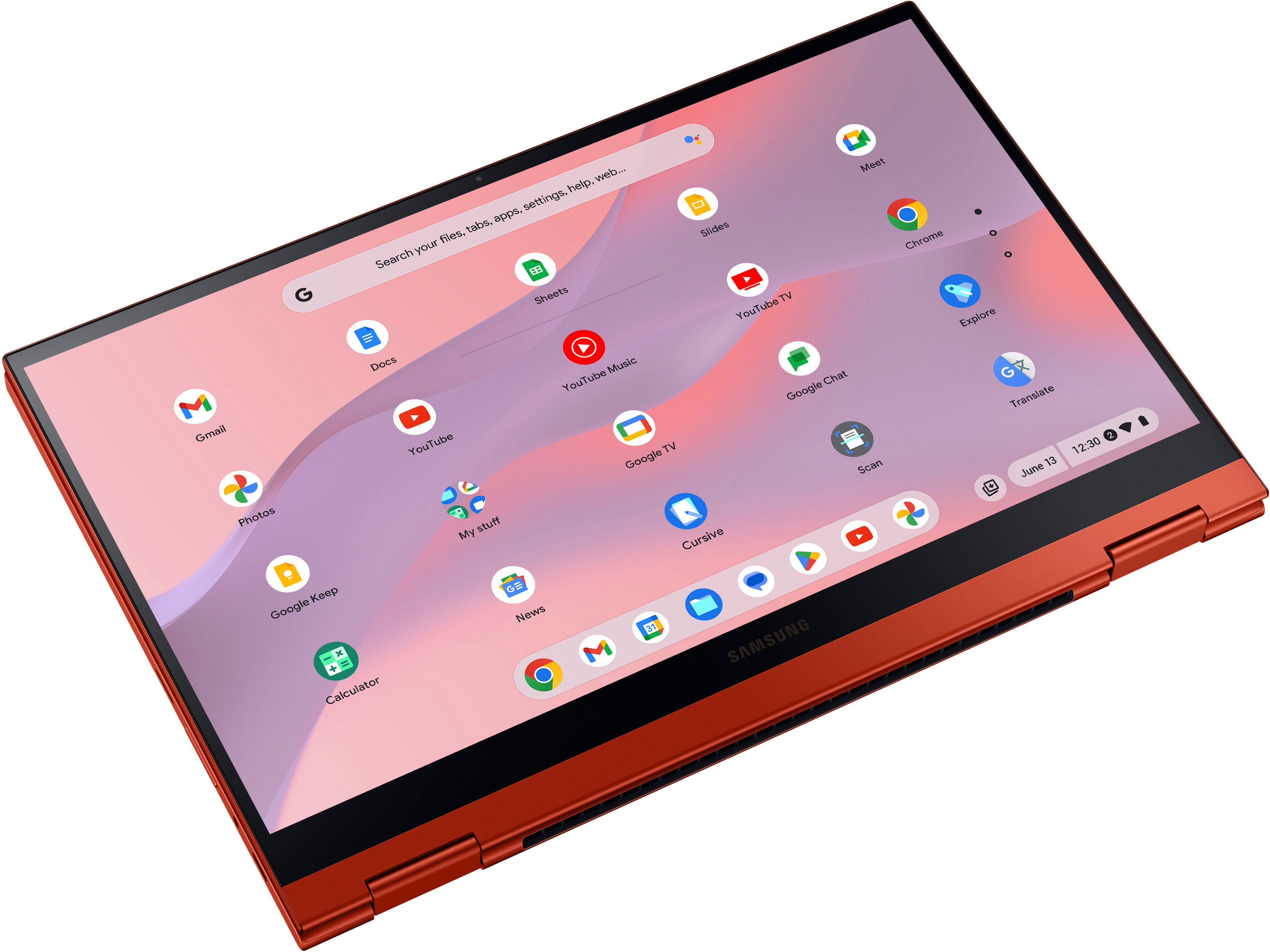
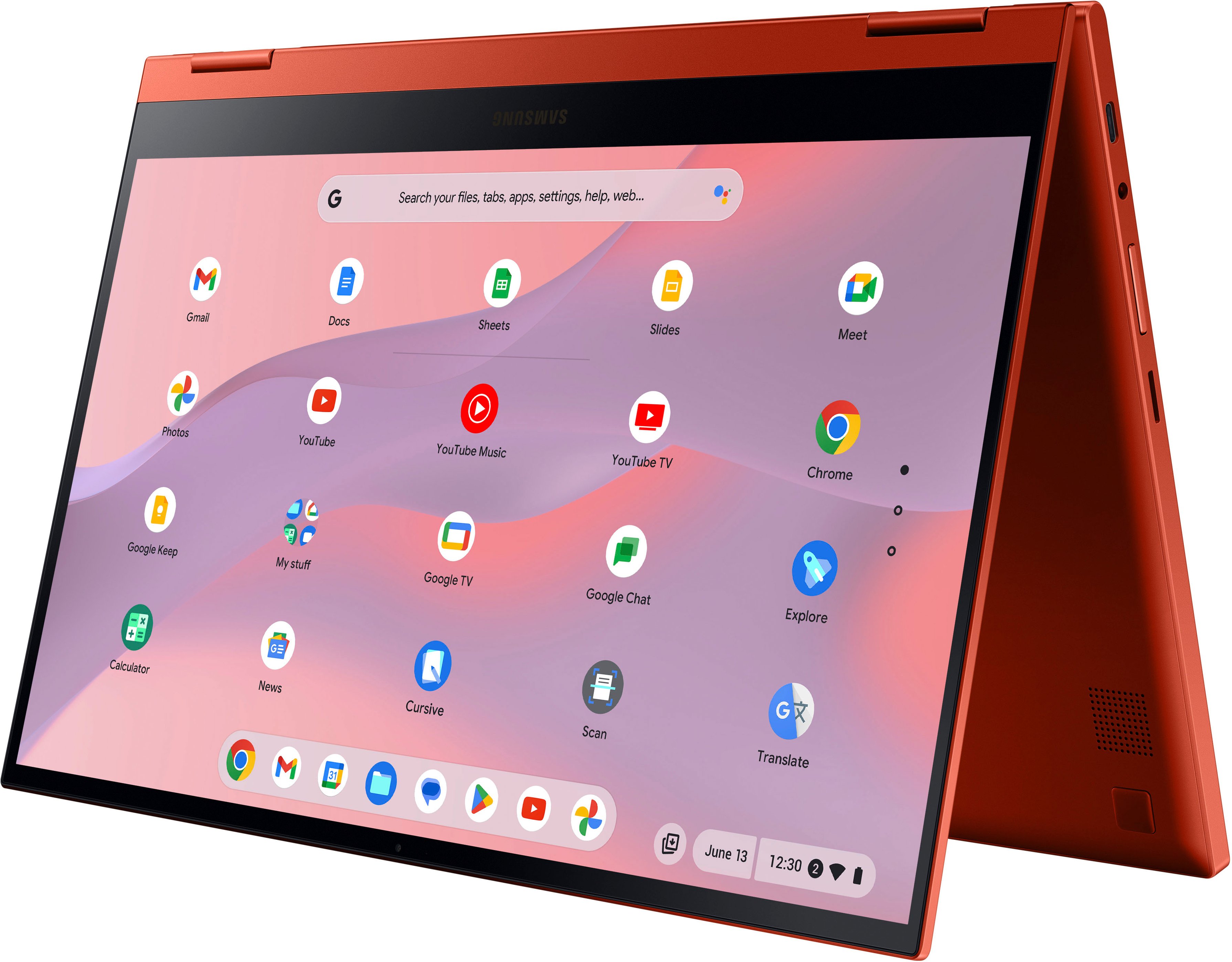
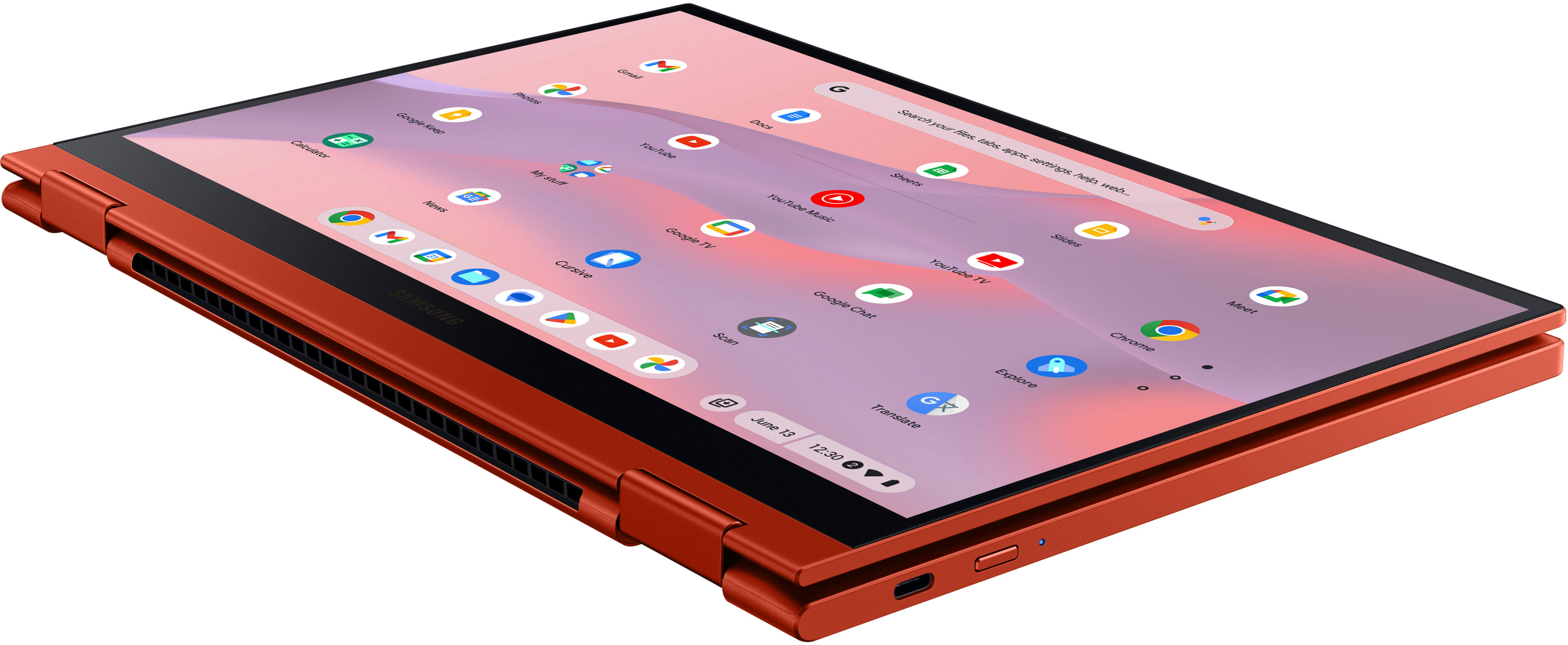
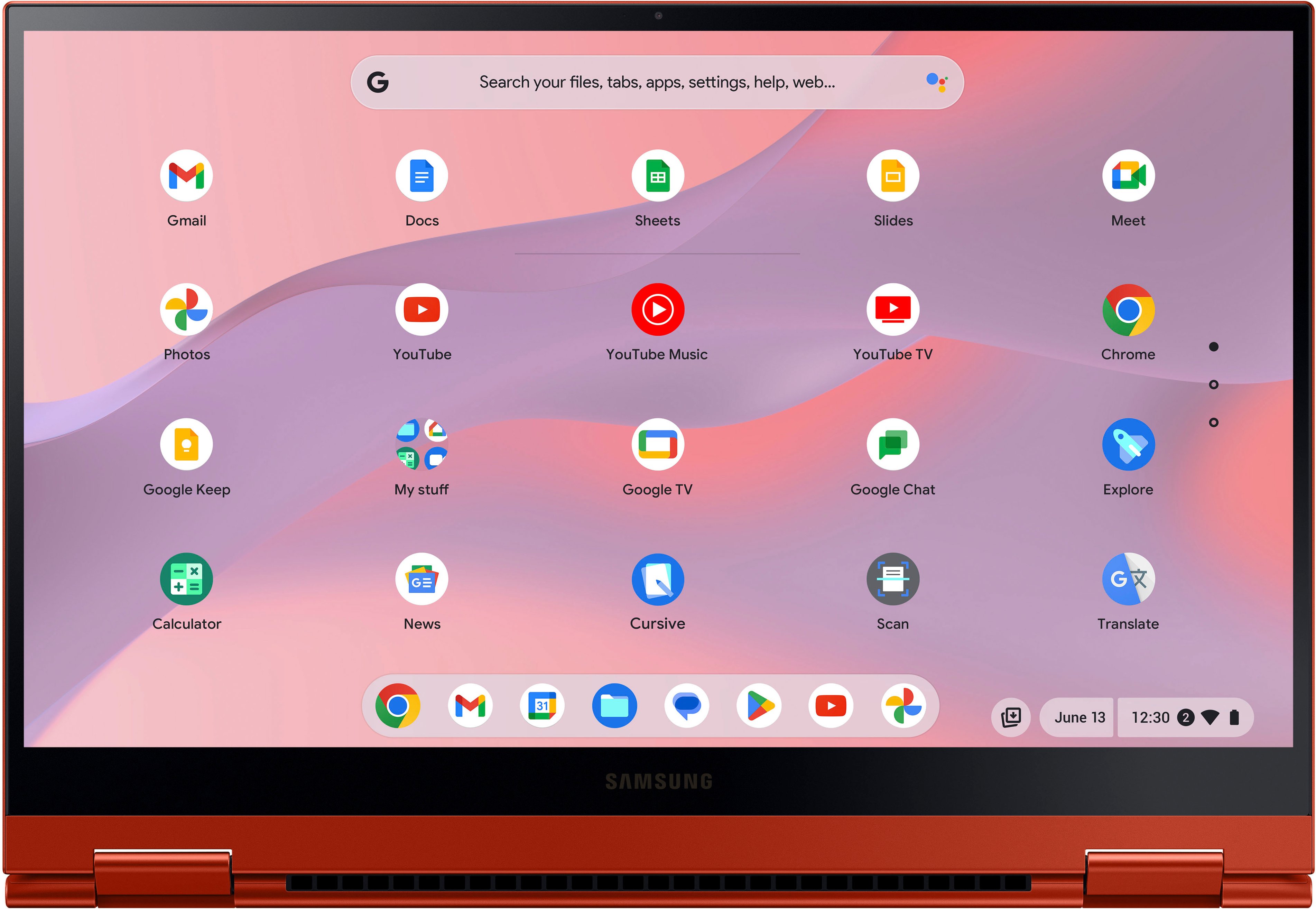
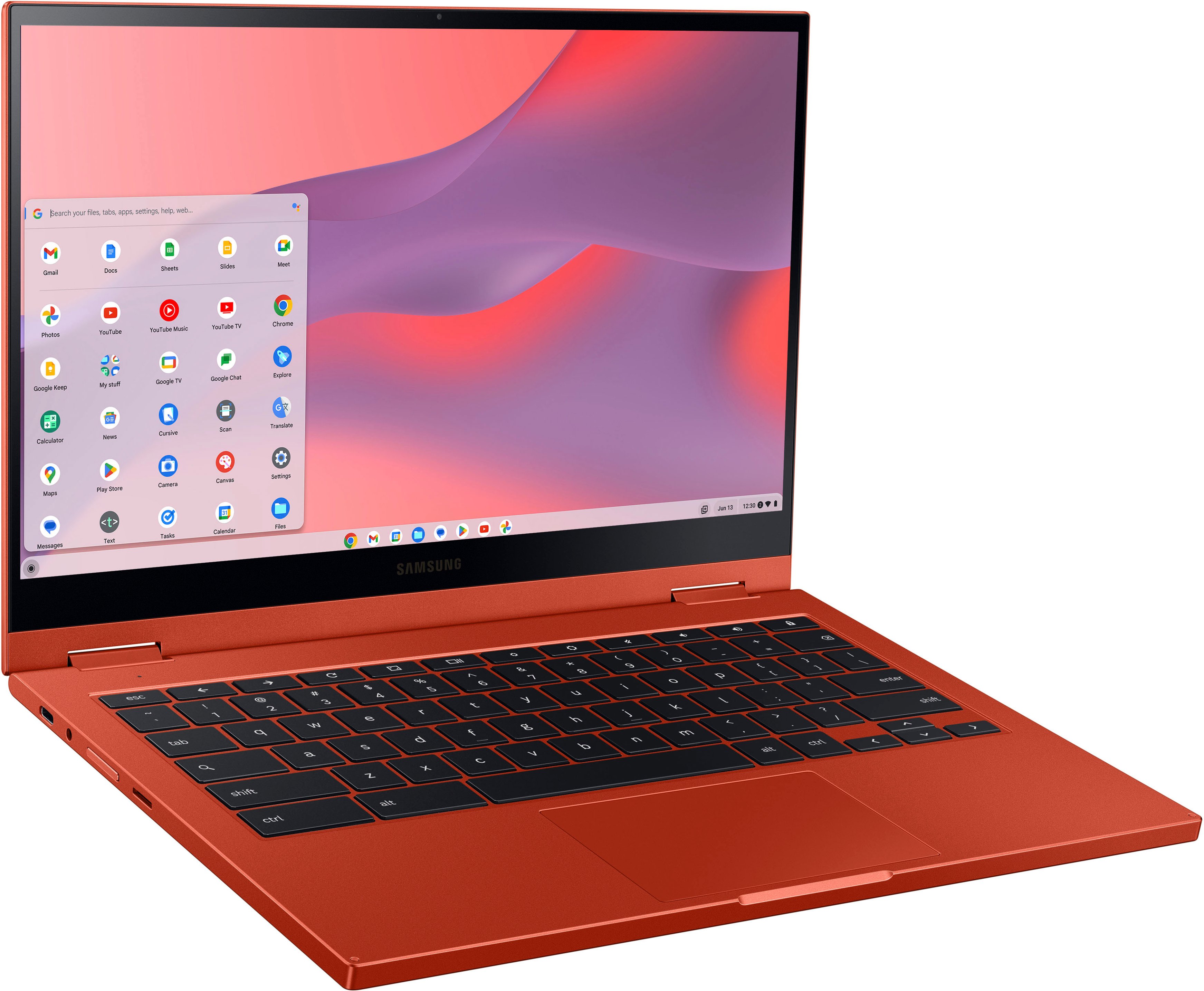
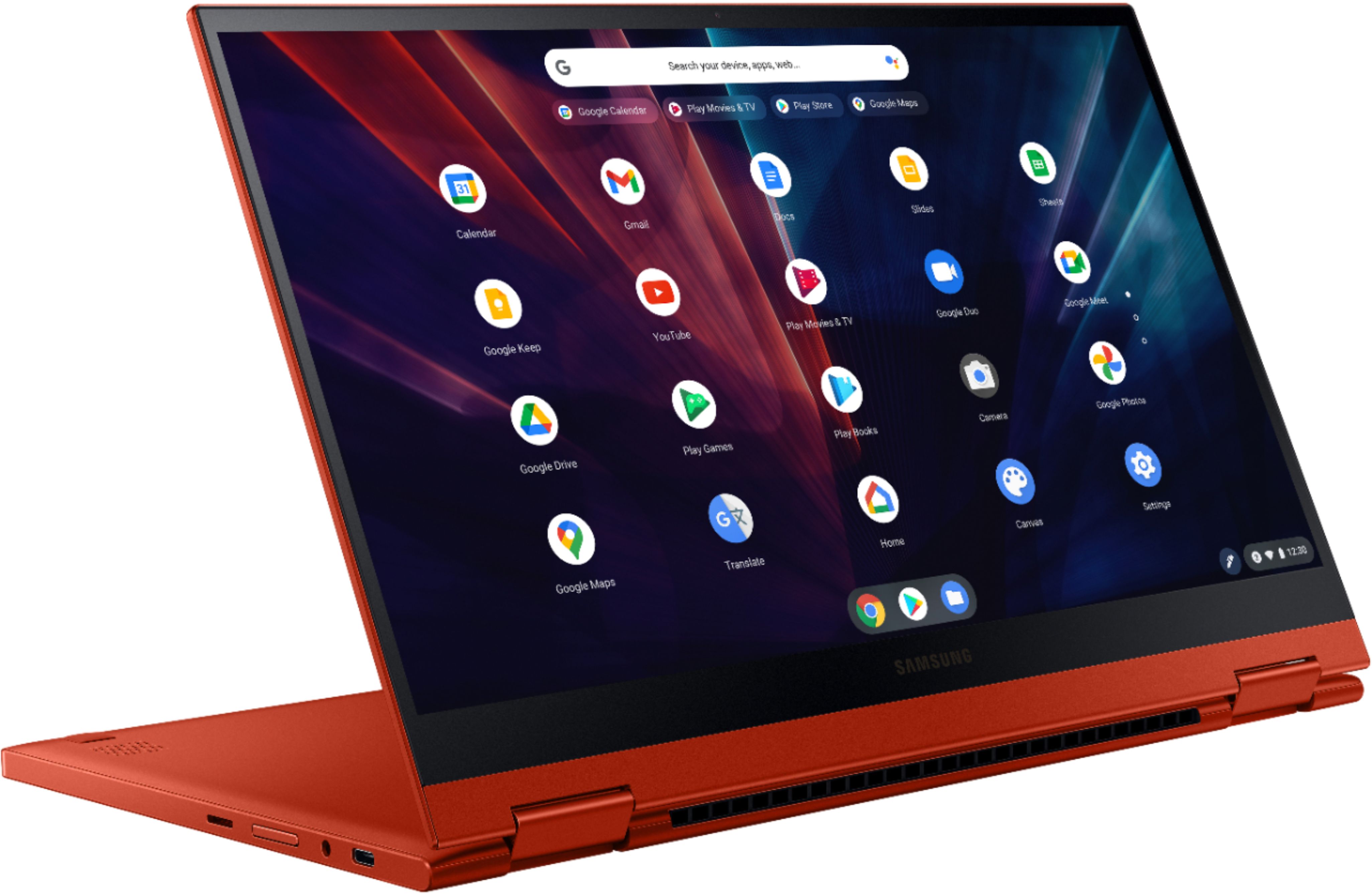
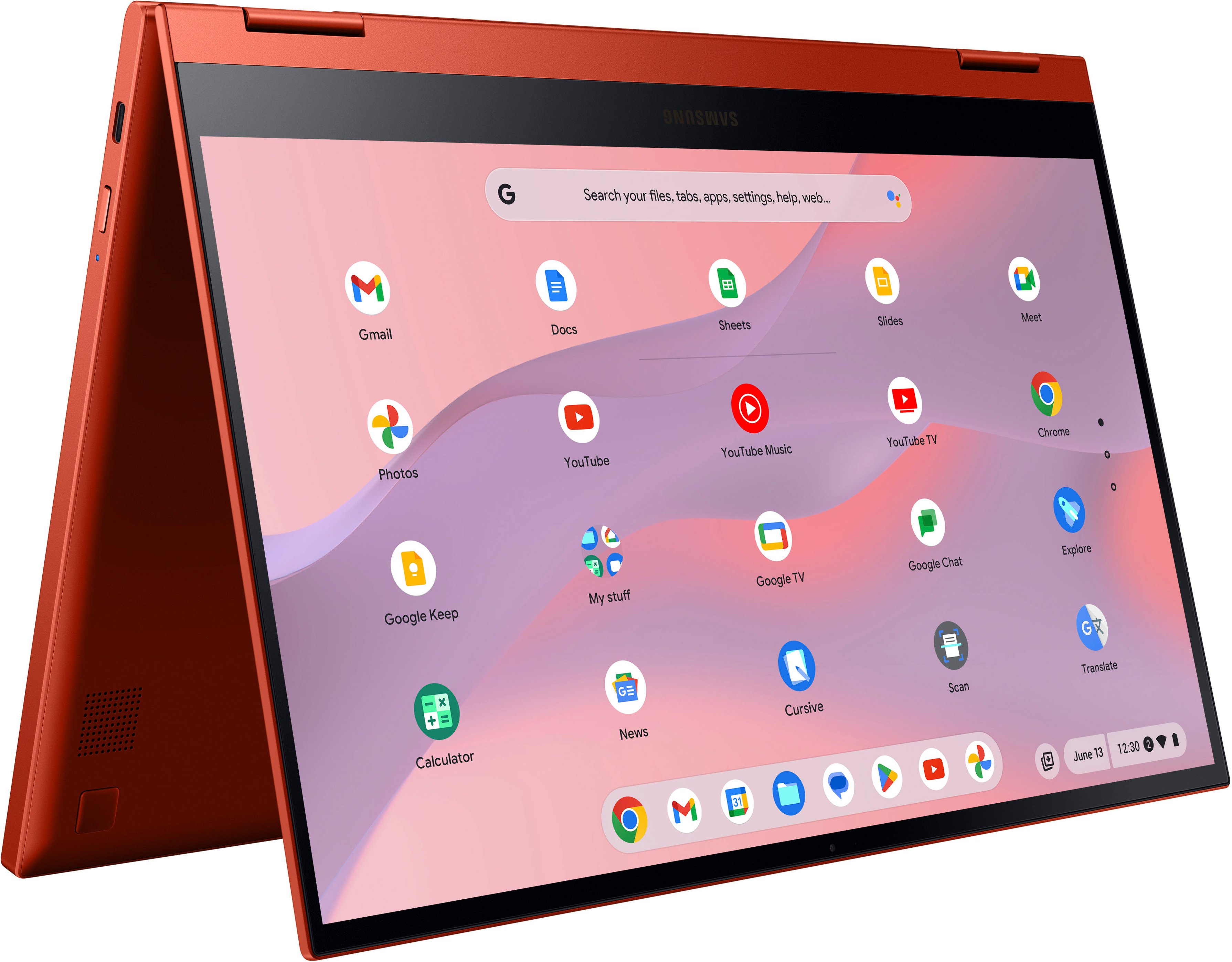
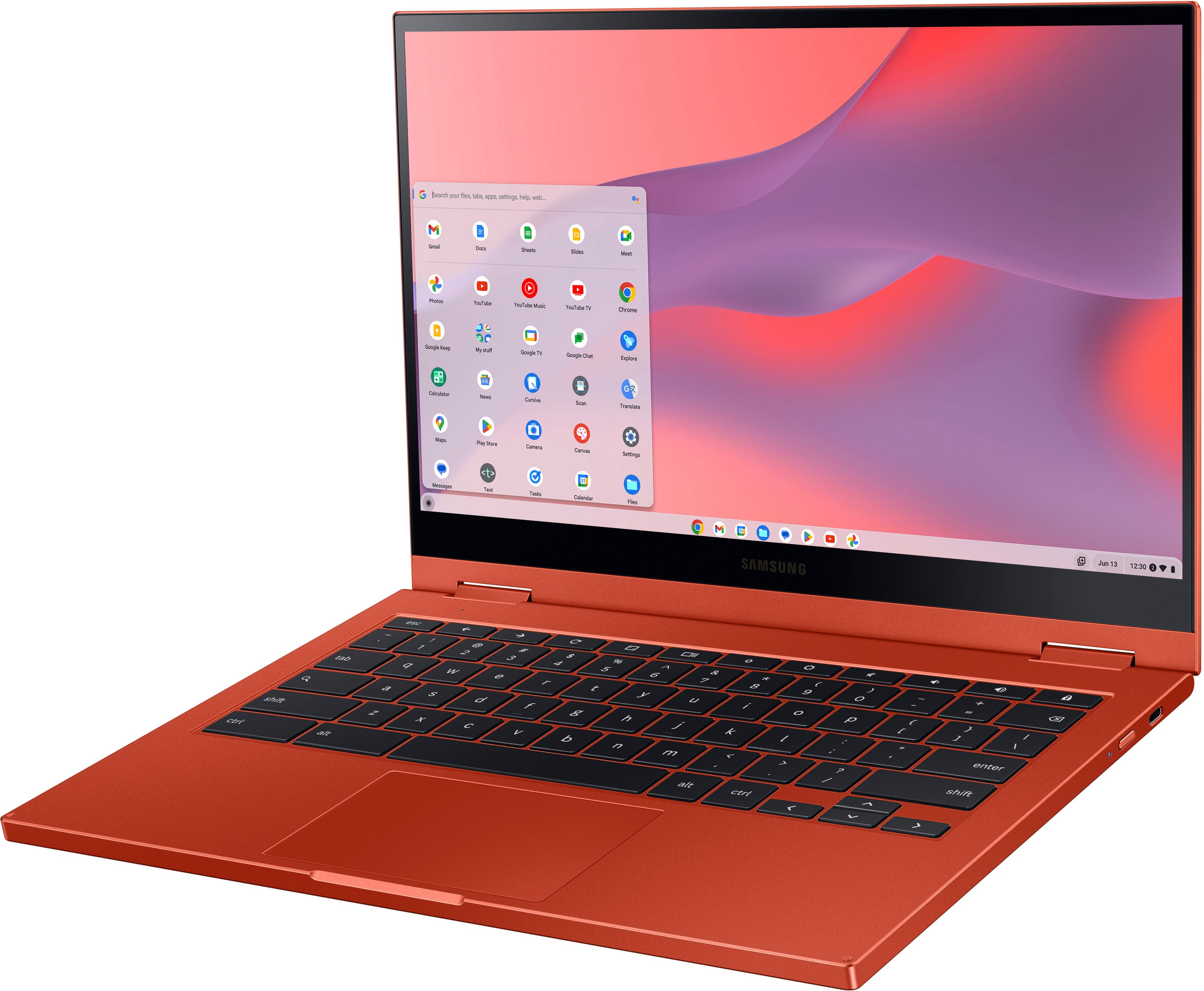
A:AnswerThis laptop is a hybrid laptop. I love this capability. There are so many times that I want a tablet so I flip it so I have one. Then I like too use it like a computer then use it regular. I also use a stylus with it as well. You would need to get a USI stylus. You can't just buy any old one. This allows me to write right on the screen when taking notes. This is helpful when there is no place to set my computer up to use it like a computer. Using it like a touchscreen also makes playing games a lot more fun as well like flight simulators and other games like candy crush.
A:AnswerThis is the perfect laptop for a student. You can use any software on it that you would need to write reports or take notes. The only thing that I would see as a problem is a specialized program you may need to run for a particular class. Sometimes in class you may you have to use a program for chemistry or math and it would not work on here. Unless it is online. The computer otherwise has plenty of memory on it and plenty of of Hard Drive room. The screen is extremely nice and images are very sharp. I would suggest getting a memory card to expand the storage capabilities to 256 GB. This is real cheap to do so as Micro SD cards don't cost much these these days.
A:AnswerSeems to be a Samsung thing even though my 4 year old chromebook plus works properly. I had the same problem so I checked other demos at Best Buy and they all worked fine. They also had the same Chrome OS build number so it doesn't seem to be an update problem either. I returned it for that (and the horrible camera).
A:AnswerYou may get by with the 4GB, as long as your have noting else open with the browser and not running HD video on all of them. But, as I always recommend, if you can afford the 8GB, go with it..
A:AnswerHello TexasIndian, we appreciate you reaching out to us with your question about the Samsung Galaxy Chromebook 2. Many young students use this laptop for their school work with no problems, and they would either be able to browse the web with ease. We have some articles available online too if do experience any slowness depending upon how their games are played. Please, reach out to us again if you have any additional questions. Thank you for being a Samsung customer. -Elizabeth
A:AnswerHey there Magiraffe, thanks for taking the available time out of your busy day to ask us your question about the Samsung Galaxy Chromebook 2. When you are in tablet mode, the on-screen keyboard will automatically appear on your display, and it be available for you to type whatever you would like. Let us know if you have any other questions for us by contacting Samsung Support. Thank you for being a devoted Samsung customer. - Debra