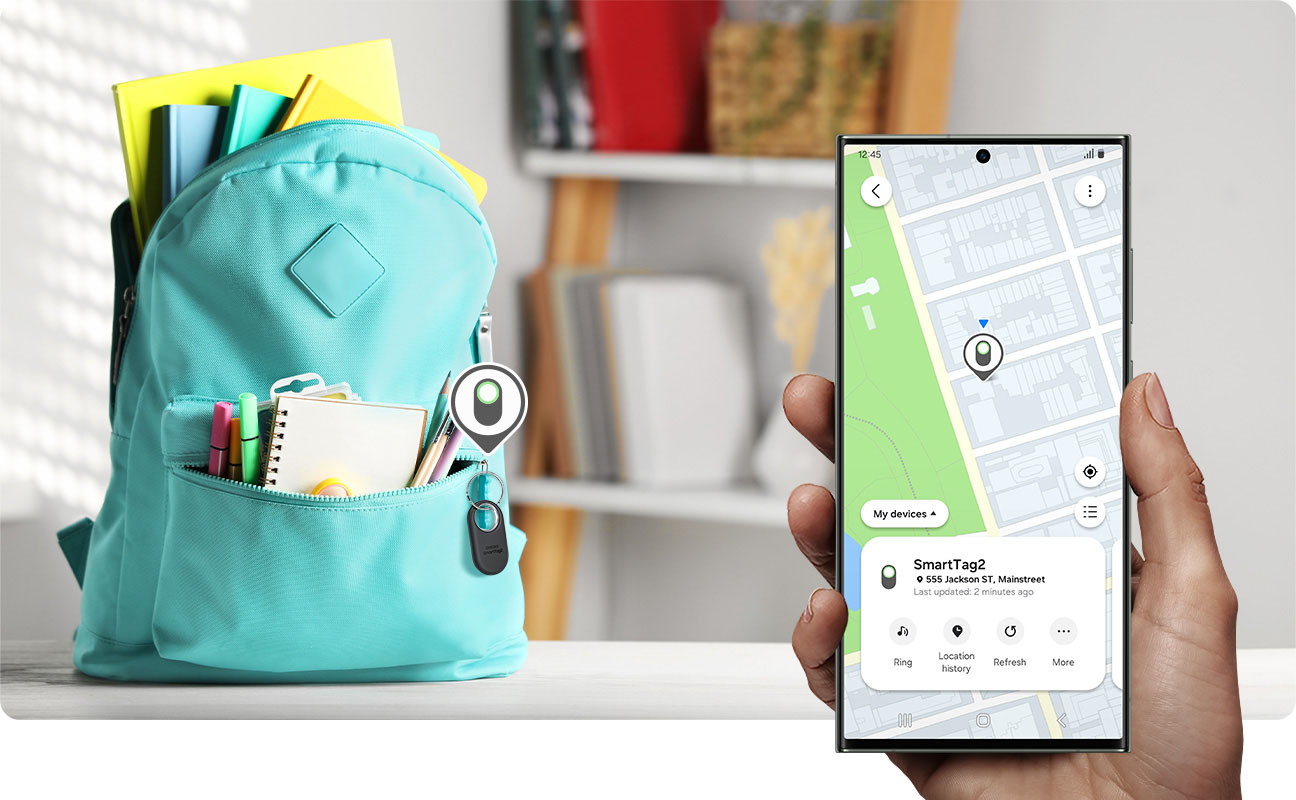
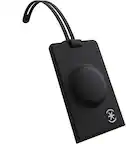
A:AnswerEssentially yes. This sounds like a privacy nightmare, though. I hope you have a good reason to be tracking your son and his consent. The tag communicates with the Smartthings Find Network via other Samsung phones or nodes. So, it generally works better (updates faster) in high-traffic areas. If your son is abducted and taken somewhere rural, then you'd probably be out of luck.
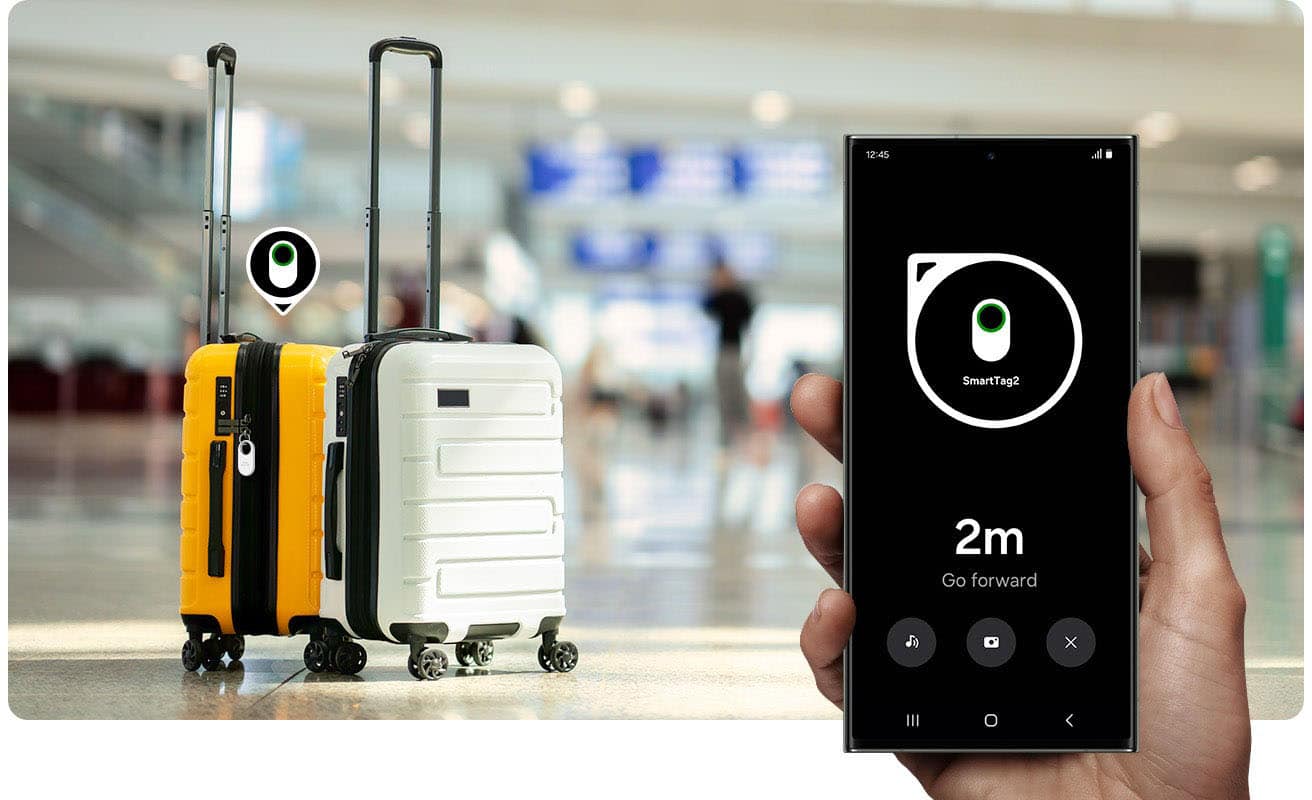
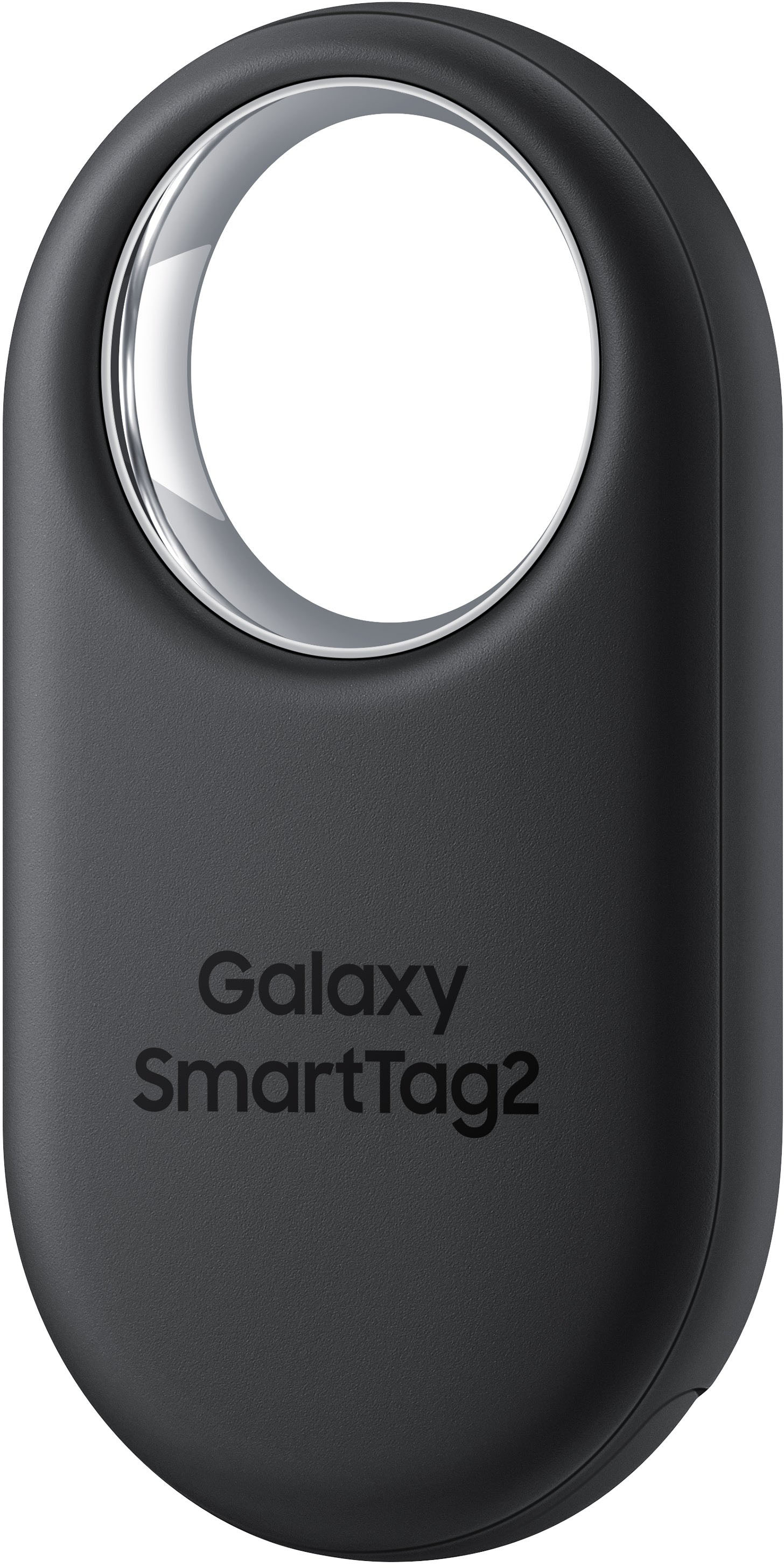
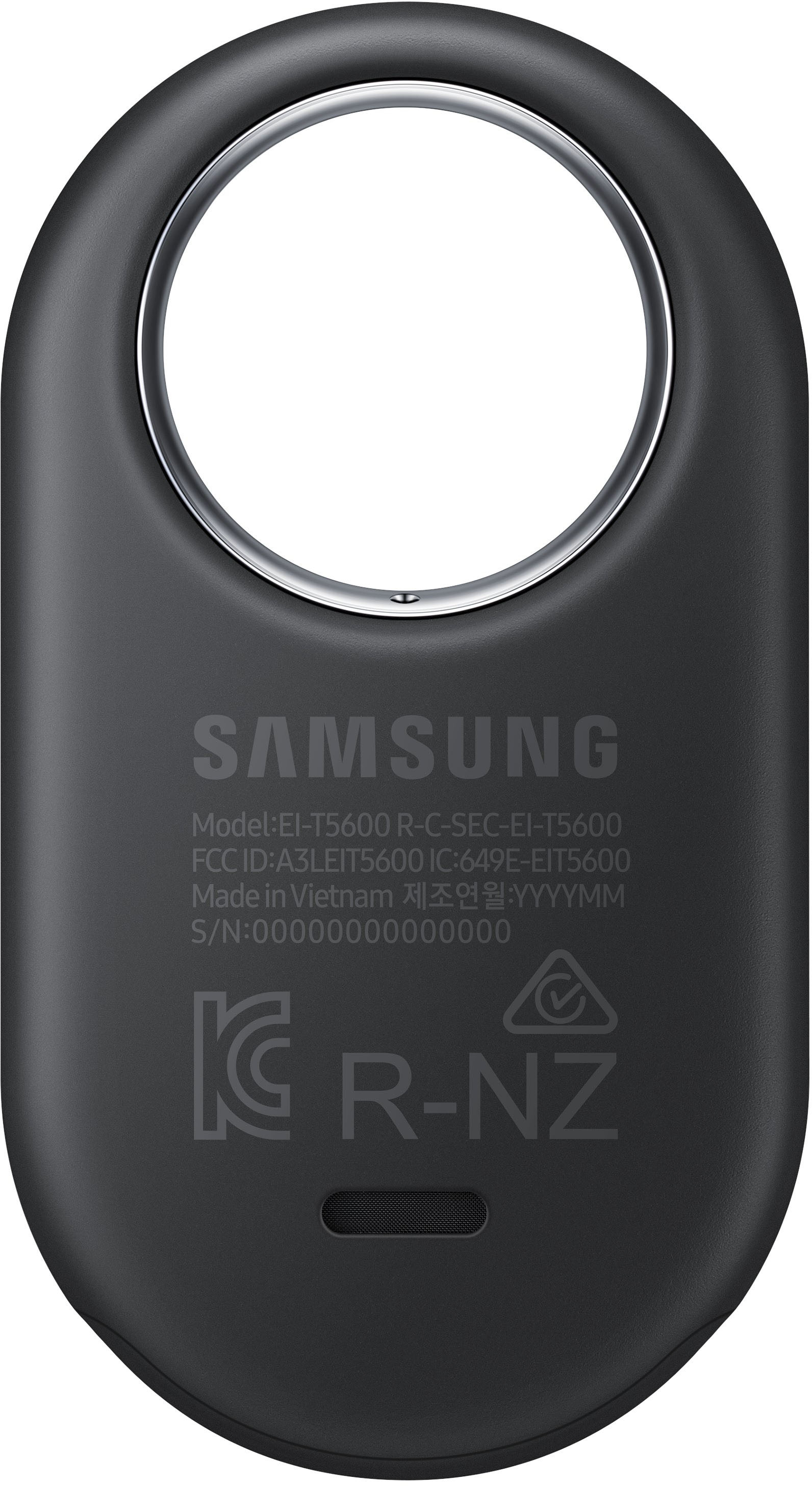
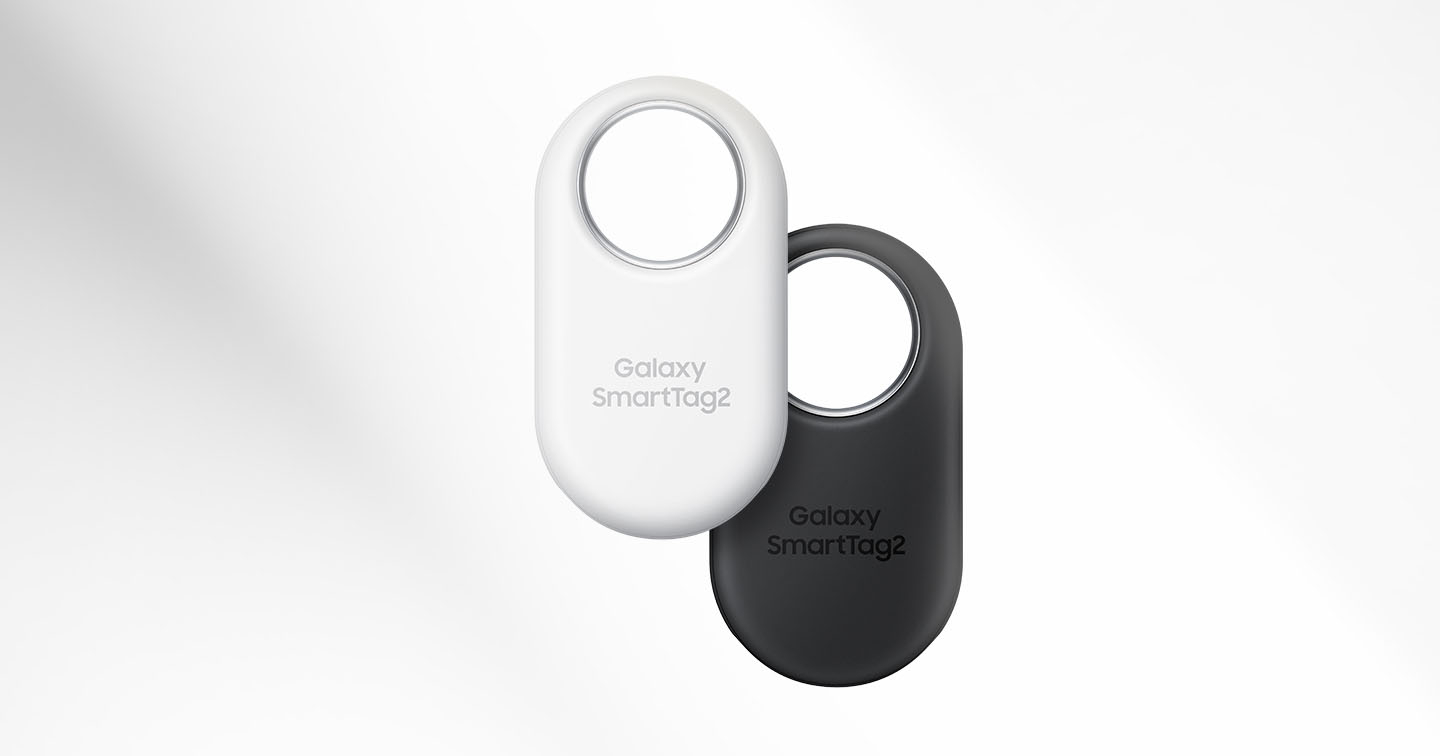
A:AnswerThanks for reaching out to us! We see that you reached out to inquire about the Galaxy SmartTag2. The SmartTag2 can be attached to various items, such as wallets, backpacks, luggage, pets, and more. To prevent the SmartTag from being stolen, we recommend keeping it hidden inside your luggage. If you have any further questions or concerns, please be sure to reach out to us at Support. -Kelvin
A:AnswerHey Cindy! It's great to hear from you. We see that you are inquiring about the Galaxy SmartTag2. The Galaxy SmartTag2 is only compatible with Galaxy devices (smartphones, tablets) with Android OS 9 (P OS) or higher / UWB-enabled Galaxy devices for UWB features. For any other questions or if you need assistance with anything else, be sure to reach out to us at Support. -Kelvin
A:AnswerHey Joe, we're pleased to hear from you! The SmartTag2 has a Bluetooth range of 120m. Also, be sure to keep in mind that actual performance may vary depending on the environment where they are used. If you have any other questions, please do not hesitate to reach out to us at support. -Kelvin
A:AnswerThank you for reaching out to us, Nina. We are always happy to help! We see that you are inquiring about our SmartTag2 and would like to know if it pairs with your A71. We are happy to inform you that the SmartTag2 is compatible with your device as well as all Galaxy smartphones and tablets with Android 11 or later. Just make sure that your phone is up to date, and you should be good to go. As far as the surface, the SmartTag 2 has a non-sticky surface, but you can still hook it securely. If you have any further questions, do not hesitate to reach out to us at support. -Kelvin
A:AnswerWe appreciate you reaching out to ask us your question. We noticed you were interested in pairing this SmartTag2 with your Samsung device. SmartTag2 requires a connection to a compatible Galaxy smartphone or tablet Android 9.0 or above with over 3GB of RAM. Devices must be registered to the SmartThings app. If you have any other questions, please reach out to us at Support. -Kelvin
A:AnswerNo. It NEVER Ever requires any Subscription. And FTR they work incredibly well and the battery can last up to 1 1/2 years. But you must have a "Android Device" such as either6a Samsung Tablet or Samsung Phone, or it won't work.
Best price is for a pack of 4 online.
A:AnswerGood day Deanad, thank you for finding the free time out of your busy day to ask us your questions about the Samsung Galaxy SmartTag2. Those are some great questions! If after 500 days and/or your battery has been depleted, the battery is able to be replaced on the Galaxy SmartTag2. Also, be sure to turn off the device before removing the battery. If you remove the battery with the device turned on, it may cause the device to malfunction. You are also able to turn off the SmartTag2 when you choose. If you have any additional questions for us or if you would like any further assistance, please let us know by contacting Samsung Support. Thank you for being an unwavering Samsung customer. - Debra
A:AnswerYes. But for the love of everything holy, talk with your son and make sure he's okay being tracked. He will be alerted if a tag is following him (so you should let him know). This should be a fine solution, though.
A:AnswerIt should work perfectly with a Note 10+. The main requirement is a Samsung phone with Android 9 or newer. As for the old SmartTag1, I have no idea if they still sell it since this new version is out.
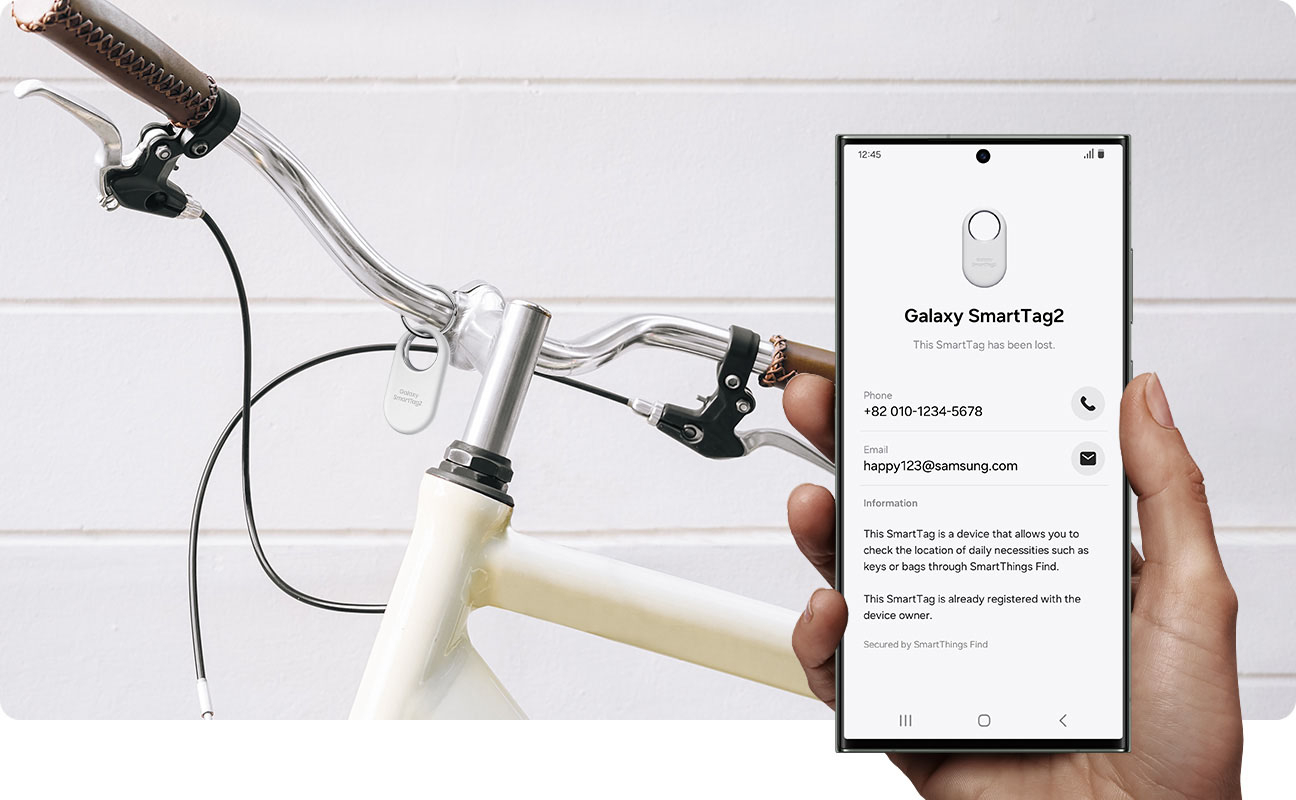
A:AnswerYou can put it in "lost mode" to get a msg when it's found. Only you/the tag owner(s) can see the item's location. It's quite secure. If you attempt to follow or stalk someone with the tracker, it will alert them (on either iOS or Android). The message is quite alarming and will say that a tag has been following you/your route (and you can report/disable it for safety).