A:Answer Hello,
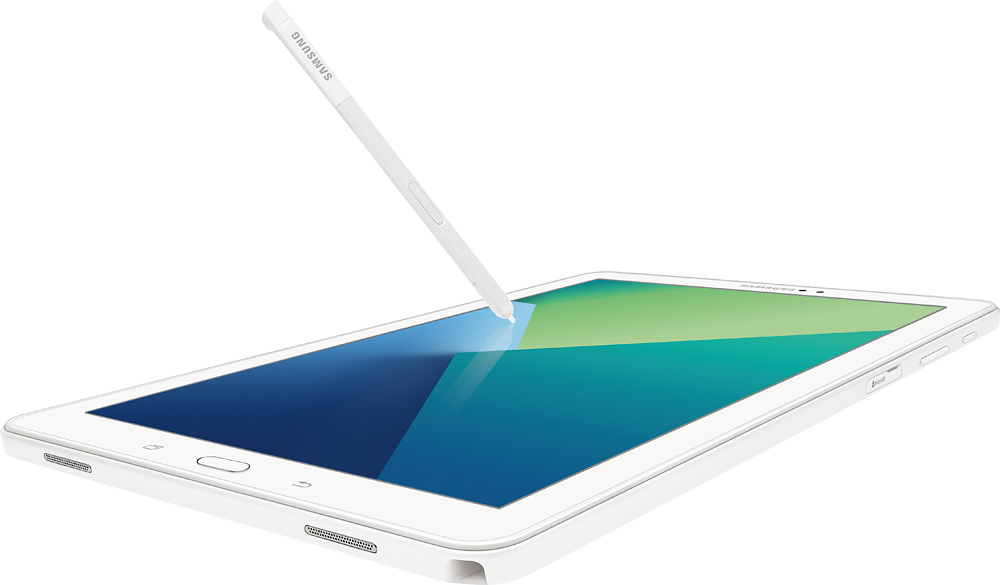
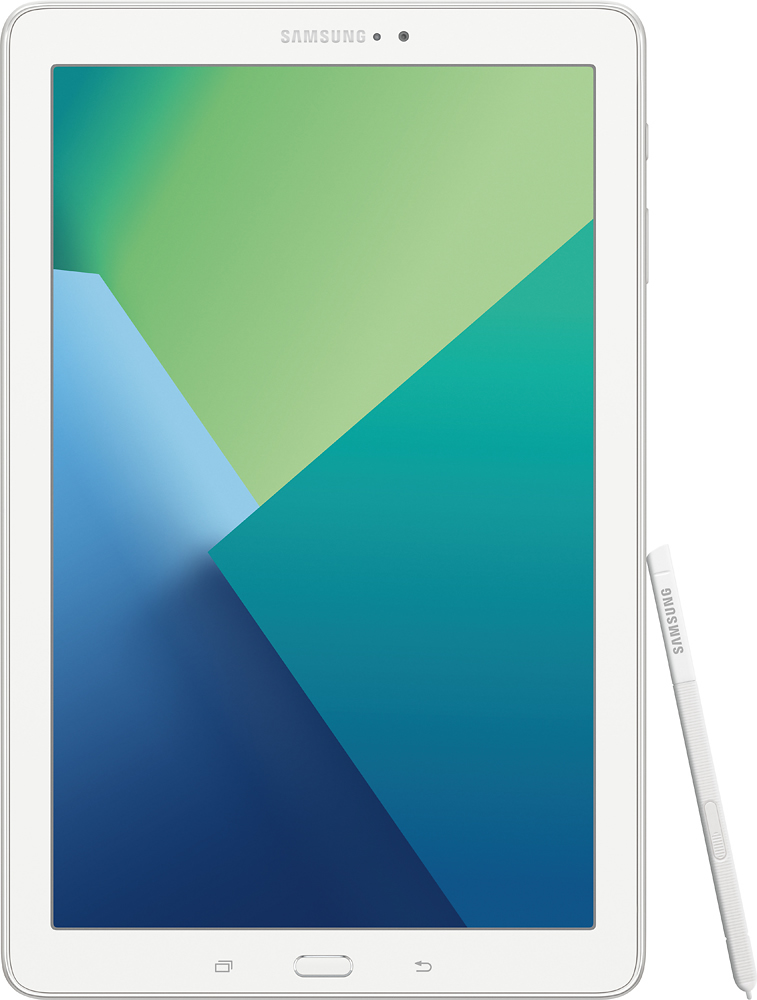
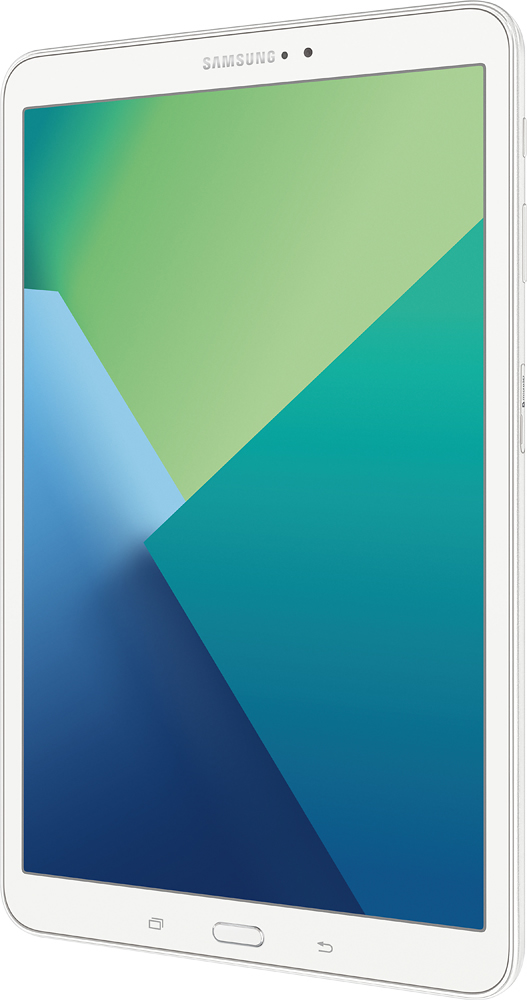
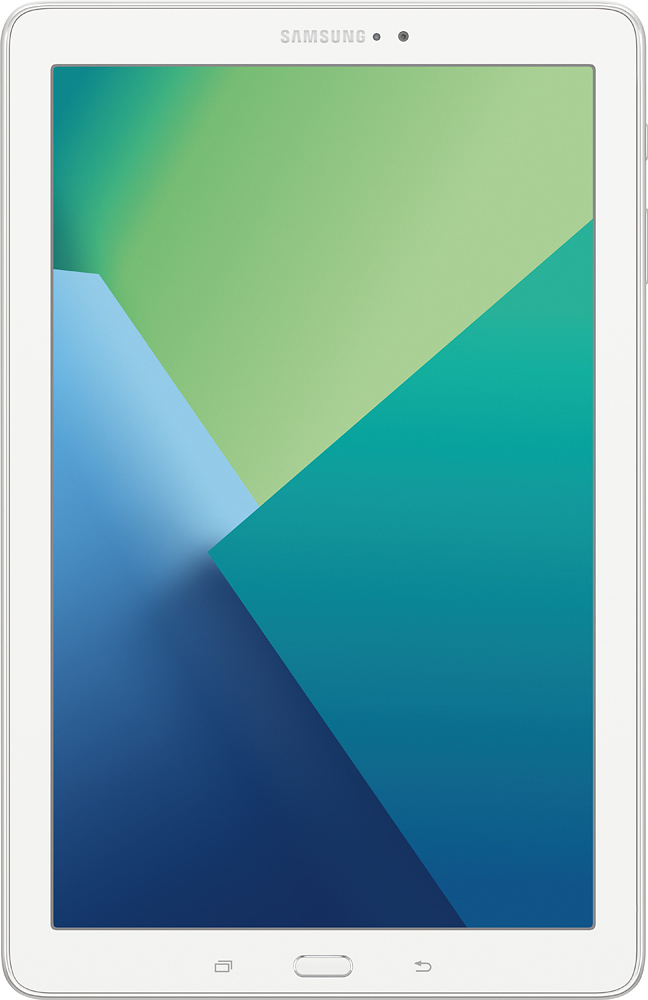
The device comes pre-loaded with some google apps and you can easily add Google docs (it has Googe Drive already in the app cluster), and I assume the google slides as well. I would think of this device as kind of like a big android phone; if there's an app, you can use it. I've played with Word on here more, because it has pen-adaptable edit features. I use this to take notes and to grade (I'm a teacher) because we use a different learning suite that I can use on here for grading and free myself from the laptop. I don't use this to do major work, like writing long documents or making spreadsheets, which are things I want a keyboard for. The pen works great for certain things, and that's why I got the tablet. But I don't want to write a 15 page document on this little screen. (Depends a bit on how old your daughter is and what kinds of school projects she'd doing, I guess.) You can add a bluetooth keyboard, though, and that might be a game changer. That said, if your daughter has a laptop or other computing device for big things and is looking for something portable for reading, editing, and sharing documents, this will probably work well. I really like mine. And if she's otherwise only working off of a phone (a number of my students seem to be doing this, and it's not a great idea...it's just too tiny) I'd say this is a good compromise. With only 16gb of onboard memory, it's a little limiting in terms of how many apps you can really use. The SD memory slot allows plenty or room for adding your own content/docs/images/etc, but a lot of apps won't live on an SD card. So, that's the other trade-off.